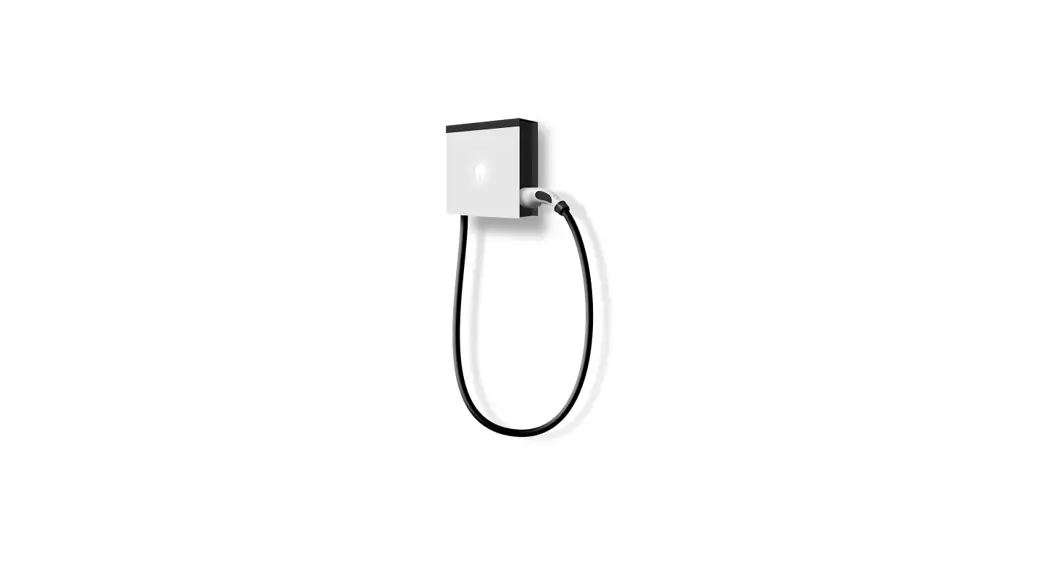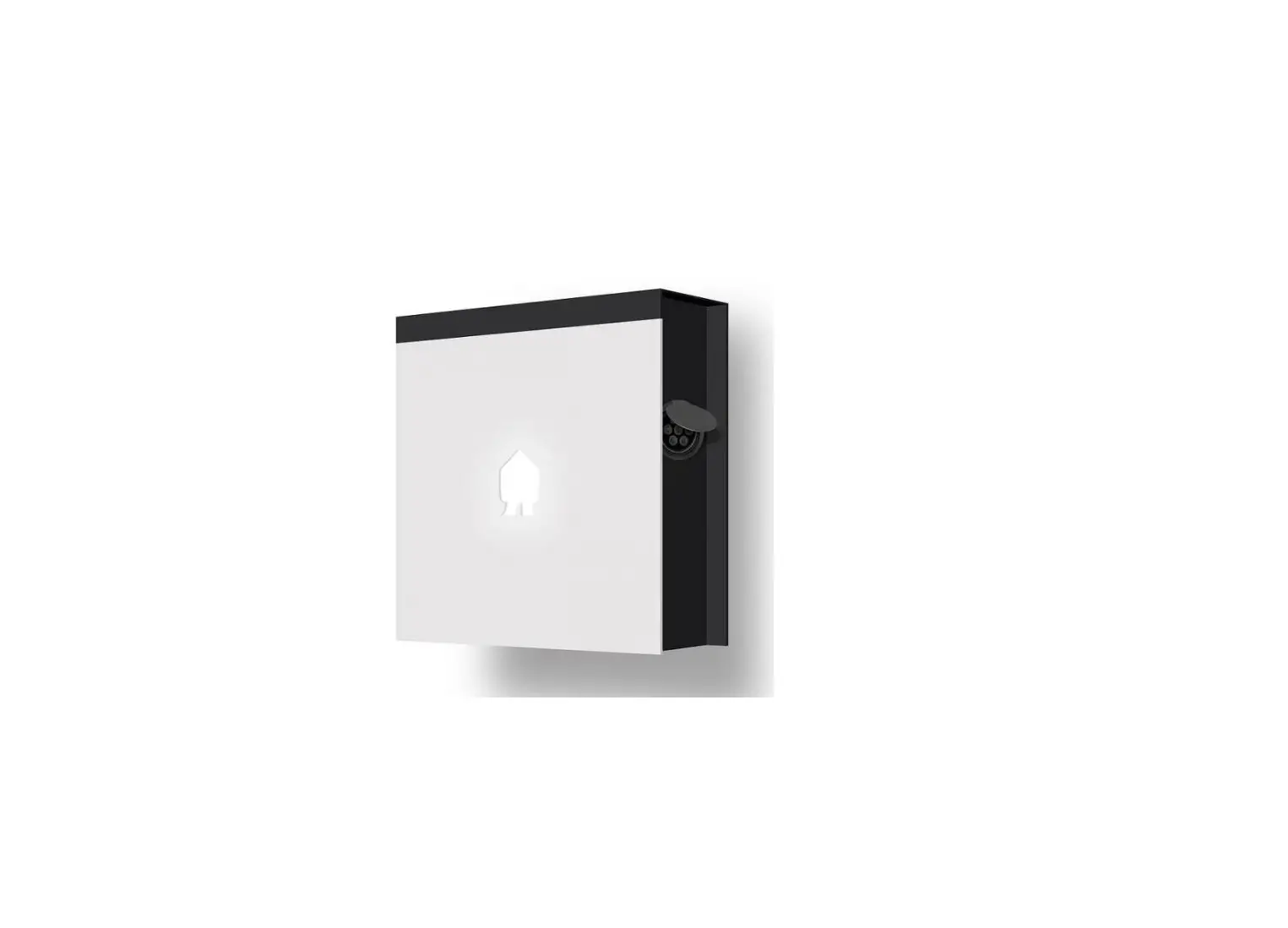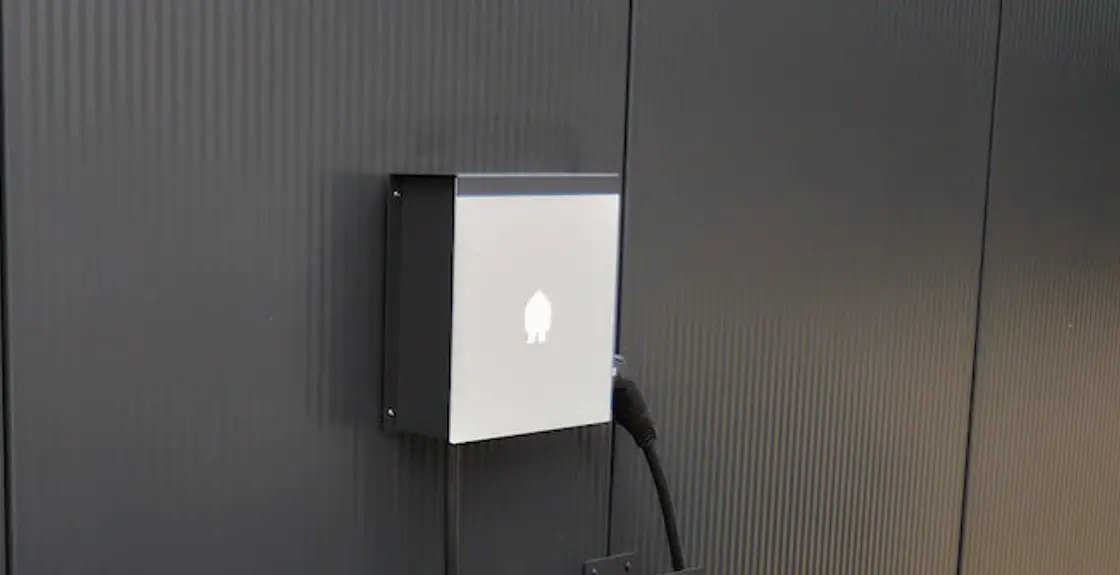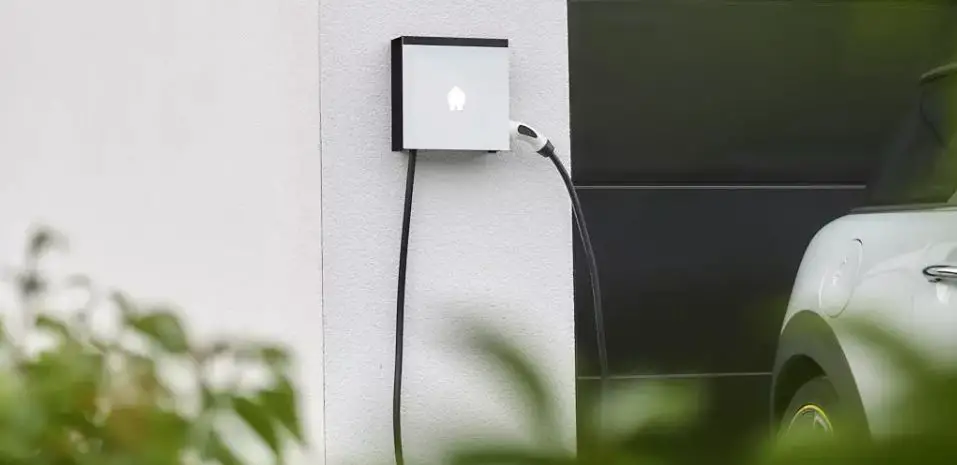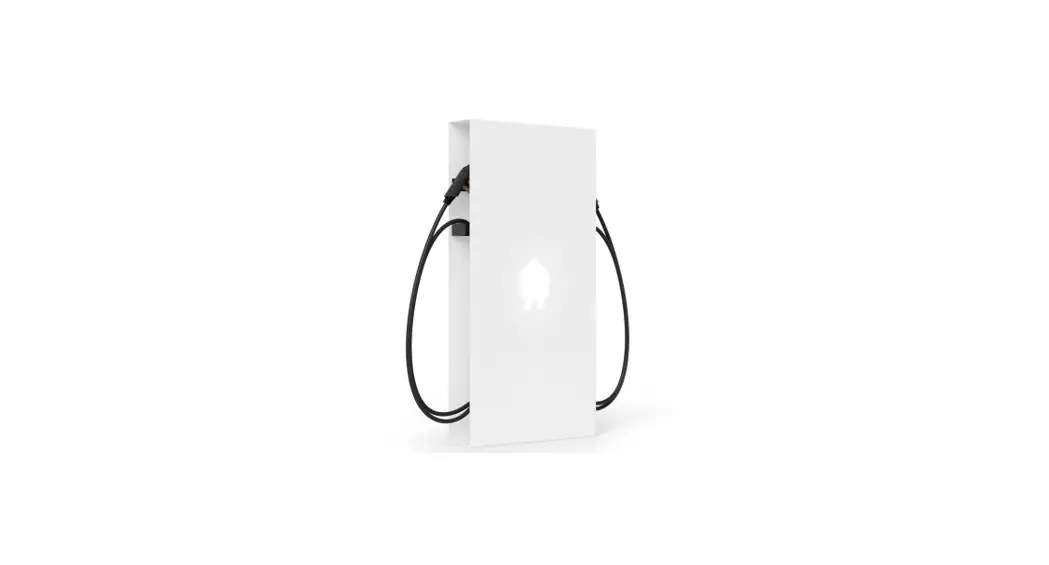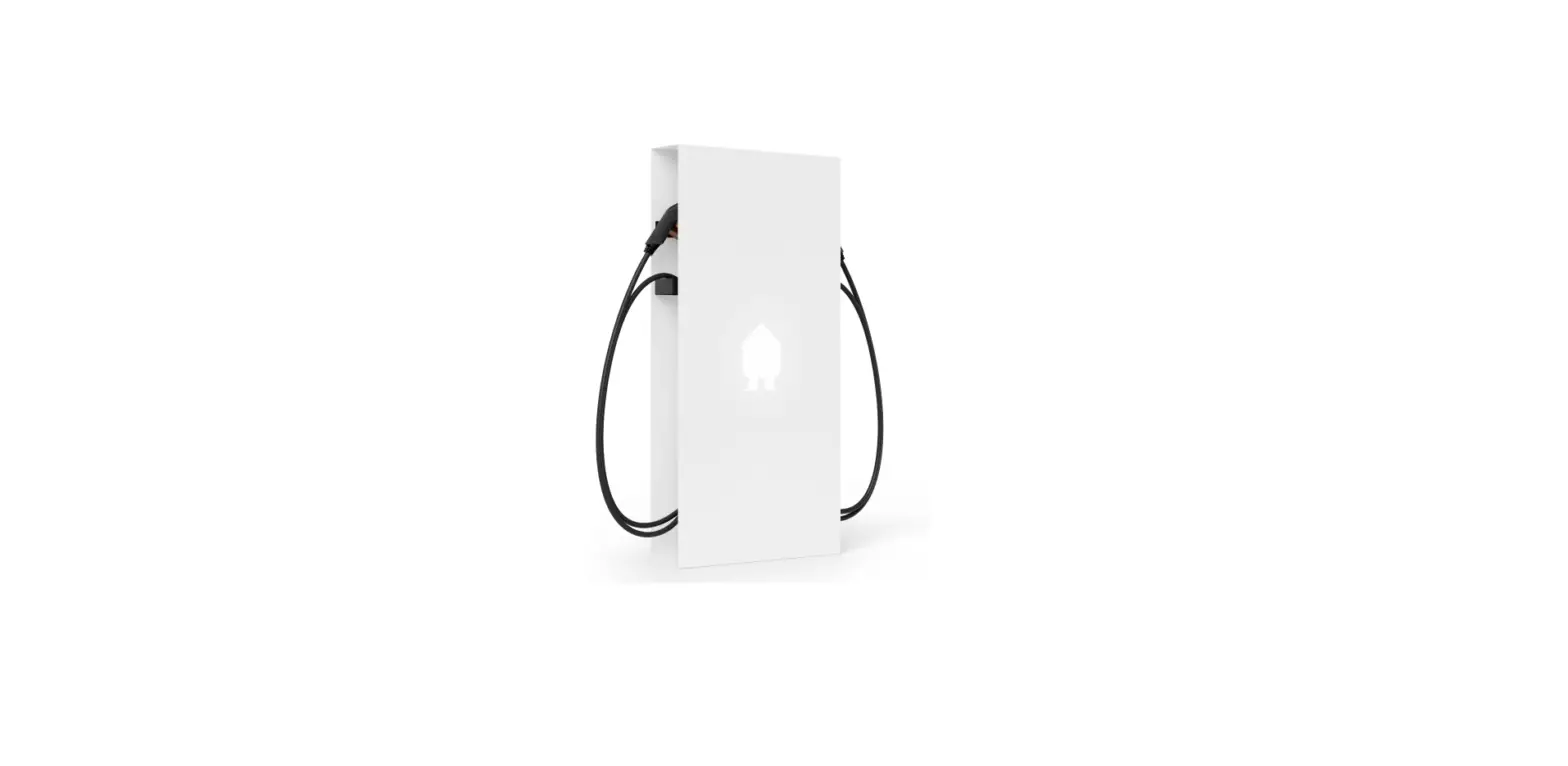
smappee EV Wall Home
What’s in the box?
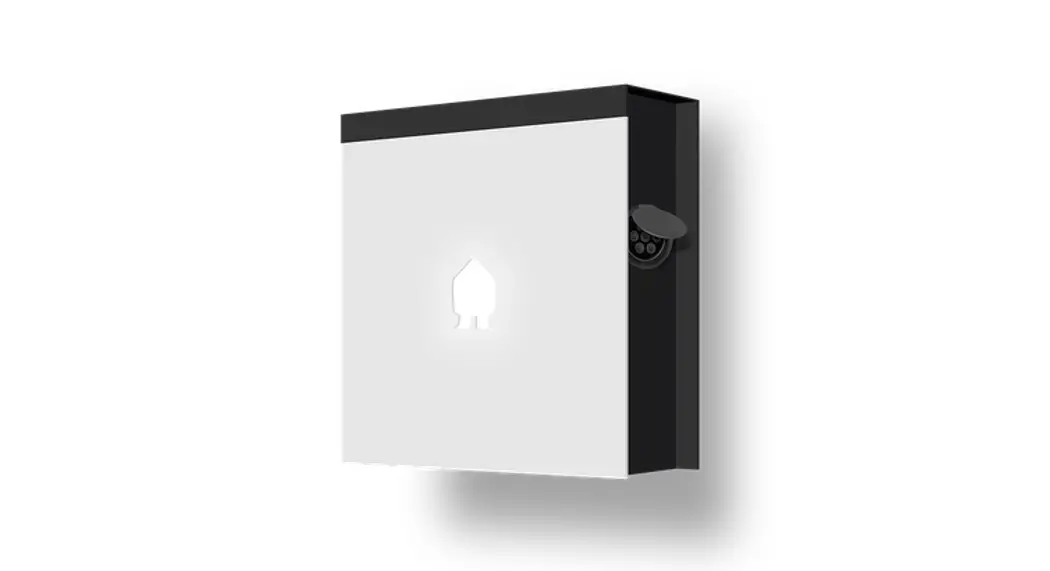
- EV Wall

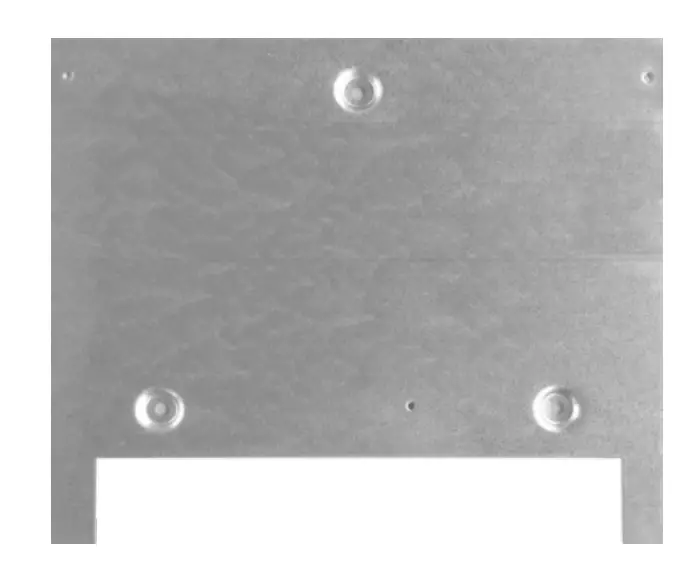
- EV Wall mounting plate

- EV Wall splitter

- DIN mounting plate

- Connect

- Wall mounting plate

- CT Hub

- CT 50A

- Solid Core 3-phase CT

- Quick Install Guide

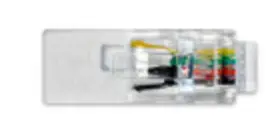
- RJ10 cable 40 cm

- RJ10 cable 40 cm

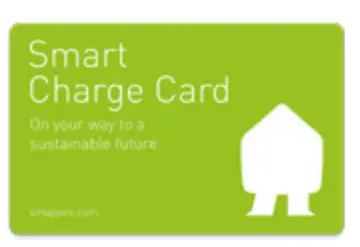
- Smart Charge Card

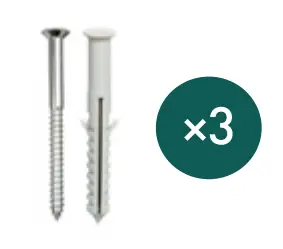
- Screw & plug

- Small screw

- Bus termination plug

- QR code sticker

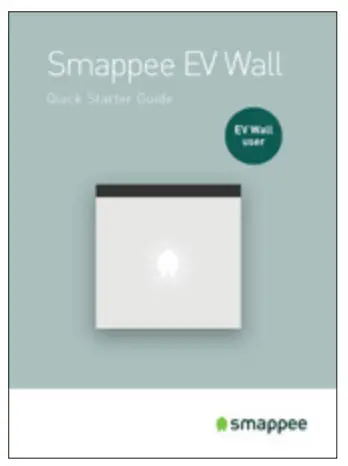
- Quick Starter Guide

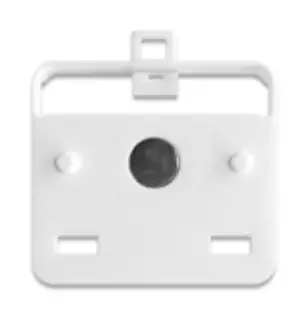
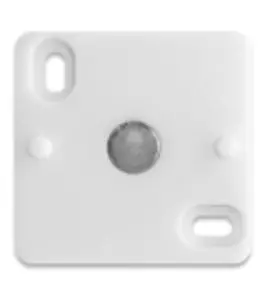
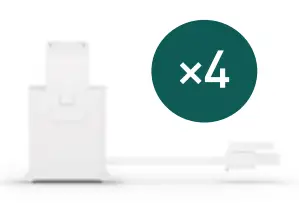
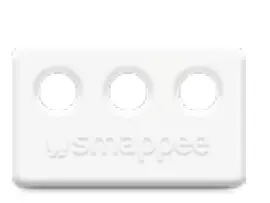

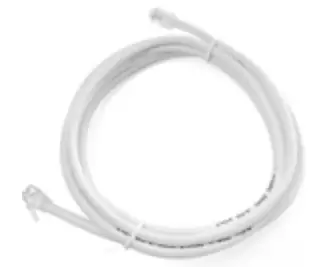


Optional: 8m cable with cable holder
EV Wall HOME
Three phase Connection diagram
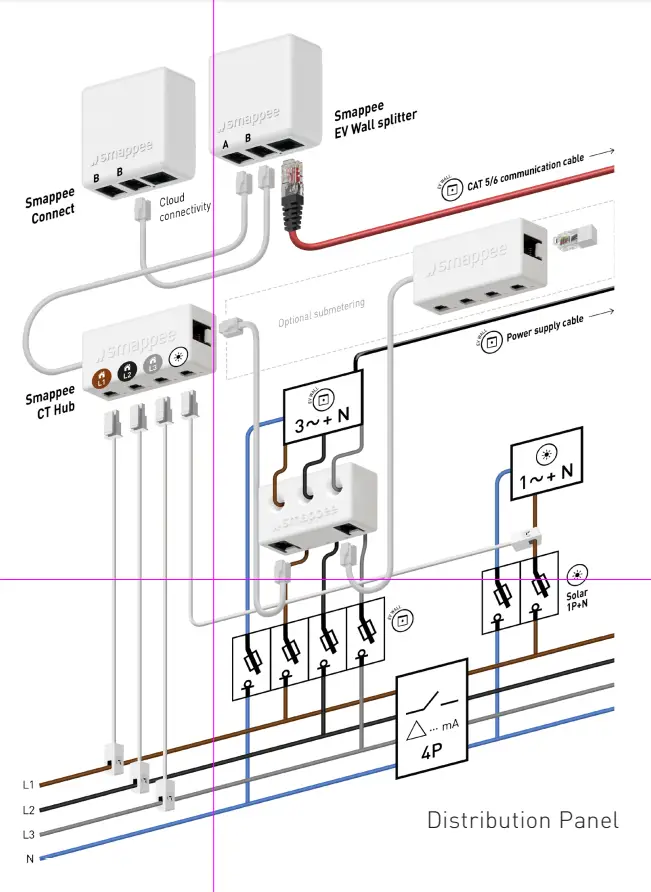
 Connect the CT to measure solar to the correct phase. Adjust the configuration in the Smappee App when this is not the L1 phase.
When the solar installation is 3-phased, you need to purchase and install the EV Wall solar add-on.
In case of 3-phase delta (3*230 V), consult the full manual via the QR code:
Manual

 Safety warning
 Safety warning
Carrying out electrical work within the home or workplace can be dangerous and must be conducted according to the appropriate national safety standards and executed by a certified electrician.
For safety purposes, it is also necessary to power off the installation before proceeding with the physical installation
For further safety instructions and more detailed information, please consult the full manual at smappee.com/smappee-manuals or via the QR code:

How to install EV Wall HOME
- Prepare the installation. Foresee a power supply & communication cable between the EV Wall and the distribution panel.
- Fix the mounting plate to the wall with the provided plugs and screws.
- Attach the EV Wall housing to the EV Wall mounting plate with the provided small screws.
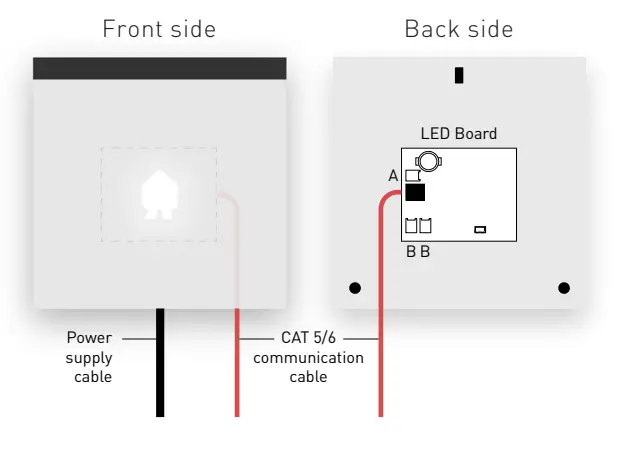
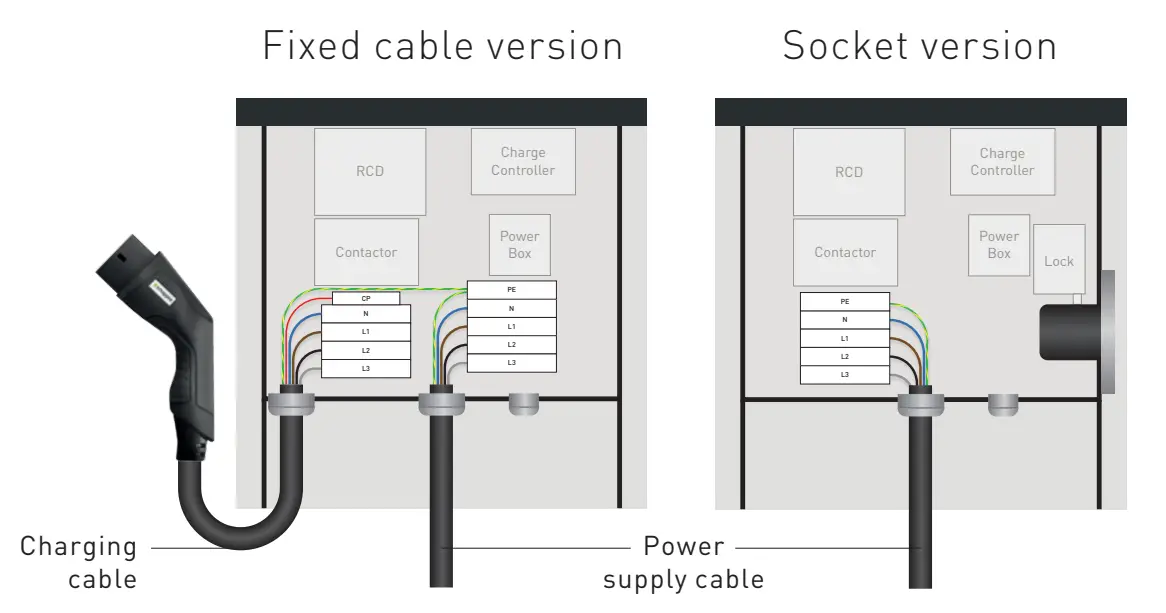
- Connect the power supply cable, communication cable and charging cable (if applicable) to the EV Wall. See diagrams overleaf. In case of 3-phase delta (3*230 V), please consult the full manual online.
- Connect the EV Wall modules as indicated in the diagram shown overleaf.
 The Connect, the EV Wall splitter, the CT Hub and Current Transformers (CTs) are installed inside the distribution panel. These components communicate with the charging station via the CAT 5/6 communication cable.
 - Connect the A and B cables and the communication cable to the cover’s PCB. Then attach the front cover to the EV Wall to close it. Switch on the power using the circuit breaker.
- Download the Smappee App and follow the instructions to configure your Smappee charging station.
- Once Smappee Connect shows a green pulsing light, validate the installation by verifying that the Realtime bubbles show correctly measured values in the Smappee App/Dashboard.
- Create a user account for the customer and share the location with this new username. Write the username, password and email address in the Quick Starter Guide (included in the box together with this Quick Install Guide) and hand it to your customer. This user account can be used for the Smappee App and Dashboard and to set smart charging schedules.

 Downloads - Smappee