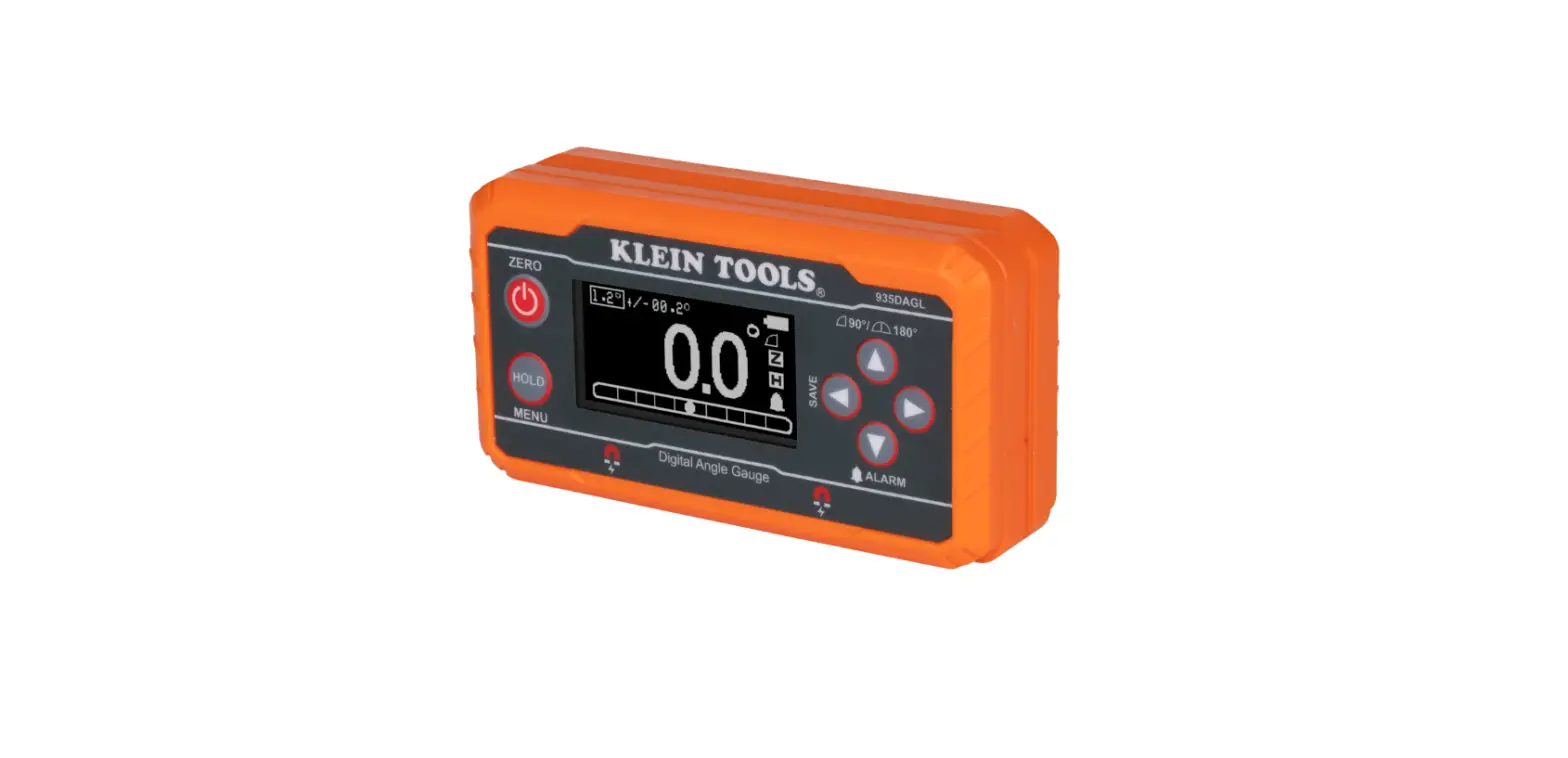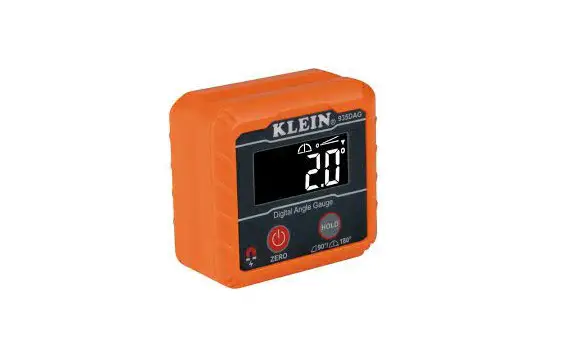
KLEIN TOOLS 935DAG Digital Angle Gauge and Level Instructions
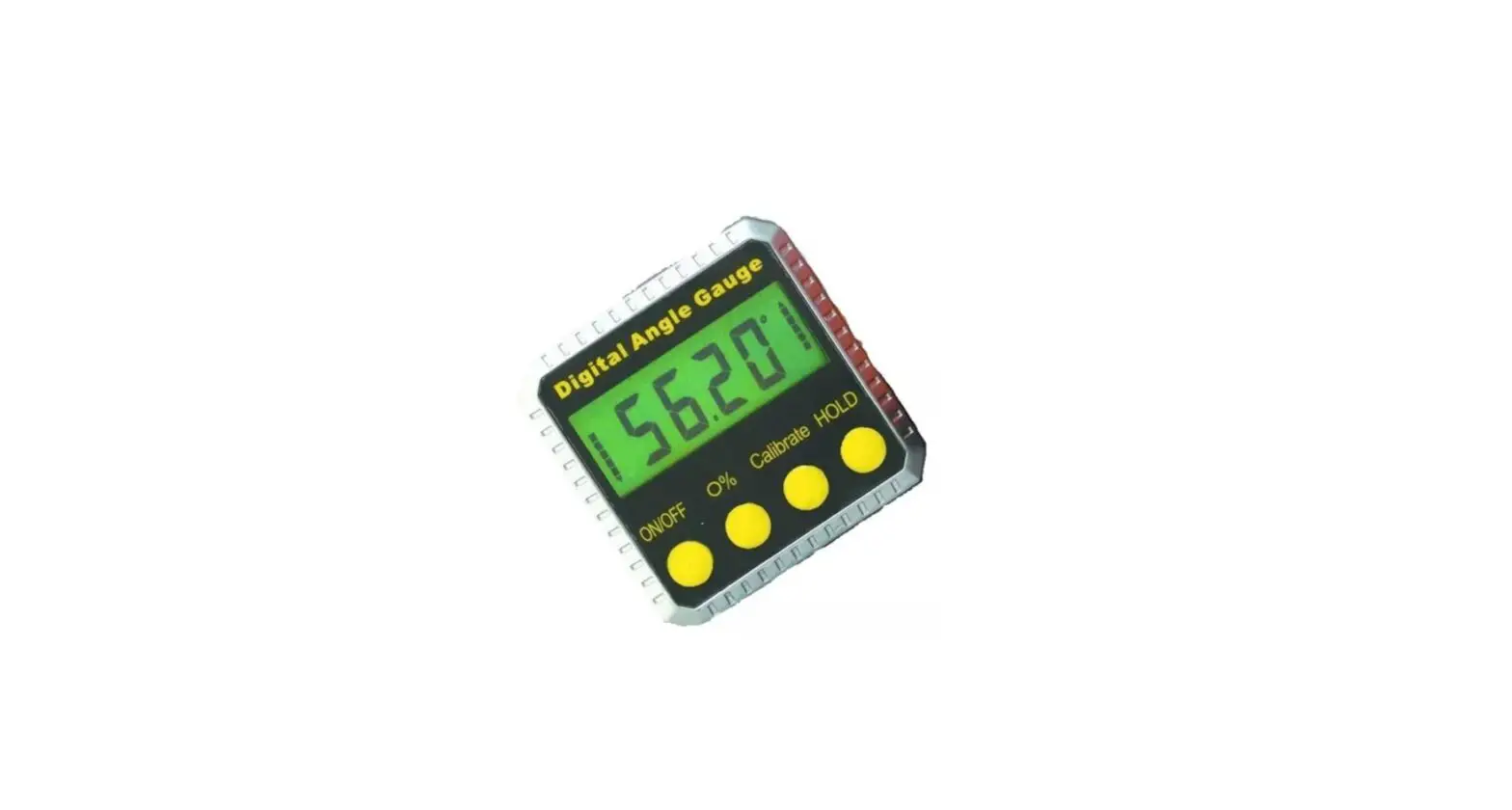
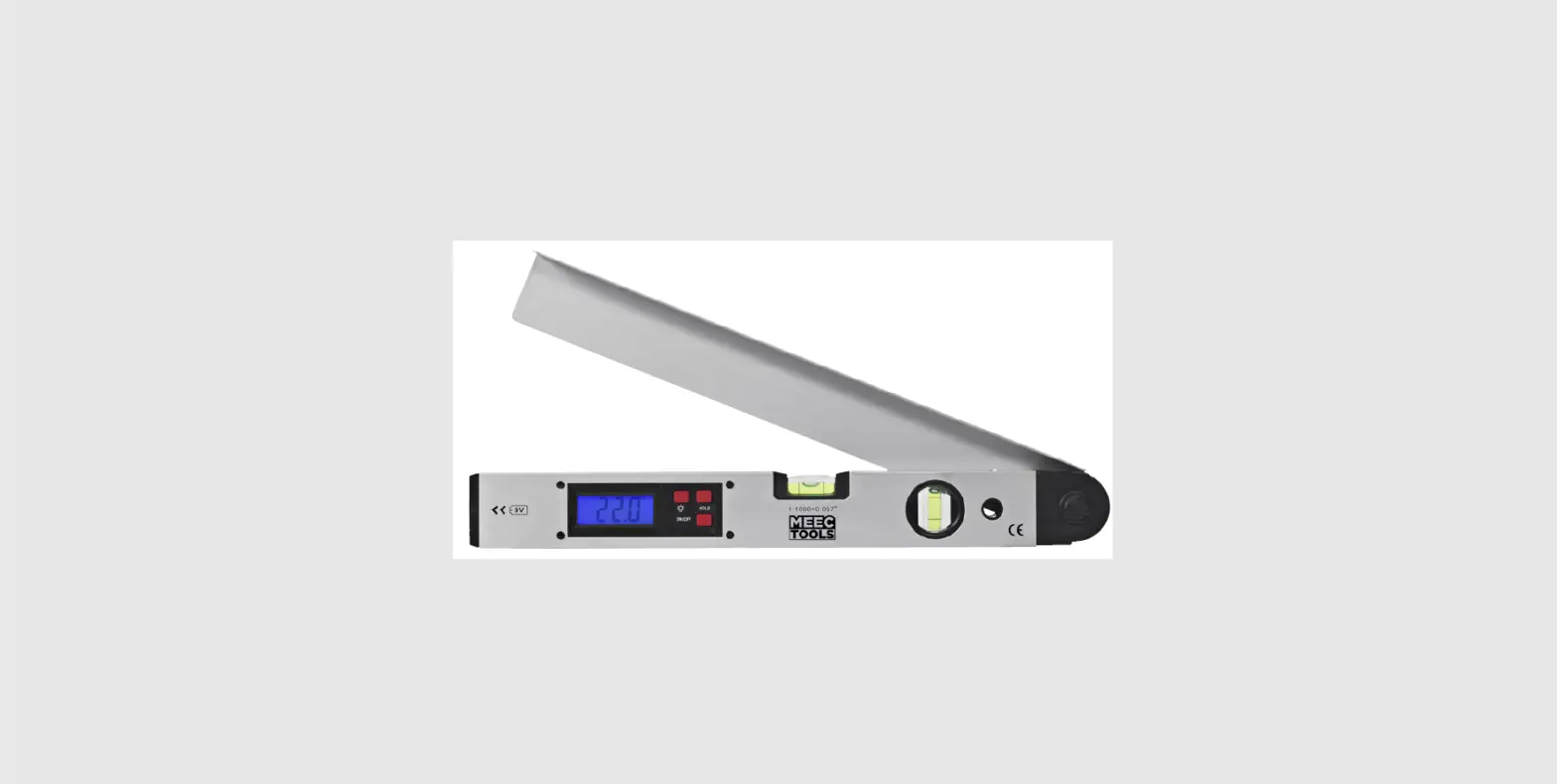
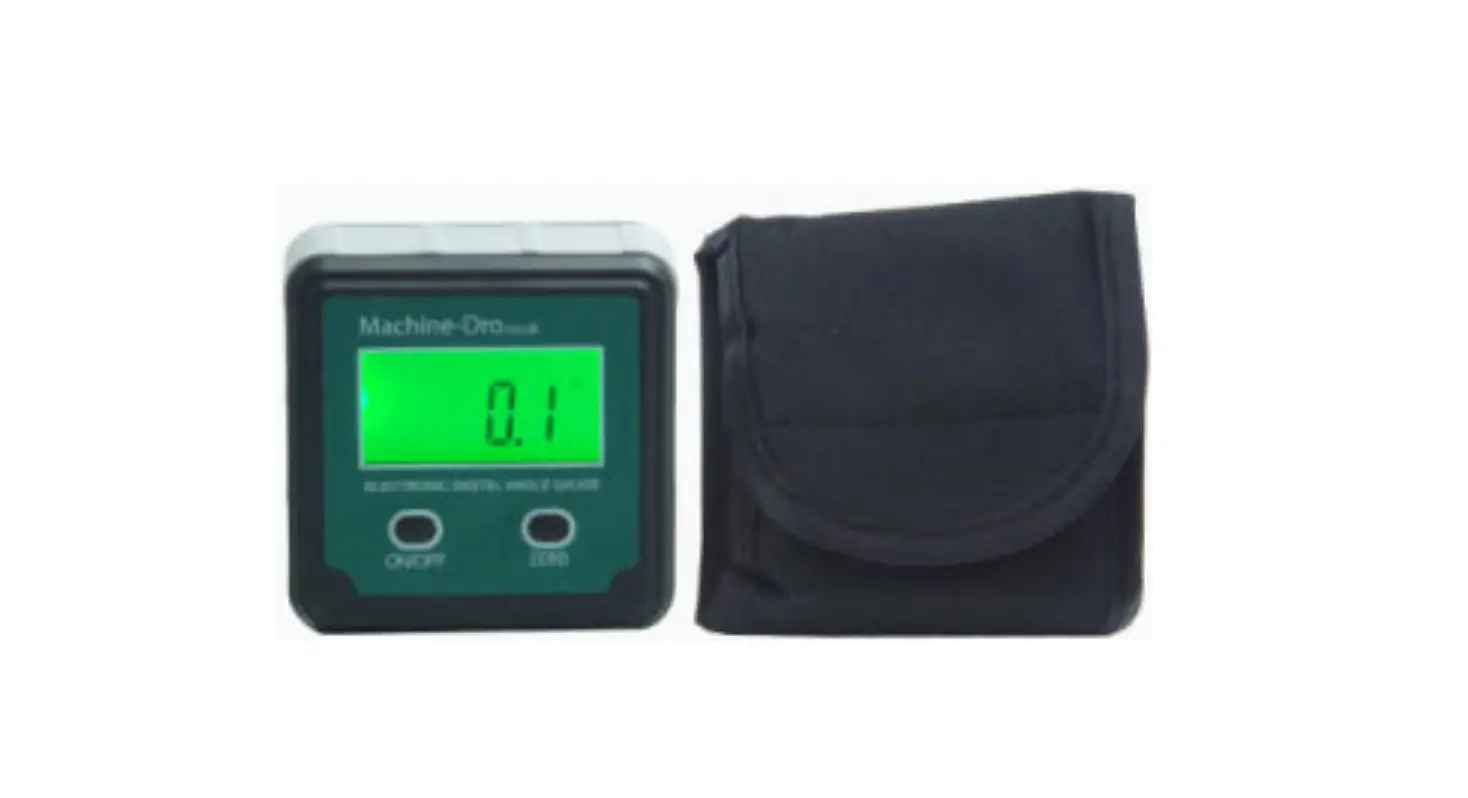
The Klein Tools 935DAG is a digital angle gauge that detects the degree of offset from true level. It can measure from 0-180°. The magnetic base attaches to pipes, table saws, and other ferromagnetic surfaces. The V-groove around its entire perimeter easily aligns to the axis of conduit and pipes.
GENERAL SPECIFICATIONS
- Measurement Range: Dual: 0-90° and 0-180°
- Accuracy: ±0.1° from 0° to 1°, 89° to 91°, 179° to 180°; ±0.2° at all other other angles (when measuring using the Magnetic Base 4 ).
- Operating/Storage Altitude: 6562 ft. (2000 m)
- Operating/Storage Temperature: 32° to 122°F (0° to 50°C)
- Operating/Storage Humidity: <85% relative humidity
- Dimensions: 2.36″ x 2.20″ x 1.20″ (60 mm x 56 mm x 30 mm)
- Weight: 3.5 oz. (99.2 g) with batteries
- Batteries: 2x AAA
- Drop Protection: 6.6ft (2m)
- Ingress Protection: IP42 Dust & Water Resistant
Specifications subject to change.
 WARNINGS
Read, understand, and follow these instructions to ensure safe operation. Failure to observe these warnings can result in serious injury and/or property damage.
- Always wear approved eye protection.
CAUTION
No user-serviceable parts; do not attempt to repair.
WARNING SYMBOLS ON PRODUCT
- Warning or Caution

- Strong Magnetic Field

- Wear approved eye protection

- Read instructions



CLEANING
Be sure device is turned off and wipe with a clean, dry, lint-free cloth.
DO NOT use abrasive cleaners or solvents.
STORAGE
Remove batteries when device is not in use for a prolonged period of time. Do not expose to high temperatures or humidity. After a period of storage in extreme conditions exceeding the limits mentioned in the General Specifications section, allow the device to return to normal operating conditions before using.
OPERATING INSTRUCTIONS
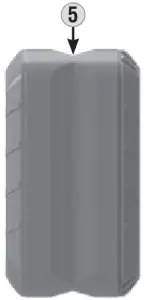
FEATURE DETAILS (FIG. A)
DEVICE
- LCD Display
- Power / ZERO Button
- HOLD / RANGE Button
- Magnetic Base
- V-Groove(s)
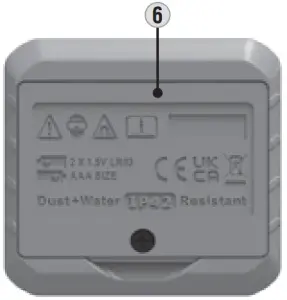
- Battery Door


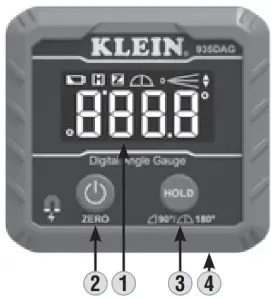
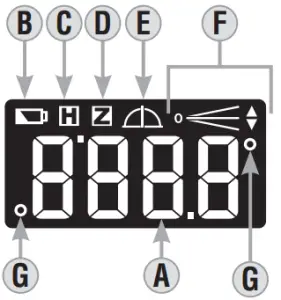
LCD DISPLAY
- Measurement Value
- Low Battery Icon
- HOLD Icon
- ZERO Icon
- Range Setting (90°/180°)
- Inclination Icon
- Degree Symbol

POWER ON/OFF
Press the Power/ZERO Button 2 to turn the 935DAG on. The 935DAG will begin displaying the degree of offset of the Magnetic Base 4 relative to true level. Press and hold the Power/ZERO Button 2 to turn off.
NOTE: 935DAG will automatically power off after 10 minutes of inactivity.
ZERO: To set a reference plane, press the Power/ZERO Button 2 . The measurement value on the display will blink once and change to 0.0° and the ZERO icon D will show on the display. At this point, all new measurement values will be in reference to this user-set reference plane. To return to measuring true level, press the Power/ZERO Button 2 .
HOLD: To hold a measurement value on the display, press the HOLD/RANGE Button 3 When the hold function is active, the hold icon C will be illuminated on the Display. The measurement value will remain on the display until the HOLD/RANGE Button 3 is pressed again.
RANGE: The 935DAG can display measurements from 0-90° or 0-180°. To change between these ranges, press and hold the HOLD/RANGE Button 3 . When measuring from 0-90°, the 90° Range Setting icon  E will be shown on the display. When measuring from 0-180°, the 180° Range Setting icon
  E will be shown.
RECALIBRATION: To recalibrate the 935DAG, turn off the device and place it upright on a flat, smooth surface, with the display facing you.
Press and hold the HOLD/RANGE Button 3 , then press the Power/ZERO Button 2 . The display will illuminate and read ”  “. This will put the 935DAG into recalibration mode. Release both buttons. Press the Power/ZERO Button 2 again; the display will read ”
  .” Without picking up the 935DAG, rotate 180° so that the display is facing away from you. Press the Power/ZERO Button 2 again; the display will read ”
  “. Calibration is now complete.
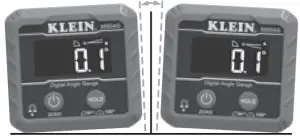
INCLINATION: The Inclination Icon F indicates the direction the 935DAG must rotate in order to measure either 0° or 90°:
- In FIG. B, the 935DAG on the left must rotate clockwise in order to reach 0°; the 935DAG on the right must rotate counter clockwise to in order to reach 0°.

- In FIG. C, the 935DAG on the left must rotate clockwise to in order to reach 90°; the 935DAG on the right must rotate counter clockwise in order to reach 90°.

- In FIG. D, when one straight line is shown, the measurement value is 0° or 90°.

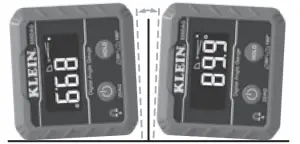
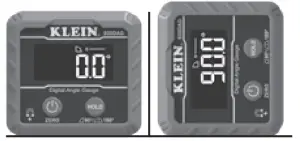
ERROR: ”  ” will be displayed when the device is tilted 30° backward or forward (FIG. E). At these angles, the 935DAG is not able to provide accurate measurements.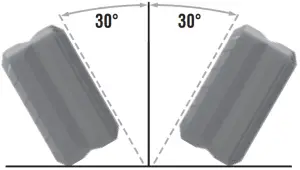
BATTERY REPLACEMENT
The Low Battery icon F will appear when less than 30 min of battery life remains. At this point, the batteries should be replaced:
- Loosen the screw and remove the Battery Door 6 .
- Properly dispose of spent batteries and install two new AAA batteries, noting proper polarity.
- Replace Battery Door 6 and secure with screw.
WARRANTY
DISPOSAL / RECYCLE
 Do not place equipment and its accessories in the trash. Items must be properly disposed of in accordance with local regulations. Please see epa.gov/recycle for additional information.
CUSTOMER SERVICE
CUSTOMER SERVICE KLEIN TOOLS, INC.
450 Bond Street, Lincolnshire, IL 60069 1-800-553-4676
[email protected]
www.kleintools.com