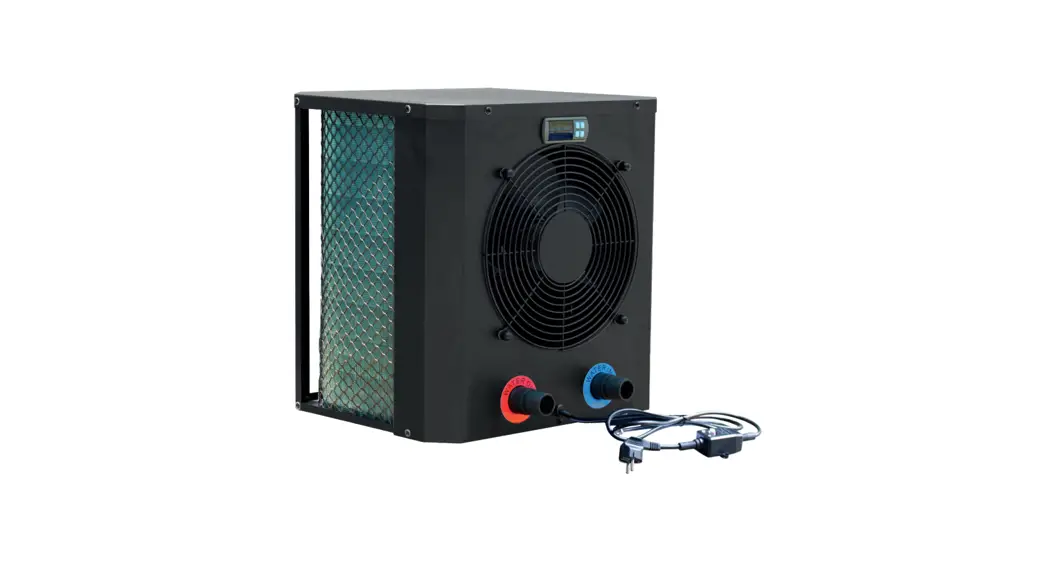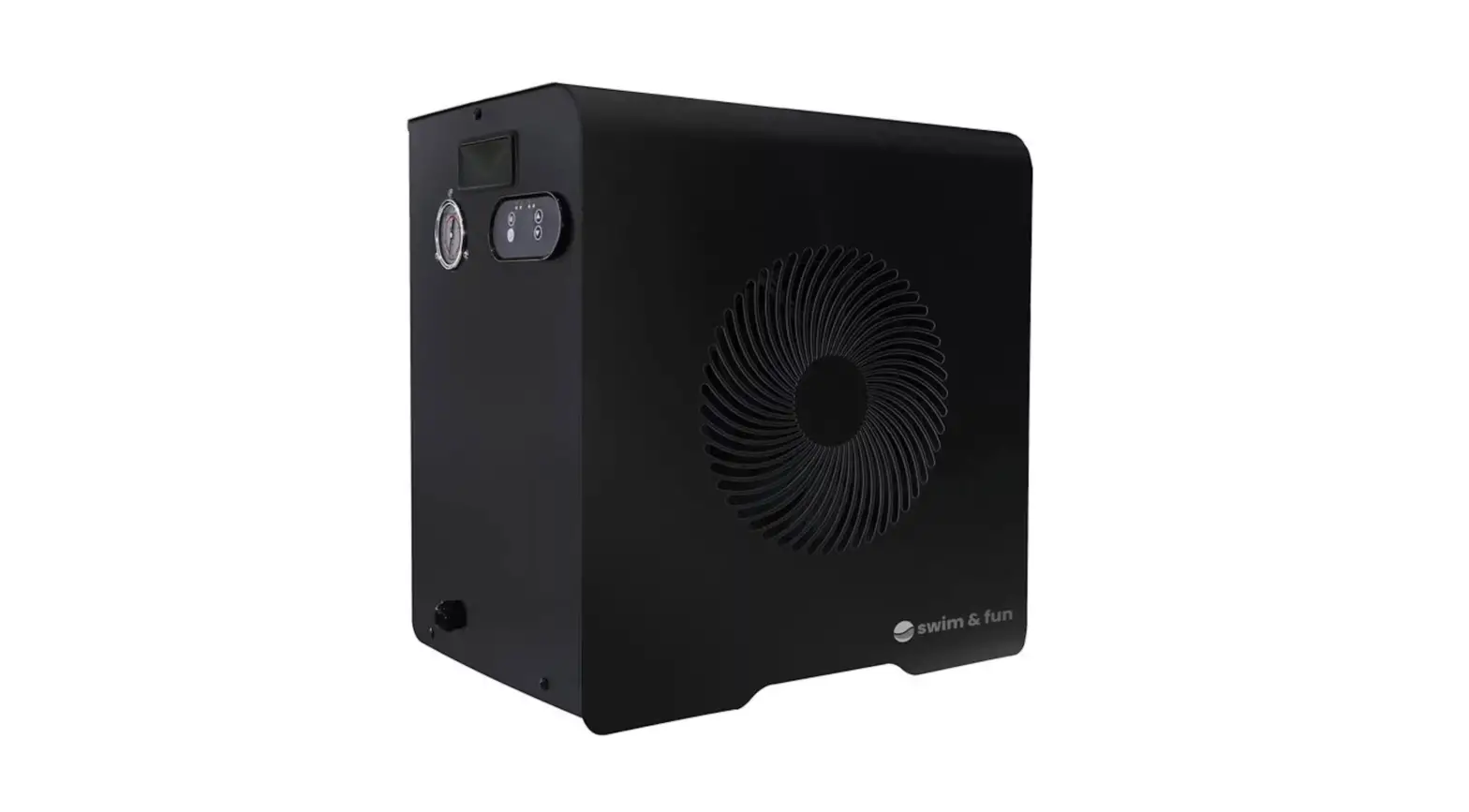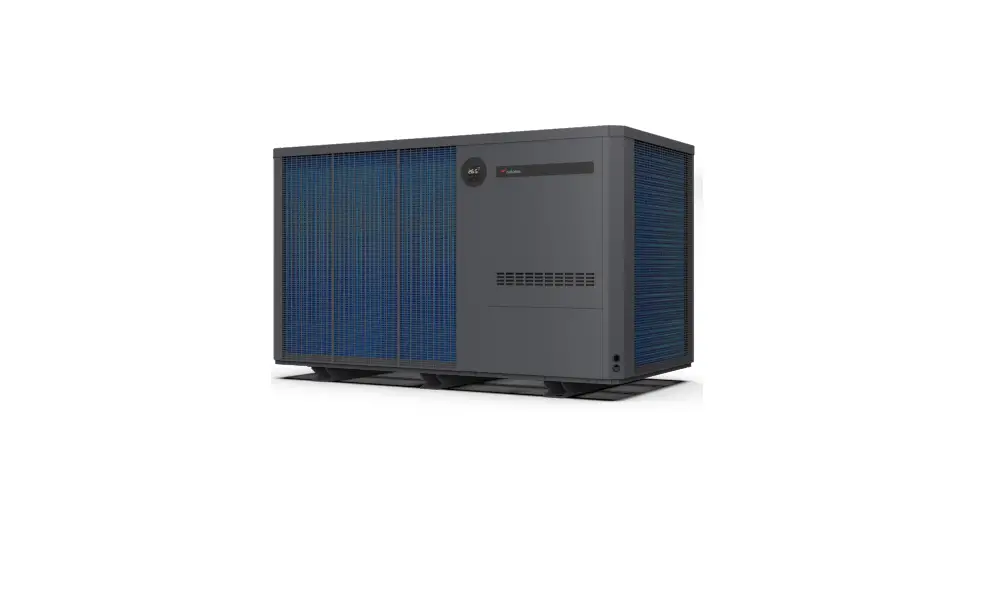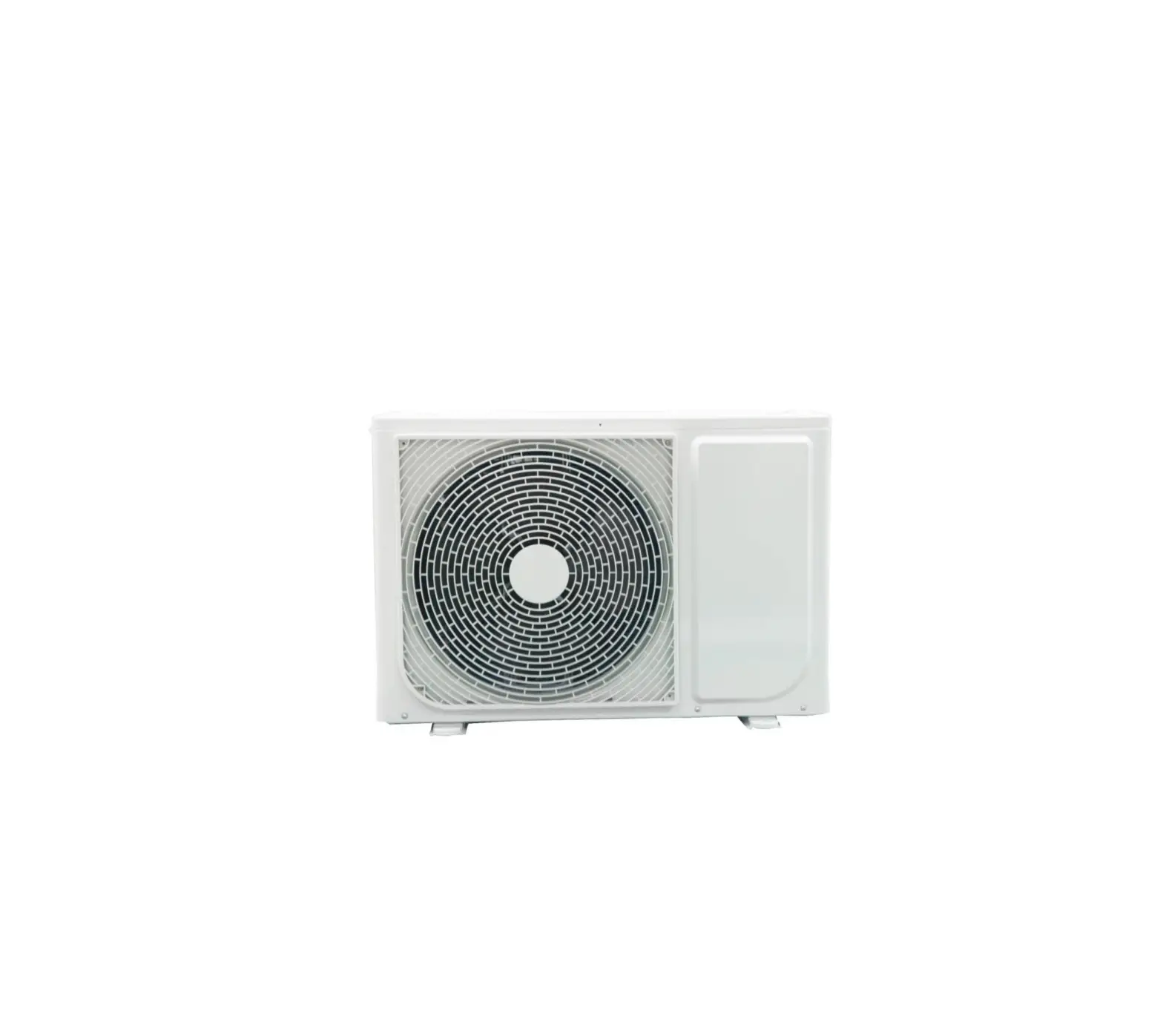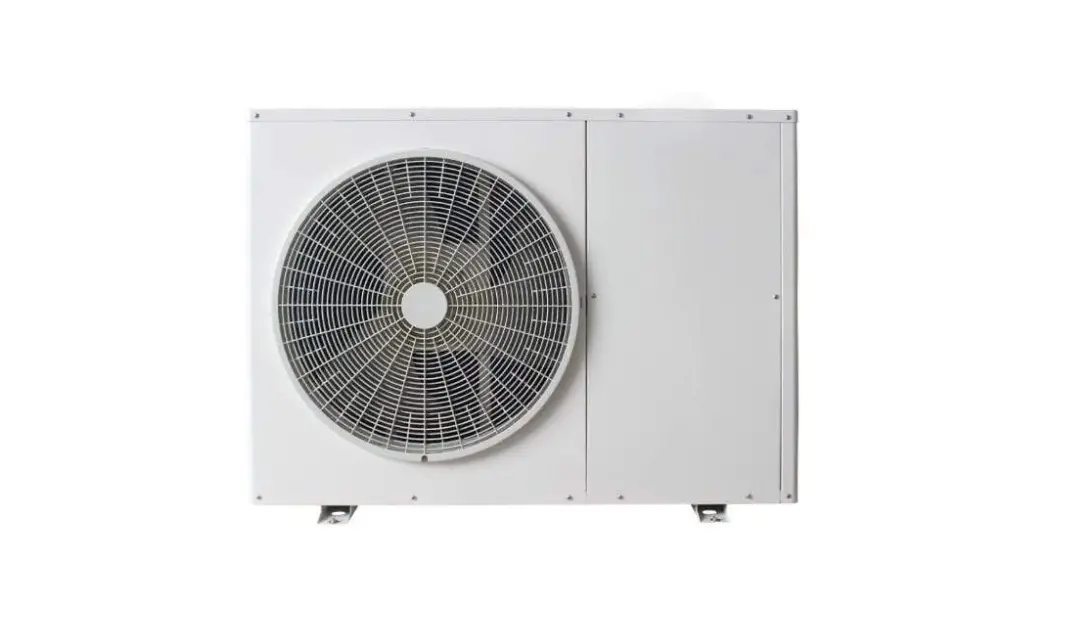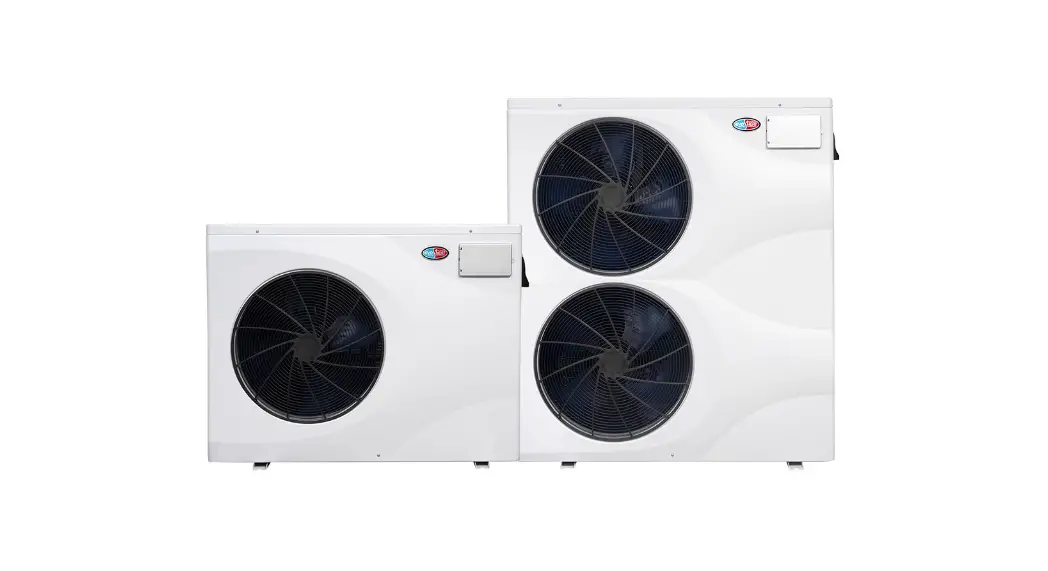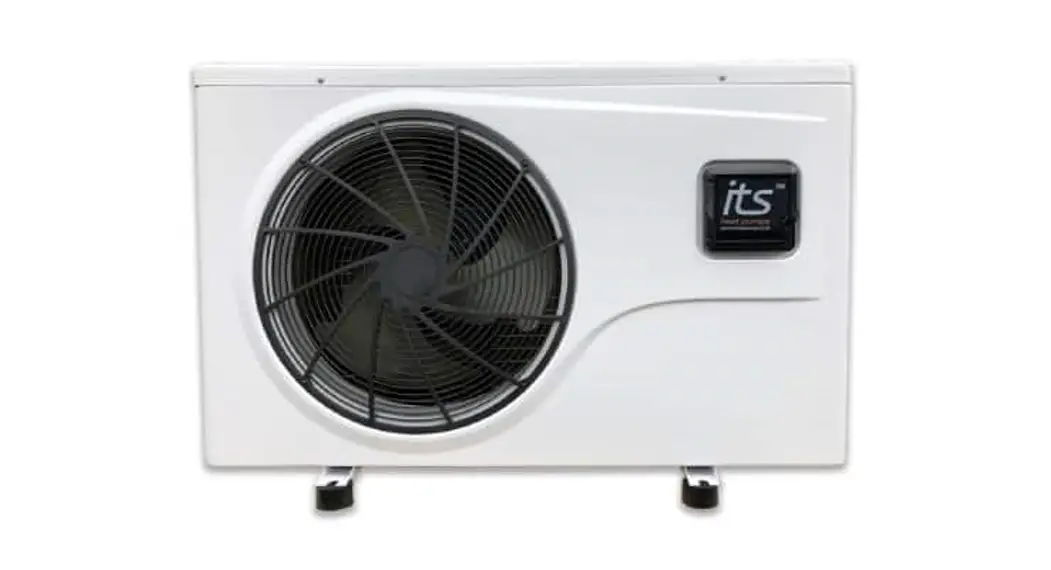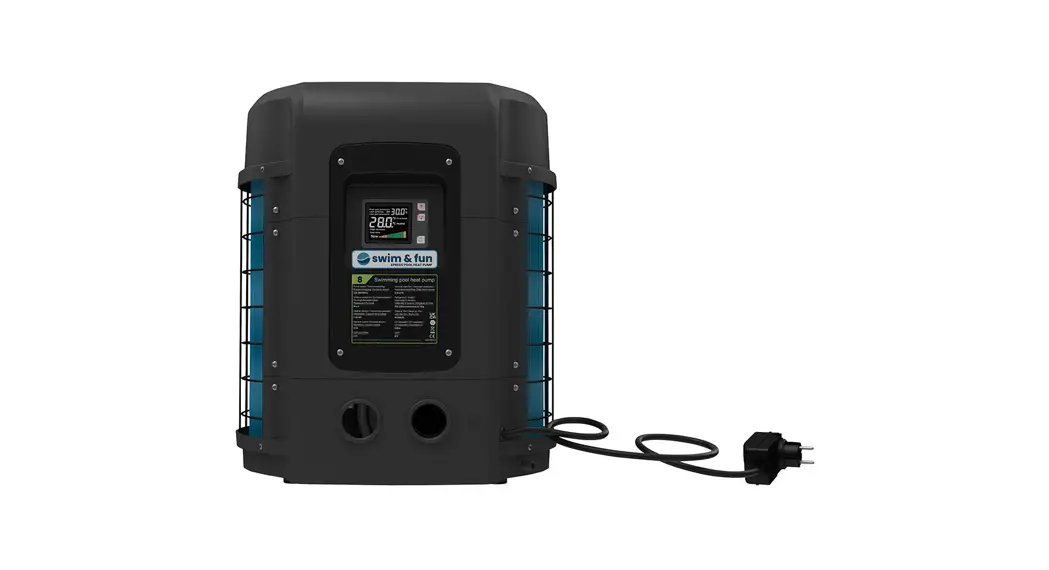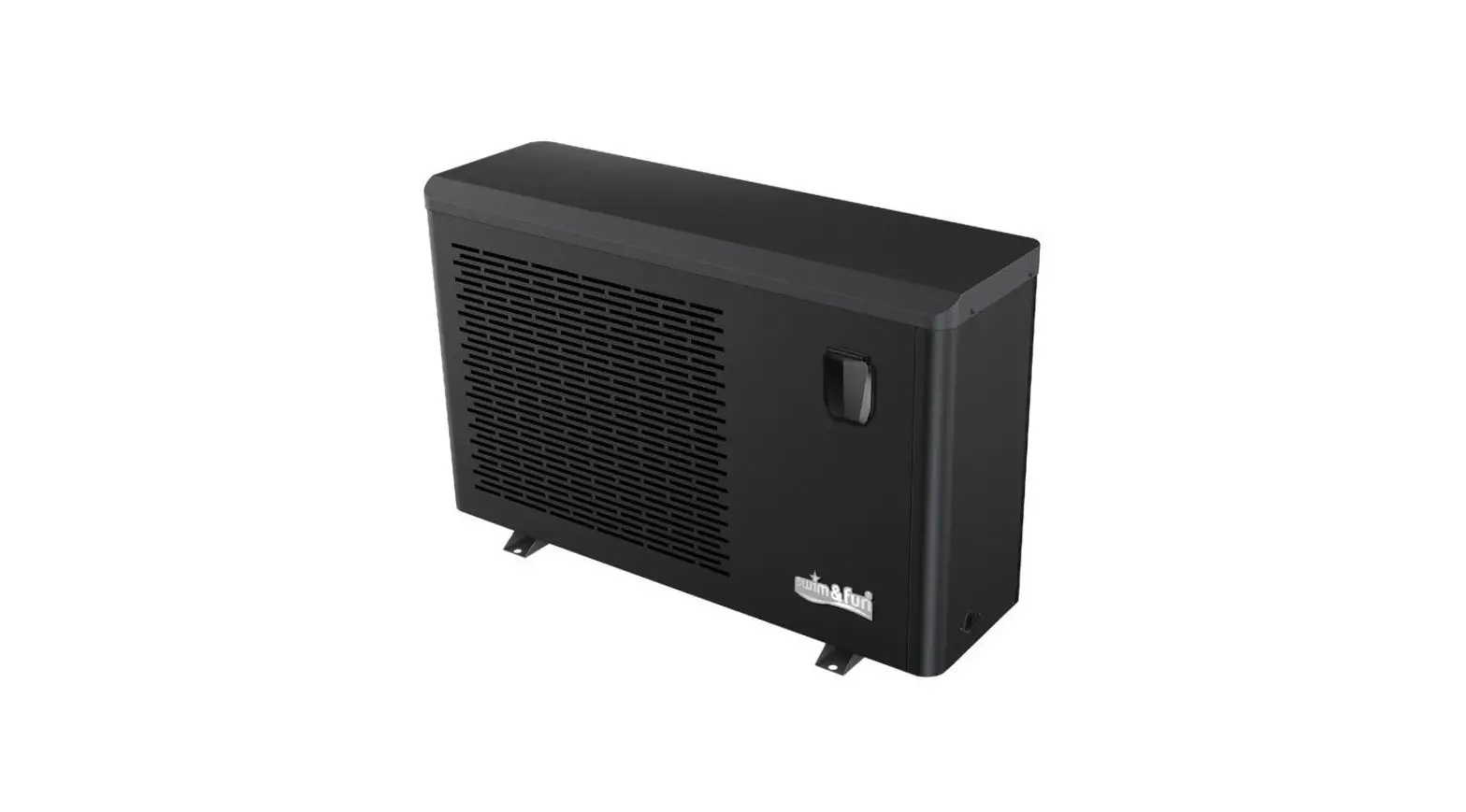

swim fun 1401 Inverter Heat Pump
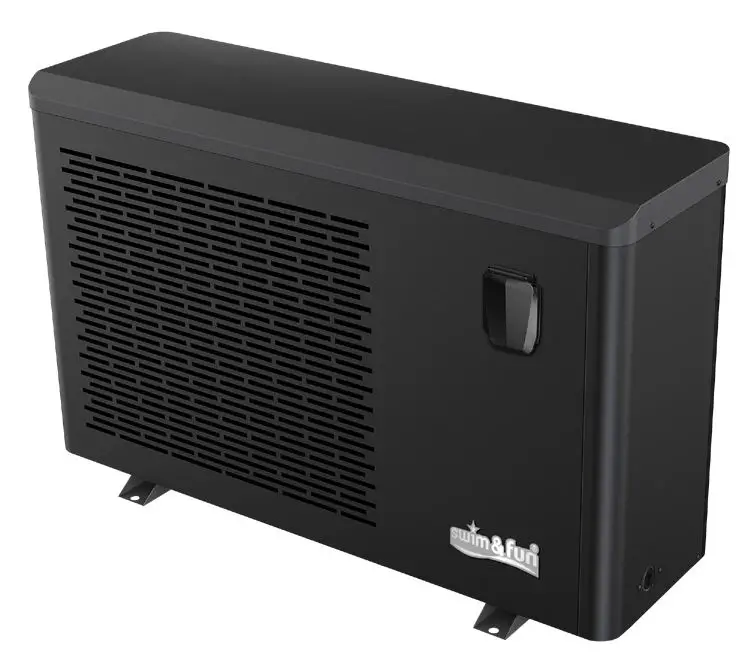
WIFI MANUAL
Download the free App from

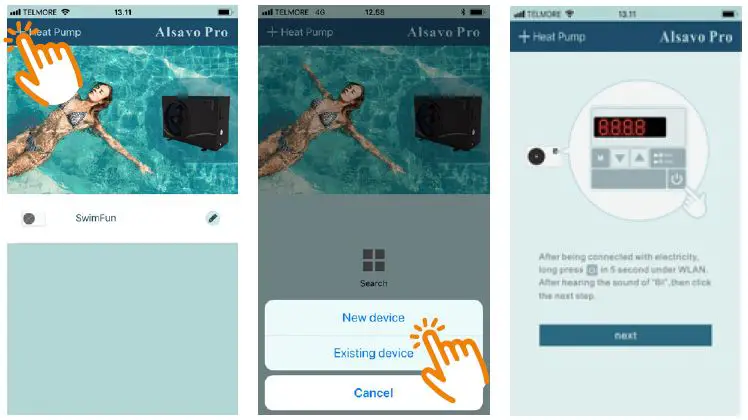
- Download the free app and add Inverter Heat Pump by click-ing the + on the top left.
- Hold the power button for 5 seconds. This results in a BEEP or a flashing WIFI icon depending on the device. Then click “NEXT”.

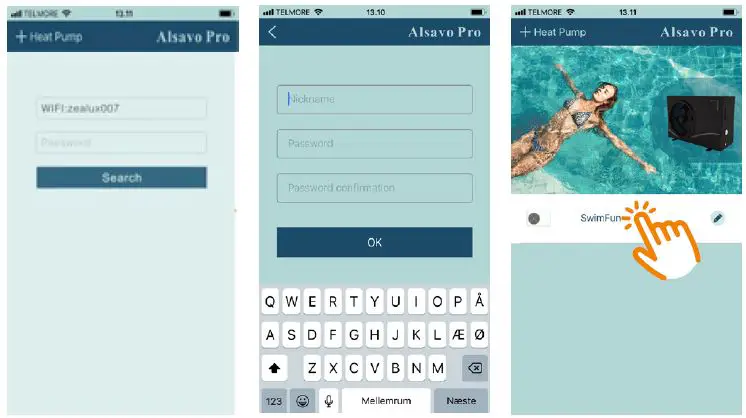
- The name of your home WiFi connection will automatical-ly appear.Enter your WiFi pass-word and click ”Search” in order to connect to the heat pump. Note, older devices show a count up on the screen of the device:
“F1 1” “F1 2”…”F1 6”. If it stops by “F1 2” go to the “Note” or “Reset-ing…” section of this manual. - The heat pump is now con-nected to the WiFi. Give your heat pump a nickname and a password and click OK.
- Your Inverter Heat Pump now appears on the app menu. Click to enter the control panel.

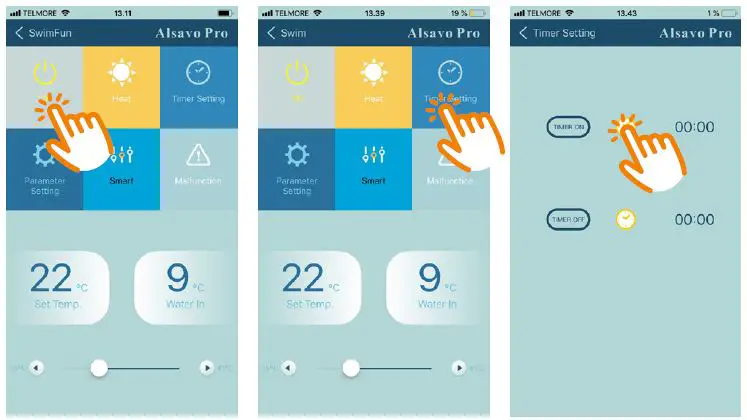
- Turns the Inverter Heat Pump On/Off
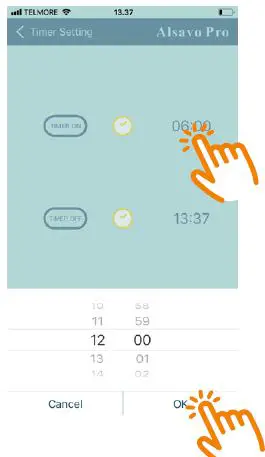
- Access the Timer function here.
- Activate/deactivate the Timer function by clicking the watch icon.


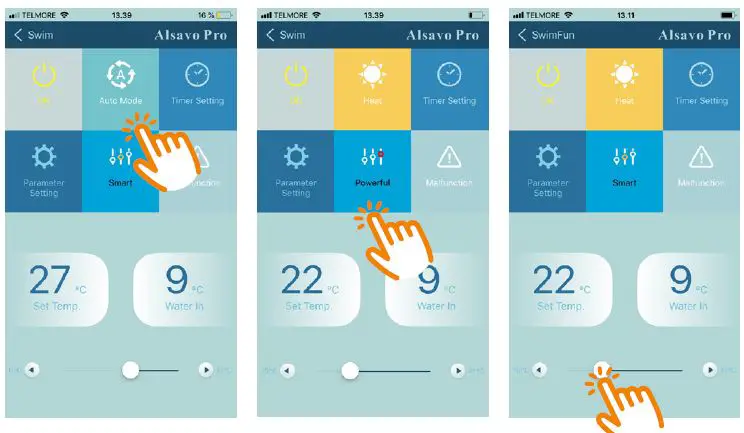
- Change between Heat / Cool / Auto mode. If you cannot adjust, only heating is possible.
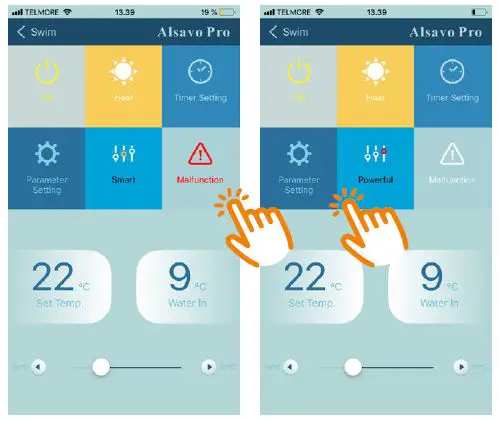
- Change between Silent / Smart / Powerful mode.
- Set the water temperature by sliding left or right.

- If an error occurs, the Mal-function icon turns red. Click to check the error.
- Password is required to change the factory default setting, and are only available for the technician.

Resetting the heat pump
In case the app can not connect to the heat pump try to reset the heat pump as follows:
Parameter setting
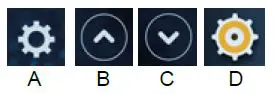
Press A and move down to D (with the arrow keys B and C). Press A again and move down to P14. Press A and hold the button for approx. 10 seconds until the reset screen shows “Reset factory settings”. Now select P14=1 with the arrow keys. Press and hold A until you reach D. The unit will subsequently reset and turn off.
Note
- Keep in mind that your network connection must appear from the app where you enter the WiFi password, otherwise, it can not connect to the heat pump.
- Turn off if necessary all apps running in the background, they can prevent the connection to the heat pump.
- It requires WIFI to connect to the heat pump. 5G/4G/3G can not be used to connect directly to the heat pump.
- In case there is no WIFI, two mobiles can be used to connect to the heat pump. Mobile 1 must be a hotspot and mobile 2 must connect to the hotspot. Then, mobile 2 is used to connect to the heat pump.
- The heat pump should be placed no further than 10m from the wifi. Otherwise, it might fail to connect.
 Gifts for Him & Gifts for Her | Toys, Gifts & Clothing | Fun.com
 Pools, water care, and pool accessories
 Pools, water care, and pool accessories
 Pools, vandpleje og tilbehør til pools