 ZKBioSecurity
Download and Installing enrolment readers drivers
Installation Guide
ZKBioSecurity Education Solution Software
Following are steps to take when you download and install enrolment drivers
Following are steps to take when you download and install enrolment drivers
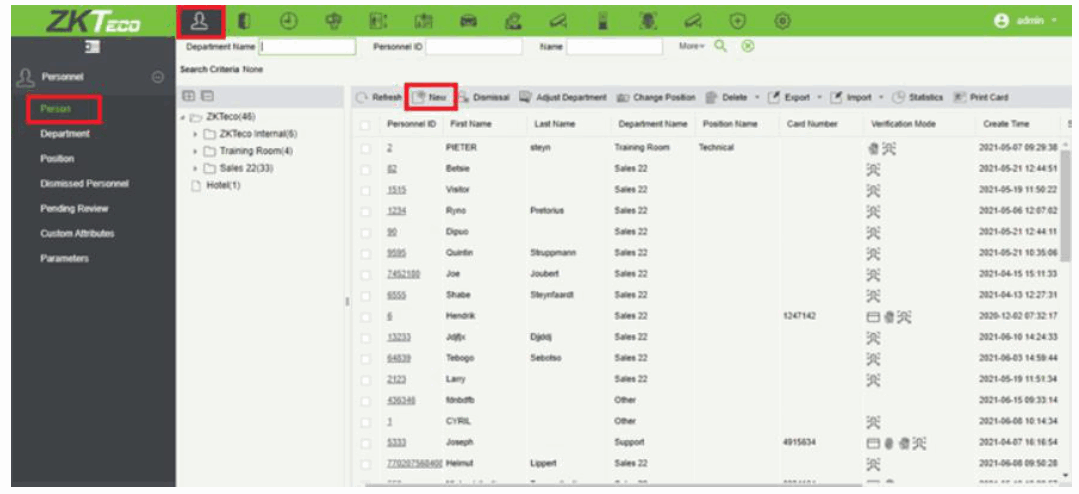
Personnel > Personnel > Person
Click on new
Click on the icon of Biometrics Type
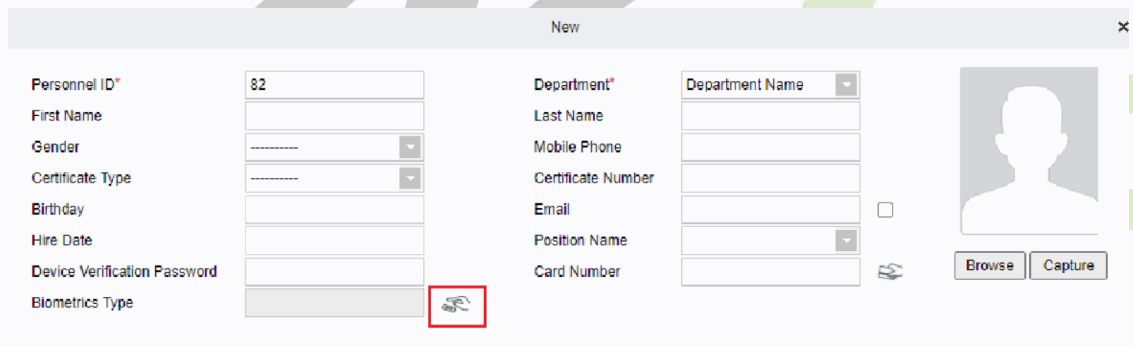
Click on driver download
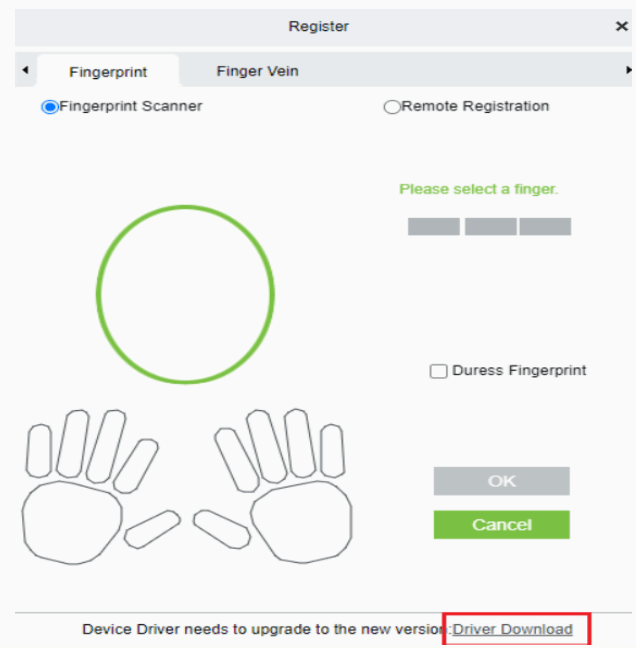
The driver’s Software will be downloaded to your Downloads folder.
Double click on the driver’s Software in your Download folder.
The driver’s Software needs to be installed.
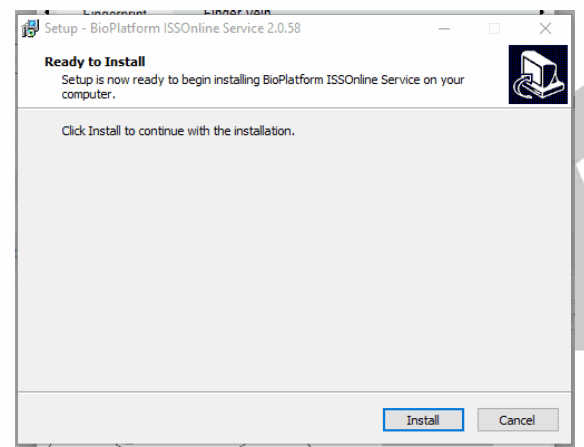
Select Install
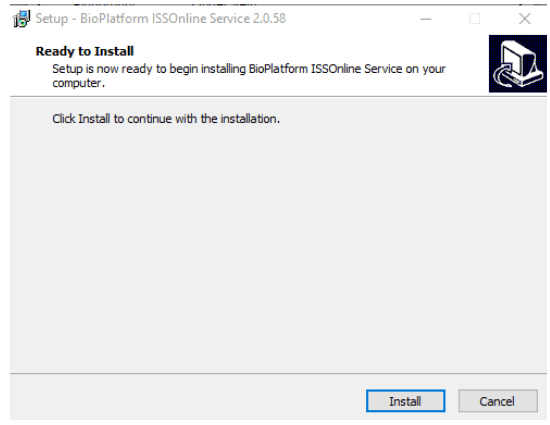
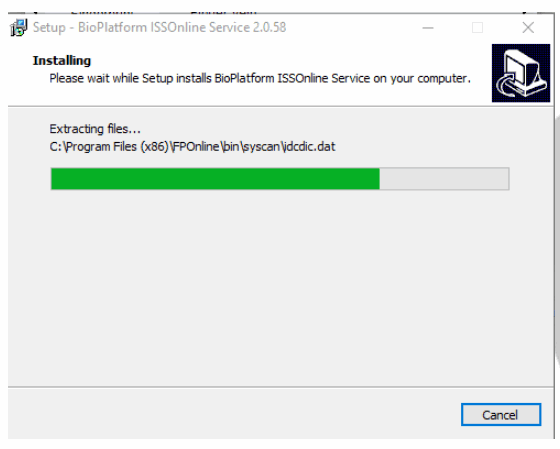
The process bar will show how far it is installed.
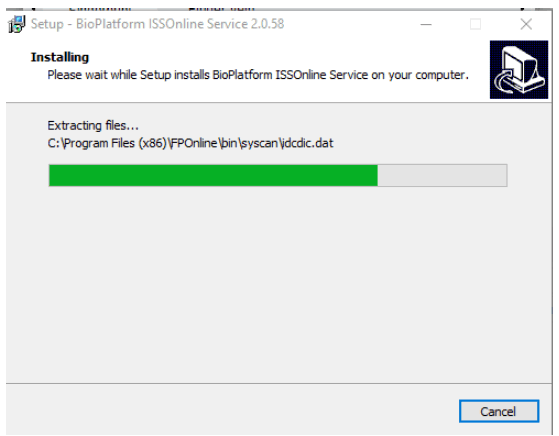
It is been installed.
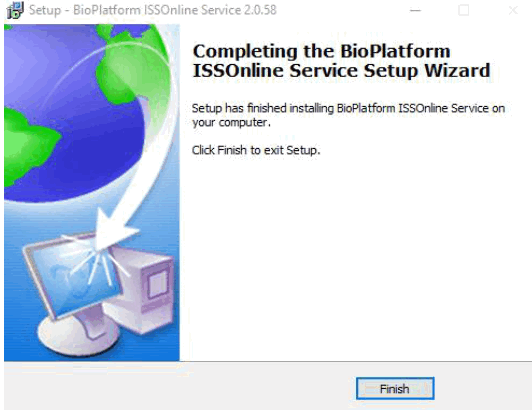 Select Finished and you can enroll your personnel fingerprint.
If the software was installed before.
The screen will pop up.
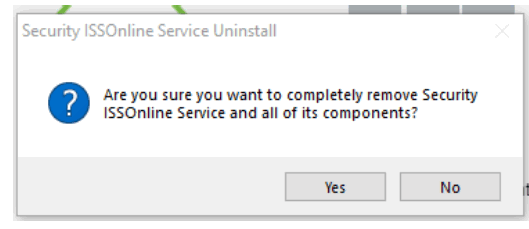
Select Yes.
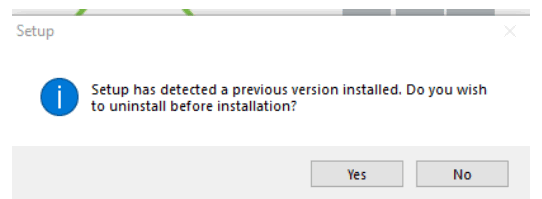
Select Yes
Select install
The process bar will show how far it is installed.
It is been installed.
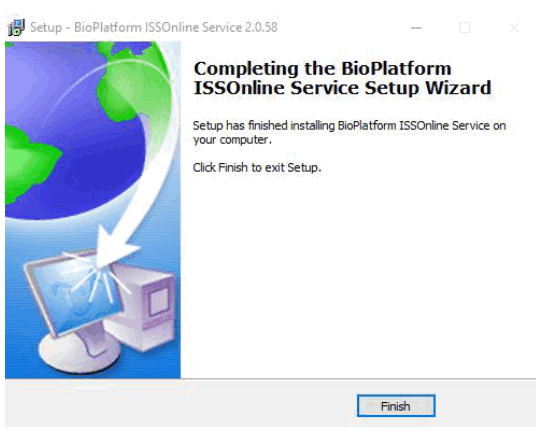
Select Finished and you can enroll your personnel fingerprint.
Block F, Wellness World Corporate Park, Beethoven Street, Melodie, Hartbeespoort, 0216
Postnet Suite 379, Private Bag X0001, Ifafi, 0260
Reg no: 2014/204364/07
2017 ZKTeco (Pty) LTD I All Rights Reserved
Telephone: +27 12 259 1047 / 1140 / 1674
[email protected]
www.zkteco.co.za