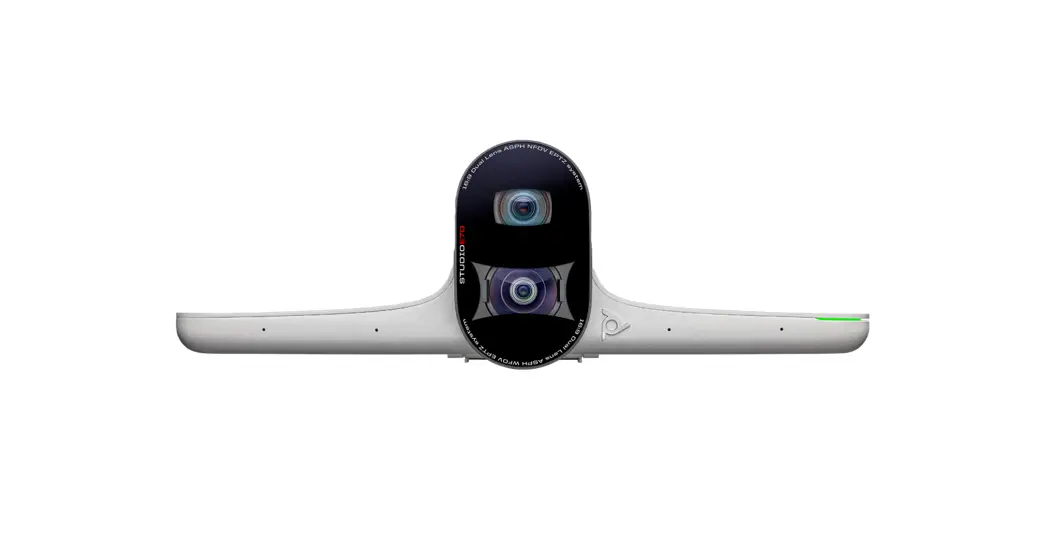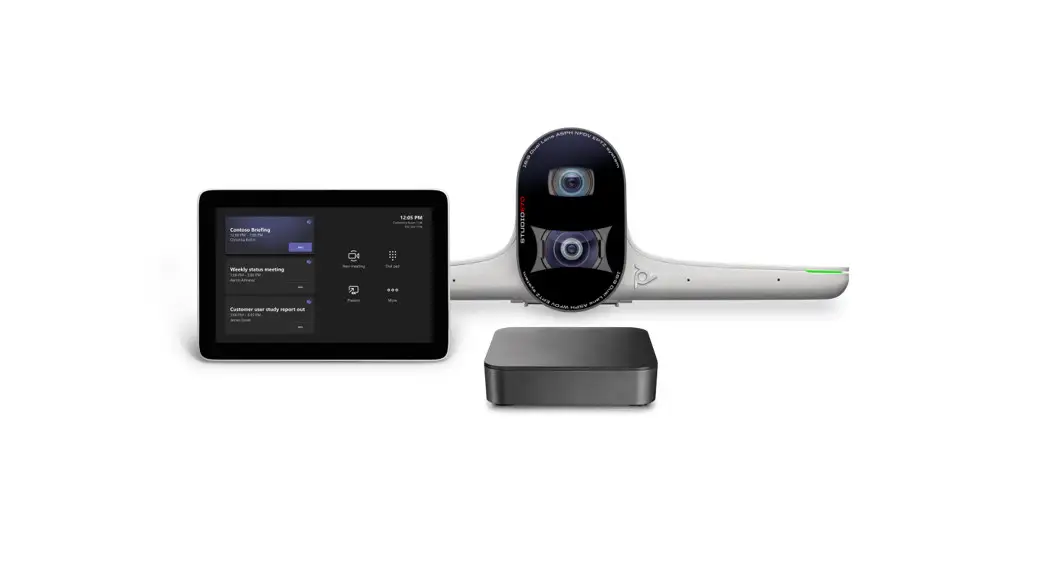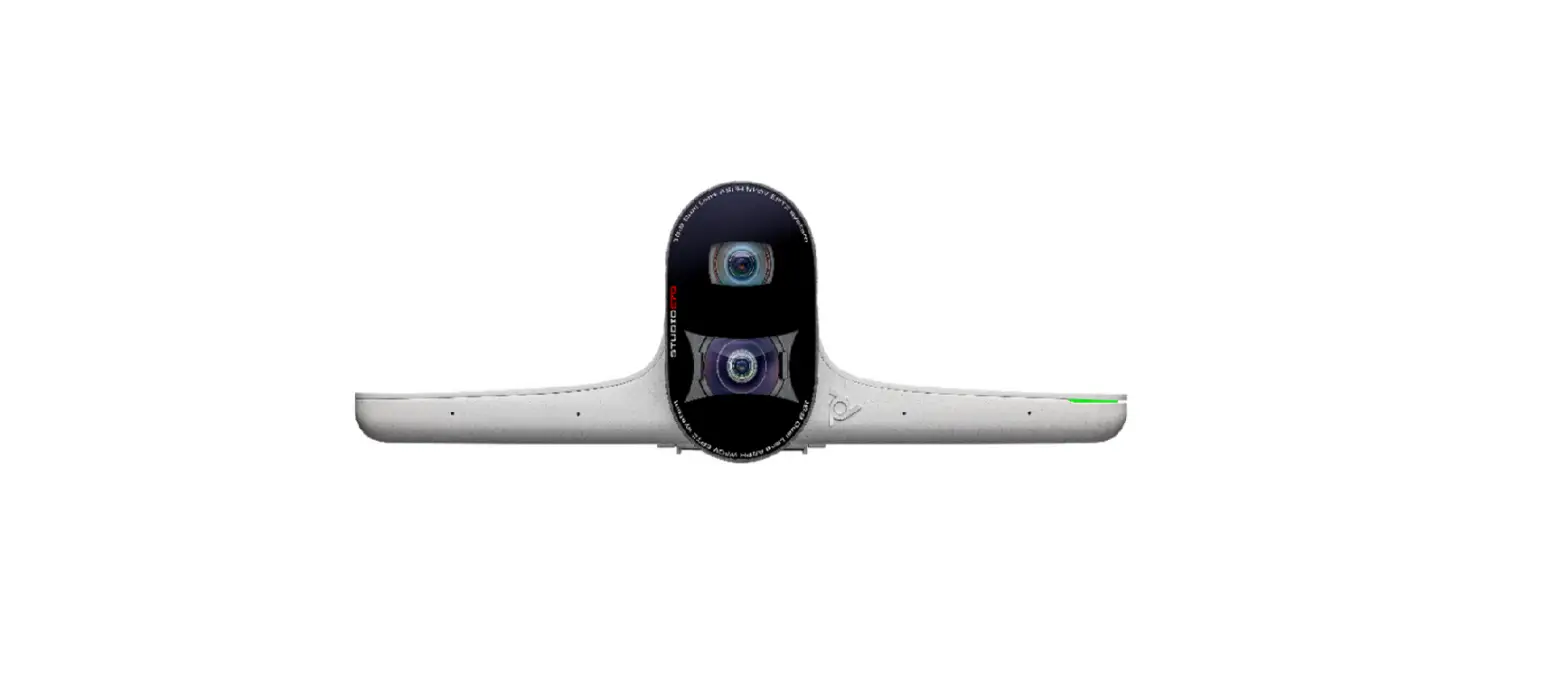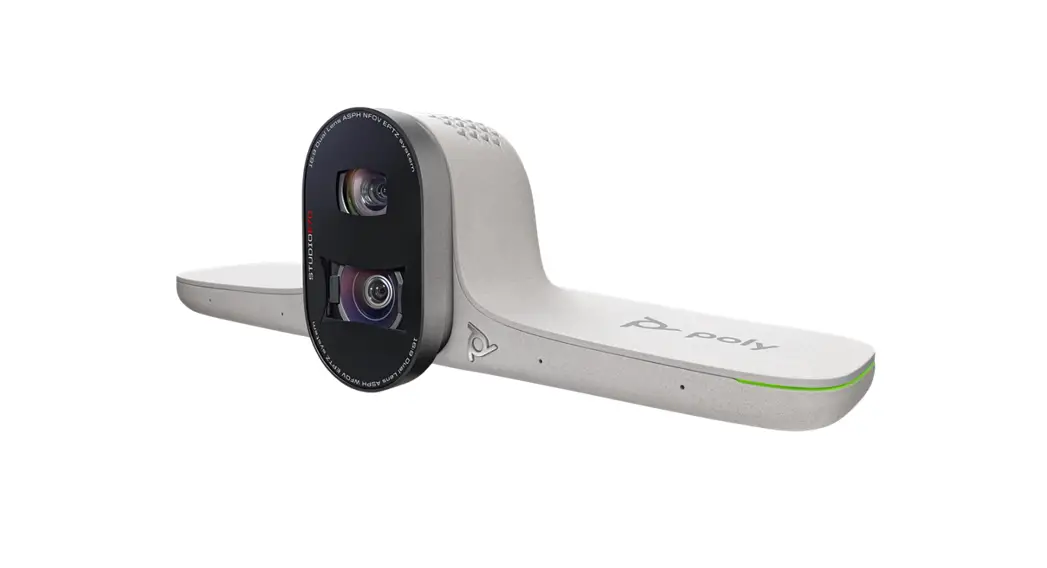

Poly Studio E70 Dual Lens 4k Smart Camera For Large Rooms User Guide

Poly Studio E70 Dual Lens 4k Smart Camera For Large Rooms User Guide

poly - logo

QUICK START
POLY STUDIO E70 CAMERA
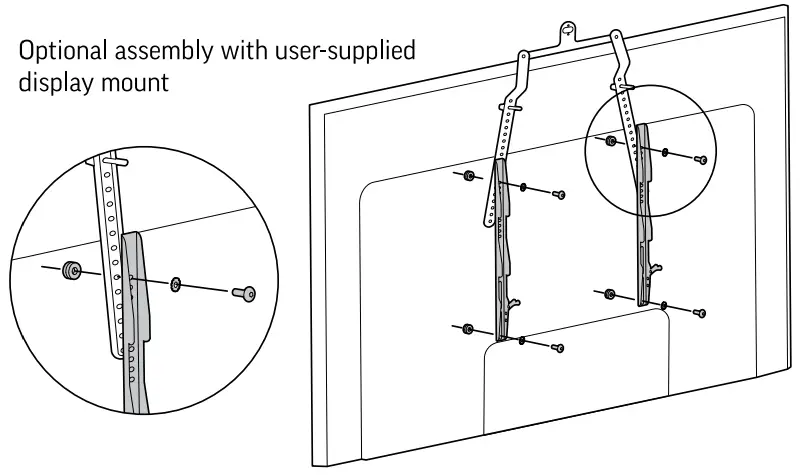
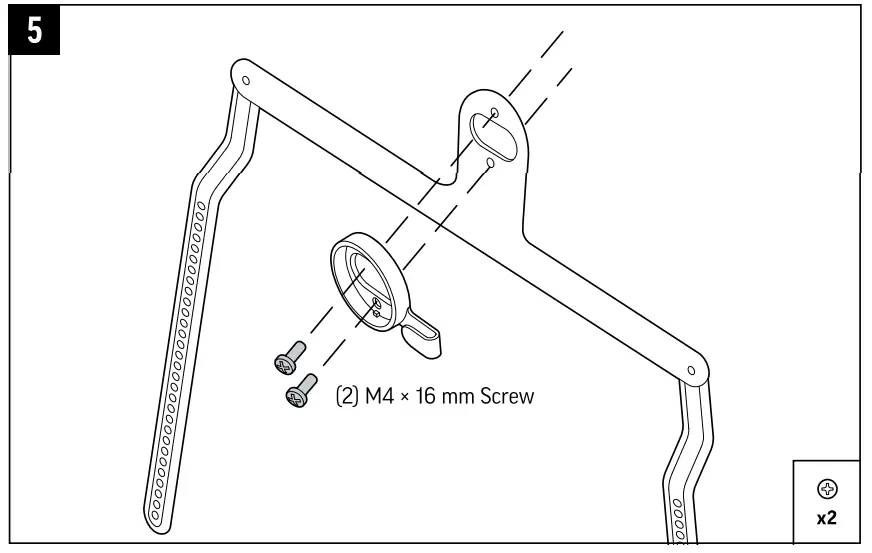
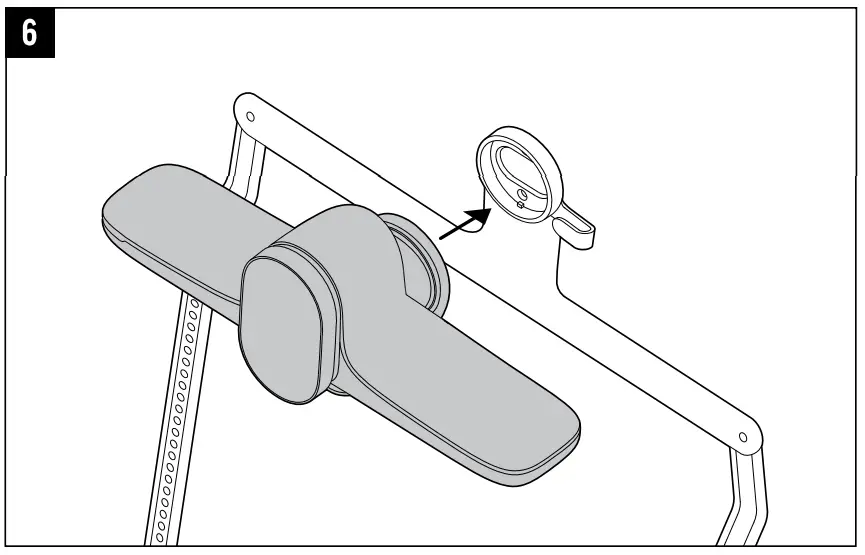
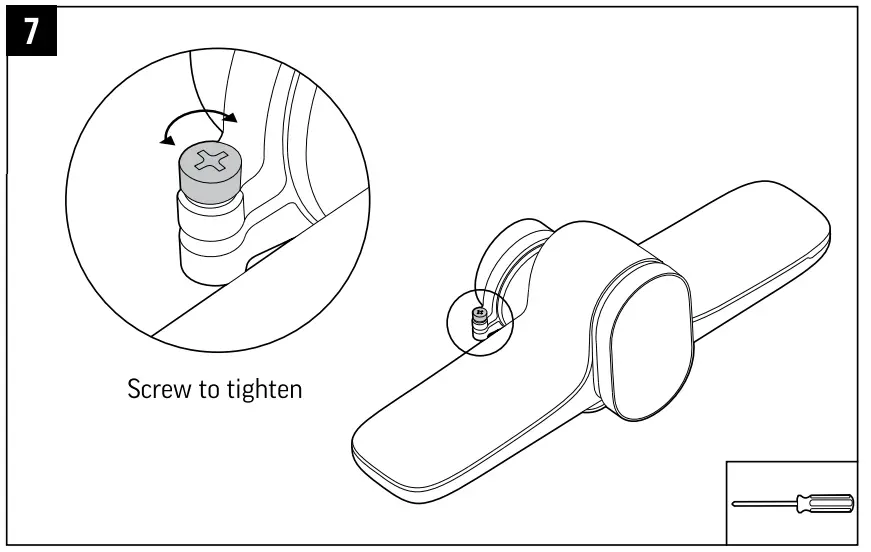
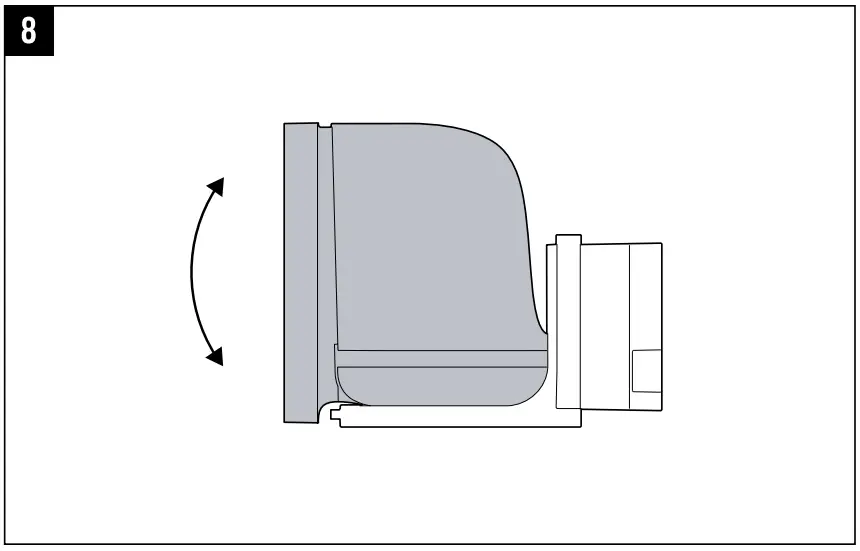
DISPLAY MOUNT

Studio E70 Dual Lens 4K Smart Camera for Large Rooms

TOOLS
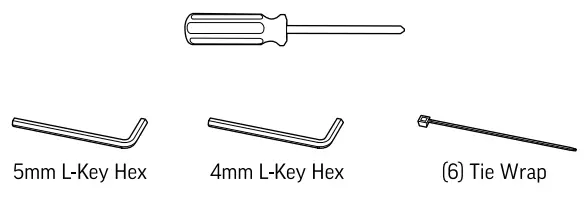
poly Studio E70 Dual Lens 4K Smart Camera for Large Rooms - Fig

CONTENTS

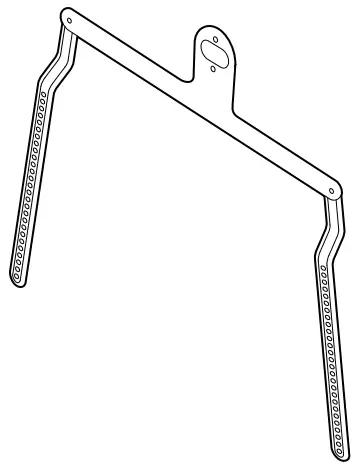
poly Studio E70 Dual Lens 4K Smart Camera for Large Rooms - Fig1

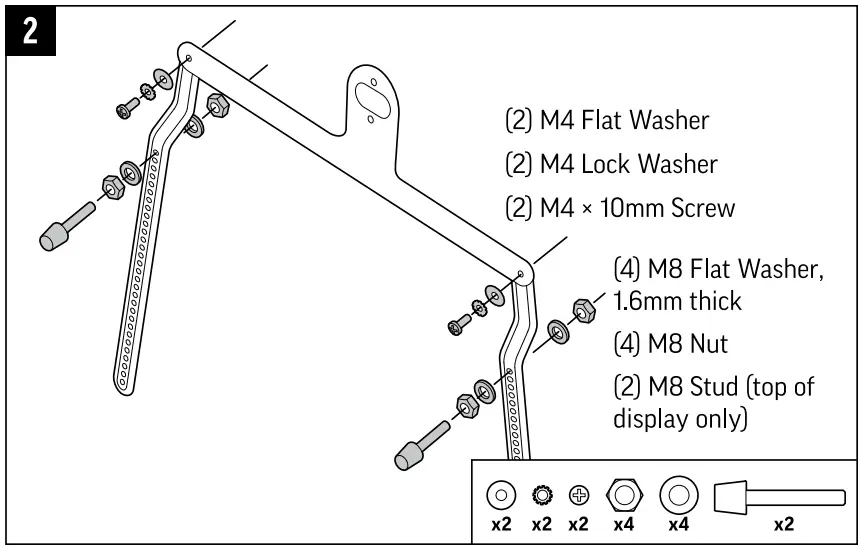
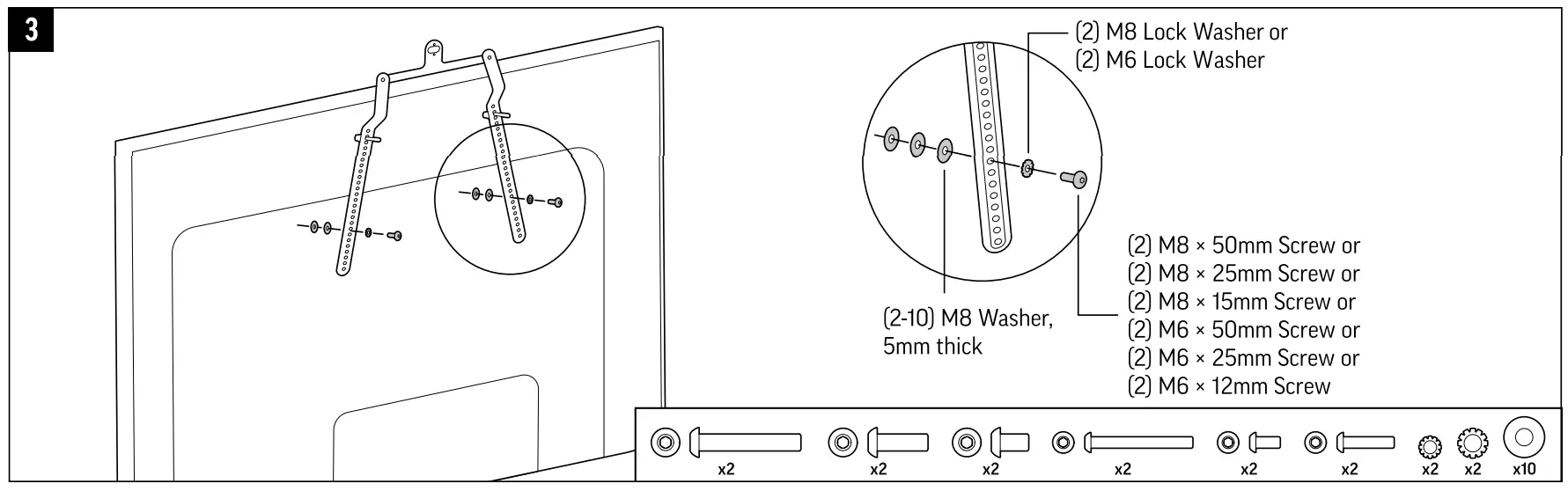
HARDWARE

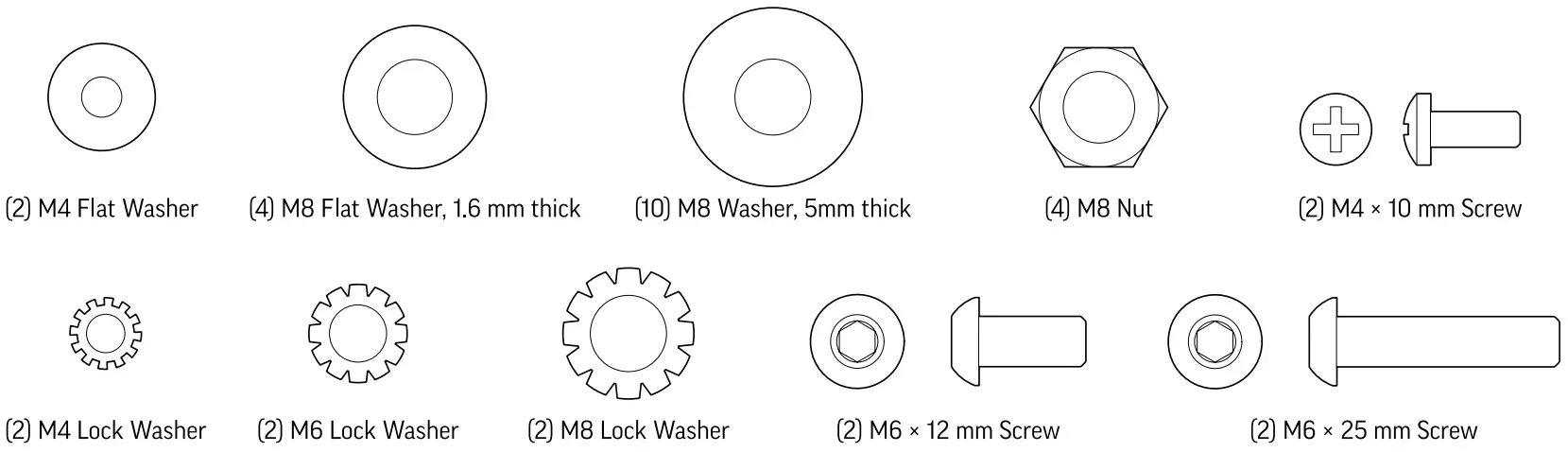
poly Studio E70 Dual Lens 4K Smart Camera for Large Rooms - Fig2poly Studio E70 Dual Lens 4K Smart Camera for Large Rooms - Fig3poly Studio E70 Dual Lens 4K Smart Camera for Large Rooms - Fig4poly Studio E70 Dual Lens 4K Smart Camera for Large Rooms - Fig5poly Studio E70 Dual Lens 4K Smart Camera for Large Rooms - Fig6

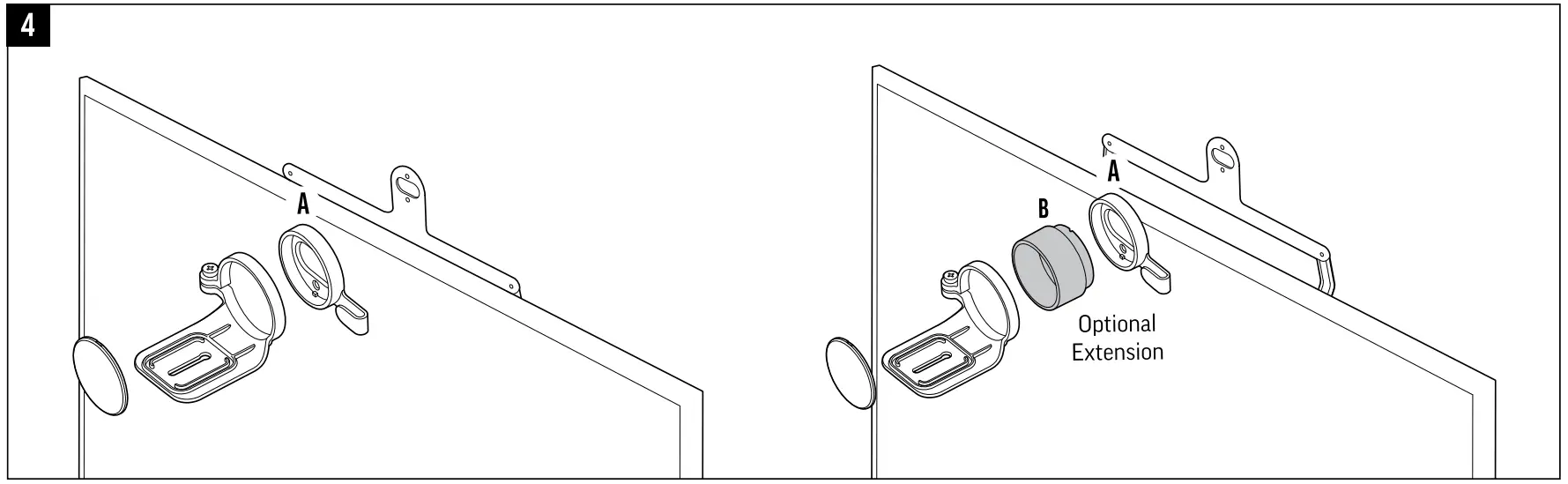
OPTIONAL

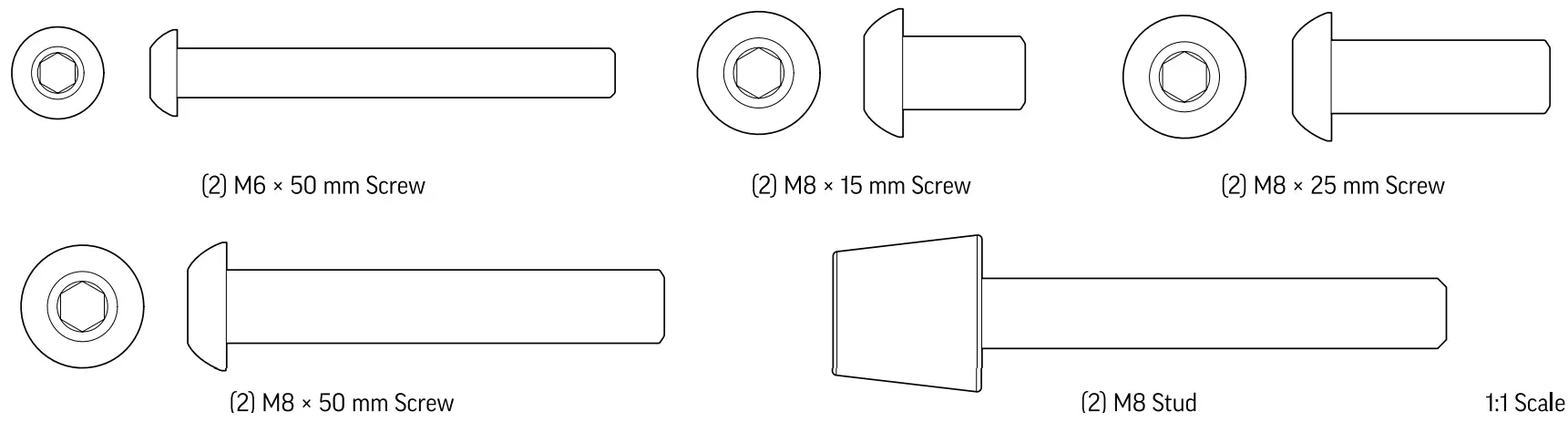
poly Studio E70 Dual Lens 4K Smart Camera for Large Rooms - Fig7poly Studio E70 Dual Lens 4K Smart Camera for Large Rooms - Fig8poly Studio E70 Dual Lens 4K Smart Camera for Large Rooms - Fig9poly Studio E70 Dual Lens 4K Smart Camera for Large Rooms - Fig10poly Studio E70 Dual Lens 4K Smart Camera for Large Rooms - Fig11poly Studio E70 Dual Lens 4K Smart Camera for Large Rooms - Fig12

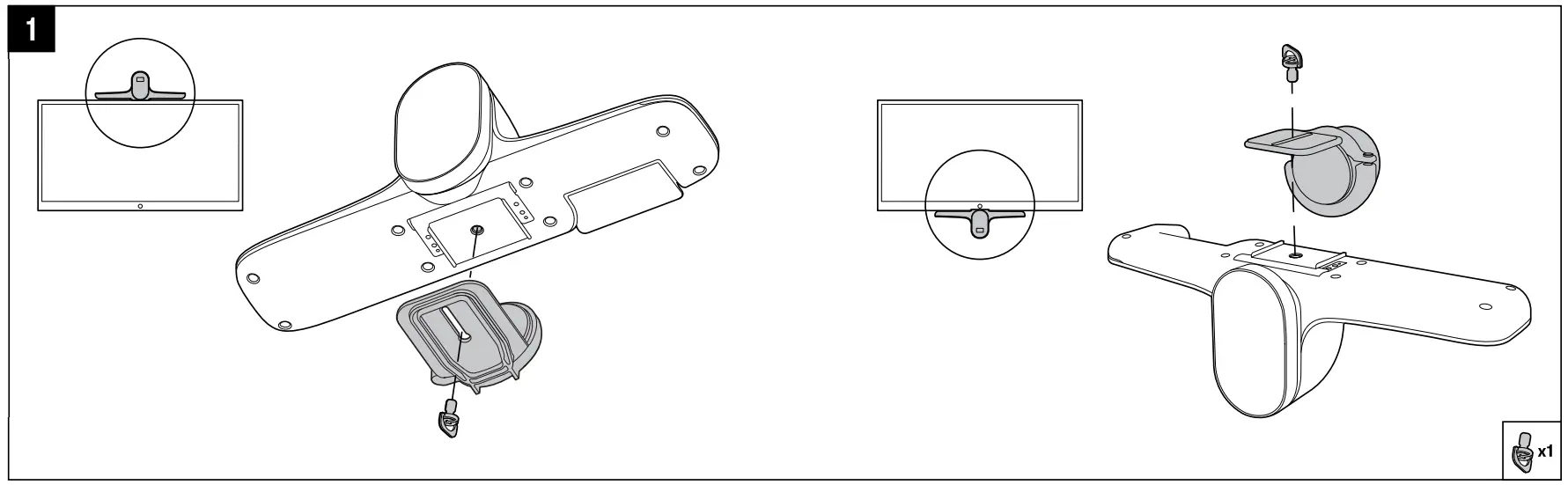
poly Studio E70 Dual Lens 4K Smart Camera for Large Rooms - Fig13www.poly.com/setup/studio-e70

poly Studio E70 Dual Lens 4K Smart Camera for Large Rooms - qr codeC 2021 Plantronics, Inc. All rights reserved. Poly, the propeller design, and the Poly logo are trademarks of Plantronics, Inc. All other trademarks are the property of their respective owners. Manufactured by Plantronics, Inc.

Recycle IconRecyclable where facilities exist poly Studio E70 Dual Lens 4K Smart Camera for Large Rooms - bar code

References

Documents / Resouces

Download manual
Here you can download full pdf version of manual, it may contain additional safety instructions, warranty information, FCC rules, etc.


Related Manuals