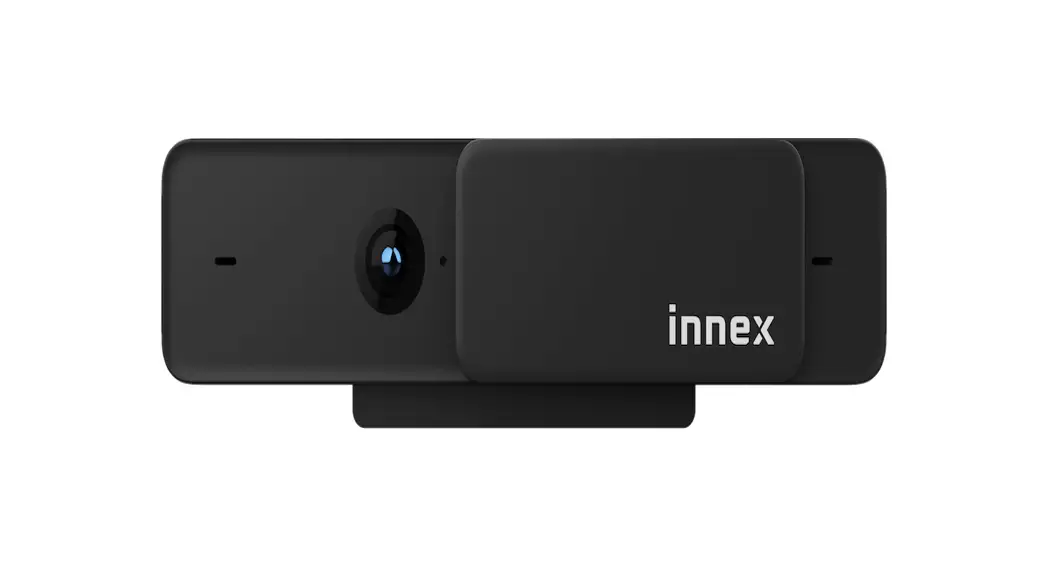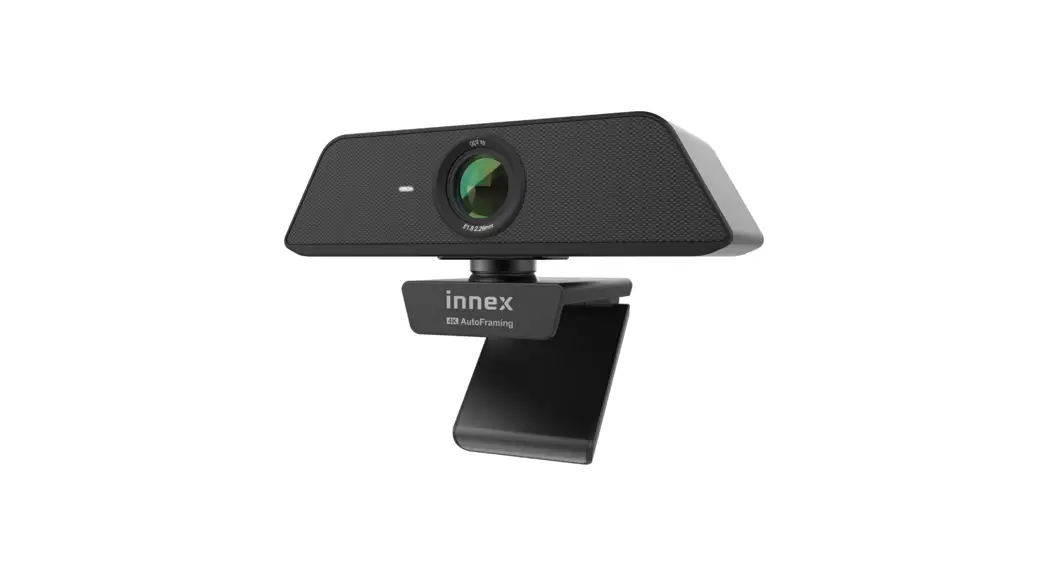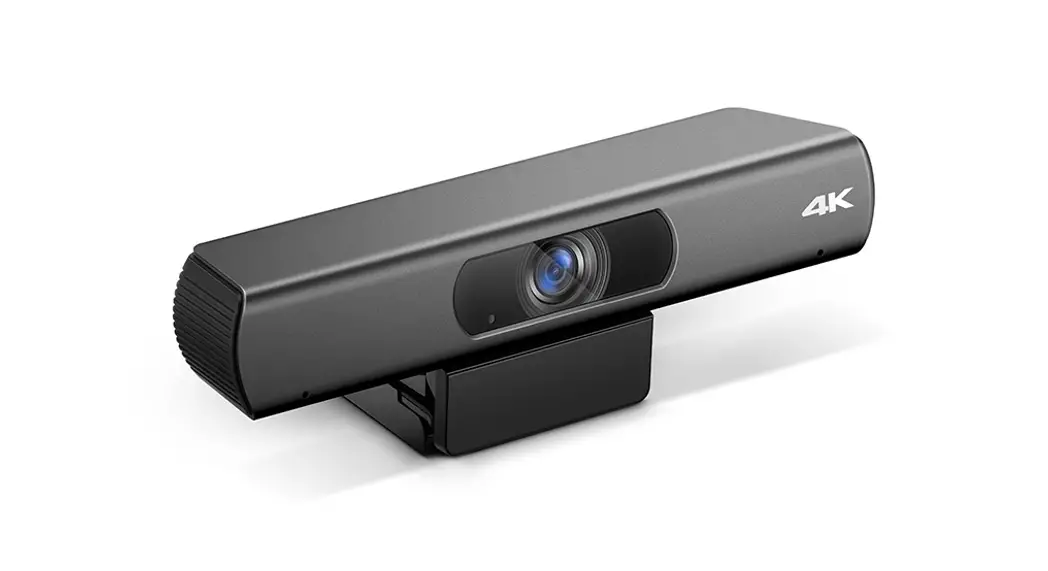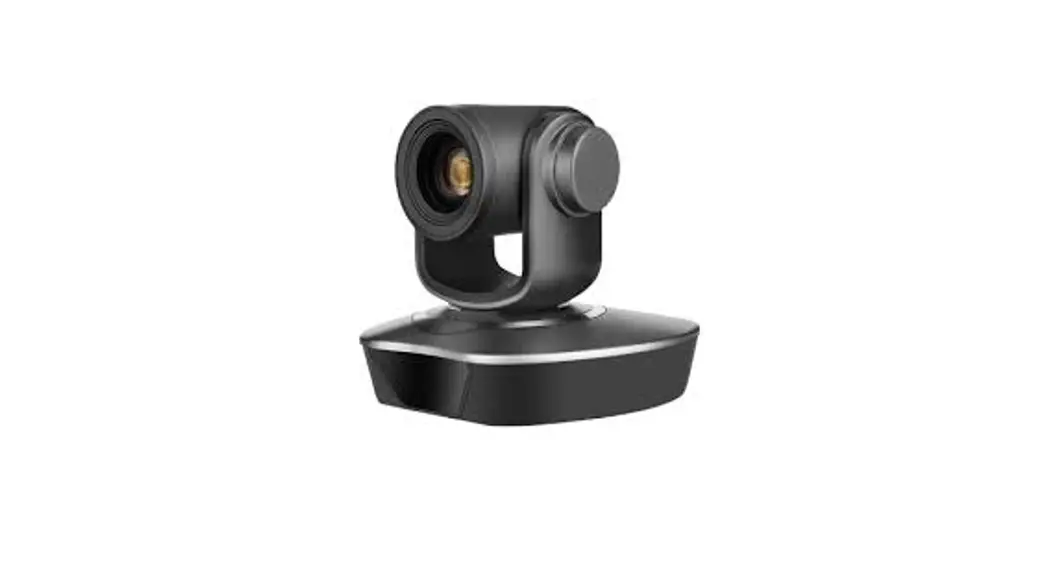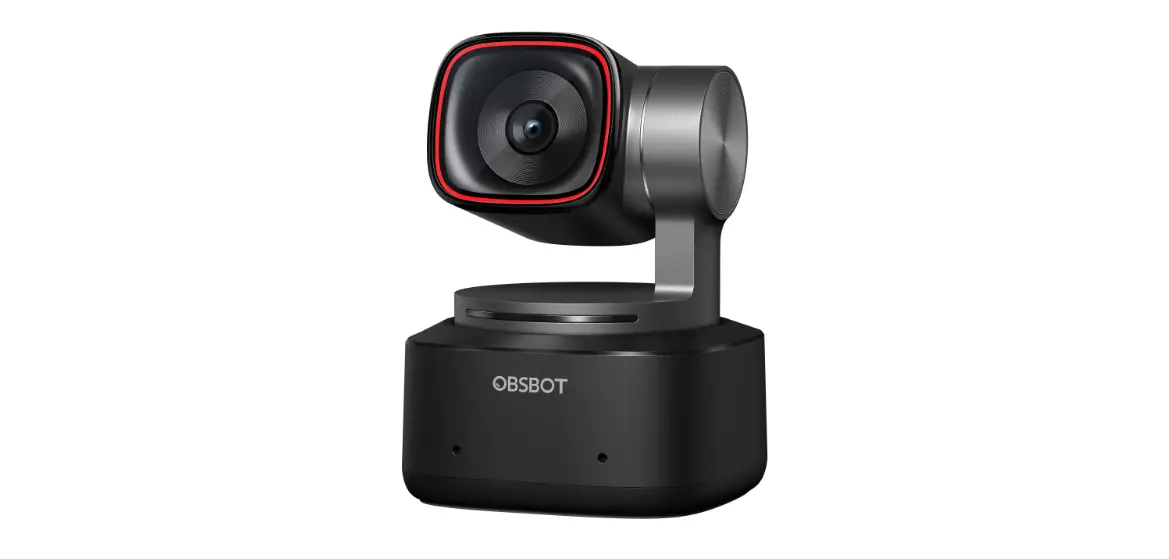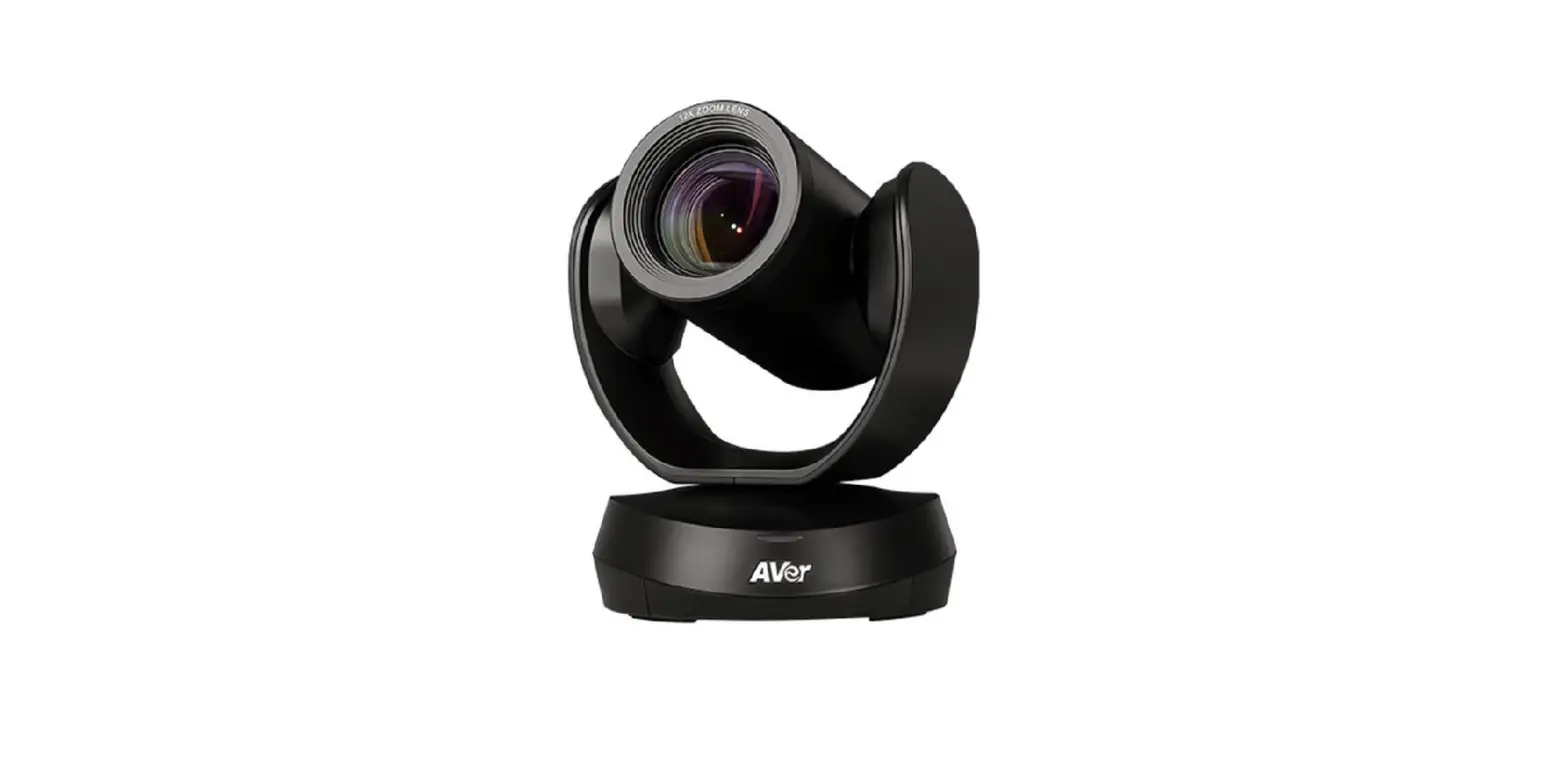
 4K AI e-PTZ Conference Camera
User Guide
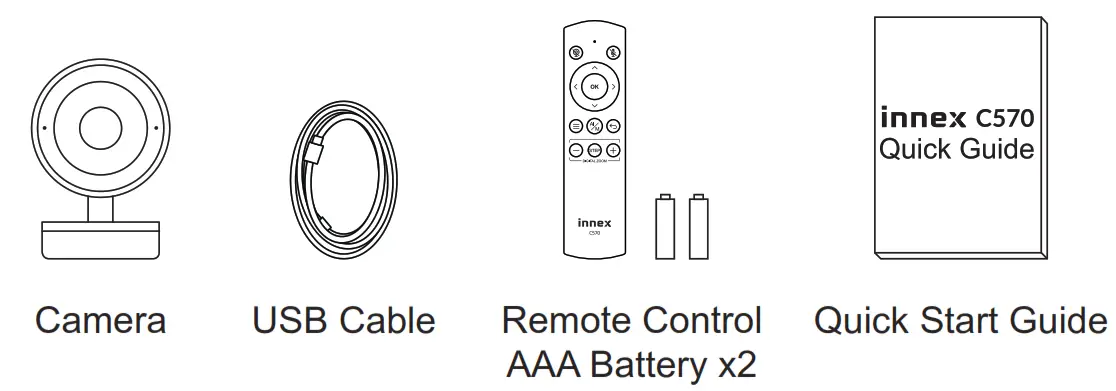
Package contents
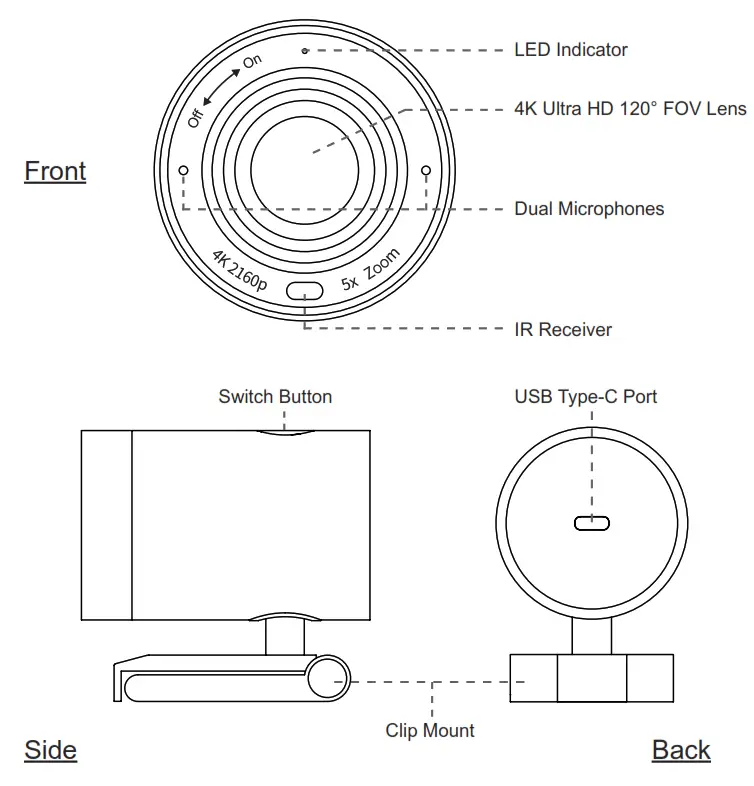
Overview
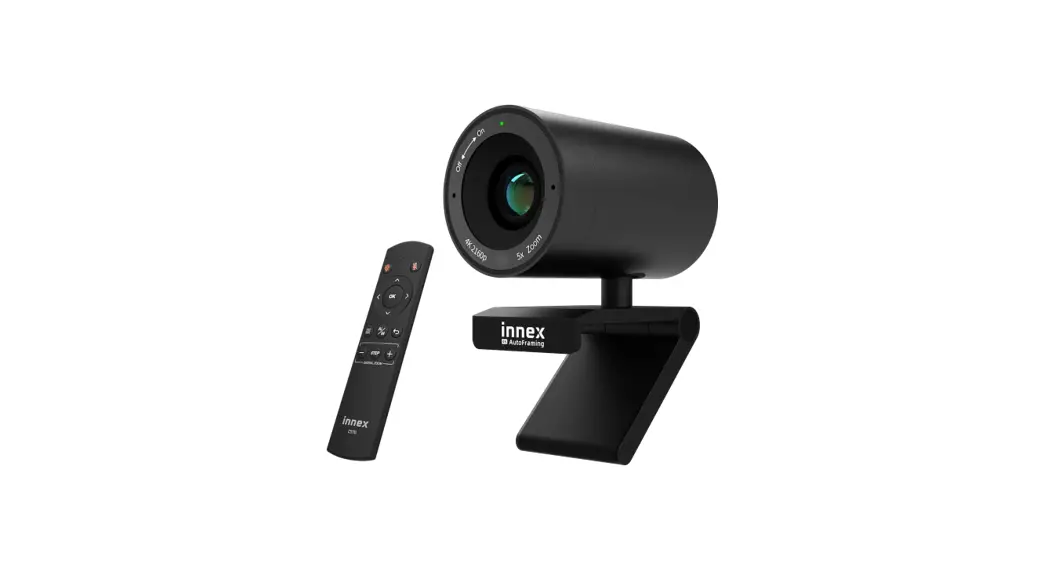
Remote Control
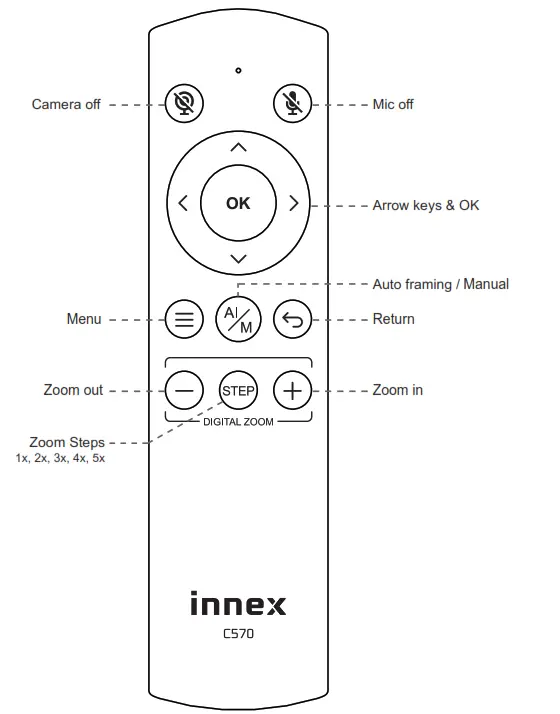
 Arrow keys
Adjust the position of field of view Menu
Menu
Open OSD settings to customize image settings including contrast, saturation, brightness, etc.
LED Indicator Status
| Event | Camera response | LED Status | |
| 1 | Plug-in power | / | Rlight flashing |
| IN | Camera is in use | / | Green light |
| 3 | C. amera is not in use | / | Red light |
| I -cr | Single press the switch button | Switch to 1x—+2x—.3x —4x—.5x—)auto framing by each press | Red light blink |
| 5 | Long press (>2 sec) the function button | Enter / Exit auto framing mode | Red light blink |
| 6 | Long press (>5 sec) the function button | Reboot the C570 | Red light blink |
| I- | Use remote and turn off mic | Mic is mute, mute icon pop up | Orange light blink |
| 8 | Use remote and turn off camera | Camera is off, pop up a black image with camera off icon | Red light blink |
| 9 | turn off both micUse remote and and camera | Mic is mute and camera is off, pop up a black image with mic off icon and camera off icon | Red light & orange light blink alternately |
Getting start with Innex C570
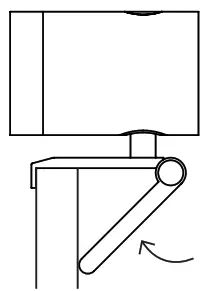
Clip Mount
Easily mount onto any displays such as laptop monitor, television or interactive display using its built-in clip mount.
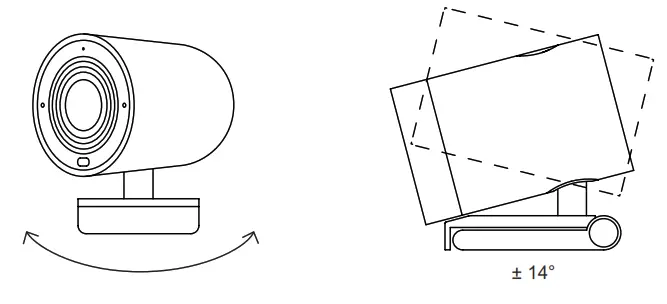
Swivel & Tilt
Manually adjust the webcam tilt up/down or swivel right/left to the best shooting angle.
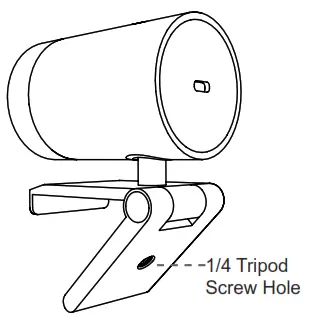
Tripod Mount
Tripod screw hole is located at the bottom of the clip mount for tripod mounting.
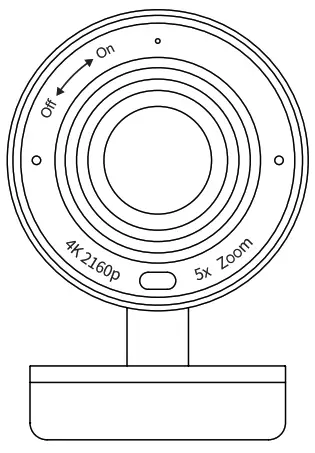
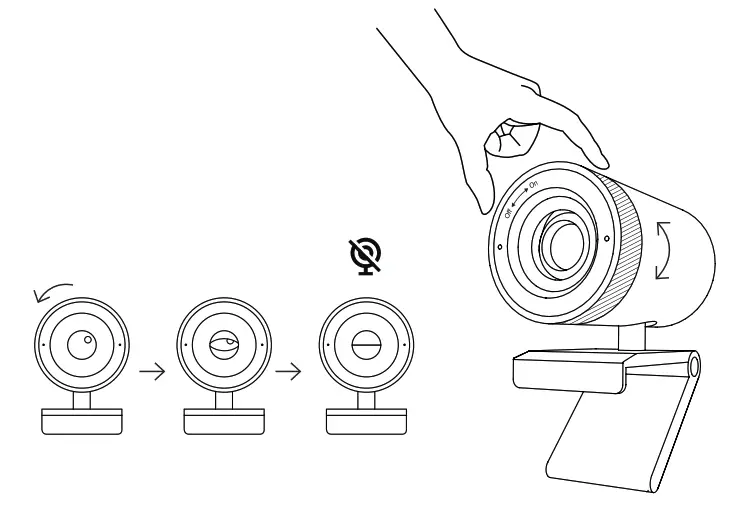
Privacy Cover
On the side of the camera lens, rotate the privacy shutter adjustercounterclockwise to cover the
Connecting the camera
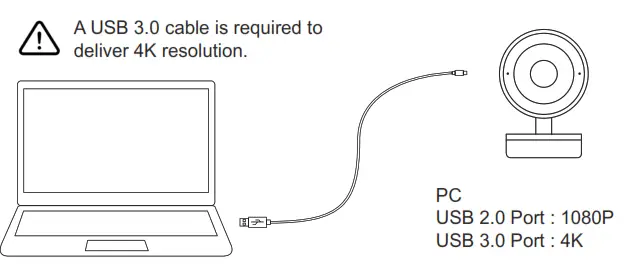
- Connect the type C end of the bundled USB 3.0 cable to the Type C port at the back of the C570 .
- Connect the Type A end of the same cable to a laptop or workstation.
If connecting to USB 2.0 port of PC, the maximum available resolution will be 1080P. If connecting to USB 3.0 port of PC, the maximum available resolution will be 4K.
 How to prevent flicker in your video
The default camera frequency setting is 50Hz, if you encounter the flicker problem, simply use the remote control, get into Menu to adjust camera frequency that match the lectrical frequency of your region.
Important Safety, Compliance and Warranty Information
*Read Manual Before Product Use*
Safe Usage Guidelines for Products
- Do not open or modify the product except for battery removal and replacement.
- Do not disassemble or attempt to service this product.
- This product is safe under normal and reasonably foreseeable misuse operating conditions.
- If product is operating improperly, contact the authorized reseller.
- Product must be returned to the authorized reseller for any service or repair.
- This is not a Children’s Product and is not intended for use by children under 14 years old.
FunTech Innovation Compliance
For Product Safety, EMC, RF and Energy information, go to www.funtechinnovation.com/complianceMaintenance is not required for product compliance. This product complies with relevant legal requirements for Restriction of Hazardous Substances(RoHS) and management of waste electronic and electrical equipment (WEEE). For RoHS and WEEEinformation, go to www.funtechinnovation.com/compliance Batteries, electronic and electrical equipment should not be disposed of with household waste. Wherever possible, they should be segregated and brought to an appropriate.
 collection point to enable recycling and avoid potential impacts on the environment and human health. For more information, contact your local authorities or place of urchase.
FCC Statement
This device complies with Part 15 of the FCC Rules. Operation is subject to the following twoconditions: 1) this device may not cause harmful interference, and 2) this device must accept any interference received, including interference that may cause undesired operation. This equipmenthas been tested and found to comply with the limits for a Class B digital device, pursuant to part15 of the FCC Rules. These limits are designed to provide reasonable protection against harmfulinterference in a residential installation. This equipment generates, uses and can radiate radio frequency energy. And, if not installed and used in accordance with the instructions, may cause harmful interference to radio communications. However, there is no guarantee that interferencewill not occur in a particular installation. If this equipment does cause harmful interference to radio or television reception, which can be determined by turning the equipment off and on, the user isencouraged to try to correct the interference by one or more of the following measures:
- Reorient or relocate the receiving antenna.
- Increase the separation between the equipment and receiver.
- Connect the equipment into an outlet on a circuit different from that to which the receiver is connected.
- Consult the dealer or an experienced radio/TV technician for help.
Warning: Where shielded interface cables or accessories have been provided with the product or specified additional components or accessories elsewhere defined to be used ith the installation of the product, they must be used in order to ensure compliance with FCC. Changes or modifications to product not expressly approved by Fun echnology Innovation Inc, could void your right to use or operate your product by the FCC.
IC statement:
CAN ICES003 (B) / NMB003 Class (B)
This device complies with Industry Canada license exempt RSS standard(s) Operation is subject to the following two conditions:
(1) this device may not cause interference, and (2) this device must accept any interference, including interference that may cause undesired operation of the device.
Cordless Radio Transmitter) products: Section A. RSS310 (27 MHz transmitters and receivers): This Category II radio communication device complies with Industry Canada Standard SS310. Section B. RSS210 (2.4 GHz transmitters or transceivers): This Category I radio communication device complies with RSS210 of Industry Canada.
FunTech Innovation’s Limited Hardware
Product Warranty – A Summary
FunTech Innovation warrants that its hardware product shall be free from defects in materials and workmanship for the length of time identified on your product package beginning from the date of original retail purchase. See for specific warranty information about your product and procedures to act on a warranty claim.
FunTech Innovation’s entire liability and your exclusive remedy for any breach of warranty shall be, at FunTech Innovation’s option, to repair or replace a functional quivalent f the product, or to refund the price paid, it the hardware is returned to the point of purchase or such other place as FunTech Innovation may direct along with a eceipt. Warranty protections are in addition to rights provided under local consumer laws and may vary among countries. See the full warranty information to know your onsumer rights and the additional protections provided by this product warranty.
 APEX CE SPECIALISTS LIMITED
89 PRINCESS STREET, MANCHESTER, M1 4HT, UK APEX ES SPECIALISTS, S.L.
Calle Puerto de la Morcuera, 13, PL. 1 OF 18-8 28919 Leganes Madrid, Spain. Pour en savoir plus: www.quefairedemesdechets.fr
 Compliance - FunTech Innovation