Contents hide

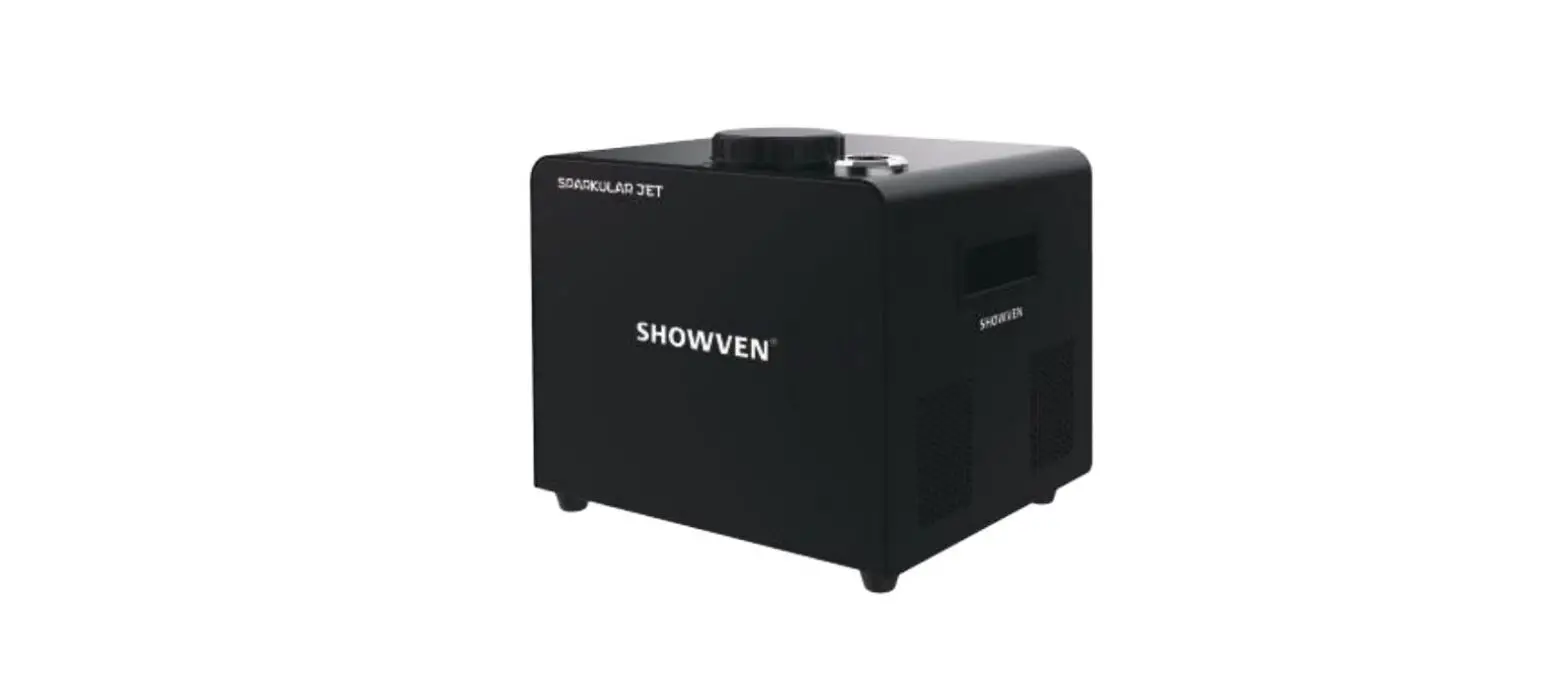
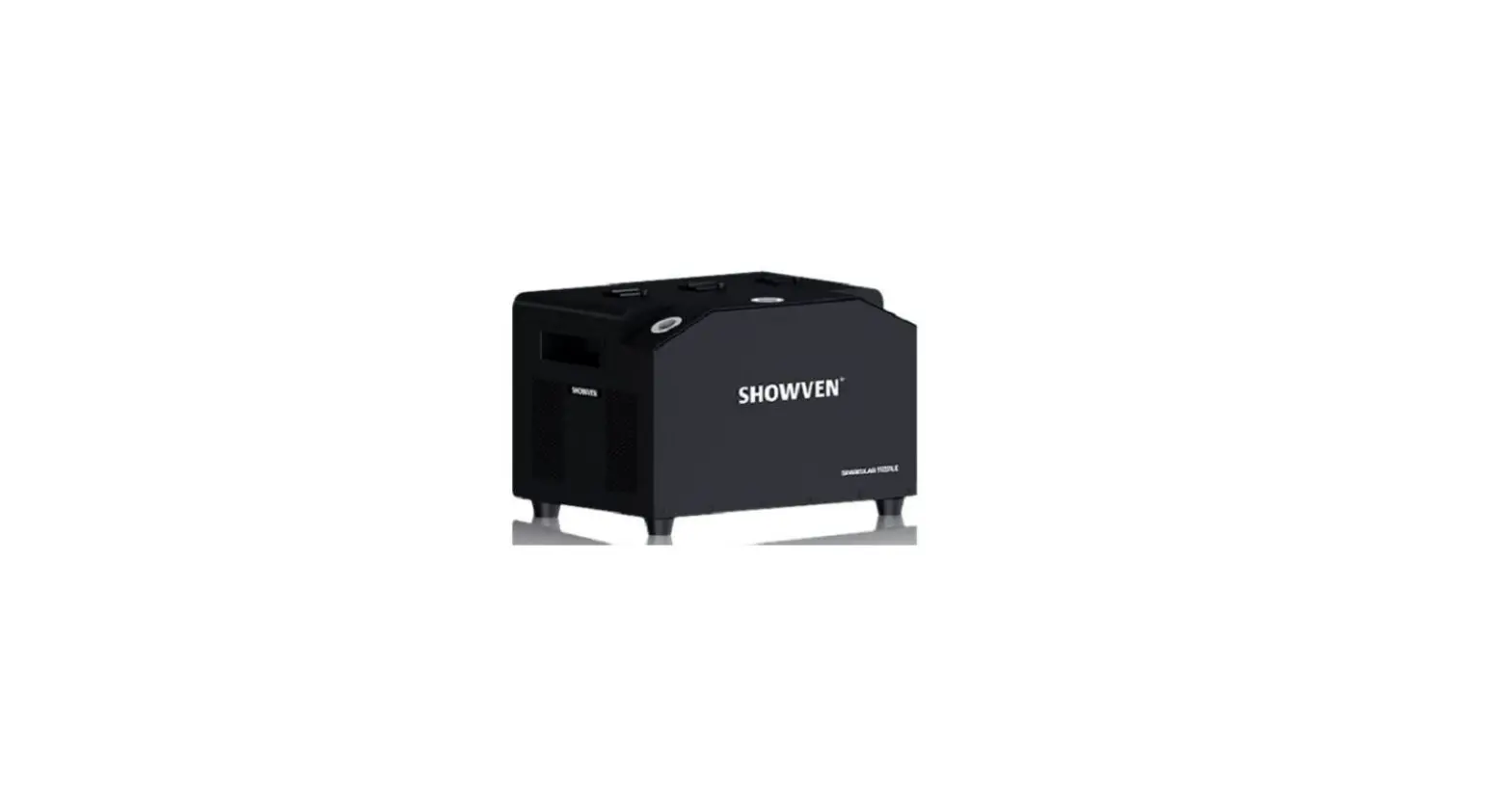
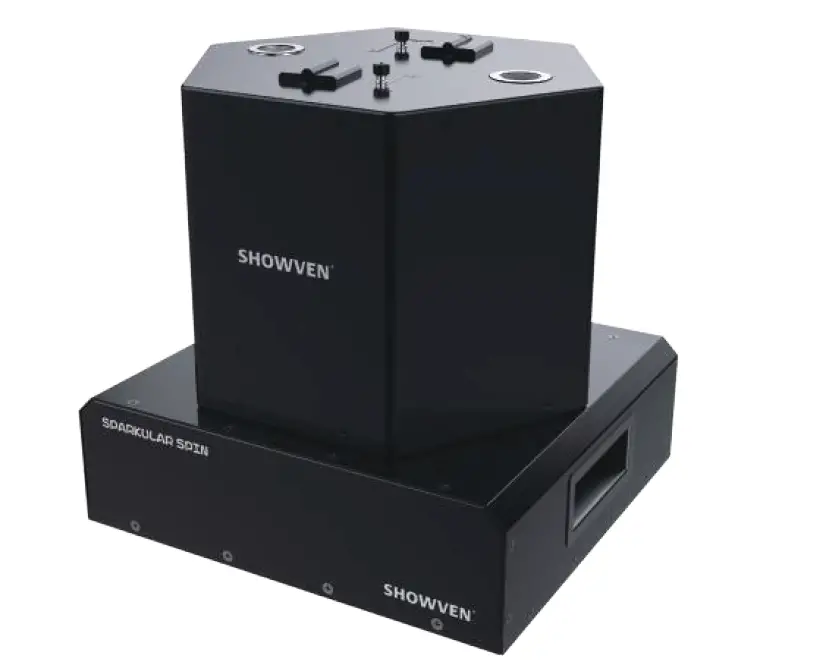
SHOWVEN Sparkular Spin Rotatable Cold Spark Machine
- Please read this manual carefully before operating this product.
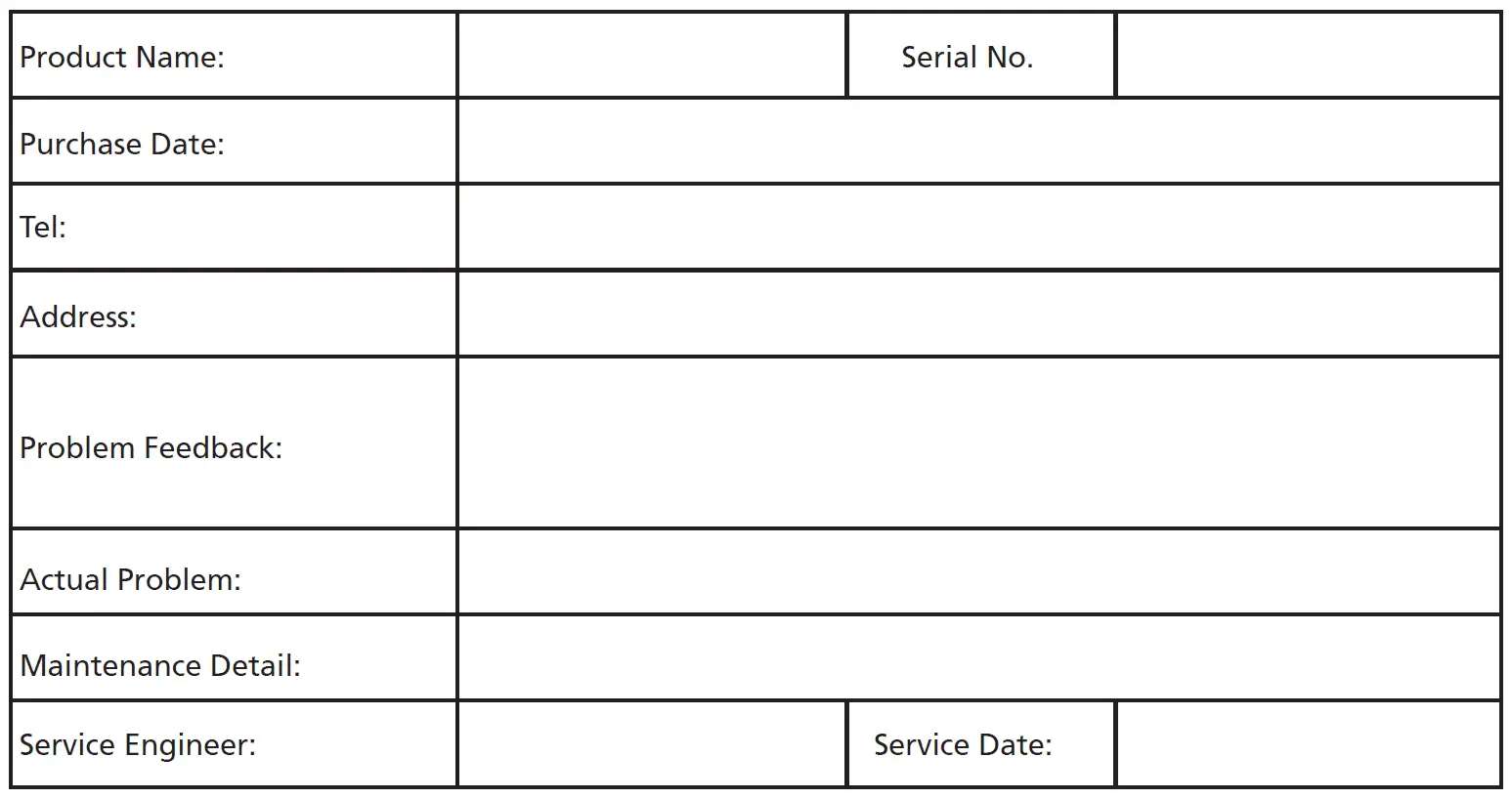
- The warranty card is attached in the manual, please keep it well.
Safety Information
- Never touch the nozzle of SPARKULAR SPIN, danger of getting burnt.
- Never touch the sparks which shooting out from the nozzle.
- Cover of nozzle of SPARKULAR SPIN is prohibited.
- Unauthorized repair are prohibited, it may cause serious incident.
- Keep the device dry, do NOT use in rain or snow.
- Make sure lid of feeding hopper are well covered when use SPARKULAR SPIN. Accidentally burning of Composite Ti can only use sands to extinguish. Composite Ti should keep away from moisture and stored in a dry sealed environment.
- Keep audience, animals or flammable objects at a minimum distance of 3m from SPARKULAR SPIN. Make sure
sparks shoot out from SPARKULAR SPIN can NOT touch any objects in the air. - Please be noted that there may sparks or remains fall to the ground when use HC8200 LARGE. Suggest to use HC8200 MEDIUM or SMALL when indoor.
- Clear material is necessary both before and after the show. Please check nozzle of SPARKULAR SPIN after each show, if there are consumables agglomerated in the nozzle, please clear it with screwdriver, otherwise it will affect the spark effects and even damage the machine.
- For better heat dissipation, block the air intake and air outlet is prohibited.
Description
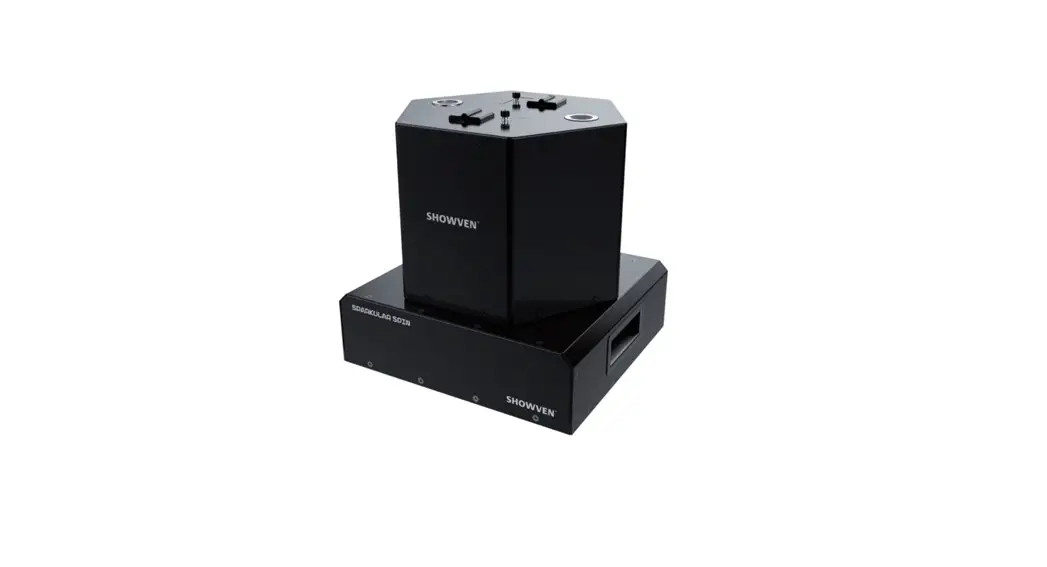
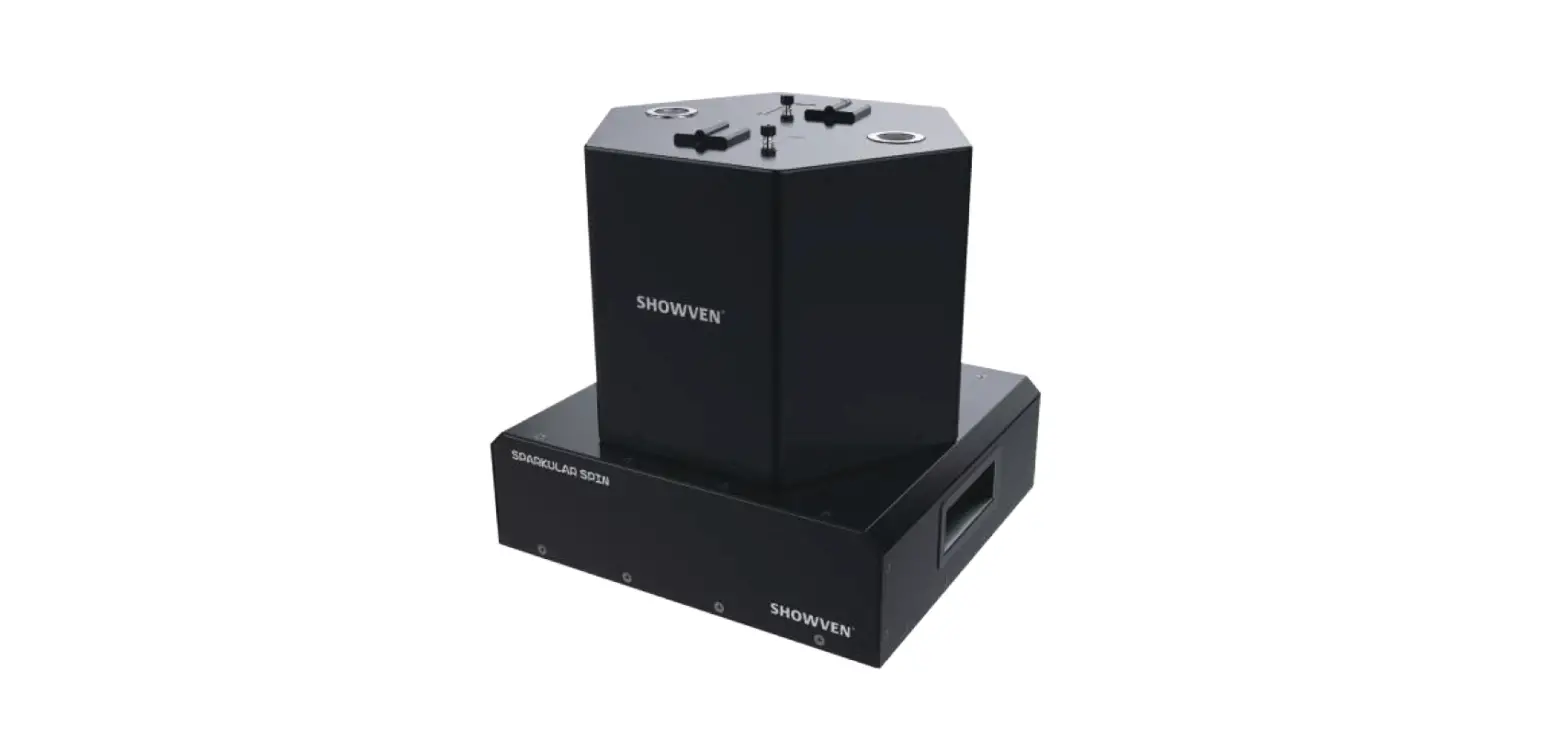
- SPARKULAR SPIN is another global pioneering SPARKULAR machine originally from SHOWVEN. With two 20° angled nozzles and a bidirectional rotatable structure, it creates the waltz-like lissome and romantic sparks. With adjustable rotation direction, rotational speed and effect height.
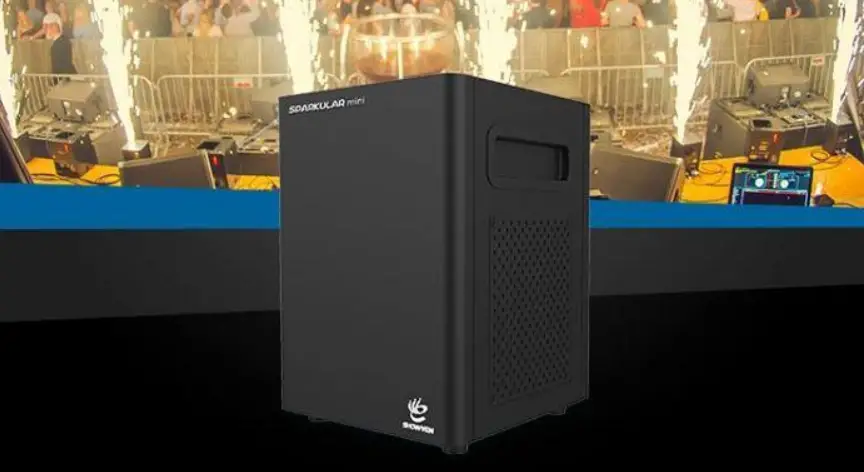
- SPARKULAR SPIN brings a new visual effect to your events.
Technical Specifications
- Product name SPARKULAR SPIN
- Model BT81/BT82
- Dimension 330x305x349mm
- Weight 20Kg
- Input AC220V,50/60Hz
- AC110V,50/60Hz
- Work Power 1000W
- Hopper capacity 200g*2
- HC8200 consumption rate 20g/Min*2
- Work Temp. -20°C~40°C
- Effect Height HC8200 LARGE: 2-5m adjustable
- HC8200 MEDIUM: 2-4m adjustable
- Casing Material 304 stainless steel
- Interface NEUTRIK POWER IN/OUT, both 3-pin and 5-pin XLR
- Control Wireless remote DMX: 2 channel/ 4 channel for professional use
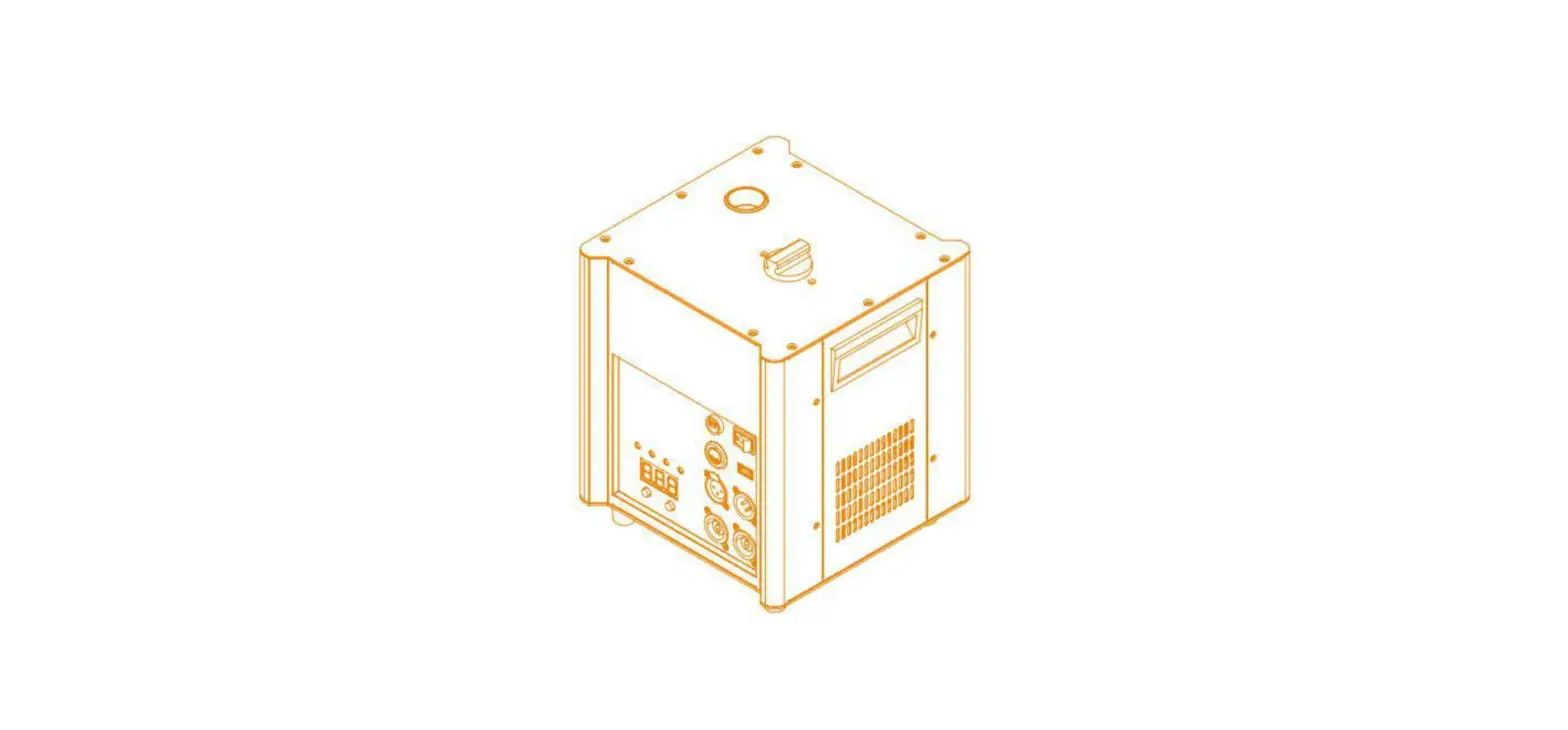
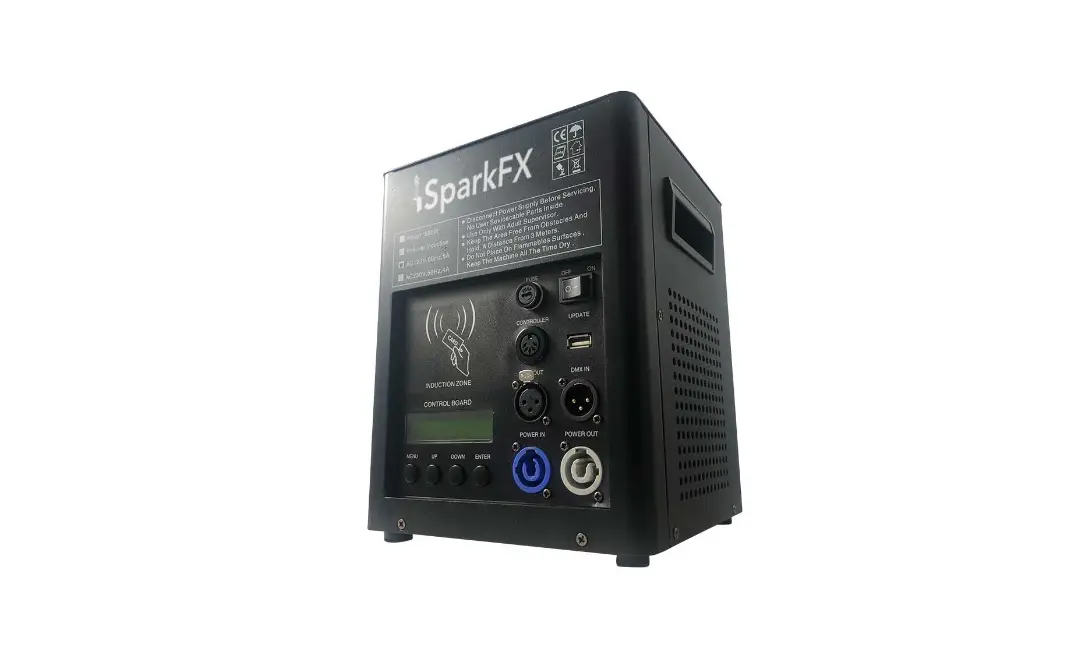
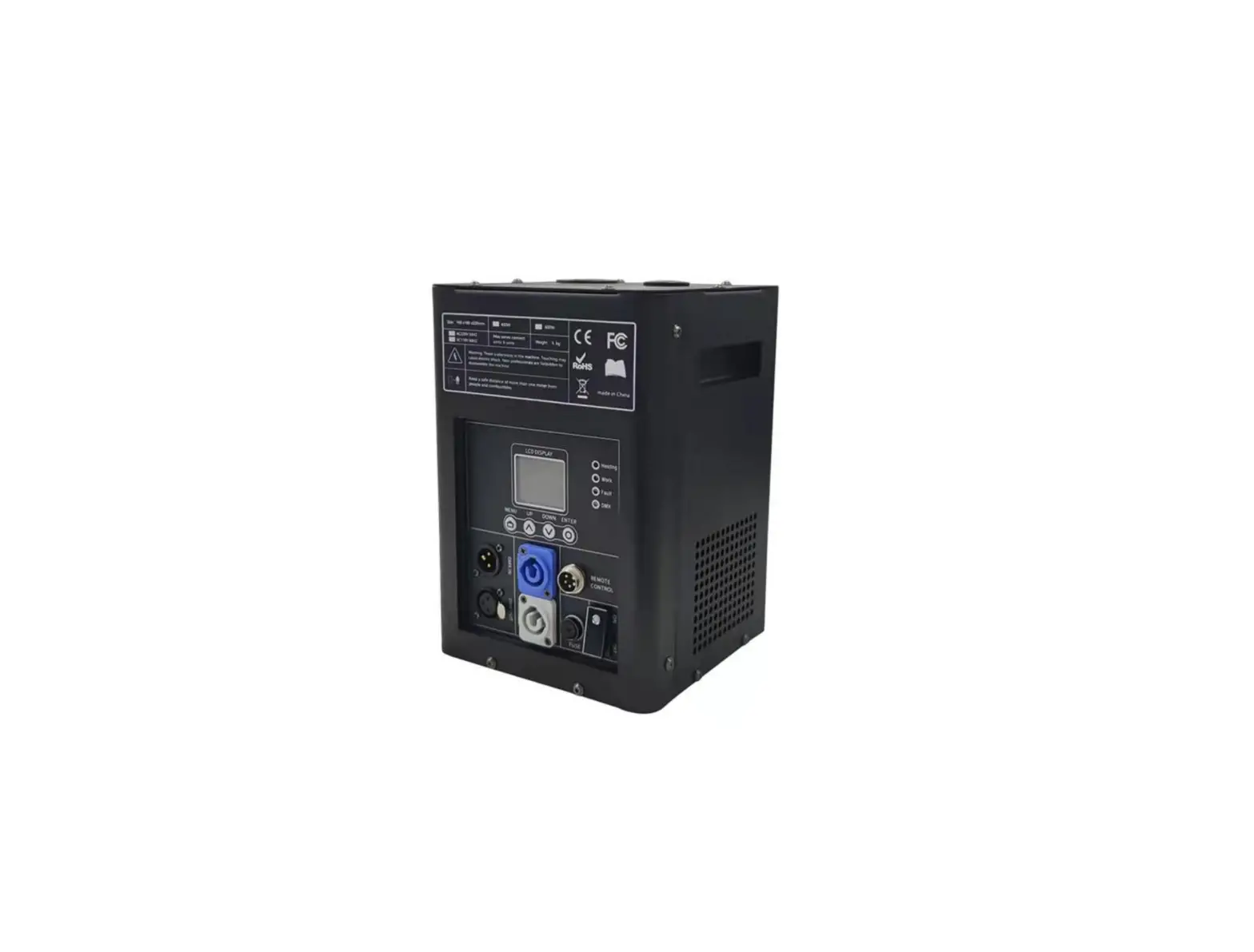
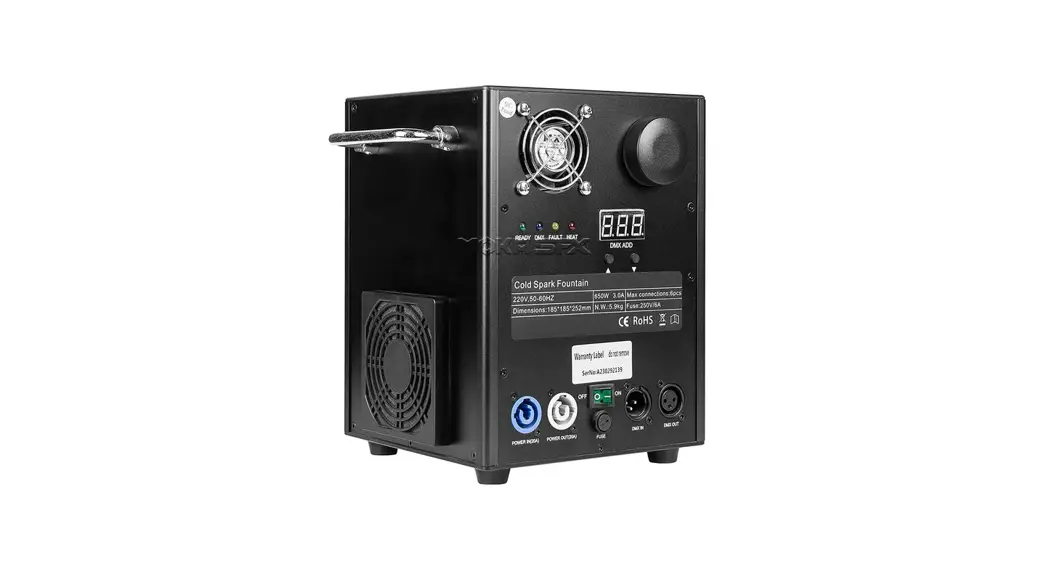
Operation Panel LED display area
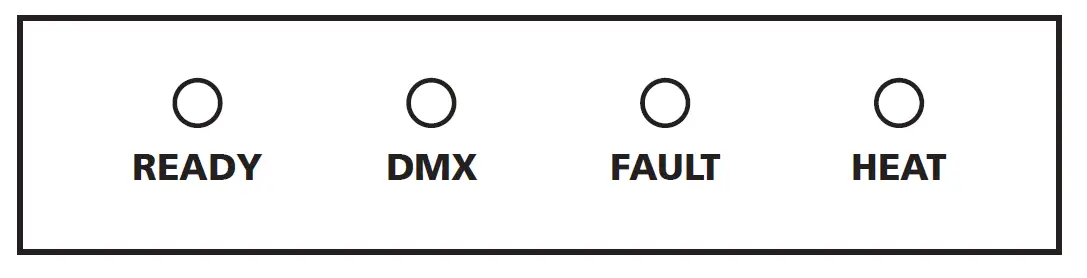
- READY: Flashing means heating up, about 5min. Turns from flashing into long-on which indicates that the machine is ready to work.
- DMX: Flashing shows that the DMX signal is connected, light OFF means there is no DMX signal
- FAULT: Light ON when an error occurs
- HEAT: Light ON when the system is heating up
Control Button Area

- MENU: switch through setup menu. Press 3s switch to advanced interface
- DOWN: parameter down
- UP: parameter up
- ENTER: confirm and save parameters
RFID area
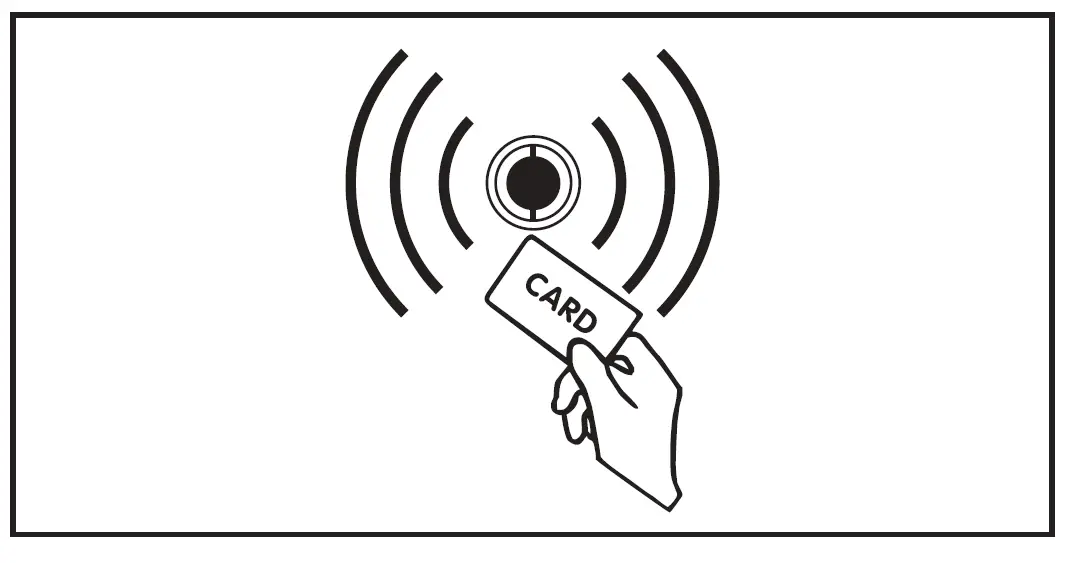
- RFID card comes together with HC8200. It is a safety design, allows machine to identify the parameter and types of consumables.
- Please note that granules RFID card can increase the single machine-specific working time. The card is disposable, can only use once.
Interface
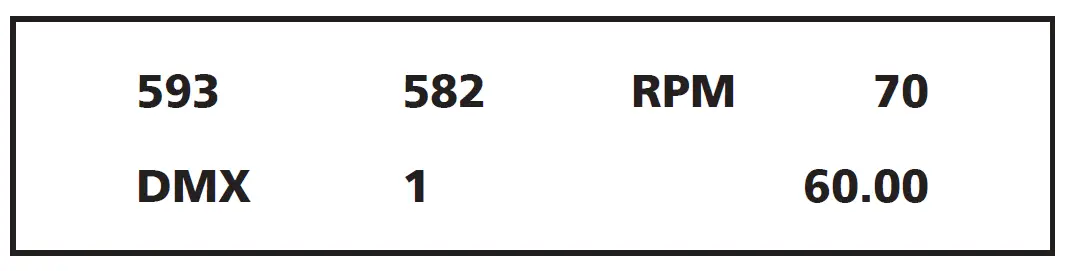
Main interface
- First Line: Shows inner core temp. of Nozzle 1, inner core temp. of Nozzle 2, Spinning speed respectively.
- Second Line: DMX address, error info. If available, remaining working time.
Error information
| Error Information | Explanation |
| E0 System IC | Systematic error |
| E2 Temp. Sensor | The temperature sensor is not connected or damage |
| E3 P Temp. Over | Chassis over-temperature |
| E4 Time Remain | Activated time for machine is not enough, need to swip RFID card |
| E5 K Temp. Over | Inner core over-temperature |
| E6 Heat Fail | Heating fail, if it self recovers, please pay attention to the power supply. |
- Press the “MENU” switch through setup menu.
| Set DMX Address | 1-512 | Set DMX address If controlled by Host Controller, please set DMX address as 1, 3, 5, 7,…2n-1, otherwise, it may leads to signal interference |
| Wireless Remote | ON/OFF | Wireless function ON/OFF |
| Manual Fountain | ON/OFF | Manual firing ON/OFF, for test only |
| Fountain Height | 1-10 | Manual firing height setup, for test only |
| Spin Speed | 60-100 | Spinning speed setup |
| LCD Backlight | ON/OFF | LCD light ON/OFF |
Press “MENU” 3 seconds to enter the advanced setup interface, press MENU key to enter different options, wait 3 seconds to return to the main interface.
| Options | Range | Explanation |
| Set Temperature | ON/OFF | Wireless function ON/OFF |
| Auto Heat | ON/OFF | Manual firing ON/OFF, for test only |
| Density | 1-10 | Manual firing height setup, for test only |
| Mode Selection | Factory Mode User Mode | Factory mode is for engineer only. When in Factory mode machine can’t controlled by DMX console/host controller |
| DMX Channel Mode | 2 Channel 4 Channel | Channel mode set. 4 channel is for professional control with lighting console |
| Standby Switch | ON/OFF | Standby function. When ON, the machine can firing only when heating up was finished |
DMX channel – 2 channel mode
| First channel (both nozzle) | Function |
| 0-15 | Fountain OFF |
| 16-39 | Height Low, not spin (related firing height on HOST CONTROL is 1) |
| 40-63 | Height Middle, not spin (related firing height on HOST CONTROL is 2) |
| 64-87 | Height High, not spin (related firing height on HOST CONTROL is 3) |
| 88-111 | Height Low, Clockwise spin (related firing height on HOST CONTROL is 4) |
| 112-135 | Height Middle, Clockwise spin (related firing height on HOST CONTROL is 5) |
| 136-159 | Height High, Clockwise spin (related firing height on HOST CONTROL is 6) |
| 160-183 | Height Low, anticlockwise spin (related firing height on HOST CONTROL is 7) |
| 184-207 | Height Middle, anticlockwise spin (related firing height on HOST CONTROL is 8) |
| 208-231 | Height High, anticlockwise spin (related firing height on HOST CONTROL is 9) |
| 232-255 | Height High, anticlockwise spin (related firing height on HOST CONTROL is 10) |
| Second channel (both nozzle) | Function |
| 60-80 | Clear Material (perform after each show) |
| 20-40 | Emergency Stop |
| 0-10 | Pre-heat OFF (disabled when auto-heat ON) |
| 240-255 | Pre-heat ON (disabled when auto-heat ON) |
| First channel (Nozzle 1) | Function |
| 0-15 | Nozzle 1 Fountain OFF |
| 16-255 | Nozzle 1 effect height adjust |
| Second channel (Status) | Function |
| 60-80 | Clear Material (perform after each show) |
| 20-40 | Emergency Stop |
| 0-10 | Pre-heat OFF (disabled when auto-heat ON) |
| 240-255 | Pre-heat ON (disabled when auto-heat ON) |
| Third Channel (Nozzel 2) | Function |
| 0-15 | Nozzle 2 Fountain OFF |
| 16-255 | Nozzle 2 effect height adjust |
| Fourth Channel(Spinning Control) | Function |
| 136-255 | Anticlockwise spin, spin speed adjust (60-100RPM) |
| 16-135 | Clockwise spin, spin speed ajust(60-100RPM) |
| 0-15 | Not spin |
Choose DMX 2 channel mode when use SHOWVEN original host controller. Please follow belowing rules to set DMX address, otherwise it may leads to signal interference.
| Sparkular No. | 1 | 2 | 3 | 4 | 5 | 6 | 7 | 8 | 9 | 10 | 11 | 12 | 13 | 14 | 15 | 16 | 17 | 18 |
| DMX Address | 1 | 3 | 5 | 7 | 9 | 11 | 13 | 15 | 17 | 19 | 21 | 23 | 25 | 27 | 29 | 31 | 33 | 35 |
When control by PROGO remote control, please set the spinning speed on device, it can’t change on remote control. Button function on PROGO remote control as below:
- First button: FOUNTAIN OFF / Match with device
- Second button: Height High
- Third button: Height Middle
- Fourth button: Height Low
- Note: Press the first button to match device with remote control within 5s when turn on the SPARKULAR SPIN. If it is not working after match with machine please check the battery status of remote control
Warranty Instructions
- Sincere thanks for your choosing SPARKULAR SPIN, you will receive quality service from us.
- The product warranty period is one year. If there are any quality problems within 7 days after shipping out from our factory, we can exchange a brand new same model machine for you.
- We will offer free of charge maintenance service for machines which with hardware malfunction (except for the instrument damage caused by human factors)in warranty period. Please don’t repair machine without factory permission.
- Below situations NOT included in warranty service:
- Damage caused by improper transportation, usage, management, and maintenance, or damage caused by human factors;
- Disassemble, modify or repair products without Showven’s permission;
- Damage caused by external reasons (lightning strike, power supply etc);
- Damage caused by improper installation or use;
For product damage not included in the warranty range, we can provide paid service. An invoice and warranty card are necessary when applying for maintenance service from SHOWN.
 Founder of Sparkular, Sparkular Machine Maker | Showven