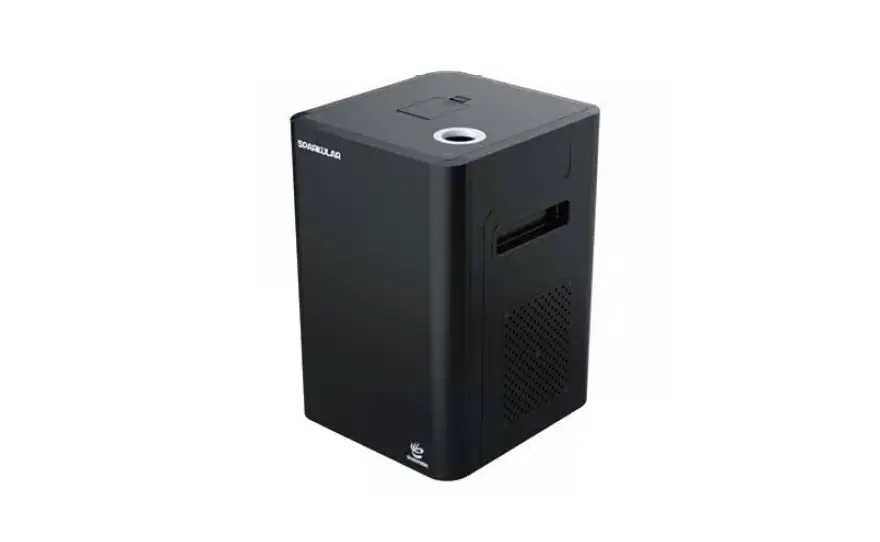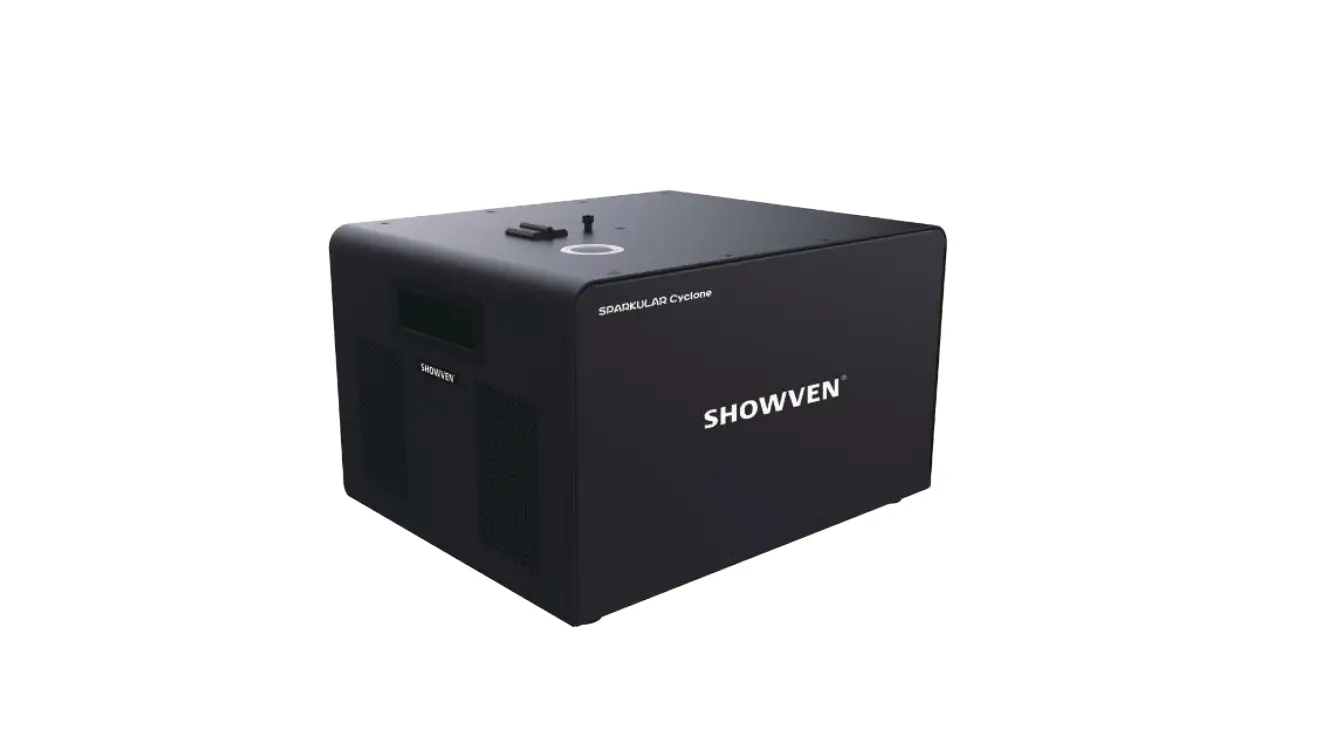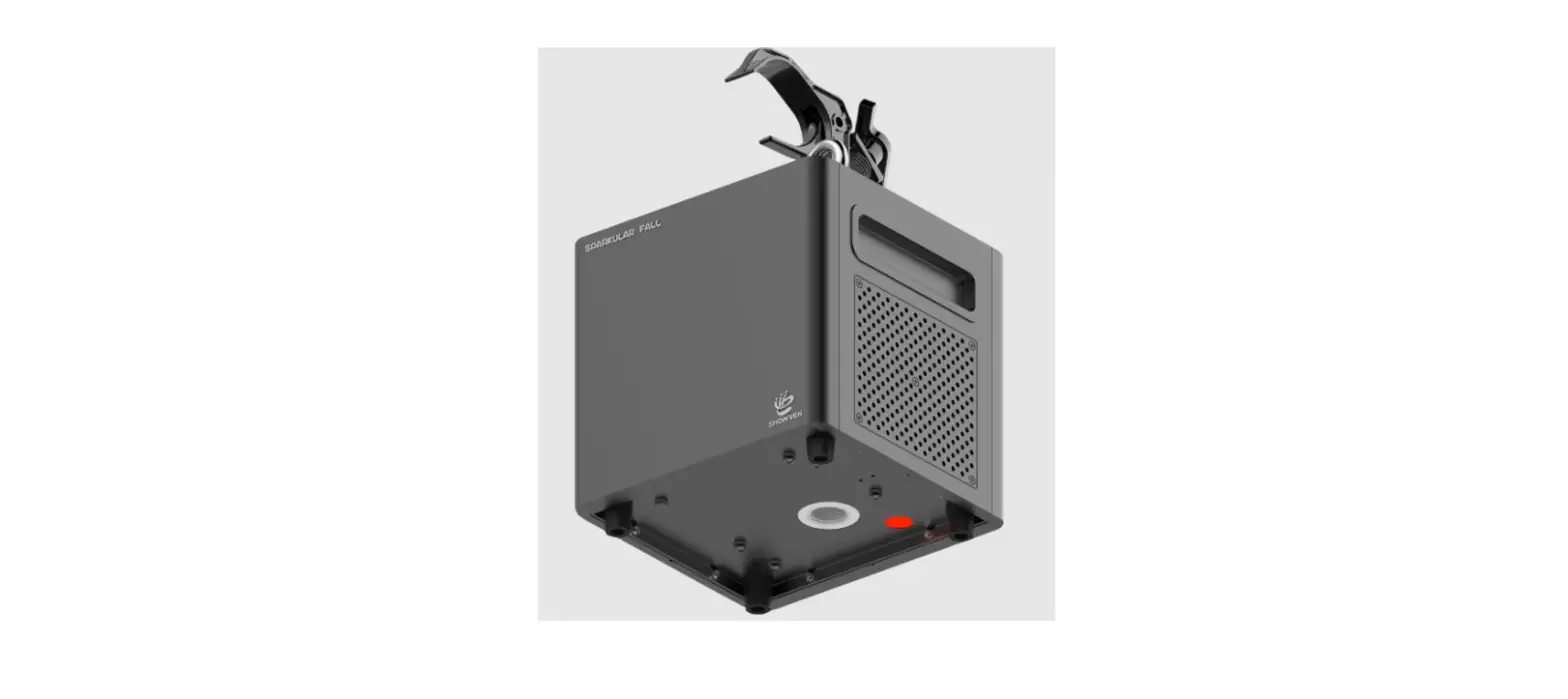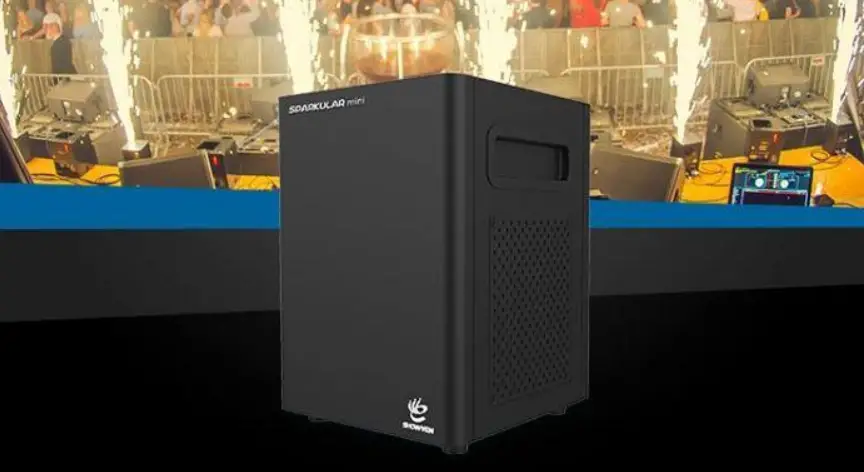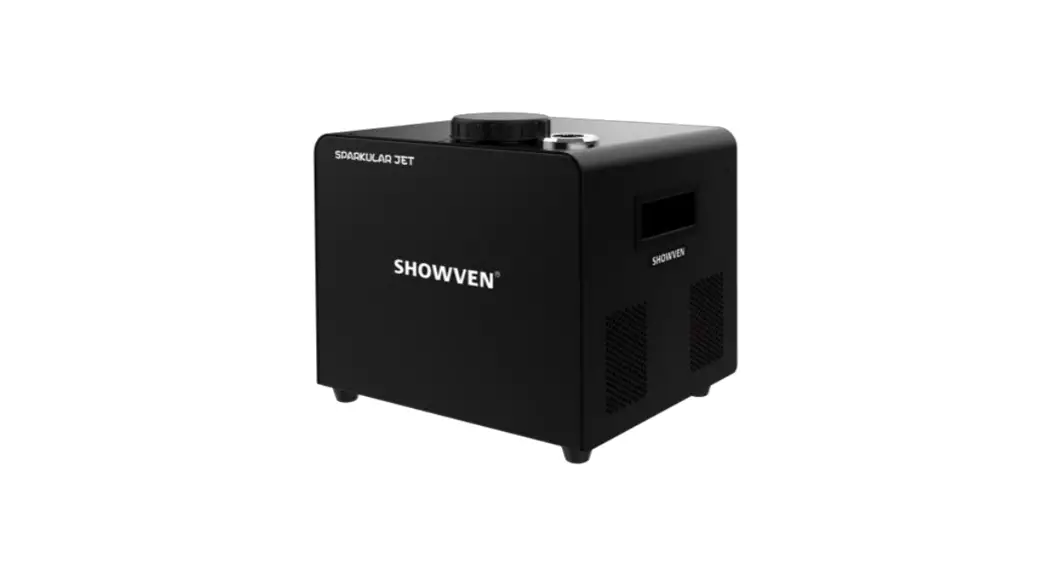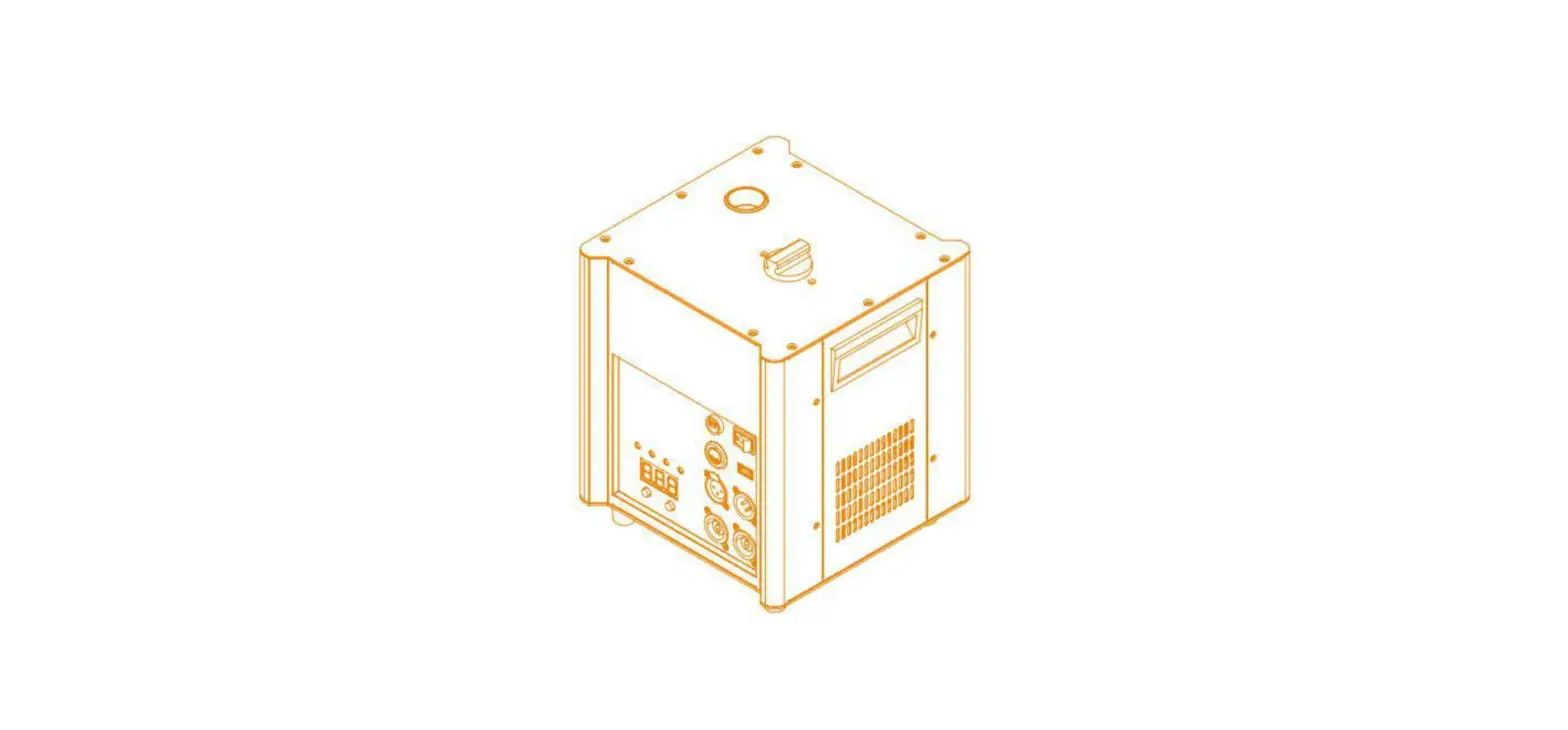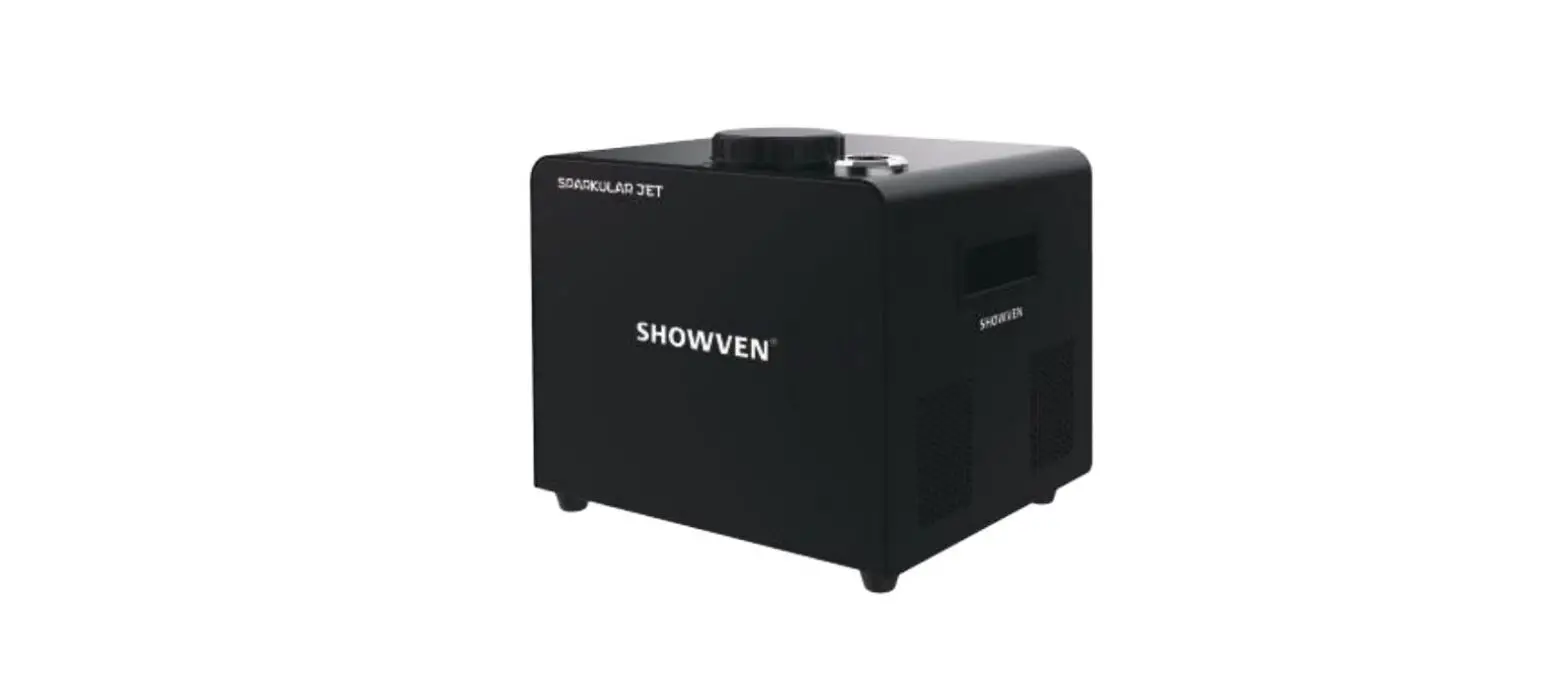

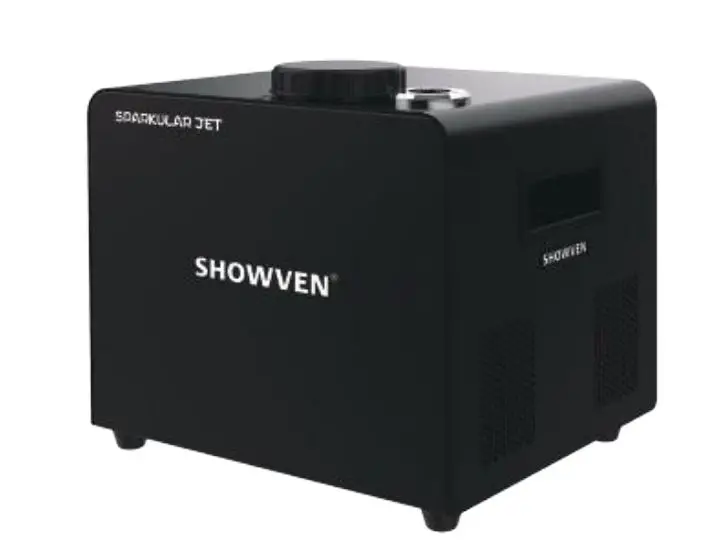
SHOWVEN Sparkular Jet Spark Fountain Machine
Safety Information
- Unauthorized repair are prohibited, it may cause serious incident.
- Keep the device dry, do NOT use in rain or snow.
- Make sure lid of feeding hopper are well covered when use SPARKULAR JET. Accidentally burning of Composite Ti can only use sands to extinguish. Composite Ti should keep away from moisture and stored in a dry sealed environment.
- Keep audience, animals or flammable objects at a minimum distance of 3m from SPARKU LAR JET. Make sure sparks shoot out from SPARKULAR JET can NOT touch any objects in the air.
- Please be noted that there may sparks or remains fall to the ground. Make sure there is no flammable objects such as carpet on the ground (with a radius of 3m close to the machine).
- Never touch the nozzle of SPARKULAR JET, danger of getting burnt.
- Never touch the sparks which shooting out from the nozzle.
- Cover of nozzle of SPARKULAR JET is prohibited.
- For better heat dissipation, block the air intake and air outlet is prohibited
Description
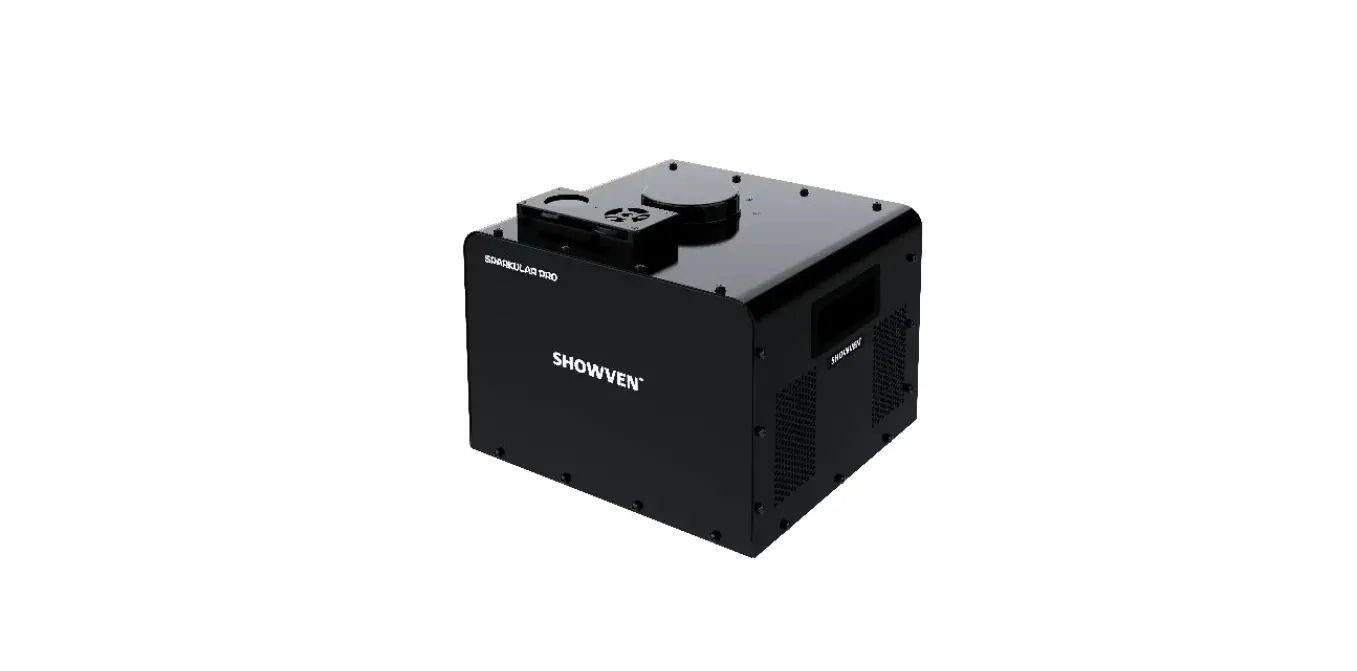
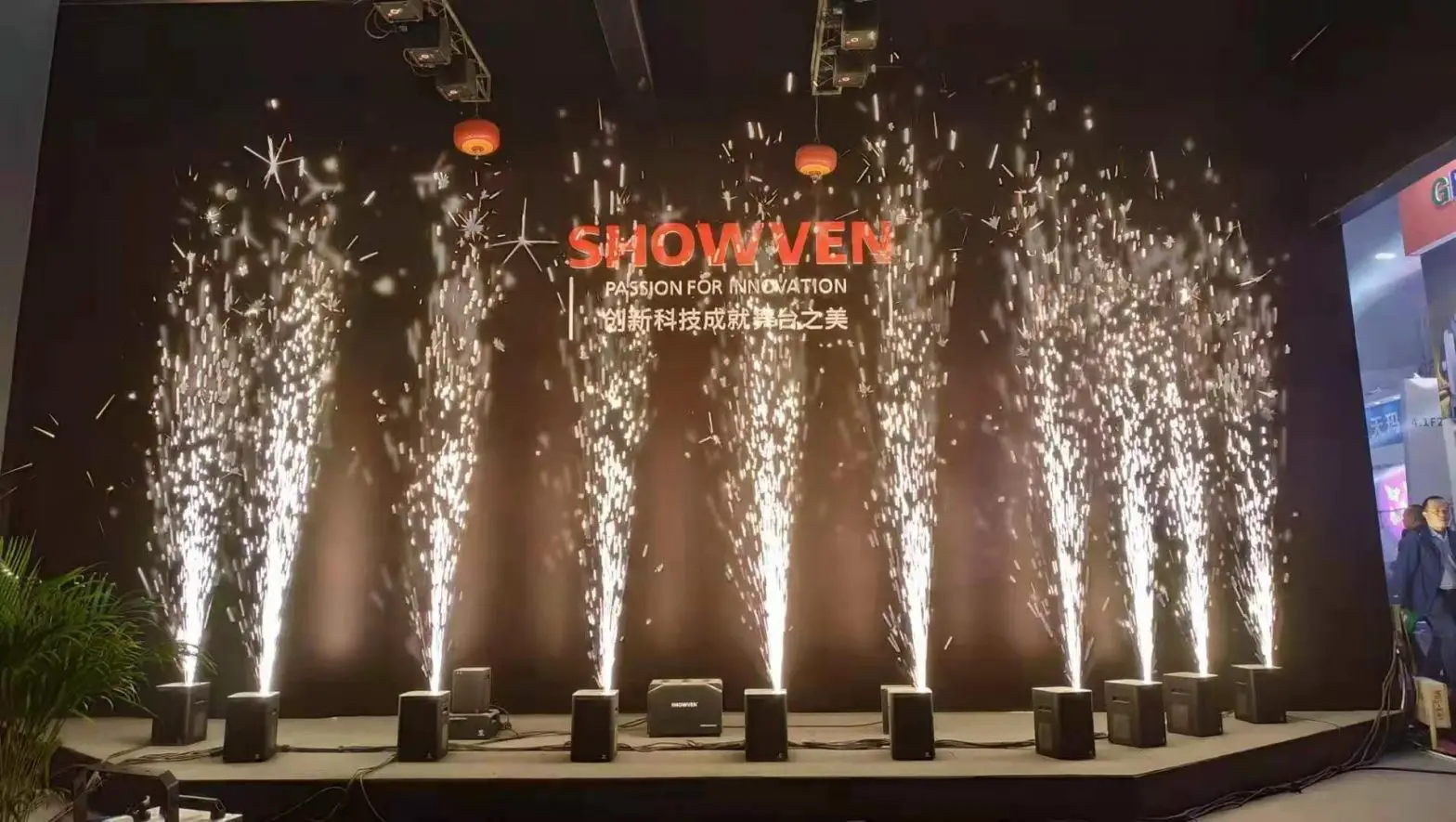
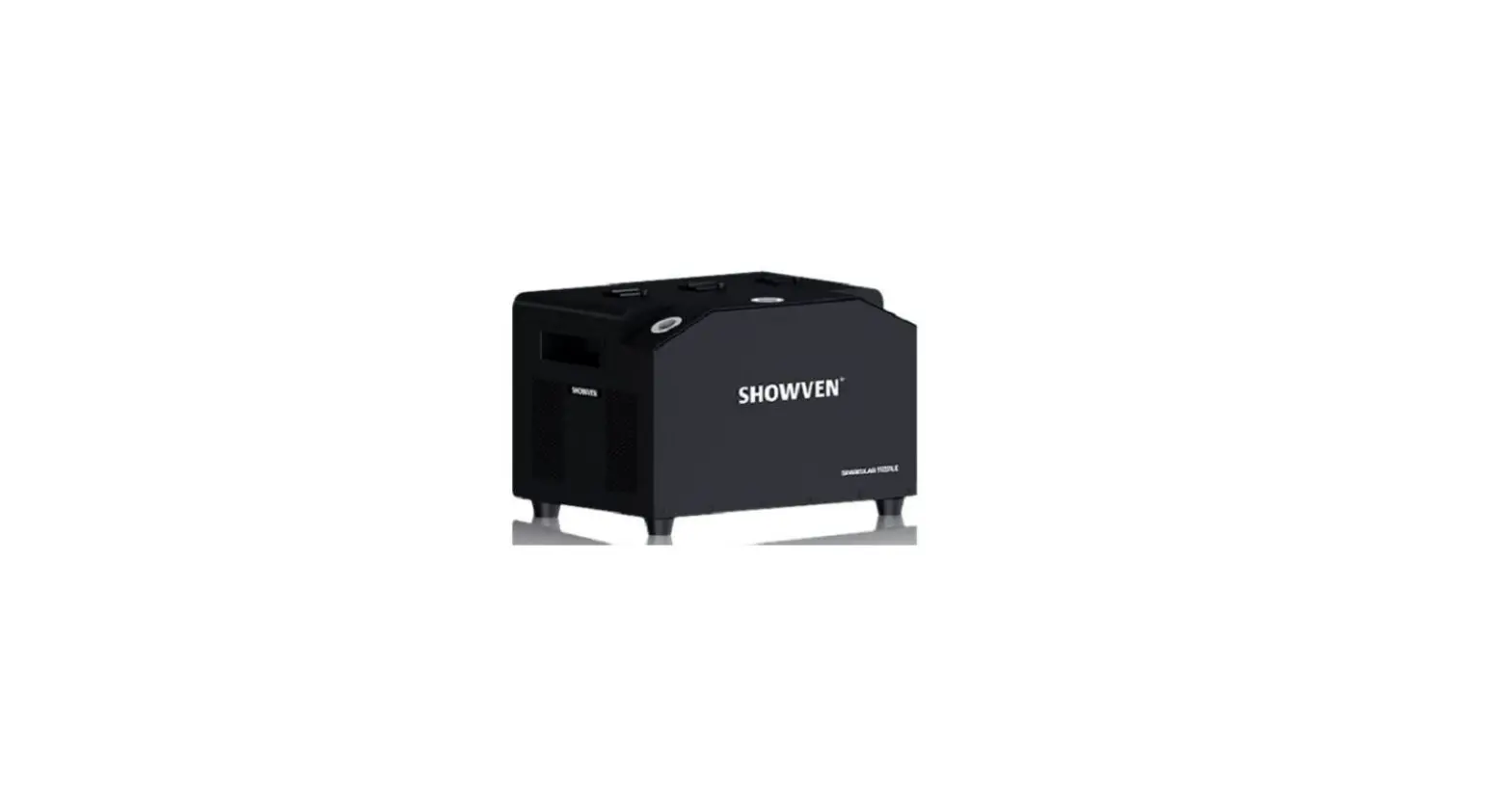
SPARKULAR JET is another brand new effect originally invented by SHOWVEN. It generates a flashing SPARKULAR effect up to 10m. Built-in automatic air compressor, no external pressure tank needed, makes it easier for setup and fewer usage restrictions. It is perfect effects solution for stadium, concerts etc medium to large events.
Technical Specifications
- Dimension: 320x280x300mm
- Weight: 16.5kg
- Housing material: 304 Stainless steel
- Input: AC 100V-120V,50/60Hz, Max.cascade:3PCS , AC 200V-240V,50/60Hz, Max.cascade:6PCS
- Work power: 350W
- Work Temp.: -10 ℃~50 ℃
- Effect height: HC8200 LARGE (7/10m)/ HC8200 MEDIUM (5/8m)
- Hopper capacity: 450g
- HC8200 consumption rate: 10-15g/shot
- Interface: 3-pin and 5-pin DMX IN/OUT, NEUTRIK POWERCON TURE 1
- Control: Standard DMX, 2 Channels
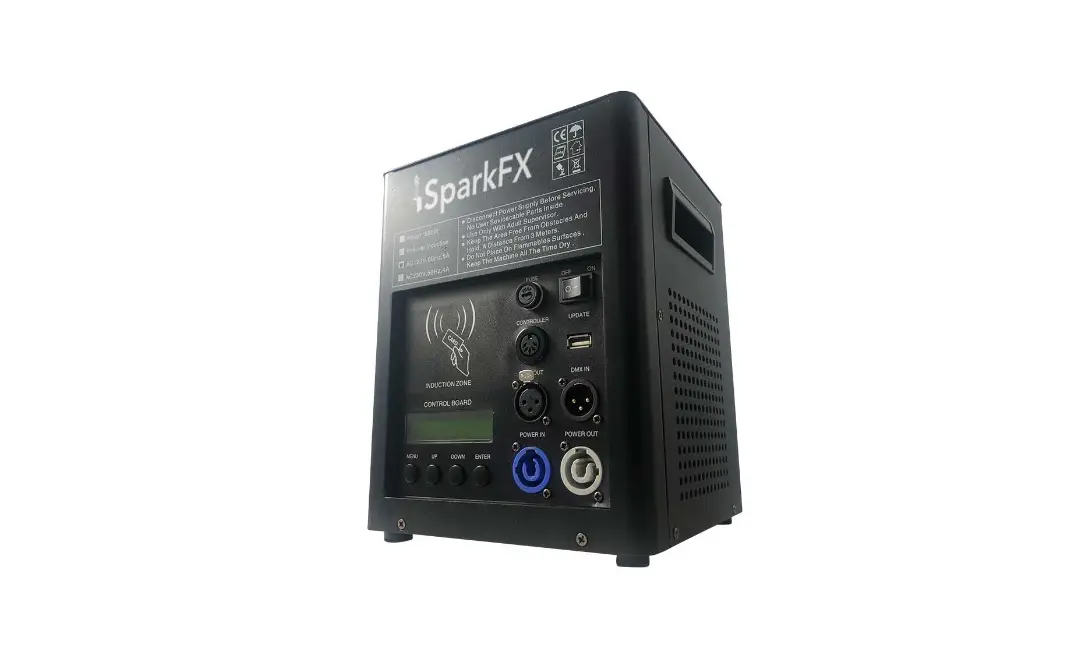
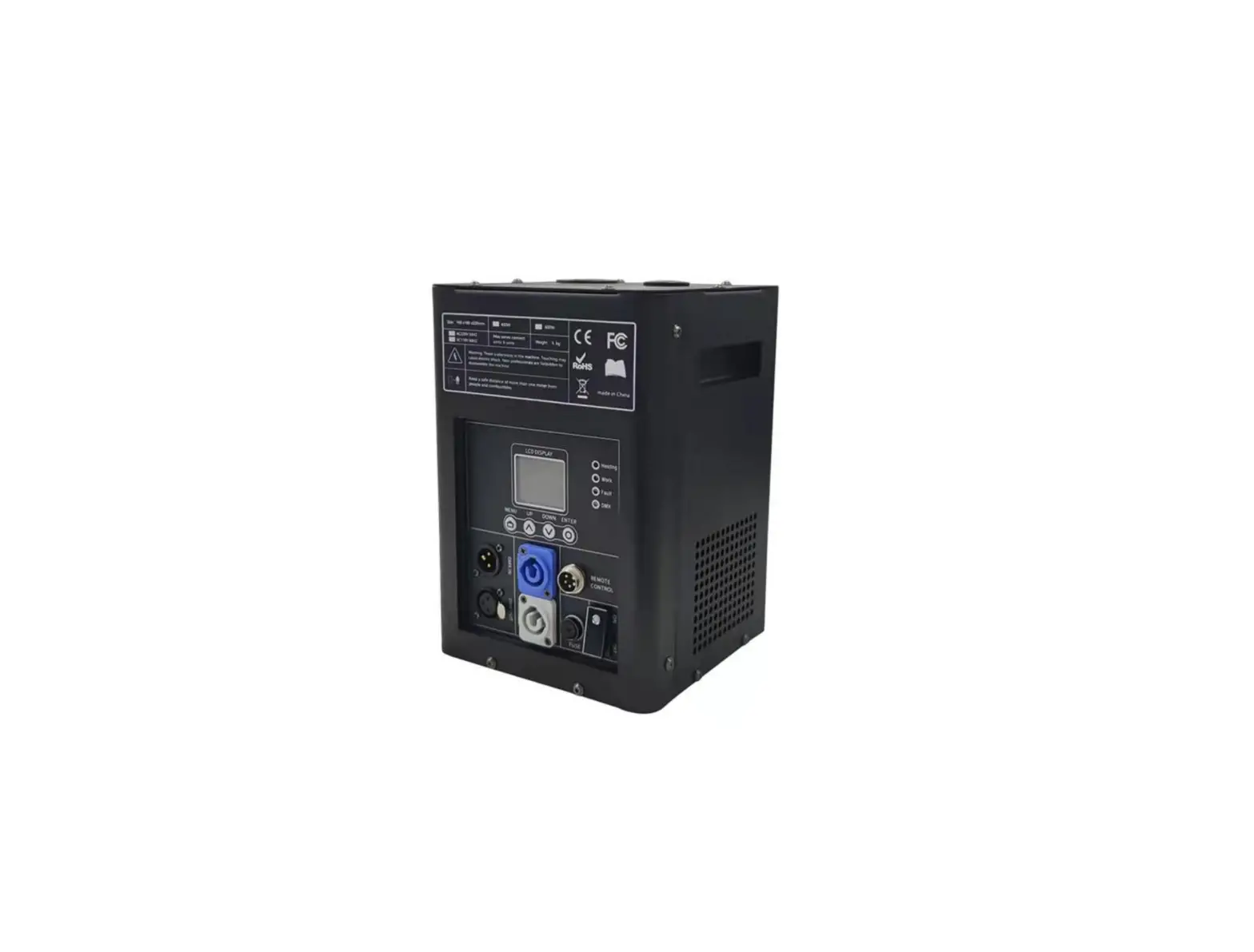
Operation Panel
LED display area: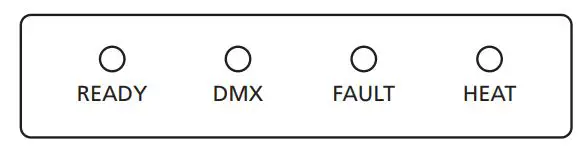
- READY: Green light flashing means heating up. Turns from flashing into long on, indicates that the machine is ready to work.
- DMX: Flashing shows that DMX signal is connected, light OFF means there is no DMX signal.
- FAULT: Light ON when error occurs.
- HEAT: Light ON when system is heating up
Control button area: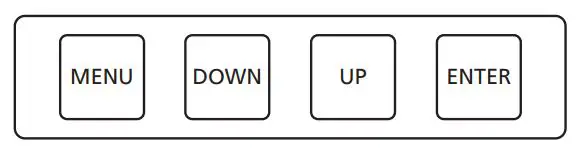
- MENU: switch through setup menu. Press 3s switch to advanced interface
- DOWN: parameter down
- UP: parameter up
- ENTER: confirm and save parameters
RFID area: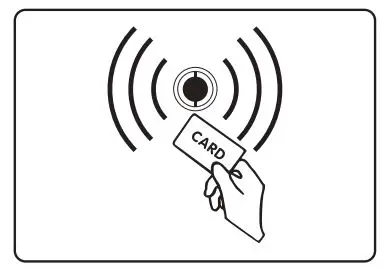
RFID card comes together with HC8200. It is a safety design, allows machine to identify the parameter and types of consumable.Please note that granules RFID card can increase the single machine specific working time. The card is disposable, can only use once.
Interface
Main Interface: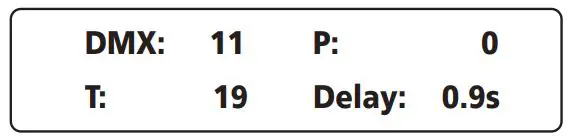
- First Line: DMX address, current pressure value
- Second Line: inner core temp. delayed firing time
The working principle of the machine is when the firing is triggered, it takes some time (jet delay) for the system to transfer and stimulate the consumables. When it reached the delayed firing time, the valve will open automatically and firing activated.
Error information
| Error information | Explanation |
| E0 System IC | 1.Emergency stop was executed when firing was triggered, and firing stops. E0 disappear automatically 1 min later. Too frequent firing in a short period of time, E0 disappear 100s later. |
| E1 Pump Protect | It happens when continuous pressurization fail, probably the pump was malfunction. |
| E2 Temp. Sensor | Temperature sensor is not connected or damage |
| E3 P Temp. Over | Chassis over-temperature |
| E4 Time Remain | Activated time for machine is not enough, need to swip RFID card |
| E5 K Temp. Over | Inner core over-temperature |
| E6 Heat Fail | Heating fail, if recover automatically, please pay attention to the power supply. |
| E7 Tip Over | Slant over 45 degree, machine stops firing automatically |
Press “MENU”switch through setup menu.
| Set DMX Address | 1-512 | Set DMX address. If controlled by Host Controller, please set DMX address as 1, 3, 5, 7,…2n-1, otherwise it may leads to signal interference |
| Set Pressure | 35/45 | Adjust the pressure value: 35 with lower effects height; 45 with higher effects height |
| Manual Fountain | ON/OFF | Manual firing. Please be careful, do NOT close to the nozzle |
| Manual Clear | ON/OFF | Manual clear material. Please be careful, do NOT close to the nozzle |
Press “MENU” 3 seconds to enter the advanced setup interface, press MENU key to enter different options, wait 3 seconds to return to the main interface.
| Options | Range | Explanation |
| SetTemperature | 580-620 | Set inner core temp. |
| Auto Heat | ON/OFF | Auto heat ON/OFF when switch on machine |
| Jet Delay* | 0.5-2.0s | Firing delay set, time delay between press firing on DMX/controller (firing trigger) and actual sparks out from the nozzle. |
| Mode Selection | Factory Mode User Mode | Factory mode is for engineer only. When in Factory mode machine can’t controlled by DMX console/host controller |
| Tip Over Error | ON/OFF | Tip over ON/OFF |
| Standby Switch | ON/OFF | Standby function. When ON, the machine can firing only when heating up was finished |
Please don’t change default value without engineer’s suggestion from SHOWVEN.
DMX channel – 2 channel mode:
| First channel | Function |
| 0-111 | no funciton |
| 112-255 | Firing. To avoid false triggering, the trigger time should maintain above 0.2s. |
| Second channel | Function |
| 60-80 | Clear material, the valve will open when clear matrial, and clear the consumable remains in the pipeline. |
| 20-40 | Emergency stop, when firing was triggered, operator can stop the firing during this jet delay period. And machine will prompt E0 error. |
| 0-10 | Pre-heat OFF (disabled when auto-heat ON) |
| 240-255 | Pre-heat ON (disabled when auto-heat ON) |
- When use SHOWVEN original host controller. Please follow belowing rules to set DMX address, otherwise it may leads to signal interference. The firing duration set on host controller should be larger than 0.2s, and effect height set between 5-10.
| Sparkular Jet No. | 1 | 2 | 3 | 4 | 5 | 6 | 7 | 8 | 9 | 10 | 11 | 12 | 13 | 14 | 15 | 16 | 17 | 18 |
| DMX Address | 1 | 3 | 5 | 7 | 9 | 11 | 13 | 15 | 17 | 19 | 21 | 23 | 25 | 27 | 29 | 31 | 33 | 35 |
Warranty Instructions
- Sincere thanks for your choosing our products, you will receive quality service from us.
- The product warranty period is one year. If there are any quality problems within 7 days after shipping out from our factory, we can exchange a brand new same model machine for you.
- We will offer free of charge maintenance service for machines which with hardware Malfunction (except for the instrument damage caused by human factors) in warranty period. Please don’t repair machine without factory permission.
NOTE: Below situations NOT included in warranty service:
- Damage caused by improper transportation, usage, management, and maintenance, or damage caused by human factors;
- Disassemble, modify or repair products without Showven’s permission;
- Damage caused by external reasons (lightning strike, power supply etc);
- Damage caused by improper installation or use;
For product damage not included in warranty range, we can provide paid service.
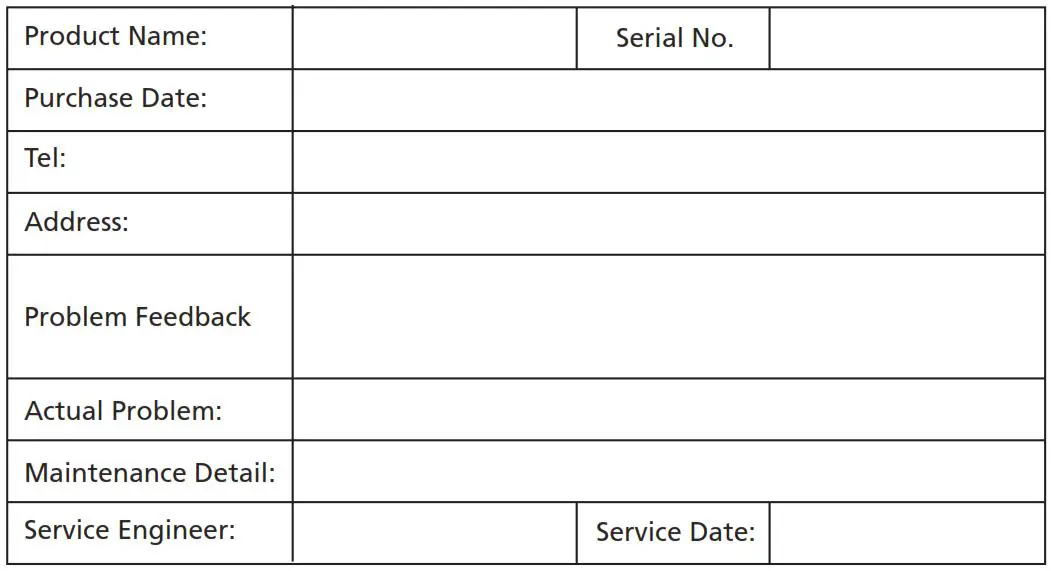
NOTE: Invoice and warranty card are necessary when asking for maintenance service from SHOWVEN.
Warranty Card
Showven Technologies Co., Ltd.
Add: Liuyang Economic Development Zone, Changsha, 410300, Hunan Province, P.R.China.
Tel: +86-731-83833068
Web: www.showven.cn
E-mail: [email protected]
 Founder of Sparkular, Sparkular Machine Maker | Showven