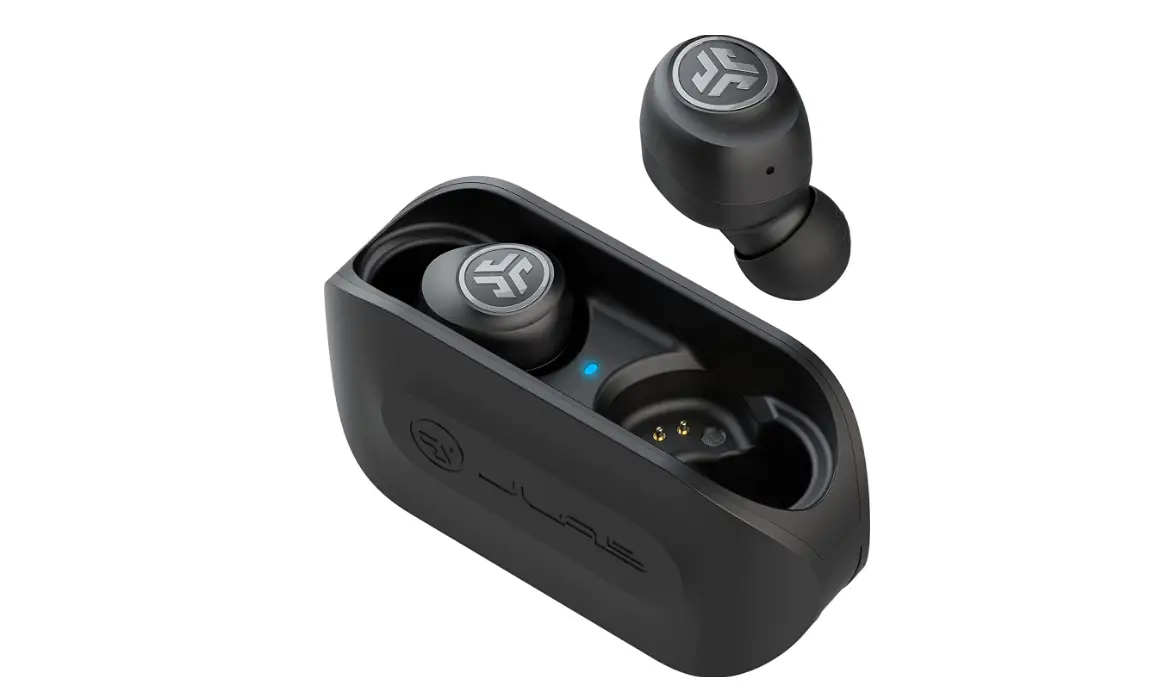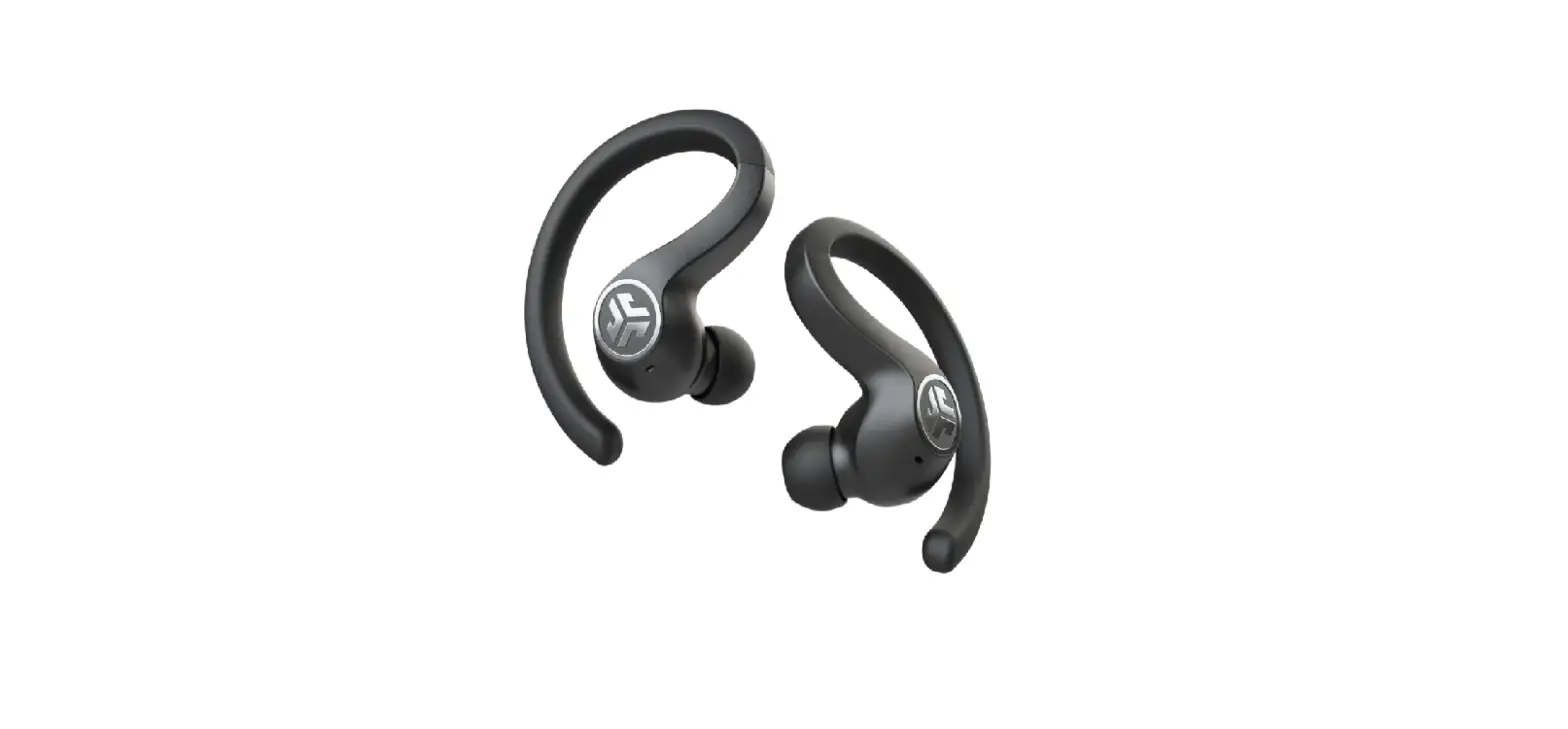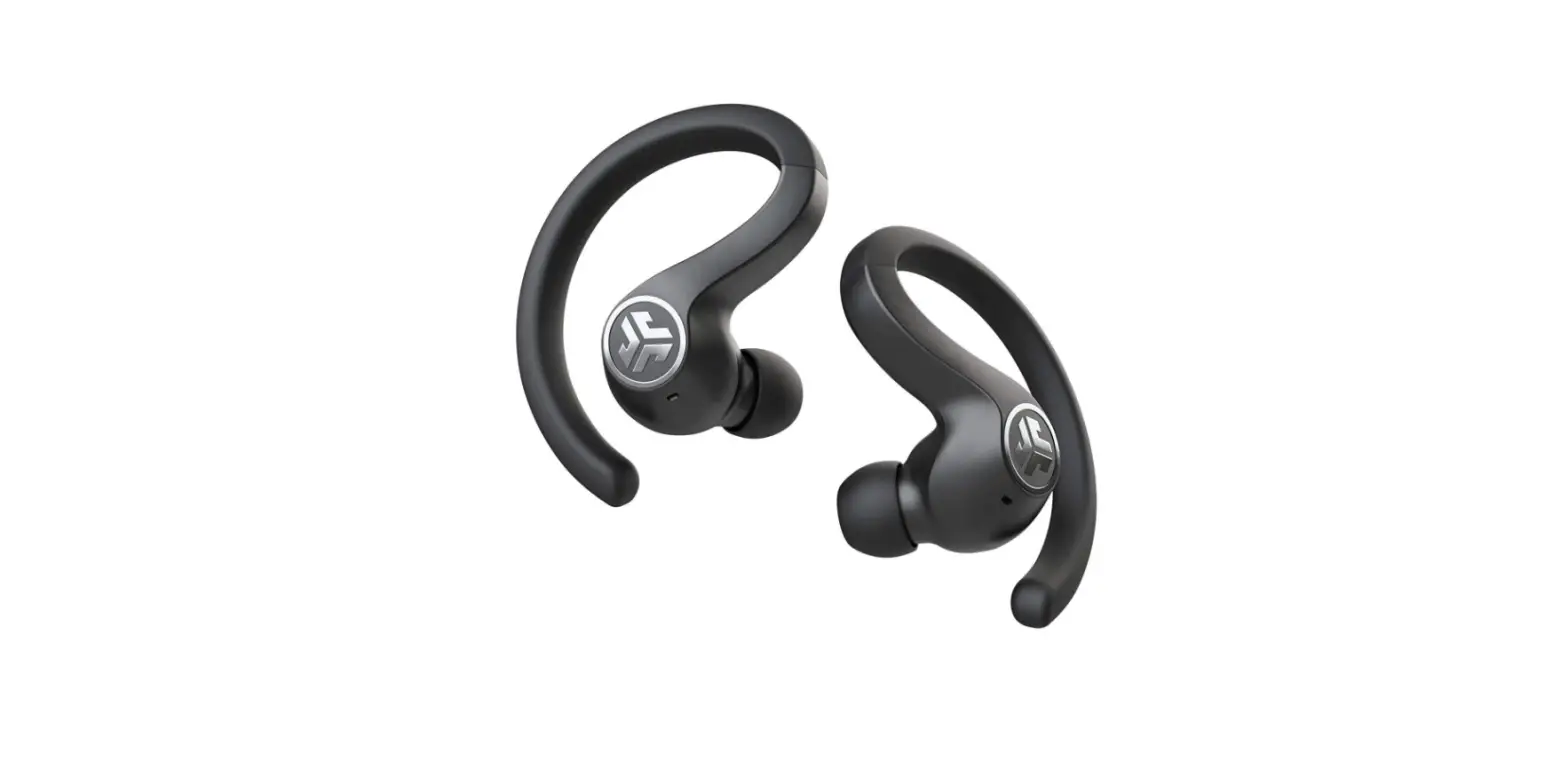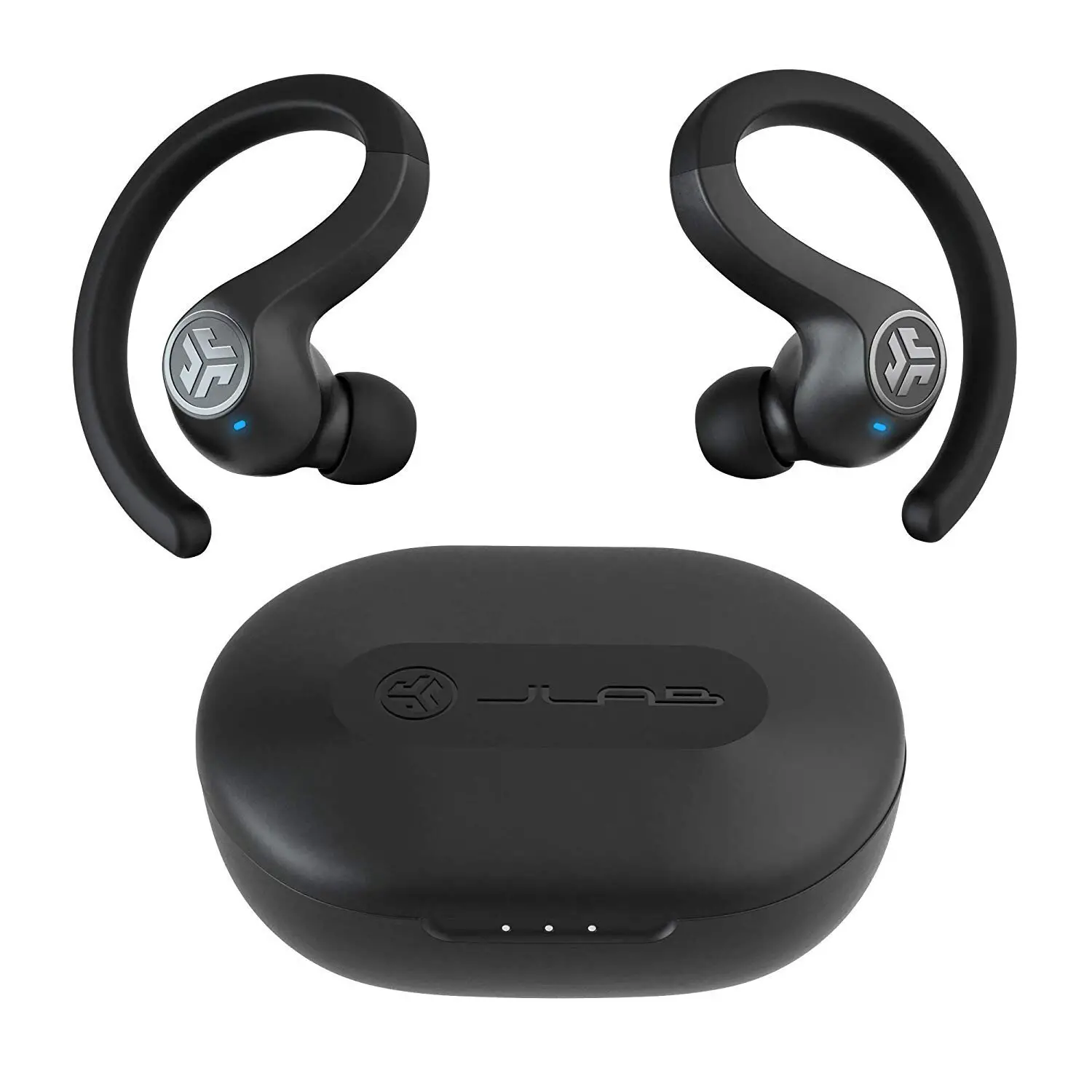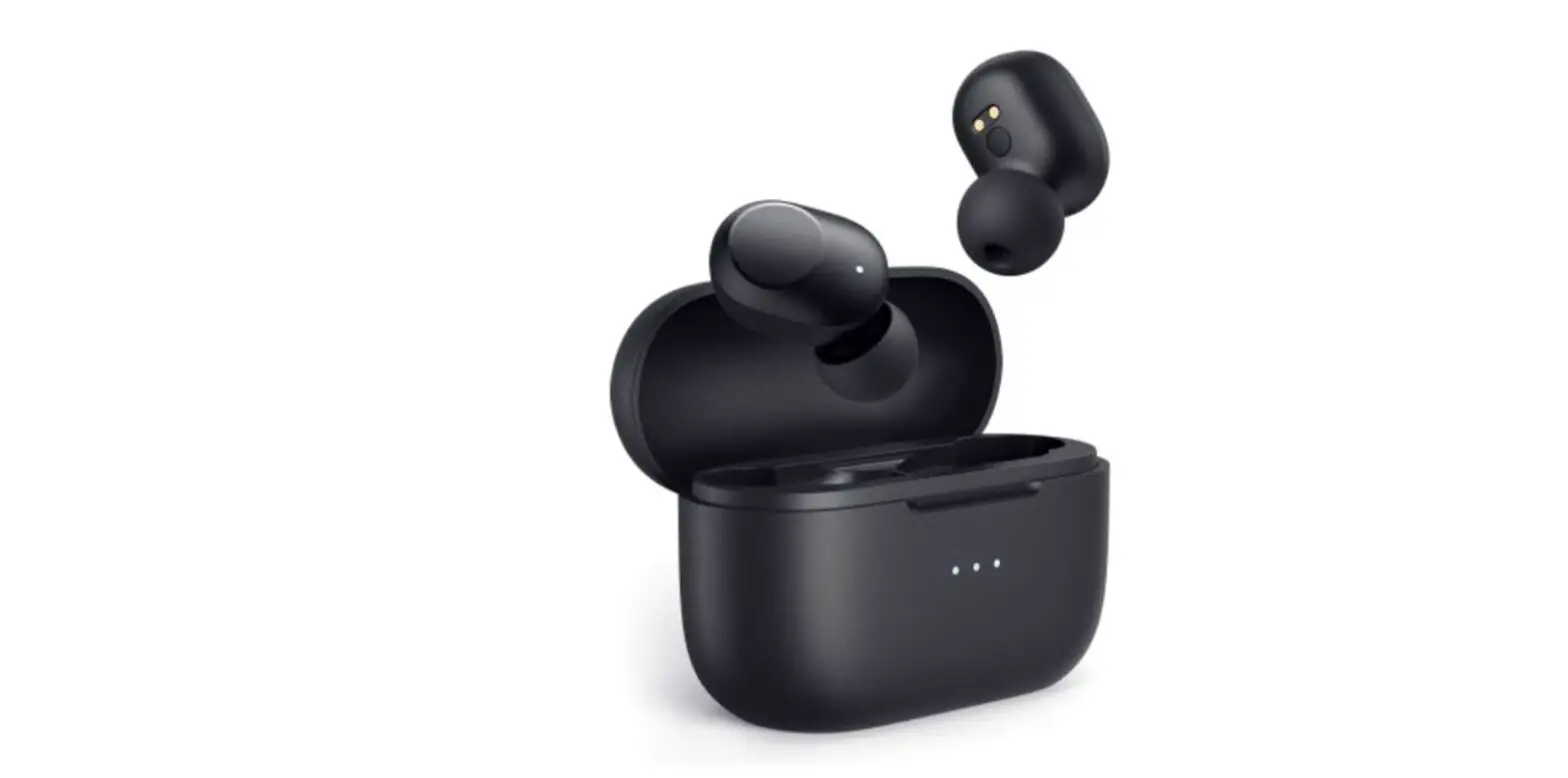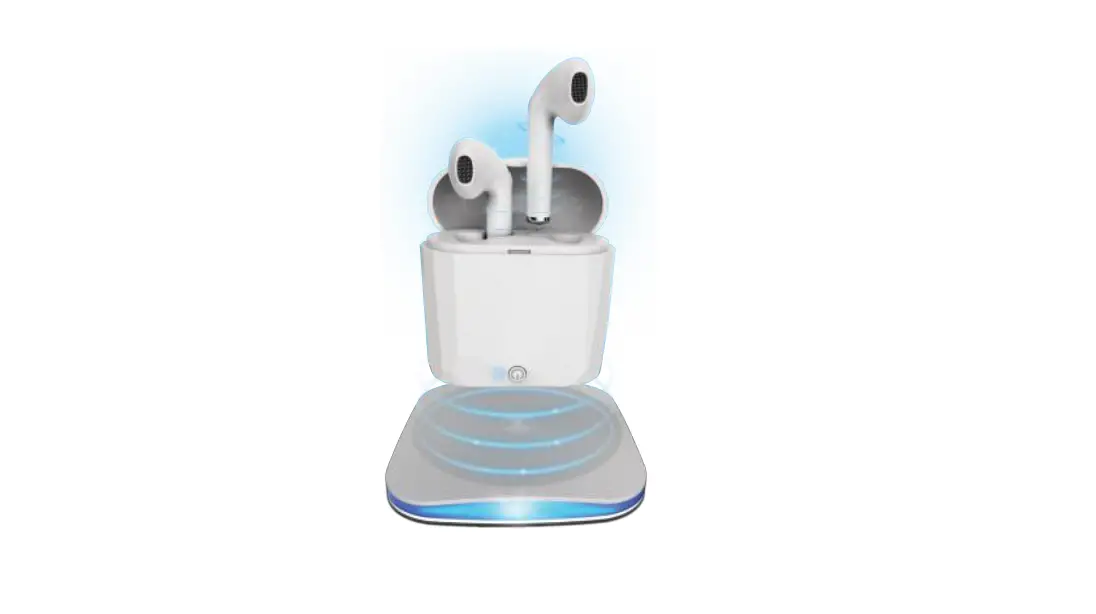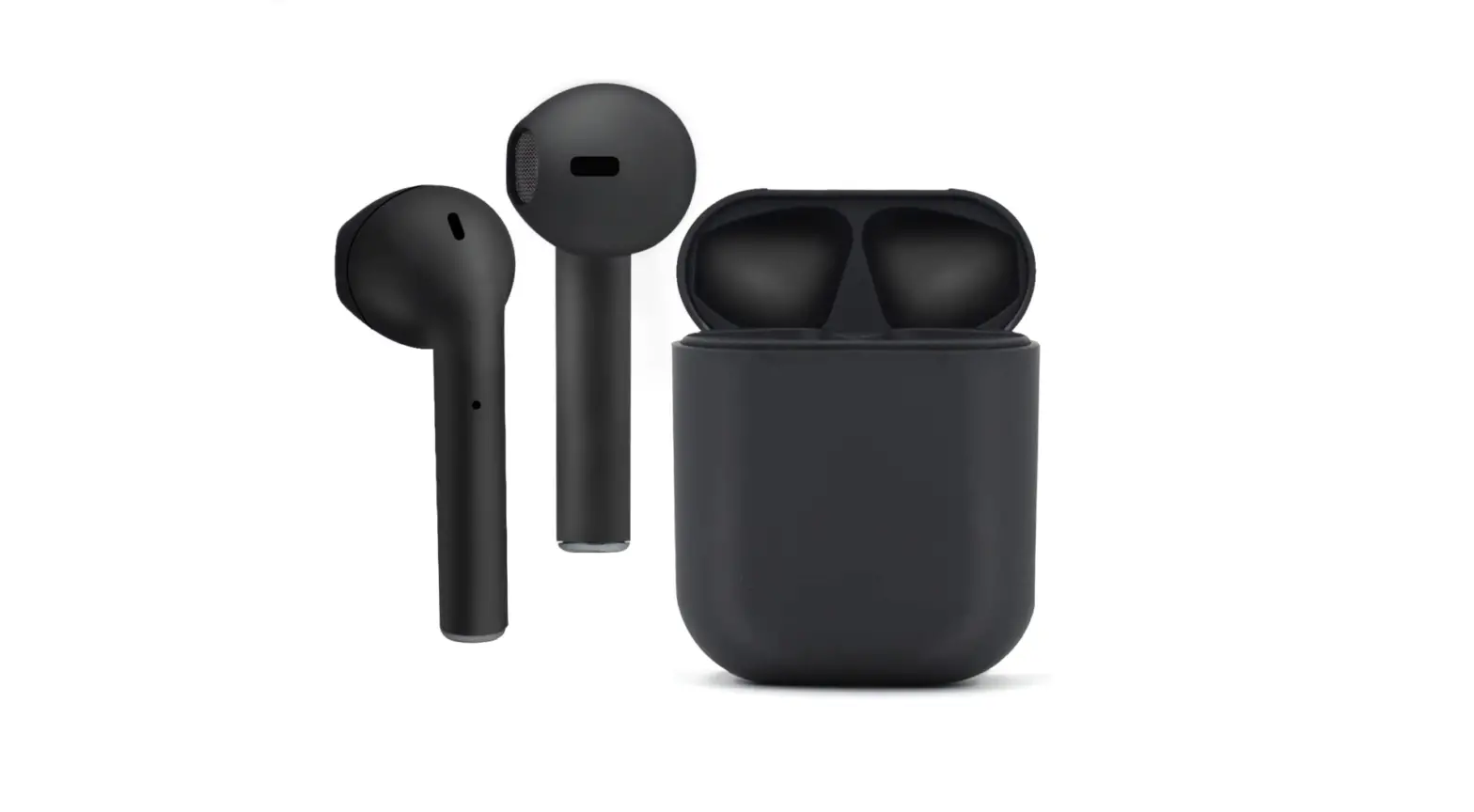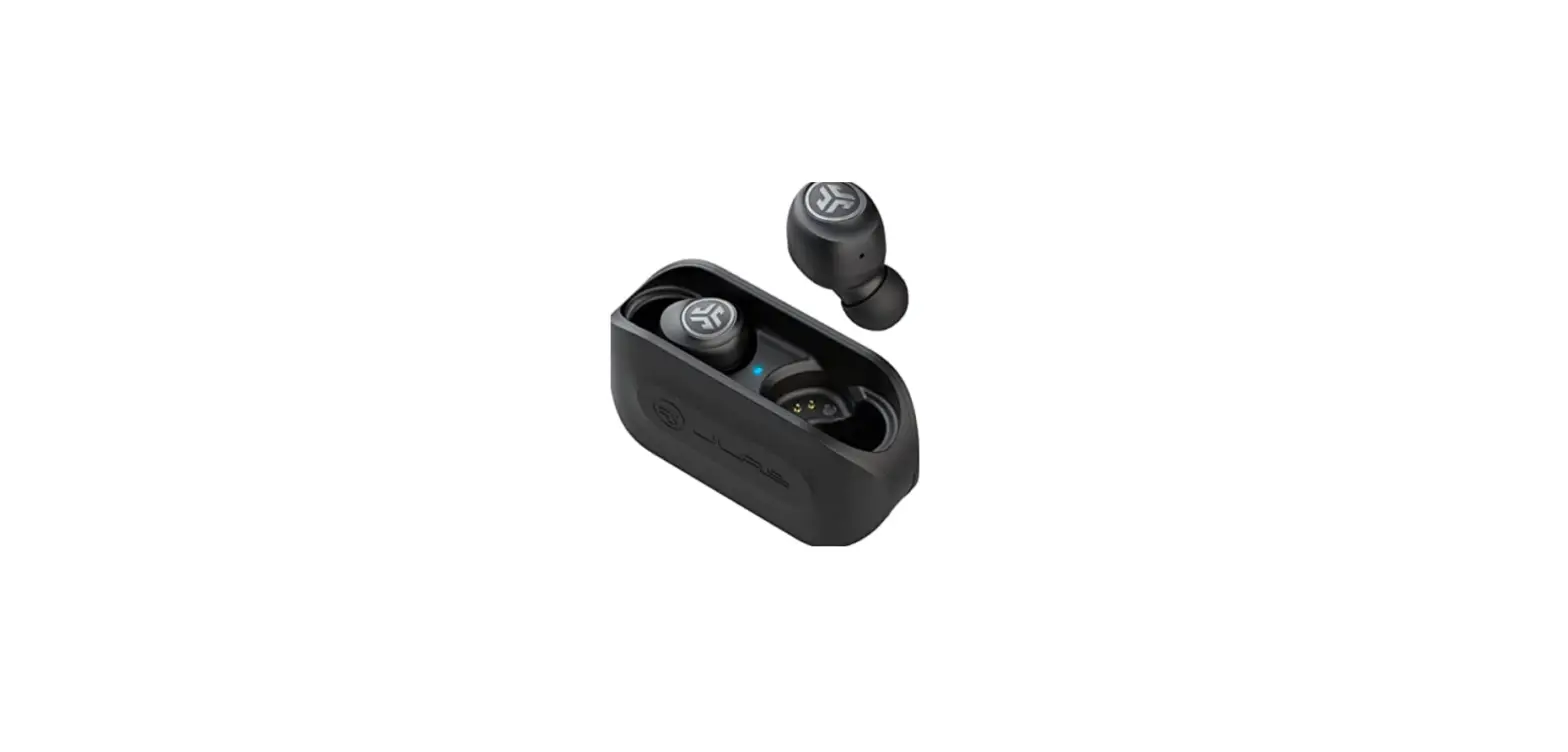

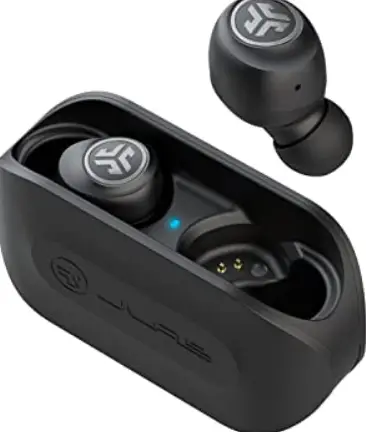
JLAB EBGOAIRRBLK82 Go Air True Wireless Bluetooth Earbuds + Charging
BLUETOOTH PAIRING
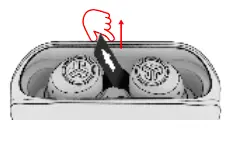
- Remove pull tab. The charging case light will start pulsing blue.

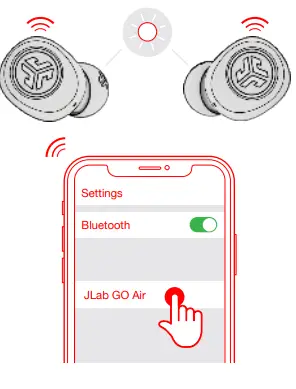
- Select “JLab GO Air” in your device’s Bluetooth settings to connect. Voice prompt “You’re connected” followed by solid white lights will indicate you are connected.

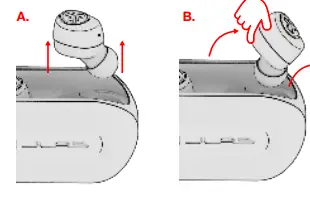
- Remove earbuds by pulling straight up or from side.

- One earbud will blink blue/white indicating ready to pair to your device.

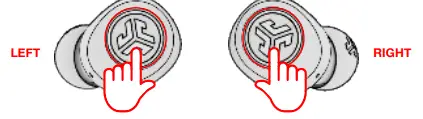
- VOLUME DOWN: Single tap
- SIRI (iOS) or “OK GOOGLE” (ANDROID): Double tap
- TRACKBACK: Press & hold 1+ sec EQ CHANGE: Triple tap
- POWER ON: Press & hold 3+ sec
- VOLUME UP: Single tap
- PLAY / PAUSE: Double-tap
- TRACK FORWARD: Press & hold 1+ sec ANSWER: Single tap
- HANGUP: Double-tap
- REJECT INCOMING CALLS: Press & hold 1+ sec
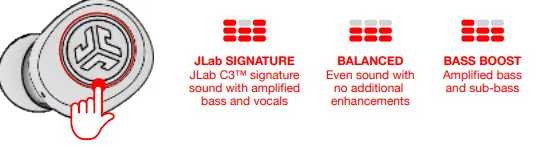
- EQ CHANGE: Triple tap
- POWER ON: Press & hold 3+ sec
CUSTOM EQ3 SOUND MODES
CHARGING EARBUDS
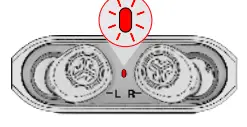
- Earbuds will power off when placed in the case and first show charging case battery level.

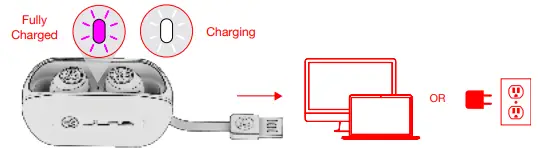
- Then pulsing blue light indicates earbuds are charging and turns off when fully charged.

- Earbuds will auto power on and connect to your device when removed.
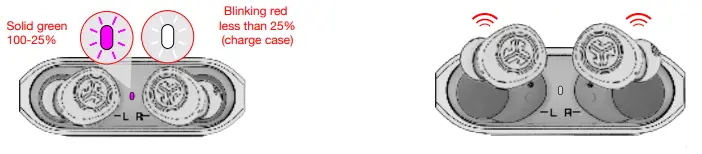
CHARGING CASE
Connect the GO Air to a computer or USB 5V 1Ab (or less) output device.
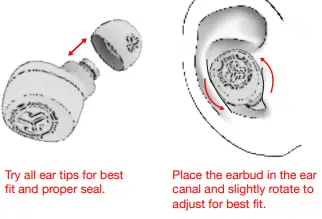
FITTING
QUICK TIPS
- The left or right earbud can be used independently for music and phone calls. Simply choose one and take out of the case to connect.
- Only ONE Bluetooth device can be connected at a time. Turn off Bluetooth on unwanted devices and turn on Bluetooth on chosen device to connect.
CAUTIONS
- Avoid extreme heat, cold, and humidity.
- Avoid dropping or crushing the earbuds.
- Wax may build up in the earbud tips, lowering the sound quality. Carefully remove the wax with a cotton swab or other small tool to improve the sound quality.
- If you experience discomfort or pain, try lowering the volume or discontinuing use temporarily
 JLab: True Wireless Headphones, Earbuds, Microphones, Personal Audio