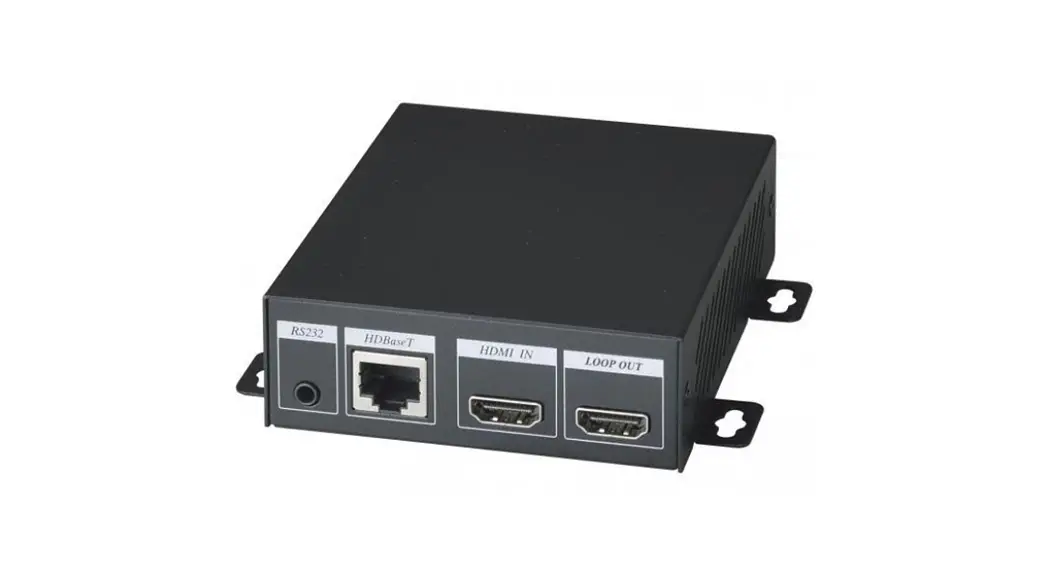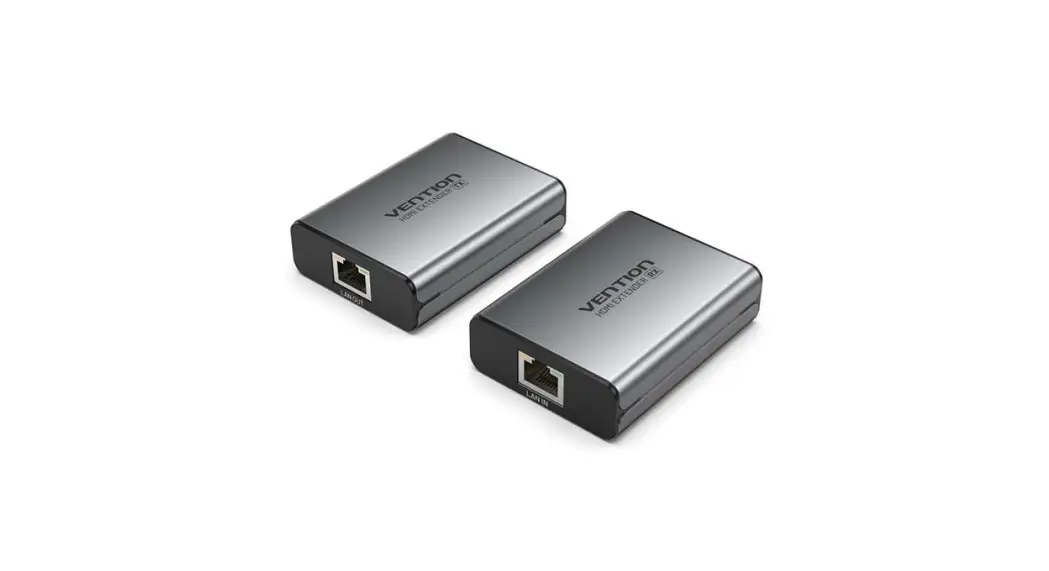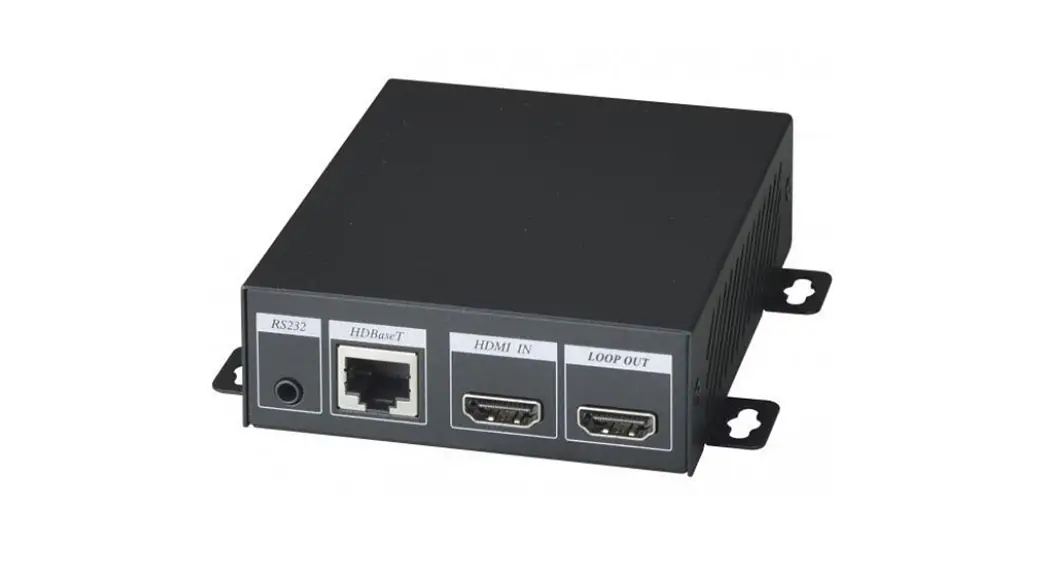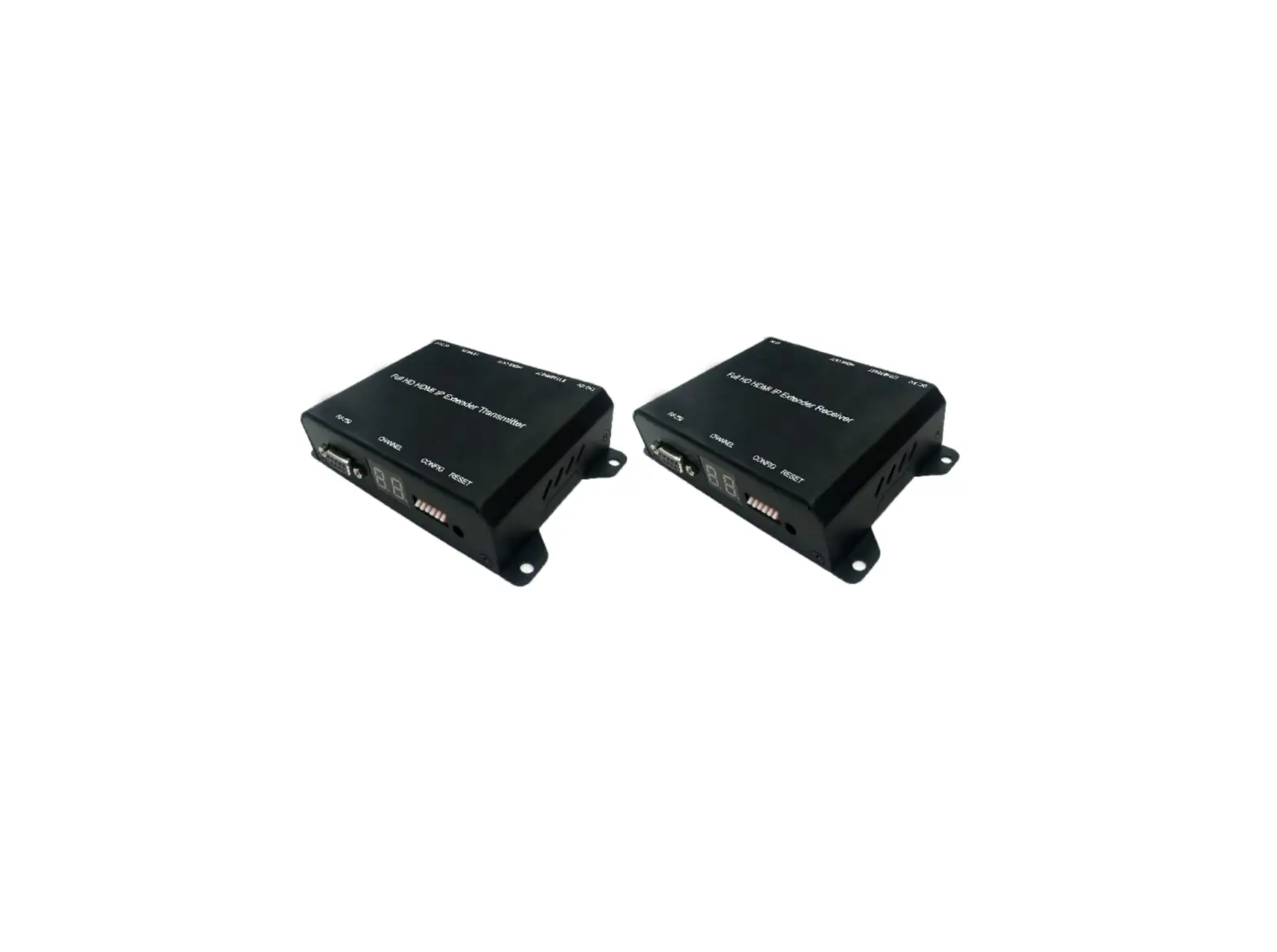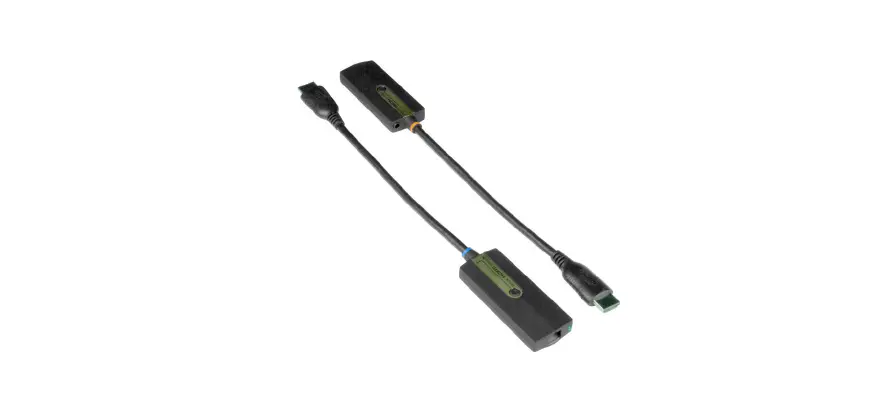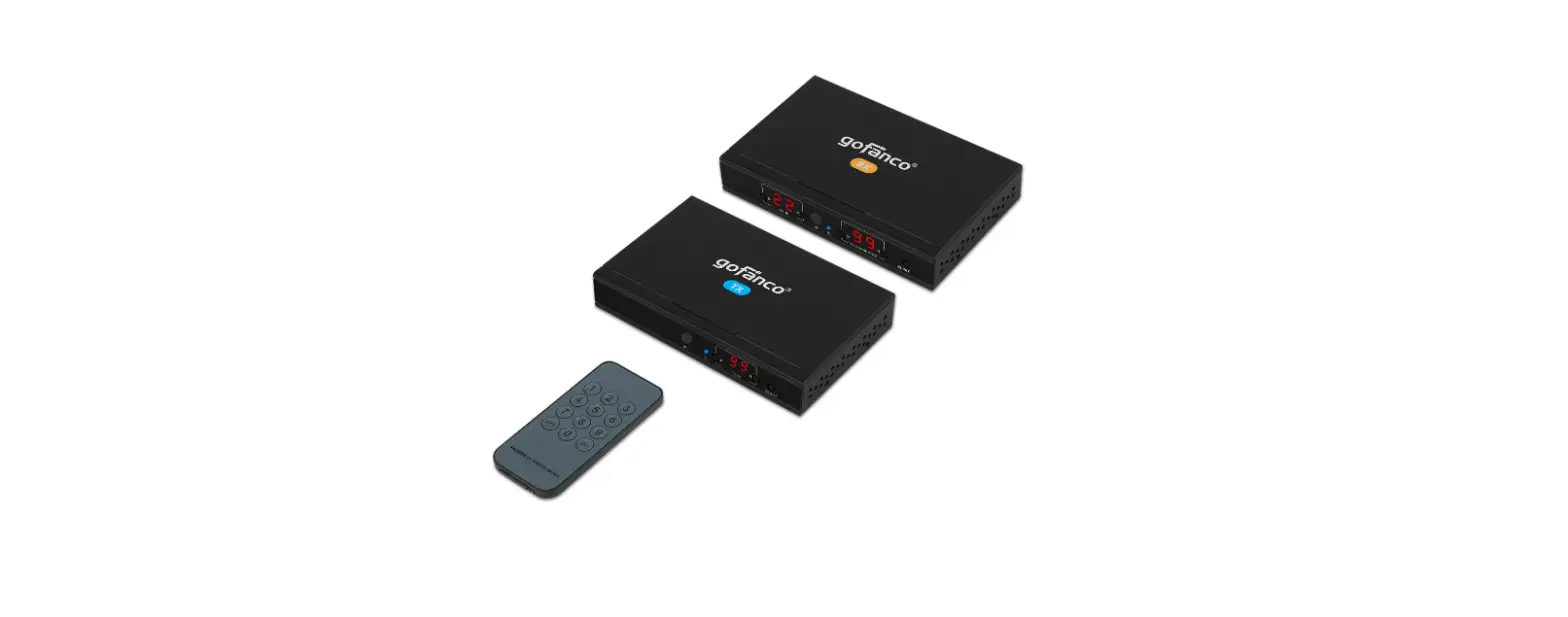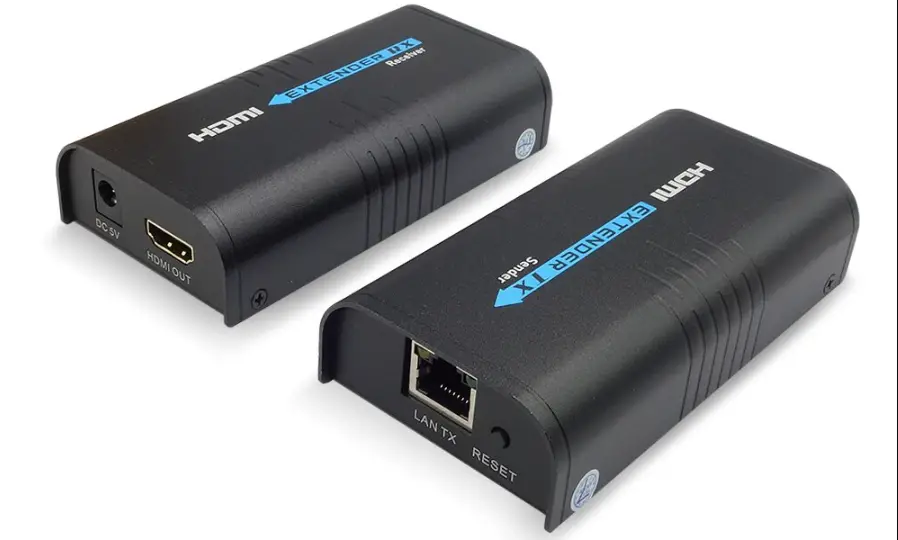

SCATTERBOX HDM220 HDMI Extender Over Lan
 HDM220/HDM216/HDM217 – Quick Start Guide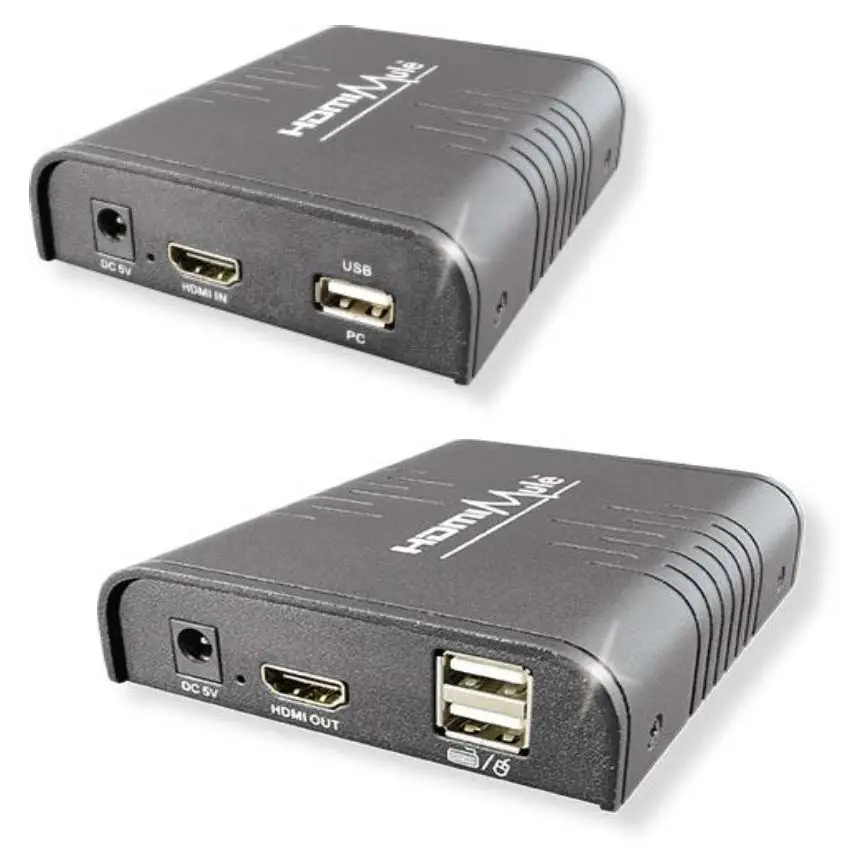
www.systemq.com/PDF/manual/xHDM220.pdf
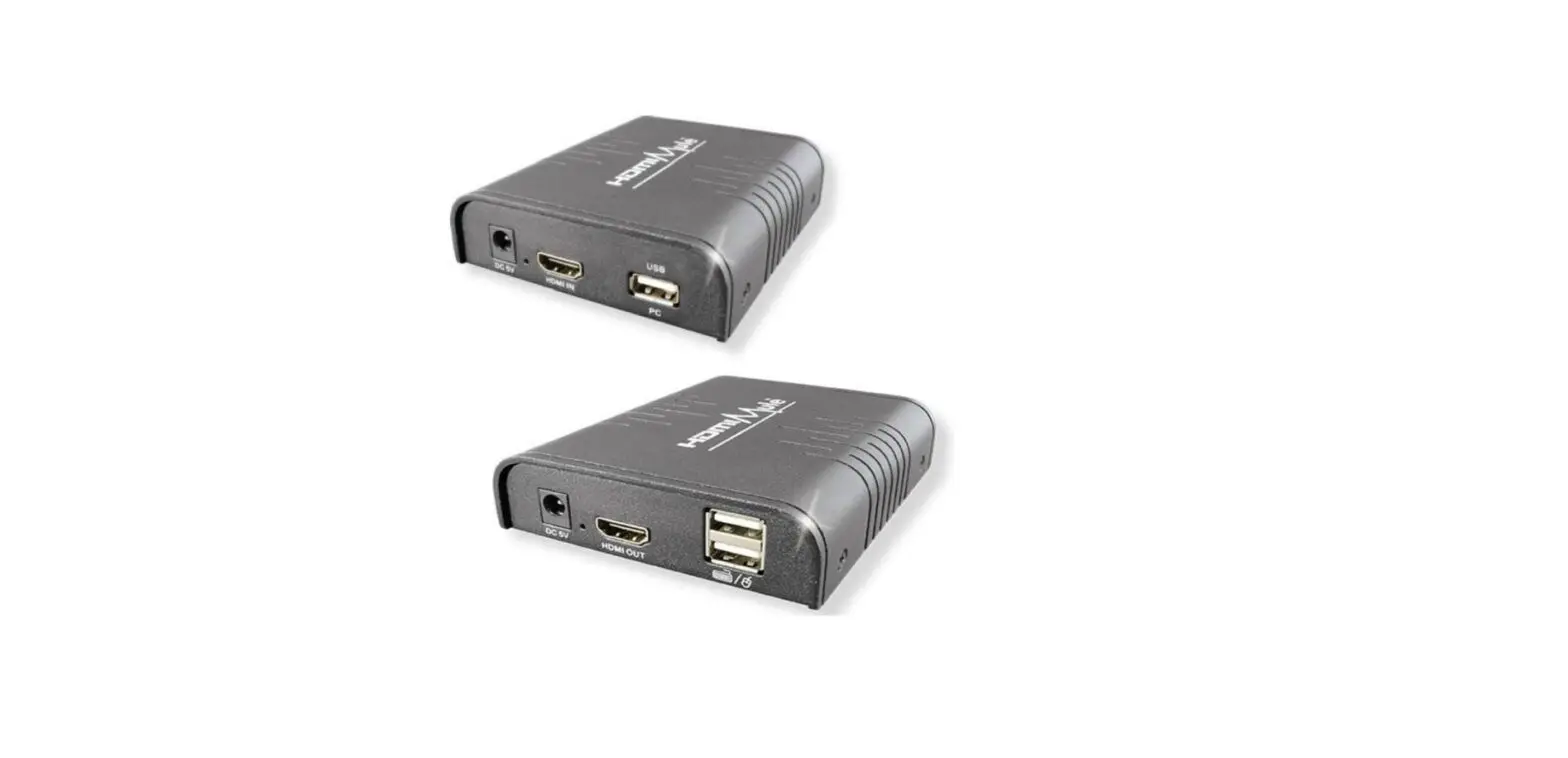
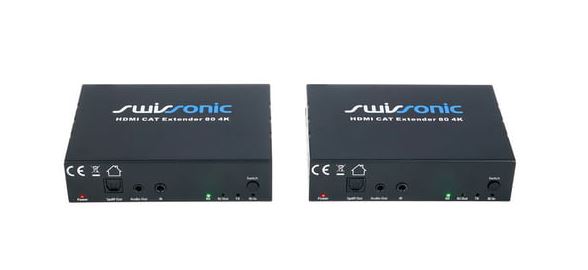
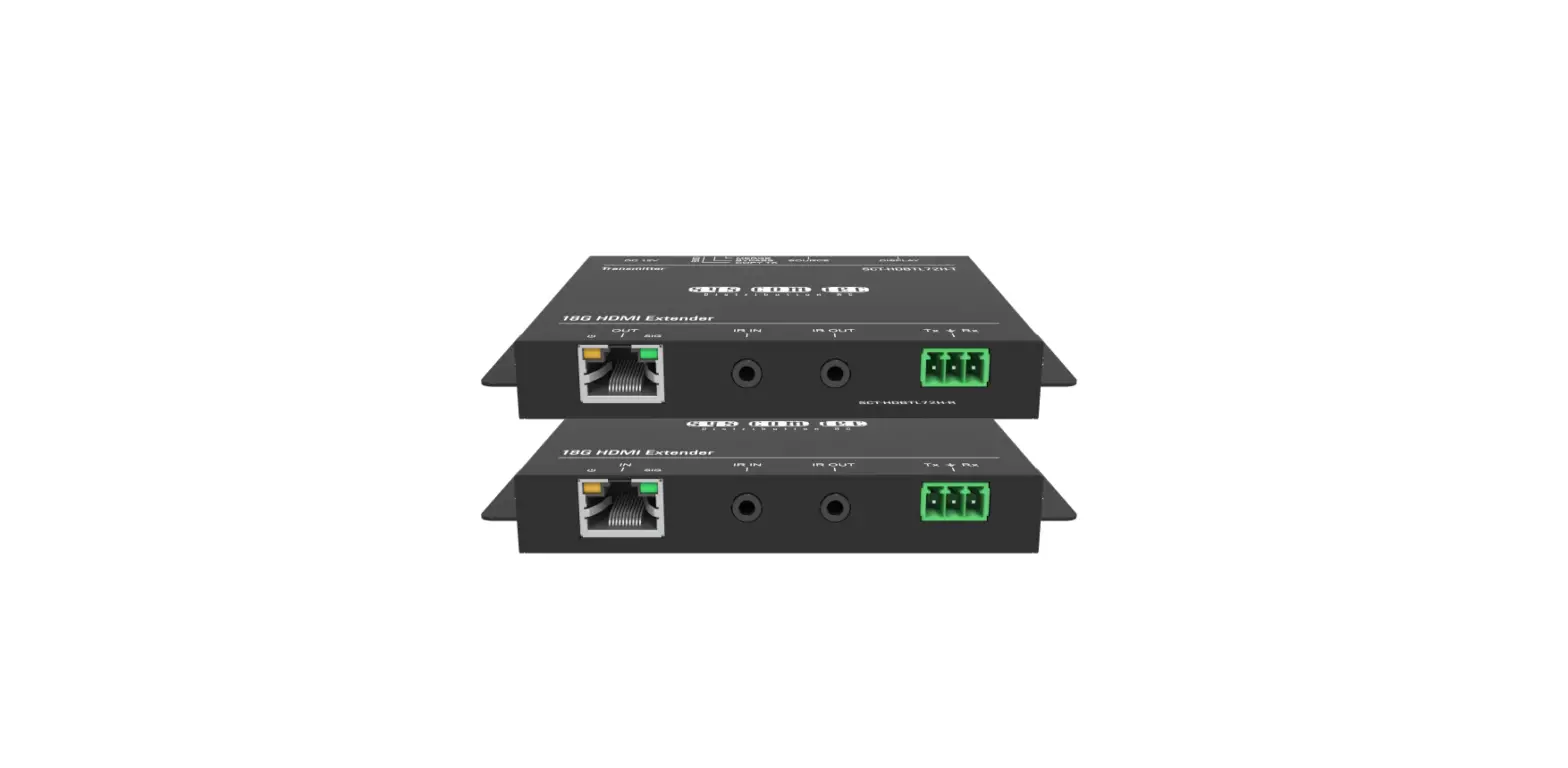
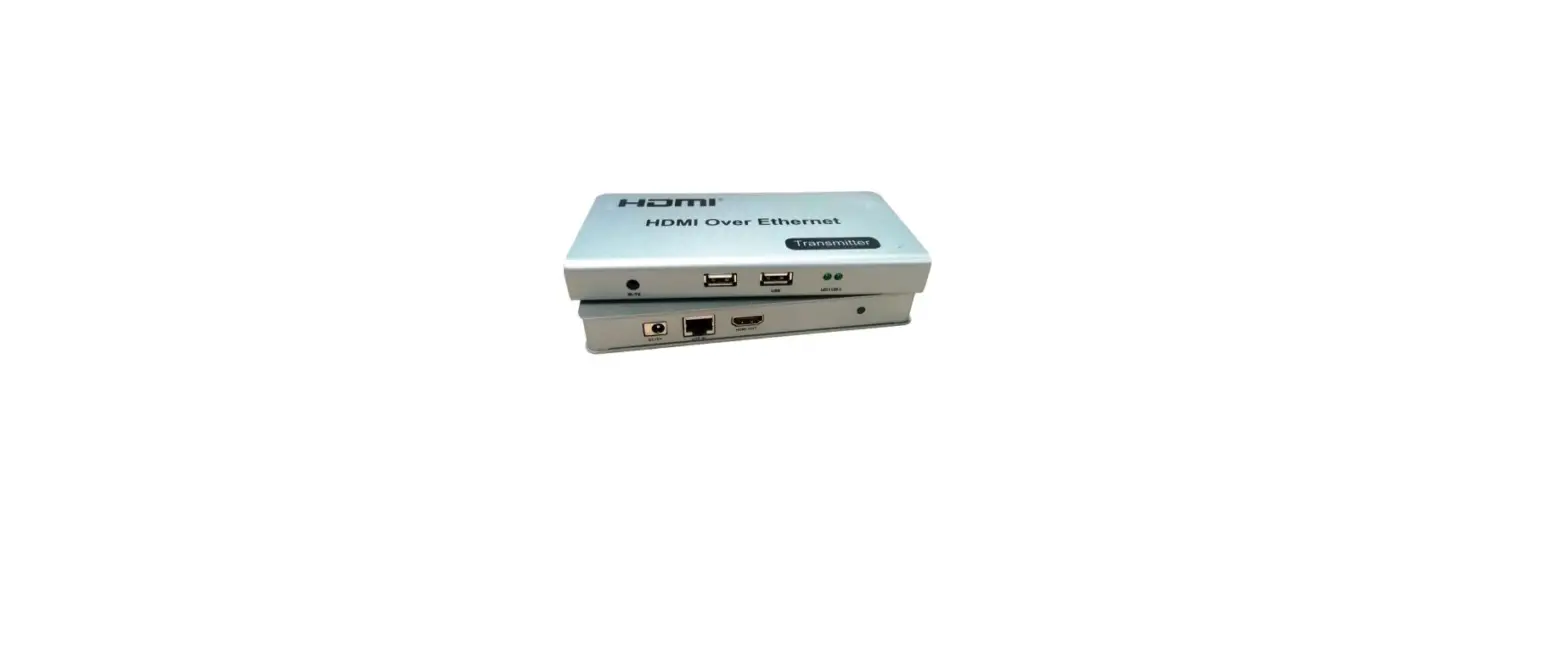
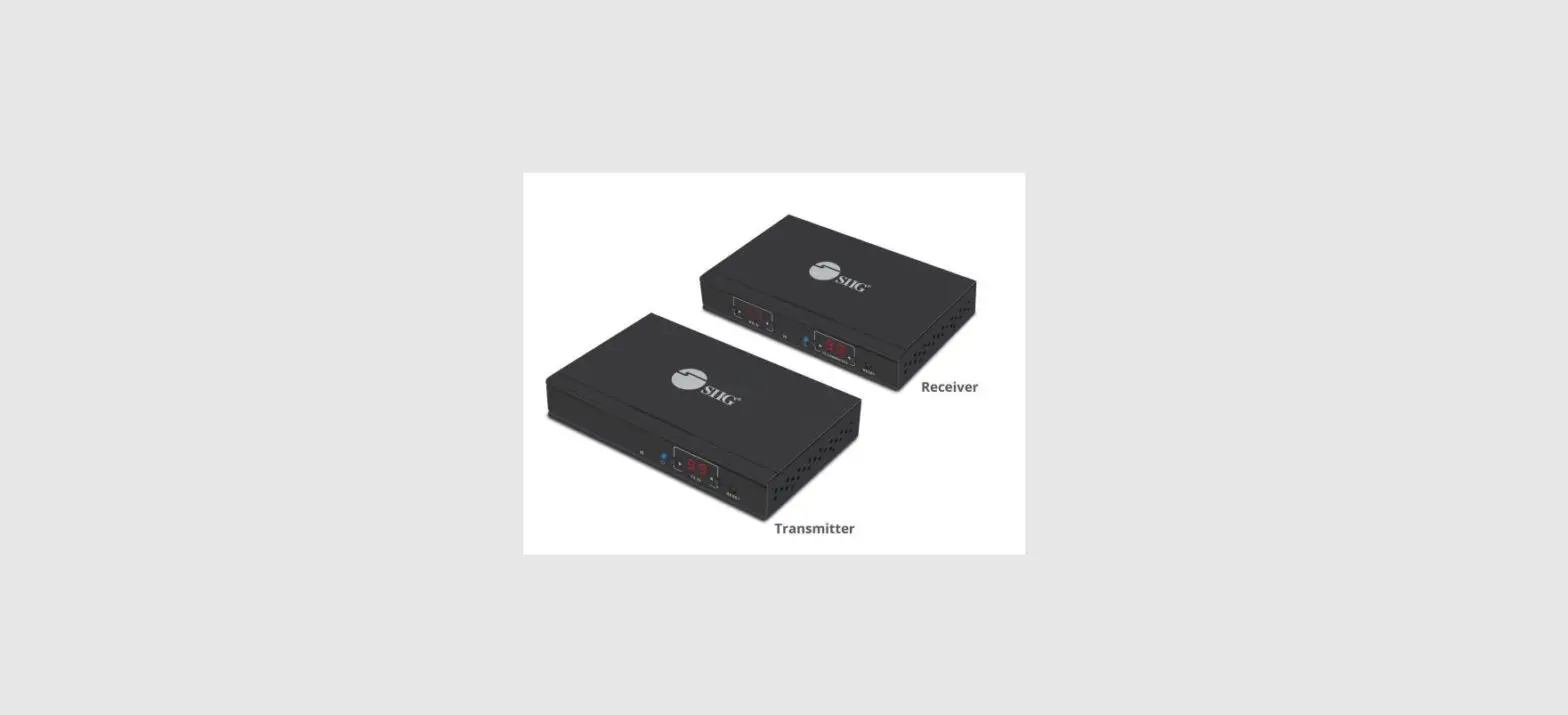
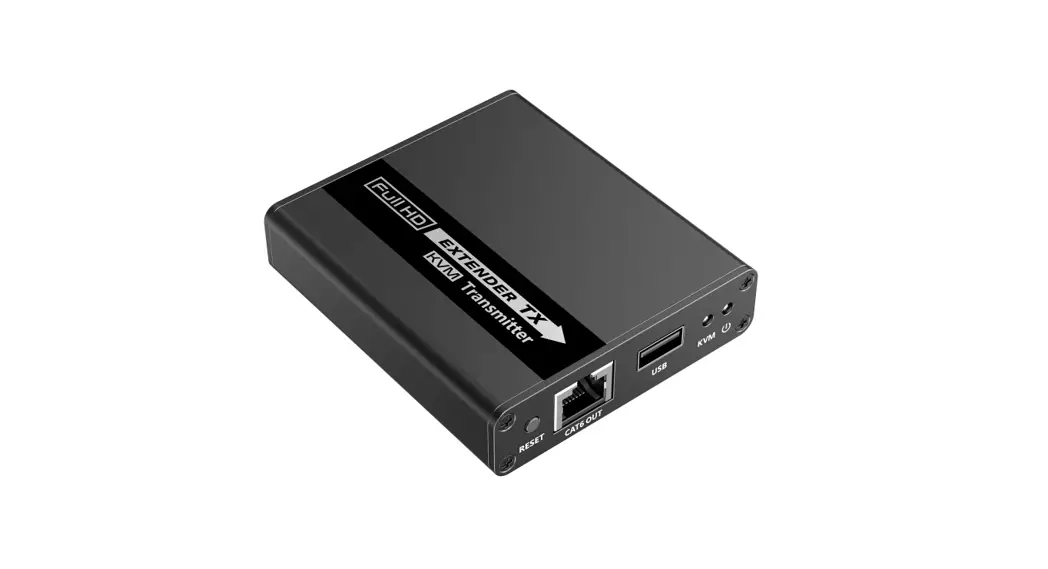
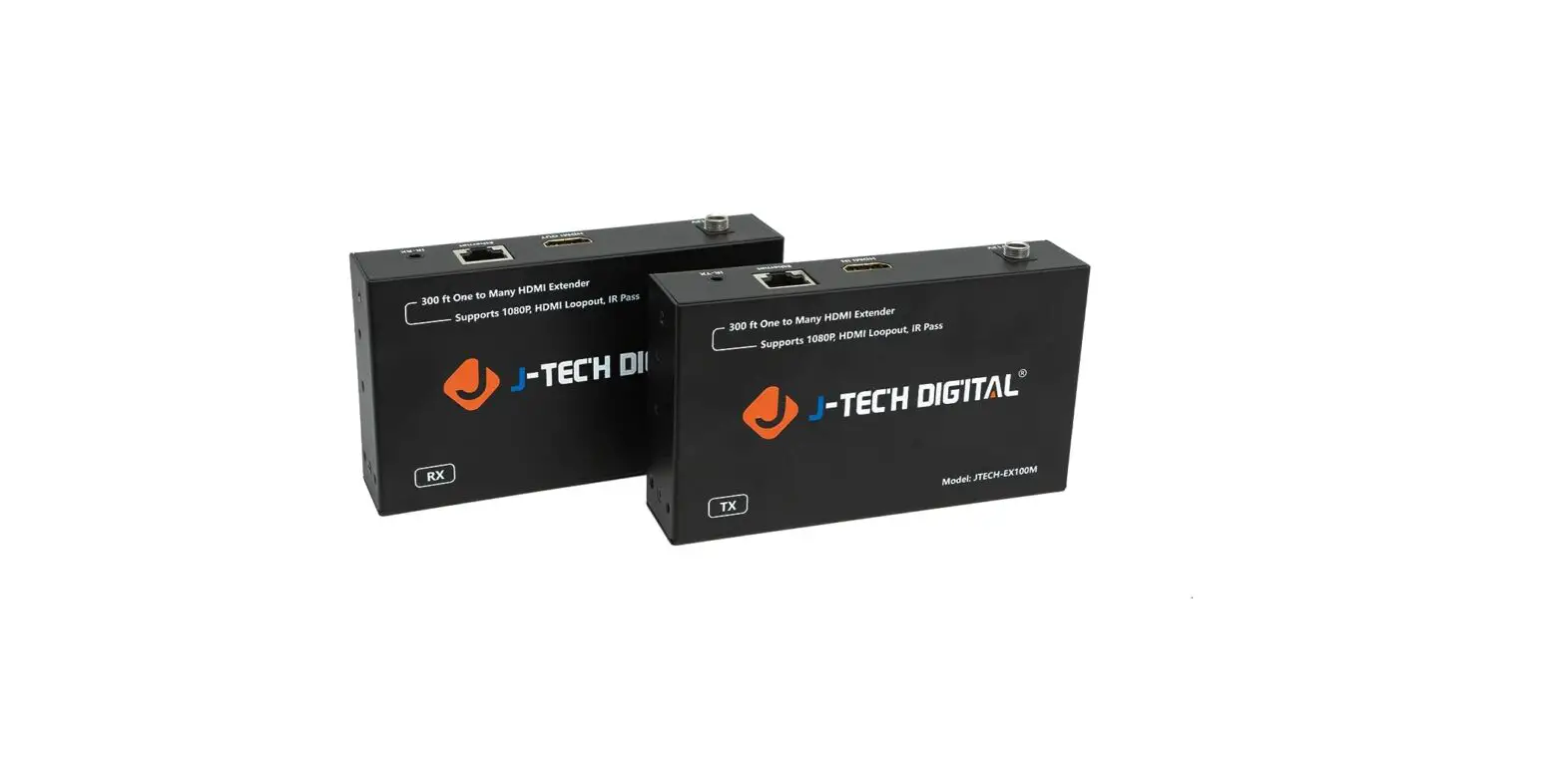
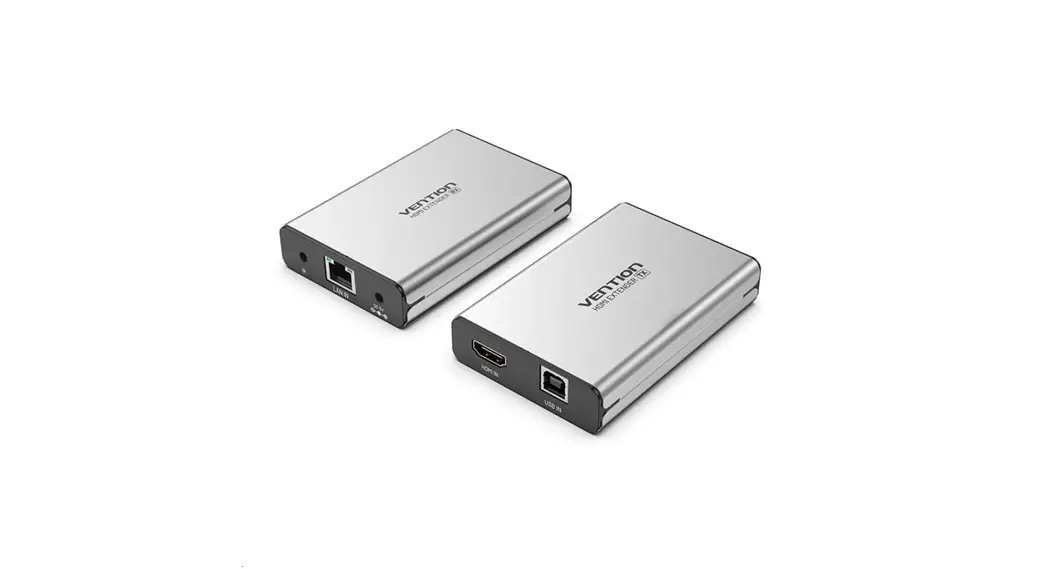
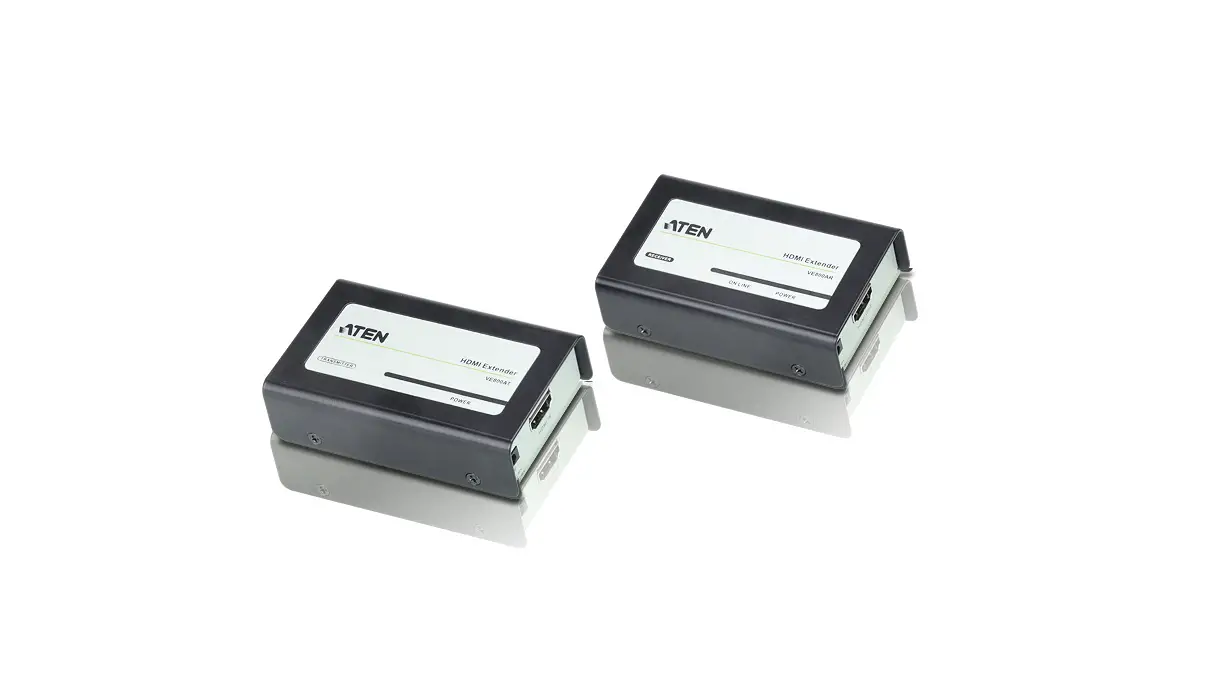
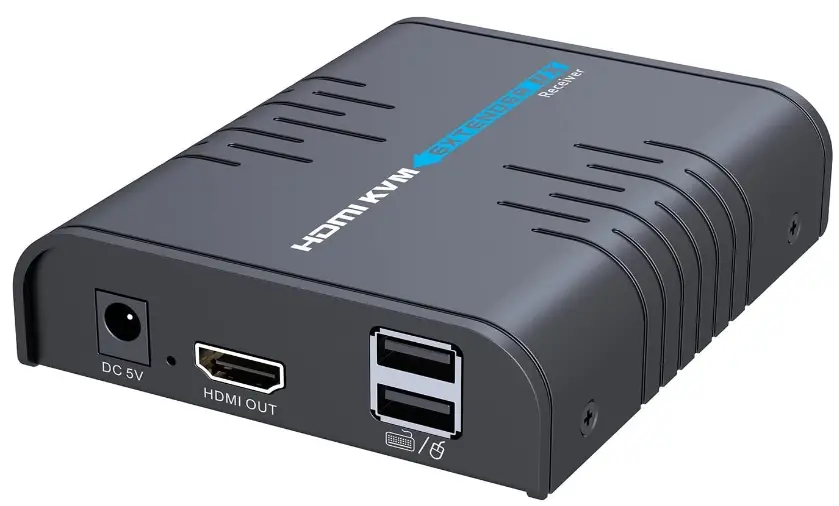
The HDMI KVM extender allows for viewing of HDMI video and USB control from up to 120m away from your DVR using your existing CAT5/6 set-up.
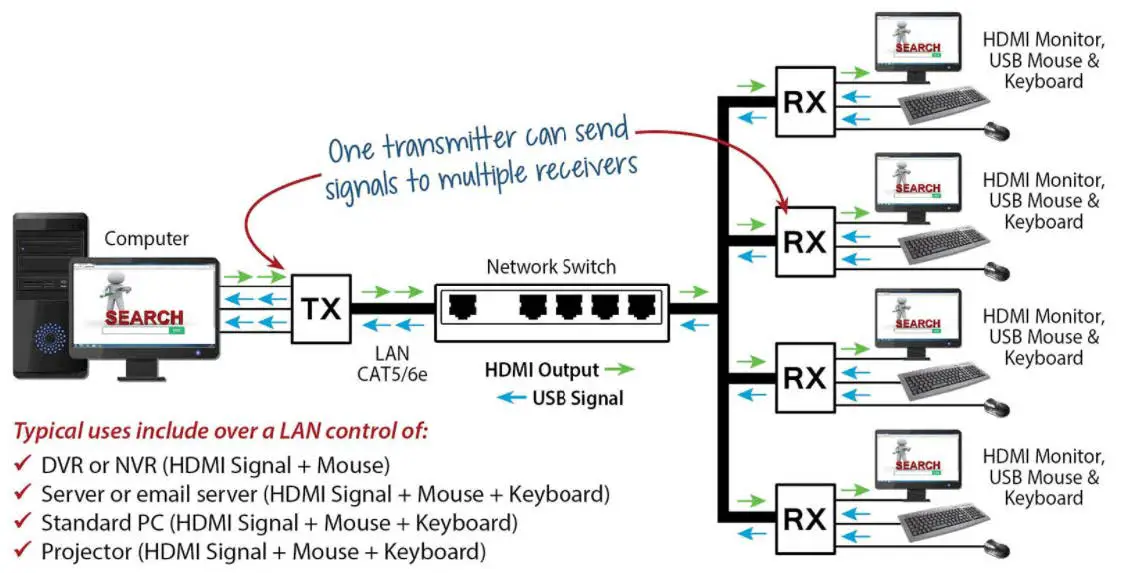
The HDMI Mules can be used for point-to-point access (1 cable between each unit and no switch) or in cascade mode with additional monitors/receivers connected through a network switch, letting multiple users have USB control from different receivers.
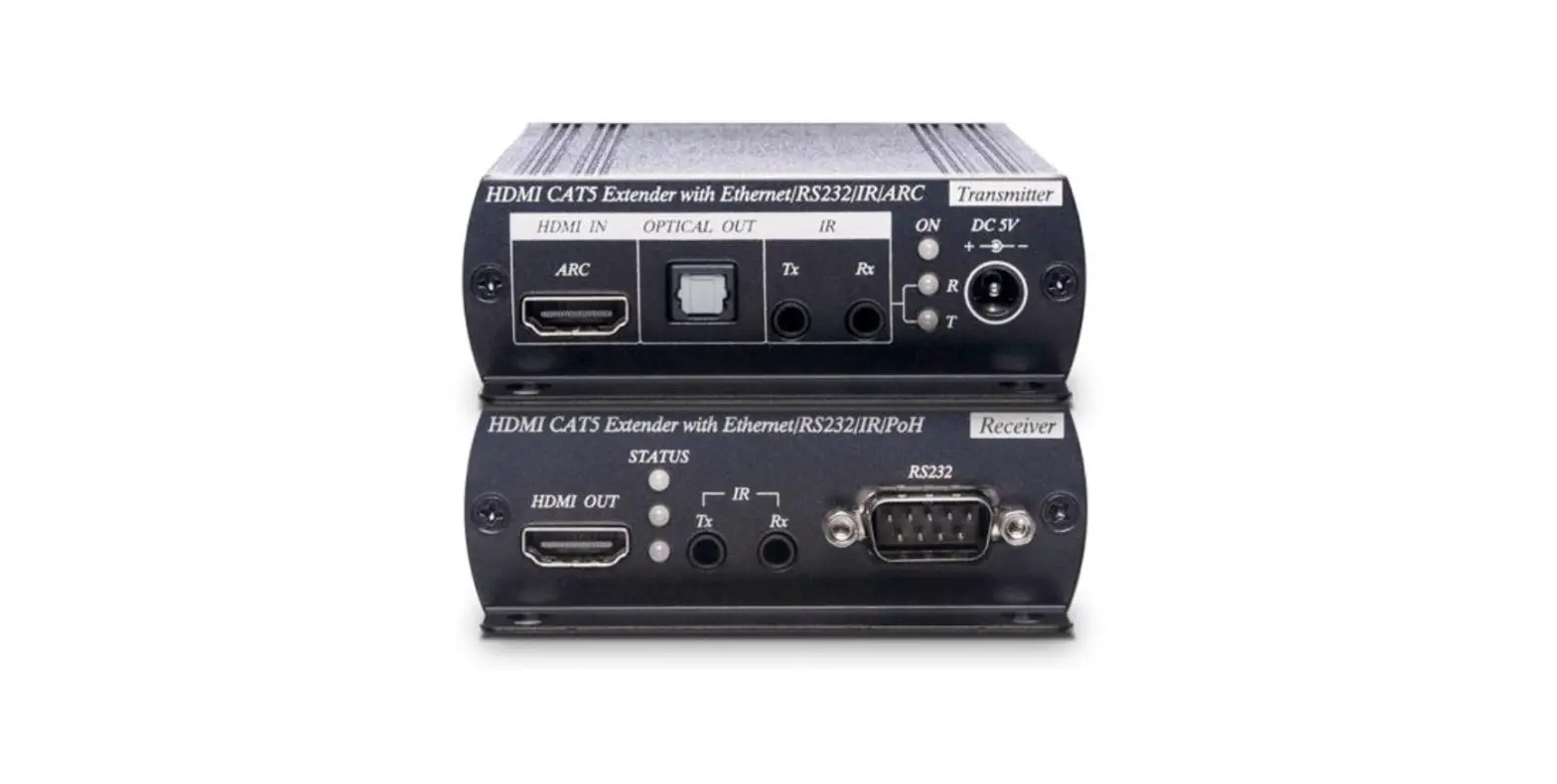
HDM217 – Transmitter
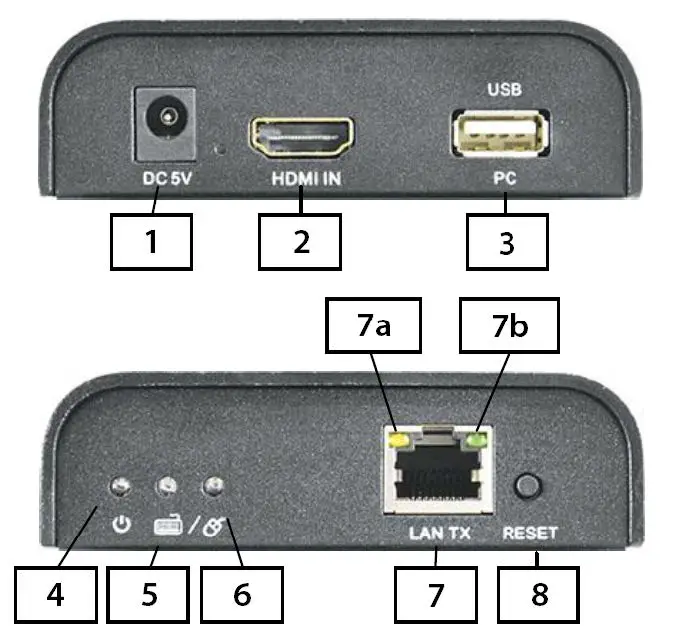
- 5v DC power input
- HDMI input port
- USB output port
- LED power indicator
- LED keyboard indicator
- LED mouse indicator
- LAN RJ45 Socket
- 7a. data LED
- bandwidth / connection LED
- Reset button
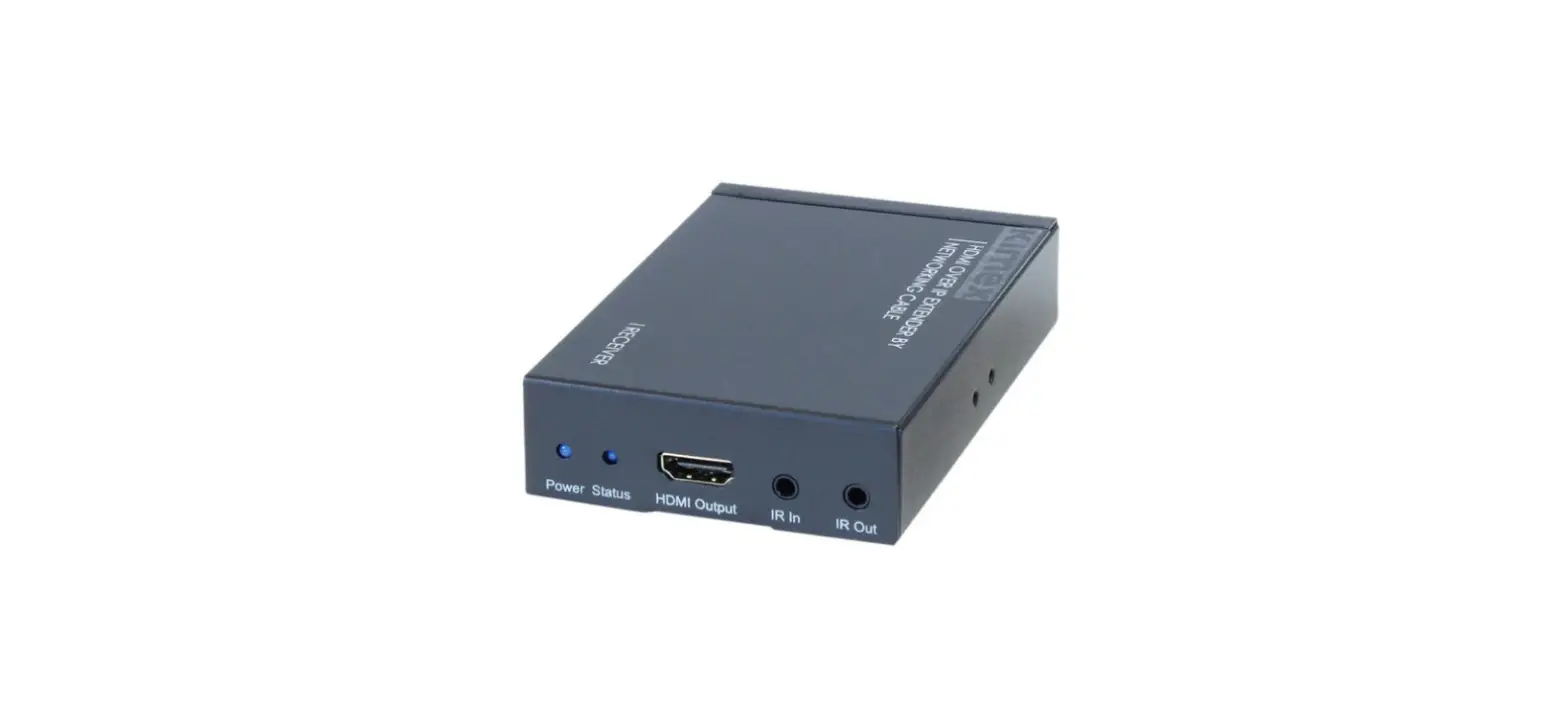
HDM216 – Receiver
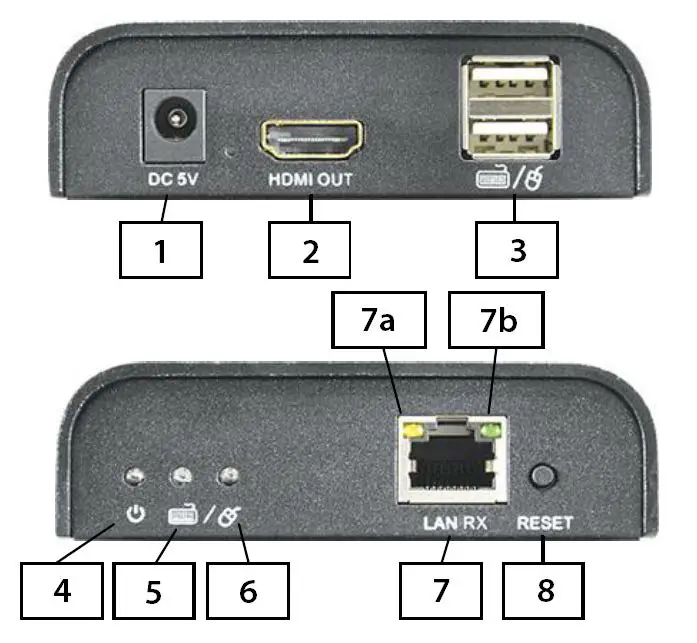
- 5v DC power input
- HDMI output port
- USB dual input ports
- LED power indicator
- LED keyboard indicator
- LED mouse indicator
- LAN RJ45 Socket
- 7a. data LED
- bandwidth / connection LED
- Reset button
- Connect an HDMI cable from the source (DVR) to the transmitter. Ensure that HDMI cable is no longer than 5 meters for a 1080P input signal or 10 meters for a 720P input signal.
- Connect the HDMI cable output from the receiver to the HDMI monitor/HD TV, ensure that the HDMI cable run is no longer than 15 meters.
- Connect a network cable between the transmitter and receiver of no longer than 80 meters using CAT5, 100 meters using CAT5E or 120 meters using CAT6.
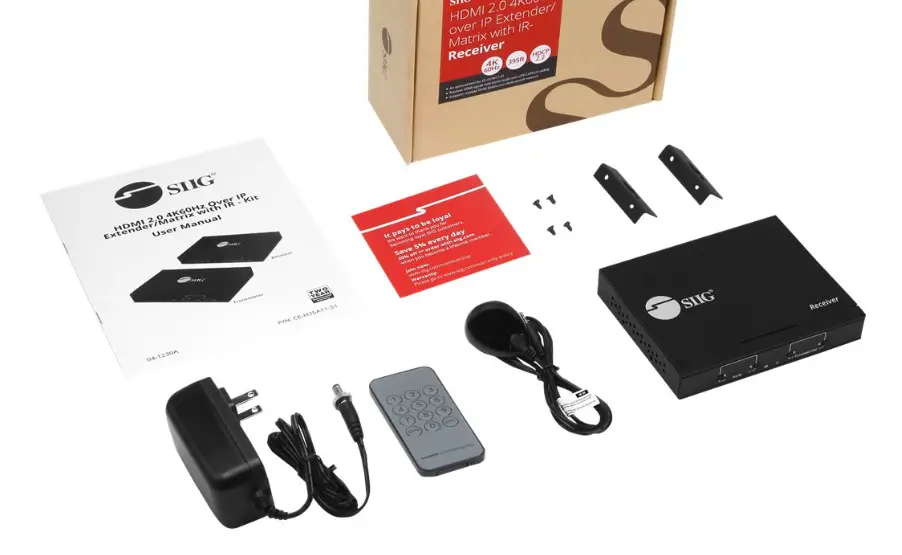
- Connect the 5V Power Supplies to the transmitter and receiver (included with the product). The power LEDs will light up. When the signal LEDs light and flicker, the equipment is ready to use.
- If using a USB mouse or keyboard plug them into the USB ports on the receiver. Fit the USB cable between the transmitter and DVR, or item you are controlling with the mouse. The USB cable is also included.
| HDMI Version | HDMI 1.3 |
| HDCP Version | HDCP 1.2 |
| Video Bandwidth | |
| Supported HDMI Resolutions |
|
| Audio | PCM (44.1KHz, 48KHz) |
| HDMI Connector | Type A, 19 pin, Female |
| LAN Connector | RJ45 |
| Power Supplies | 2 x 5vDC/1A |
| Power Consumption | HDM217 Transmitter 700mA HDM216 Receiver 700mA |
| Power Connection on TX & RX | 2.1mm DC Jack |
| Network Connection | RJ45 cable CAT5/CAT5E/CAT6 max run 80m/100m/120m |
| HDMI cable run to HDM217 Transmitter | If source 1080P max run 5 meters – if 720P max run 10 meters |
| HDMI cable run from HDM216 Receiver | 15 meters |
| Operating temperature Range | 0°C ~ +50°C |
| Operating Humidity Range | 10% ~ 95% (Non condensing) |
| Transmission | One HDM217 TX can transmit video & audio to multiple HDM216 RXs |
| Weight | Transmitter:240g Receiver:240g |
| Dimensions | 109.6(L) x 89.5(W) x 26.3(H)mm *2pcs |
| Colour | Black |
All specifications are approximate. System Q Ltd reserves the right to change product specifications or features without notice. Whilst every effort is made to ensure that these instructions are complete and accurate, System Q Ltd cannot be held responsible for any losses, no matter how they arise, from errors or omissions in these instructions, or the performance or non-performance of the equipment referred to.
Document ref: qHDM220
© 2022 System Q Ltd
This symbol indicates that equipment must not be mixed with general household waste. For treatment, recovery and recycling please return to your local designated
WEE/CG0783SS collection point as defined by your local council.
 Scatterbox