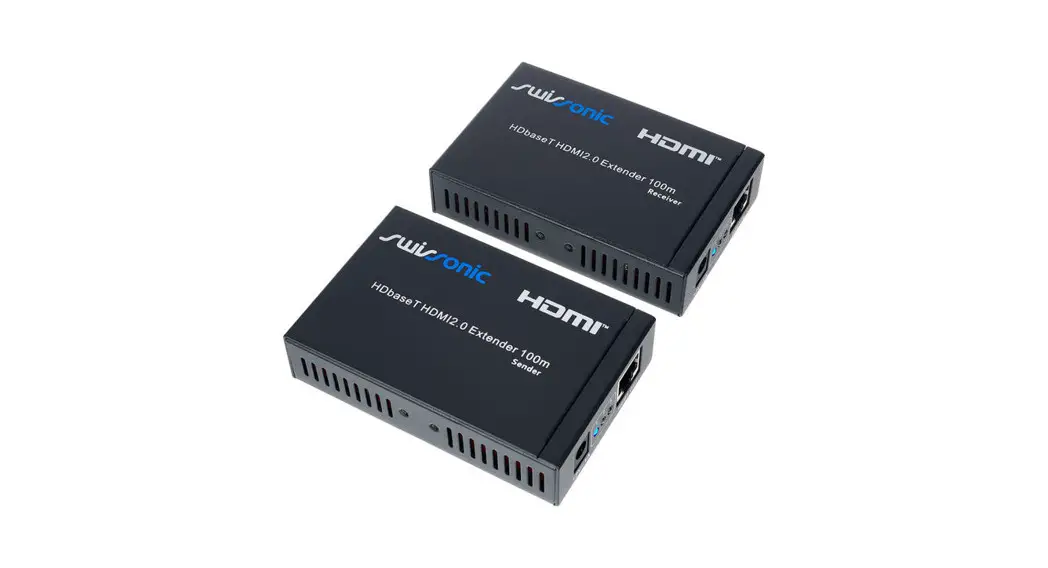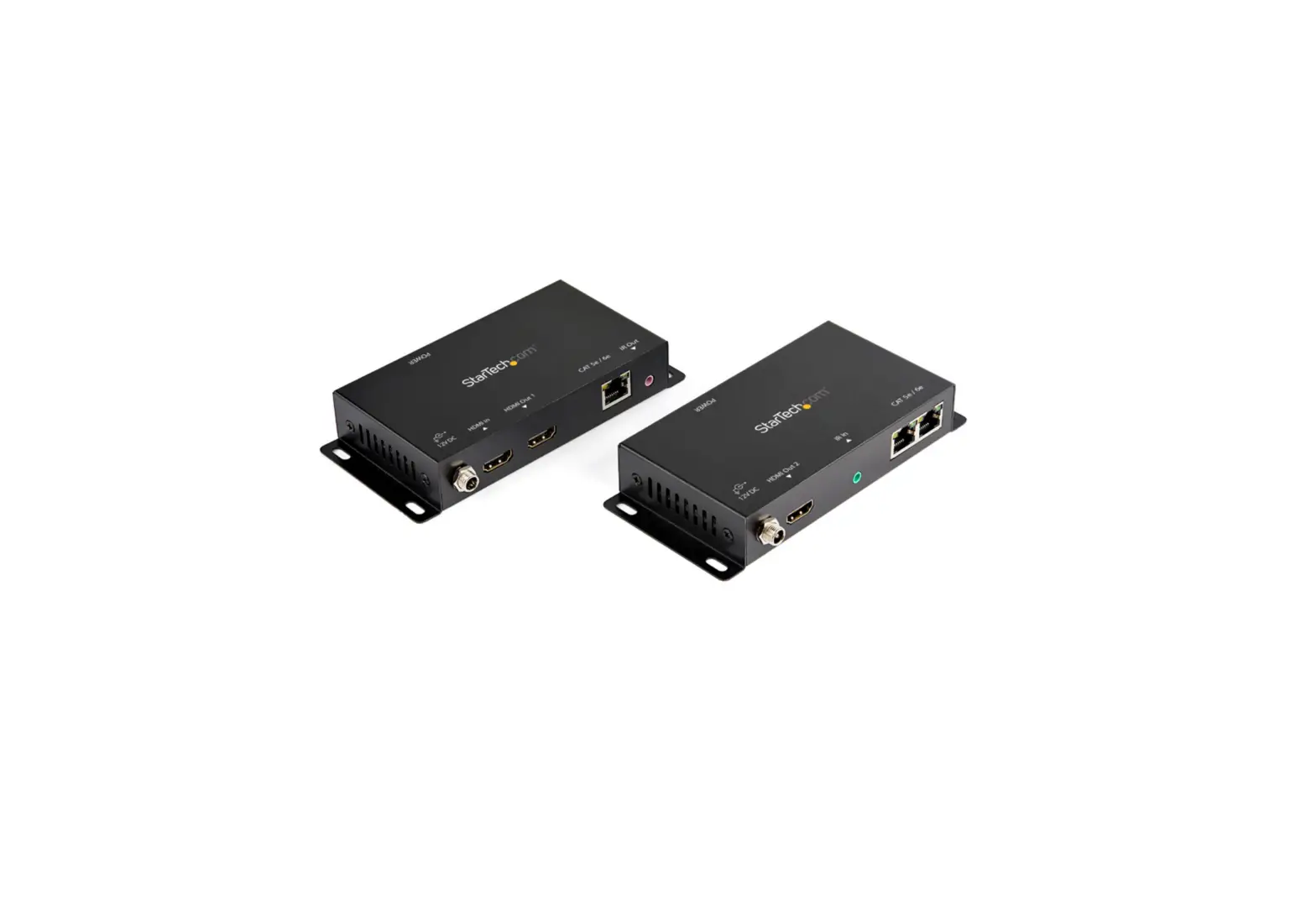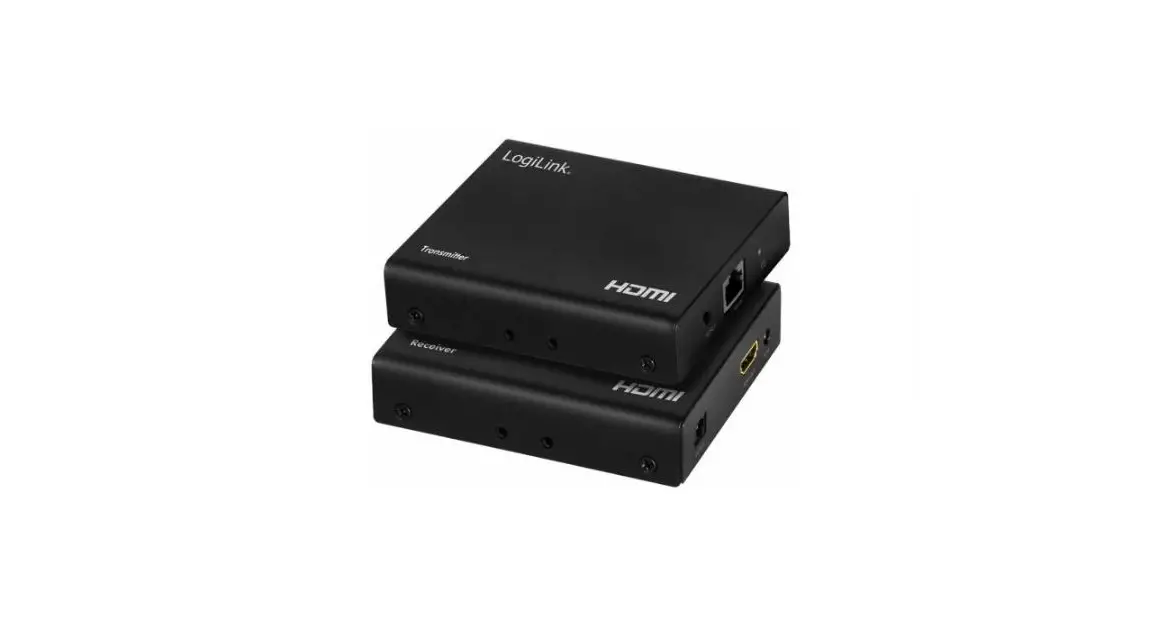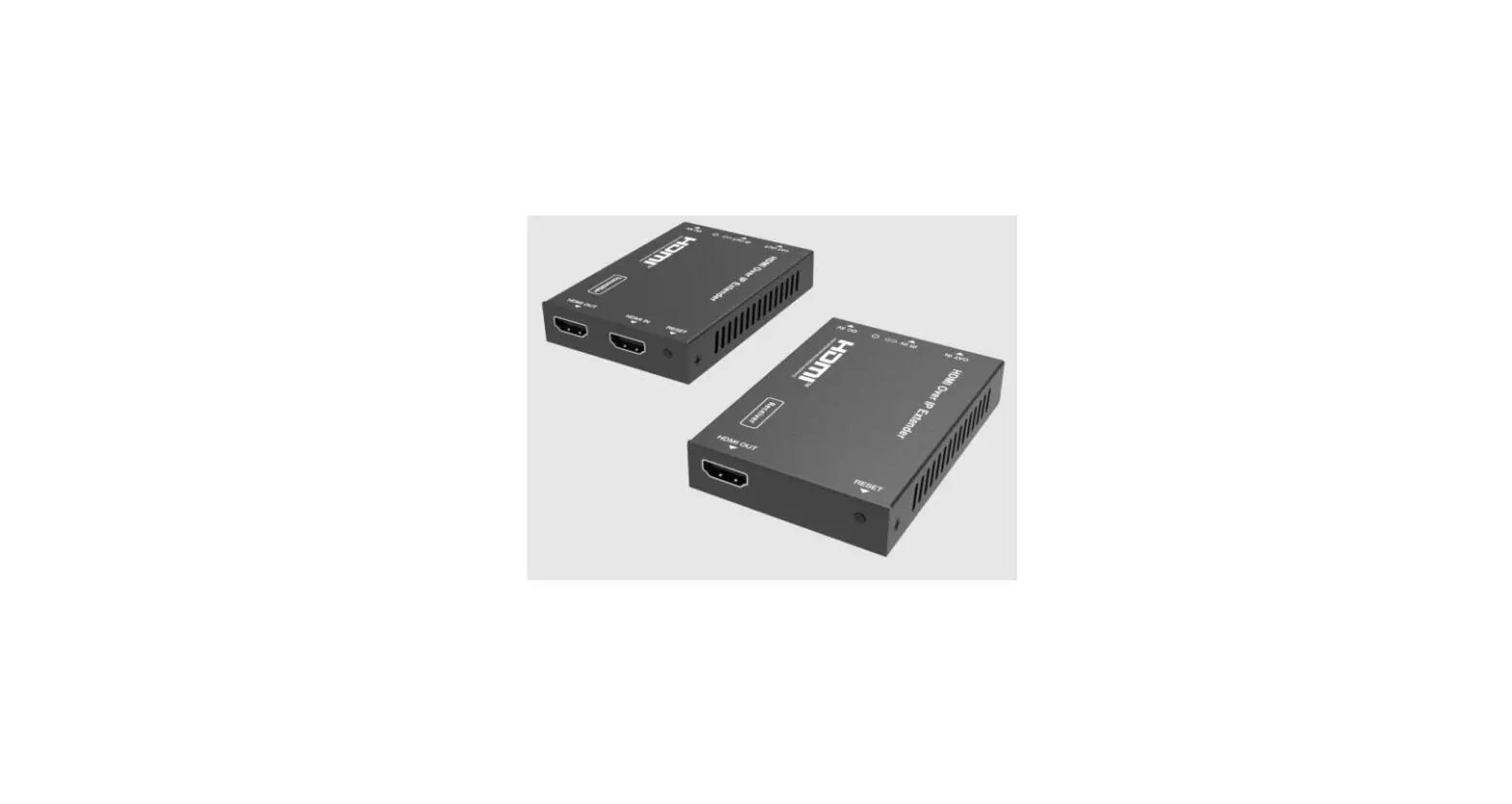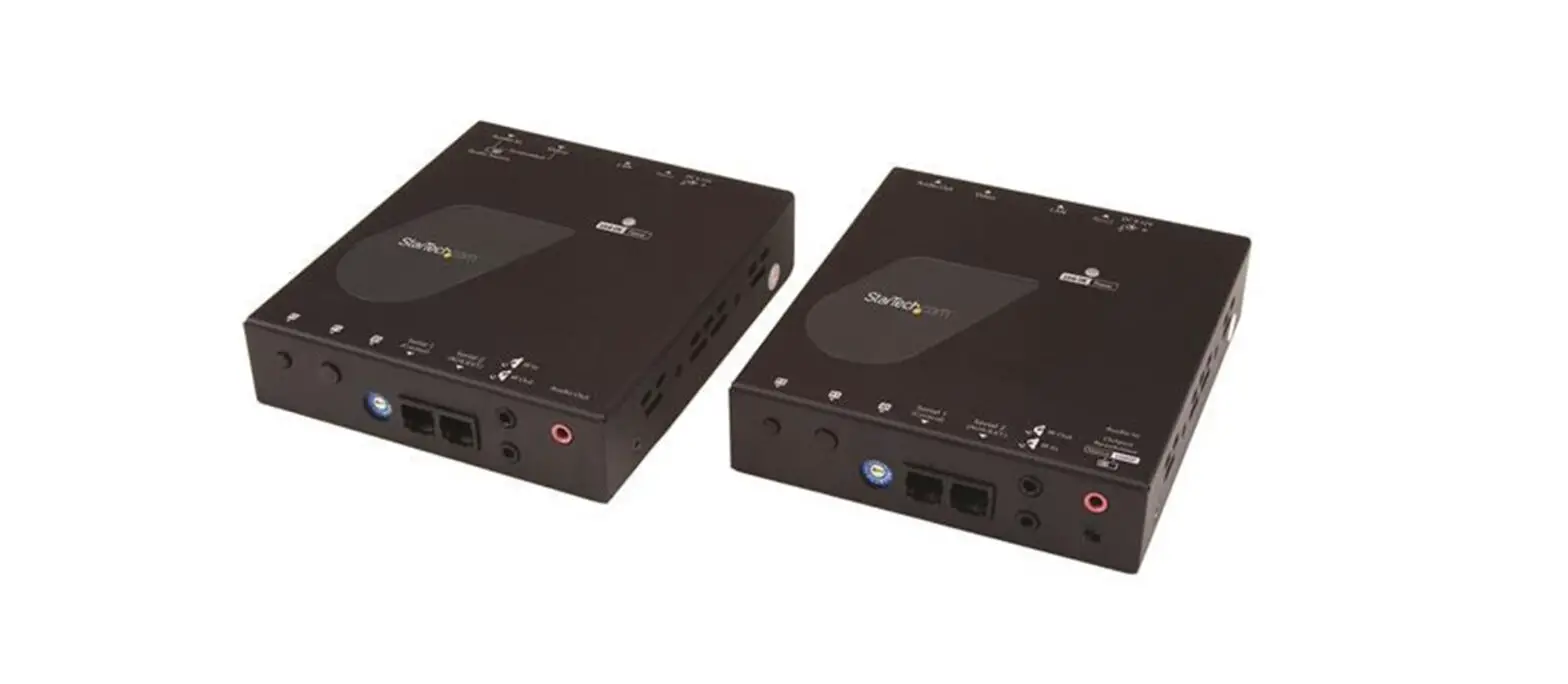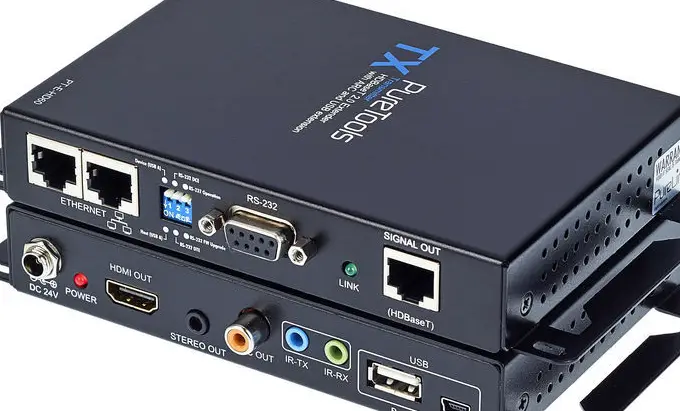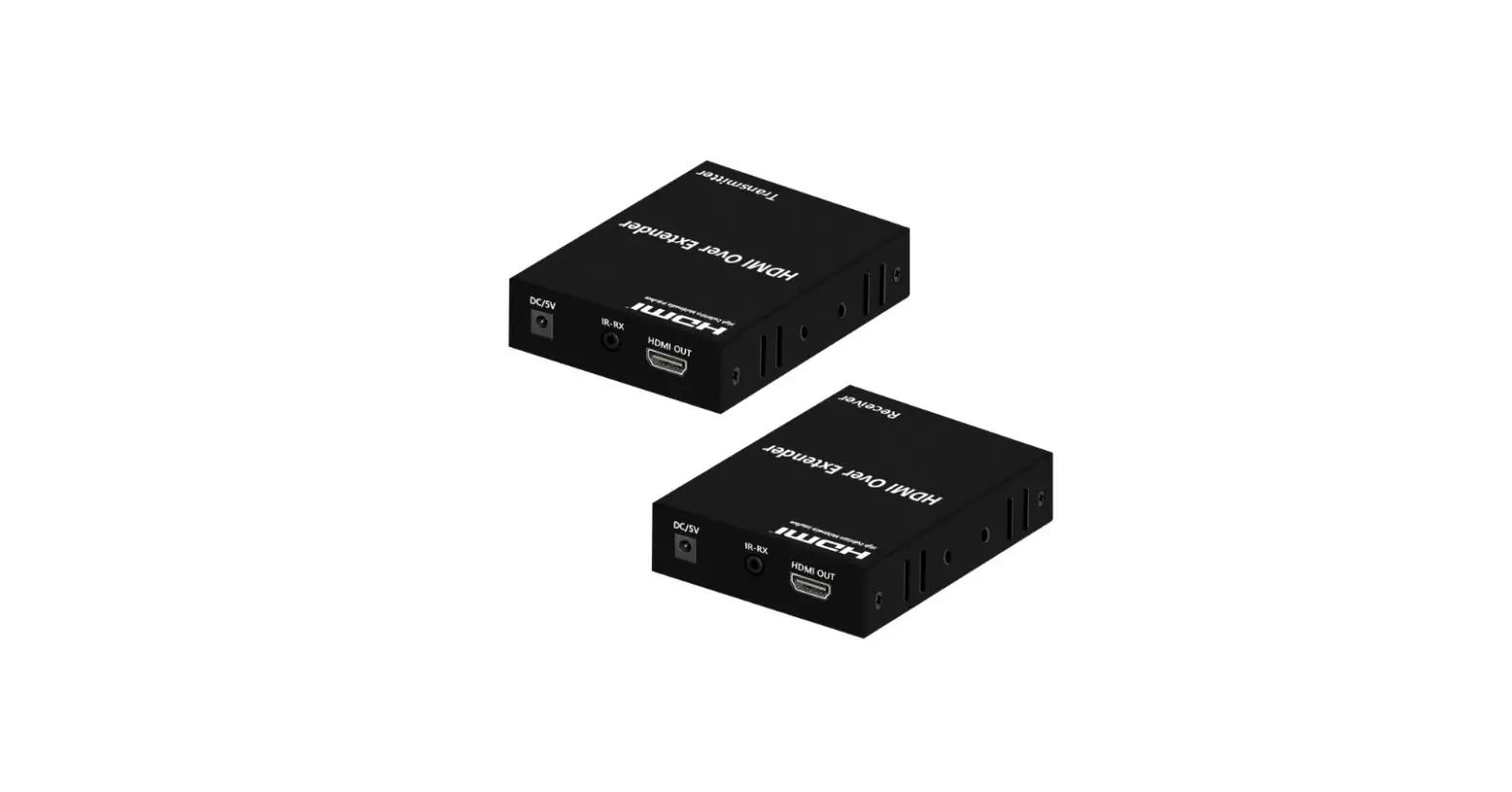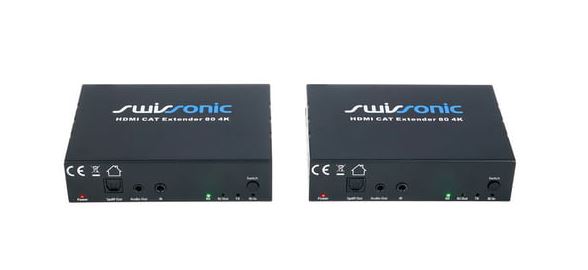

Swissonic 503189 HDbitT HDMI2.0 Over IP Extender and Receiver
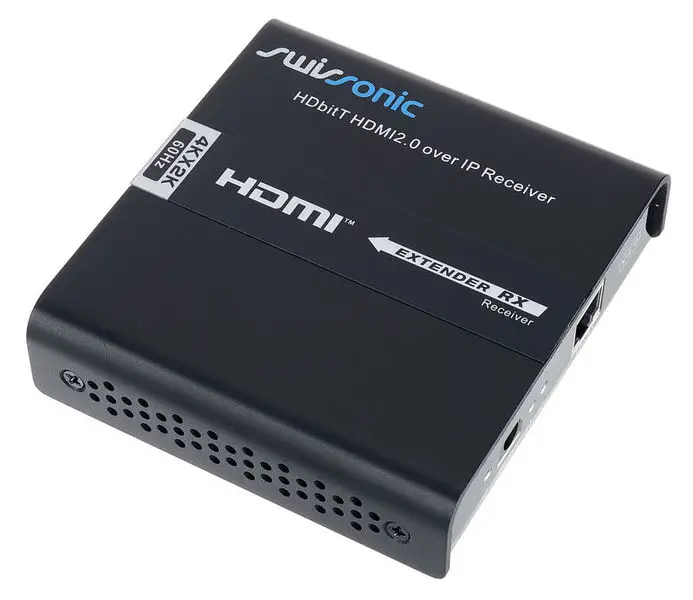
Quick start guide
This quick start guide contains important information on the safe operation of the product. Read and follow the safety advice and instructions given. Retain the quick start guide for future reference. If you pass the product on to others please include this quick start guide.
Safety instructions
Intended use
This device is used to transmit HDMI and HDCP signals via network cables. Any other use or use under other operating conditions is considered to be improper and may result in personal injury or property damage. No liability will be assumed for damages resulting from improper use.
Danger for children
Ensure that plastic bags, packaging, etc. are disposed of properly and are not within reach of babies and young children. Choking hazard! Ensure that children do not detach any small parts from the product. They could swallow the pieces and choke
Where to use the product
Never use the product
- in conditions of extreme temperature or humidity
- in extremely dusty or dirty areas
- at locations where the unit can become wet General handling
- To prevent damage, never use force when handling the product.
- Never immerse the product in water. Just wipe it with a clean dry cloth. Do not use liquid cleaners such as benzene, thinners or flammable cleaning agents.
Features
- Transmission of HDMI 2.0 and HDCP 2.2 via HDbitT protocol
- Transmission up to 150 meters (when using CAT6 cable)
- Supports resolutions up to 4K × 2K at 60 Hz
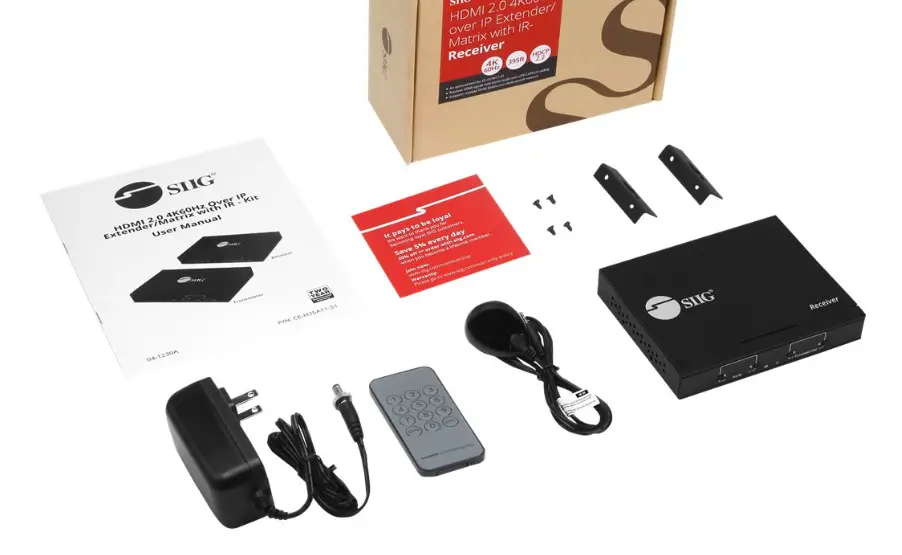
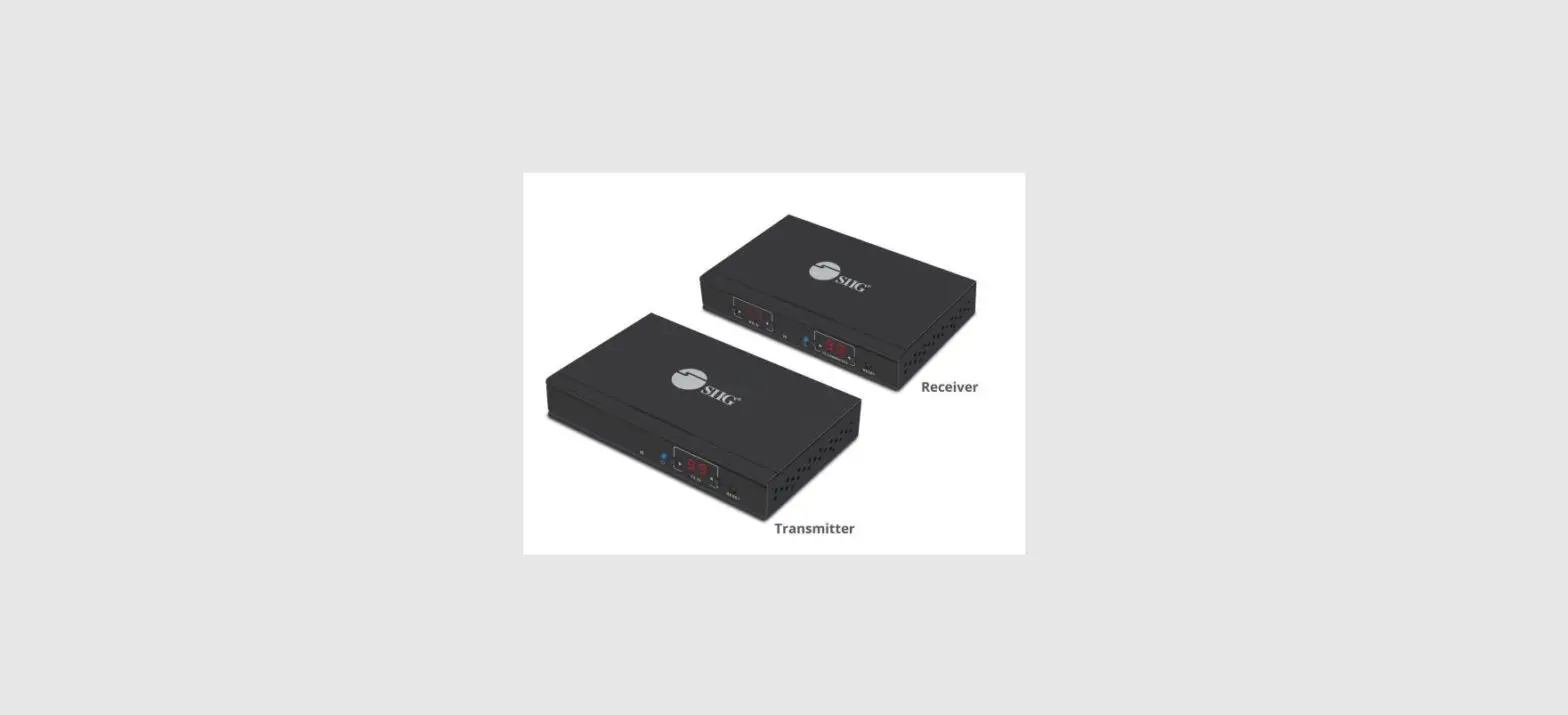
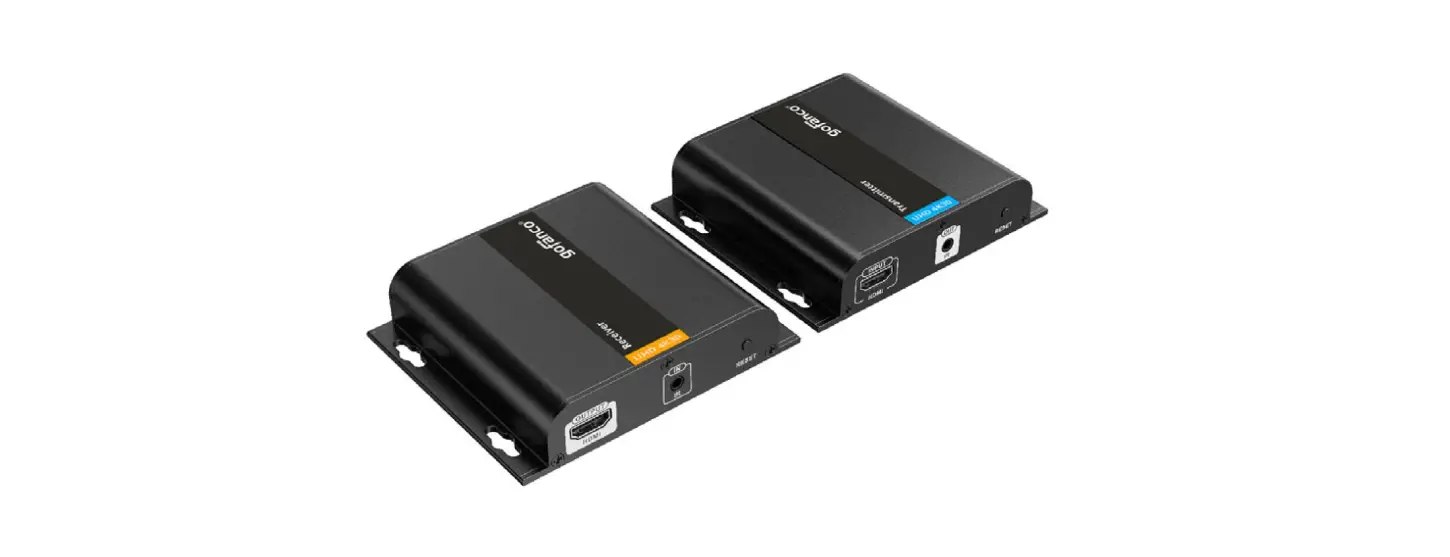
- Scope of delivery: HDbitT transmitter, HDbitT receiver, 2 × power adapter, IR cable receiver, IR cable transmitter
Operating elements
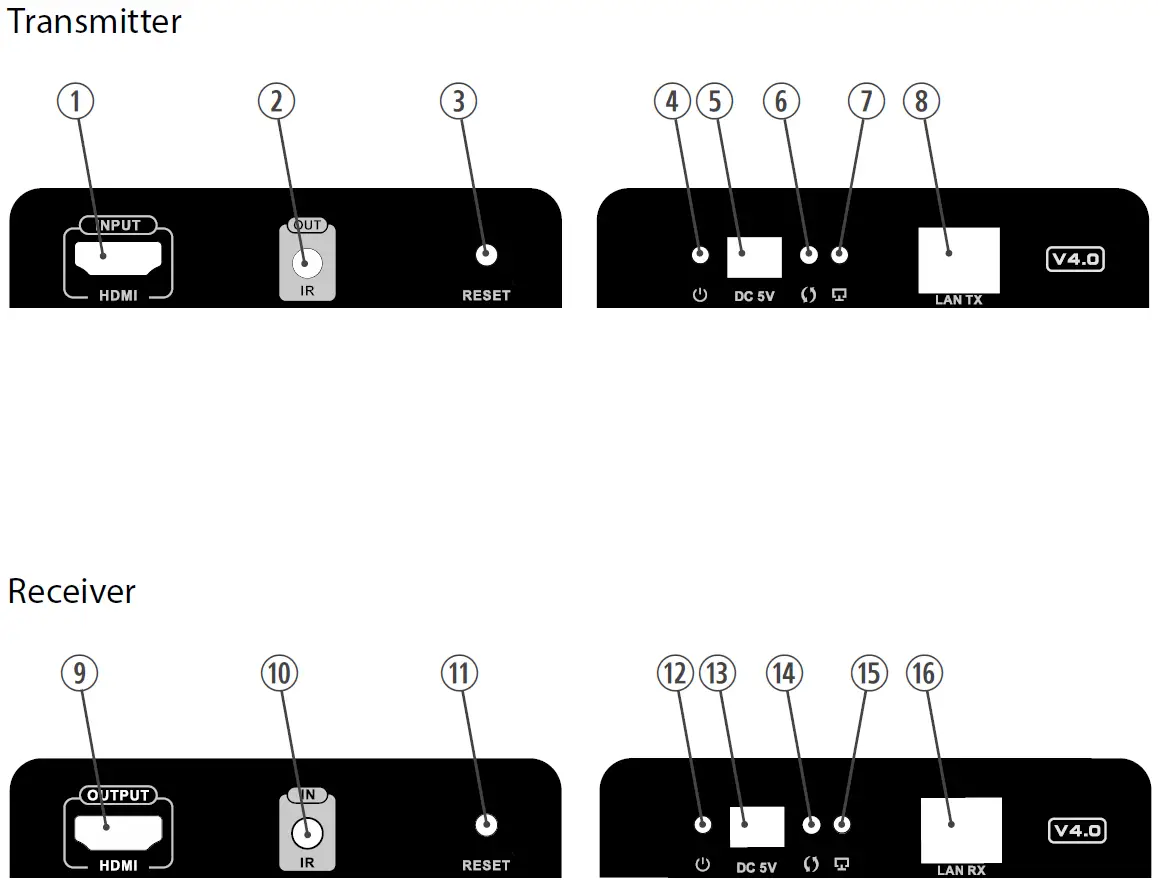
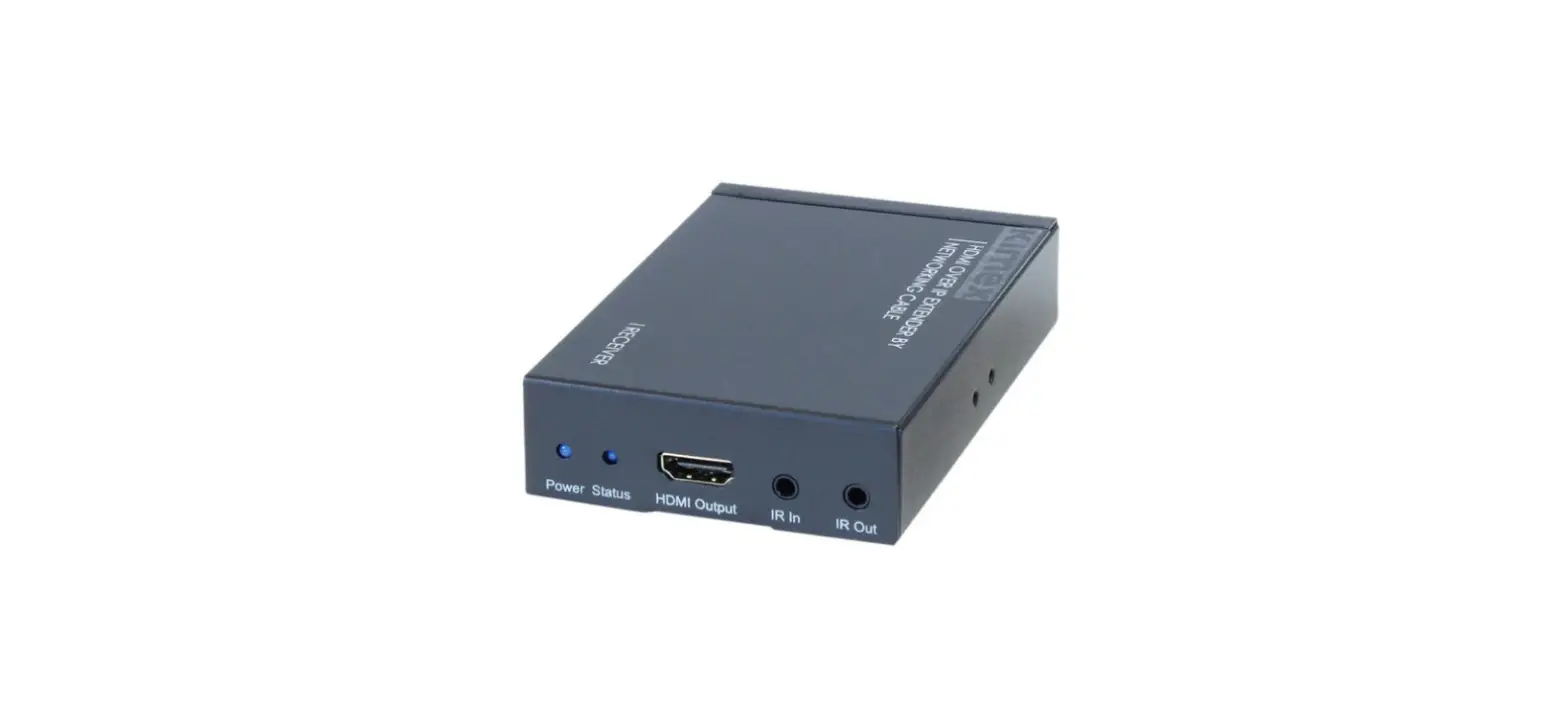
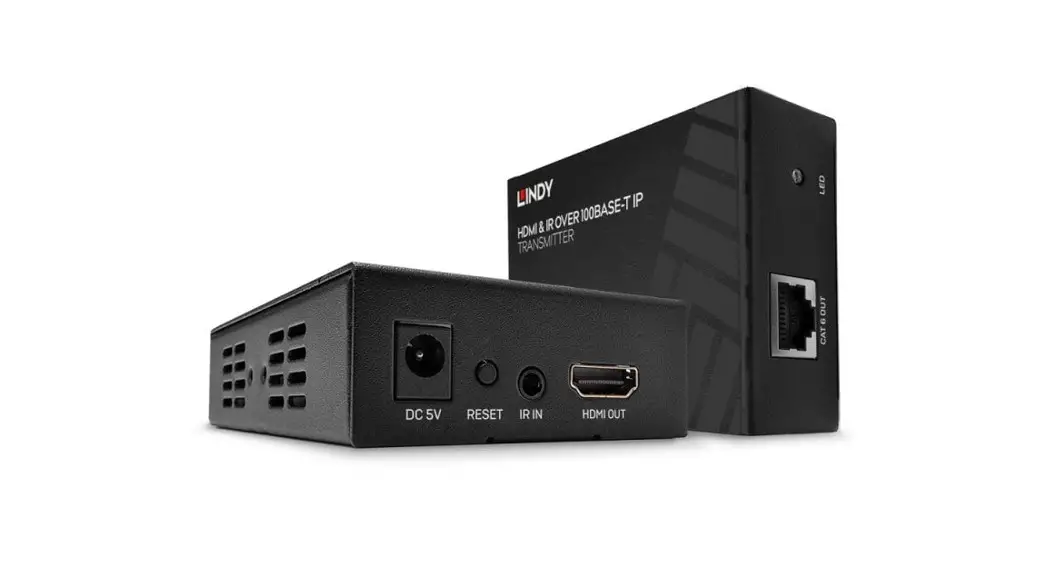
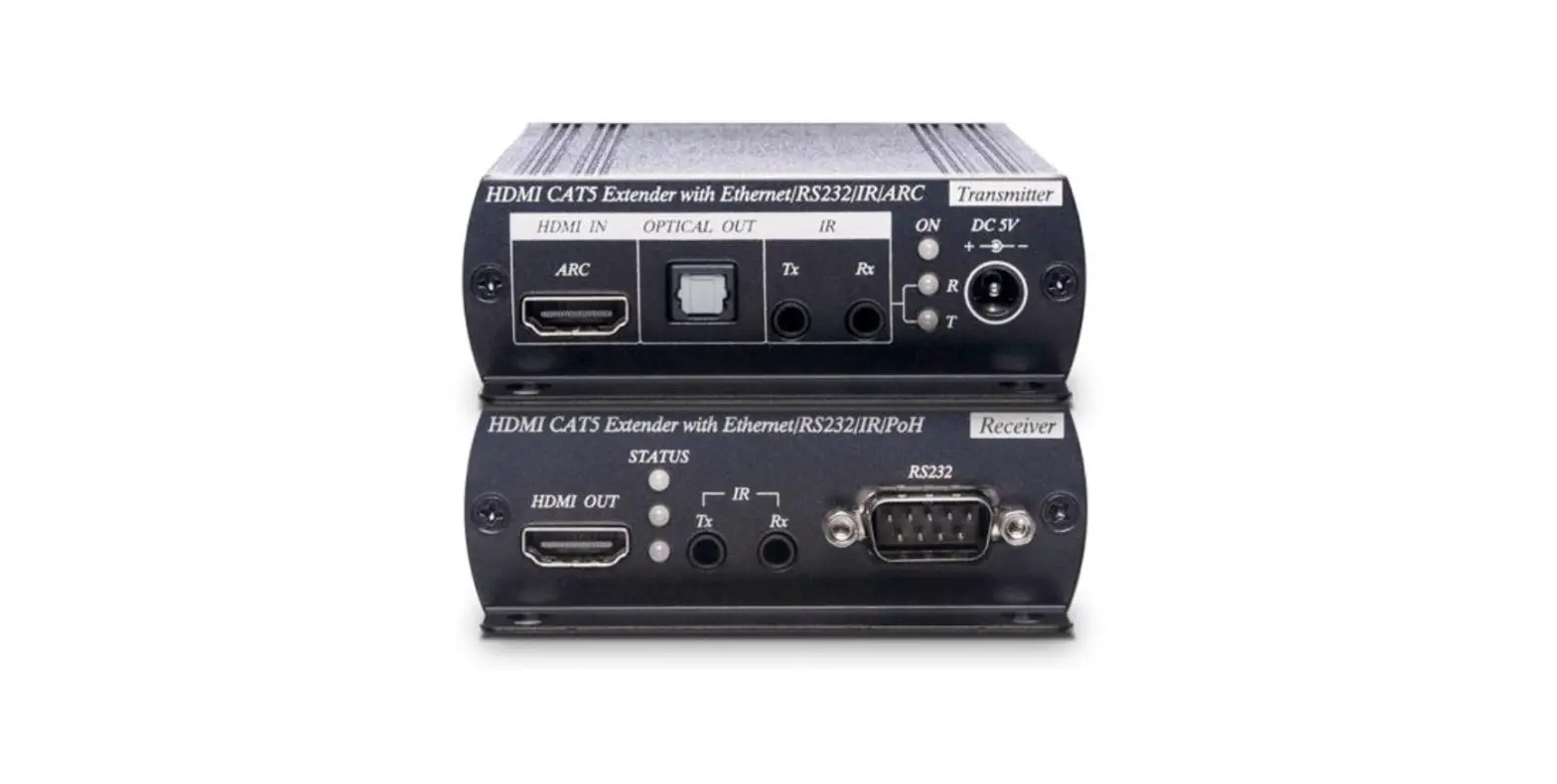
- INPUT HDMI – HDMI input
- OUT IR – Connection for infrared transmitter
- RESET – Button to restart the device
- This LED lights up when the device is powered
- 5V 3A – Connection for power adapter
- This LED flashes when data is being transferred
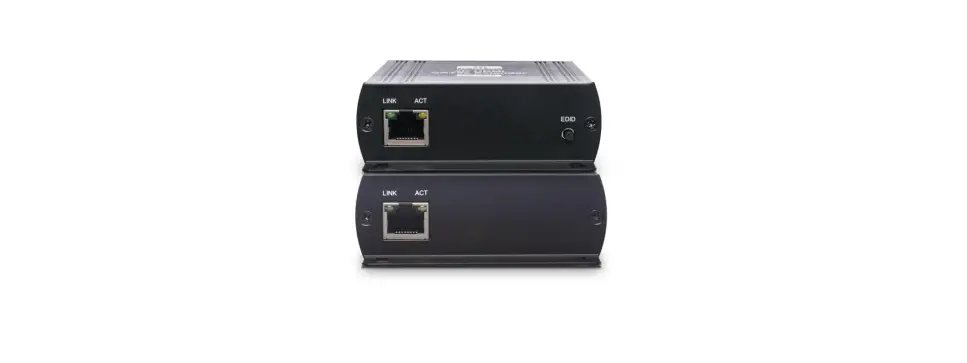
- This LED lights up when the connection between transmitter and receiver is established
- HDbitT TX – HDbitT signal output
- OUTPUT HDMI – HDMI output
Receiver - IN IR – Connection for infrared receiver
- RESET – Button to restart the device
- This LED lights up when the device is powered
- 5V 3A – Connection for power adapter
- This LED flashes when data is being transferred
- This LED lights up when the connection between transmitter and receiver is established
- HDbitT RX – HDbitT signal input
Using the product
- Connect both devices to properly wired power outlets using the power adapters supplied. The respective operating indicator ( ) lights up, the devices are immediately ready for operation.
- Connect the HDMI source to the INPUT HDMI socket of the transmitter using a suitable cable.
- Connect the HDbitT TX socket of the transmitter to the HDbitT RX socket of the receiver using a CAT5 or CAT6 cable (CAT6 for a maximum transmission range of 150 m). The LEDs on both devices light up to confirm the established connection.
- Connect the HDMI display to the OUTPUT HDMI socket of the receiver using a suitable cable.
- If you want to control the HDMI source with its IR remote control from the location of the receiver, connect the IR cable receiver to the IN IR socket of the receiver and the IR cable transmitter to the OUT IR socket of the transmitter. The diode at the end of the cable must point to the IR sensor on the HDMI source. To find out where this sensor is, refer to the manual of the HDMI source device. When you operate the IR remote control, aim it at the free end of the IR cable receiver.
- Switch on the HDMI devices and start the transmission on the HDMI source. The LED flashes during data transfer.
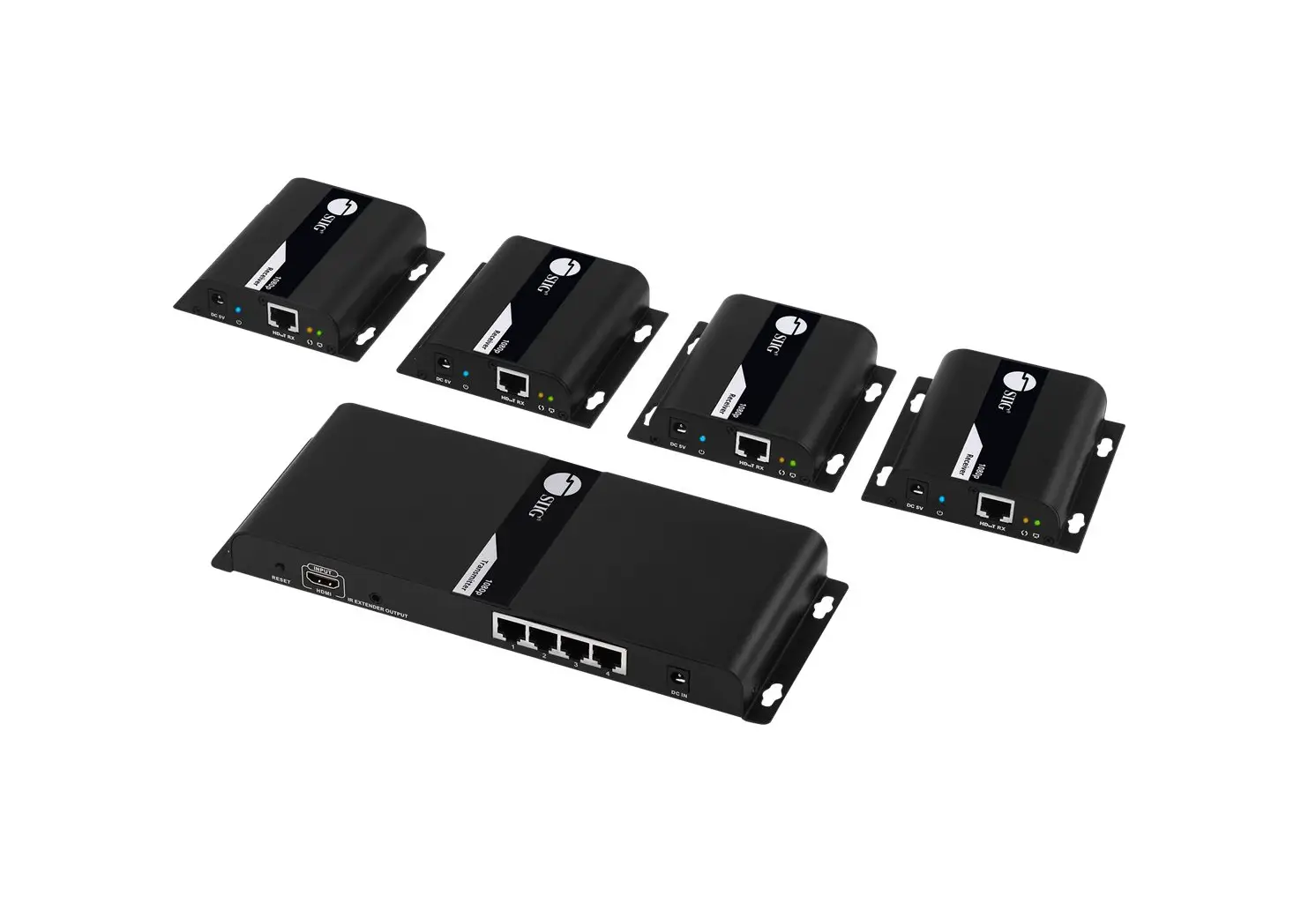
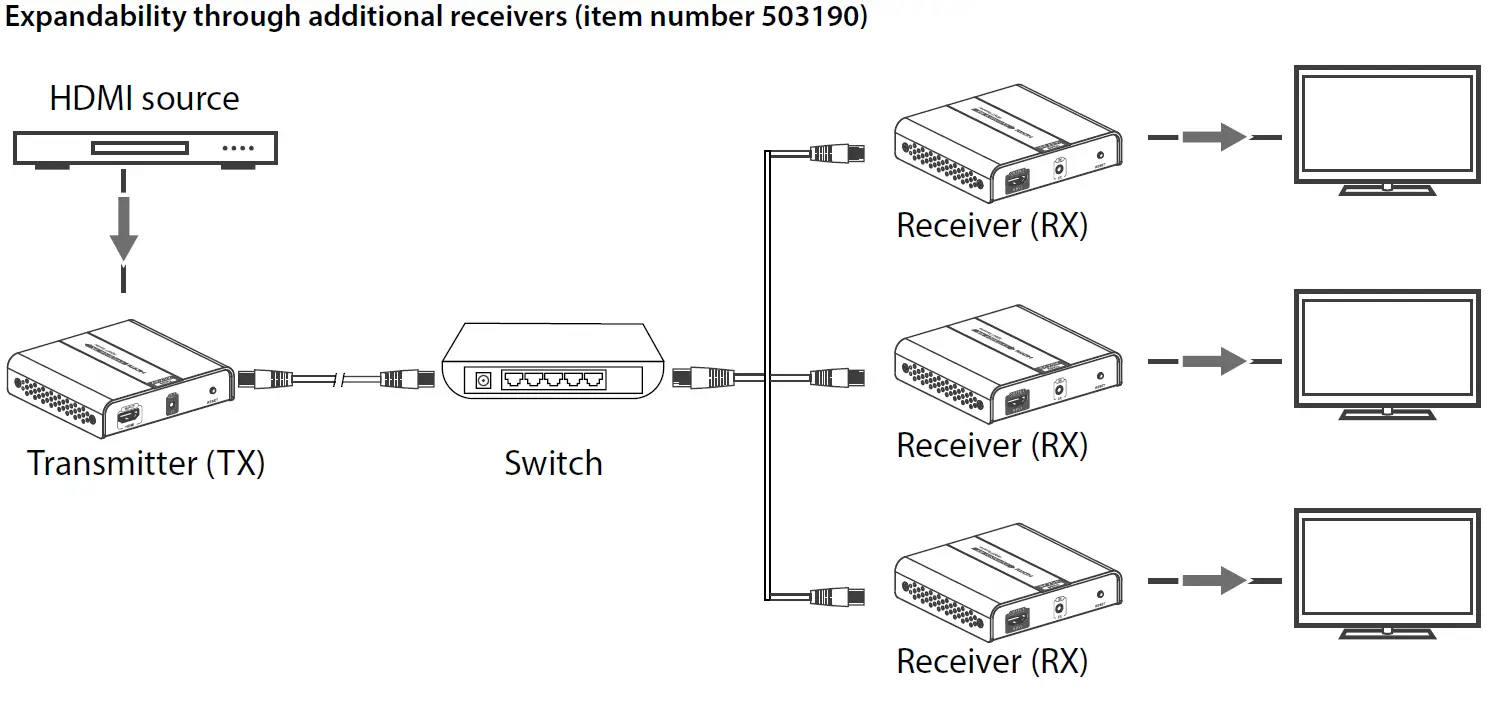
- The receivers of this system are available separately (item number 503190). When using network switches, a signal can be sent to any number of target devices.
- After use, disconnect both power adapters from the power supply.
For the transport and protective packaging, environmentally friendly materials have been chosen that can be supplied to normal recycling. Ensure that plastic bags, packaging, etc. are properly disposed of. Do not just dispose of these materials with your normal household waste, but make sure that they are collected for recycling. Please follow the notes and markings on the packaging.
This product is subject to the European Waste Electrical and Electronic Equipment Directive (WEEE) in its currently valid version. Do not dispose of your old device with your normal household waste. Dispose of this product through an approved waste disposal firm or through your local waste facility. Comply with the rules and regulations that apply in your country. If in doubt, consult your local waste disposal facility.
| Resolutions | input output | up to 2160p60 up to 2160p60 |
| Format | HDMI 2.0 | |
| HDCP | HDCP 2.2 | |
| Colour depth | 8 bit | |
| Audio formats | L / R stereo | |
| Audio outputs | digital analogue | ./. ./. |
| Input connections | 1 × HDMI 1 × RJ45 IR | |
| Output connections | 1 × HDMI 1 × RJ45 IR | |
| Input signal looping | ./. | |
| Connection cable in / output module | CAT 5 / CAT 5e / CAT 6 | |
| Transmission length | CAT 5: max. 80 m | CAT 5e: max. 100 m | CAT 6: max. 120 m | |
| Additional equipment | unidirectional transmission of infrared signals | |
| Power supply | External power adapter, 100 – 240 V~ 50/60 Hz | |
| Operating voltage | 5 V / 2 A , centre positive | |
| Degree of protection | IP20 | |
| Dimensions (W × D × H) | 104 mm × 27 mm × 98 mm | |
| Weight | 260 g per unit | |
| Ambient conditions | Temperature range 0 °C…40 °C Relative humidity 20 %…80 %, non-condensing |
Expandability through additional receivers (item number 503190)
Thomann GmbH
Hans-Thomann-Straße 1
96138 Burgebrach
www.thomann.de
[email protected] DocID: 503189, 503190_17.05.2021