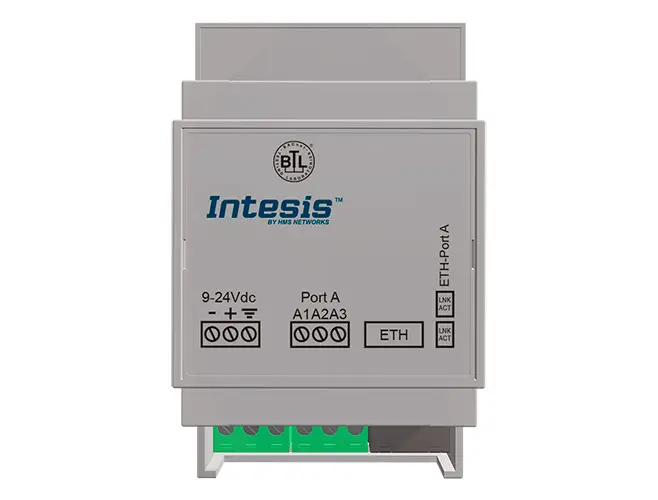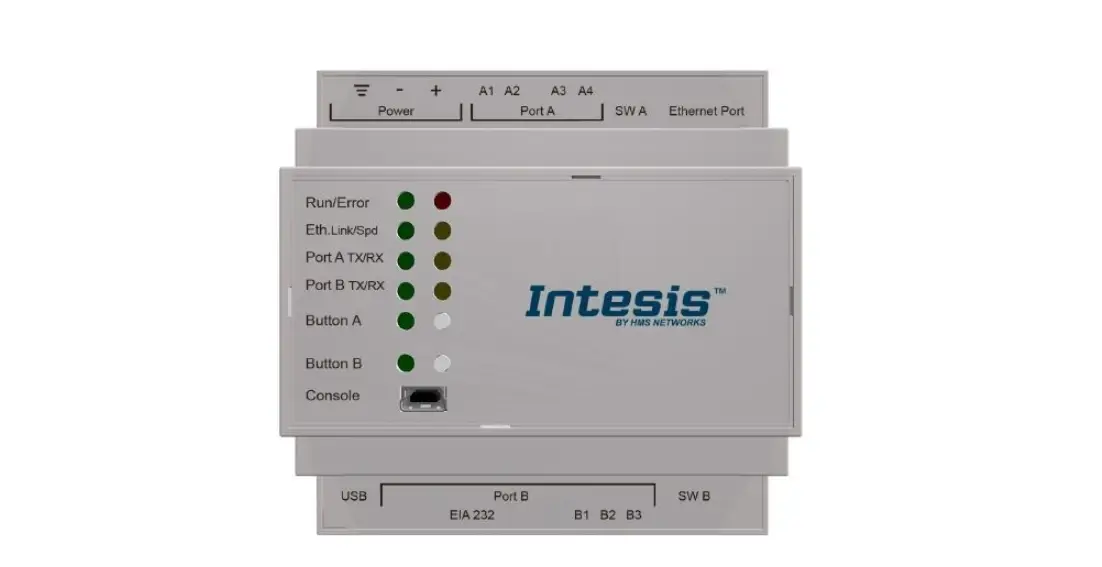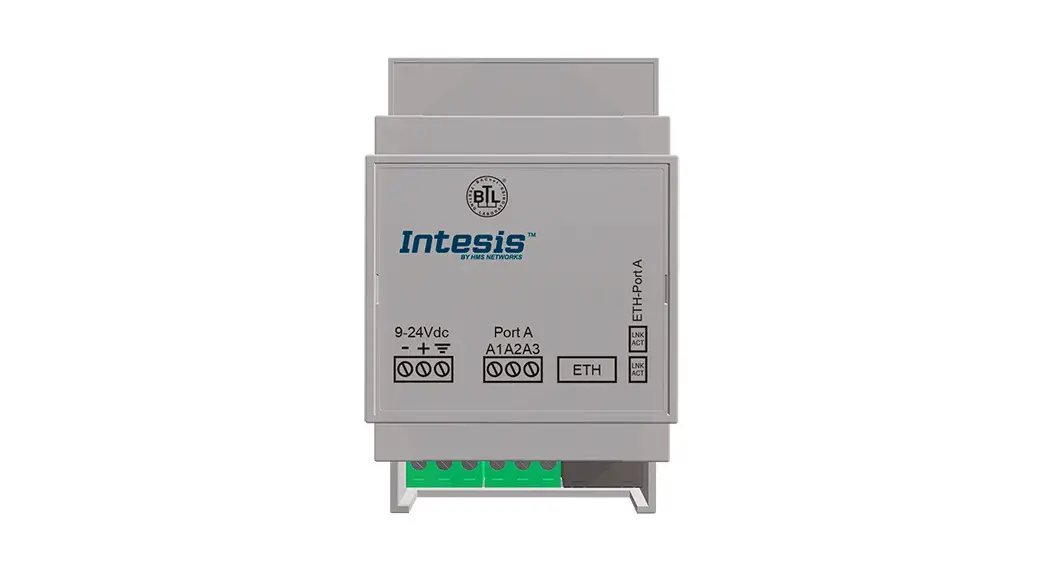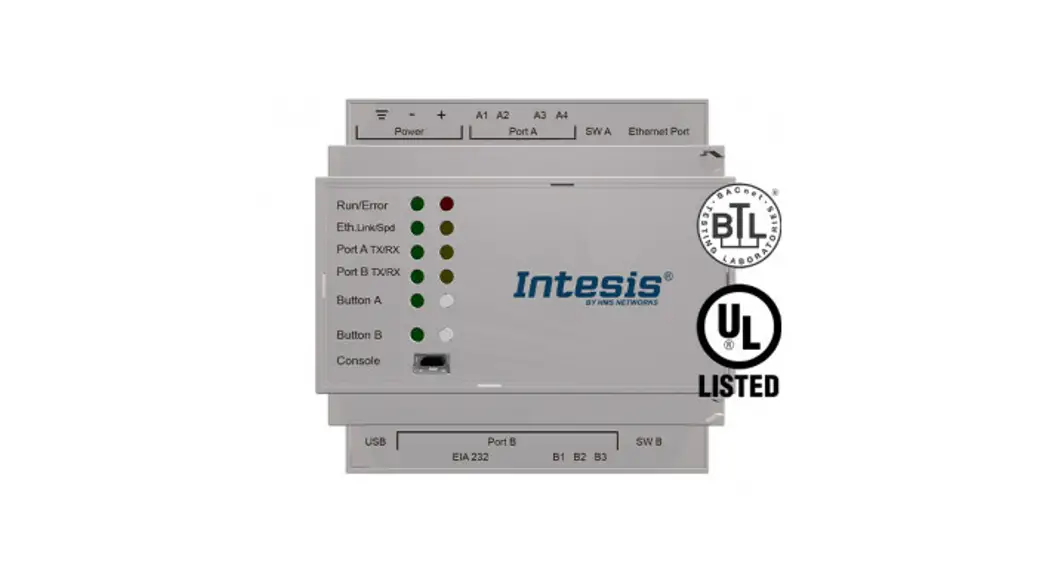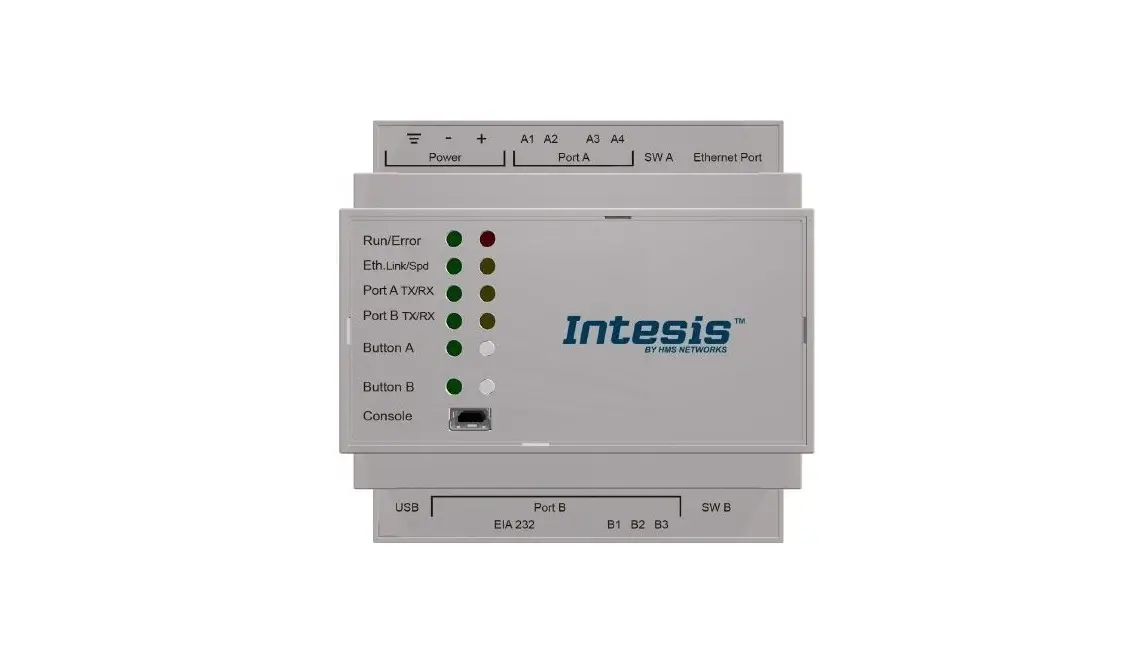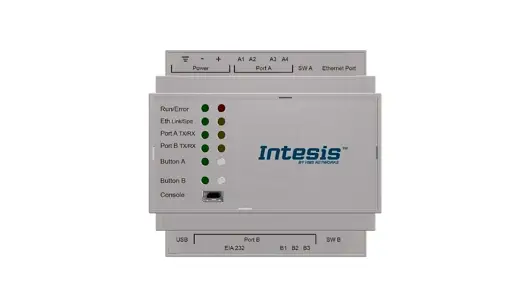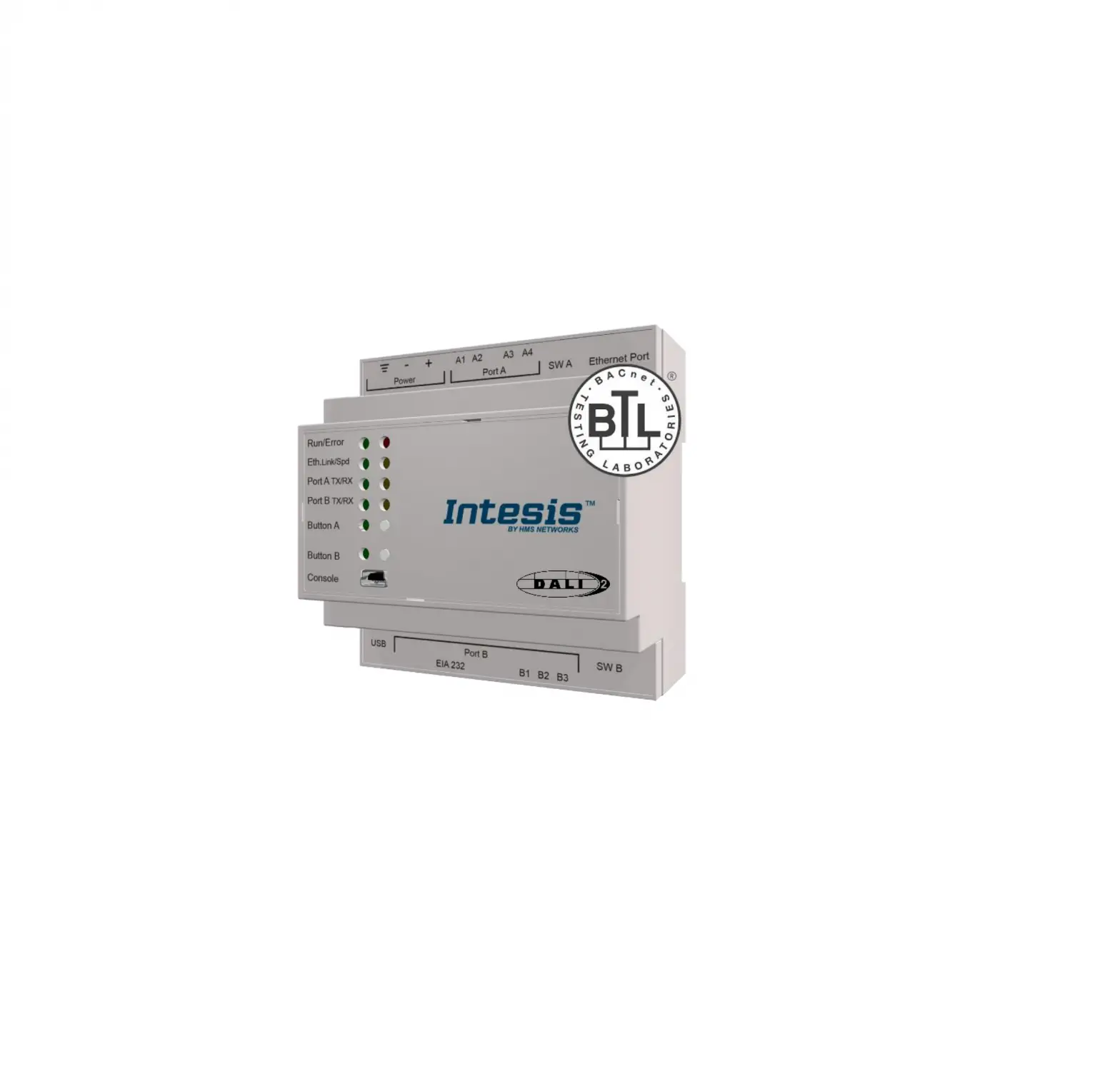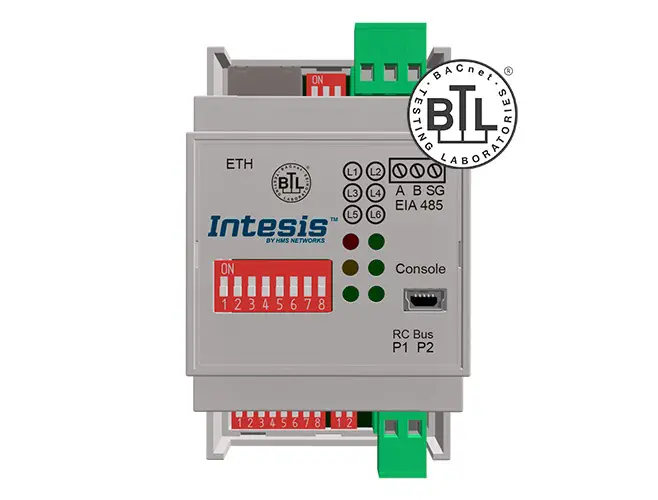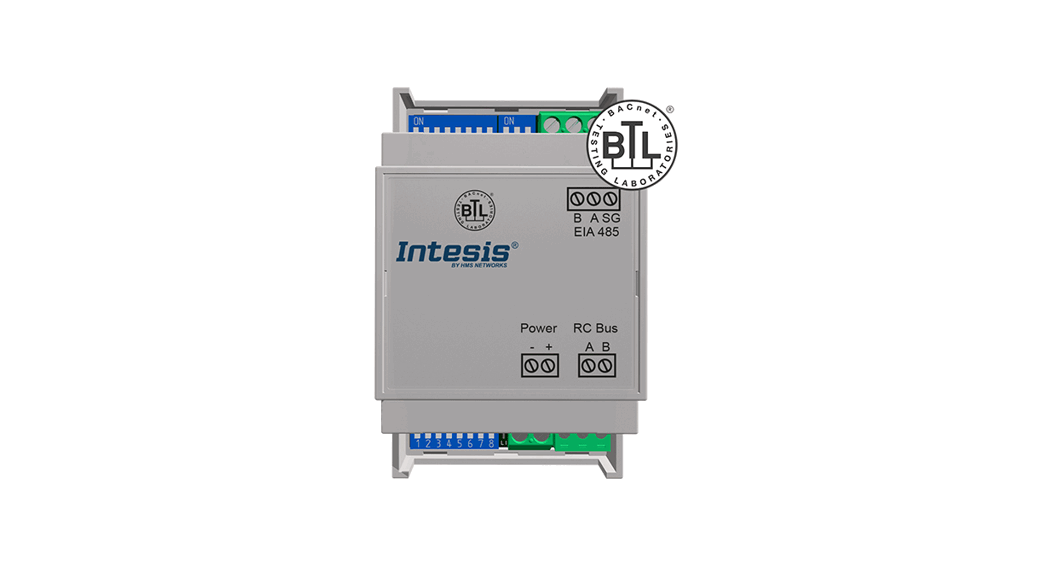
 Interface INBACTOS001R100
INBACTOS001R100 Digital systems to BACnet MSTP Interface
Instruction Manual
Safety instructions
 WARNING
Follow carefully this safety and installation instructions. Improper work may lead to serious harmful for your health and also may damage seriously the interface and/or the AC indoor unit.
- This interface must be installed by accredited technical personnel (electrician, installer, or technical personnel) and following all the safety instructions.
- Before manipulate the AC indoor unit be sure it is completely disconnected from Mains power.
- In case of wall mounting of the interface beside the AC indoor unit, fix the interface safely following the instructions of the diagram below.
- This interface must be installed in an access restricted location.
Installation instructions
- Disconnect the Toshiba system from Mains Power.
- Fix the interface beside the AC indoor unit (wall mounting) following the instructions in the diagram below (respect the safety instructions given above).
- Connect the interface to AB bus in any point of the bus. The AB bus is the bus that connects the AC indoor unit and the wired remote controller, is a twowire bus connecting terminals AB of both, this AB connection has no specific polarity.
- Connect the EIA485 bus to the connector EIA485 of the interface (for MS/TP connection).
- Close the AC indoor unit and reconnect it to Mains Power.
- Follow the instructions on the user manual for configuring and commissioning the interface.
- Follow the instructions of the next page to configure the interface through on-board DIP-switches.
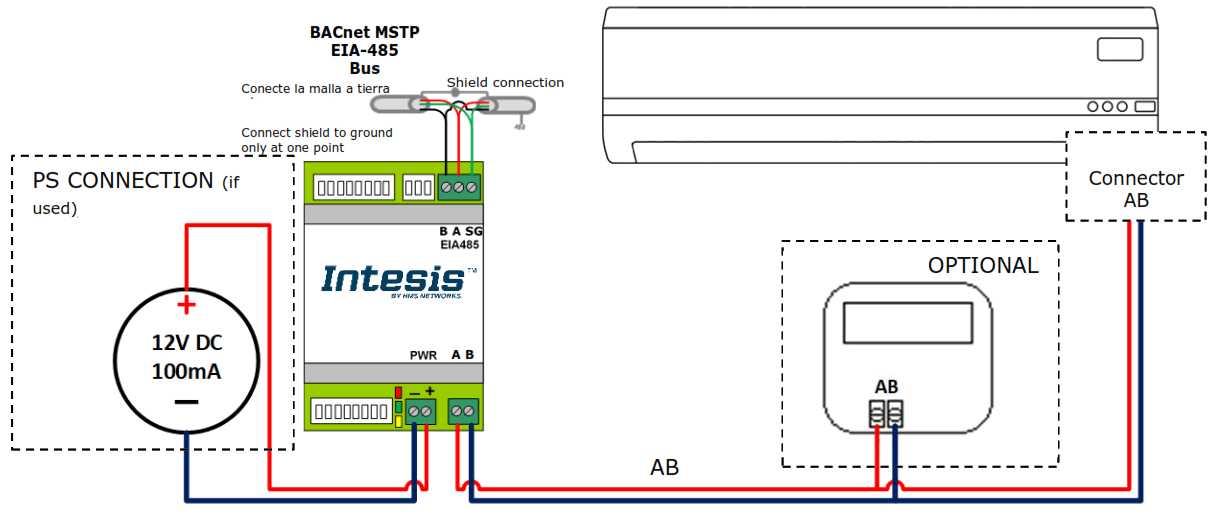
Important: If a wired remote controller of the AC manufacturer is connected in the same bus, communication may shut down. In case it happens, use an external power supply connected to the PS connector in our device to overcome this situation.
If using an external power supply, it must comply with NEC Class 2 or Limited Power Source (LPS) and SELV rated power supply. Respect the polarity. Apply always a voltage within the range admitted and of enough power (12V DC, min. 100 mA).
FCC: This device complies with part 15 of the FCC Rules. Operation is subject to the following two conditions:
- This device may not cause harmful interference
- This device must accept any interference received, including interference that may cause undesired operation.
IMPORTANT: Keep the cable as far as possible from mains and ground wires. Do not bundle them together.
Configuration through DIP – switches
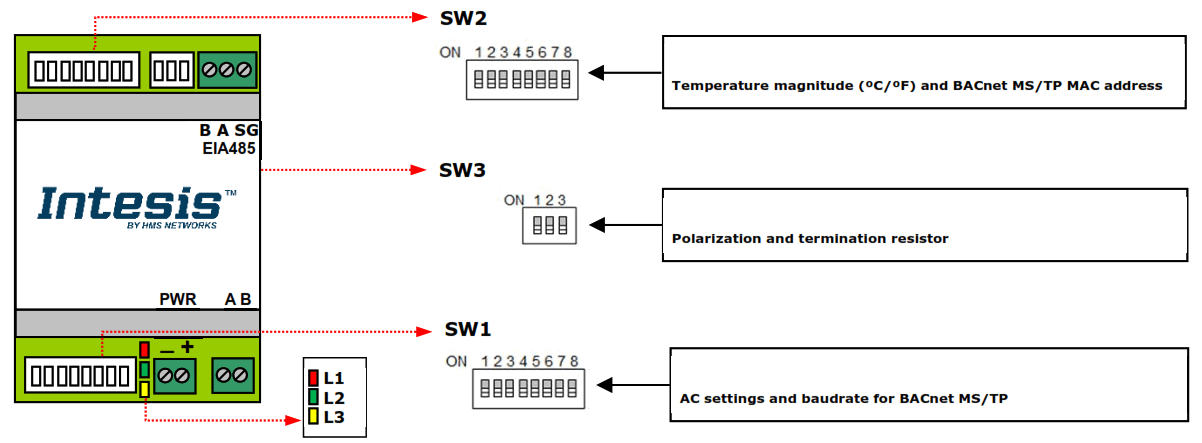
SW1 MS/TP – Device configuration and BACnet MS/TP baudrate
| Valor binario Binary value b1…b5 | Interruptores Switches | Description | |||||||
| 1 | 2 | 3 | 4 | 5 | 6 | 7 | 8 | ||
| 0xxxxxxx |  | x | x | x | x | x | x | x | Follower (Default value) (valor por defecto – default value) |
| 1xxxxxxx |  | x | x | x | x | x | x | x | Header |
| x0xxxxxx | x | | x | x | x | x | x | x | Not used |
| x0xxxxxx | x | | x | x | x | x | x | x | Not used |
| xx0xxxxx | x | x | | x | x | x | x | x | Not used |
| xx1xxxxx | x | x | | x | x | x | x | x | Not used |
| xxx0xxxx | x | x | x | | x | x | x | x | Not used |
| xxx1xxxx | x | x | x | | x | x | x | x | Not used |
| xxxx0xxx | x | x | x | x | | x | x | x | Low Power Mode |
| xxxx1xxx | x | x | x | x | | x | x | x | High Performance mode (valor por defecto – default value) |
| Valor binario Binary value B6…b8 | Interruptores Switches | Description | |||||||
| 1 | 2 | 3 | 4 | 5 | 6 | 7 | 8 | ||
| xxxxx000 | x | x | x | x | x | | | | Autobaudrate (valor por defecto – default value) |
| xxxxx100 | x | x | x | x | x | | | | 9600 bps |
| xxxxx010 | x | x | x | x | x | | | | 19200 bps |
| xxxxx110 | x | x | x | x | x | | | | 38400 bps |
| xxxxx001 | x | x | x | x | x | | | | 57600 bps |
| xxxxx101 | x | x | x | x | x | | | | 76800 bps |
| xxxxx011 | x | x | x | x | x | | | | 115200 bps |
| xxxxx111 | x | x | x | x | x | | | | Autobaudrate |
SW2 – MS/TP MAC address and temperature magnitude (ºC/ºF)
| Binary value b0…b7 | Interruptores Switches | MAC address | Description | |||||||
| 1 | 2 | 3 | 4 | 5 | 6 | 7 | 8 | |||
| 0000000x | | | | | | | | x | 0 | |
| 1000000x | | | | | | | | x | 1 | |
| 0100000x | | | | | | | x | 2 | ||
| 1100000x | | | | | | | x | 3 | ||
| …. | …………….. | …….. | ||||||||
| 1011111x | | | | | | | | x | 125 | |
| 0111111x | | | | | | | | x | 126 | |
| 1111111x | | | | | | | | x | 127 | |
| xxxxxxx0 | x | x | x | x | x | x | x | | Temperature values in Bacnet are represented in Celsius degrees (valor por defecto – default value) | |
| xxxxxxx1 | x | x | x | x | x | x | x | | Temperature values in Bacnet are represented in Fahrenheit degrees | |
* NOTE: The MAC address selected might affect on the Device Instance. Check the manual for more information.
SW3 – Polarization and termination
| Valor binario Binary value B0…b2 | Interruptores Switches | Description | ||
| 1 | 2 | 3 | ||
| 0xx | | x | x | EIA485 bus without termination resistor. The gateway is not at one end of the EIA485 bus (valor por defecto – default value) |
| 1xx | | x | x | 120 Ω termination resistor active. The gateway is at one end of the EIA485 bus |
| x00 | x | | | No bus polarization (valor por defecto – default value) |
| x11 | x | | | Bus polarization active |
LED information
| LED | Behaviour | Description |
| L1 (red) | ON Steady | BACnet MS/TP link |
| Blinking | Activity on the BACnet MS/TP bus | |
| OFF | BACnet MS/TP link not performed |
| LED | Behaviour | Description |
| L2 (green) | ON Steady | Communication error |
| Blinking | AC Error | |
| Flashing | Communication OK |
| LED | Behaviour | Description |
| L3 (yellow) | ON Steady | External power supply connected |
| OFF | External PS not connected |
NOTE: Check the manual for more information about other LED operation modes.
The user manual is available at: https://intesis.com/products/ac-interfaces/toshiba-gateways/toshiba-bacnet-vrf-to-rc-bac-1l This marking on the product, accessories, packaging or literature (manual) indicates that the product contains electronic parts and they must be properly disposed of by following the instructions at https://intesis.com/weee-regulation
Doc.r.1.0
© HMS Industrial Networks S.L.U – All rights reserved
This information is subject to change without noticeURL https://www.intesis.com
 Toshiba VRF and Digital systems to BACnet MSTP Interface
 Intesis | Gateway solutions for Building Automation