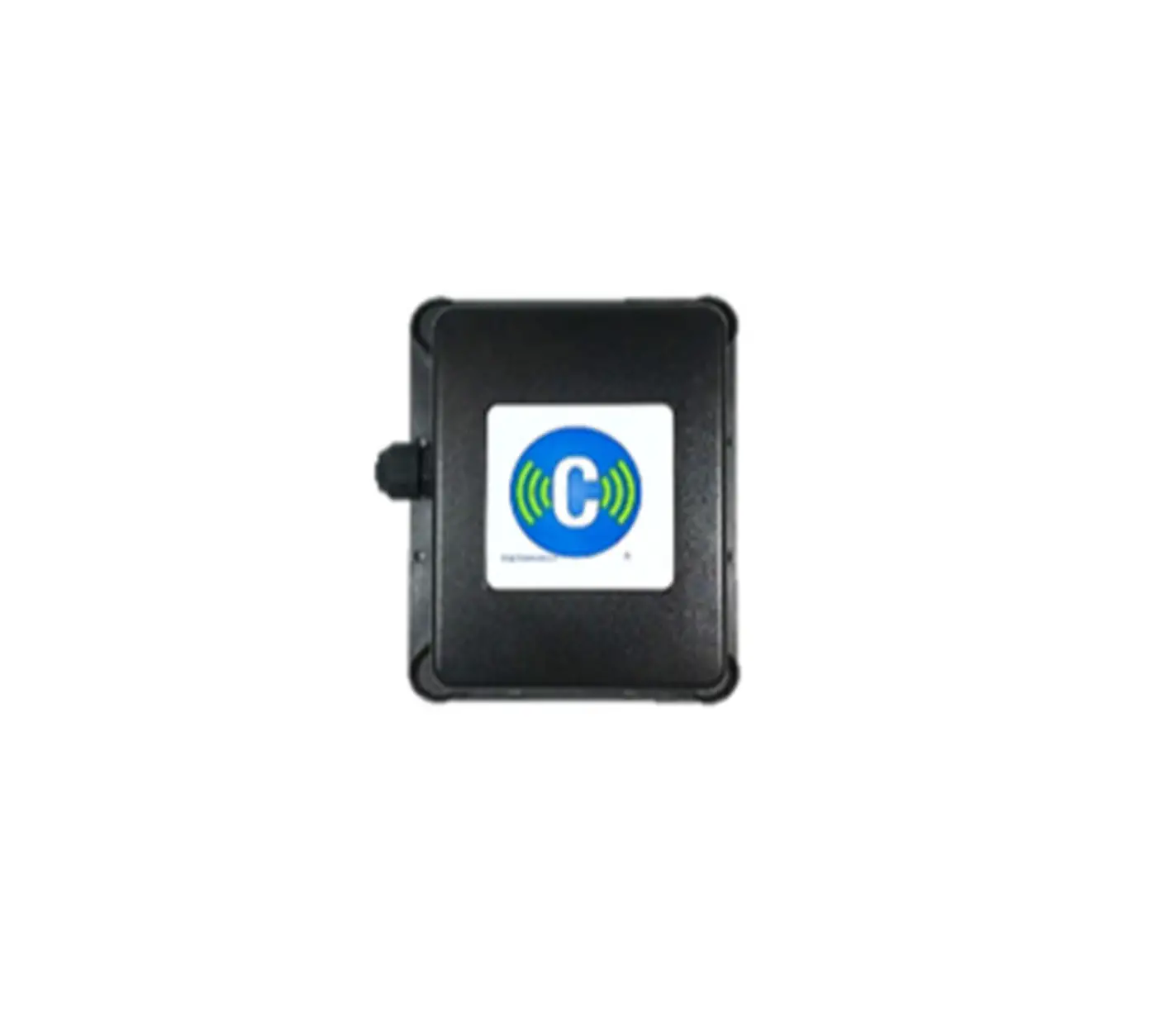
40VCBB17FQEE BACnet Gateway
Product Information
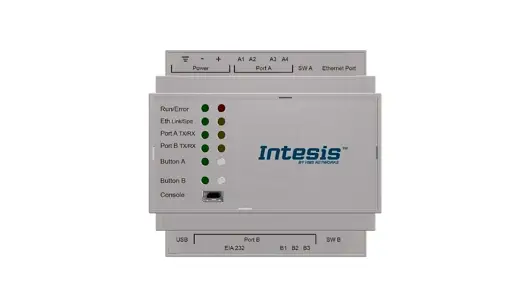
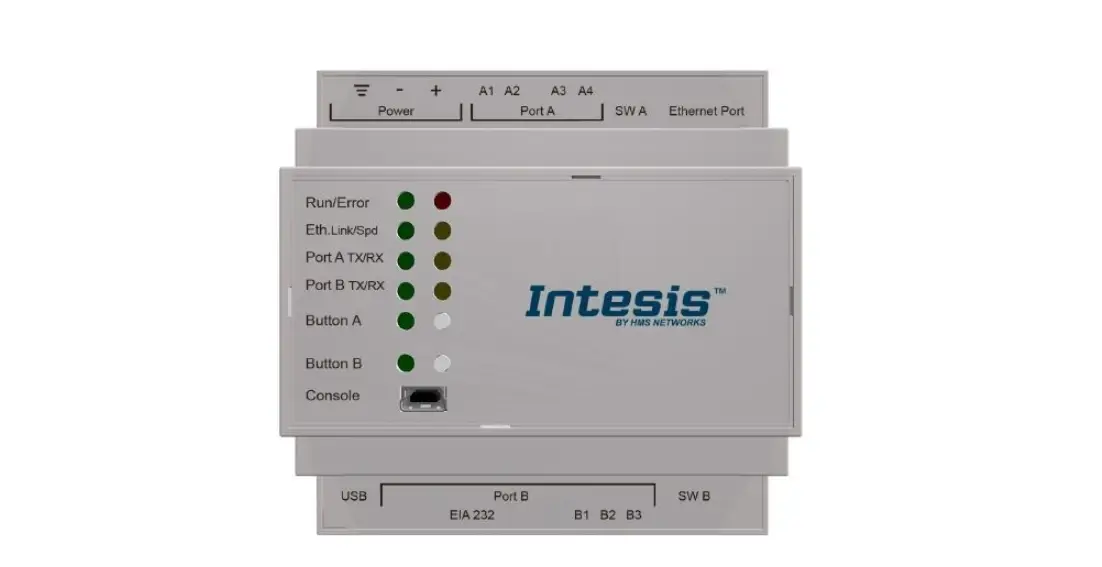
The BACnet Gateway is a device with model name 40VCBB17FQEE. It
is designed to provide communication between BACnet IP and Modbus
protocols. The gateway supports 2-way RS485 bus communication and
can connect with up to 2 Modbus slaves per way. It has a
high-performance 100M/10M adaptive Industrial Network Card and
comes with Ethernet communication capability.
The device has multiple interface features including power
supply ports, Ethernet ports, Modbus interfaces, and a reset
button. It operates on a power supply of +12/24V and has VV+ and
GND ports for connection. The Ethernet port supports BACnet IP
interface and Debug Interface. The Modbus interfaces (COM1 and
COM2) are used to connect gateways with addresses 1&2 and
3&4 respectively.
Product Usage Instructions
- Wiring Instructions:
Connect the device according to the provided connection diagram.
The default network port parameters are as follows:
- IP Address: 192.168.1.88
The address of the gateways connected to the same 40VCBB17FQEE
should not be duplicated. Connect COM1 interface to the gateway
with address 1&2, and COM2 interface to the gateway with
address 3&4. The indoor unit addresses under the same gateway
should not be duplicated, with a range of 1 to 32. The indoor units
between different gateways do not affect each other.
When connecting to the 40VCCR17FQEE, the 40VCBB17FQEE needs to
be connected to the U1 port of the 40VCCR17FQEE. Set the dip switch
of 40VCBM17FQEE to ON for 0 and OFF for 1.
The address dip switch of the indoor unit is SW03. Set it to ON
for 1 and OFF for 0. The address range is from 1 to 32.
Instructions:
- The default IP of 40VCBB17FQEE is 192.168.1.88.
- Set the IP of the computer to the same network segment as
40VCBB17FQEE. - Ping the IP 192.168.1.88 to check if it can work. If it works,
proceed to the next step. - If 192.168.1.88 cannot be pinged, press the RESET button for 8
seconds to restart the device. - After restarting, ping 192.168.1.88 again. Once successful, you
can start configuring 40VCBB17FQEE using the provided file
configuration.
BACnet Gateway
Installation and Owner’s Manual
MODEL NAME:
40VCBB17FQEE
1-1T-T–4400VVCCQQUEE–223311002200-E-ENN-0-0
1. Bacnet gateway—-40VCBB17FQEE
· Third party interface: BACnet ip · Max. 128 indoor units can be controlled for 40VCBB17FQEE; · Max. 4 systems. Each SD system requires one 40VCCR17FQEE · Operation status setting & monitoring · Schedule setting · Multi user management with different authorized levels
246
40VCBB17FQEE Wiring & Operating Instructions
The core function of the protocol converter is to convert Modbus protocol into BACnet protocol, implement Modbus device integration into BACnet network. That is, the gateway acts as a Modbus Master (master station) and supports connection of 4 Modbus Slaver devices. 40VCBB17FQEE is a standard BACnet network device in the BACnet network, and the user can map the device data points in the MODBUS network one by one to the data points in the BACnet network. The gateway provides the BACnet service interface, and the third-party BACnet Client software integrates the Modbus Slaver device into the system through the gateway.
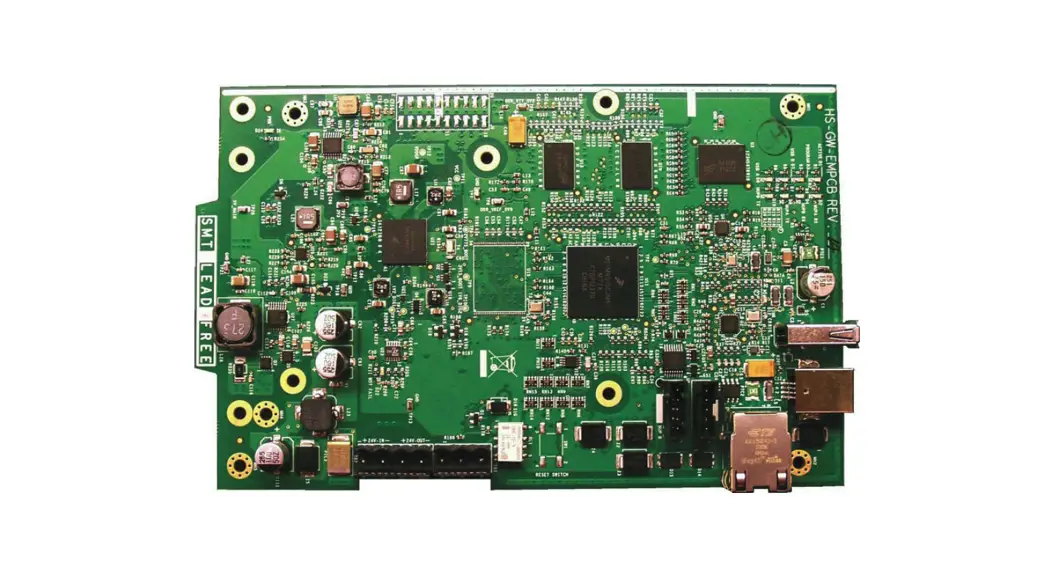
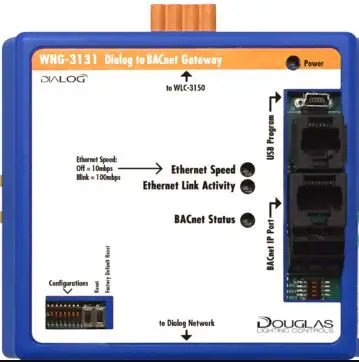
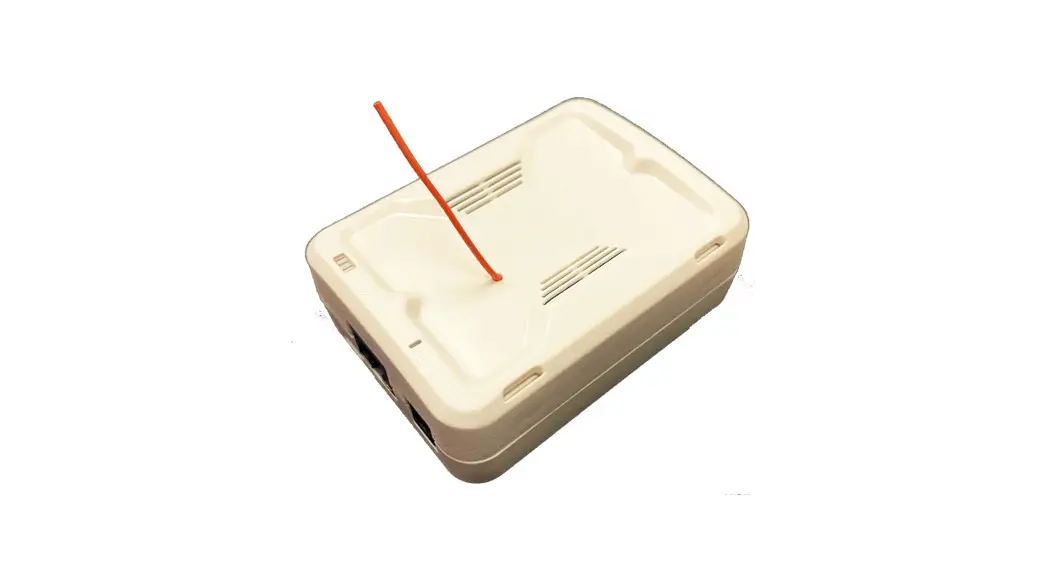
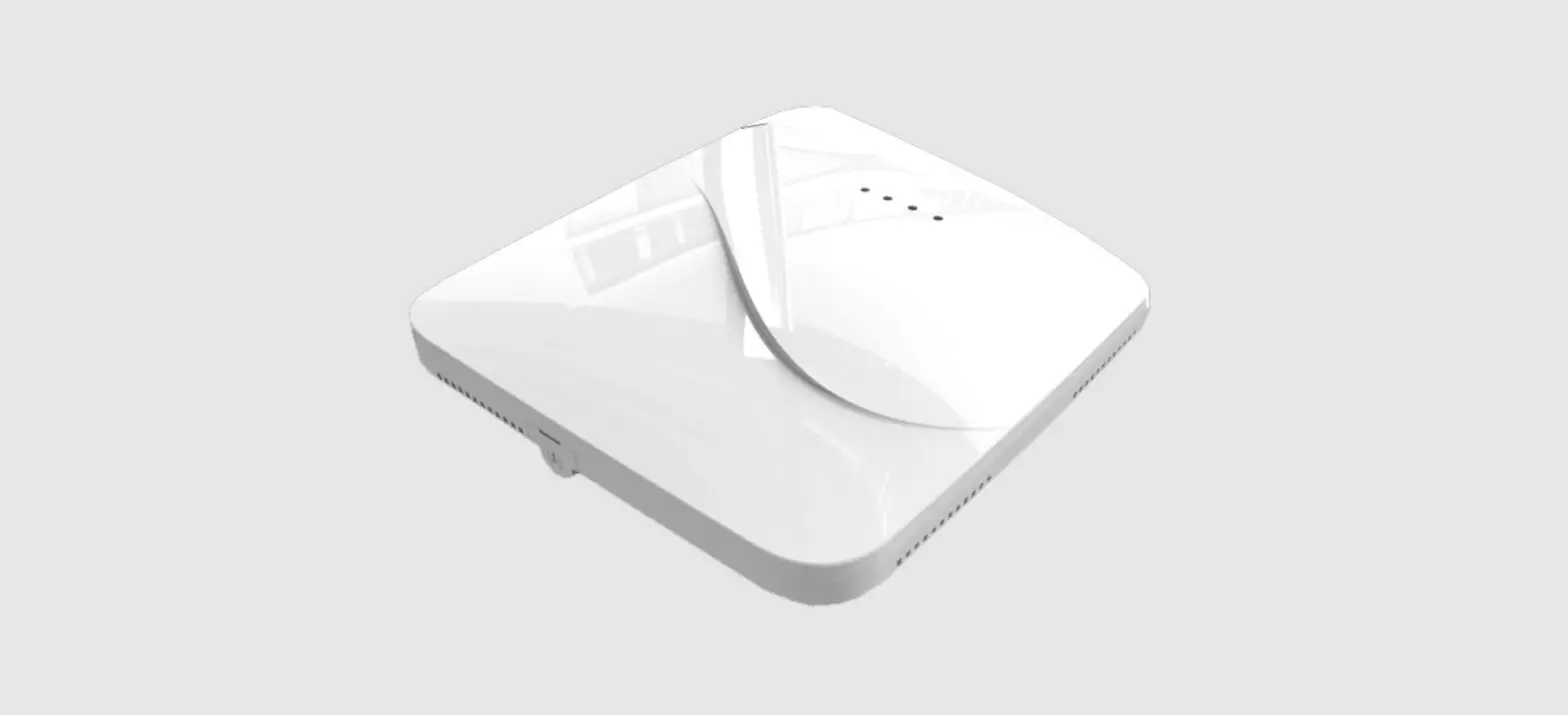
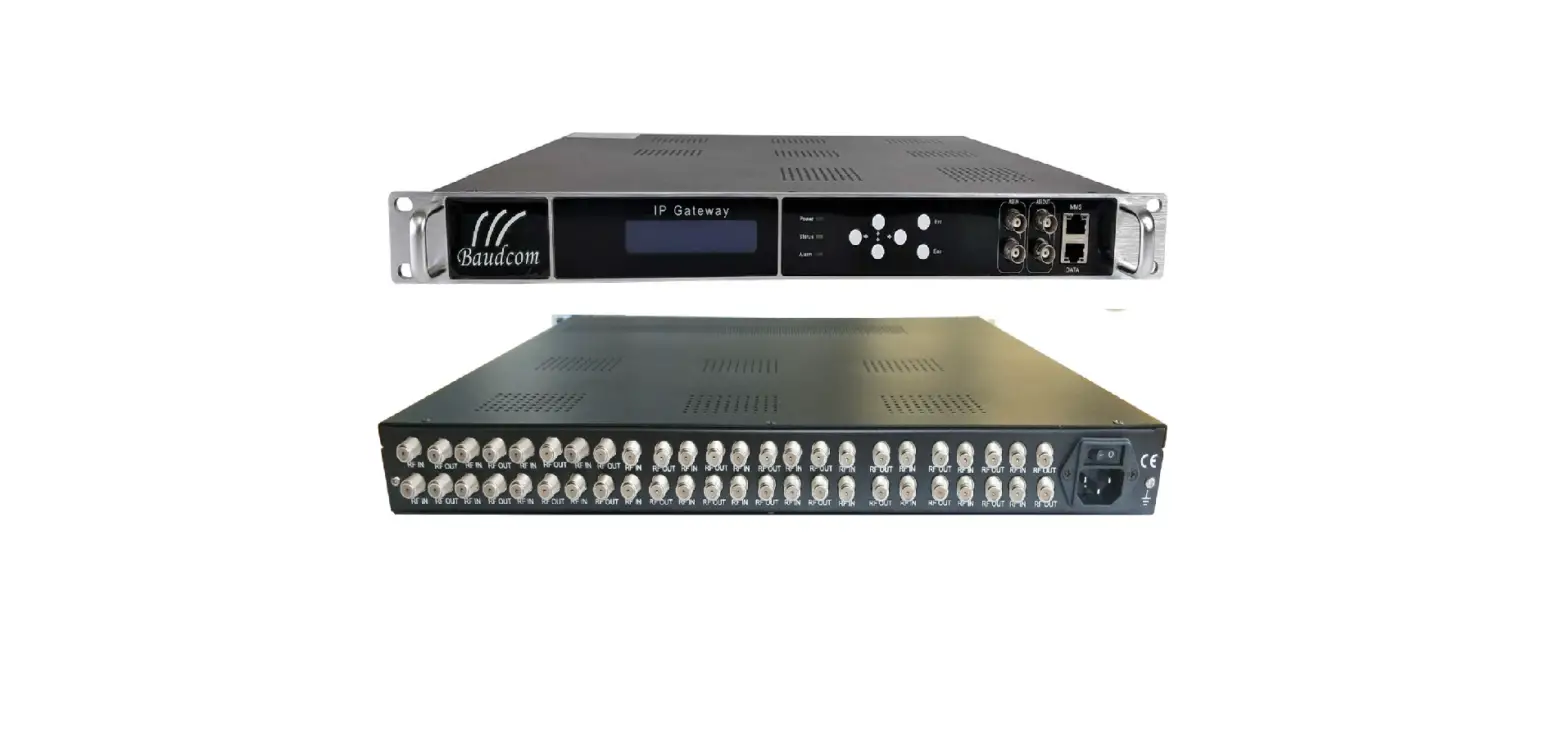
Appearance
Specification
Function Power supply ROM RAM Working condition Storage Conditions Ethernet communication Specification
Protocol RS-485 bus communication Bus quantity 485 communication parameters
Specification AC and DC rated voltage 24V, working range 12V to 24V. 256M Flash 64M DDR2 -20°C — 70°C, 5–90%RH (non-condensing) -40°C — 85°C, 5–95%RH (non-condensing)
High-performance 100M/10M adaptive Industrial Network Card, support AUTO BACnet IP
2 way RS485 bus communication, Support 2 Modbus Slaver per way 9600 baud rate / 8 data bits /non parity /1 stop bit
247
Interface Features
Category
Power supply
Ethernet port Modbus interface 1 COM1 Modbus interface 2 COM2 RESET
Ports VV+
Function +12/24V GND
Ethernet2 A B A B RESET
BACnet IP interface / Debug Interface “A” of Modbus interface 1 (Access gateway device which address is 1,2) “B” of Modbus interface 1(Access gateway device which address is 1,2) “A” of Modbus interface 2(Access gateway device which address is 3,4) “B” of Modbus interface 2(Access gateway device which address is 3,4) Press the button 8 S continuously to restart the factory settings.
Wiring Instructions
40VCBB17FQEE default network port parameters are as follows: IP address192.168.1.88
Subnet mask 255.255.255.0 Default gateway 192.168.1.1 40VCBB17FQEE can be used with gateway 40VCBM17FQEE or 40VCCR17FQEE. The default is 40VCCR17FQEE. If you need to use the 40VCBM17FQEE, you need to replace the 40VCBB17FQEE configuration file. For details, see the following instructions. COM 1(A,B) is the first MODBUS communication interface, which can connect the gateway equipment whose address is 1&2. COM 2(A,B) is the first MODBUS communication interface, which can connect the gateway equipment whose address is 3&4.
248
The specific connection diagram is as follows:
40VCCR17 FQEE
40VCCR17 FQEE
40VCCR17 FQEE
40VCCR17 FQEE
Gateway and Indoor Unit Dip Switch
The address cannot be duplicated between the gateways connected to the same 40VCBB17FQEE. COM1 interface connect the gateway whose address is 1&2; COM2 interface connect the gateway whose address is 3&4. The indoor unit addresses under the same gateway cannot be duplicated, and the address range is 1~32. The indoor units between different gateways do not affect each other.
40VCBM17FQEE Dip Switch
40VCBM17FQEE dip switch : ON for 0, OFF for 1 40VCBM17FQEE needs to be set to Modbus protocol, dip switch setting as follows:
249
40VCCR17FQEE Dip Switch
When connected to the 40VCCR17FQEE, 40VCBB17FQEE needs to be connected to the U1 port of the 40VCCR17FQEE. Dip switch setting as follows:
Indoor Unit Dip Switch
The address dip switch of the indoor unit is SW03, ON is 1, OFF is 0; The address dip switch range is 1~32, dip switch setting as follows:
SW03
Address
1
2
3
4
5
6
7
8
1
0
0
0
0
0
0
0
1
1
0
0
0
0
0
0
1
2
1
0
0
0
0
0
1
0
3
1
0
0
0
0
0
1
1
4
1
0
0
0
0
1
0
0
5
1
0
0
0
0
1
0
1
6
1
0
0
0
0
1
1
0
7
1
0
0
0
0
1
1
1
8
1
0
0
0
1
0
0
0
9
1
0
0
0
1
0
0
1
10
1
0
0
0
1
0
1
0
11
…..
…..
…..
…..
…..
…..
…..
…..
…..
…..
…..
…..
…..
…..
…..
…..
…..
…..
…..
…..
…..
…..
…..
…..
…..
…..
…..
1
0
0
1
0
0
1
1
20
1
0
0
1
0
1
0
0
21
1
0
0
1
0
1
0
1
22
1
0
0
1
0
1
1
0
23
1
0
0
1
0
1
1
1
24
1
0
0
1
1
0
0
0
25
1
0
0
1
1
0
0
1
26
1
0
0
1
1
0
1
0
27
1
0
0
1
1
0
1
1
28
1
0
0
1
1
1
0
0
29
1
0
0
1
1
1
0
1
30
1
0
0
1
1
1
1
0
31
1
0
0
1
1
1
1
1
32
250
40VCBB17FQEE Configuration File Replacement Instructions
1.The default IP of 40VCBB17FQEE is 192.168.1.88 . 2.First, set the IP of the computer to the same network segment as 40VCBB17FQEE. Then “ping” the IP “192.168.1.88” to see if it can work; if it works, then you can do the next setting. 3.If “192.168.1.88” cannot be pinged, press the RESET button for 8 seconds. After 40VCBB17FQEE restarts, ping 192.168.1.88. After pinging, you can start setting 40VCBB17FQEE. 4.File configuration
First double click to open “X2BACnet.exe” debugging software.
Click “File” on the menu bar to choose “Open… ” or click on the toolbar project.
251
In the dialog box, select the project file that you want to burn Click “Gateway” on the menu bar to choose “Upload ” or click on the toolbar upload the project. In the pop up dialog box enter the gateway IP address, click the “Upload”.
252
After uploading, the pop-up dialog prompt succeed to upload
Note: the IP address of the gateway must be correct. the default gateway IP address is 192.168.1.88, the IP address of PC to set up to he same network segment, the project can be uploaded after successfully Ping.
40VCBB17FQEE IP Modifying Instructions
First double click to open “X2BACnet.exe” debugging software X2BACnet.exe
253
Click “File” on the menu bar to choose “Open… ” or click on the toolbar project. to Open the project
1 Configuration 2 40VCBM17FQEE 2 Configuration 2 40VRCCR17FQEE Demo.x2b In the dialog box, select the project file that you want to burn
In the dialog box that pops up, enter the user name and password. The user name is fixed to “admin” and the password is fixed to “admin123456”. After the input is successful, the system parameters related to the gateway can be set.
254
Network port setting: You can change the IP address of the hardware gateway. The default IP address of the gateway is 192.168.1.88, the default subnet mask is 255.255.255.0, and the default gateway is 192.168.1.1. Click OK after setting. The “Ping” function tests whether the current IP address is successful. The “Login Page Function” can be logged in to the WEB server where the gateway is located.
Attached document
1. Debugging Software “X2BACnet.exe”
2. Standard Configuration File connected to 40VCBM17FQEE Configuration 2 40VCBM17FQEE—-20190331
Configuration 2 40VCBM17FQEE—-20190331 3. Standard Configuration File Connected to 40VCCR17FQEE Configuration 2-40VCCR17FQEE—-20190331
Configuration 2-40VCCR17FQEE—-20190331
255
Manufacturer reserves the right to discontinue, or change at any time, specifications or designs without notice and without incurring obligations.
299