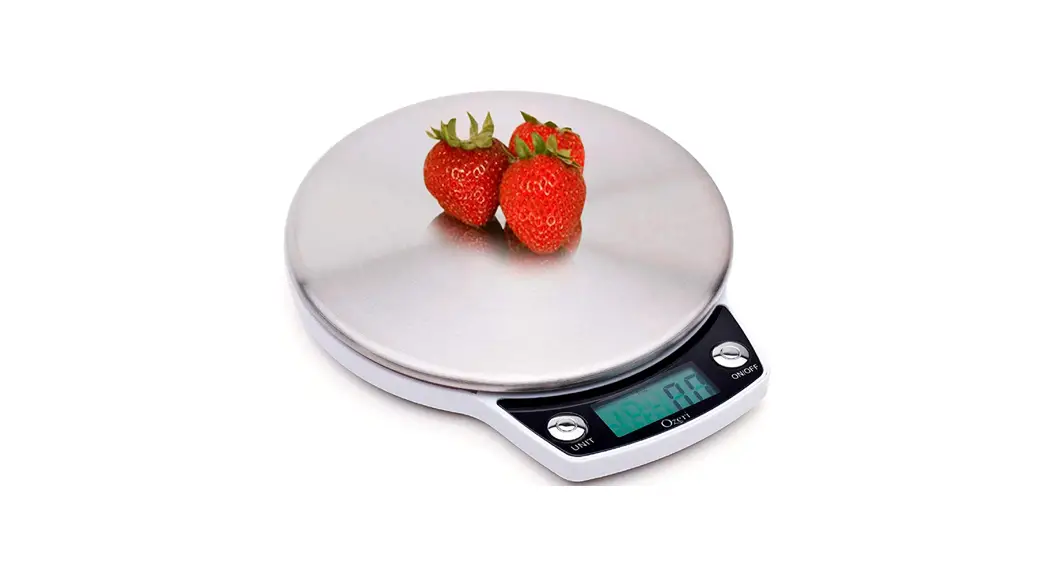
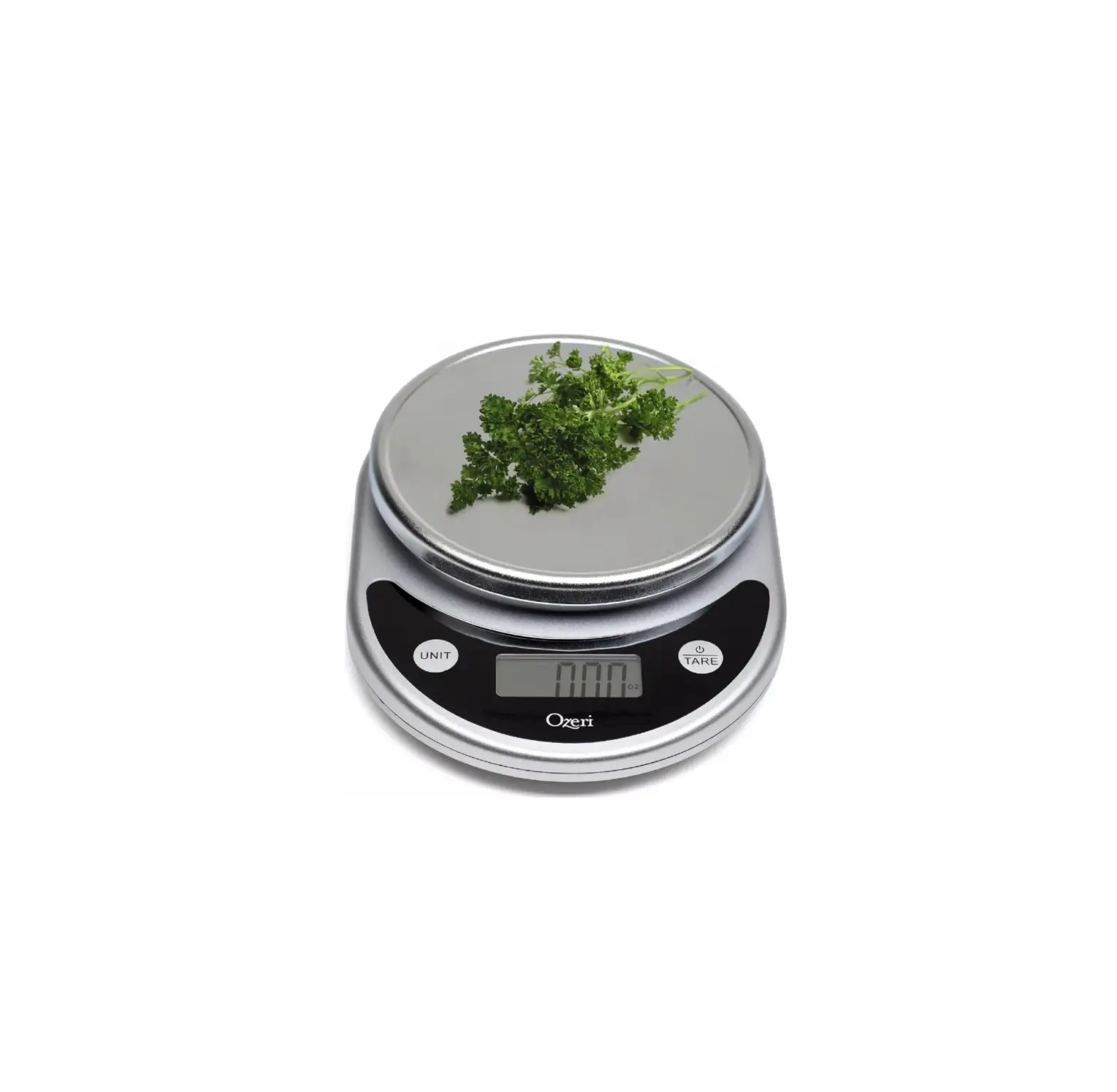
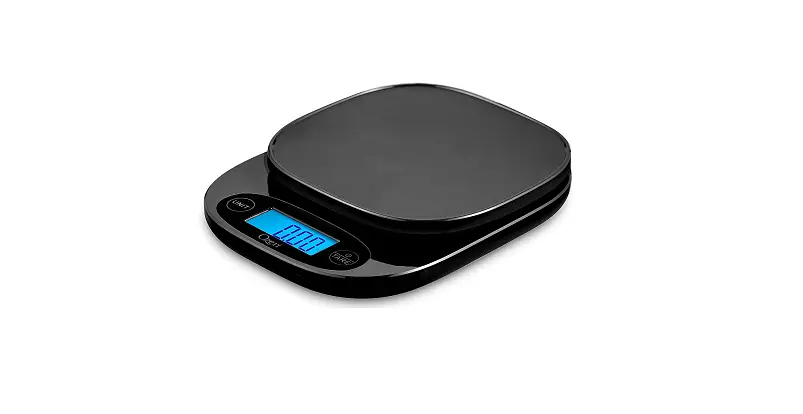
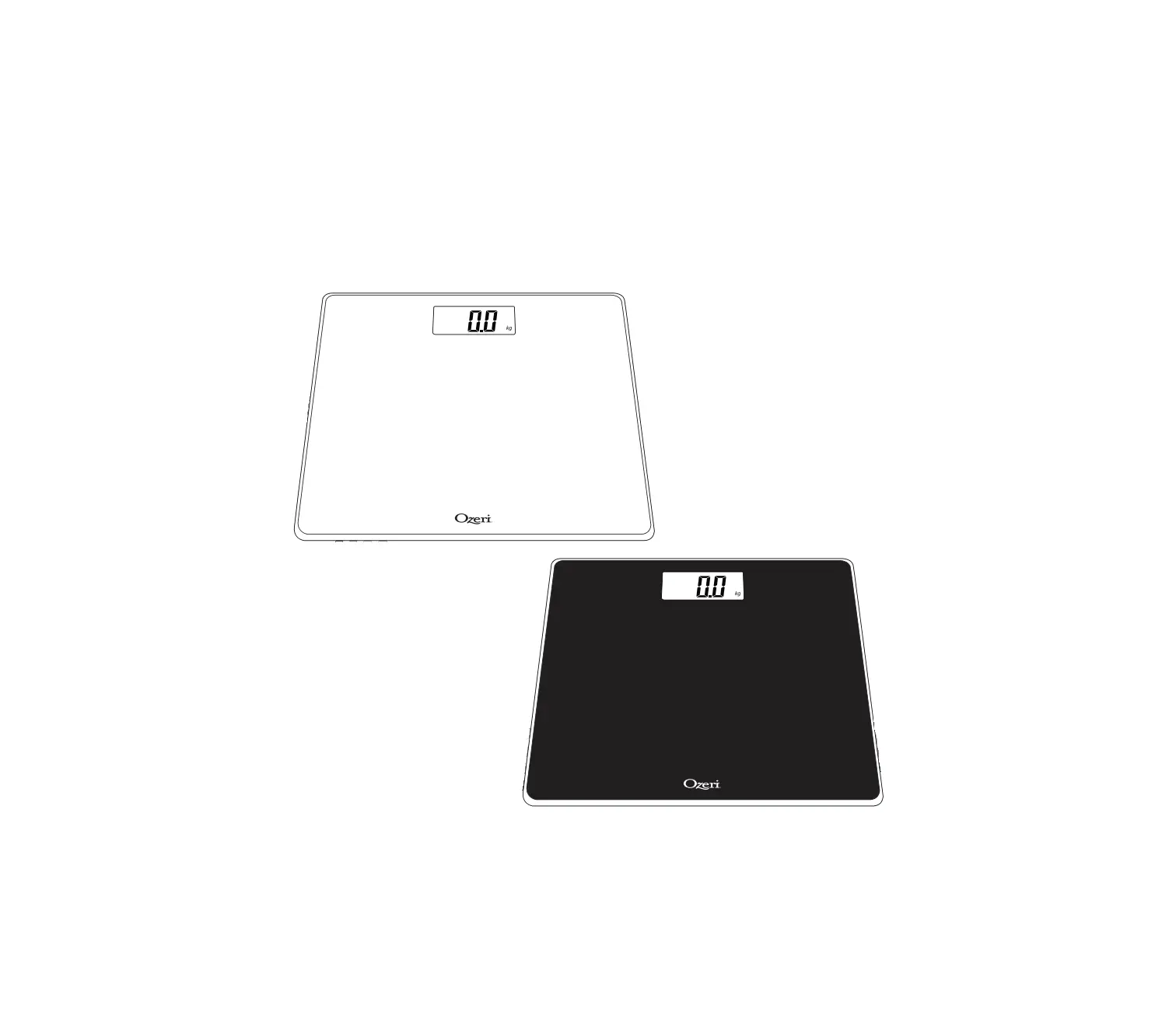
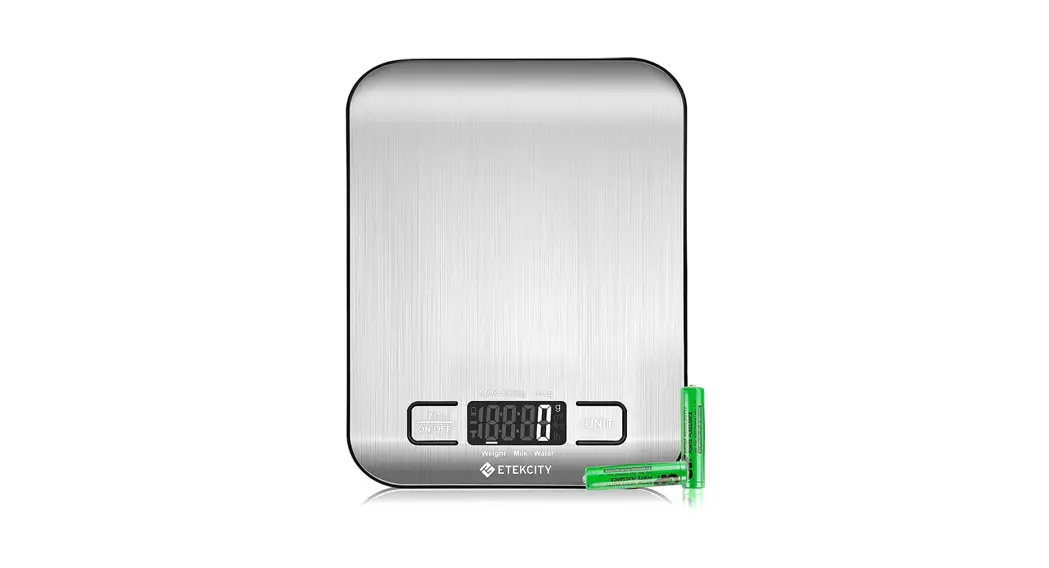
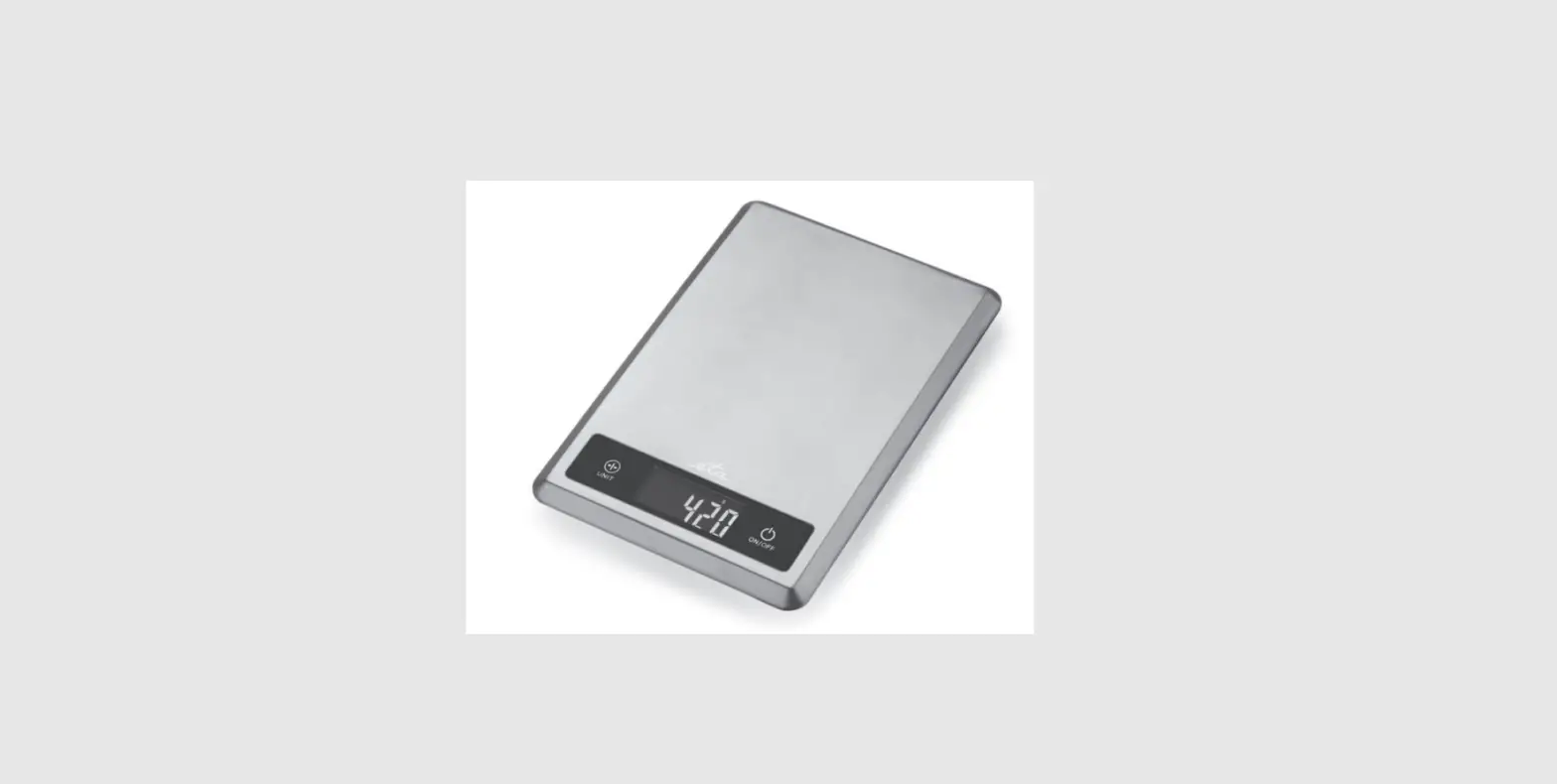
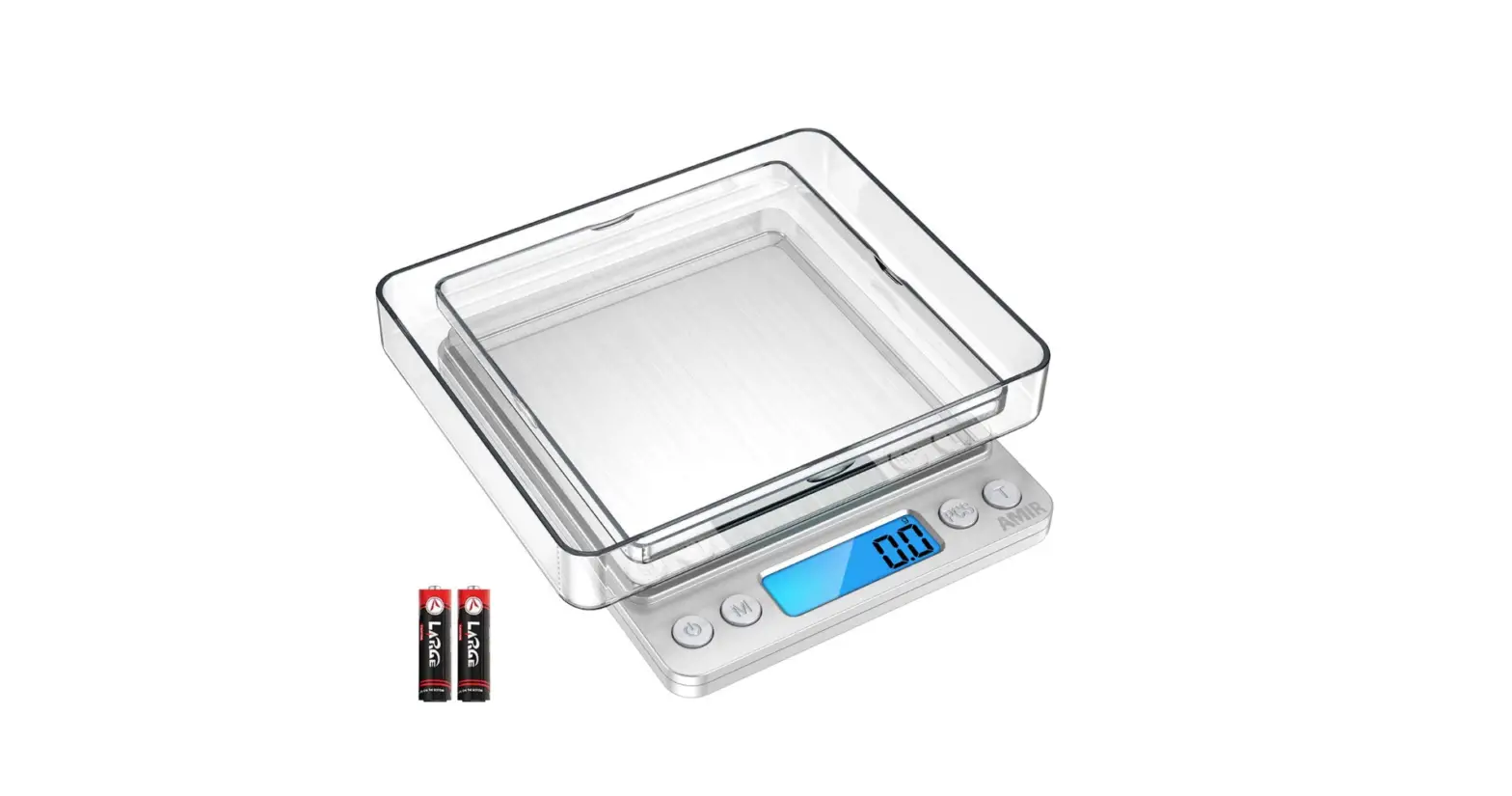
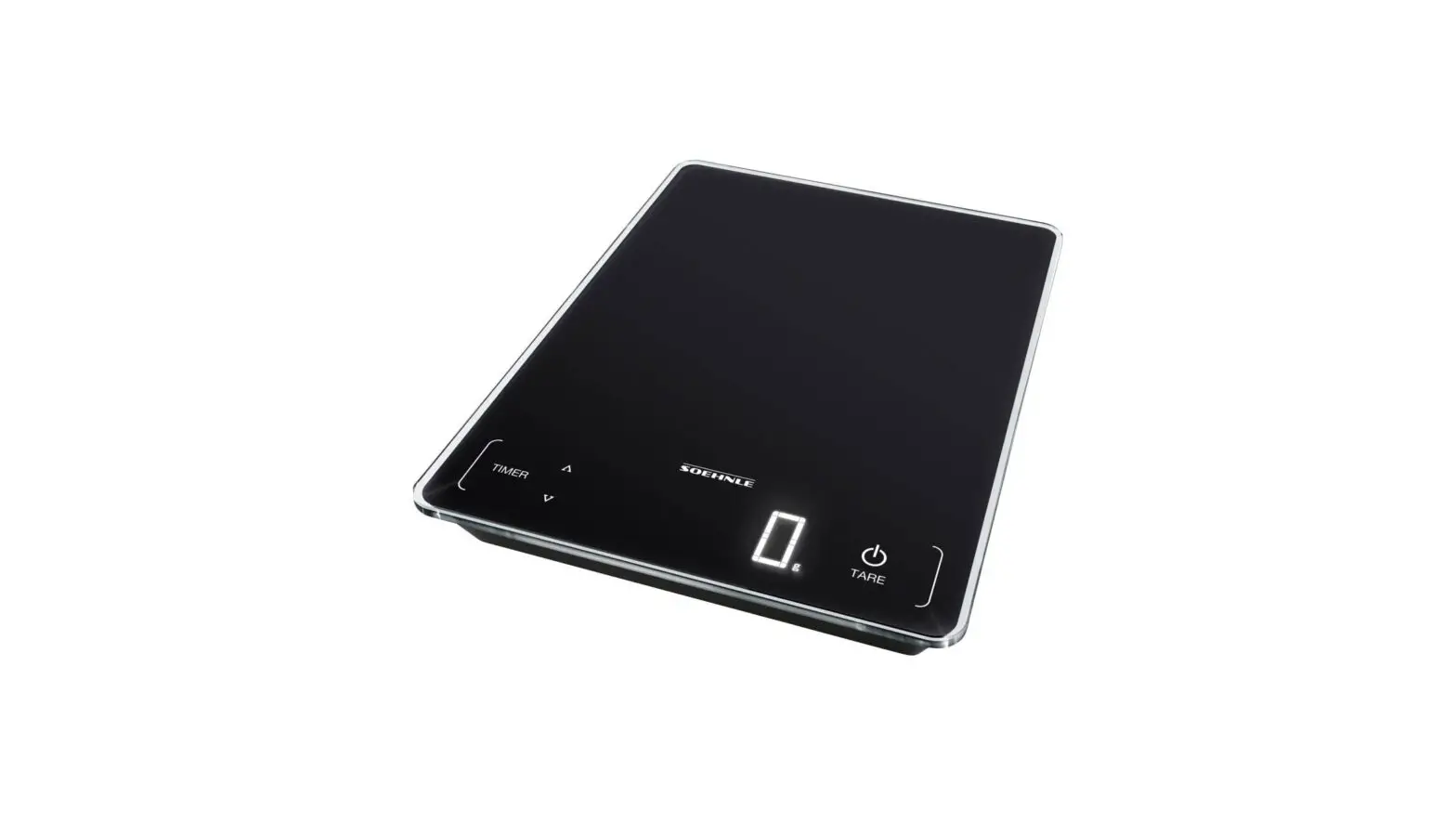
ZK13-5PW Touch II Digital Kitchen Scale
Product Information
The Ozeri Touch II Digital Kitchen Scale is equipped with 4 high
precision sensors and features Microban Antimicrobial Product
Protection. It has a weight capacity of 8000 g, 271.20 fl.oz, 18
lbs, or 8000 ml. The scale has a graduation of 1 g, 0.05 fl.oz,
0.05 oz, or 1 ml. It is powered by 2 CR2032 Lithium batteries
(included) and has a low battery indicator. The scale automatically
turns off after 2 minutes of inactivity and has an overload
indicator.
Product Usage Instructions
- To turn on/off the scale, press and hold the ON/OFF/TARE button
for 2 seconds. - To select your unit of measurement, press the UNIT button
located on the left side of the scale repeatedly until your desired
unit appears on the screen. - If the weight capacity of the scale is exceeded, the overload
indicator will display on the LCD screen. - Using the Tare Feature:
- Ensure there is nothing on the scale’s weighing platform.
- Press ON/OFF to turn on the scale.
- Press the UNIT button to select your desired unit of
measurement. - Place your empty bowl, plate, or dish onto the scale’s weighing
platform and wait for the weight to display on the LCD screen. - Press the Tare button once to reset the scale to zero on the
LCD screen. - Add your items (such as ingredients) to determine their net
weight. The LCD screen will display the net weight of the added
items. - After removing all of your items, the scale will display a
negative number on the LCD screen. Press the ON/OFF/TARE button to
deactivate the Tare feature, and the LCD will return to zero.
Turning off the scale will also deactivate the Tare feature. - Note: When using the Tare feature with an item weighing more
than 600 g, the symbol TARE will display on the LCD screen, and the
maximum weight capacity of the scale will be reduced by the weight
of the item being tared.
- Ensure +/- terminals are correctly oriented.
- Use a small tool to help remove the battery from the battery
compartment if necessary. - Replace with new 2 Lithium CR2032 batteries, with the + side
facing up.
If you have any further questions or need assistance, you can
contact Ozeri Scale Customer Service at Phone: 1-877-299-1296 or
Email: [email protected].
WARRANTY INFORMATION
Your “Ozeri Scale” is warranted to the original owner for 1 year from the date of purchase against defects in material and workmanship under normal use and service. Should your scale prove defective within 1 year from the date of purchase, return the defective part or unit, freight prepaid along with the original receipt and an explanation of the claim to “Ozeri Scale.” Please pack your scale carefully to avoid damages in transit. Under this warranty, Ozeri will repair or replace any parts found to be defective due to a manufacturer’s defect. This warranty extends only to personal use and does not extend to any product that has been used for commercial use, rental use, or use which is not intended. There are no warranties other than that expressly set forth herein. This warranty is not transferable. Ozeri is not responsible in any way for damages, losses or inconveniences caused by equipment failure or by user negligence, abuse, or use not in accordance with the “User Guide” or any additional safety, use, or warnings included in the product materials. Further, Ozeri is not liable for incidental or consequential damages of any nature resulting from the use of this product and any liability shall not exceed the purchase price of the product. This Warranty gives you specific legal rights. You may also have other rights which vary from state to state.
THIS WARRANTY DOES NOT APPLY TO THE FOLLOWING: – Damage due to accident, misuse, abuse, alterations or vandalism – Improper or inadequate maintenance – Damage in return transit – Unsupervised use by children under 18 years of age
Ozeri Scale Customer Service: Phone: 1-877-299-1296 Email: [email protected]
(OzeriTM and its subsidiaries assume no liability for damage caused by the use of the Ozeri Scale other than for its intended use or as instructed above and in the User Manual.)
Ozeri Touch II Digital Kitchen Scale
with Microban Antimicrobial Product Protection
USER MANUAL
Model: ZK13-5PW
Downloaded from www.Manualslib.com manuals search engine
SPECIFICATIONS
Features Microban® antimicrobial product protection that helps prevent the growth of stain and odor-causing bacteria.
Equipped with 4 high precision Sensors
Weight Unit: g, fl.oz, lb:oz, ml
Capacity: 8000 g, 271.20 fl.oz, 18 lbs, 8000 ml
Graduation: 1 g, 0.05 fl.oz, 0.05 oz, 1 ml
Power Supply: 2 x CR2032 Lithium batteries (included)
Low Battery Indicator:
Overload Indicator: ”
”
Automatically turns off after 2 minutes of inactivity.
LCD FULL DISPLAY
TO TURN ON/OFF
Press and hold the ON/OFF/TARE button for 2 seconds to turn off the scale.
2
SELECTING YOUR UNIT OF MEASUREMENT
The UNIT button is located on the left side of the scale. Simply press the UNIT button repeatedly until the unit of measure you desire appears on the screen.
OPERATING INSTRUCTIONS
Ensure there is nothing on the scale’s weighing platform. Press ON/OFF/TARE to turn on the scale. Press the UNIT button to select your desired unit of measurement. Place your item(s) onto the scale’s weighing platform. The weight will immediately display on the LCD screen. Note 1: Be sure to gently place items on the scale’s weighing platform. If item being weighed is uneven, the scale may take 2 or 3 seconds items from the scale. To avoid damaging the scale’s sensors, do not leave an item on the scale’s weighing platform for an extended period of time.
3
Downloaded from www.Manualslib.com manuals search engine
Note 2: The maximum weight capacity of this scale is 8000 g. If the weight capacity of this scale is exceeded, the Overload Indicator will display on the LCD screen:
USING THE TARE FEATURE:
The Tare button is located on the right side of the scale. The Tare feature allows you to automatically subtract the weight of a bowl or plate and determine the net weight of the ingredients being weighed. The Tare feature works by resetting the LCD screen to zero with an item (bowl, plate or other) already on the scale so that you can then determine the weight of any additional items added.
Ensure there is nothing on the scale’s weighing platform. Press ON/OFF to turn on the scale. Press the UNIT button to select your desired unit of measurement. Place your empty bowl, plate or dish onto the scale’s weighing
platform, and wait for the weight to display on the LCD screen. Press the Tare button once to reset the scale to zero on the LCD
screen. Add your items (such as ingredients). The net weight of your added items will display on the LCD screen.
4
After removing all of your items, the scale will display a negative number on the LCD screen. Simply press the ON/OFF/TARE button to deactivate the Tare feature, and the LCD will return to zero. Turning off the scale will also deactivate the Tare feature.
Note: When using the Tare feature with an item weighing more than 600 g, the symbol “TARE” will display on the LCD screen, and the maximum weight capacity of the scale will be reduced by the weight of the item being tared.
CHANGING THE BATTERIES
1) Ensure +/- terminals are correctly oriented. 2) Please use a small tool to help remove the battery from the
battery compartment if necessary. 3) Replace with new 2 Lithium CR2032 batteries, with the + side
facing up. 4) Do not mix old and new batteries.
5
Downloaded from www.Manualslib.com manuals search engine
ADDITIONAL INFORMATION
1) This scale features Microban® antimicrobial product protection that will not wear away for the life of the scale. To clean the scale, use a damp cloth. Do not soak or submerge the scale in water or any liquids. This scale is not waterproof. Don’t expose the scale to moisture. This will cause damage to the scale and void the warranty.
2) Always ensure the scale is stored and operated at room temperature
3) Gently place all items on the scale’s weighing platform. Never drop an item on the scale. Never leave an object on the scale’s weighing platform for an extended period of time.
4) Avoid placing the scale near cell phones or other devices that can cause electromagnetic interference. This can cause the scale to malfunction.
5) Store the scale in a clean dry location. Dust, dirt and moisture from humidity can accumulate on the weighing sensors and electronics, causing inaccuracy or malfunction.
6) Remove the batteries if the scale will not be used for an extended period of time.
7) Do not mix alkaline, standard or rechargeable batteries.
8) This scale is intended for indoor use only. Do not operate or store the scale in extreme temperatures.
6
9) This product is not a toy and should be kept away from children.
10) Do not attempt to operate this scale if it is dropped or damaged in any manner.
11) Do not attempt to disassemble this scale. Doing so will void the warranty.
12) This product is battery operated. Improper use of this product may cause the batteries to leak or explode, which may cause personal
the affected area with running water and contact your local poison control center or seek medical attention. You may also call the National Battery Hotline at 202 625-3333.
Downloaded from www.Manualslib.com manuals search engine