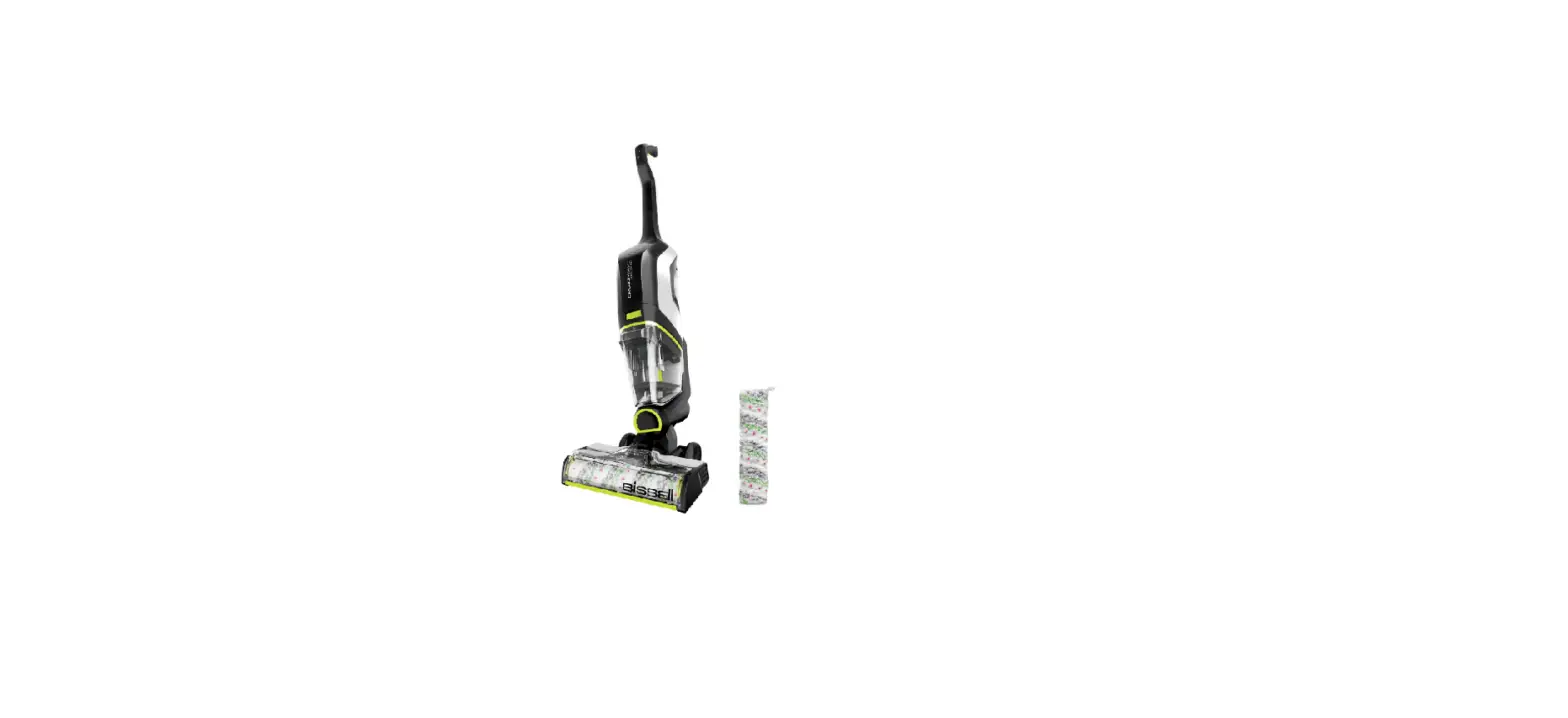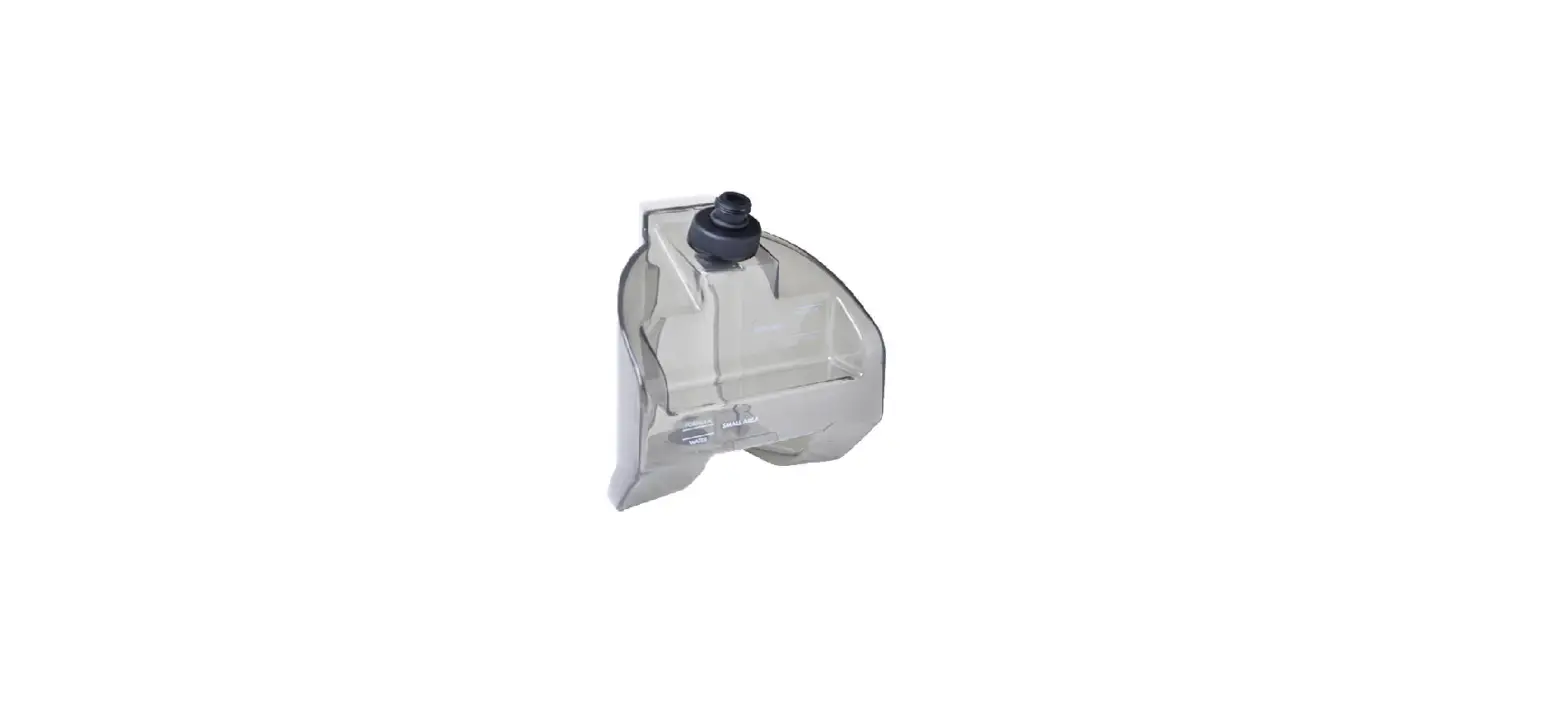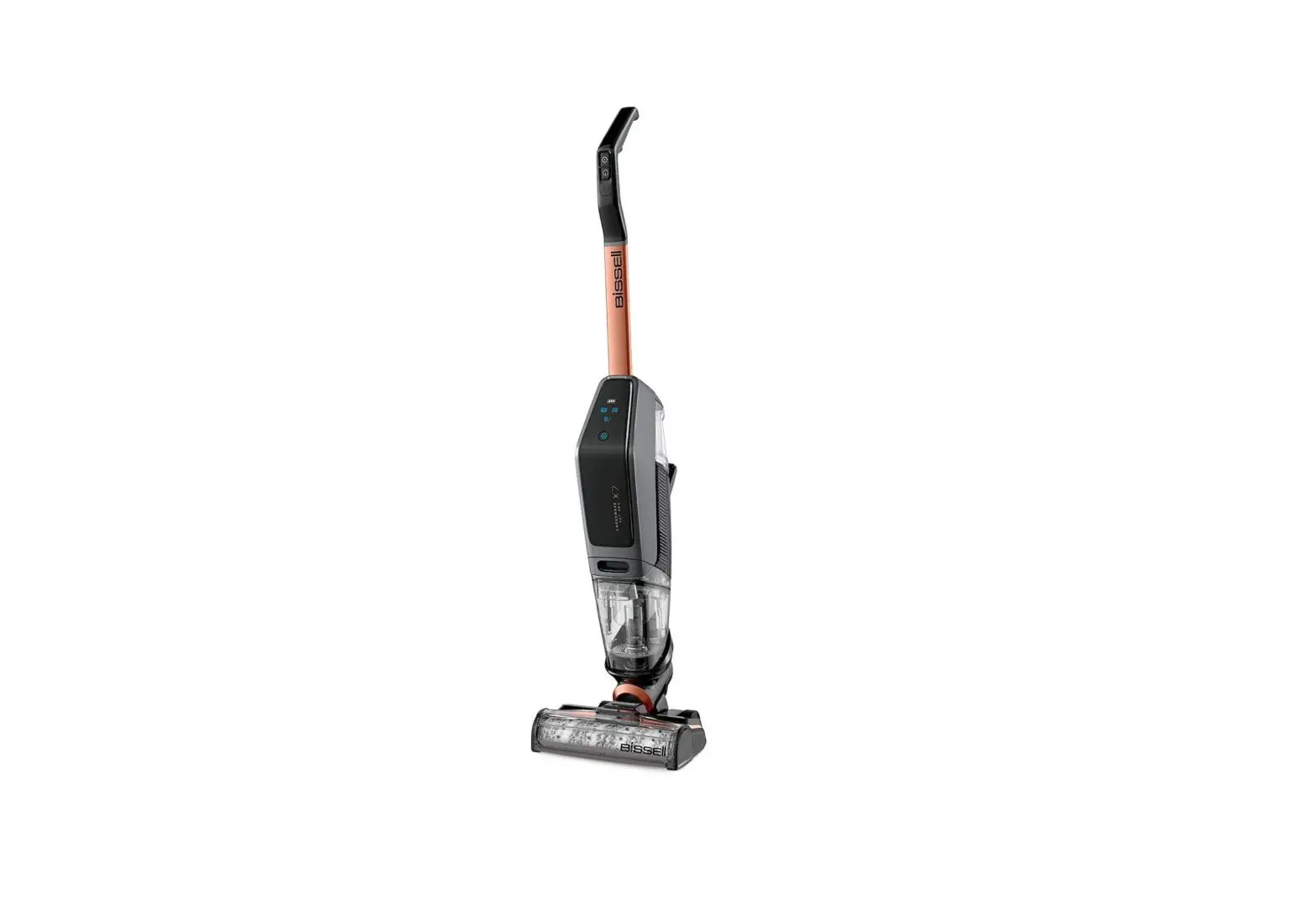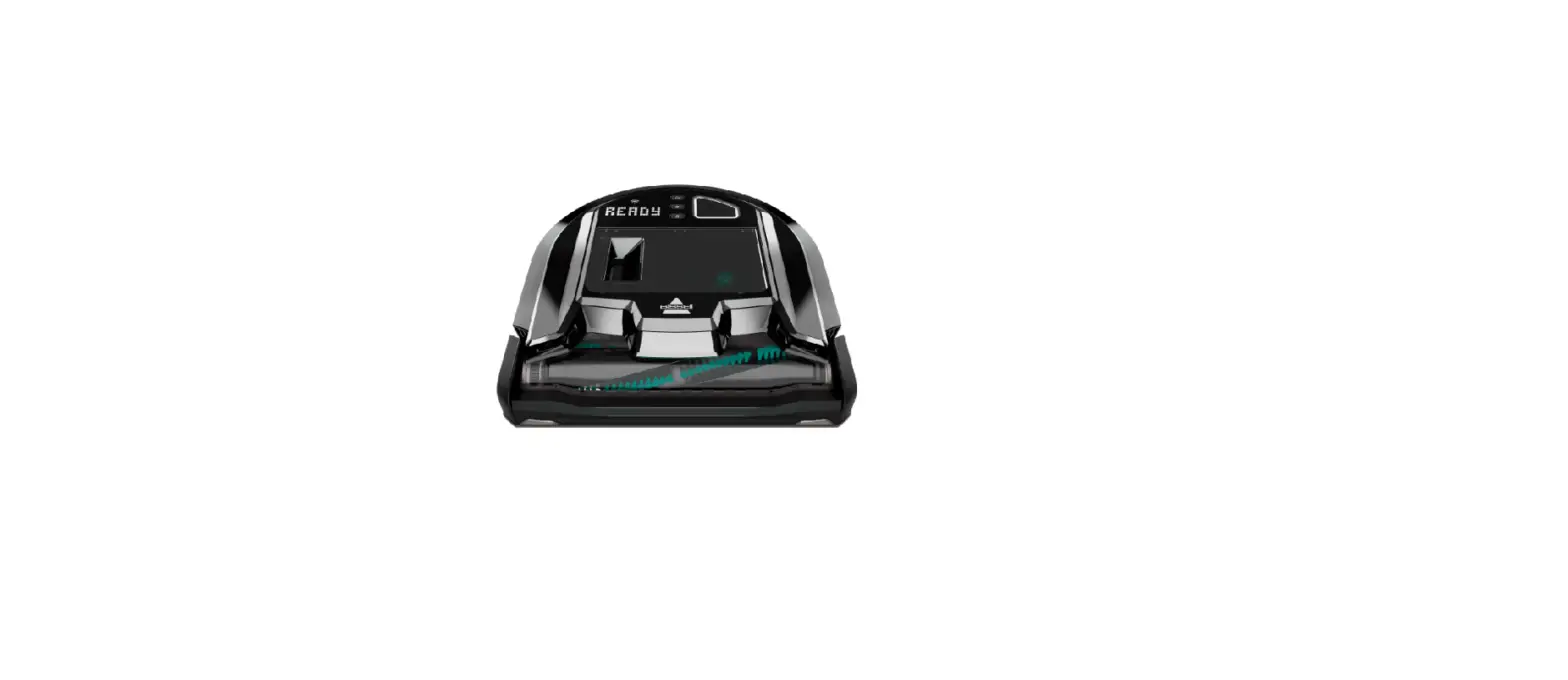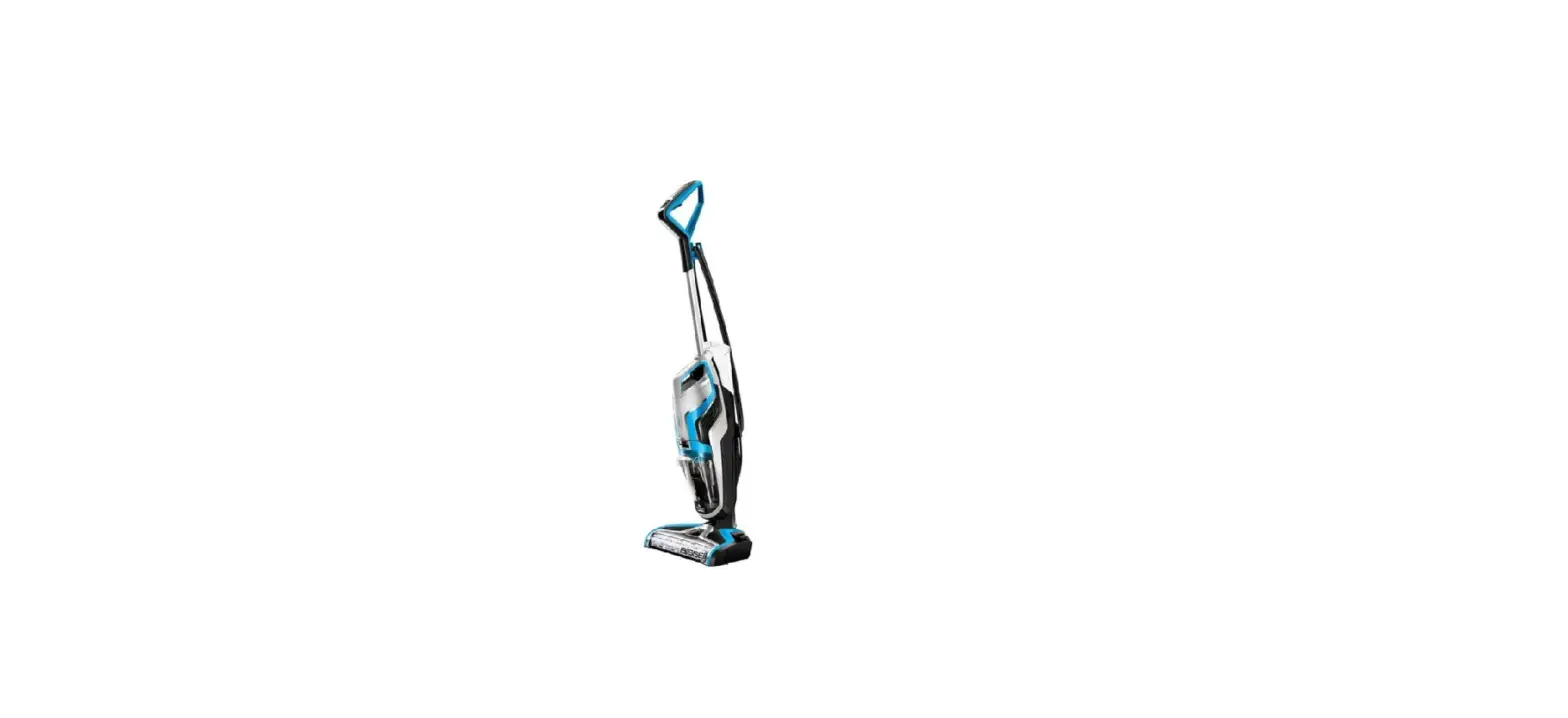
- The dirty water tank is full when the sound of the CrossWave changes to a high pitch tone
- This sound is normal and is signaling that it is time to empty the dirty water tank
- Turn off and unplug machine
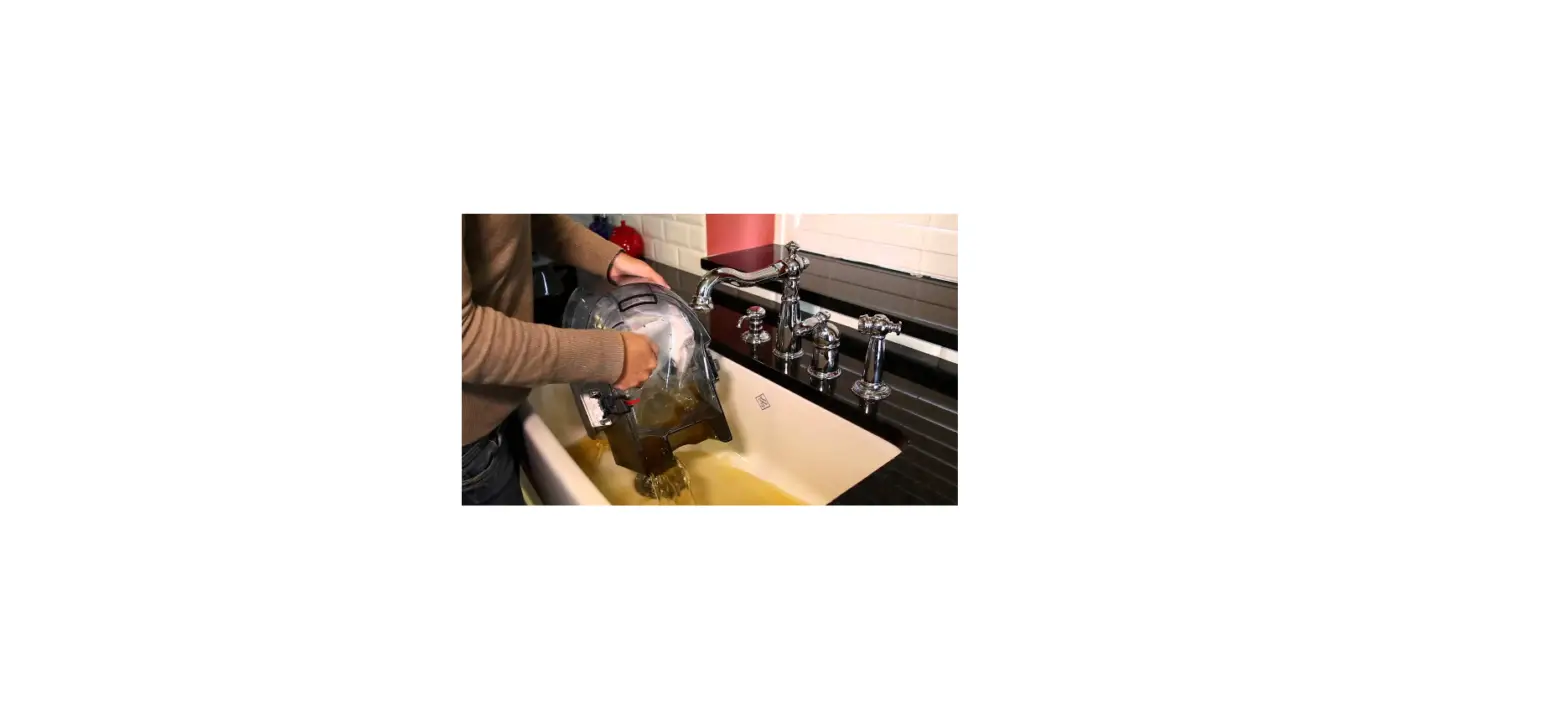
- Grab front handle of dirty water tank, press down on the silver release button to remove dirty water tank
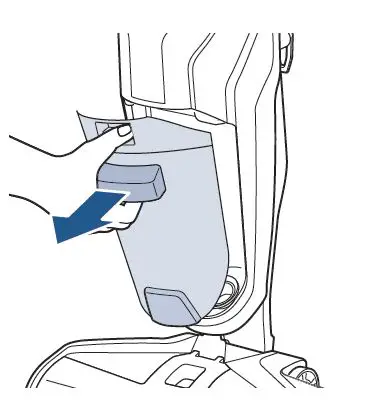
- Grasp top of the tank from the sides and pull up to remove
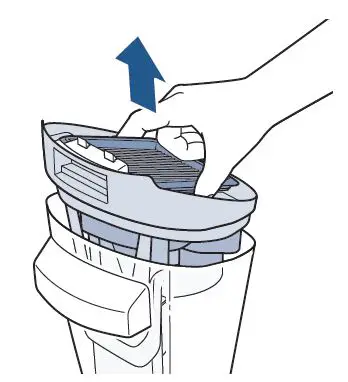
- Remove the screen filter from the dirty water tank by grasping sides of it and pulling up
- Hand wash the filter by running warm water over the filter and screen
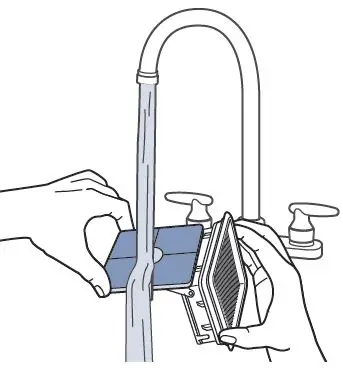
- With the top portion of the tank still removed, rinse the float and surrounding areas
- Remove strainer if machine has one (included in CrossWave Pet Pro models) remove debris and rinse
- It is very important the filter is completely dry before reassembling
- Once dry, snap the screen back into place
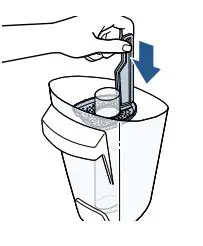
- Place the top piece including the screen, filter, and float back into the dirty water tank
- Angle the tank back into the body of the machine with the bottom edge first – push the tank in until it clicks into place
- The tank should not be loose and there should be no gaps