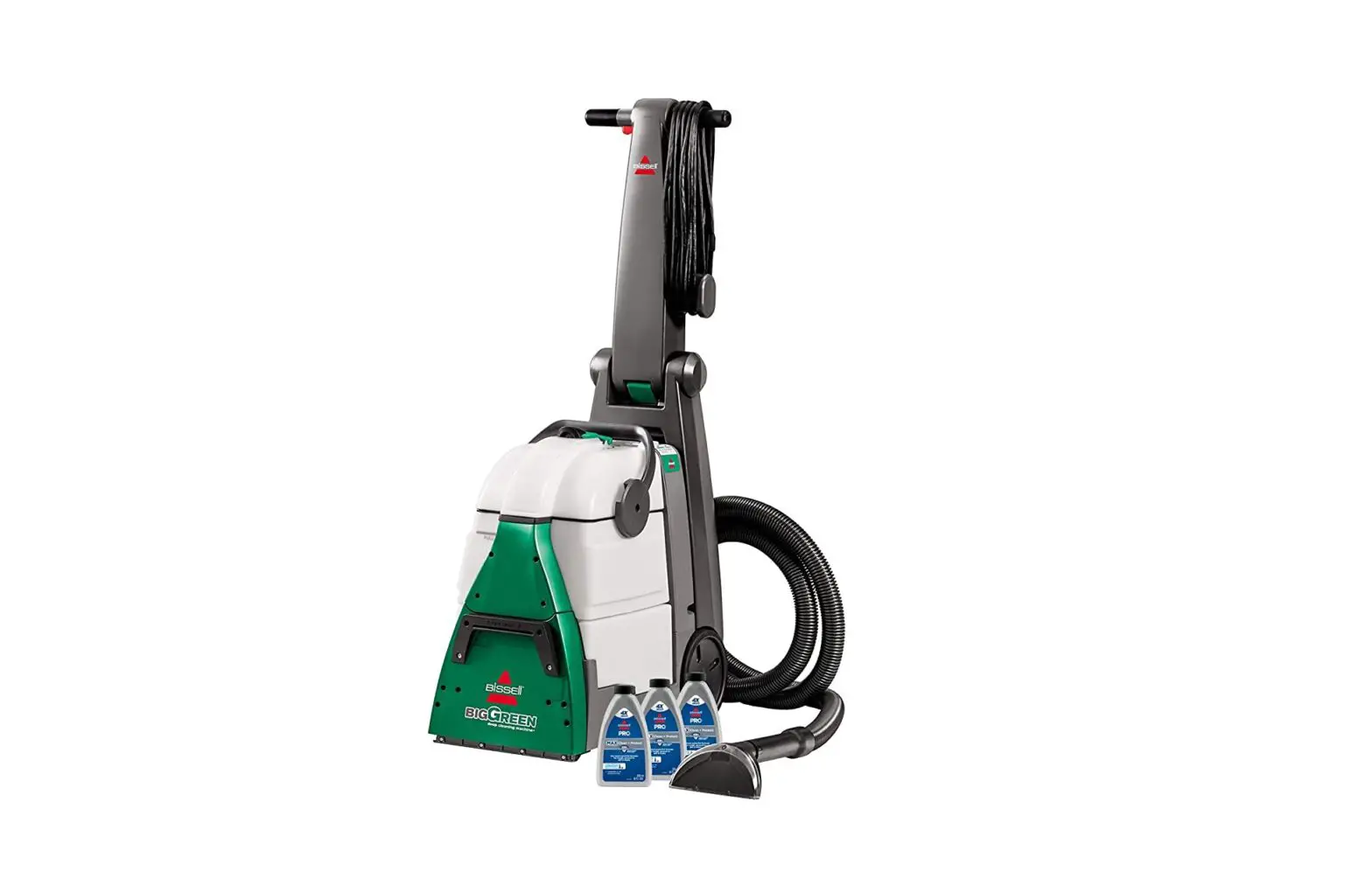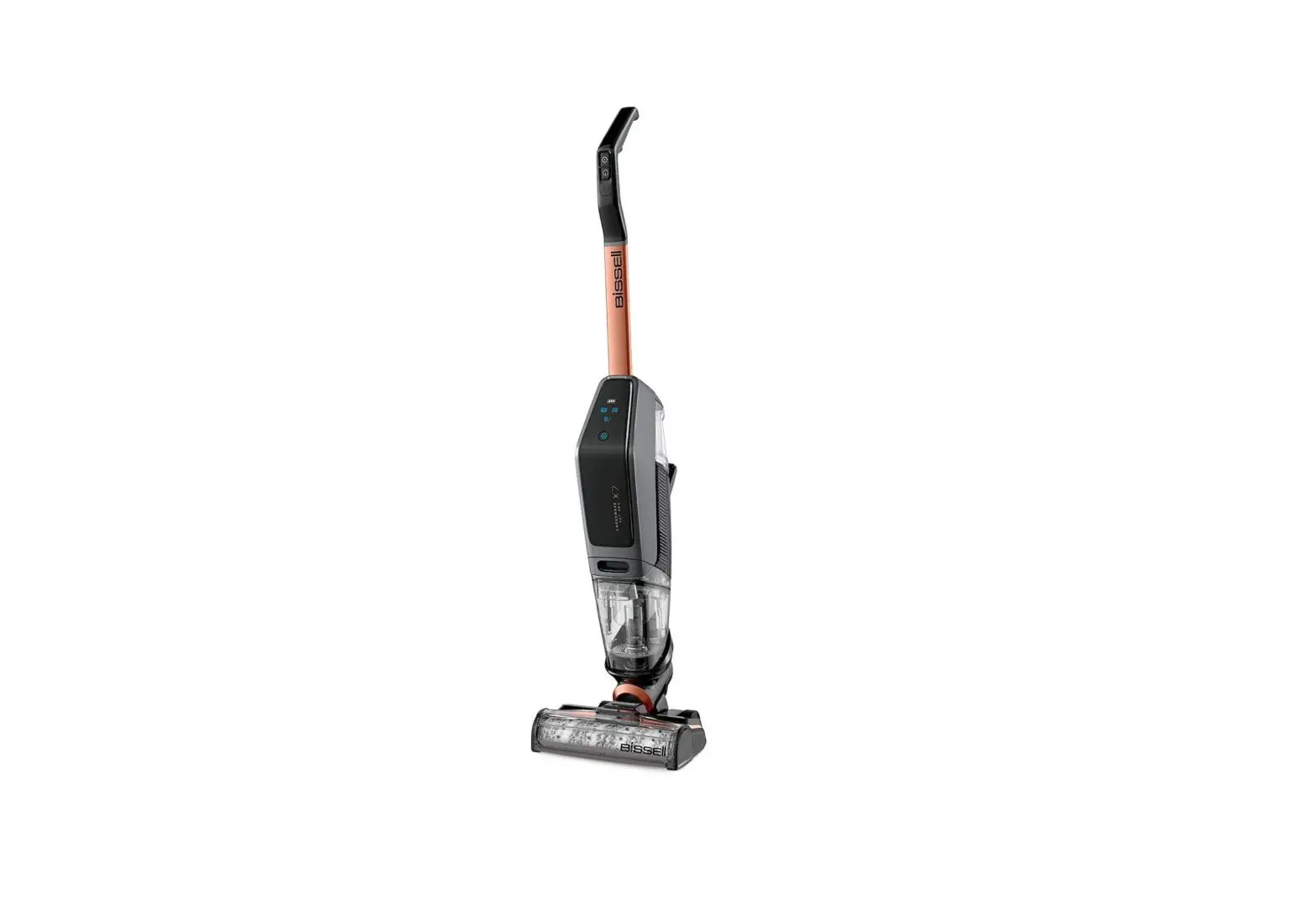
If orange dirty water tank indication light is illuminated, but the dirty water tank is not full, follow these steps below:
- Turn machine off
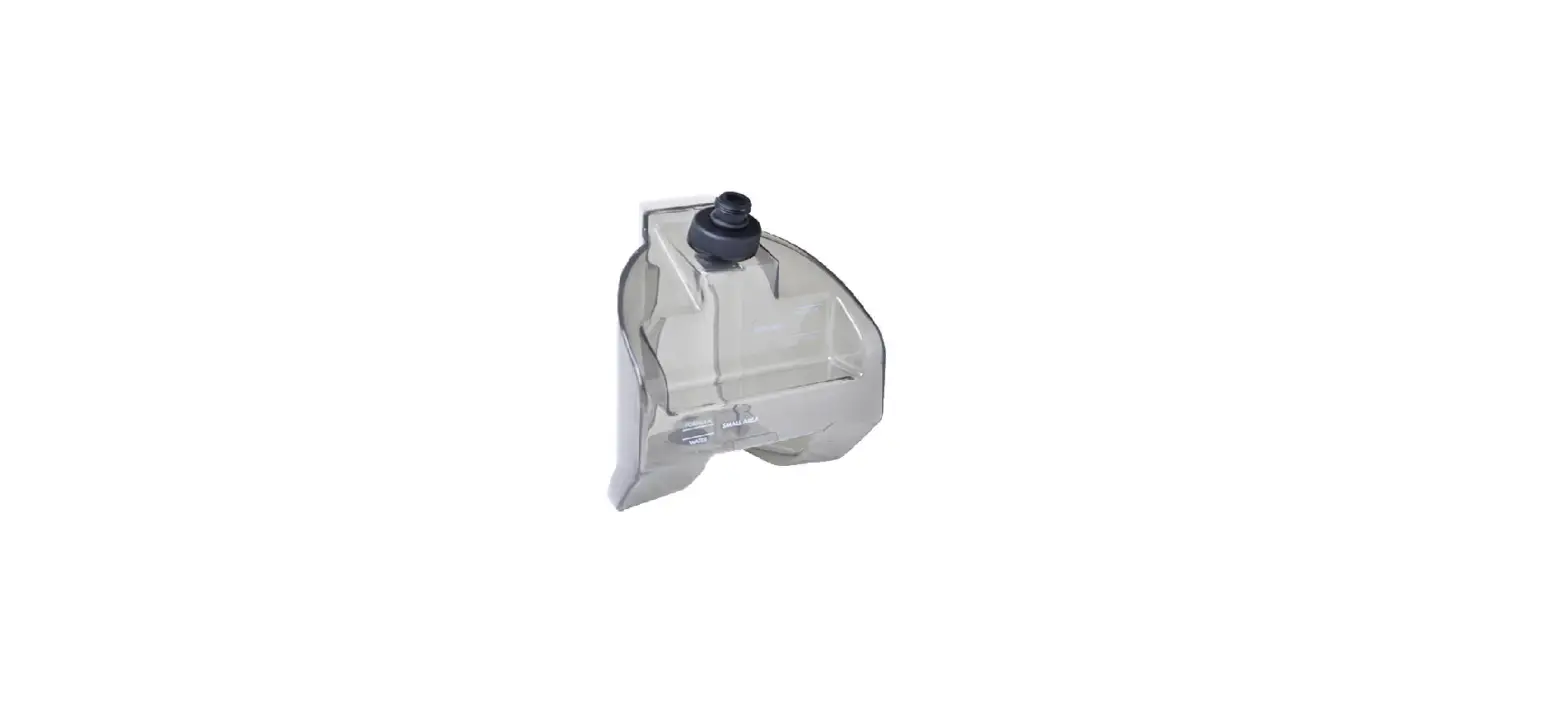
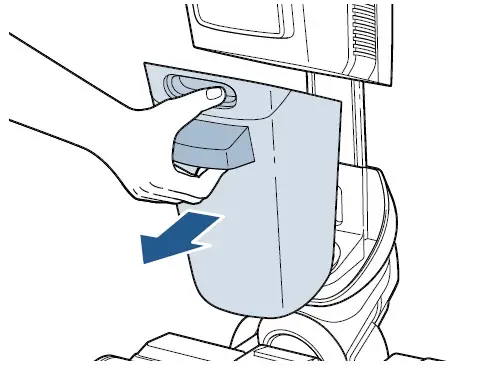
- Remove dirty water tank by pressing down on button on top of tank, grab front handle and pull tank out
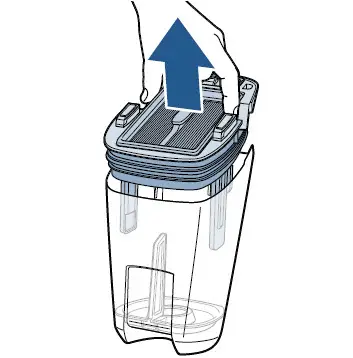
- Grasp top of tank from sides and pull up to remove tank lid
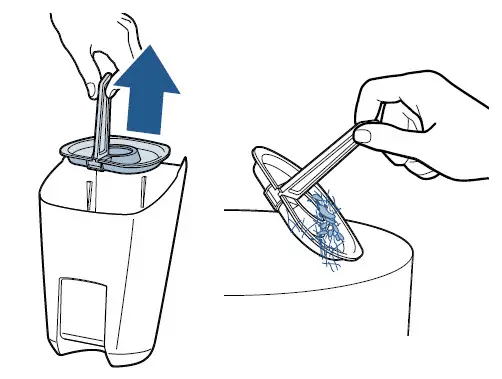
- Remove strainer from tank
- Discard debris & rinse
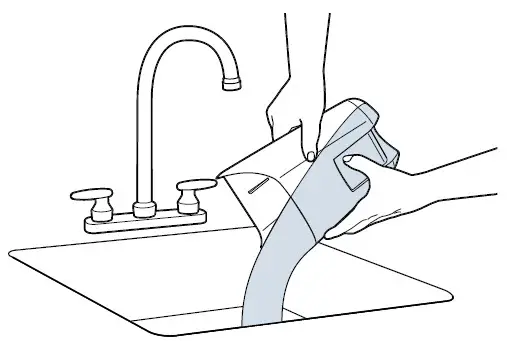
- Pour dirty water tank into sink and rinse
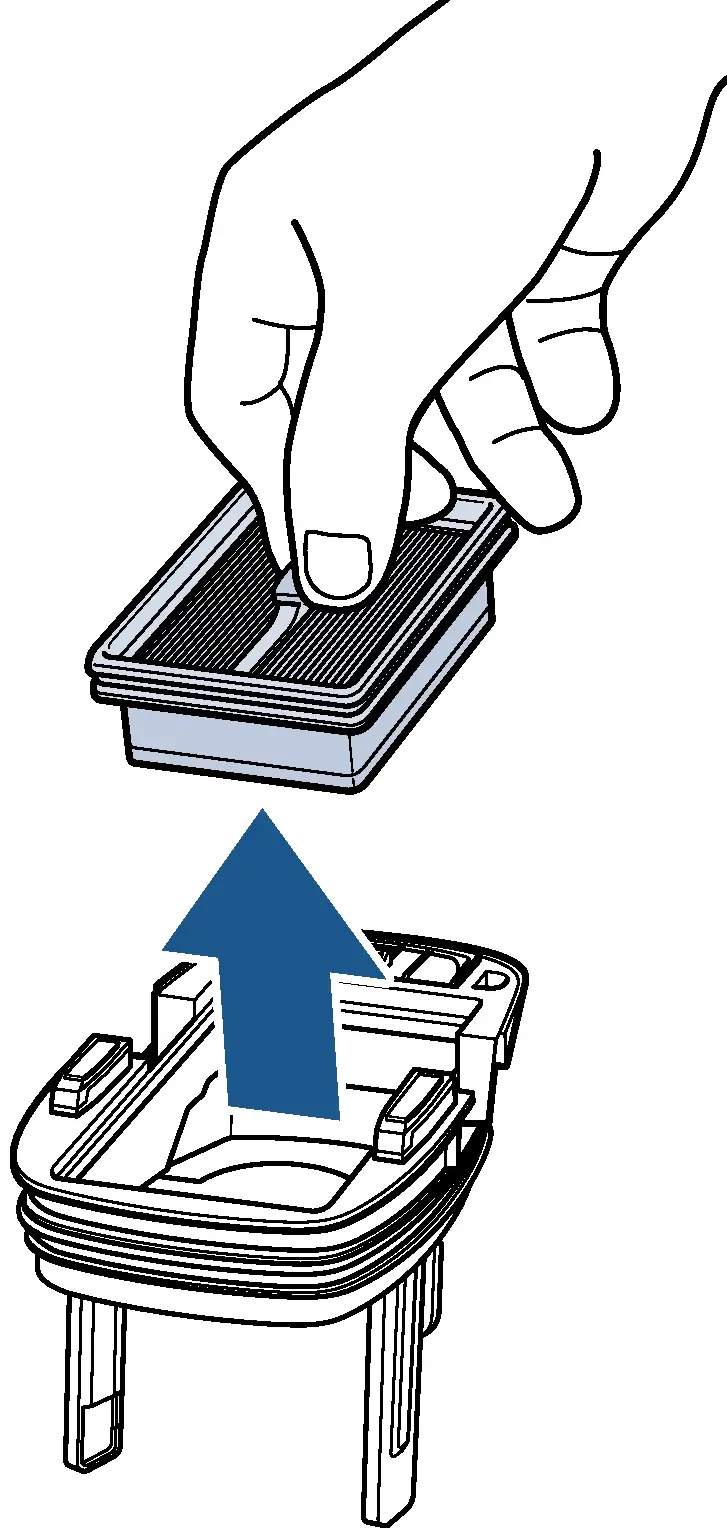
- Remove filter from the tank lid
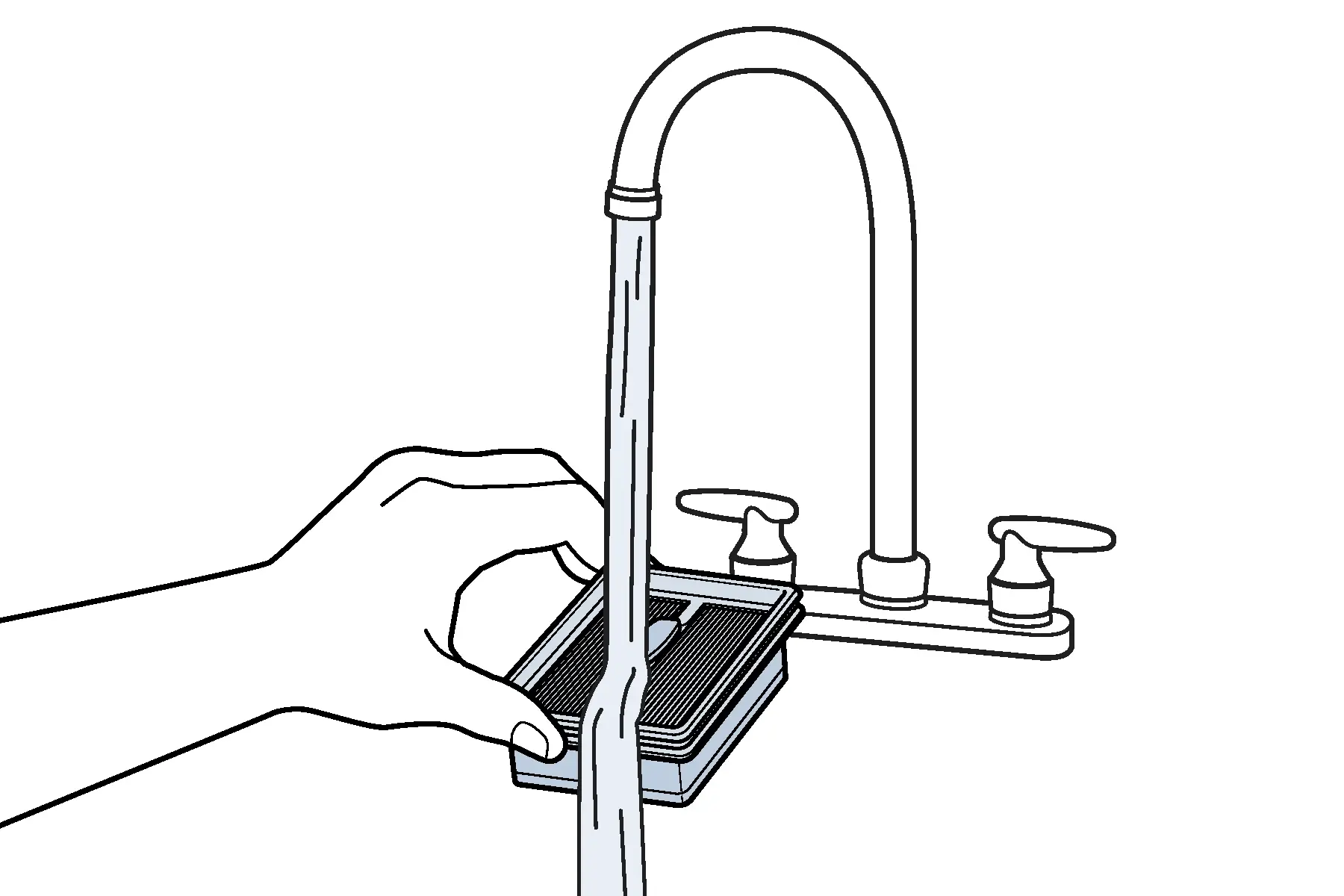
- Hand wash filter & screen with warm water, remove debris
- Allow 24 hours for filter to fully dry before reassembling
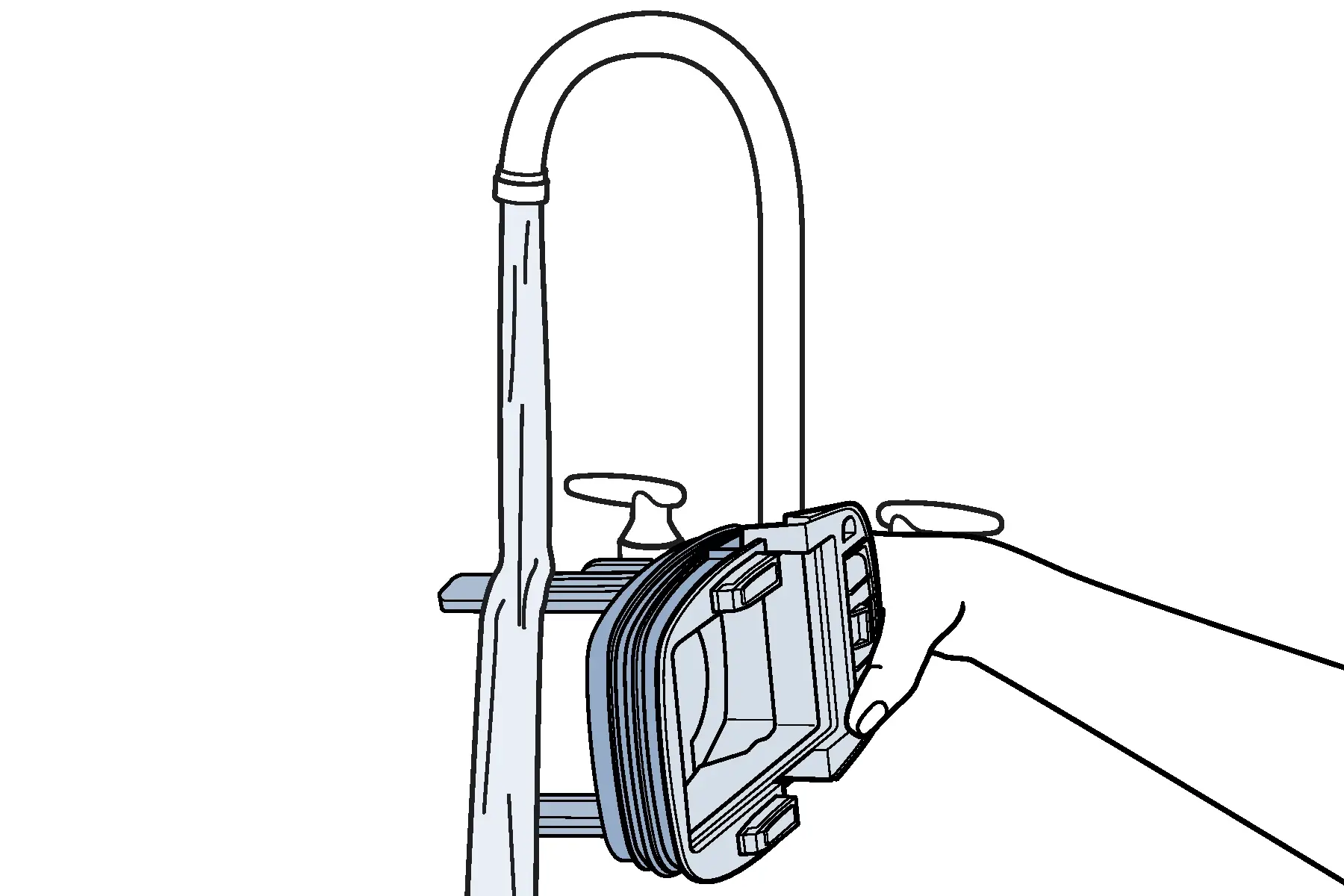
- Rinse dirty water tank lid
- Clean float sensors on the bottom of dirty water tank lid with damp cloth or napkin
- Remove all visible debris and let completely dry before reassembling
- Once all parts have dried – put filter back into dirty water tank lid, strainer back into dirty water tank, and dirty water tank lid back onto the tank
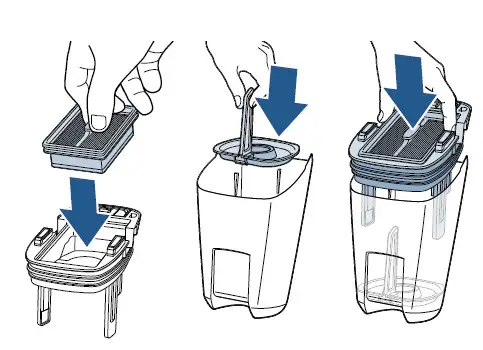
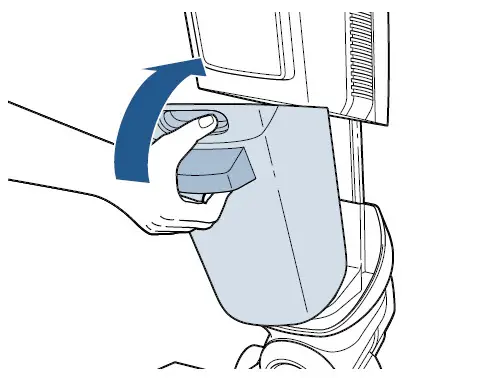
- Insert dirty water tank back into the machine inserting the bottom of the tank first, pivot the top toward the machine until it clicks into place
- If orange dirty water tank is full light continues to be illuminated after the dirty water tank and sensors have been cleaned, please Contact Us