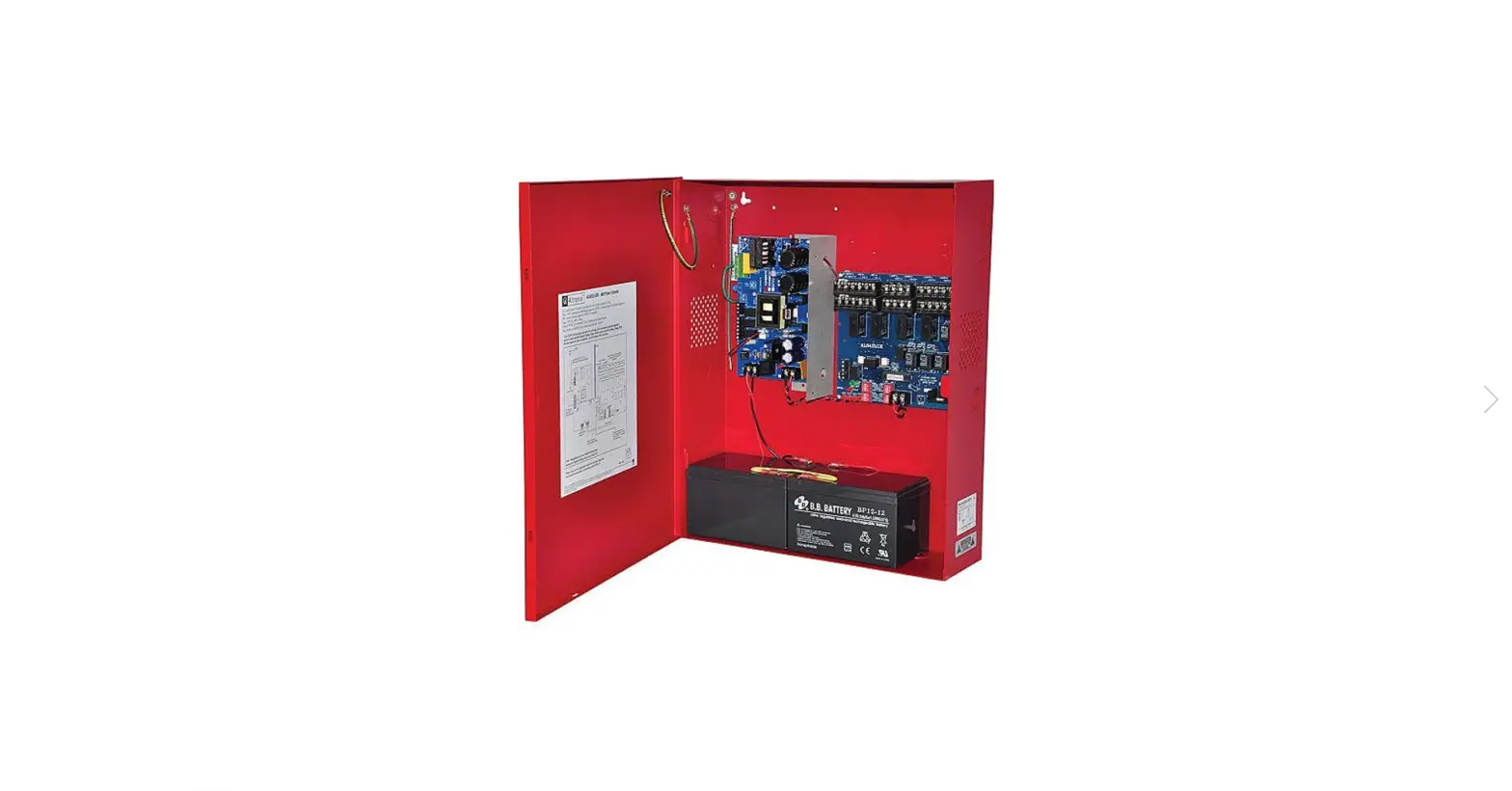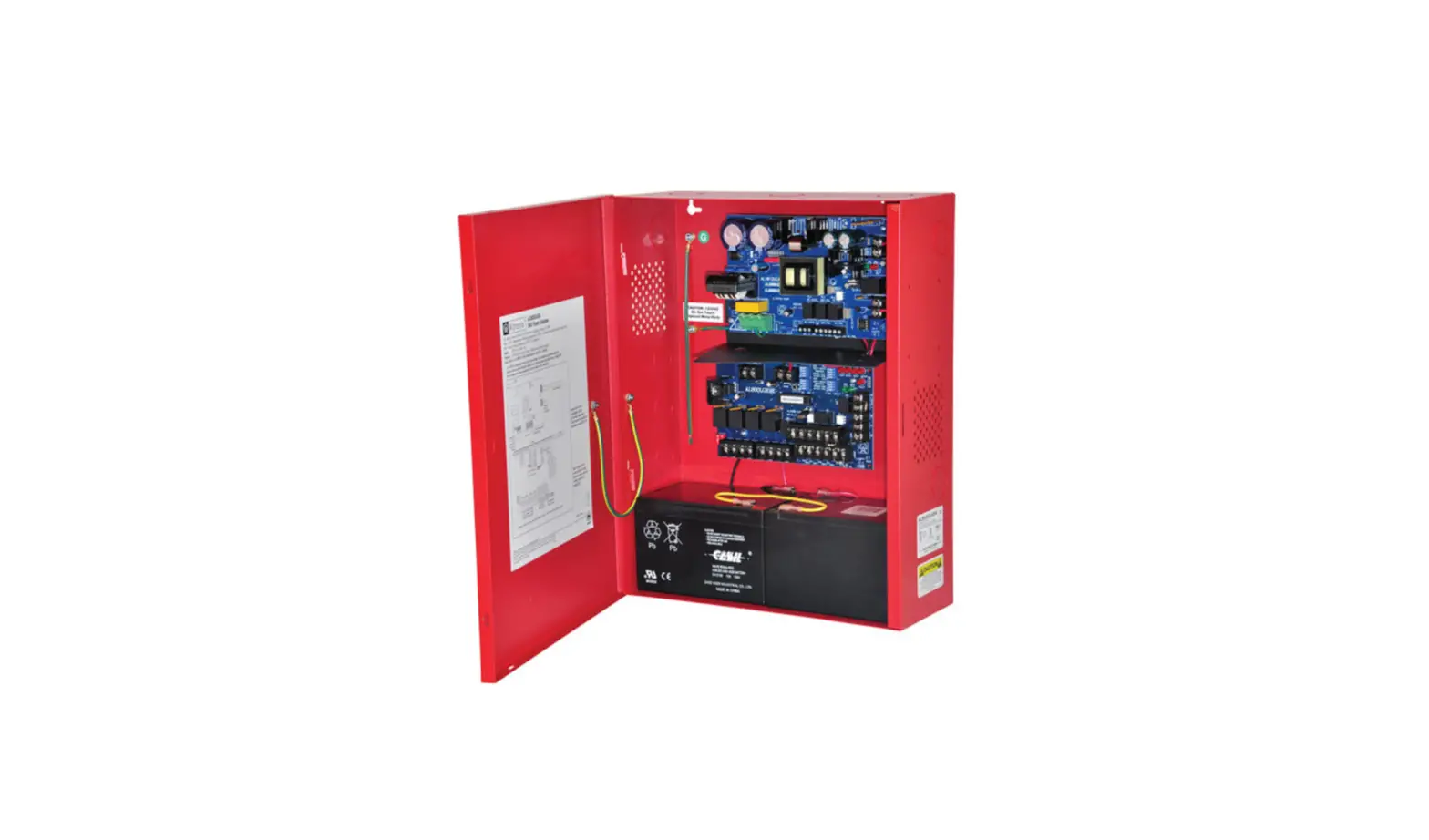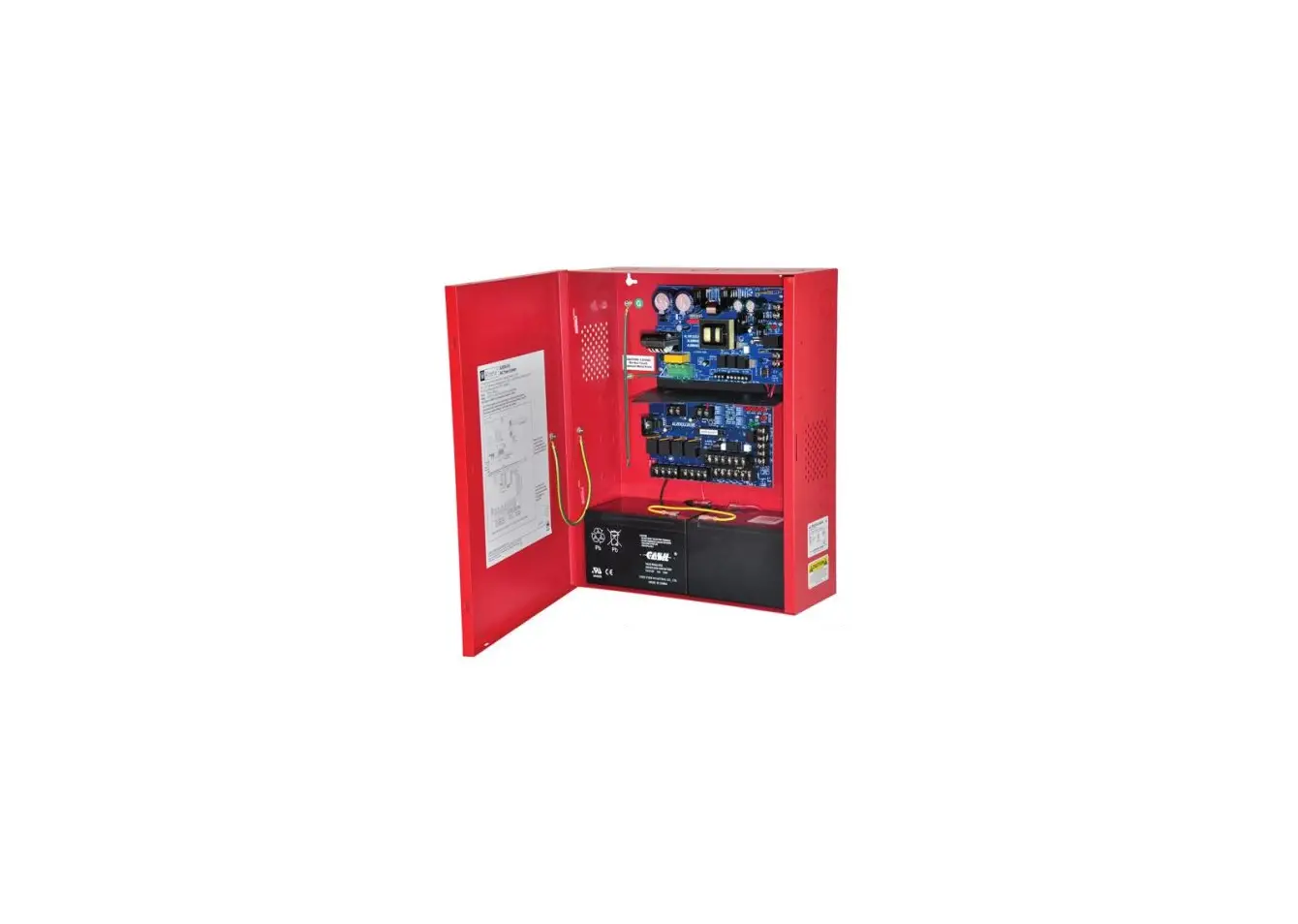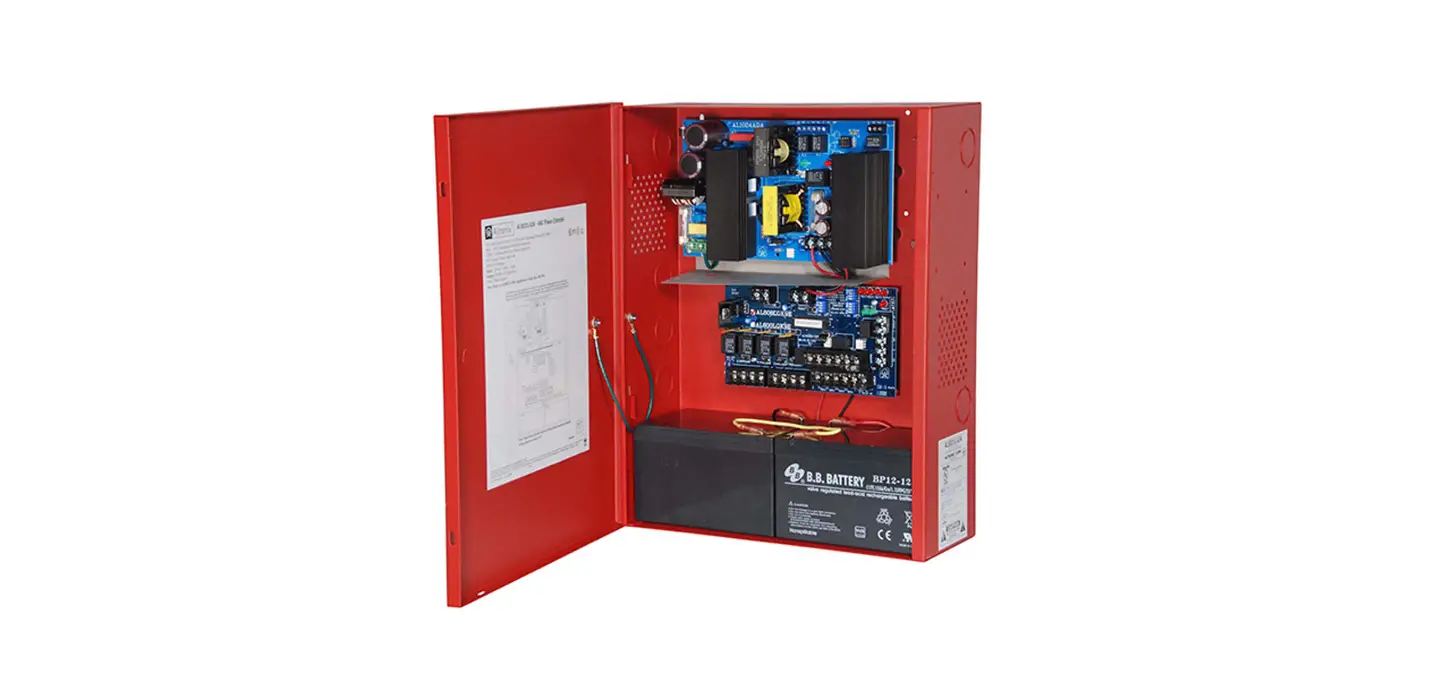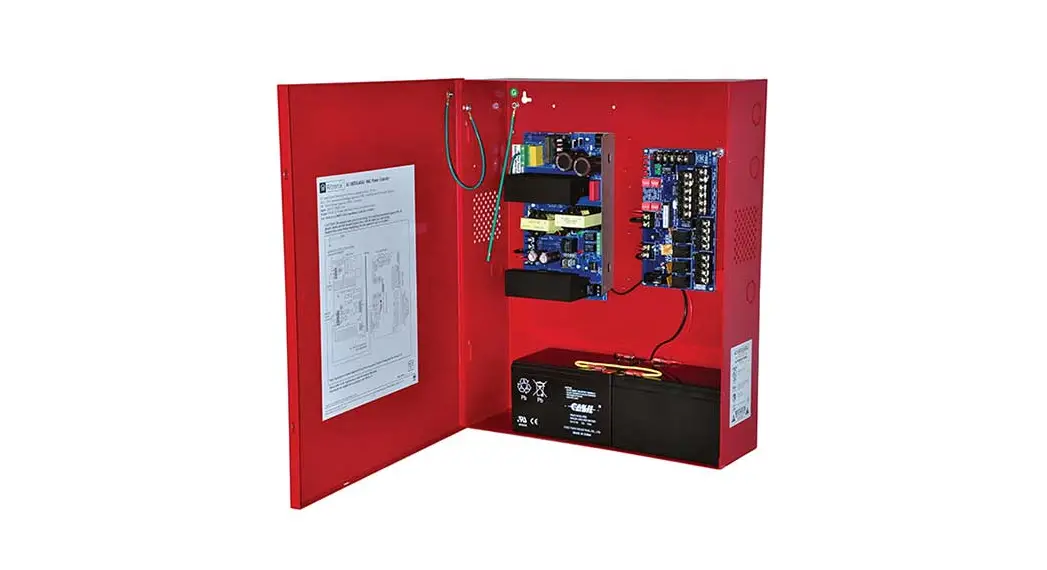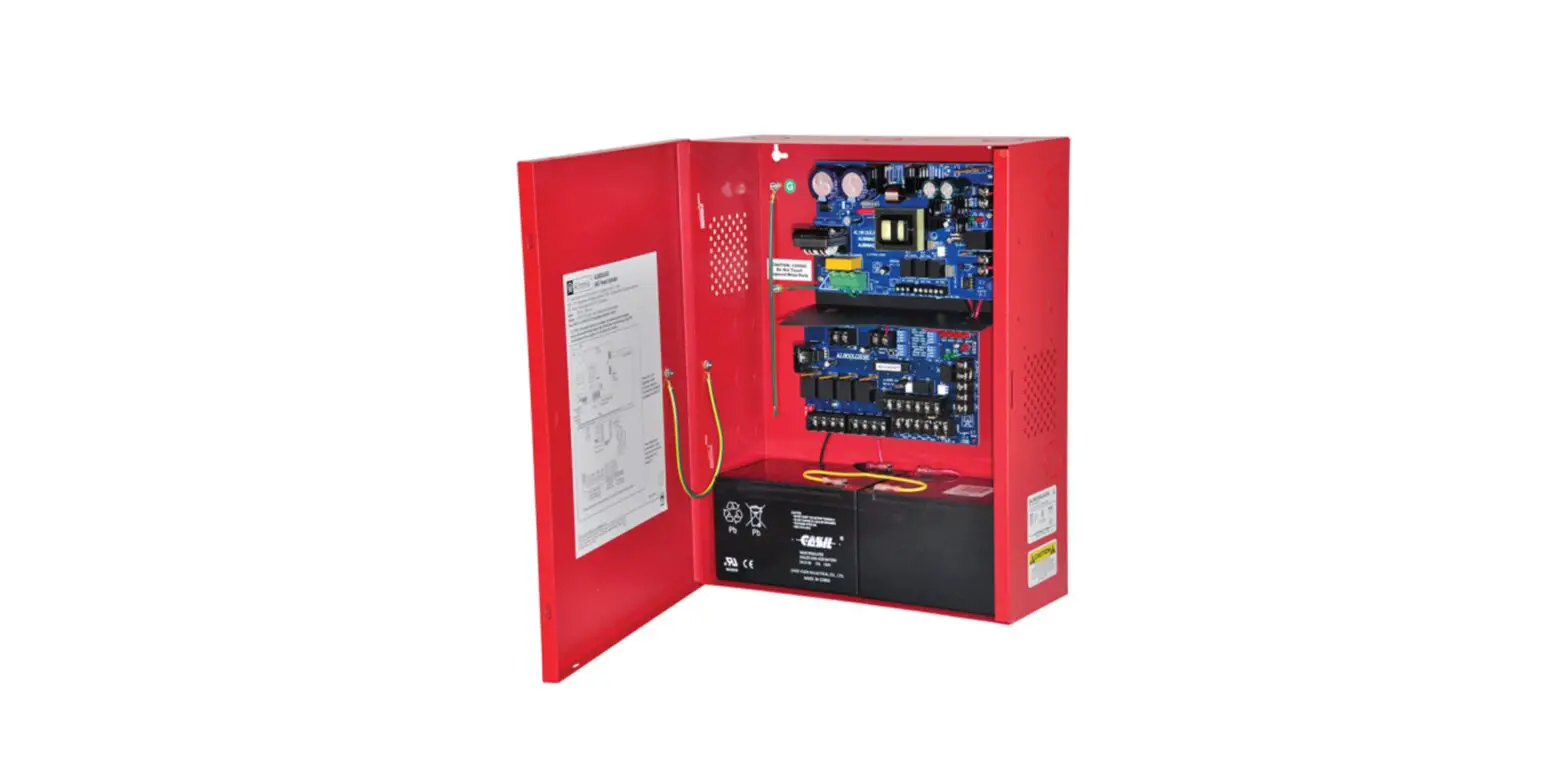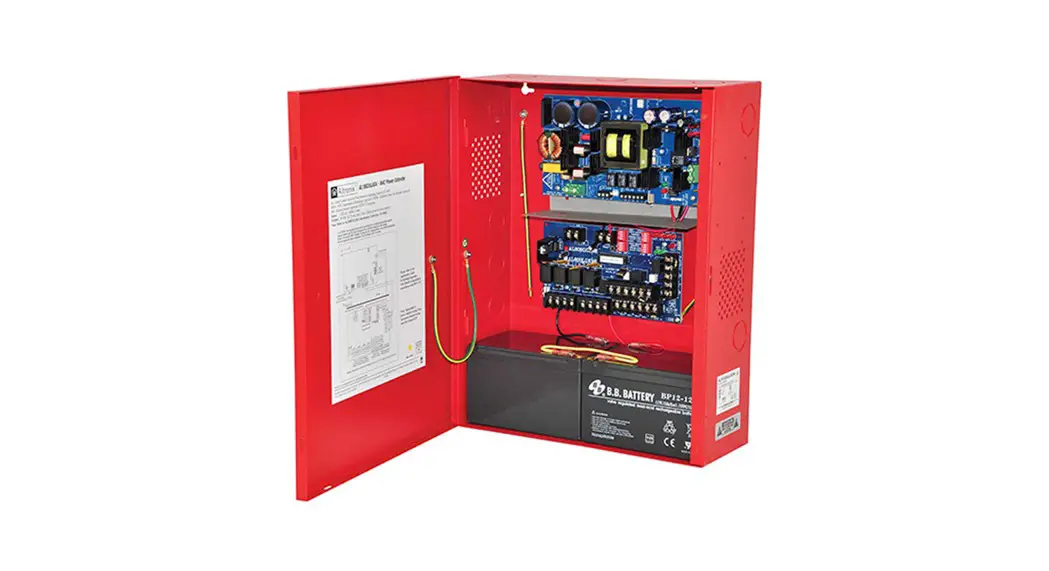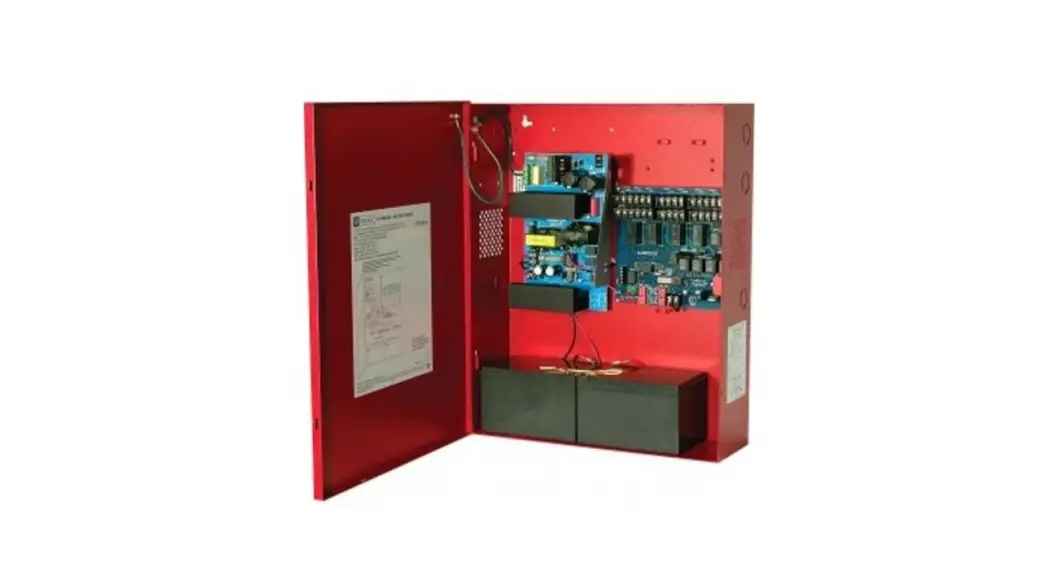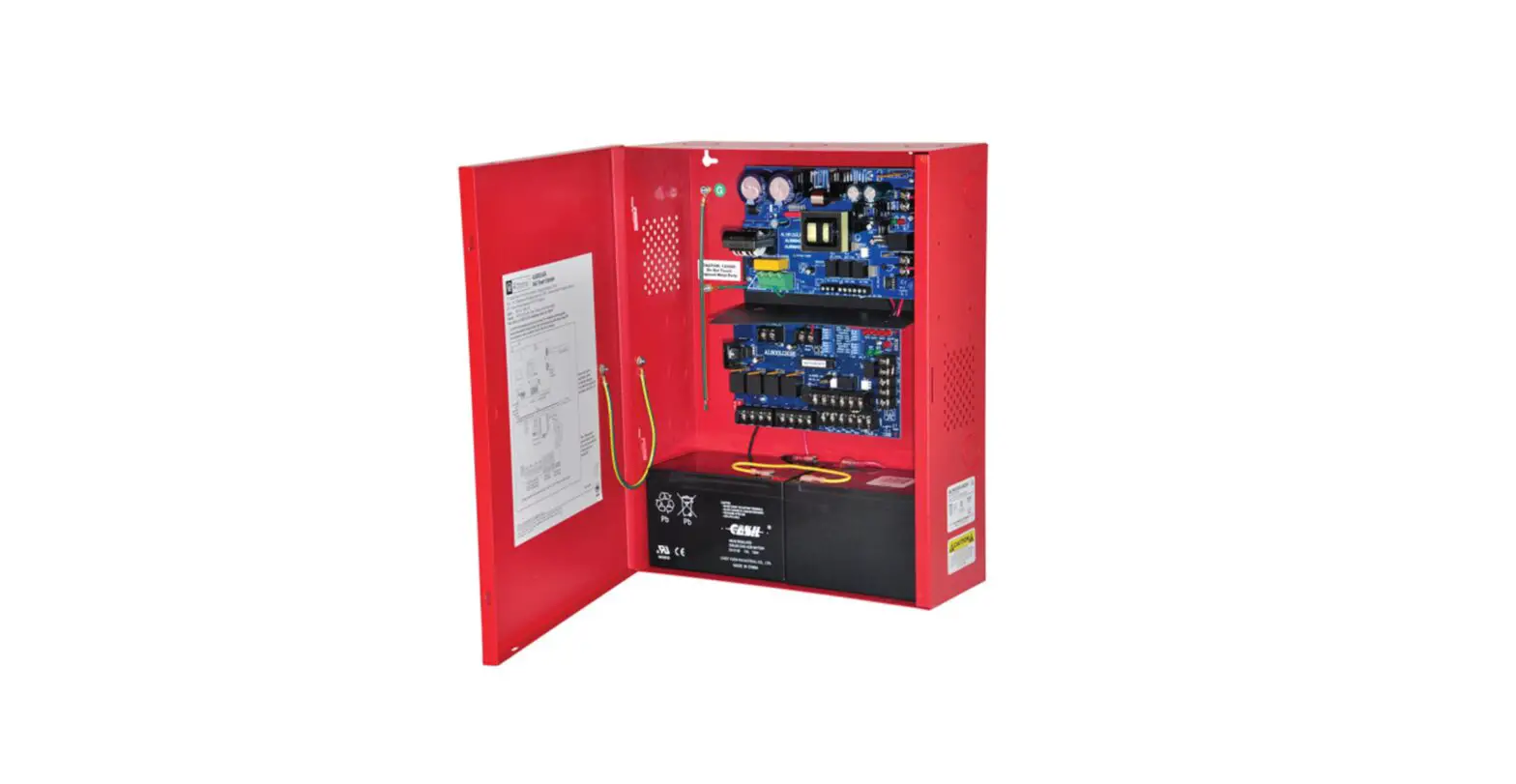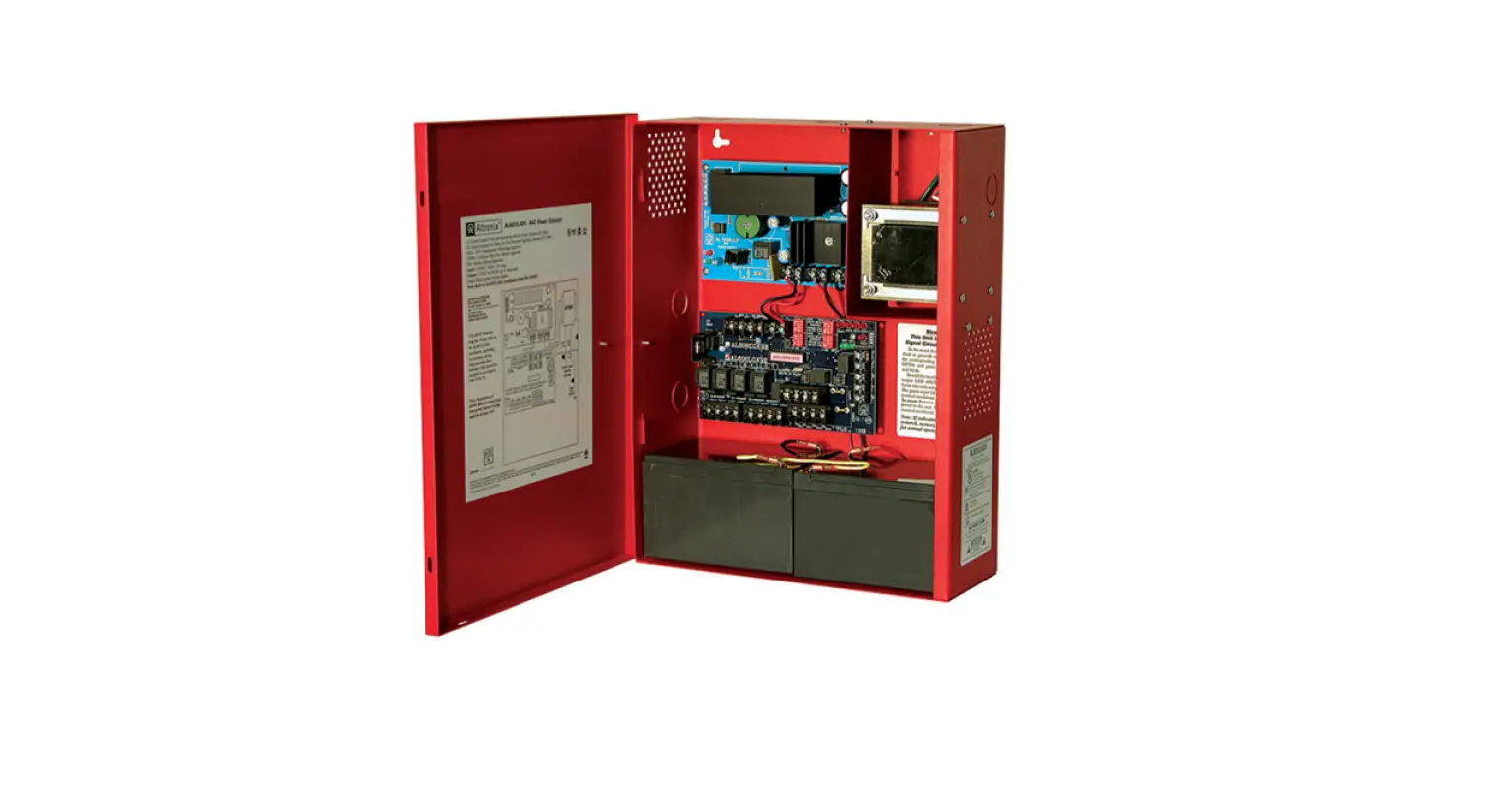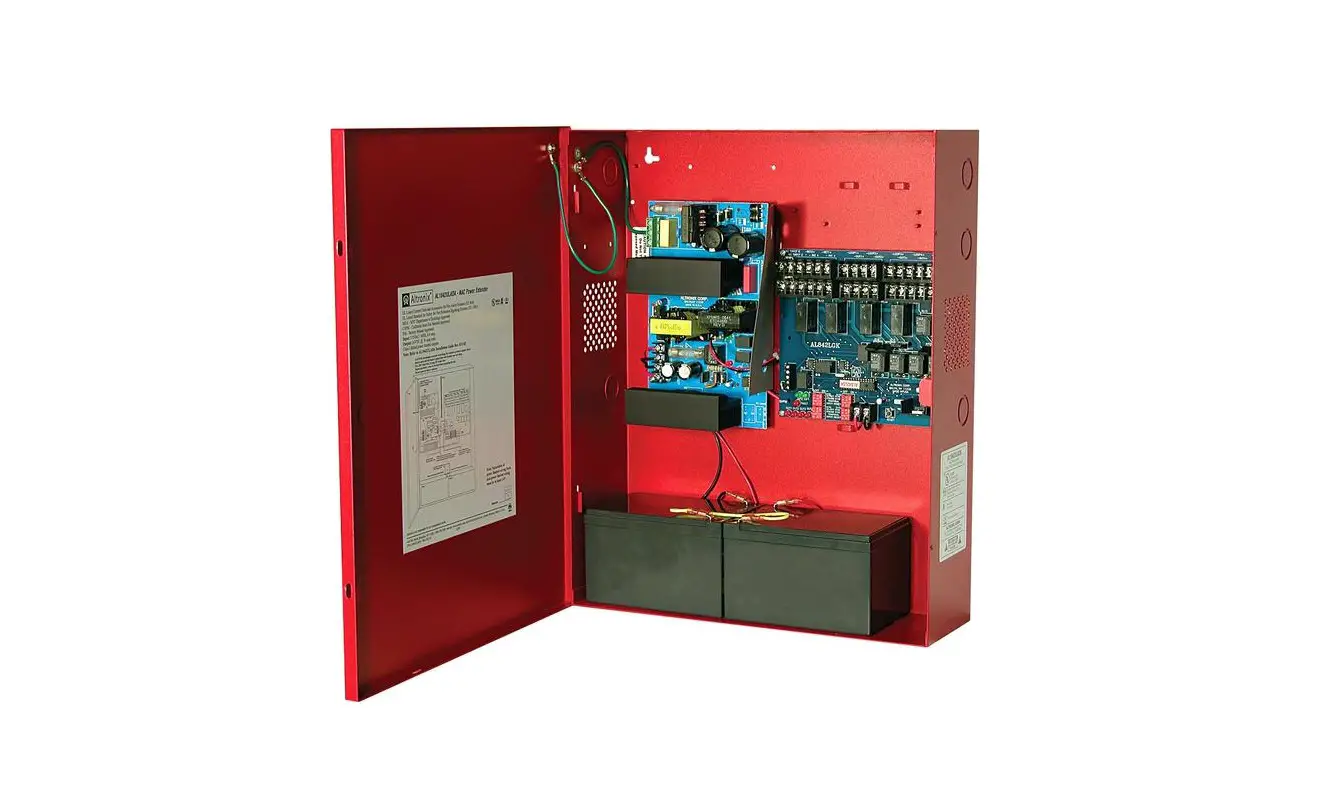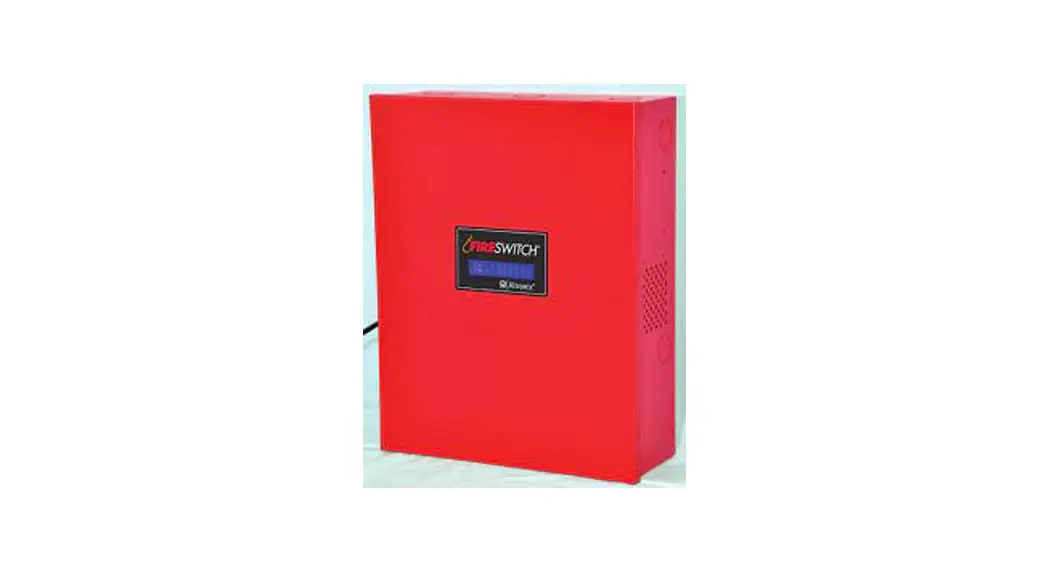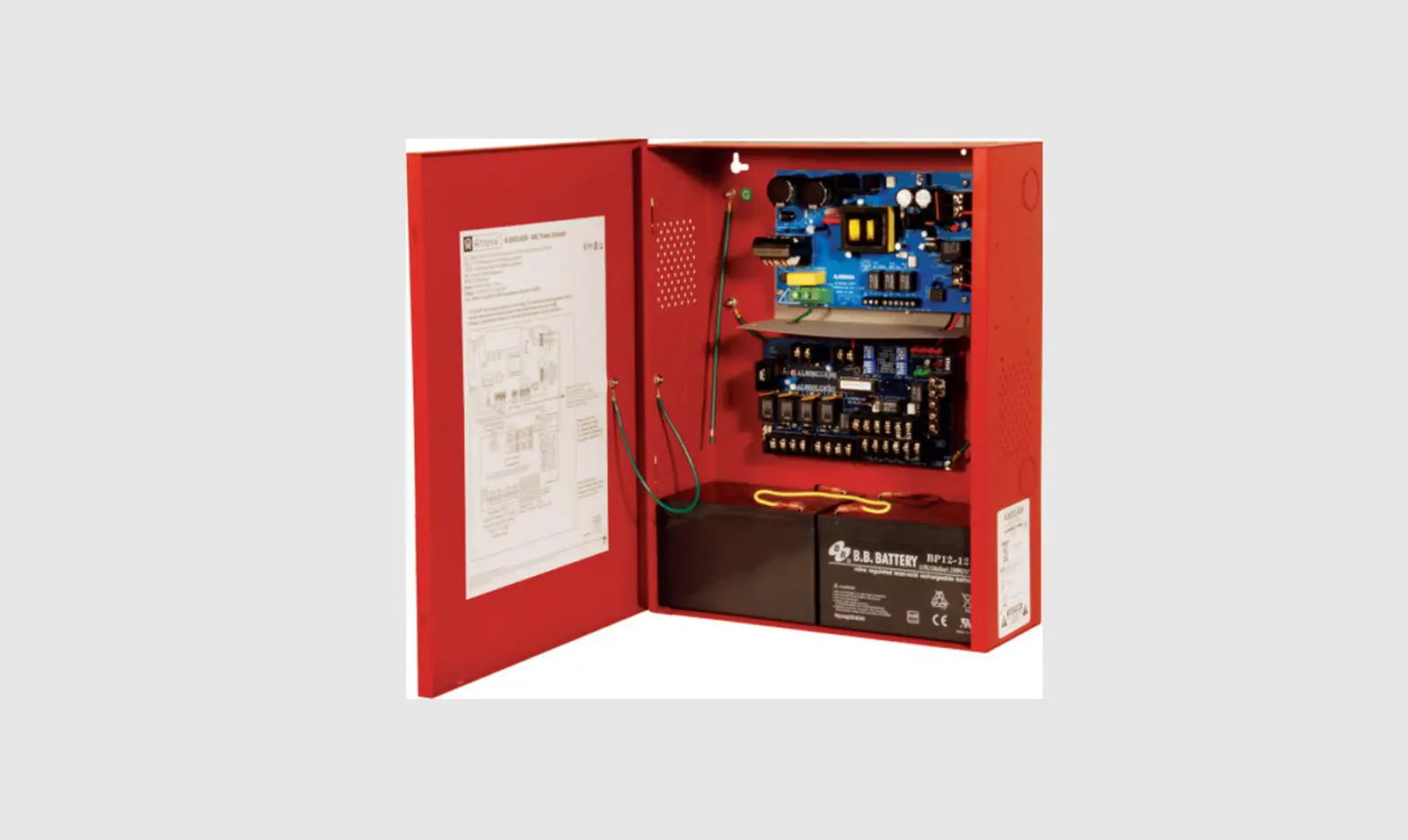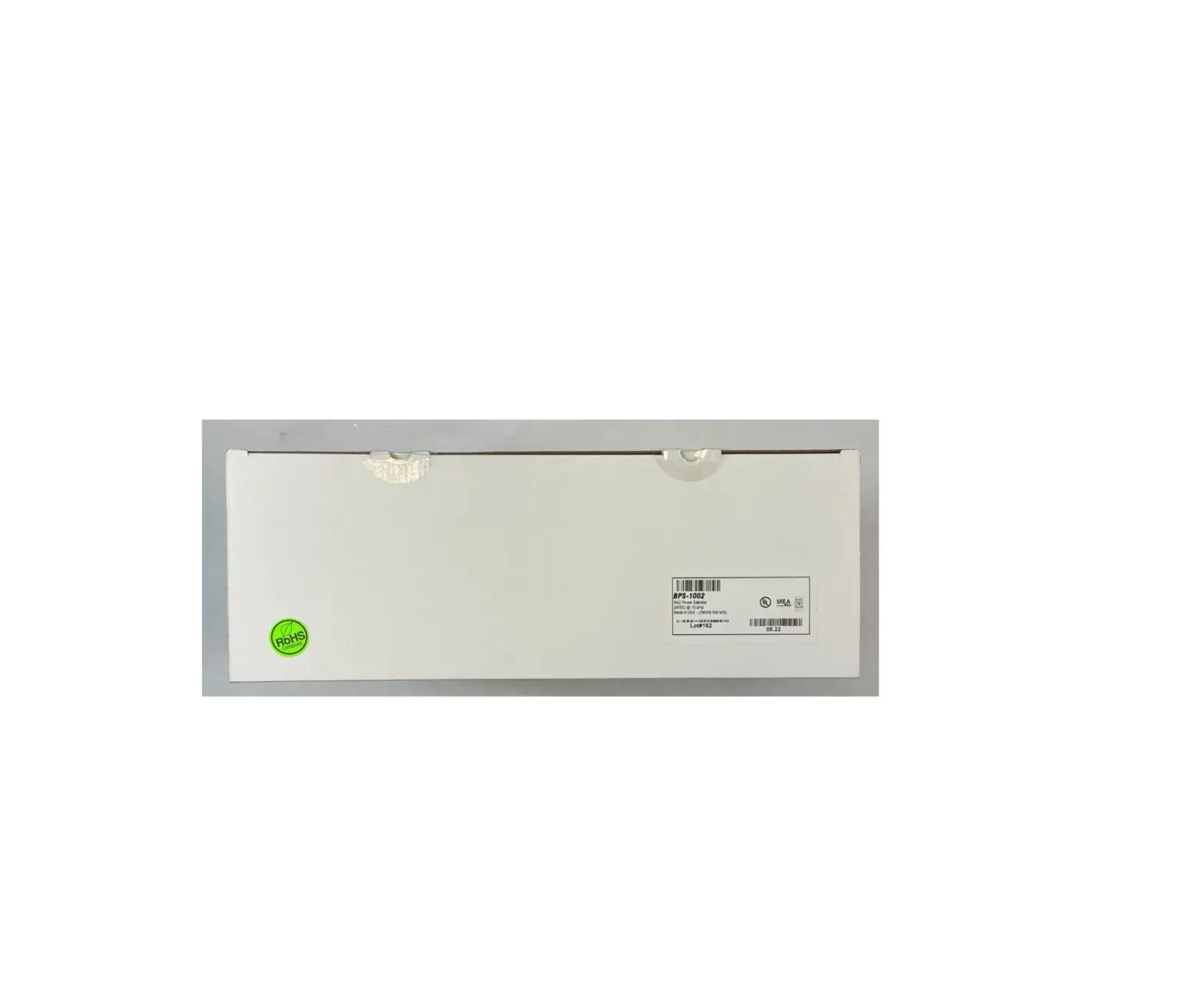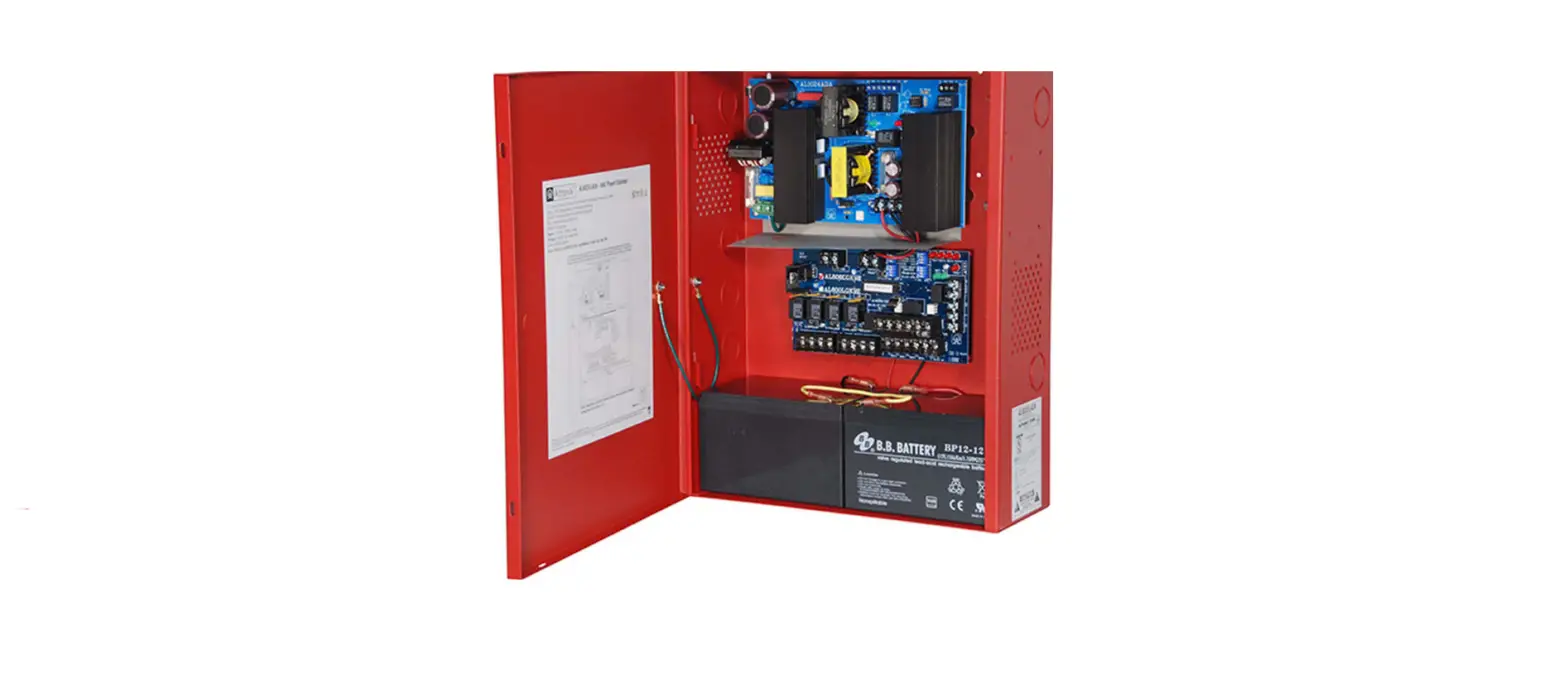

Altronix AL802ADA220 NAC Power Extender
Overview:
Altronix AL802ADA220 is an extremely cost-effective 8A remote power supply/battery charger. It may be con-nected to any 12 or 24 volt Fire Alarm Control Panel (FACP). Primary applications include Notification Appliance Circuit (NAC such as strobes and horns) expansion support to meet ADA requirements. It also provides auxiliary power to support system accessories. The unit delivers electronically regulated and filtered 24 volt power to Class B, Style W, X, Y or Class A, Style Z NAC loop circuits. Additionally, a separate 1.0A auxiliary output for four (4)-wire smoke detectors is available. The 8A max. alarm current can be divided between the four (4) outputs for powering NAC devices. Each output is rated at 2.5A max., and can be independently programmed for Steady, Temporal Code 3 or Strobe Synchronization. All outputs may be programmed for Input to Output Follower Mode (output will follow input). In non-alarm condition independent loop supervision for Class A, Style Z and/or Class B, Style W, X, Y FACP NAC circuits is provided. In the event of a loop trouble, the FACP will be notified via the steered input (Input 1 or Input 2). In addition, there are common trouble output terminals (NC, C, NO) which are used to indicate general loop/system trouble. A common trouble input is provided for optional NC (normally closed) devices to report trouble to the FACP. Two (2) FACP signaling outputs can be employed and directed to control supervision and power delivery to any combination of the four (4) outputs.
Specifications:
Input:
- Nominal 220VAC (working range 198VAC -256VAC), 50/60 Hz, 1.5A.
- Two (2) Class A, Style Z or two (2) Class B, Style W, X, Y FACP inputs.
- Two (2) NC dry contact trigger inputs.
Output:
- 24VDC @ 8A max total alarm current.
- 2.5A max current per output.
- Separate 1.0A auxiliary output.
- Programmable supervised indicating circuit outputs: Four (4) Class B, Style W, X, Y or Two (2) Class A, Style Z or One (1) Class A, Style Z and Two (2) Class B, Style W, X, Y (see Application Guide).
- Thermal and short circuit protection with auto reset.
Battery Backup:
- Built-in charger for sealed lead acid or gel type batteries.
- Automatic switchover to stand-by battery when AC Fails.
- Zero voltage drop when switching over to battery backup.
Visual Indicators:
- Input and output status LED indicators.
Supervision:
- AC fail supervision (form “C” contact, 1A / 28VDC). Factory set for 30 seconds with optional 2.5 to 3 hour delay setting (field selectable).
- Instant local AC trouble reporting relay (form “C” contact, 1A / 28VDC).
- Battery presence and low battery supervision (form “C” contact, 1A / 28VDC).
Special Features:
- 2-wire horn/strobe Sync mode allows audible notification appliances (horns) to be silenced while visual notification appliances (strobes) continue to operate.
- Sync protocols include Potter/Amseco, Faraday, Gentex®, System Sensor®, and CooperWheelock®.
- Temporal Code 3, Steady Mode, Input to Output Follower Mode (maintains synchronization of notification appliances circuit).
- Compatible with 12VDC or 24VDC fire panels.
- Output loop supervision steered to Input 1 or Input 2.
- Signal circuit trouble memory (helps identify intermittent loop problems).
- Common trouble input and output.
- Ground fault detection.
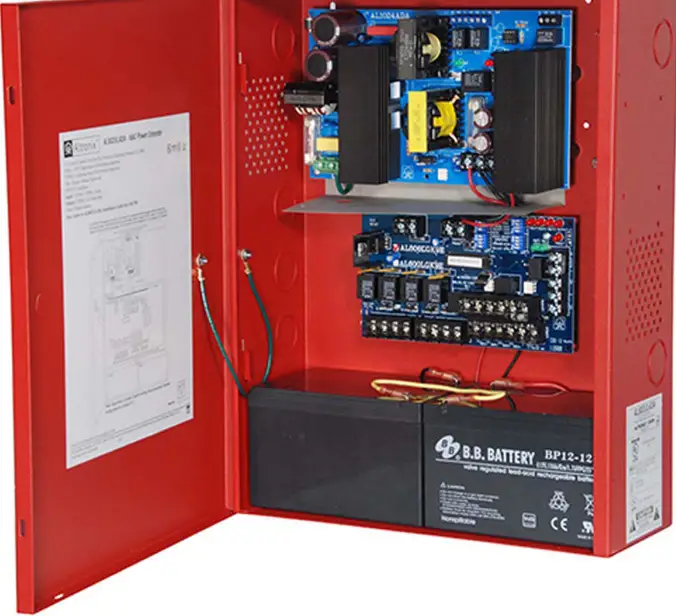
- Unit includes POWER supply, red enclosure, cam lock, and battery leads.
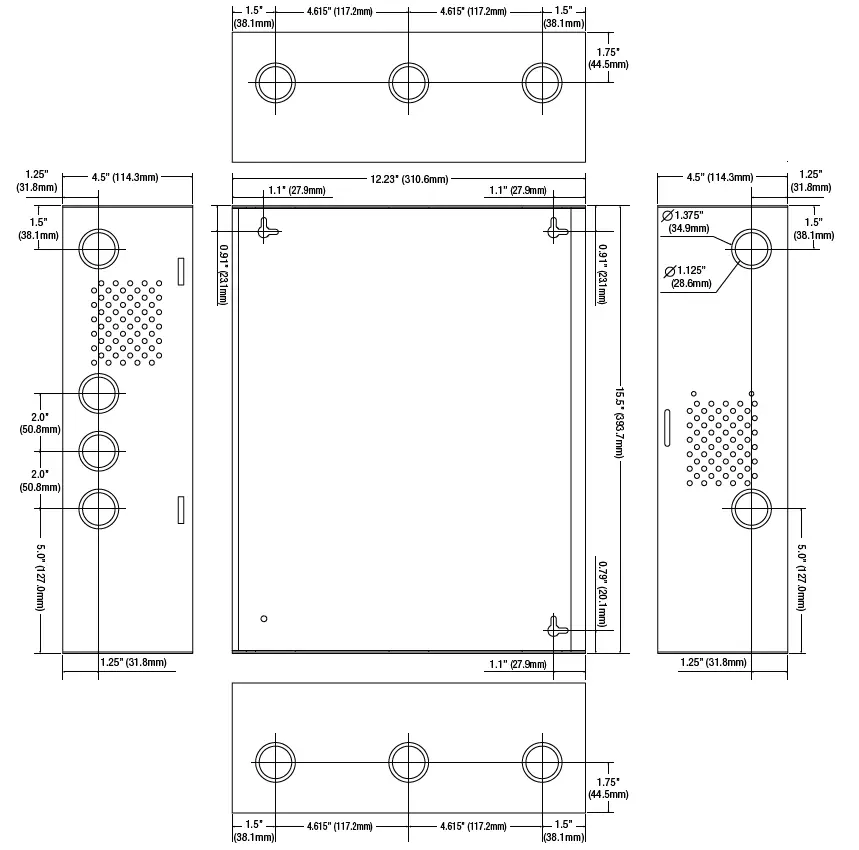
Enclosure Dimensions (approx. H x W x D): 15.5” x 12” x 4.5” (393.7mm x 304.8mm x 114.3mm).
WARNING: To reduce the risk of fire or electric shock, do not expose the unit to rain or moisture. This installation should be made by qualified service personnel and should conform to all local codes.
Power Supply Specifications:
| AC Input: | Nominal 220VAC (working range 198VAC – 256VAC), 50/60Hz, 1.5A. |
| Output: | Four (4) regulated supervised NAC output circuits, 24VDC, 2.5A maximum current. One (1) aux. special application 24VDC power output circuit 1A, non-supervised total output current must not exceed current 8A in Alarm Condition. |
| Battery | Use two (2) 12VDC / 7AH or two (2) 12VDC / 12AH batteries connected in series. |
| Stand-by/Alarm Current Consumption: | 90mA/175mA |
| EOL Resistor (end of line): | 2.2K (2,200 Ohm), Altronix Model # AL-EOL22 (included). |
| Ground fault maximum test impedance: | 1000 Ohm. |
Stand-by Specifications:
| Stand-by Batteries | Stand-by Time Total (A/Minutes) | Alarm Output Current | Aux. Output |
| 24VDC/7AH | 24 Hours | 8A/5 minutes | – |
| 24VDC/12AH (use two 12VDC batteries in series) | 24 Hours | 8A/5 minutes | 50mA |
| 24VDC/36AH | 24 Hours | 8A/5 minutes | 1A |
installation Instructions:
Wiring methods shall be in accordance with the National Electrical Code/NFPA 70/NFPA 72/ANSI, and with all local codes and authorities having jurisdiction. Product is intended for indoor dry use only.
Carefully review:
Application Guide for AL602ADA220, AL802ADA220, AL1002ADA220
- Power Supply Specifications
- Stand-by Specifications
- Output Programming Selection Table
- Sync Mode Selection Table
- Terminal Identification Table
- LED Status Indication Table
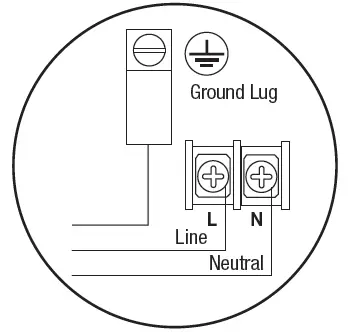
- Mount the unit in the desired location. Mark and predrill holes in the wall to line up with the top two keyholes in the enclosure. Install two upper fasteners and screws in the wall with the screw heads protruding. Place the enclosure’s upper keyholes over the two upper screws; level and secure. Mark the position of the lower two holes. Remove the enclosure. Drill the lower holes and install two fasteners. Place the enclosure’s upper keyholes over the two upper screws. Install the two lower screws and make sure to tighten all screws (Enclosure Dimensions, pg. 12). Secure enclosure to earth ground (Fig. 1, pg. 3). Small terminal block wire gauges range from 16 AWG to 24 AWG, all others range from 14 AWG to 24 AWG.
- Connect the line (L) and neutral (N) terminals to a separate unswitched AC circuit (220VAC, 50/60Hz) dedicated to the Fire Alarm System. Secure ground wire lead to ground lug (Fig. 1, pg. 3).
- Measure output voltage before connecting devices. This helps avoiding potential damage.
- Connect battery to the terminals marked [+ BAT –] on the Power Supply Board (battery leads included). Use two (2) 12VDC batteries connected in series.
- Set output selection switches marked [OUT1 through OUT4] to follow corresponding input [IN1 & IN2] and desired output signal type (Output Programming Selection Table, pg. 4).
- Connect FACP output to the desired AL800LGK9E logic board inputs, and notification appliances to the desired AL800LGK9E logic board outputs (see Application Guide).
Note: The 2-wire horn/strobe sync mode will only synchronize horns, horn/strobes, strobes with synchronization capability. - For connection of smoke detectors, digital dialer see Optional Hookup Diagram, pg. 8.
Class A, Style Z Class B, Style W, X, Y, SW1 & SW2 Settings:
Output Programming Selection Table:
| Function | Switch Positions | Descriptions | |
| ON | OFF | ||
| Input to Output Follower Mode | 1 | 2, 3 | Output follows signal it receives from the corresponding input (i.e. FACP Sync module – maintains synchronization of notification appliance circuit). |
| Temporal Code 3 Mode | 3 | 1, 2 | Enables Temporal Code 3 signal generation output. This mode will accept a steady or a pulsing input. |
| Steady Mode | 1, 2, 3 | A steady output signal will be generated. This mode will accept steady or pulsing input. | |
For the above modes DIP Switch 4 determines which Input controls the corresponding output: Switch 4 in the ON position causes output(s) to be controlled by Input 1. Switch 4 in the OFF position causes output(s) to be controlled by Input 2. Note: It is required to control visual notification appliances (strobes) via Input 1 (IN1) and audible notification appliances (horns) via Input 2 (IN2).
Sync Mode Selection Table:
| Function | Switch Positions | Descriptions | |
| ON | OFF | ||
| Amseco Sync Mode* | 1, 3, 4 | 2 | This mode is designed to work with the Amseco series of horns, strobes, and horn/strobes to provide a means of synchronizing the Temporal-coded horns, synchronizing the flash timing of the strobe, and silencing the horns of the horn/strobe combination over a two-wire circuit while leaving strobes active. |
| Faraday Sync Mode* | 2, 4 | 1, 3 | This mode is designed to work with the Faraday series of horns, strobes, and horn/strobes to provide a means of synchronizing the Temporal-coded horns, synchronizing the flash timing of the strobe, and silencing the horns of the horn/ strobe combination over a two-wire circuit while leaving strobes active. |
| Gentex® Sync Mode* Gentex is a registered trademark of Gentex Corporation. | 1, 2, 3, 4 | This mode is designed to work with the Gentex® series of horns, strobes, and horn/strobes to provide a means of synchronizing the Temporal-coded horns, synchronizing the flash timing of the strobe, and silencing the horns of the horn/strobe combination over a two-wire circuit while leaving strobes active. | |
| System Sensor® Sync Mode* System Sensor is a registered trademark of Honeywell. |
1, 2, 4 |
3 | This mode is designed to work with the System Sensor® series of horns, strobes, and horn/strobes to provide a means of synchronizing the Temporal- coded horns, synchronizing the one-second flash timing of the strobe, and silencing the horns of the horn/strobe combination over a two-wire circuit while leaving strobes active. |
| CooperWheelock® Sync Mode* CooperWheelock is a registered trademark of Cooper Wheelock. |
2, 3, 4 |
1 | This mode is designed to work with the CooperWheelock series of horns, strobes, and horn/strobes to provide a means of synchronizing the Temporal- coded horns, synchronizing the one-second flash timing of the strobe, and silencing the horns of the horn/strobe combination over a two-wire circuit while leaving strobes active. |
Amount of Notification Appliances per NAC:
| Amseco | 27 per NAC* |
| Faraday | 39 per NAC* |
| Gentex® | 32 per NAC* |
| System Sensor® | 32 per NAC* |
| CooperWheelock® | 32 per NAC* |
Terminal Identification Table:
| Terminal Legend | Function/Description |
|
IN1 +, IN1 – IN2 +, IN2 – (Supervised) | These terminals connect to the 24VDC FACP notification appliance circuit outputs. (Class A, Style Z or Class B, Style W, X, Y) Input trigger voltage is 8-33VDC @ 5mA min. Terminal polarity is shown in alarm condition. During an alarm condition these inputs will cause the selected outputs chosen to drive notification appliances. The designated outputs are set by output switches [OUT1 through OUT4] (Output Programming Selection Table, pg. 4). A trouble condition on an output loop will cause the corresponding input to trip the FACP by opening the FACP loop. An alarm condition will always override trouble to drive notification appliances. |
| RET1 +, RET1 – RET2 +, RET2 – (Supervised) | For (Class A, Style Z hookups these terminal pairs return to FACP NAC1 and/or NAC2. For Class B, Style W, X, Y hookups the FACP EOL resistor from the NAC1 and/or NAC2 outputs are terminated at these terminals. |
| C “DRY1” NC C “DRY2” NC (Dry input trigger) | An open across these inputs, will cause the selected outputs chosen to drive notification appliances. The designated outputs are set by output switches [OUT1 through OUT4] (Output Programming Selection Table, pg. 4). Note these inputs are unidirectional and will not report a trouble condition to the FACP. |
| + OUT1 – + OUT2 – + OUT3 – + OUT4 – (Supervised) | Notification appliances are connected to these regulated outputs (see 02 Application Guide pg. 2-4). Each power-limited output will supply 2.5A. Total supply current is 8A (see note below). Outputs are controlled by designated Input 1 [IN1] or Input 2 [IN2] (Output Programming Selection |
| C “FAULT” NC (Common trouble input) | An open circuit across this pair of terminals will cause [IN1 and IN2] to simultaneously signal a trouble condition back to the FACP (Typically used to report AC or BAT Fail). Form “C” contact 1A / 28VDC (Fig. 2, pg. 8). |
| NC, C, NO (Common trouble output) | These are dry contact trouble outputs that follow any general loop/system trouble conditions. (Typically used to trigger a digital communicator or other reporting device). Form “C” contact 1A / 28VDC, 0.35 Power Factor (Fig. 2, pg. 8). |
| – AUX+ | This separate 1A max auxiliary Special Application Power output circuit is typically used to power 4-wire smoke detectors. See attached list of devices (Appendix A, pgs. 10-12). |
| – DC + | 24VDC from power supply. |
Note: Unit is equipped with 1A max. auxiliary output: “AUX” will remain battery backed up during power outage. For loads connected to “AUX” please refer to battery “Stand-by Specifications”, pg. 3 for ratings. When loads are connected to “AUX” output during alarm condition, the remaining outputs may not exceed 8A total alarm current (example: AUX = 1A, outputs up to 7A).
| Terminal Legend | Function/Description |
| L, G, N | Connect 220 VAC to these terminals: L to hot, N to neutral. |
| – DC + | 24VDC @ 8A in alarm non power-limited output. |
| AC FAIL NO, C, NC | Form “C” dry contacts used to instantaneously signal the loss AC to local annunciation devices, with AC present terminals marked NO and C are open, NC and C are closed. When loss of AC occurs terminals marked NO and C are closed, NC and C are open. |
| AC LOCAL NC, NO, C | Form “C” dry contacts used to instantaneously signal the loss AC to local annunciation devices, with AC present terminals marked NO and C are open, NC and C are closed. When loss of AC occurs terminals marked NO and C are closed, NC and C are open. |
| BAT FAIL NO, C, NC | Form “C” dry contacts used to signal low battery voltage or loss of battery voltage. Under normal conditions terminals marked NO and C are open, NC and C are closed. During a trouble condition terminals marked NO and C are closed, and NC and C are open (Fig. 2, pg. 8). |
| + BAT – | Stand-by battery input (leads provided) (Fig. 2, pg. 8). |
*Power Board Parameter Specifications:
- AC Fail condition will report approximately 30 seconds after loss of AC. To delay report for 2.5 to 3 hours cut jumper AC DELAY on the Power Supply Board (AC trouble output delay option). If this mode is selected the Power Supply Board must be reset by removing all power to it for 30 seconds.
- Low battery condition will report at approximately 21VDC.
- Battery presence detection will report within 180 seconds after battery remains undetected (missing or removed). A restored battery will report within 30 seconds.
LED Diagnostics:
AL800ADA – Power Supply Board
| Red (DC) | Green (AC) | Power Supply Status |
| ON | ON | Normal operating condition. |
| ON | OFF | Loss of AC. Stand-by battery is supplying power. |
| OFF | ON | No DC output. |
| OFF | OFF | Loss of AC. Discharged or no stand-by battery. No DC output. |
AL800LGK9E – Logic Board
| LED | OFF | ON | BLINK (LONG)* | BLINK (SHORT)** |
| Output 1 | Normal | Alarm Condition | Trouble Condition | Trouble Condition Memory |
| Output 2 | Normal | Alarm Condition | Trouble Condition | Trouble Condition Memory |
| Output 3 | Normal | Alarm Condition | Trouble Condition | Trouble Condition Memory |
| Output 4 | Normal | Alarm Condition | Trouble Condition | Trouble Condition Memory |
| Input 1 | Normal | Alarm Condition | Trouble Condition | – |
| Input 2 | Normal | Alarm Condition | Trouble Condition | – |
| Fault | Normal | Alarm Condition | – | – |
- Indicates current trouble condition. When trouble (open, short or ground) occurs on a specific output, the corresponding red output LED, [OUT1-OUT4] will blink. The corresponding green input LED will blink as well. Loop trouble will report within 30 seconds.
- Indicates trouble condition memory. When a trouble condition restores, the units red output LED, [OUT1-OUT4] will blink with a shorter and distinctly a different duration. The green input LEDs will be off (normal condition). To reset the memory depress the reset button (Fig. 2c, pg. 8). The LED(s) will extinguish.
Note: If indicating circuits have been restored, memory reset is not required for normal operation of the unit.
Battery Calculation Worksheet
| Device | Number of Devices | Current per Device | Stand-by Current | Alarm Current | ||
| For each device use this formula: | This column x This column = Equals | Current per number of devices. | ||||
| AL802ADA220 (Current draw from battery) | 1 | Stand-by: | 90mA | 90mA | ||
| Alarm: | 175mA | 175mA | ||||
| A | AL802 Current | 90mA | 175mA | |||
| Auxiliary Devices | Refer to device manual for current ratings. | |||||
| Alarm/Stand-by | mA | mA | mA | |||
| Alarm/Stand-by | mA | mA | mA | |||
| Alarm/Stand-by | mA | mA | mA | |||
| B | Auxiliary Devices Current (must not exceed 1A) | |||||
| Refer to device manual for current ratings. | ||||||
| Alarm: | mA | 0mA | mA | |||
| Alarm: | mA | 0mA | mA | |||
| Alarm: | mA | 0mA | mA | |||
| Alarm: | mA | 0mA | mA | |||
| C | Notification Appliances Current must not exceed 8A (8000mA) 0mA | mA | ||||
| D | Total alarm current | mA | mA | |||
| E | Total current ratings converted to amperes (line D x 0.001) | A | A | |||
| F | Number of standby hours (24 for NFPA 72, Chapter 1, 1-5.2.5). | H | ||||
| G | Multiply lines E and F. Total stand-by AH | AH | ||||
| H | Alarm sounding period in hours. (For example, 5 minutes = 0.0833 hours.) | H | ||||
| I | Multiply lines E and H. Total alarm AH | AH | ||||
| J | Add lines G and I. Total stand-by and alarm AH | AH | ||||
| K | Multiply line J by 1.30. (30% extra insurance to meet desired performance) Total ampere – hours required | AH | ||||
Units are capable of recharging 40AH battery max. If total ampere – hour required exceeds 40AH, decrease AUX current to provide enough stand-by time for the application.
Hookup Diagram:
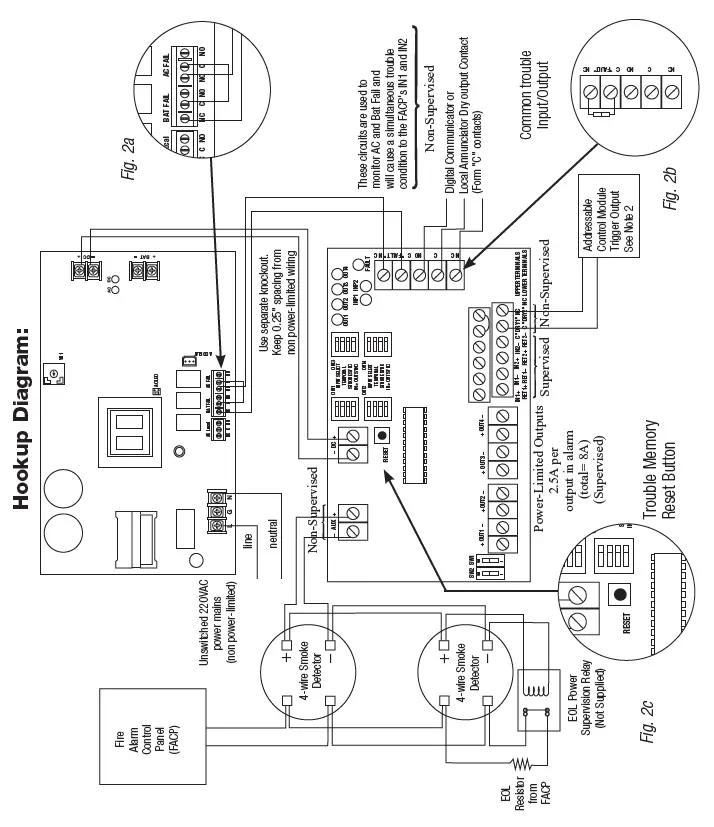
Optional Hookups:
- Battery and AC monitoring: AC or Battery Fail condition will cause the common trouble input [C “FAULT” NC] to report back to the FACP via Input 1 and Input 2. The common trouble input may also be used for other optional supervisory monitoring. (see Power Board Parameter for use of AC Delay, pg. 6) To report AC and Battery Trouble connect the battery and AC Fail relay output shown in (Fig. 2a) to the common trouble input.
- Dry contact input [C “DRY1” NC] [C “DRY2” NC] can be used to alarm output from an addressable module (these inputs are unidirection and cannot report back to trigger module). Connection to triggering devices must be made within 20 ft. of distance and using conduit for wiring.
- Auxiliary output [– AUX +] 24VDC at 1A max.
- AC Local [NC, NO, C] should connect to the host control panel for local annunciation of the trouble condition. Note: If common trouble input, terminals marked [C “FAULT” NC] are not used, these terminals must be shorted (connect jumper) to remain inactive. For optional hookups see Fig. 2b.
Maintenance:
Unit should be tested at least once a year for the proper operation as follows:
- Output Voltage Test: Under normal load conditions the DC output voltage should be checked for proper voltage level (26.2-26.4VDC recommended range).
- Battery Test: Under normal load conditions check that the battery is fully charged. Check specified voltage both at the battery terminal and at the board terminals marked [+ BAT –] to ensure that there is no break in the battery connection wires.
- Fuses: Check input fuse on the power supply board, replace if necessary. Input fuse rating is 5A @ 250V.
Note: Maximum charging current is 3.2A. Expected battery life is 5 years; however, it is recommended changing batteries in 4 years or less if needed.
Appendix A:
| Smoke Detector/Base | Detector Type | Max Stand-by Current (mA) | Alarm Current (mA) |
| System Sensor B112LP | Base | 0.12 | 36 |
| System Sensor B114LP | Base | * | * |
| System Sensor B404B | Base | * | * |
| System Sensor DH100ACDC | Photoelectric | 0.15 | 0.70 |
| System Sensor DH100ACDCLP | Photoelectric | 0.15 | 0.70 |
| System Sensor DH100ACDCLPW | Photoelectric | 0.15 | 0.70 |
| System Sensor DH400ACDCI | Ionization Duct | 25 | 95 |
| System Sensor DH400ACDCP | Photoelectric Duct | 25 | 95 |
| System Sensor 1112/24/D | Ionization | 0.05 | 50 |
| System Sensor 1424 | Ionization | 0.10 | 41 |
| System Sensor 1451 (w/B402B Base) | Ionization | 0.10 | 39 |
| System Sensor 2112/24ATR | Photoelectric | 0.50 | 60/70 |
| System Sensor 2112/24AITR | Photoelectric | 0.50 | 60/70 |
| System Sensor 2112/24/D | Photoelectric | 0.05 | 50 |
| System Sensor 2112/24R | Photoelectric | 0.50 | 60/70 |
| System Sensor 2112/24TR | Photoelectric | 0.50 | 60/70 |
| System Sensor 2112/24T/D | Photoelectric w/135o Thermal | 0.05 | 50 |
| System Sensor 2112/24TSRB | Photoelectric w/135o Thermal Supervisory Relay | 15 | 45 |
| System Sensor 2312/24TB | Photoelectric | 0.12 | 50 |
| System Sensor 2412 (12 volt) | Photoelectric | 0.12 | 77 |
| System Sensor 2412AT (12 volt) | Photoelectric | 0.12 | 58 |
| System Sensor 2412TH (12 volt) | Photoelectric | 0.12 | 77 |
| System Sensor 2424 | Photoelectric | 0.10 | 41 |
| System Sensor 2424TH | Photoelectric | 0.10 | 41 |
| System Sensor 2451 | Photoelectric | 0.10 | 39 |
| System Sensor 2451TH (with/B402B Base) | Photoelectric | 0.10 | 39 |
| System Sensor 2W-MOD | Loop Test/Maintenance Mod. | 30 | 50 |
| System Sensor 4W-B (12/24 volt) | Photoelectric I3 | 0.05 | 23 |
| System Sensor 4WT-B (12/24 volt) | Photoelectric I3 w/Therm | 0.05 | 23 |
| System Sensor 4WTA-B (12/24 volt) | I3 Photo w/Therm/Sounder | 0.05 | 35 |
| System Sensor 4WTR-B (12/24 volt) | I3 Photo w/Therm/Relay | 0.05 | 35 |
| System Sensor 4WTR-B (12/24 volt) | I3 Photo w/Therm/Sounder/Relay | 0.05 | 50 |
| System Sensor 4WITAR-B (12/24 volt) | I3 Photo w/Isolated Therm/Sounder/Relay | 0.05 | 50 |
| System Sensor 2W-MOD2 | I3 Loop Test/Maintenance Module | 0.05 | * |
| System Sensor RRS-MOD | I3 Reversing Relay/Sync Module | 0.05 | * |
| System Sensor 6424 | Projected Beam | 10 | 28.4 |
| System Sensor Beam 1224(S) | Projected Beam | 17 | 38.5 |
Appendix A (cont’d):
Compatible UL/cUL Listed Devices for Synchronization
A-2 Relays
Table A-2 below lists relays compatible with AL802ADA220 AUX output and Outputs 1-8 when programmed as AUX.
| Manufacturer | Model | Current (mA) |
|
System Sensor | PR-1 | 15 |
| PR-2 | 30 | |
| PR-3 | 30 | |
| EOLR-1 | 30 | |
| R-10T | 23 | |
| R-14T | 23 |
| Manufacturer | Model | Current (mA) |
|
System Sensor | R-20T | 40 |
| R-24T | 40 | |
| R-10E | 23 | |
| R-14E | 23 | |
| R-20E | 40 | |
| R-24E | 40 |
Enclosure Dimensions:
15.5” x 12” x 4.5” (393.7mm x 304.8mm x 114.3mm)
 Altronix Home