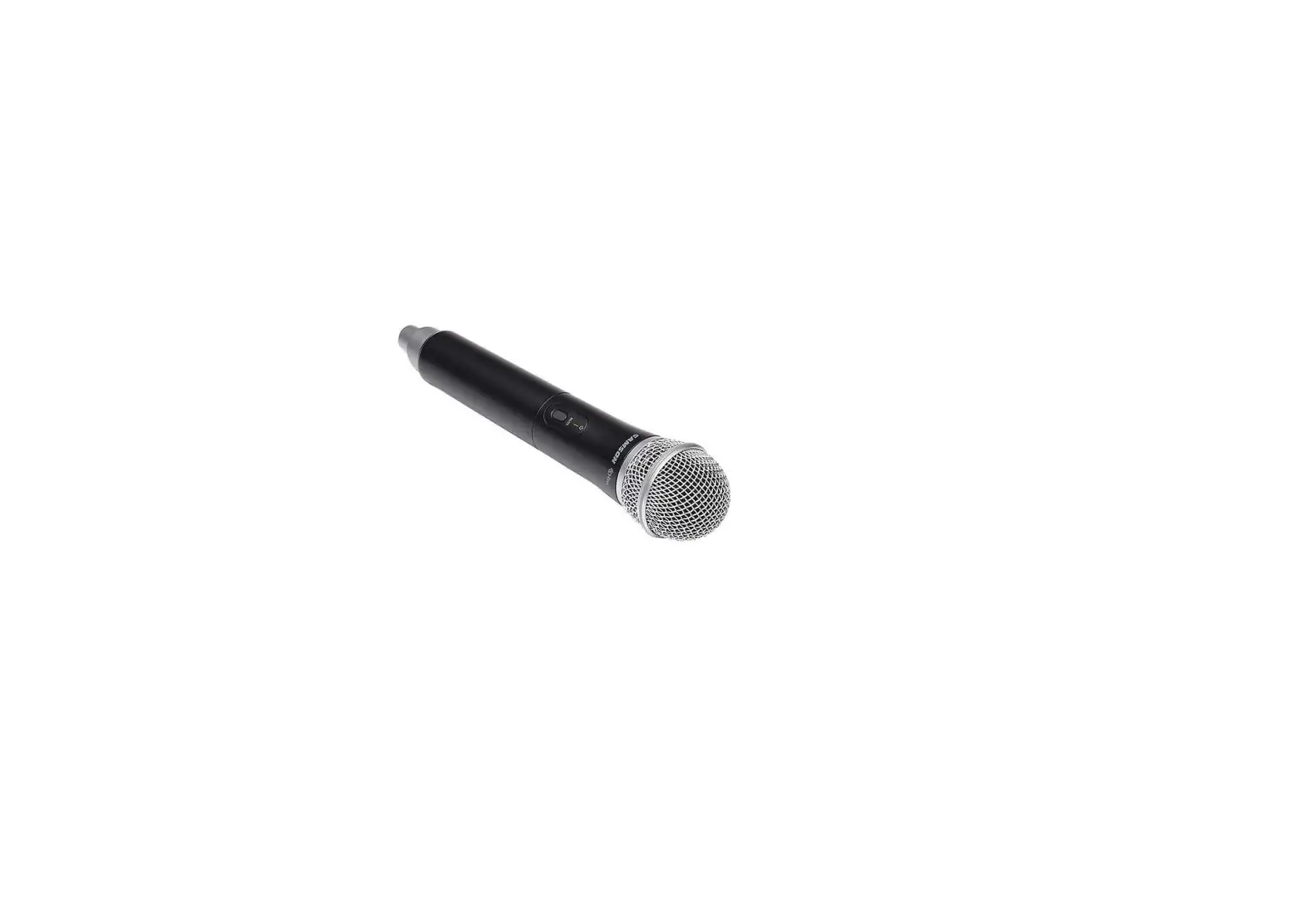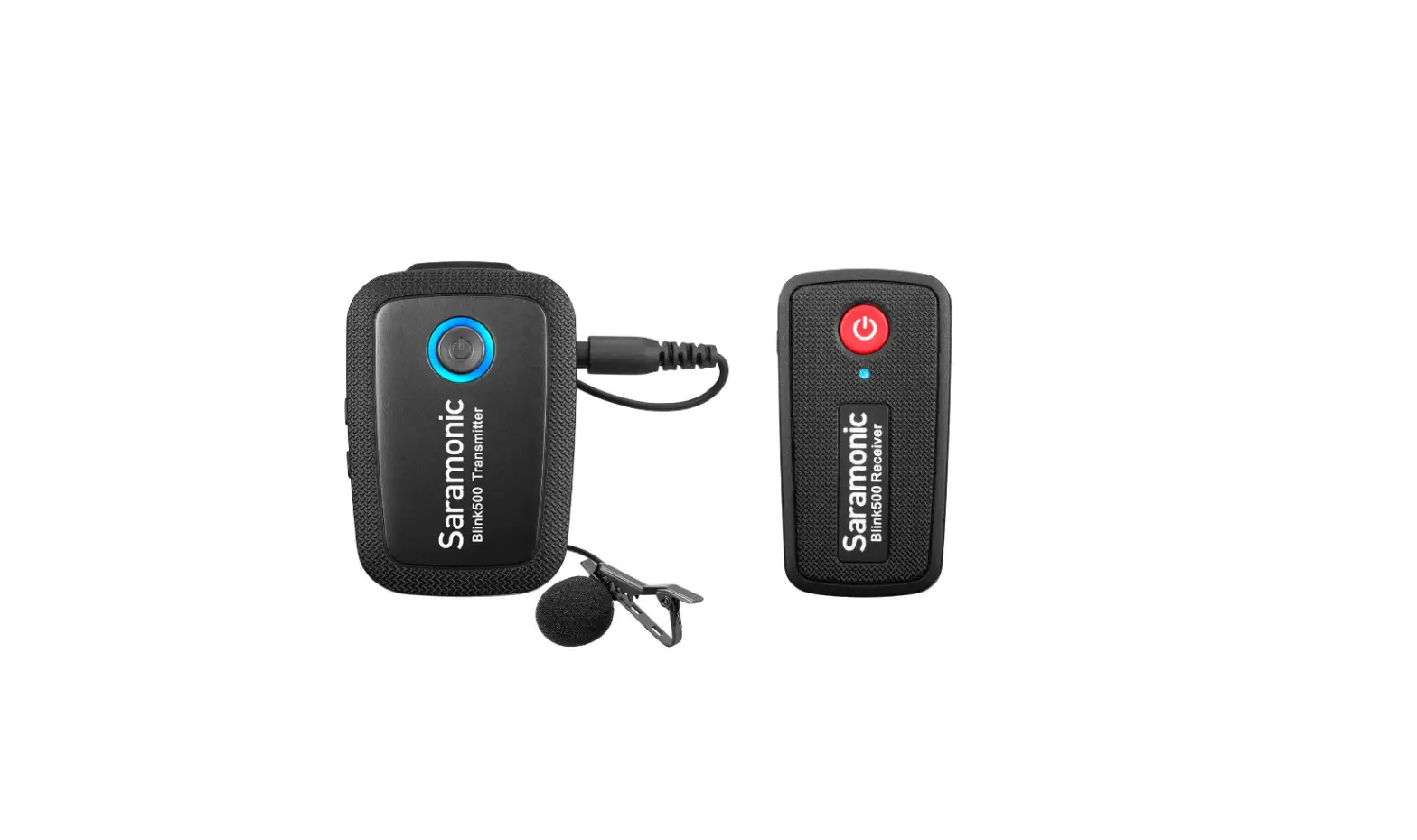

Saramonic Blink900 HM Wireless Handheld Microphone Holder
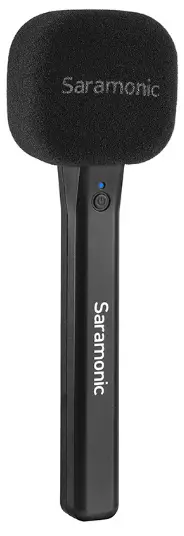
Product Structure
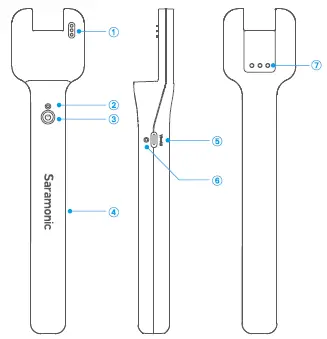
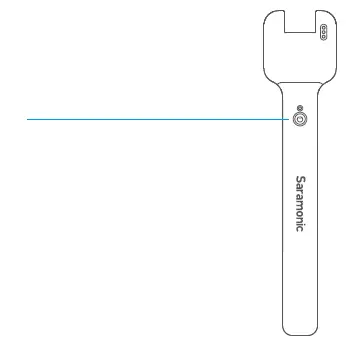
- Charging Contacts
- Power Indicator
Status Indicator Power ON Static Blue Low Battery Static Red Ultral-low Battery Warning Blinking Red for 10 Seconds Power OFF Light Off - Power Button Press and hold for 2 seconds to power ON or OFF.
- Handheld Holder
- USB-C Charging Port For charging the Blink900 HM using the included USB-C charging cable.
- Charging Indicator
- Status Indicator
- Charging Blink900 HM Static Red
- Full Charged Light Off
- Belt-clip Slot
Quick Setup Guide
- Hold open the belt clip of the transmitter and slide it onto the belt clip slot of the handheld stand
- With the Hall function, the hand held stand will automatically turn on to charge the transmitter after it is attached in place
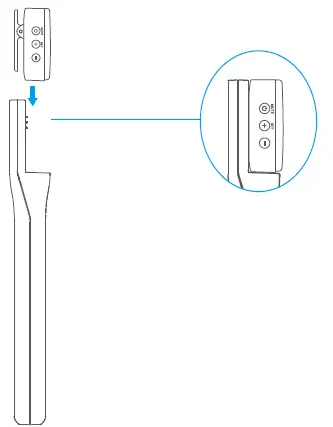
- When the transmitter is fully charged, press and hold the power button for 2 seconds to turn off the hand held stand.
Note:
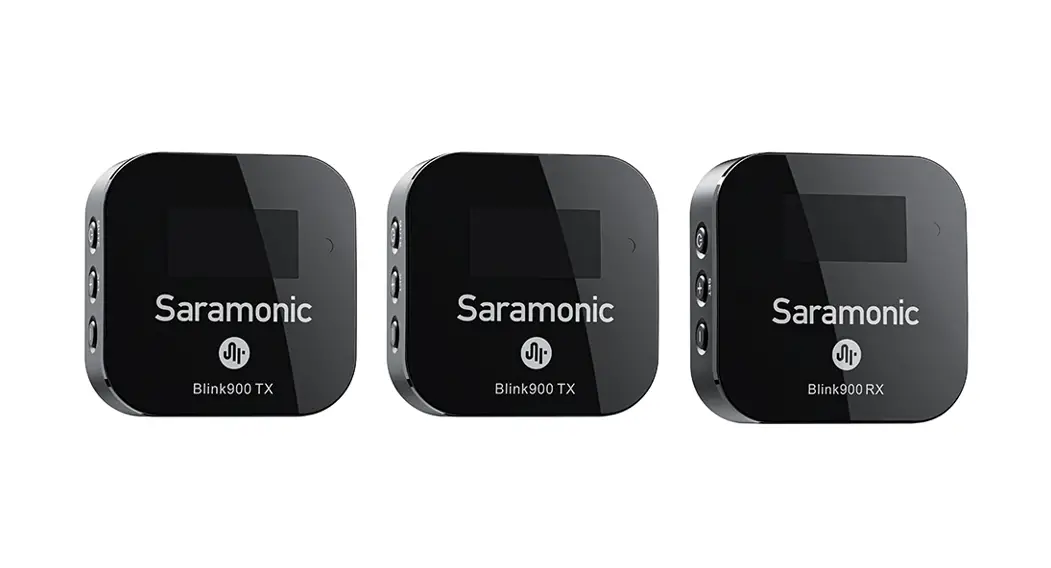
- This handheld stand can work with Blink900 TX, Blink900 TX-TG or Blink900 TXR (sold separately).
- if no transmitter is attached to the stand within 30 seconds of power ON, the Blink900 HM handheld stand will automatically power OFF.
Specifications
| Power Capacity | Built-in Li-ion Battery 3.7V/1100mAh |
| Charging Port | USB-C |
| Charging Time | Approx. 2 hours |
| Charging Times for TX | Approx. 2 times |
| Dimensions | 7.7×1.71×0.87″ (195.5×43.5x22mm) |
| Weight | Approx. 2.33oz (66g) |
| Operating Temperature | o•ctoso·c |
| Storage Temperature | -20°C to +55°C |
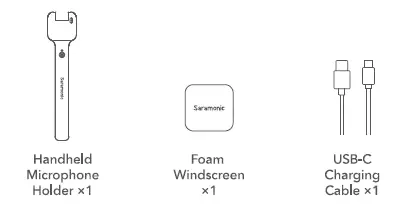
Packing Lists
Scan the OR code and follow us
- 400-613-1096
- www.saramonic.com
- [email protected]