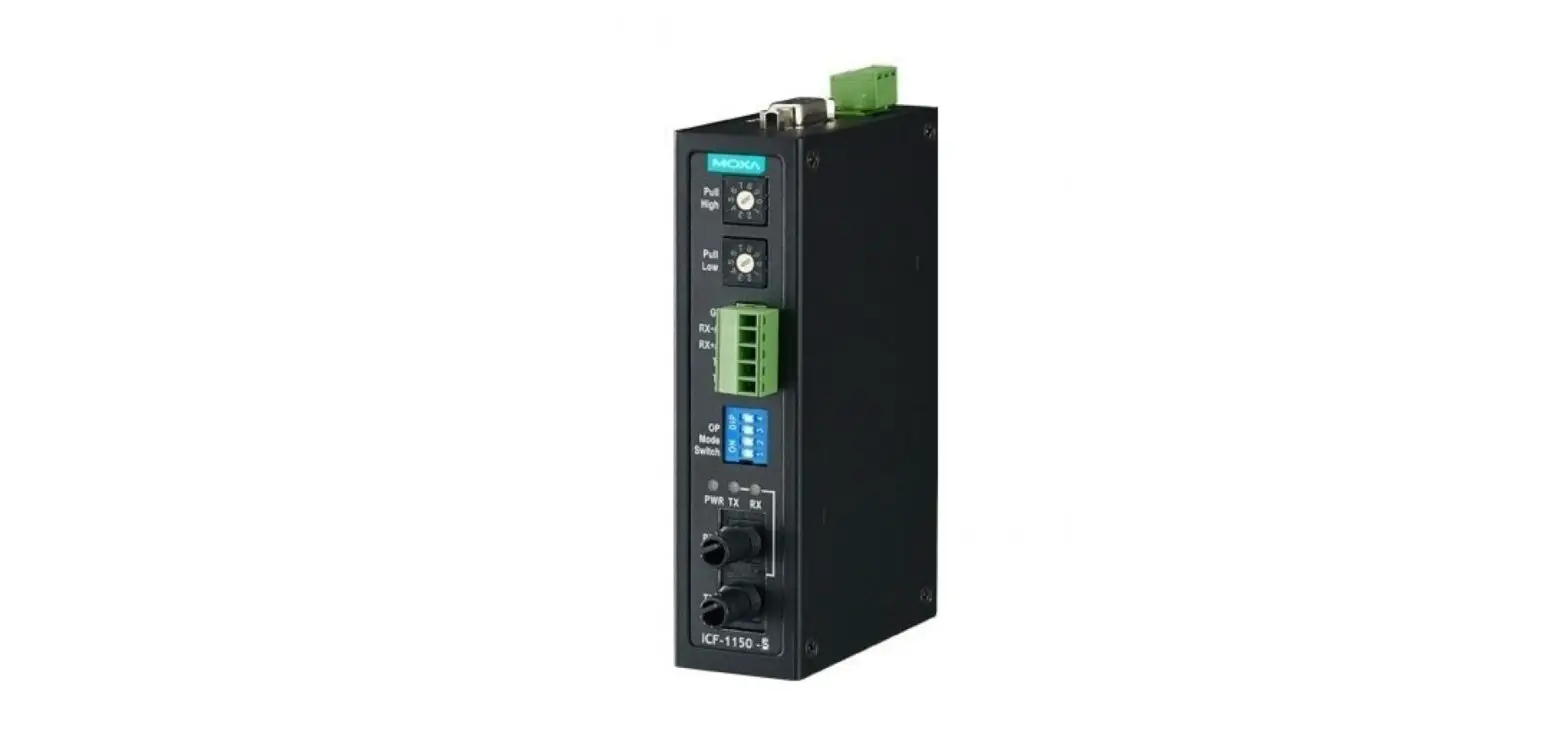
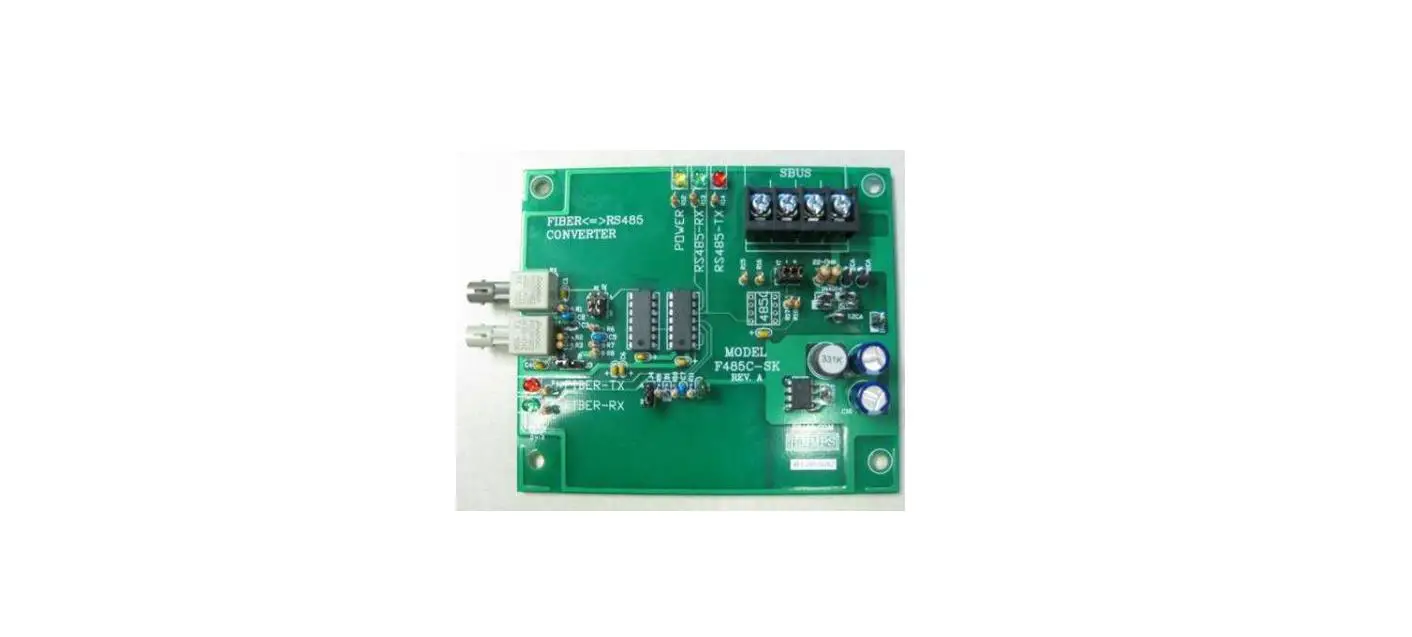
I-2541 Optical Fiber Serial Converter
Product Information
The I-2541 is an RS-232/422/485 to Fiber Optic converter with a
4KV contact discharge and 8KV air-gap discharge. It supports serial
communication with RS-232 signals TxD, RxD, GND, RS-422 signals
Tx+, Tx-, Rx+, Rx-, and RS-485 signals Data+, Data-. The converter
has a baud rate of 300bps to 115.2kbps and uses a wavelength of
850nm. It is recommended to use a 62.5/125mm multimode fiber cable
with the I-2541.
Product Usage Instructions
To connect the RS-232/422/485 converter, use the following pin
assignments:
- RS-232 pin assignment: TxD (terminal 1) to Fiber TxD, RxD
(terminal 2) to Fiber RxD, and GND (terminal 8) to GND. - RS-422 pin assignment: Tx+ (terminal 1) to Fiber TxD, Tx-
(terminal 2) to Fiber RxD, Rx+ (terminal 3) to Rx+, Rx- (terminal
4) to Rx-, and GND (terminal 8) to GND. - RS-485 pin assignment: Data+ (terminal 3) to Data+, Data-
(terminal 4) to Data-, and GND (terminal 8) to GND.
Note that RS-232/485/422 protocols cannot be used
simultaneously. The LED indicators on the converter provide
information on power status, transit data, and receive data.
Interpret the LED status as follows:
| LED Status | State | Interpretation |
|---|---|---|
| POWER | ON | Converter is on. |
| POWER | OFF | Converter is off. |
| TD | ON | Transiting on Fiber port. |
| TD | OFF | No link or the link is faulty. |
| RD | ON | Receiving on Fiber port. |
| RD | OFF | No link or the link is faulty. |
I-2541
RS-232/422/485 to Fiber Optic converter
General Description
The I-2541 is an RS-232/422/485 to fiber optic converter that ensures data transmission security by using fiber optic transmission technology to provide immunity from EMI/RFI interference. The I-2541 is designed for RS-232/422 point-to-point connections and RS-485 multi-drop applications which require a signal to be transmitted for distances of up to 2Km (6,600 ft), and is a perfect solution in applications where transmission must be protected from electrical exposure, power surges, lightning strikes or chemical corrosion.
Specifications
Fiber Port: ST (Multi-mode) Wavelength: 850nm Fiber Cable: 62.5/125µm Speed: Internal “Self Tuner”, auto switching Baud Rate, 300~115200 bps Transmission Distance: Signals can be transmitted up to 2Km. Isolation voltage: 3000V DC Optical isolation: 3570Vrms DIN rail mount for industrial usage Provides LEDs for network and power monitoring Dimensions: 32.30 x 99.00 x 77.50 mm (w x h x d) Power requirements: Unregulated +10V DC ~ +30V DC. Power consumption: 2.0W max. ESD Protection:
4KV Contact Discharge 8KV Air-Gap Discharge
– 1 –
Rev 1.0
Connectors & Cables
RS-232/422/485 Converter connection
Serial communication
RS-232 Signals TxD, RxD, GND
RS-422 Signals Tx+, Tx-, Rx+, Rx-
RS-485 Signals Data+, Data-
Baud Rate
300bps to 115.2kbps
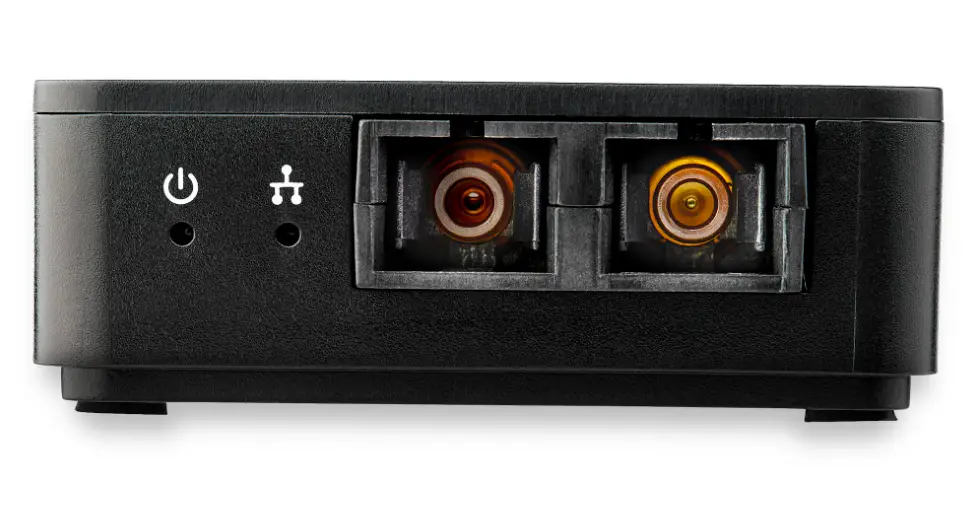
Fiber Cables The I-2541 uses a wavelength of 850nm and also supports MM (multimode) fiber cables. A 62.5/125mm MM cable is recommended.
– 2 –
Rev 1.0
Interpreting the LED Indicators
LED Status POWER Power status
TD
Transit Data
RD
Receive Data
State ON OFF ON OFF ON OFF
Interpretation Converter is on. Converter is off. Transiting on Fiber port. No link or the link is faulty. Receiving on Fiber port No link or the link is faulty.
Making Network Connections
Important note: RS-232/485/422 protocols cannot be used simultaneously.
The RS-485 pin assignment of the I-2541
Terminal Number
TxD
RxD
1
2
3 4 5 6 7 8
Pin Name Fiber TxD Fiber RxD DATA+ DATA- — — — — — —
The RS-422 pin assignment of the I-2541
Terminal Number
TxD
RxD
1
Pin Name Fiber TxD Fiber RxD Tx+
2
3 4 5 6 7 8
Tx- Rx+ Rx- — — — —
– 3 –
Rev 1.0
The RS-232 pin assignment of the I-2541
Terminal Number
TxD
RxD
1
Pin Name Fiber TxD Fiber RxD —
2
3 4 5 6 7 8
— — — — GND TxD RxD
All pin assignments for the I-2541
Terminal Number
Pin Name
TxD
RxD
1
2
3 4 5 6 7 8
Tx+ Tx-
Fiber TxD Fiber RxD
Rx+ Rx- NC GND TxD RxD
DATA+ DATA-
Note: RS-232/485/422 protocols cannot be used simultaneously.
– 4 –
Rev 1.0