
HANDLE
INSTALLATION INSTRUCTIONS
1006964478
Tools Required: Screwdriver Allen Wrench
Optional: Handle Puller
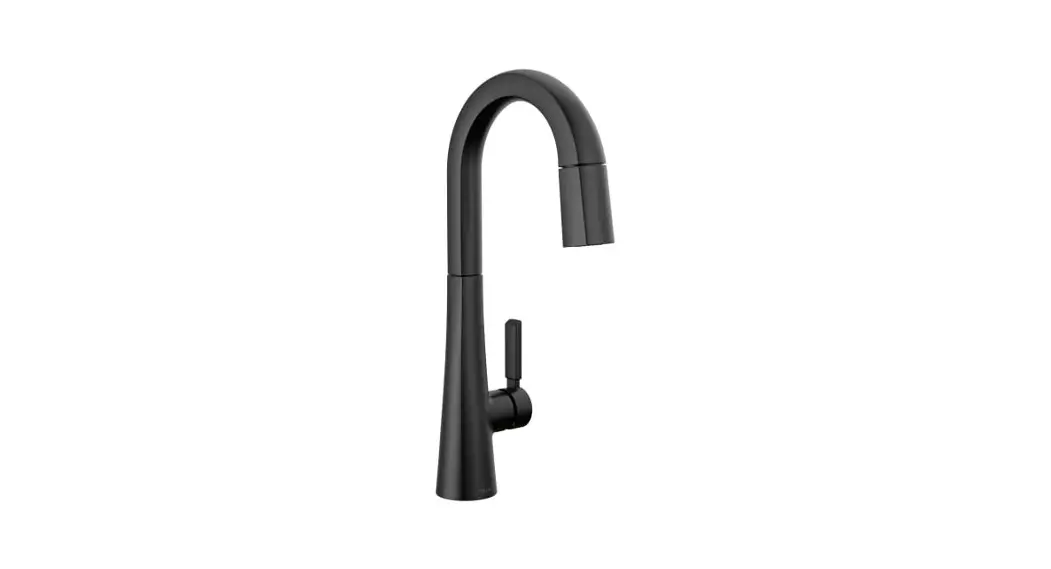
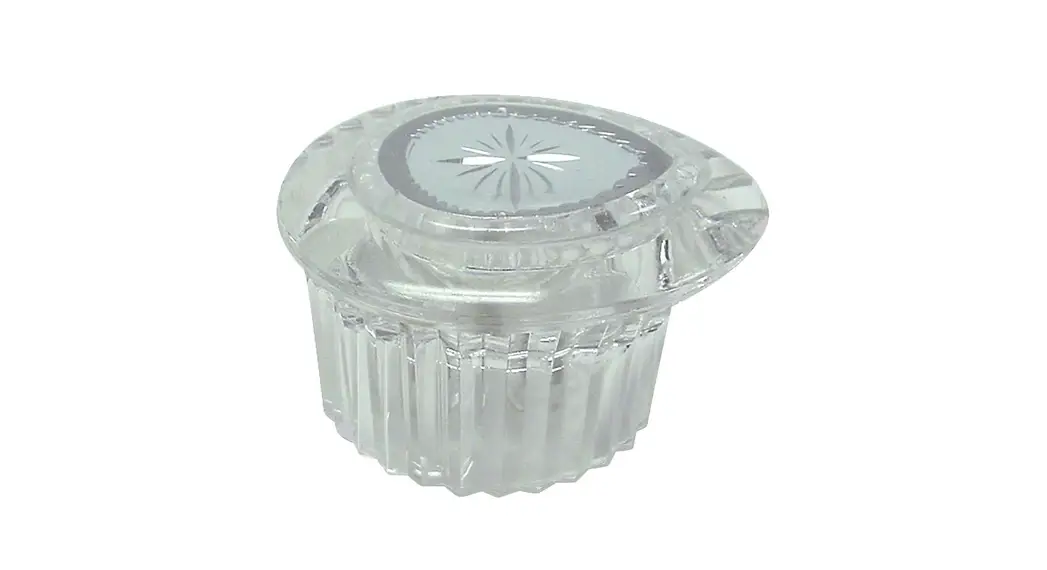
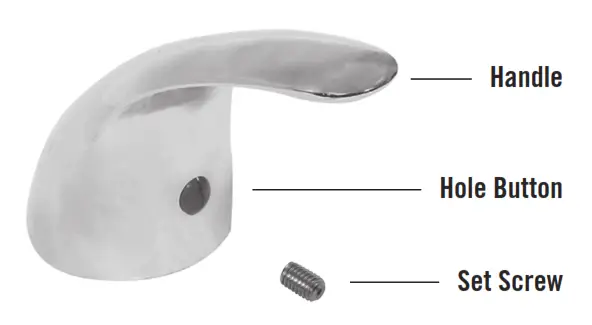
Single Handle with Set Screw
Installation Instructions:
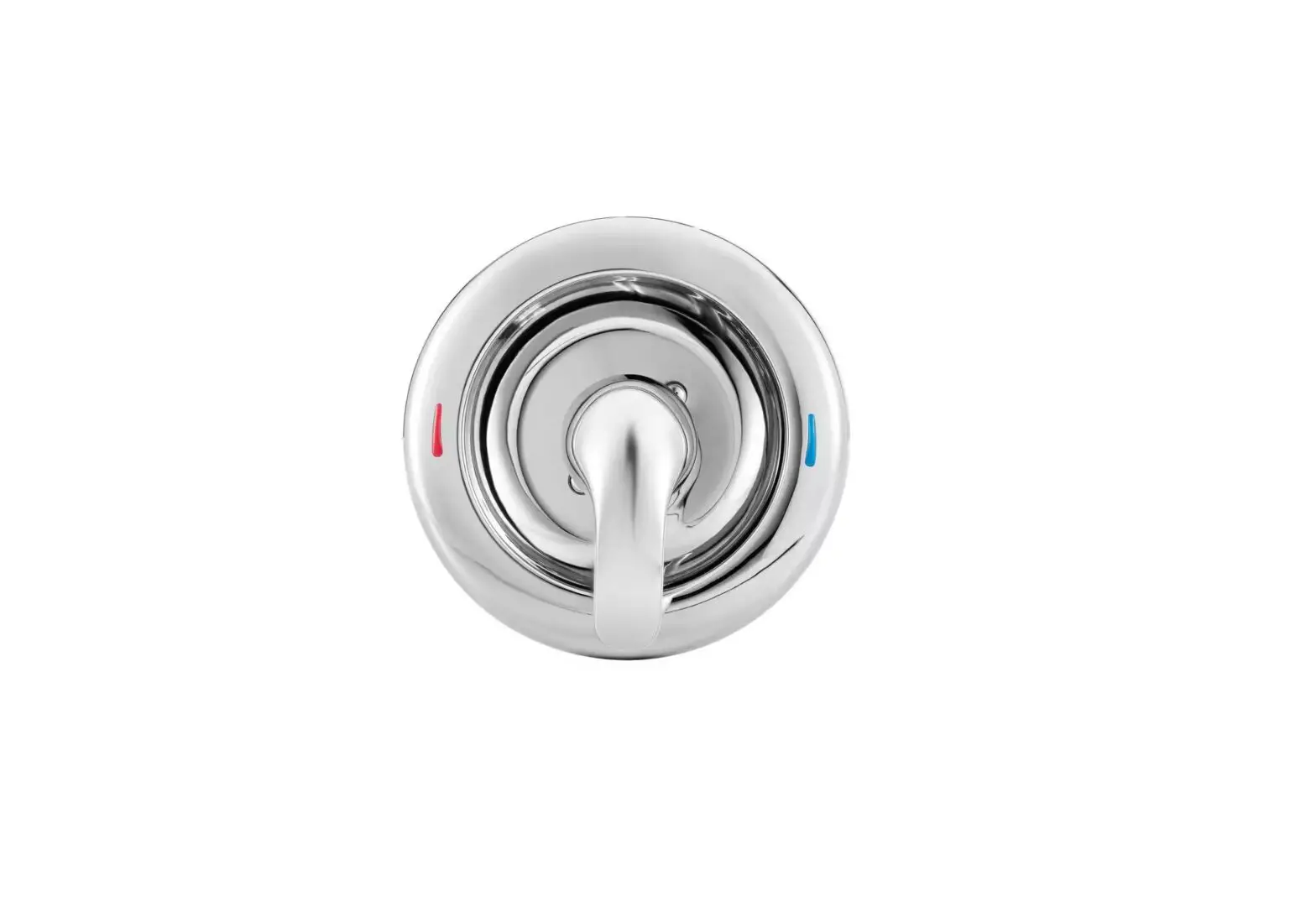
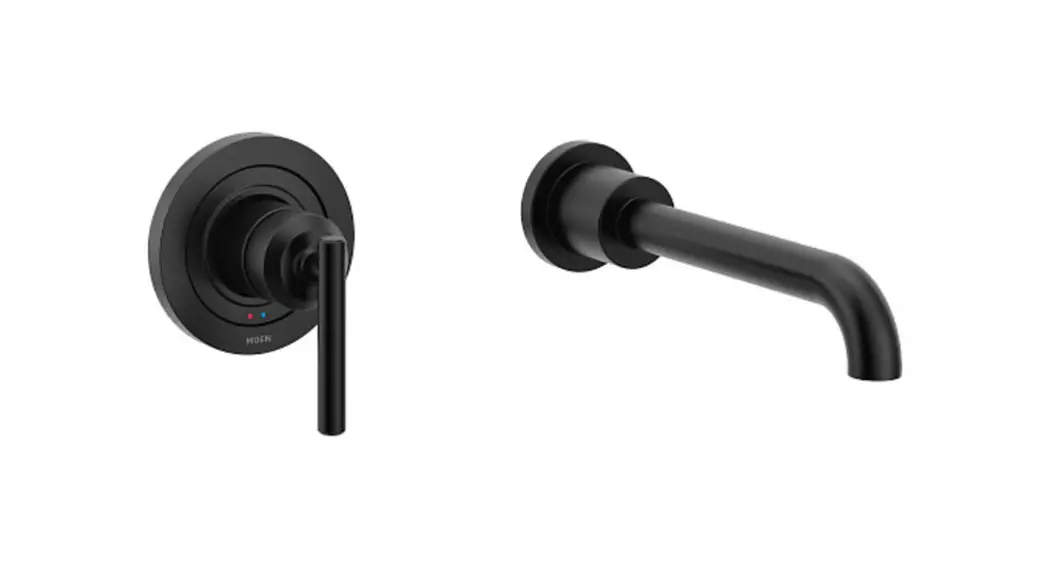
- Remove the handle red & blue hole buttons, if present.
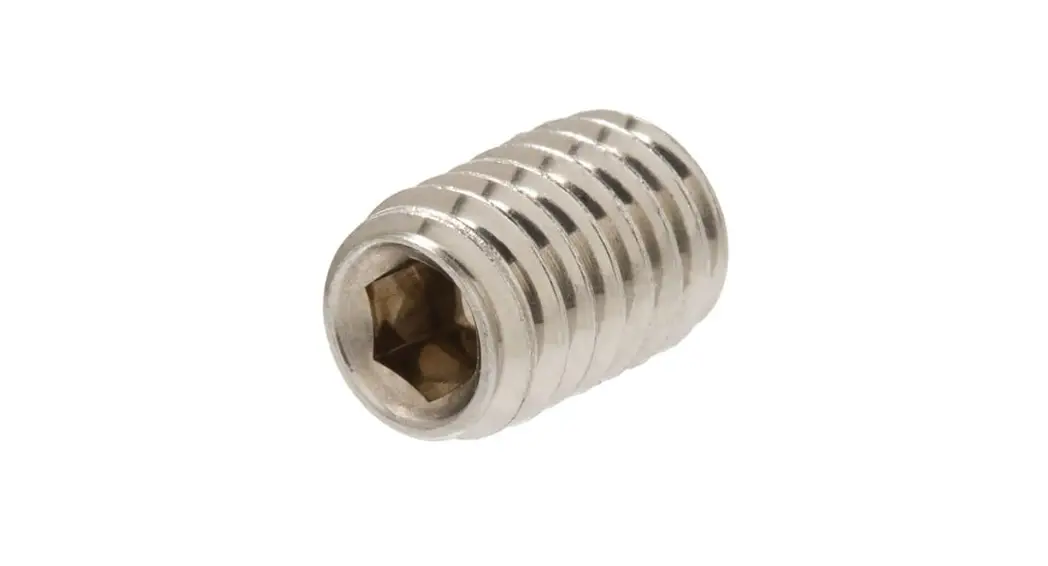
- Use an Allen wrench to loosen the handle set screw.
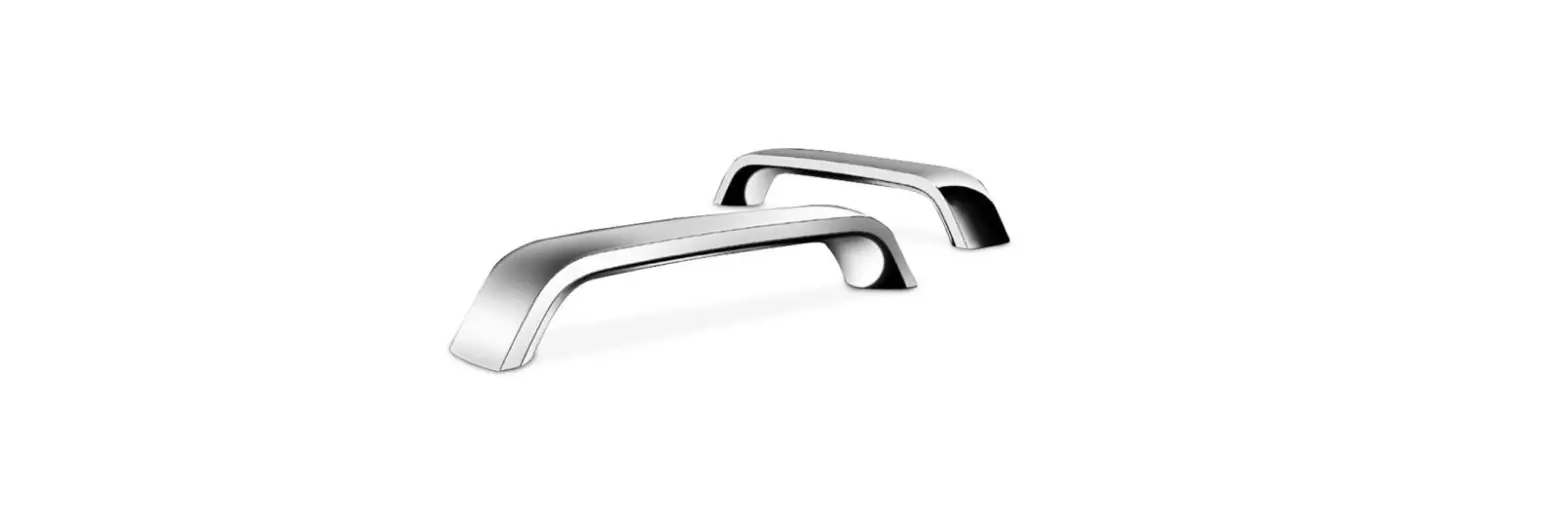
- Remove the old handle. Pry with a screwdriver from both sides, to rock on and off, if needed. Use a handle puller if needed.
- Replace the handle and secure it with set screw. Insert red & blue hole button if present.
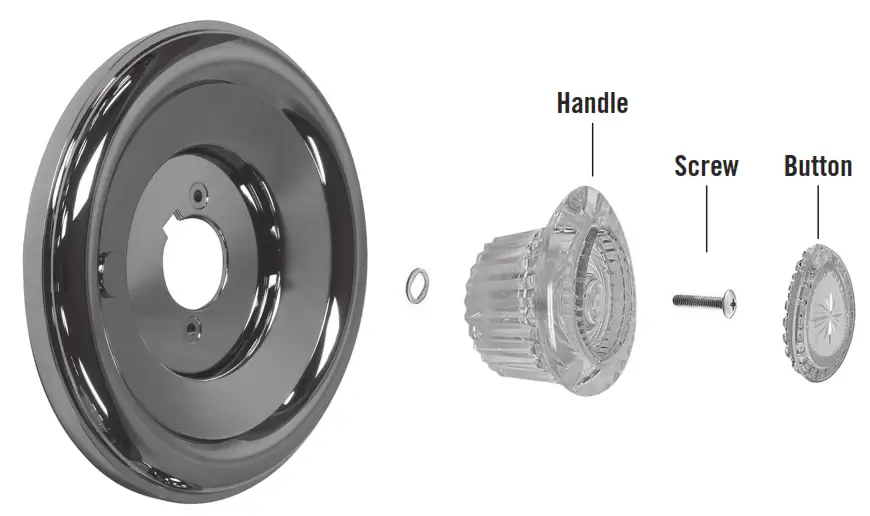
Installation Instructions:
- Remove the handle button and screw.
- Remove the old handle. Pry with a screwdriver from both sides, to rock on and off, if needed. Use a handle puller if needed.
- Replace the handle and screw, then replace the button.
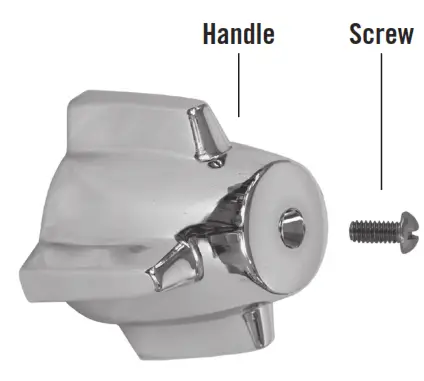
Installation Instructions:
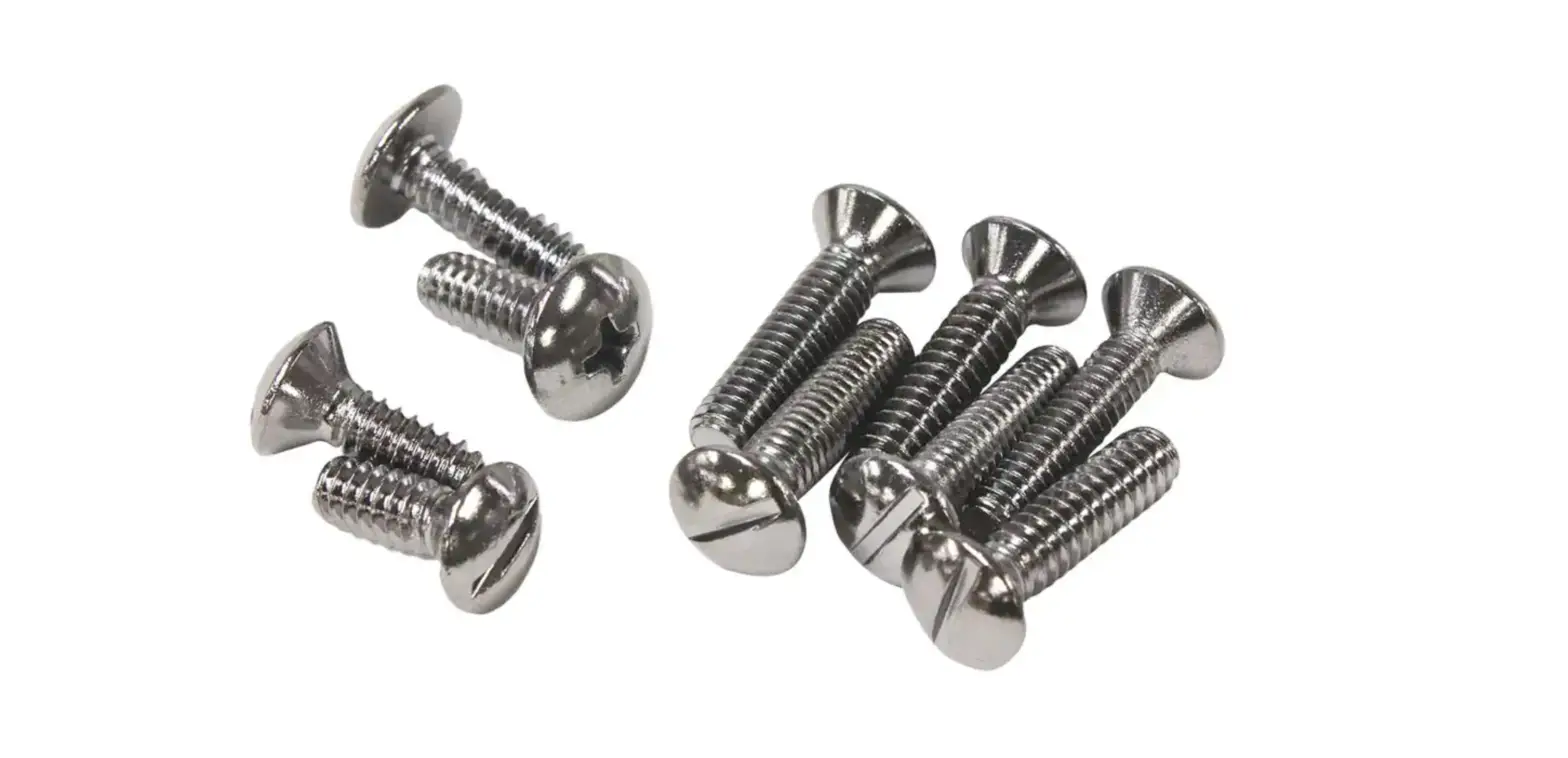
- Remove the handle screw.
- Remove the old handle. Pry with a screwdriver from both sides, to rock on and off, if needed. Use a handle puller if needed.
- Replace the handle and screw.