

Updating Firmware
FIRMWARE UPDATE INSTRUCTIONS
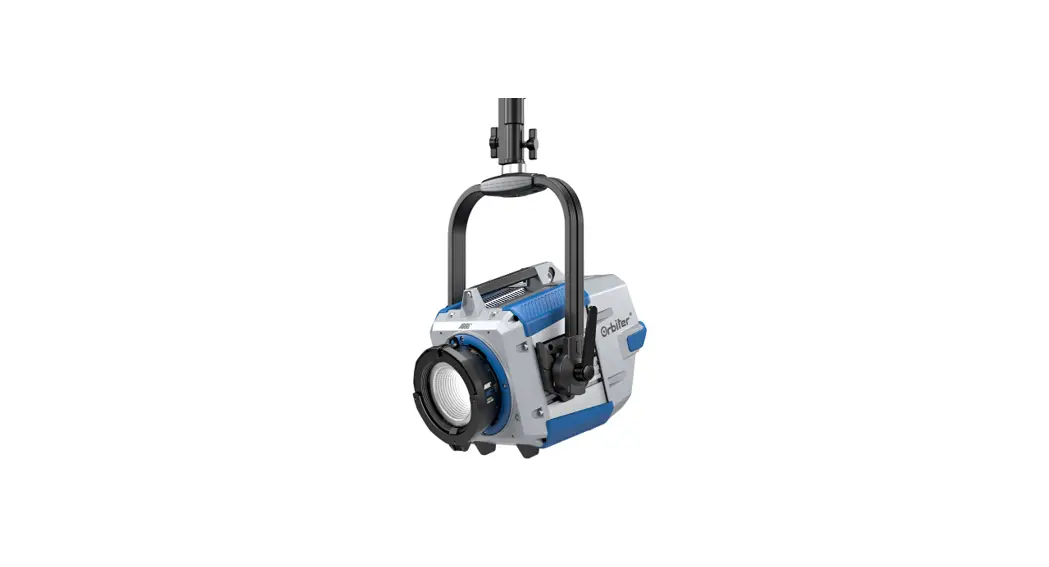
Updating Orbiter Firmware
To update the firmware of your Orbiter chooses one of the following methods.
Using a USB Stick
- Use a USB stick that is USB version 1.0 or 2.0 and is formatted to FAT or FAT32.
- The update file (.swu) must be in the root directory of the drive.
- Insert the USB stick into the Orbiter®.
- Open MENU → Flash Drive Functions → Update Firmware.
The fixture will automatically look for the updated files. When found, a list of updated files will appear in the display. - Highlight the update file and push the encoder knob. The update will begin.
- Do not remove the USB stick until the file is completely copied.
Using ALSM (ARRI Lighting Service Manager)
- Install the ALSM onto your Mac or PC.
Download at: www.arri.com/ligthing/alsm - Open the application and connect the Orbiter to the computer via Ethernet cable.
- The ALSM will automatically find your fixture once powered on and connected.
- Select the “Firmware Update” tab and then select the fixture you wish to update in the column on the left side of the screen.
- Click “Update Firmware” to begin the update.
- Do not disconnect your fixture from the power source or from the computer until the update is complete.
Using the Orbiter Web Page
- Connect the Orbiter to your LAN via an Ethernet cable.
- Use your favorite Internet browser to open the Orbiter web page via its IP address, e.g. http://192.168.0.36
Note: If you do not know the IP address of your Orbiter, use the Control Panel and open MENU → Network Settings - By clicking enter the „Fixture Settings“ menu that can be found on the top of the web page. The „Firmware Update“ section is located at the top of the page.
- Choose the update file (.swu) via the „Browse“ button.
- Click Update.
Service
If you have problems with your fixture or the update, please contact an ARRI service center.
Europe: [email protected]
Americas: [email protected]
Asia: [email protected]
China: [email protected]
Australia: [email protected]
Helpful Website
ARRI, the ARRI Logo, ARRIMAX, ARRISUN, EB, , L-Series, MAX Technology, M-Series, Orbiter, POCKET PAR, Quick Lighting Mount, True Blue, SkyPanel, SKYPANEL, T 12, and T 24 are registered Trademarks of Arnold & Richter Cine Technik GmbH & Co. Betriebs KG.
 ARRI Lighting Service Manager