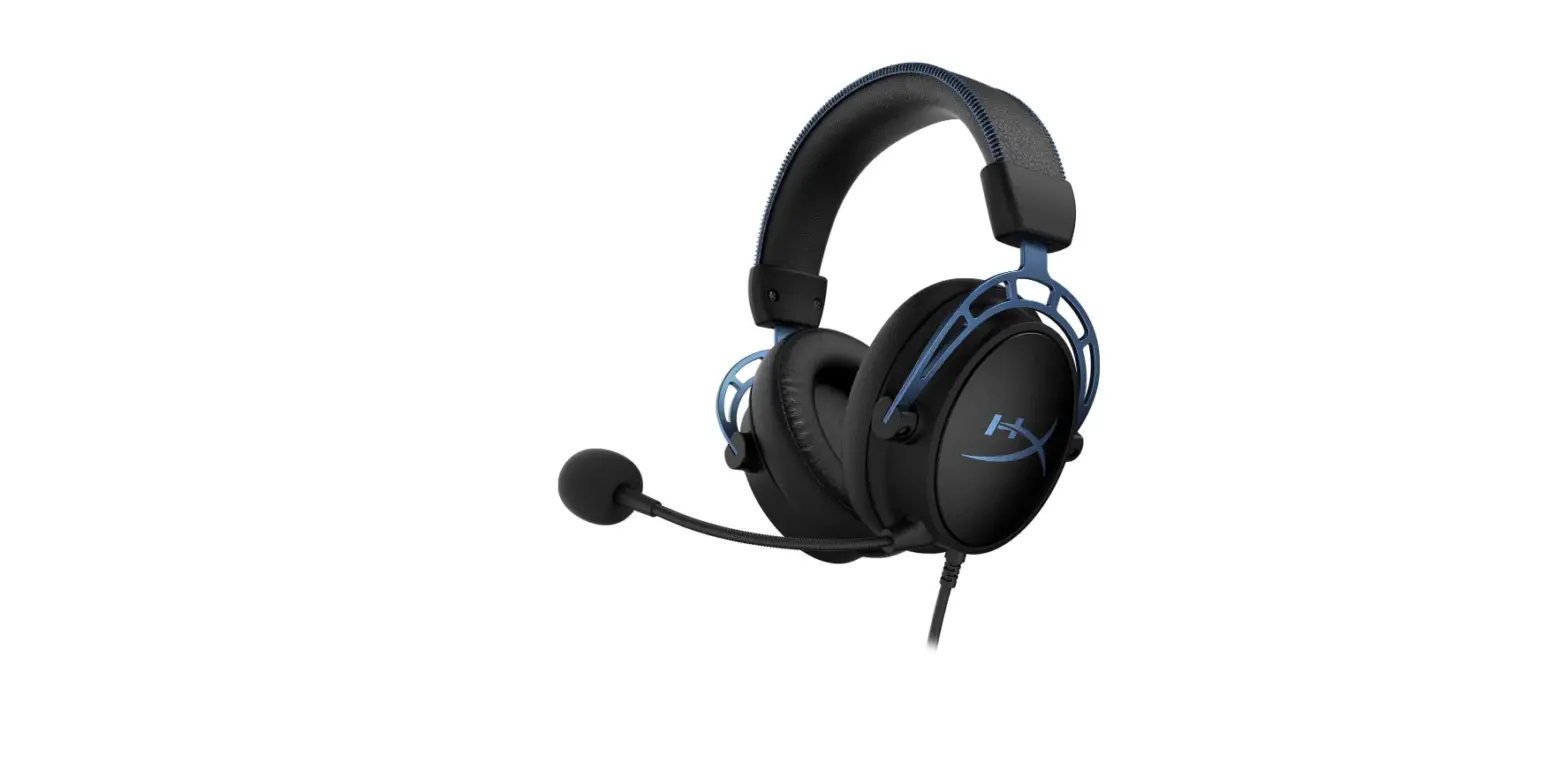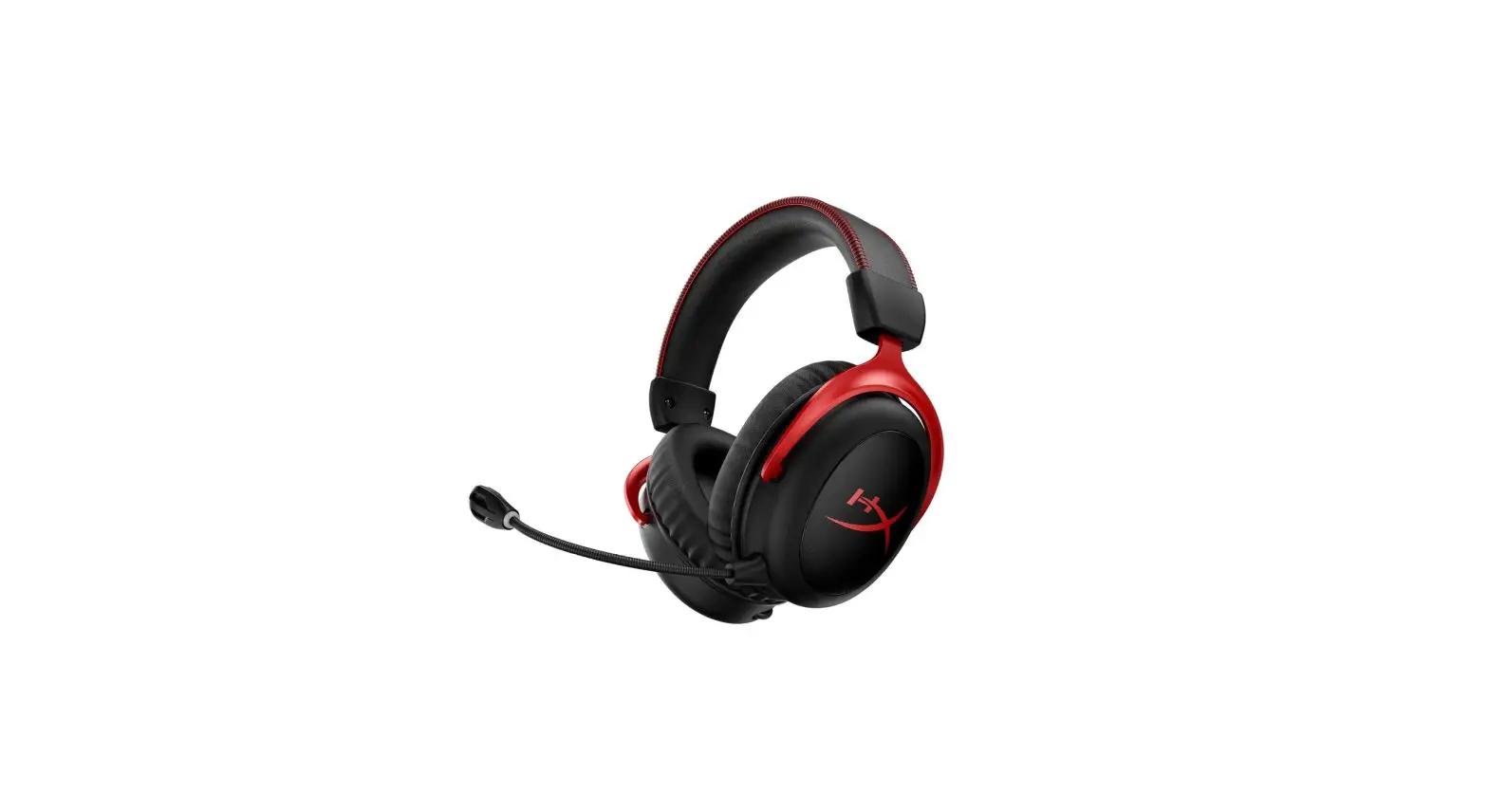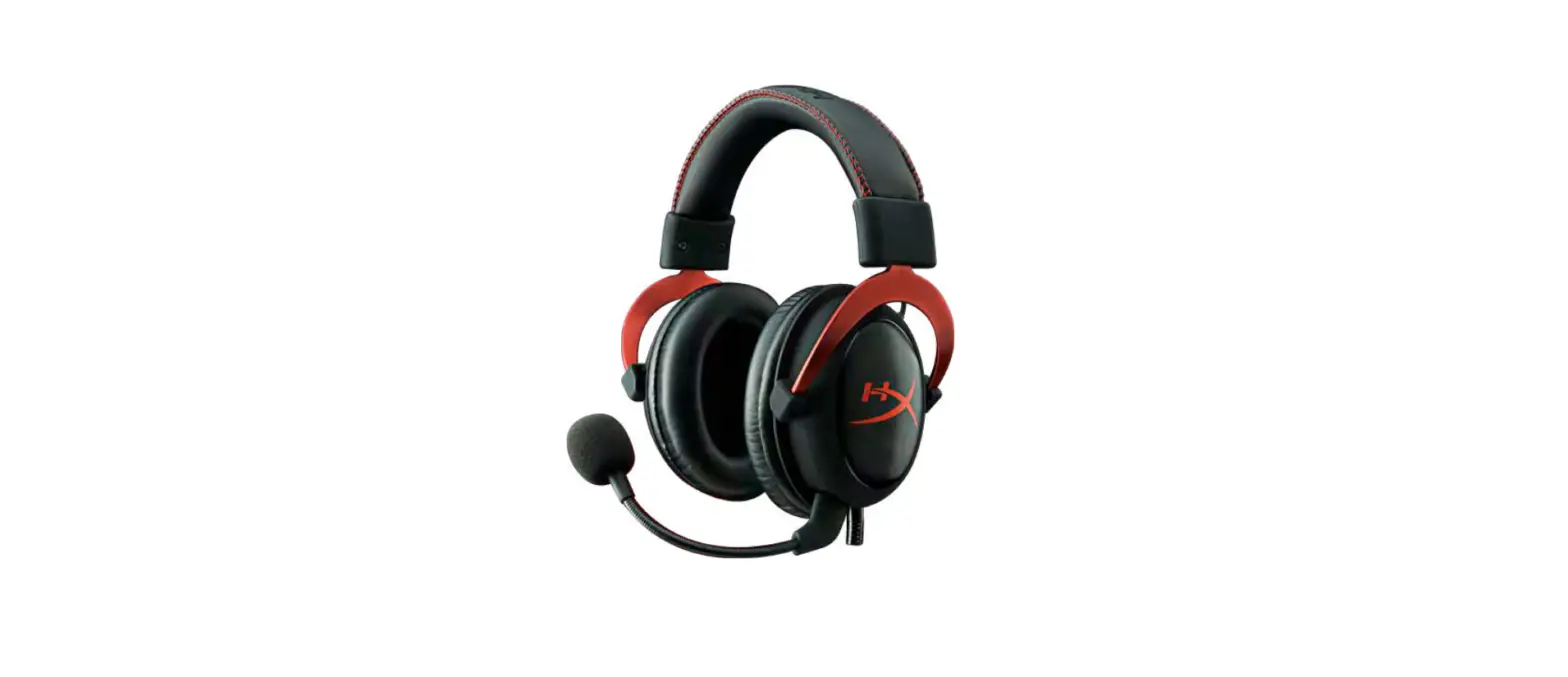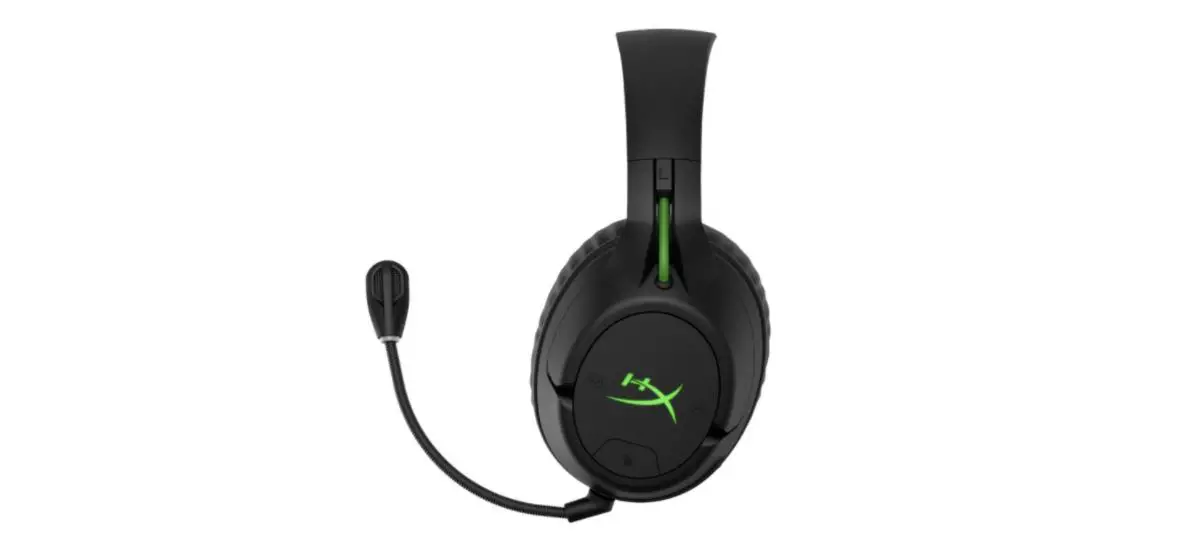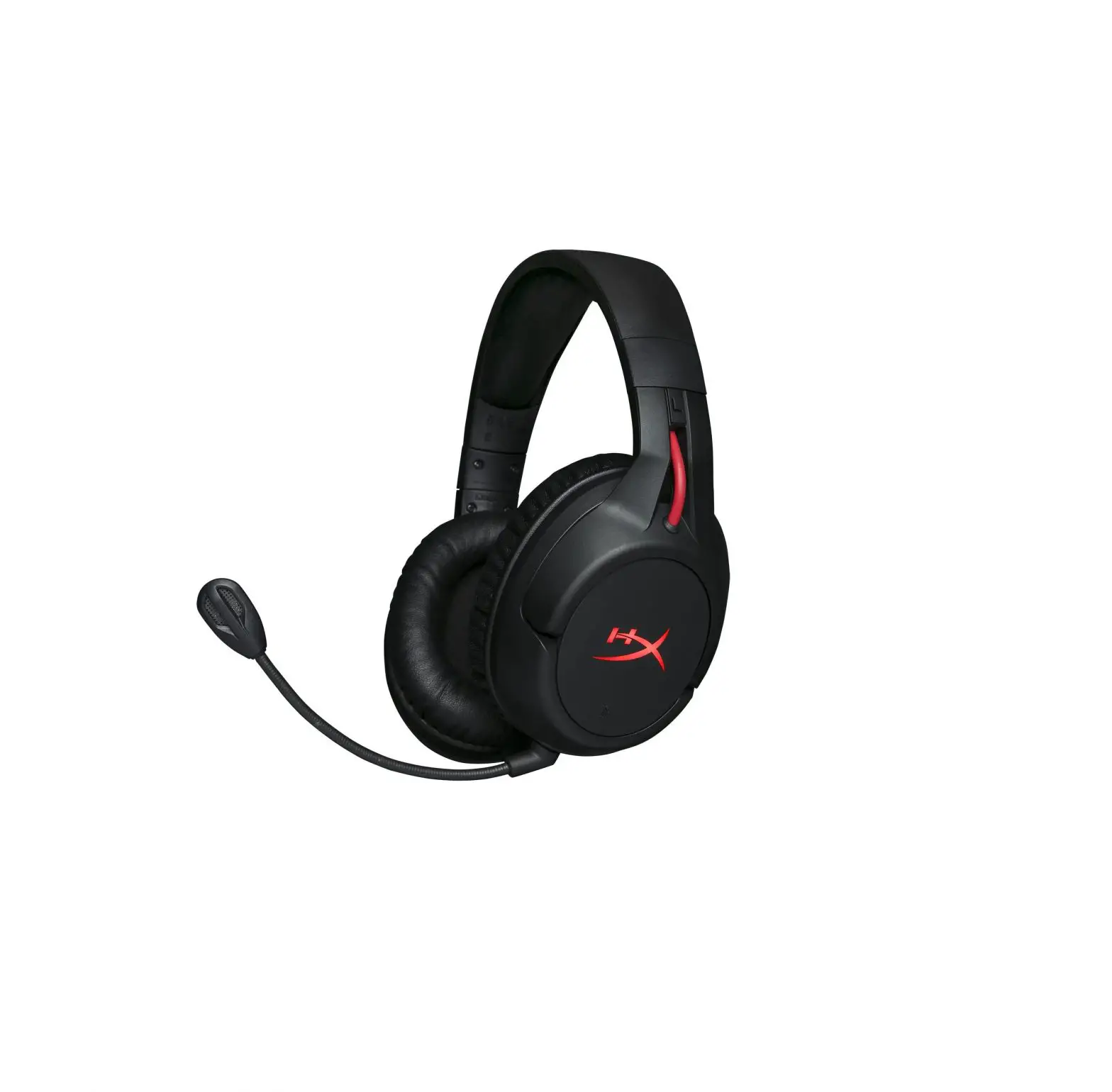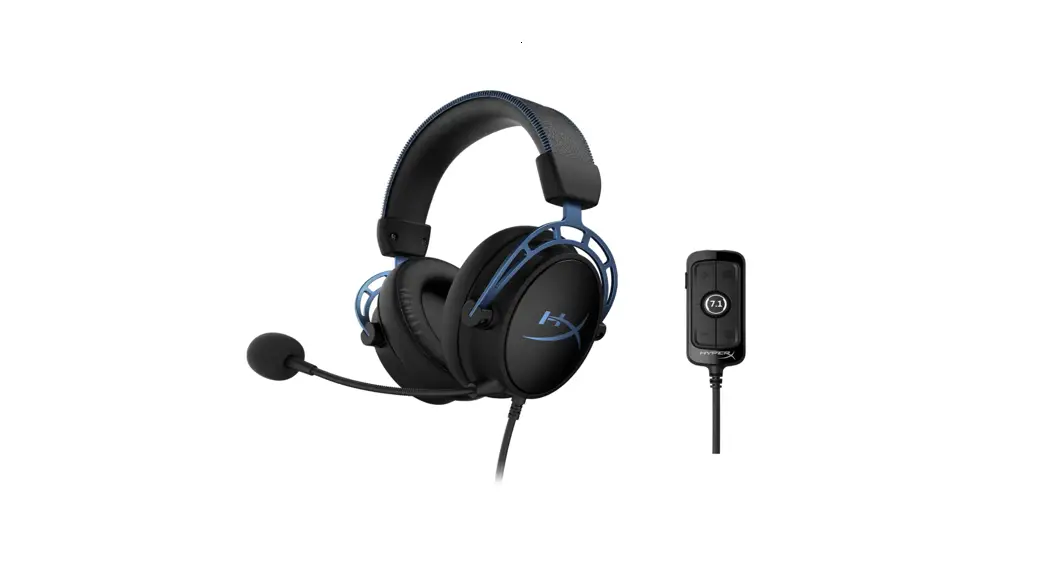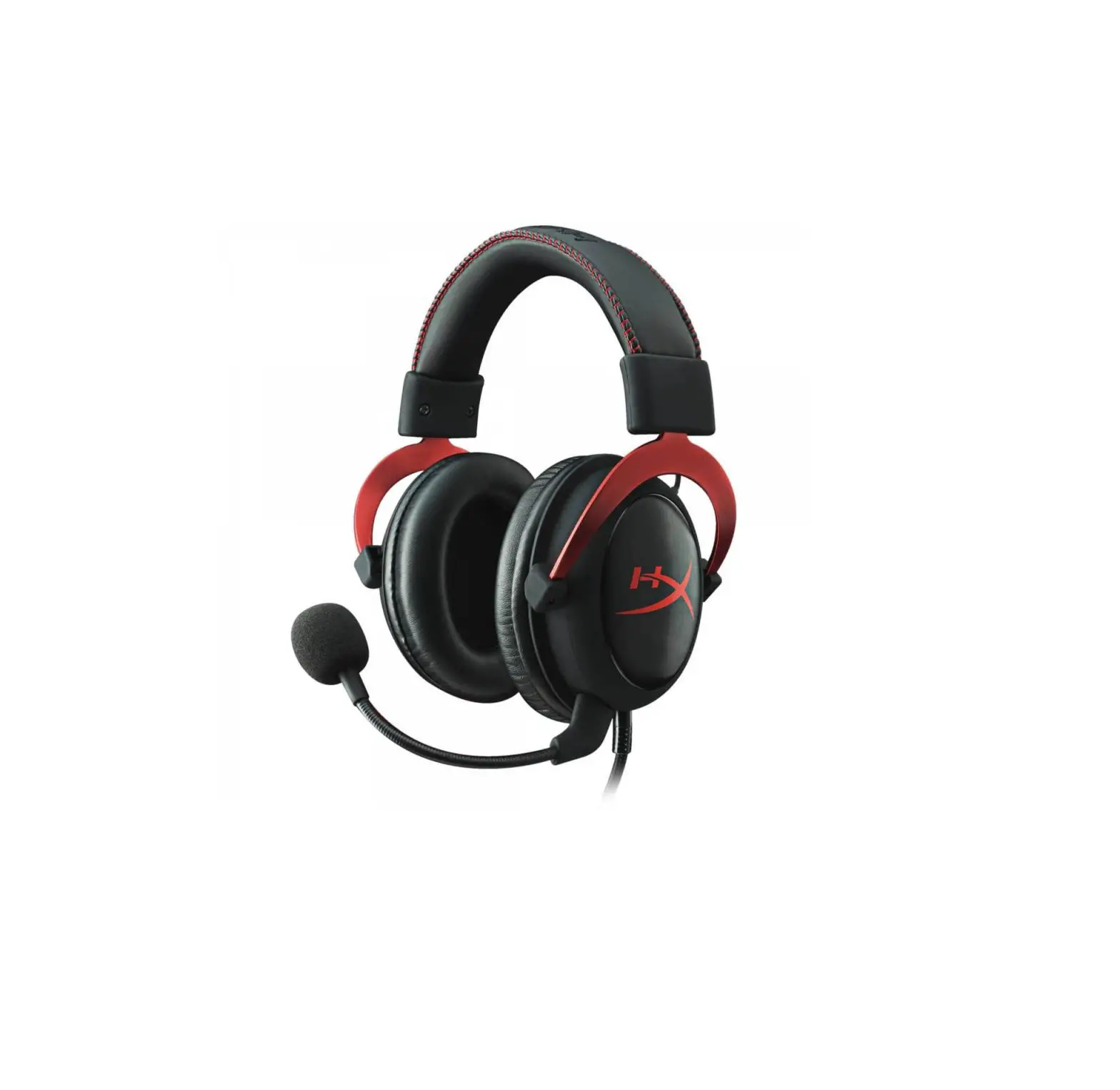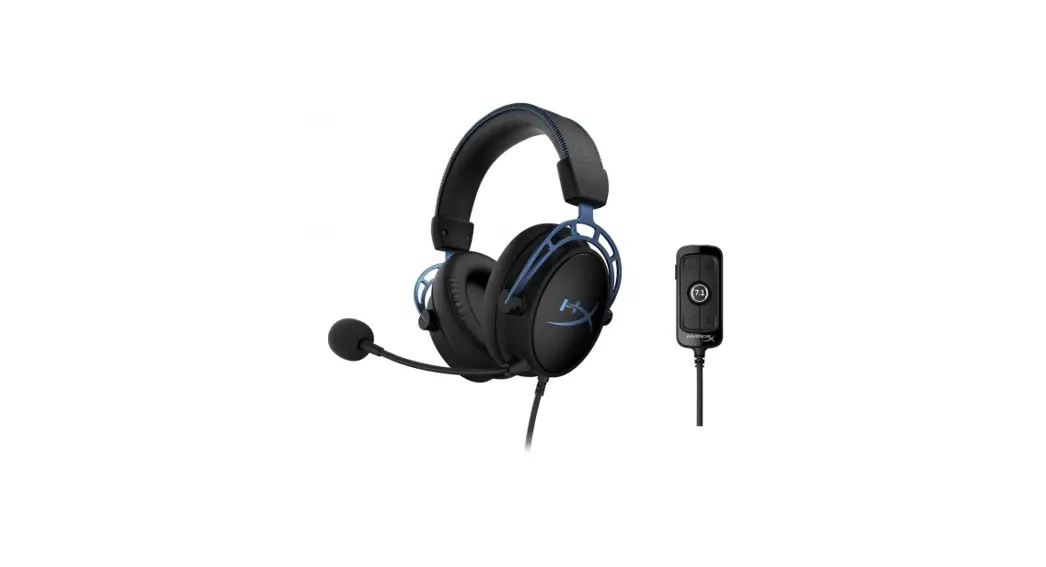
 HyperX Cloud Alpha™ S
Gaming Headset
Quick Start Guide
Overview
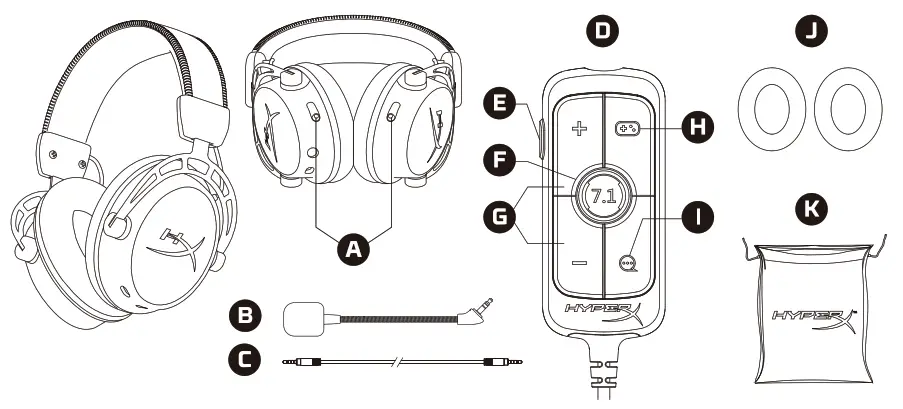
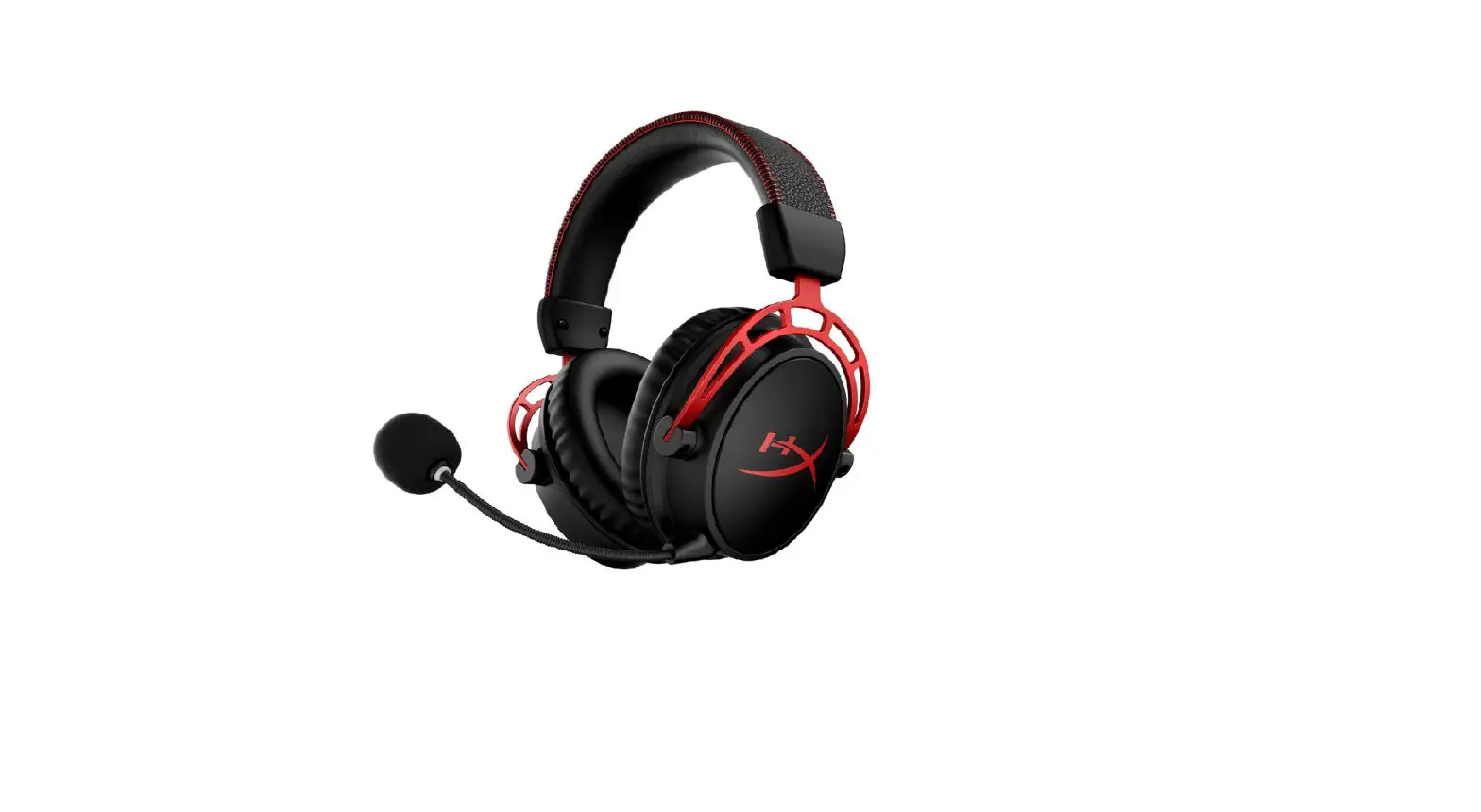
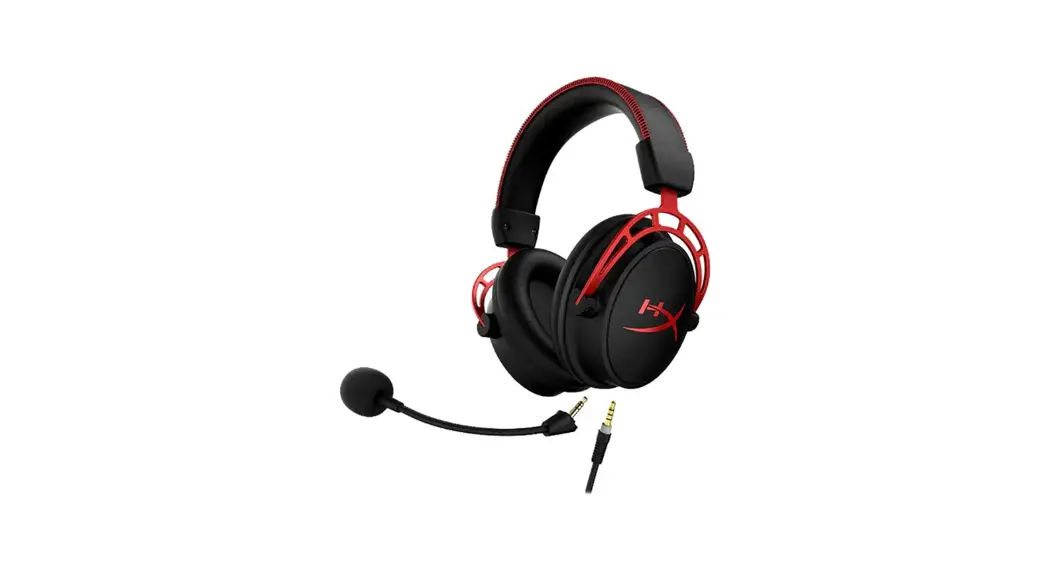
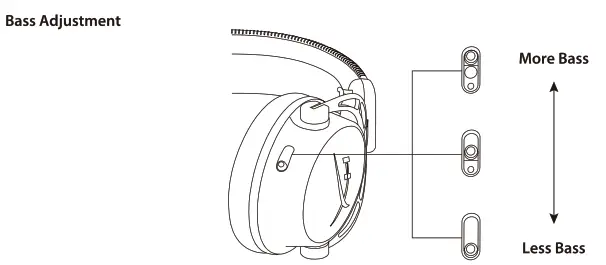
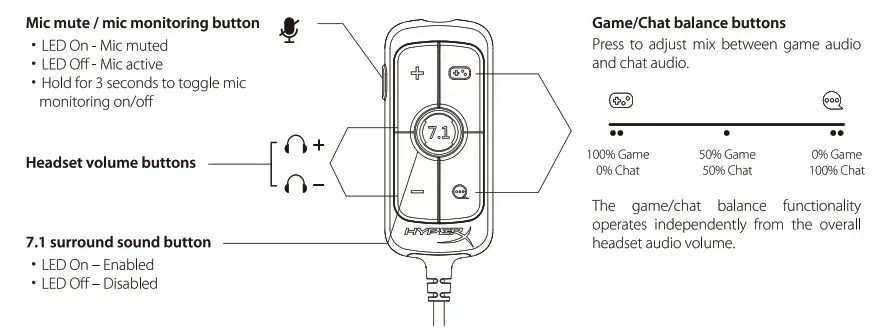
| A Bass adjustment sliders B Detachable microphone C 3.5mm cable (4-pole) | D USB audio control mixer E Mic mute/ mic monitoring button F 7.1 surround sound button | G Headphone volume buttons H Game Balance button I Chat Balance button | J Cloth ear cushions K Travel bag |
Usage

USB Audio Control Mixer
 Using with PC
 Using with PC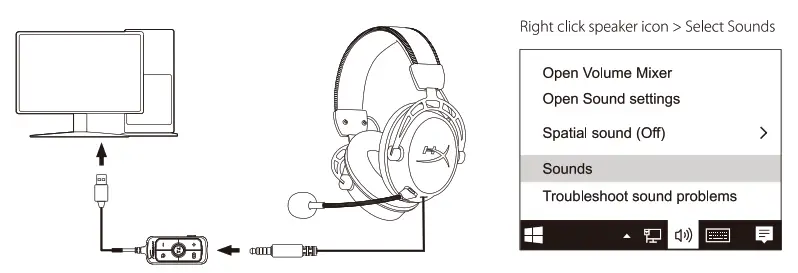
Playback Device
Set Default Communications Device to”HyperX Cloud Alpha S Chat”
Set Default Device to”HyperX Cloud Alpha S Game”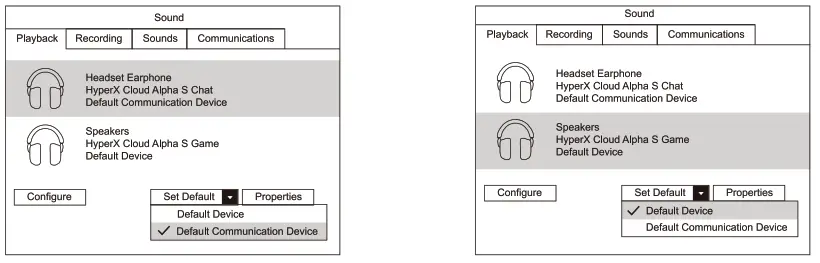
| Recording Device Set Default Device to”HyperX Cloud Alpha S Chat” | Discord Voice Chat Software Set Input Device to”Microphone (HyperX Cloud Alpha S Chat)” Set Output Device to “Headset Earphone (HyperX Cloud Alpha S Chat)” |
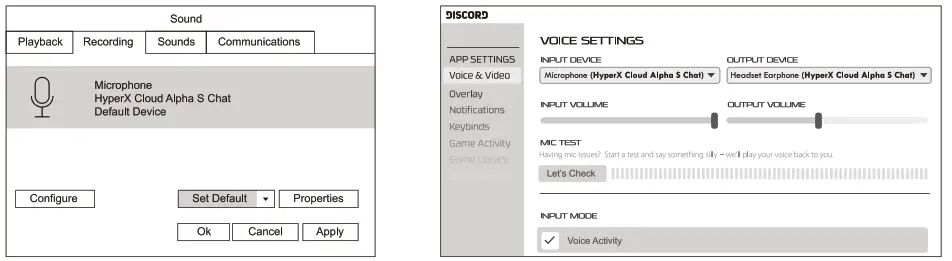 | |
Questions or Setup Issues?
Contact the HyperX support team or see the user manual at: hyperxgaming.com/support/headsets
HyperX is a division of Kingston.
THIS DOCUMENT SUBJECT TO CHANGE WITHOUT NOTICE
©2019 Kingston Technology Corporation, 17600 Newhope Street Fountain Valley, CA 92708 USA.
All rights reserved. All registered trademarks and trademarks are the property of their respective owners