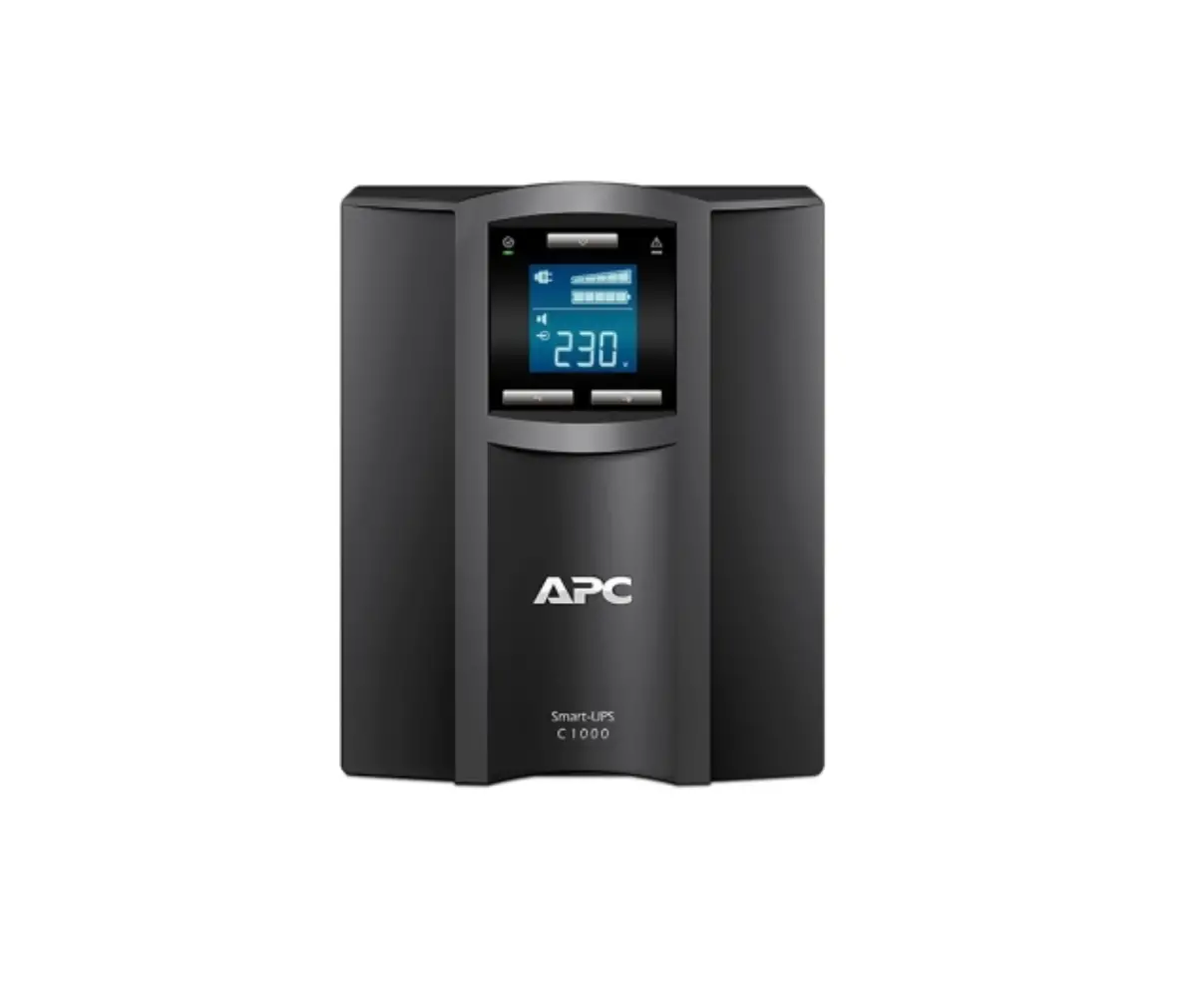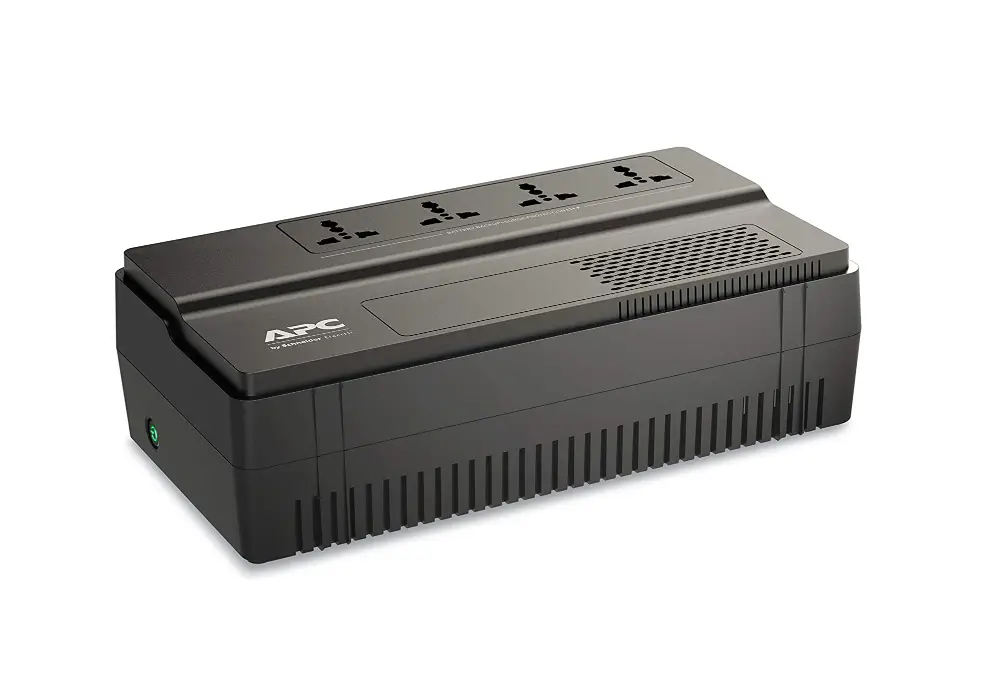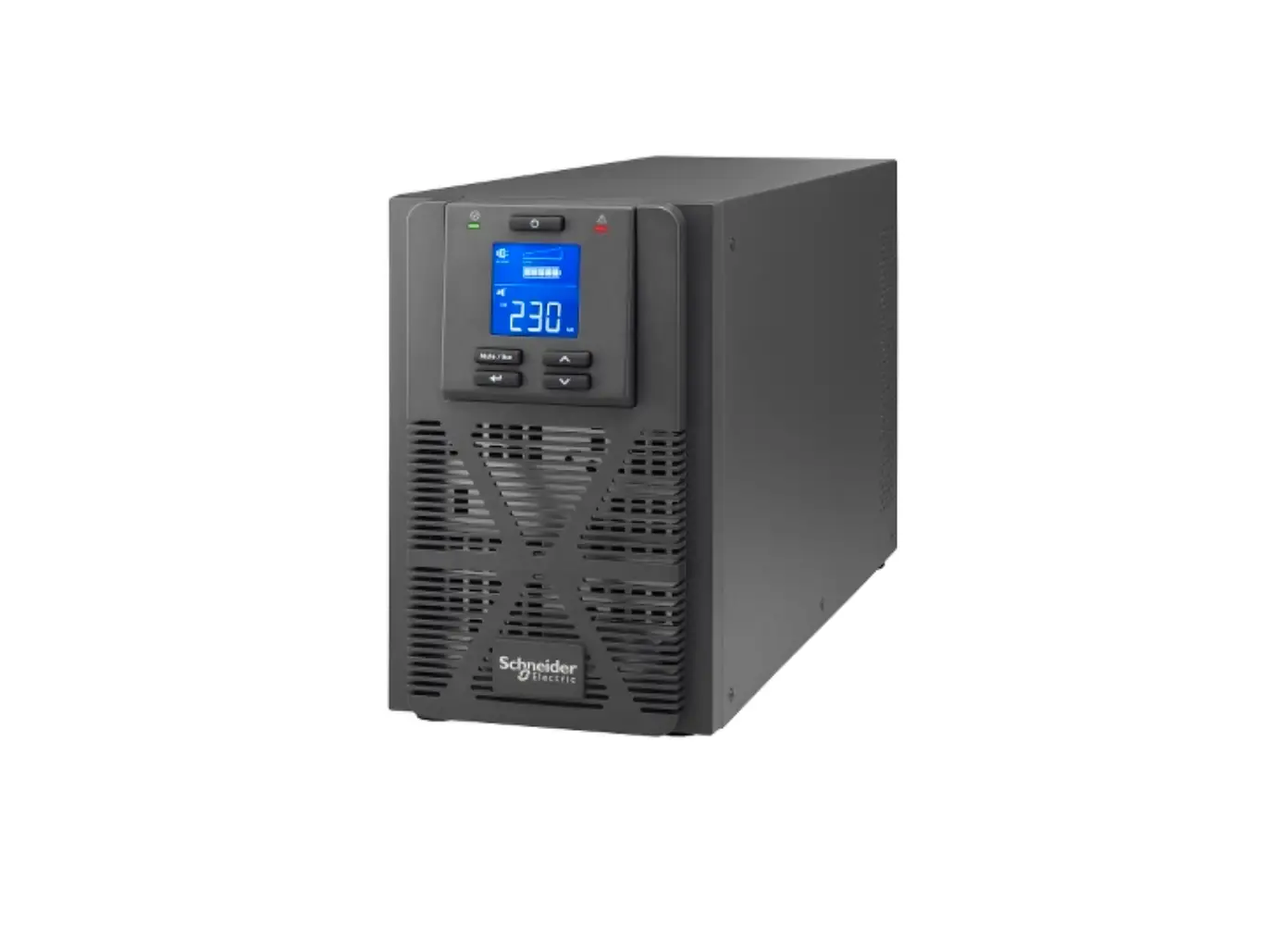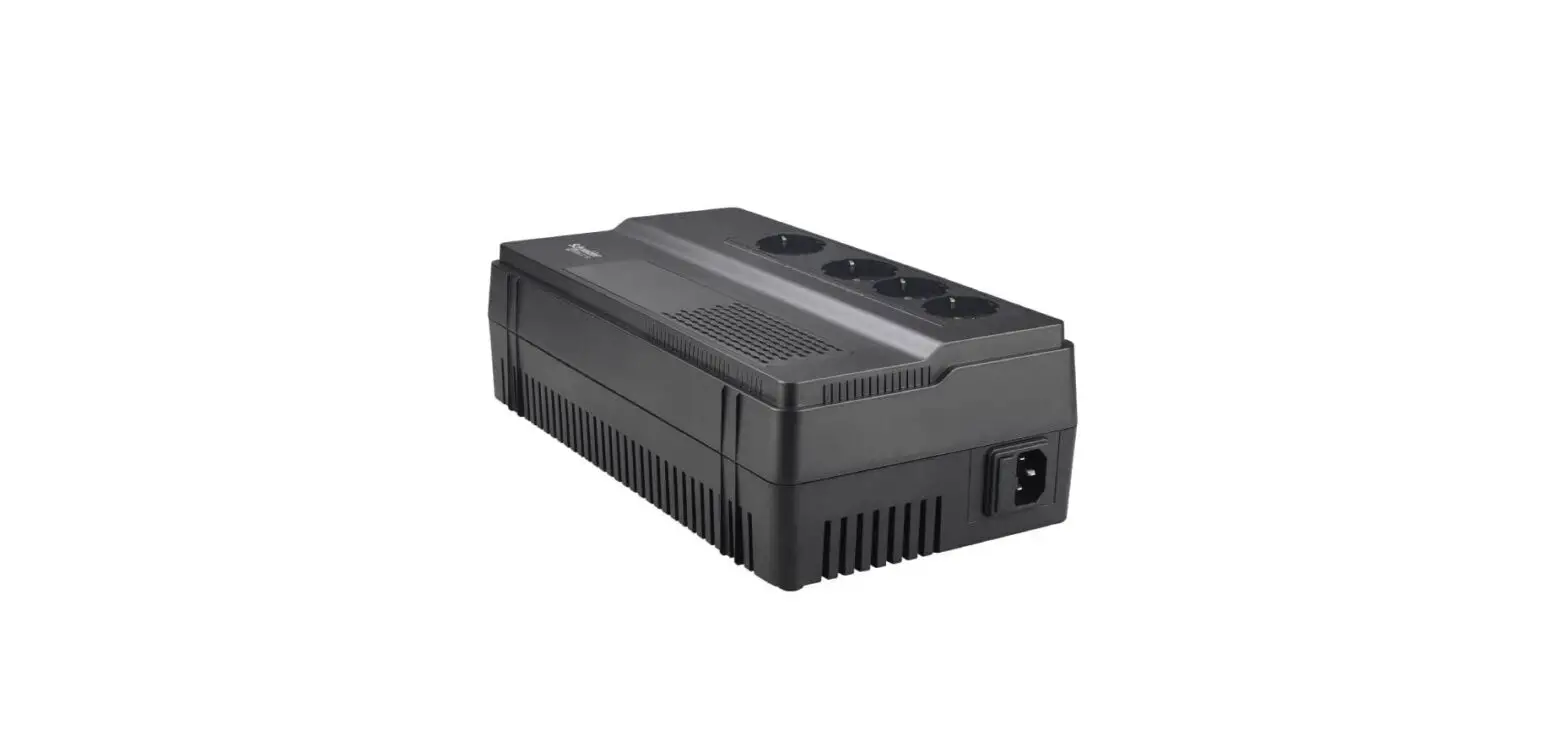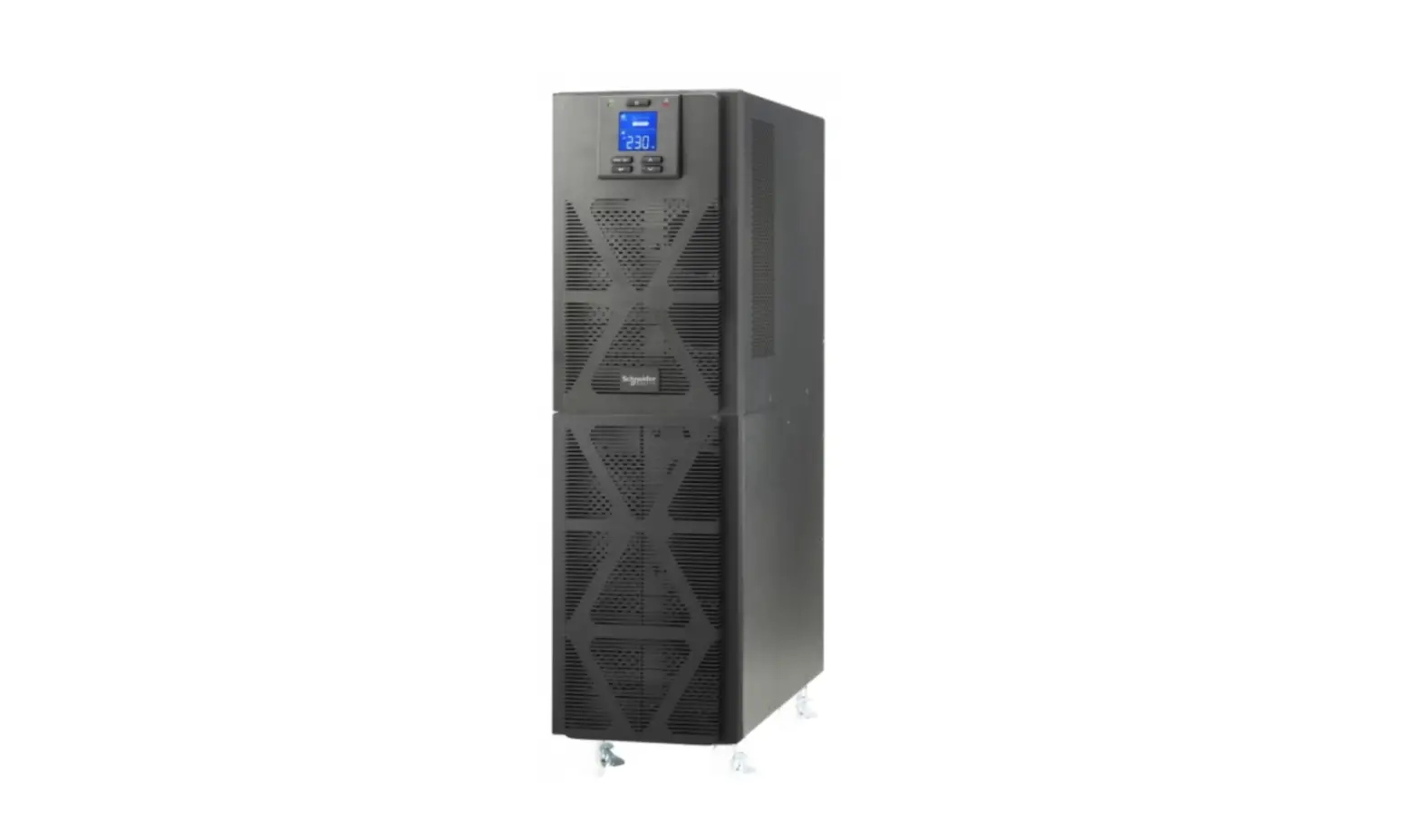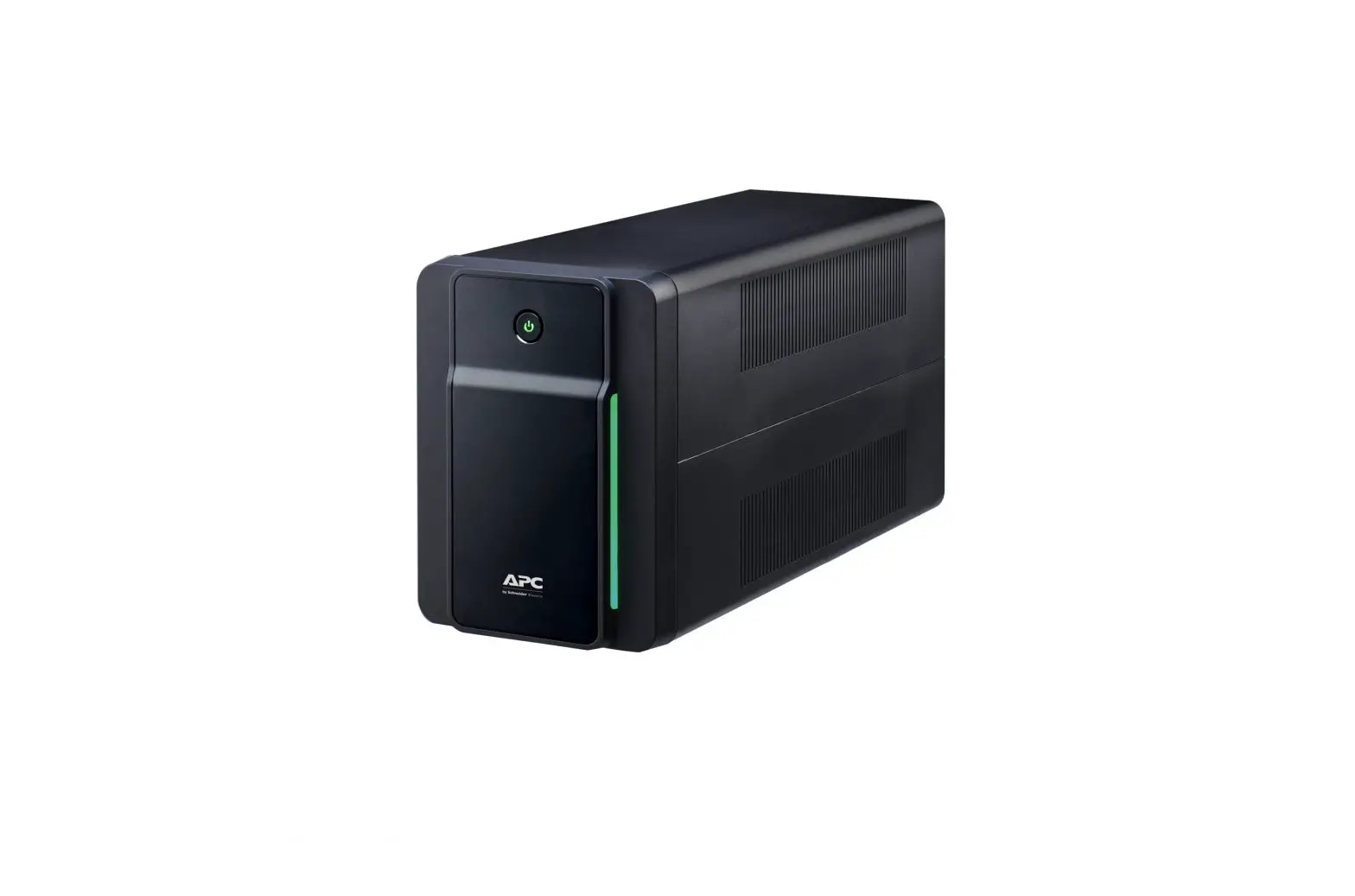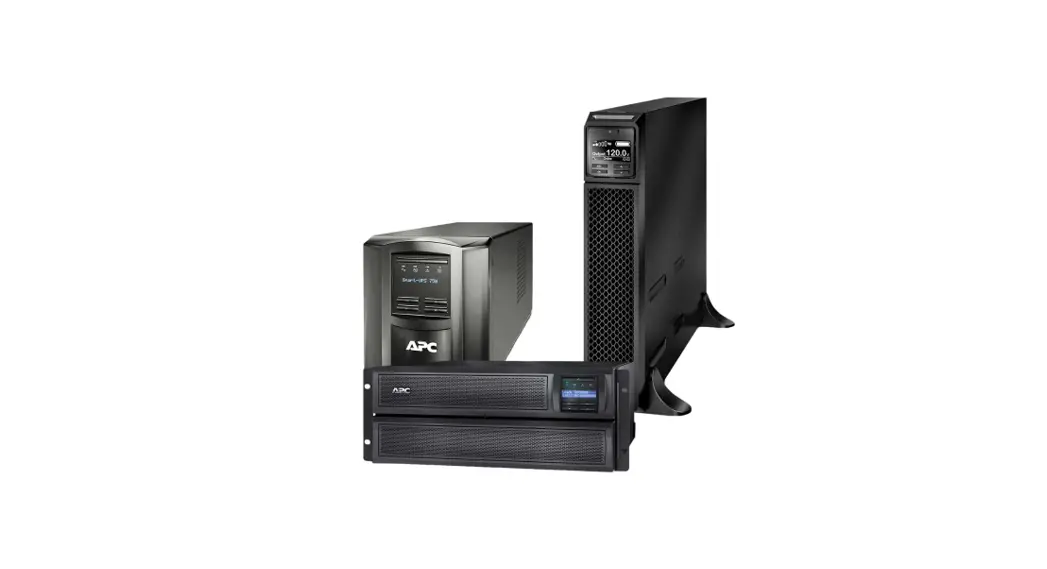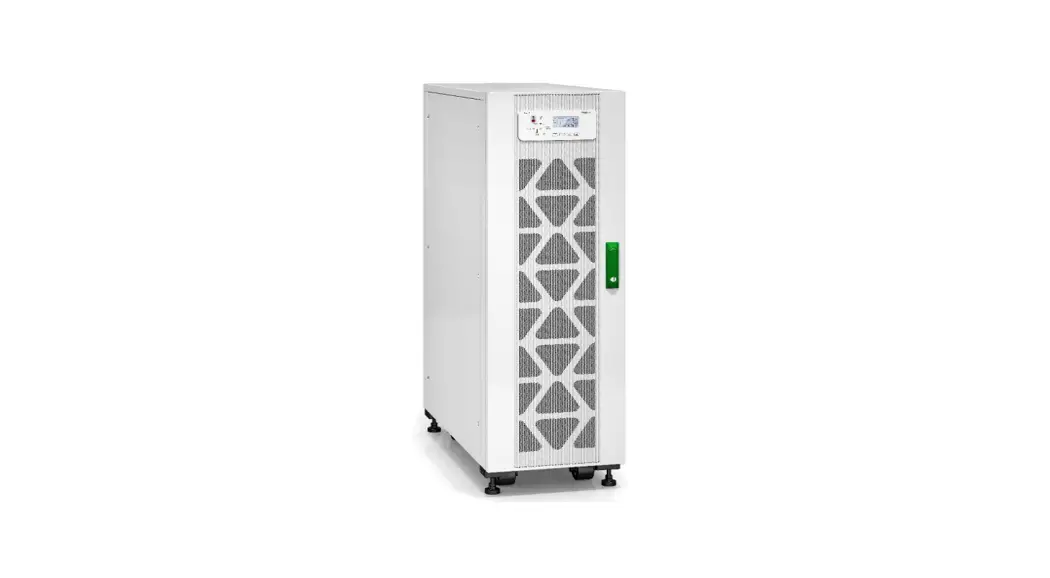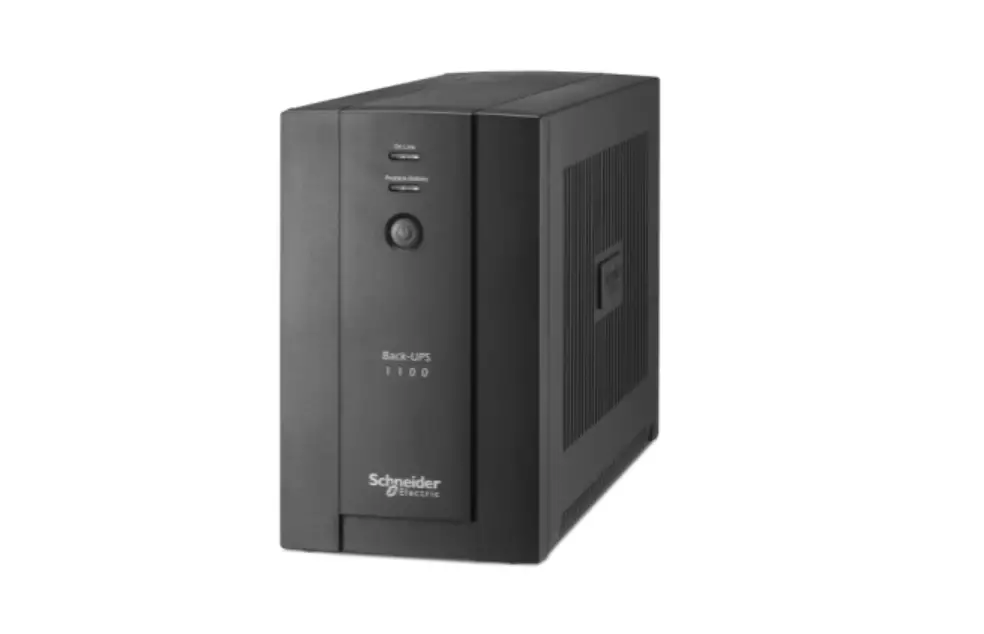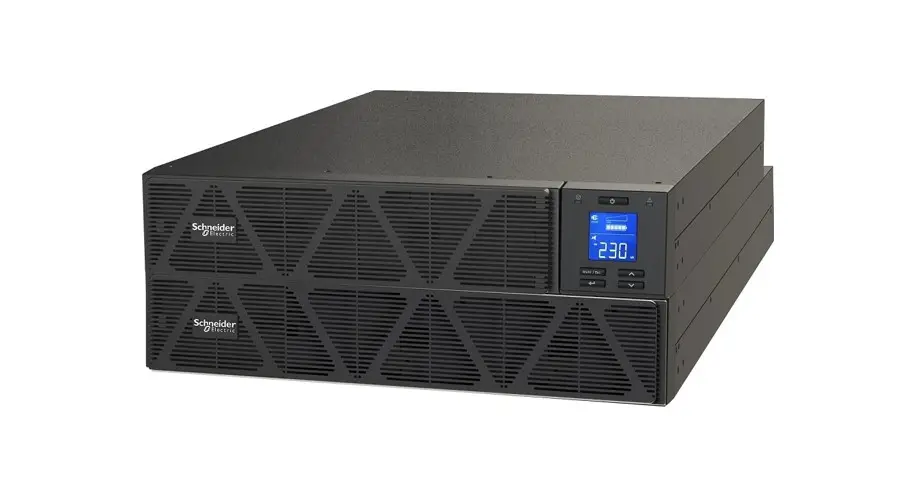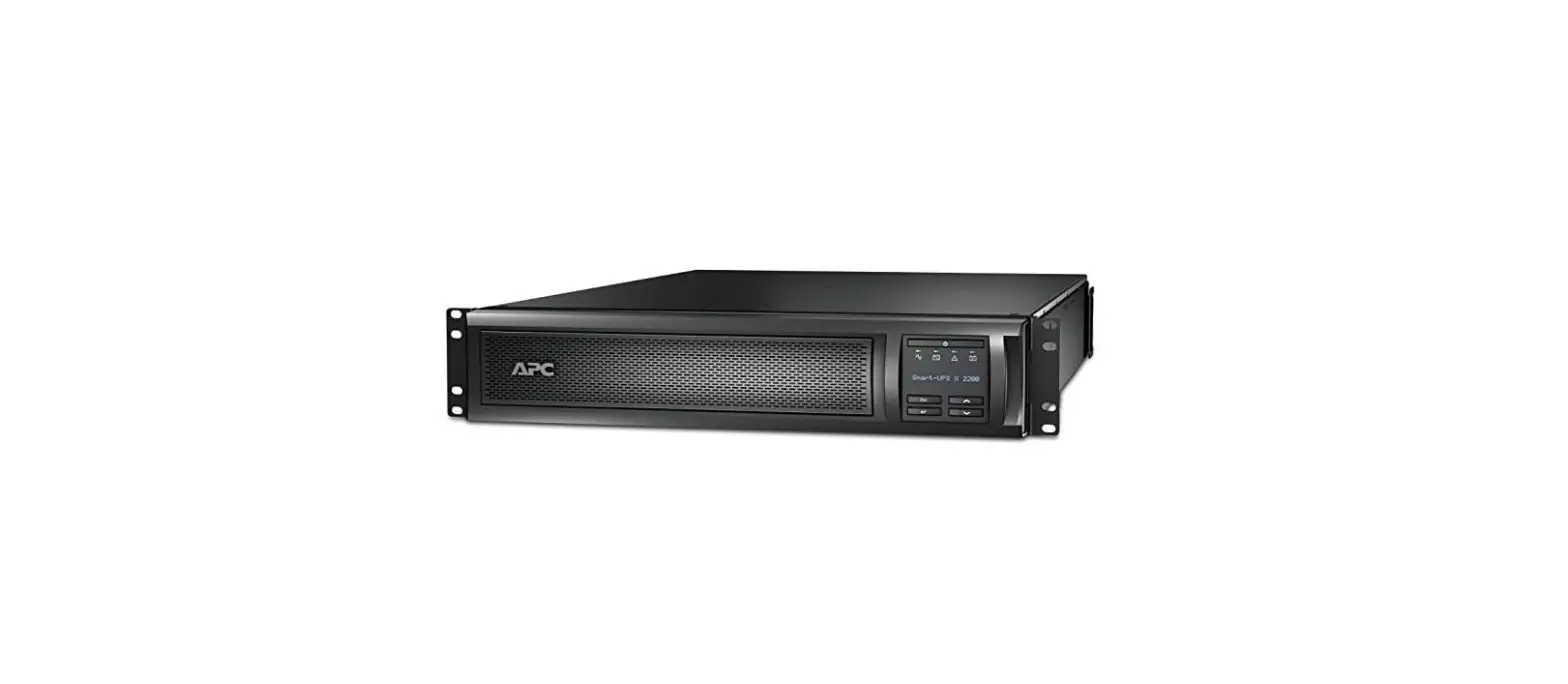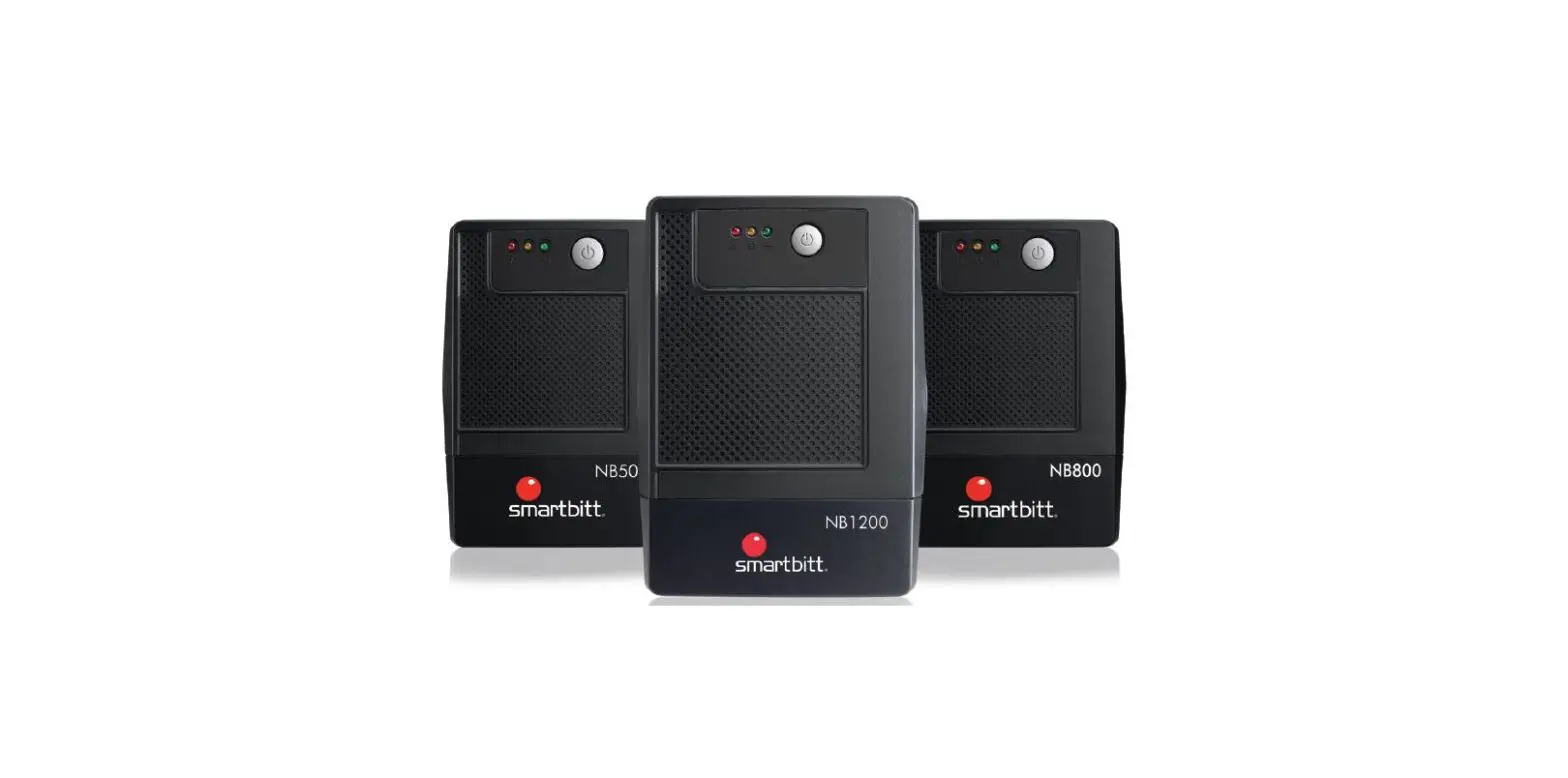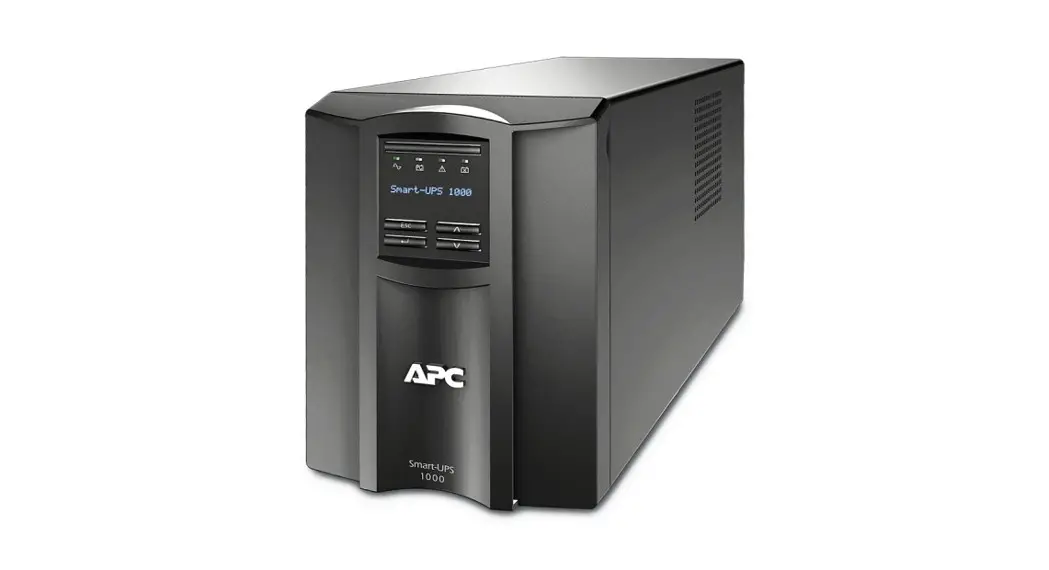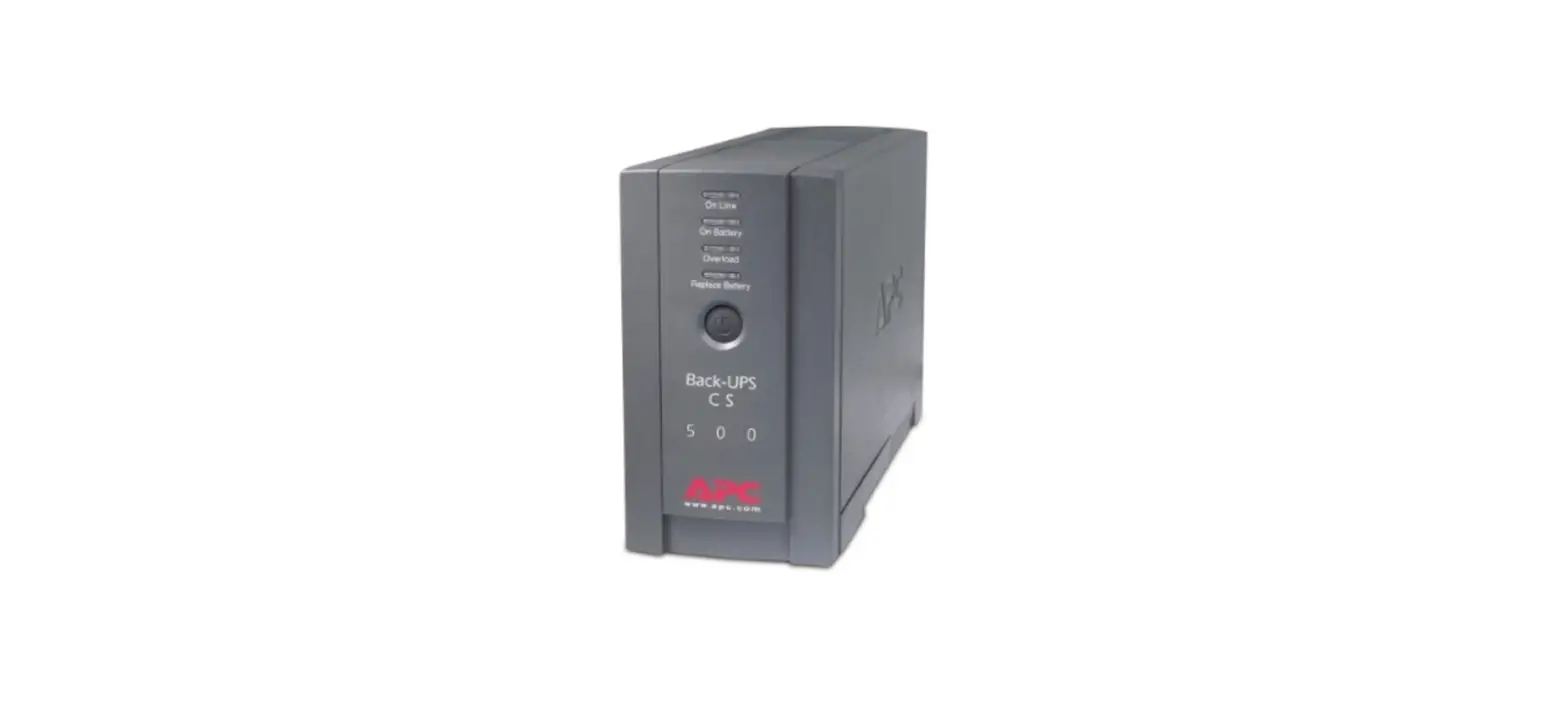

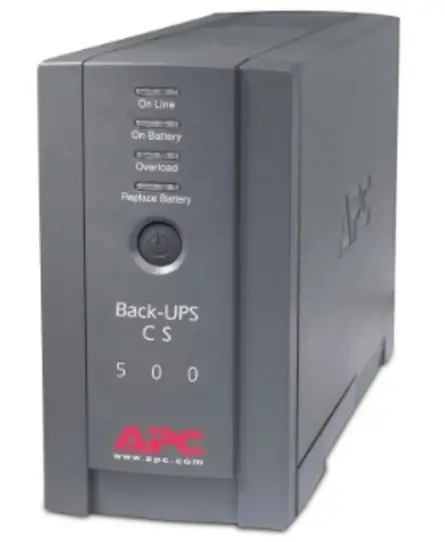
Schneider Electric BXS Series 500VA Electric UPS
IMPORTANT SAFETY INSTRUCTIONS
Read the instructions carefully and look at the equipment to become familiar with the device before trying to install, operate, service or maintain it. The following special messages may appear throughout this document or on the equipment to warn of potential hazards or to call attention to information that clarifies or simplifies a procedure.
- The addition of this symbol to either a “Danger” or “Warning” safety label indicates that an electrical hazard exists which will result in personal injury if the instructions are not followed.
- This is the safety alert symbol. It is used to alert you to potential personal injury hazards.
- Obey all safety messages that follow this symbol to avoid possible injury or death.
DANGER indicates a hazardous situation which, if not avoided, will result in death or serious injury
WARNING indicates a hazardous situation which, if not avoided, could result in death or serious injury.
CAUTION indicates a hazardous situation which, if not avoided, could result in minor or moderate injury.\
NOTICE is used to address practices not related to physical injury
Product Handling Guidelines

Safety and General Information
SAVE THESE INSTRUCTIONS
This manual contains important instructions that should be followed during installation and maintenance of the UPS and batteries.
Inspect the package contents upon receipt. Notify the carrier and dealer if there is any damages
- This UPS is intended for indoor use only.
- Mains socket outlet that supplies the UPS shall be installed near the UPS and shall be easily accessible.
- UPS must be connected to an earthed mains socket outlet.
- Servicing of batteries should be performed or supervised by personnel knowledgeable of batteries and required precautions. Keep unauthorized personnel away from batteries. In this case, batteries is not user-replaceable.
- When replacing battery the UPS must be OFF, and its AC inlet unplugged.
- CAUTION Risk of explosion if battery is replaced by an incorrect type. Dispose of used batteries according to the instructions.
- CAUTION Risk of Energy Hazard. Before replacing batteries, remove conductive jewelry such as chains, wrist watches, and rings. High energy through conductive materials could cause severe burns.
- CAUTION Do not open or mutilate batteries. Released electrolyte is harmful to the skin and eyes. It may be toxic.
- CAUTION Failed batteries can reach temperatures that exceed the burn thresholds for touchable surfaces.
- CAUTION A battery can present a risk of electrical shock and high short circuit current.
The following precautions should be observed when working on batteries.- Disconnect the charging source prior to connecting or disconnecting battery terminals.
- Do not wear any metal objects including watches and rings.
- Do not lay tools or metal parts on top of batteries.
- Use tools with insulated handles.
- Wear rubber gloves and boots.
- Determine if battery is either intentionally or inadvertently grounded. Contact with any part of a grounded battery can result in electric shock and burns by high short-circuit current. The risk of such hazards can be reduced if grounds are removed during installation and maintenance by a skilled person.
Radio Frequency Warning
This is a category C2 UPS product. In a residential environment, this product may cause radio interference, in which case the user may be required to take additional measures
Product Description
The Schneider Electric Back-UPS offers power and surge protection for wireless networks, computers, gaming consoles and other electronics in your business. This UPS supply battery backup during outages and unstable voltage fluctuations, as well as provide protection from damaging surges and spikes. It’s equipped with data line surge protection which safeguards your equipment and valuable files from “back door” surges traveling along data line. They are the choice helps to protect your sensitive electronics
Place and Power On
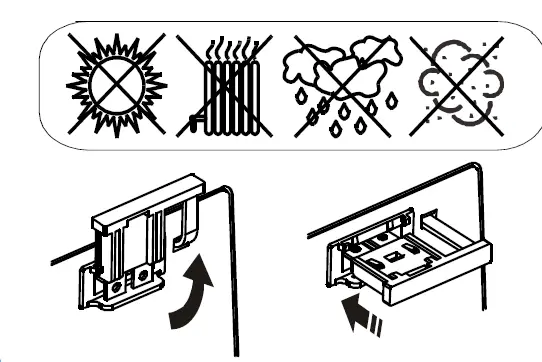
- Place the Back-UPS to avoid:
- Direct sunlight
- Excessive heat
- Excessive moisture
- Excessive dust/dirt
- For operation, please place the unit on the floor.
- Connect the battery by pulling the battery handle up, and then pushing it into the unit.
- Connect equipment to the UPS. Avoid using extension cords.
- Plug the Back-UPS power cord directly into a wall outlet, not into a surge protector or power strip. Please use incidental power cord in the package.
- Press the ON/OFF button to turn on the unit.
The white “Power On” indicator confirms that the Back-UPS is on and ready to provide protection. The Back-UPS should charge for at least 24 hours to ensure sufficient runtime. The unit is being charged whenever it is connected to AC power, whether the unit is turned ON or OFF. - DO NOT pull out the battery disconnector during On Line Mode.
Operational Features
- Automatic Voltage Regulation (AVR)
- Automatic Voltage Regulation boosts/trims the AC voltage when it drops/exceeds levels. This allows the equipment plugged into the unit to operate during low/high voltage conditions, conserving the battery power in the event of a power cut. The Back-UPS will switch to battery power if the input voltage level becomes too low/high for the Automatic Voltage Regulation to compensate, or if the AC power is distorted.
Quick Mute
The Back-UPS is able to temporarily mute user correctable audible alarms such as On Battery. During such audible alarms, a short press of the POWER button will temporarily mute the audible alarm until the condition has been reset. A short double beep will confirm that Quick Mute has been activated. Pressing the POWER button for more than 2 seconds will turn off the UPS.
Other events such as Battery replacement and Charger notification can not be temporarily muted. The unit in these cases must be turned off.
Voltage Sensitivity Adjustment
Ensure the Back-UPS is off. Press and hold the POWER button for 10 seconds until a beep is heard. The LED will flash and sensitivity LOW is set. If press and hold the POWER button for 10 seconds again, the LED will be on and sensitivity MEDIUM is set.
| LED status | Sensitivity Setting | Input Voltage Range | Recommended Use |
| Flash | LOW | 140 Vac to 300 Vac | Use this setting with equipment that is less sensitivity to Fuctuations in voltage or waveform distortions. |
| On | MEDIUM | 145 Vac to 295 Vac | Factory default setting. Use this setting under normal conditions |
LED Brightness Setting
The Back-UPS is able to control LED brightness. During On Line Mode, a short press of the POWER button will dim the LED brightness and heard a beep. Press one more time, the LED brightness will return again.
Self-Test
The Back-UPS will perform an automatic test of the internal battery when UPS is turned on or UPS operates in On Line Mode for 14 days. During On Line Mode, a longer press of the POWER button until three beeps are heard will perform a manual battery self-test. Then, the LED will flash and UPS will enter self-test mode.
Note: This will happen only when battery is fully charged in On Line Mode.
Battery Replacement
CAUTION
RISK OF HYDROGEN SULPHIDE GAS AND EXCESSIVE SMOKE
- Replace the battery at least every 5 years or at the end of its service life, whichever is earlier.
- Replace the battery immediately when the UPS indicates battery replacement is necessary.
- Replace batteries with the same number and type of batteries as originally installed in the equipment.
- Replace the battery immediately when the UPS indicates a battery over-temperature condition or when there is evidence of electrolyte leakage. Power off the UPS, unplug it from the AC input, and disconnect the batteries. Do not operate the UPS until the batteries have been replaced.
Failure to follow these insatructions can result in minor or moderate injury and equipment damage.
The battery in the Back-UPS is not user-replaceable. Contact SEIT Technical Support for a list of authorized service centers near you.
For the recycling battery information, please go to se.com/recycle.
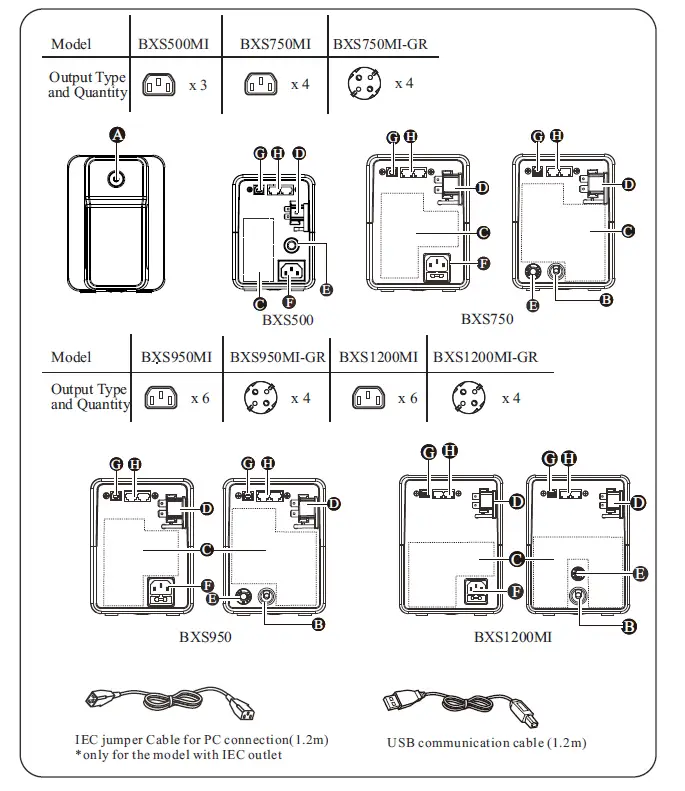
Features
- A ON/OFF button with indicator
- B Input power cord
- C Battery backup and surge protected outlets
- D Battery connector
- E Circuit breaker
- F AC power inlet with AC fuse only for model with IEC socket
- G USB data port
- H In/Out Ethernet surge-protected ports
Specifications
| Model | BXS500MI | BXS750MI | BXS950MI | BXS1200MI | |
| Input | Voltage | 220-240 Vac | |||
| Frequency | 50 Hz or 60 Hz (auto-sensing) | ||||
| Brownout Transfer | 140 Vac, typical | ||||
| Over-voltage Transfer | 300 Vac, typical | ||||
| Output | UPS Capacity (total) | 500VA/300W | 750VA/410W | 950VA/520W | 1200VA/650W |
| Voltage On Battery | 230 Vac ±10% | ||||
| Frequency – On Battery | 50 Hz / 60 Hz ± 0.5Hz | ||||
| Transfer Time | 6ms typical, 10ms max. | ||||
| Short-Circuit Current | Approx. 500A peak, Approx. 42A rms | Approx. 230A peak, Approx. 3.73A rms | Approx. 166A peak, Approx. 2.49A rms | Approx. 205A peak, Approx. 4.05A rms | |
| Protection | AC Input Circuit Breaker | 5A/250Vac | 5A/250Vac | 7A/250Vac | 10A/250Vac |
| AC Input Fuse | T 5A L 250Vac | T 8A L 250Vac | T 10A L 250Vac | ||
| Battery | Type (maintenance-free) | 12V, 7AH x 1 lead acid | 12V, 9AH x 1 lead acid | 12V, 9AH x 1 lead acid | 12V, 9AH x 1 lead acid |
| Average Life | The battery typically lasts for three to FIve years. Environmental factors impact battery backup life. Elevated temperatures, high humidity, poor quality mains power, and frequent, short duration discharges will shorten battery life. The battery in the Back-UPS Series is not user-replaceable. Contact SEIT Technical Support for a list of authorized service centers near you. | ||||
| Typical Recharge Time | 8 hours to 90% capacity | ||||
| Physical | Net Weight | 4.2 kg | 5.4 kg | 6.1 kg | 7.6 kg |
| Dimensions (Hx Wx D) cm | 13.8 x 9.8 x 31 | 16 x12 x 35.5 | 19 x14 x 39 | ||
| Shipping Weight | 4.9 kg | 6.6 kg | 7.3 kg | 9.1 kg | |
| Shipping Dimensions (H x Wx D) cm | 22.5 x 18.9 x 37.5 | 27 x 23.5 x 45.5 | 30.5 x 23.5 x 49.5 | ||
| Tempera- ture | Operating | 0 °C to 40 °C | |||
| Storage | -15 °C to 40 °C | ||||
| Elevation | Operating | 0 -3000 m | |||
| Storage | 0 -3000 m | ||||
| Humidity | 0 to 95% relative humidity, non-condensing | ||||
| International Protection Code | IP20 | ||||
| Applicable Power Grid Power Distribution System | TN Power System | ||||
| Pollution Degree | 2 | ||||
| Overvoltage category | II for normal mode | ||||
| Applicable Standard | IEC 62040-1 | ||||
- The length of input power cord is 1.2m. For best operation, do not use output cable longer than 2m.
- The length of USB communication cable is 1.2m. For best operation, do not use communication cable longer than 3m.
Status Indicators
| LED | Audible Alarm | Condition |
| On | Off | On-line – The Back-UPS is supplying AC power to the connected equipment |
| Constant Tone | On Line Overload – The power being used by the connected equipment has exceeded the capacity of the unit. Disconnect some equipment. | |
| Constant beeping (every 1/2 second) | Over-temperature Detected – The unit is overheating and will operate in AVR mode for 1 minute. The Back-UPS will shut down if the temperature is not lowered. Disconnect some of the connected equipment. | |
| On (Off during 4 beeps) | 4 beeps repeated every 30 seconds | On-Battery – The Back-UPS is supplying battery power. |
| Flashing | Constant beeping (every 1/2 second) | Low Battery – The Back-UPS is supplying battery power and the battery is near a total discharge state. |
| Constant tone | Battery connector is NOT connected – Refer to page 2 “Place and Power On” to connect Battery connector. | |
| Replace Battery Detected – The battery needs to be charged, or is at end of life. Note: – If the battery is disconnected, unplug the Back-UPS from AC source and then turn it off. Refer to the section “Place and Power On” on page 2. – If battery needs replacement, refer to the section “Battery Replacement” on page 4 for details. | ||
| Off | Short beep every 4 seconds | Low Battery Shutdown – During On Battery operation the battery power was almost completely exhausted, and the Back-UPS is waiting for AC power to return to normal. |
| Constant Tone | On Line Overload – The connected equipment requires more power than provided by the Back-UPS. Unplug devices one at a time to remove overload. If the detected problem is not corrected, contact SEIT Technical Support | |
| Charger Detected Fault – Back-UPS has an internal problem detected, and is no longer powering the load. Contact SEIT Technical Support | ||
| Long beep every 4 seconds | Over-temperature Detected Fault – The Back-UPS has overheated and has shut down. Unplug connected devices one at a time or wait for a few hours for system to cool down. |
Troubleshooting
Service
If the unit requires service, do not return it to the dealer. Follow these steps:
- Review the Troubleshooting section of the manual to eliminate common problems.
- If the problem persists, contact Schneider Electric IT (SEIT) Customer Support through the Schneider Electric website, www.se.com.
- Note the model number and serial number and the date of purchase. The model and serial numbers are located on the rear panel of the unit.
- Call SEIT Customer Support and a technician will attempt to solve the problem over the phone. If this is not possible, the technician will issue a Returned Material Authorization Number (RMA#).
- If the unit is under warranty, the repairs are free.
- Service procedures and returns may vary internationally. Refer to the Schneider Electric website for country specific instructions.
- Pack the unit in the original packaging whenever possible to avoid damage in transit. Never use foam beads for packaging. Damage sustained in transit is not covered under warranty.
- Always DISCONNECT THE UPS BATTERIES before shipping. The United States Department of Transportation (DOT), and the International Air Transport Association (IATA) regulations require that UPS batteries be disconnected before shipping. The internal batteries may remain in the UPS.
- Write the RMA# provided by Customer Support on the outside of the package.
- Return the unit by insured, pre-paid carrier to the address provided by Customer Support
Warranty
Register your product on-line. http://warranty.se.com
The standard warranty is two (2) years from the date of purchase. SEIT standard procedure is to replace the original unit with a factory reconditioned unit. Customers who must have the original unit back due to the assignment of asset tags and set depreciation schedules must declare such a need at first contact with an SEIT Technical Support representative. SEIT will ship the replacement unit once the defective unit has been received by the repair department, or cross-ship upon the receipt of a valid credit card number. The customer pays for shipping the unit to SEIT. SEIT pays ground freight transportation costs to ship the replacement unit to the customer.
Schneider Electric IT Customer Support Worldwide
For country specific customer support, go to the Schneider Electric website, www.se.com.
© 2022 Schneider Electric. The Schneider Electric logo is owned by Schneider .seinapmoc detail farieht ro S.A.S seirtsudnI cirtcelE All other trademarks are property of their respective owners.
 Schneider Electric Global | Global Specialist in Energy Management and Automation