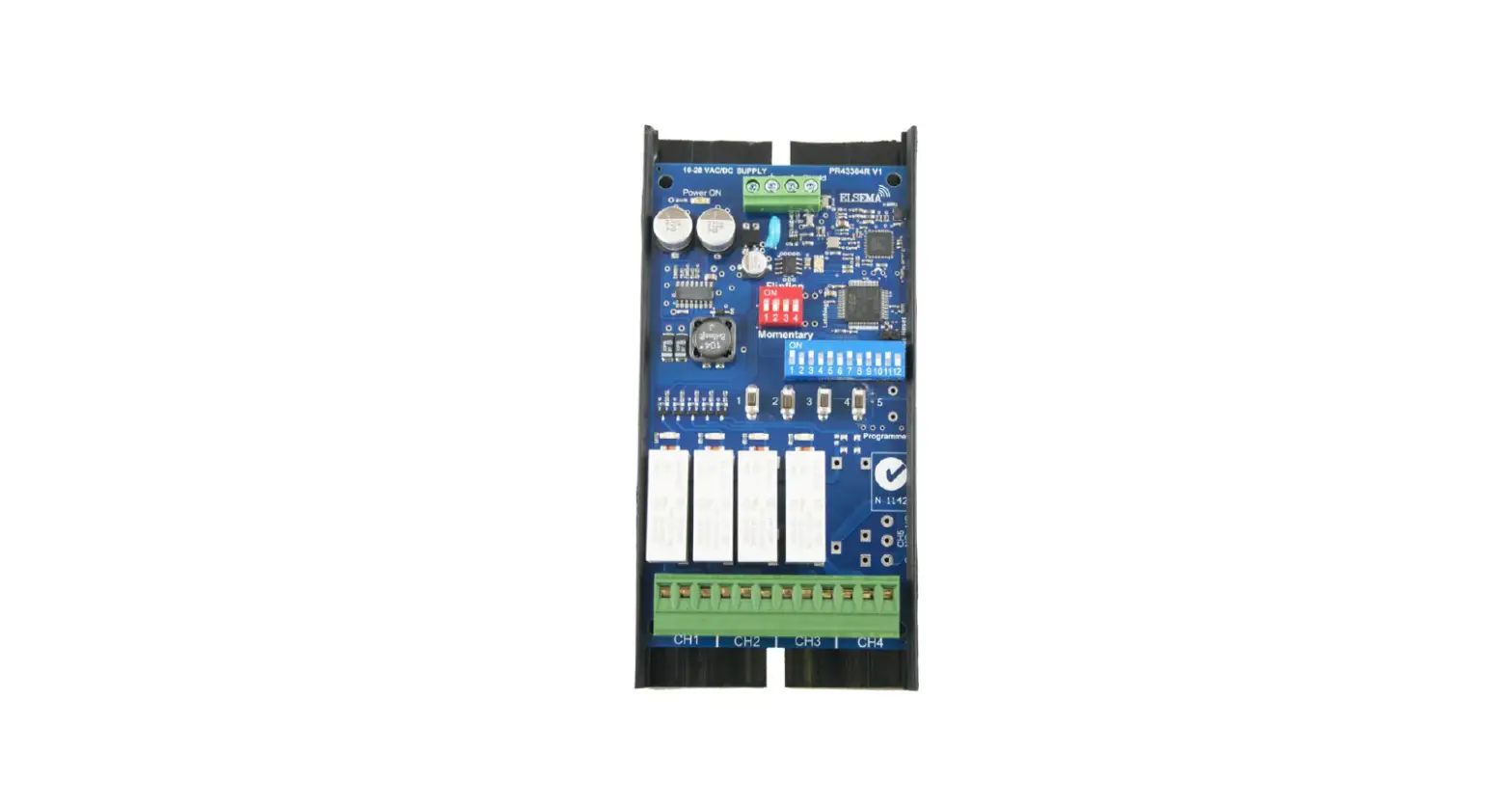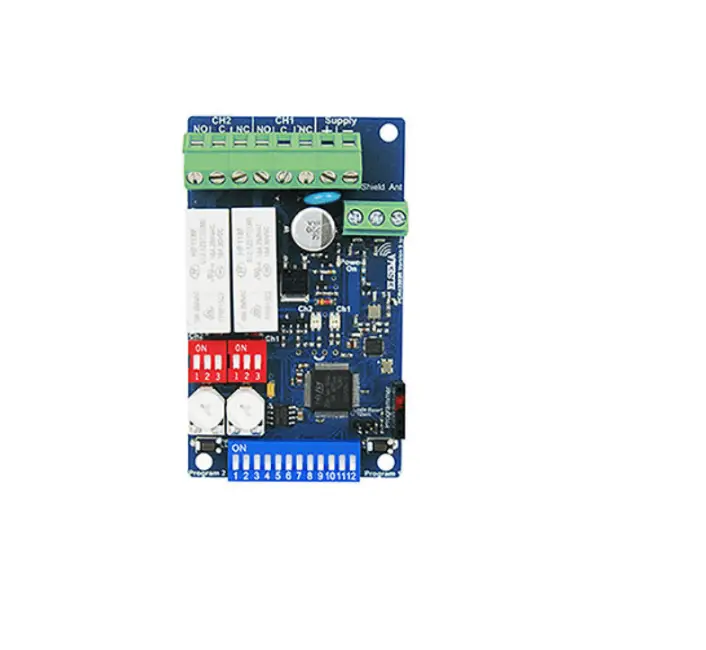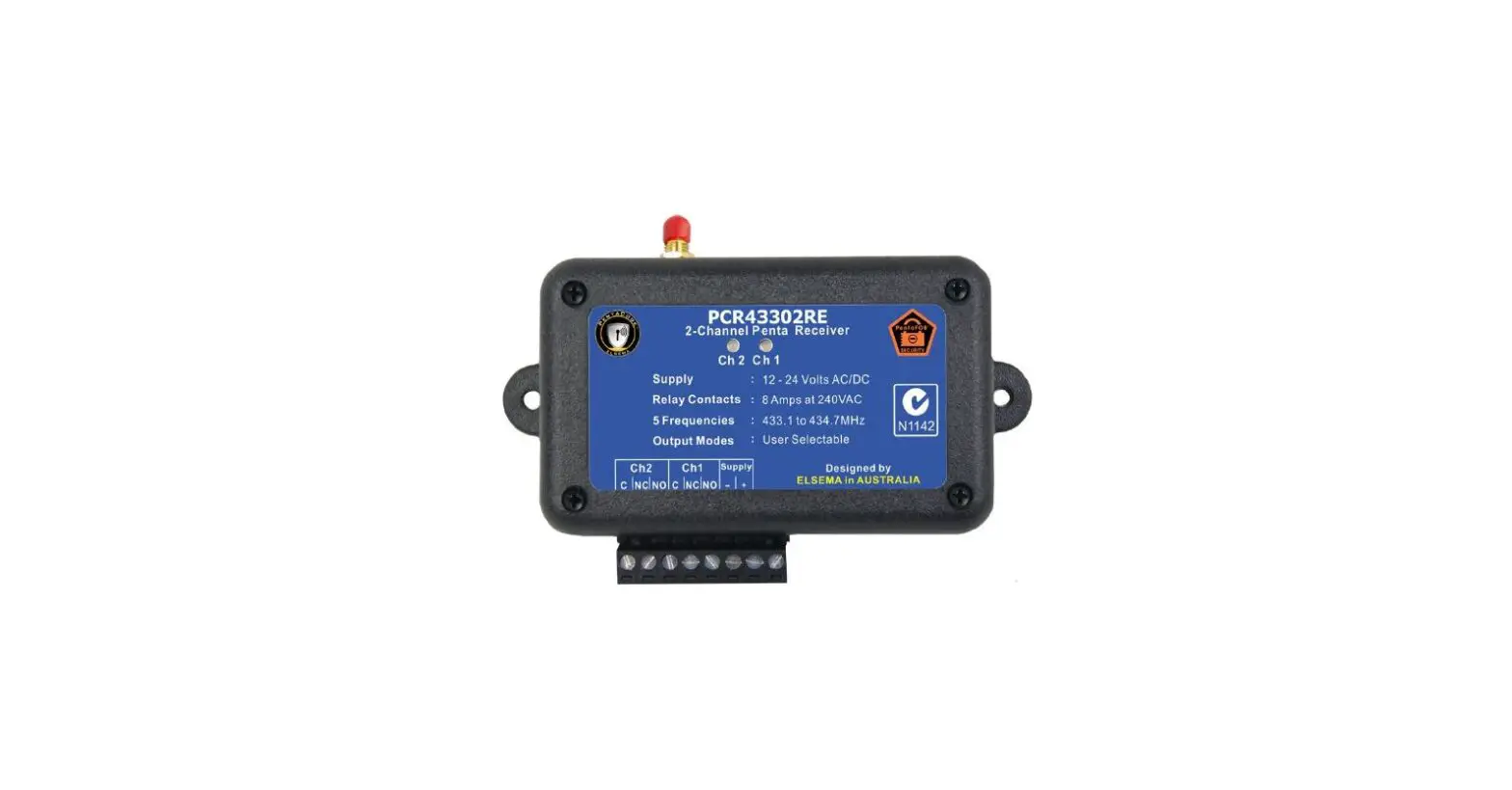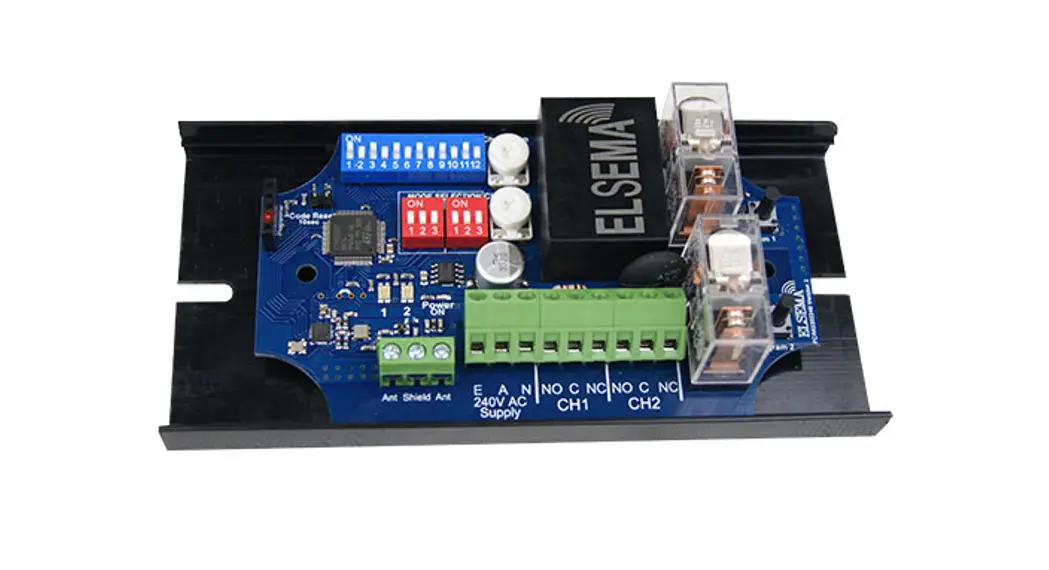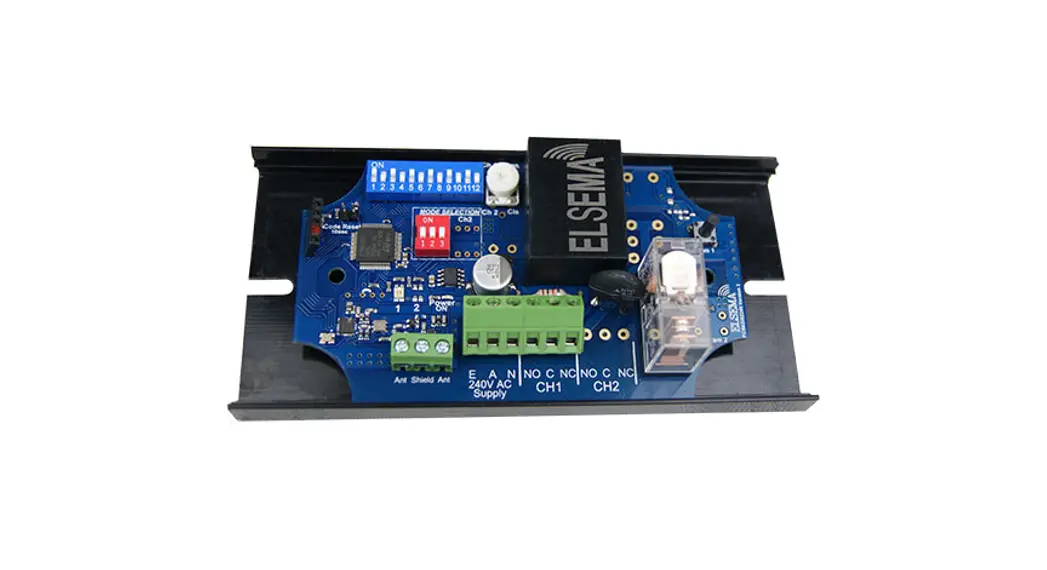

1 Channel, 433MHz Receiver with Frequency Hopping
PCR43301240R
1 Channel, 433MHz Penta Receiver with Frequency Hopping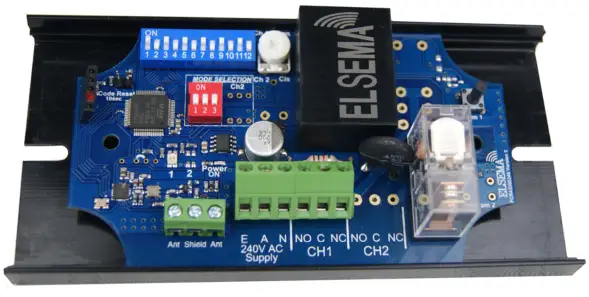 PCR43301240R
Features
- Supply voltage 100 – 240VAC
- Frequency hopping between 433.10 to 434.70MHz
- 12-way dipswitch or encrypted coding
- Relay output modes are user selectable
- Unlimited remotes can be programmed to the receiver
- Antenna diversity for robust link with extended range
- Compatible with PentaFOB ® and PentaCODE ® remotes
- On-board diagnostic LED’s to indicate correct power, reception and relay activation
Applications
- Keyless access control for Roller shutters, automatic gates and doors
- Equipment and machinery control for factories and warehouses
- Home automation i.e. garden lights, swimming pool control etc.
- Security and lighting …. and anywhere else you need a wireless signal to transmit a contact closure
Description
This receiver is compatible with “PentaFOB ” ® ” and “PentaCODE ® remotes. It has several user selectable modes and can be used in many different applications. The modes are changed by simply switching “ON” the 3way dipswitch.
The PentaCODE® dual coding system gives the installer the option to use the classic 12-way dip switch coding or one of over 17 billion encrypted codes.
With the 12-way dip switch, just match the keyring remotes and the receiver’s dip switch and it’s coded. With the encrypted code you switch all the 12-way dip switches OFF and the remote and receiver automatically goes into the encrypted coding. Please see coding instructions for encrypted coding procedure.
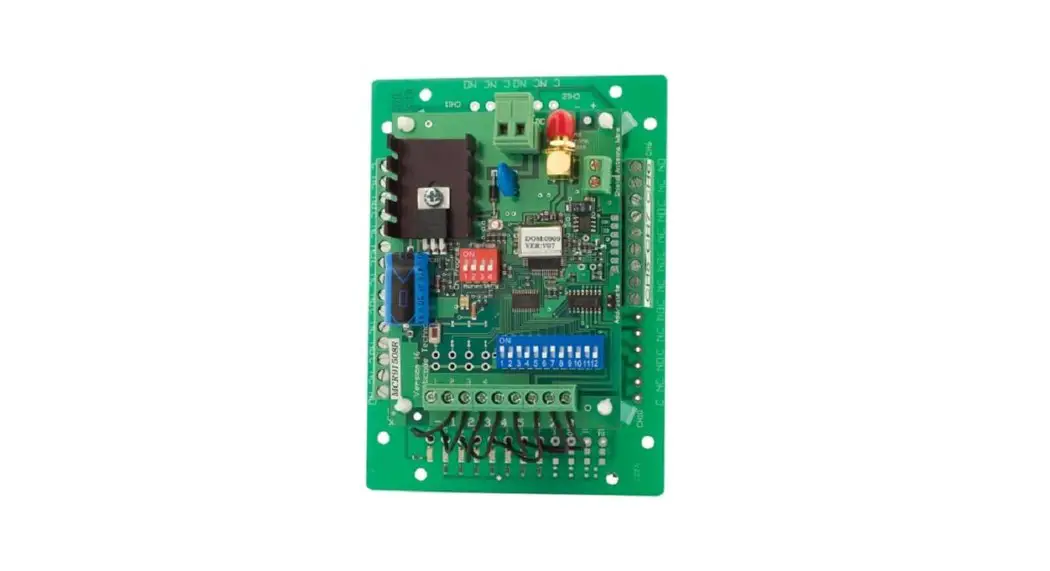
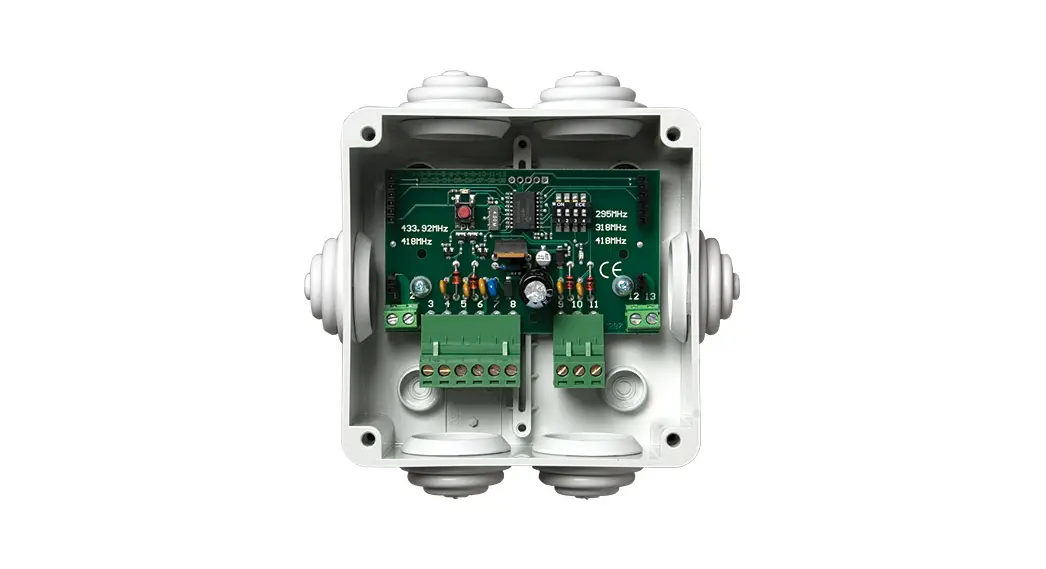
The receiver is available as a standalone card with relay outputs or enclosed in an IP66 rated weatherproof case.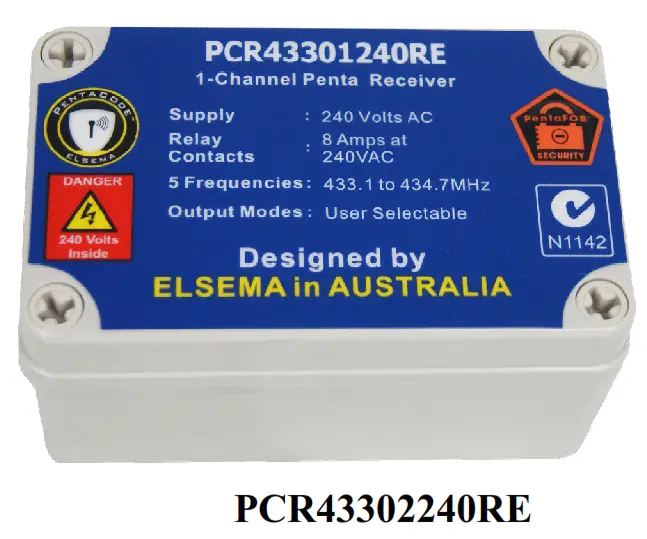
Output Modes
Relay output on the receiver can be set to function in different modes. By default the mode is set to momentary.
| 3- way Dipswitch setting Ch1 | Modes |
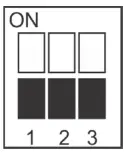 | “Momentary” Relay stays “ON” for as long as the transmitter button is pressed. “Press and hold” |
 | “Latching” Relay remains “ON” until next press of the transmitter button. Similar to switching “on” and “off” a light. |
 | “Delayed Off ” Relay stays “ON” for 1-300 seconds, adjustable by trimpot. 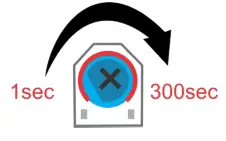 |
 | “On-Off” This mode requires a 2-channel or a 4-channel remote. Receiver Relay 1: Channel 1 will always switch the relay “ON” Channel 2 will always switch the relay “OFF” |
 | “Instant OFF ” Same is “Delayed Off ” except relay will switch “OFF” as soon as the PCK43304W input is deactivated. |
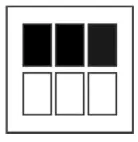 | “Security latching ” Relay will switch “ON” and stay “ON” until supply to receiver is momentarilyinterrupted. |
Customised Software
Custom output modes can be programmed to do special functions. Call Elsema for more details.
Products in the Range
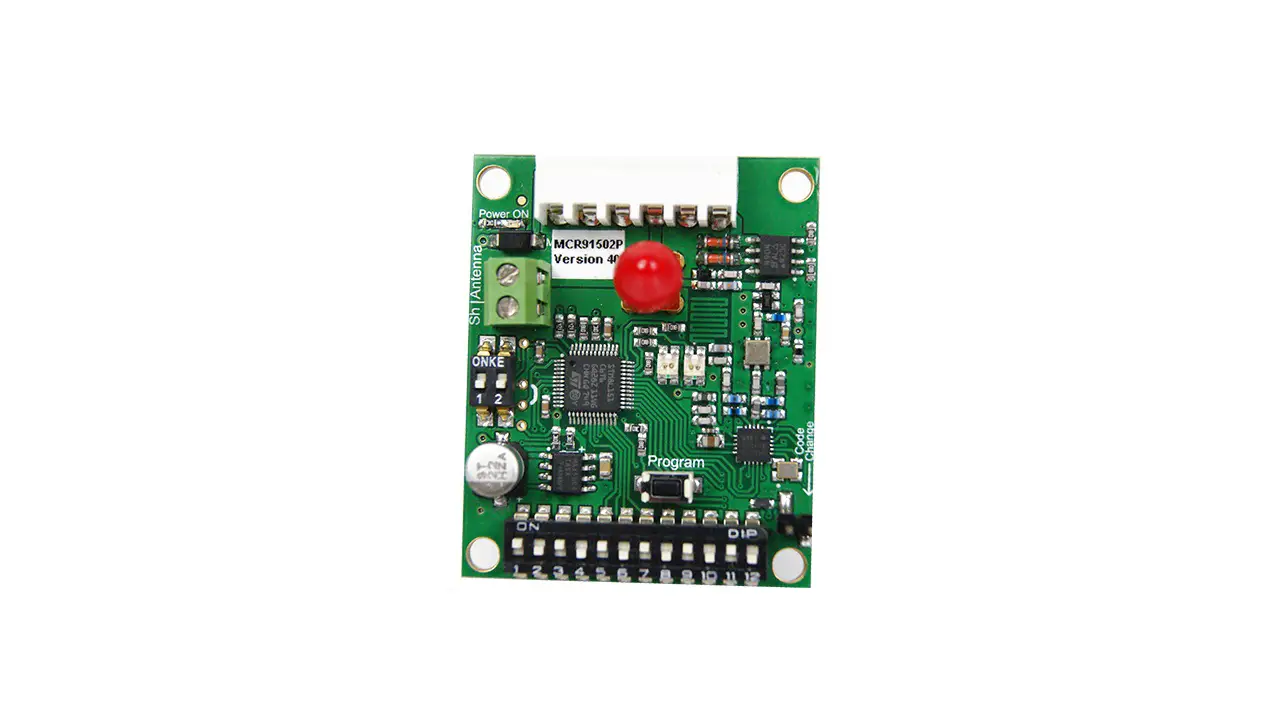
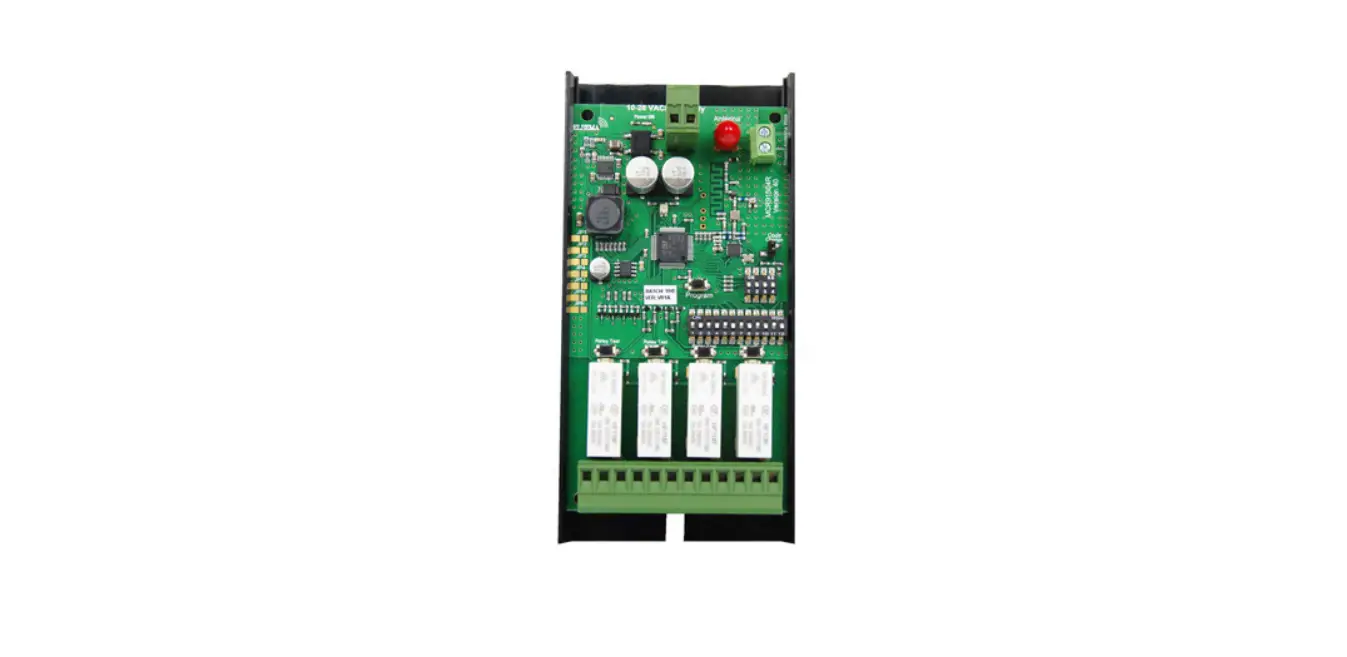
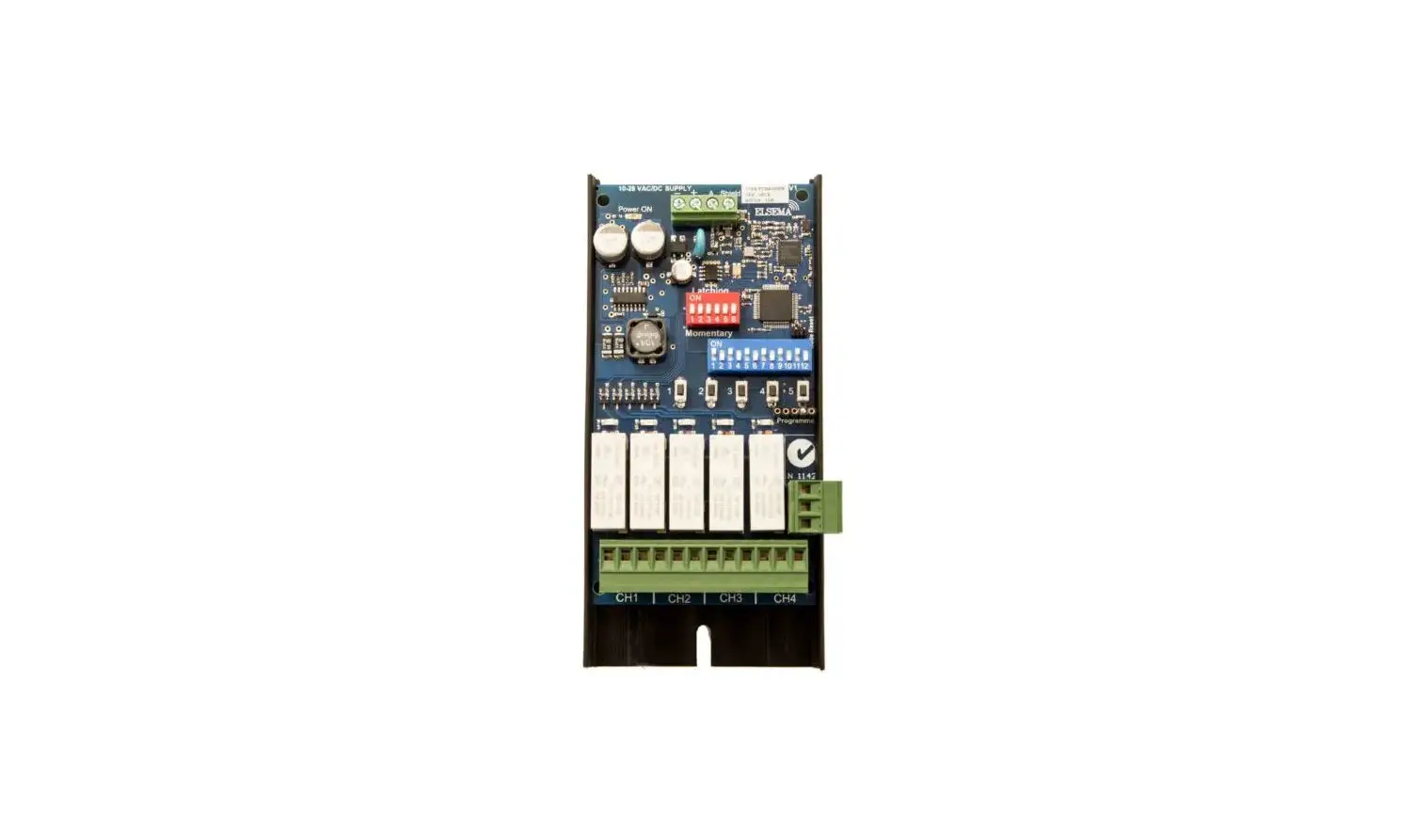
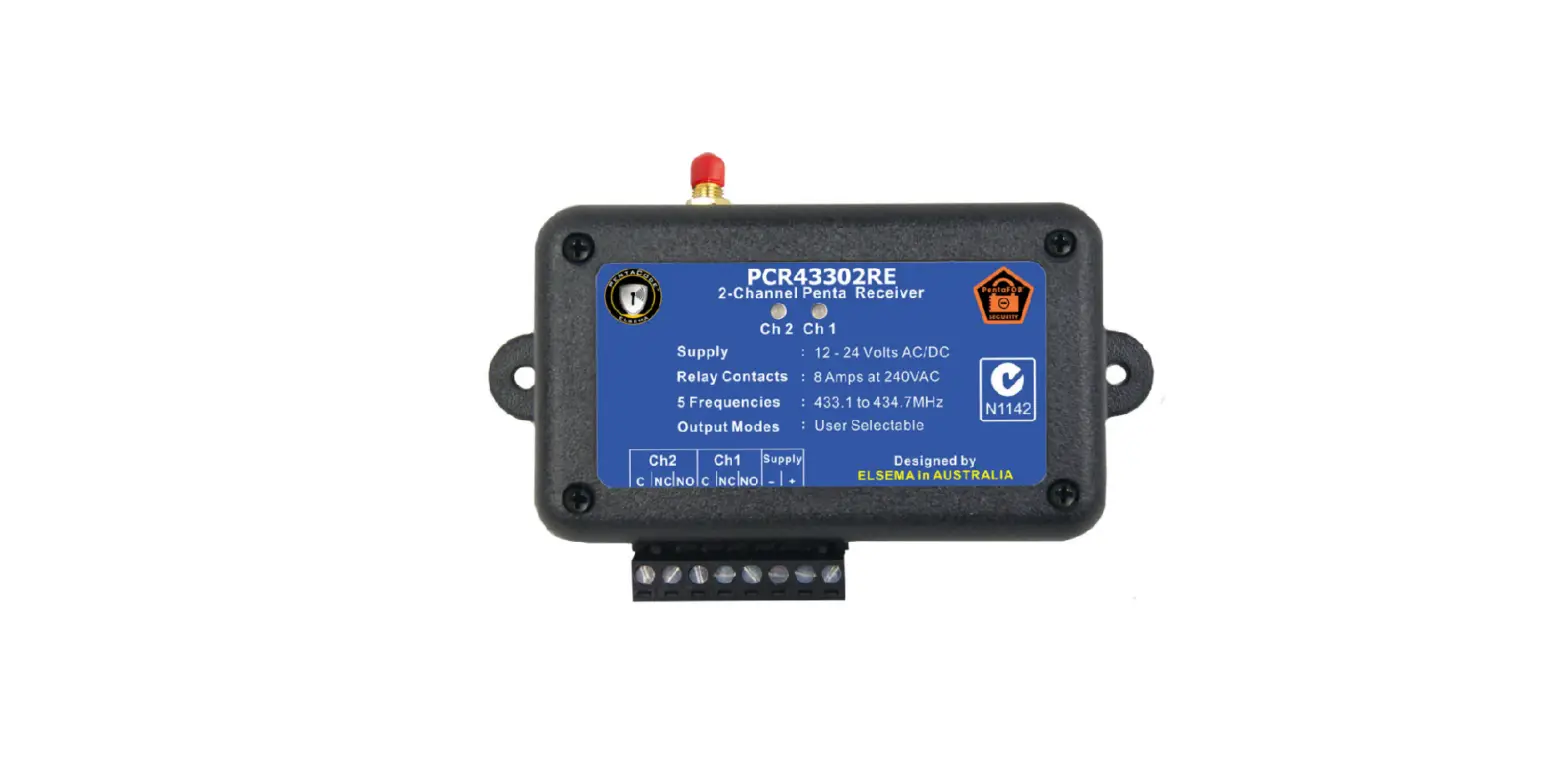
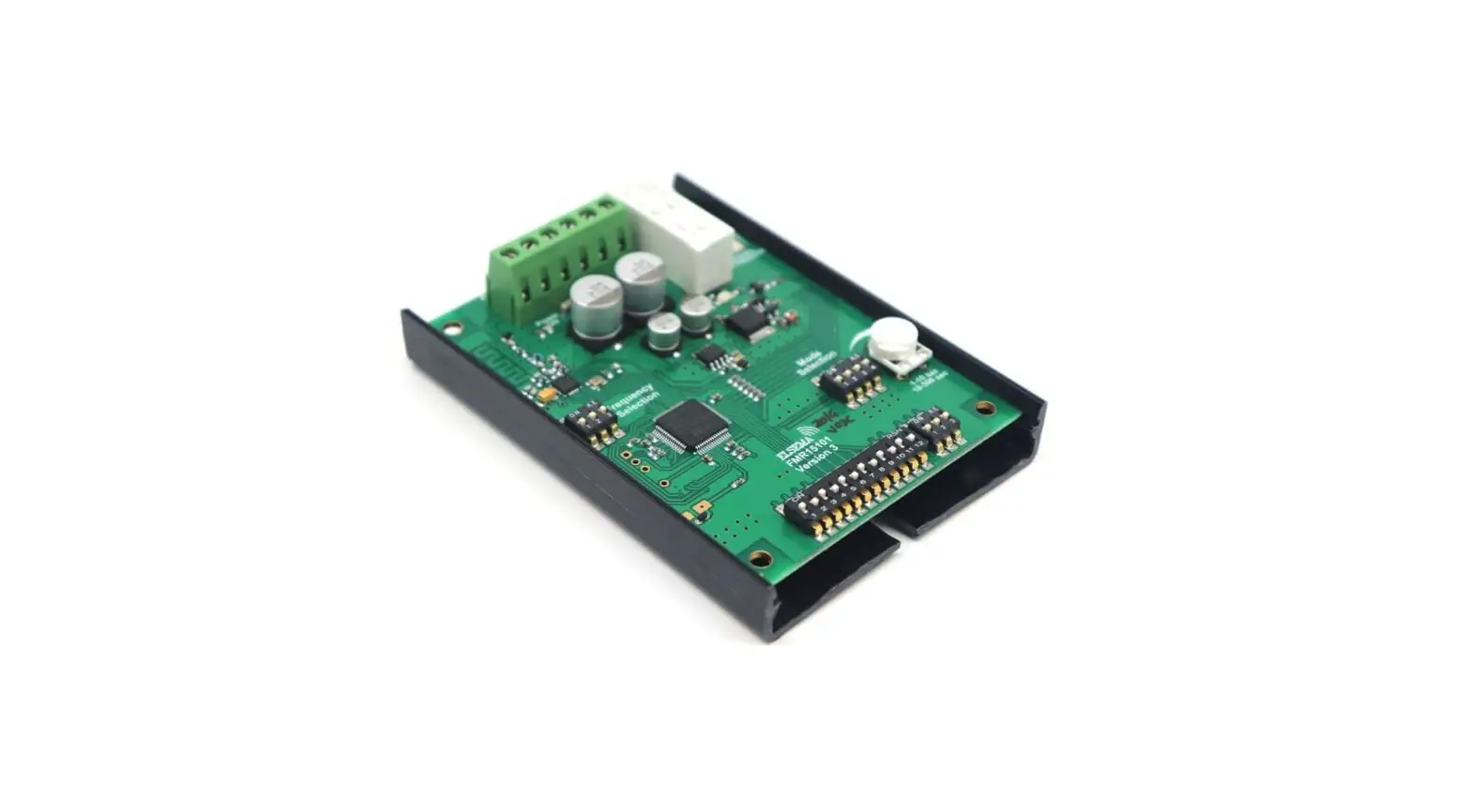
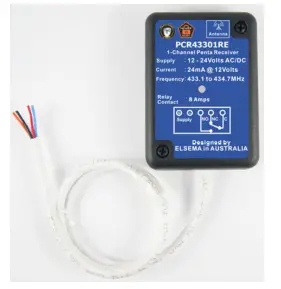 | 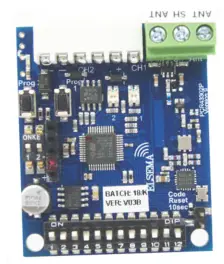 | 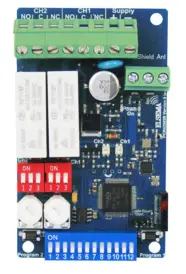 | 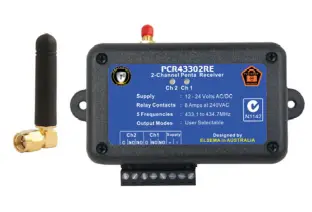 |
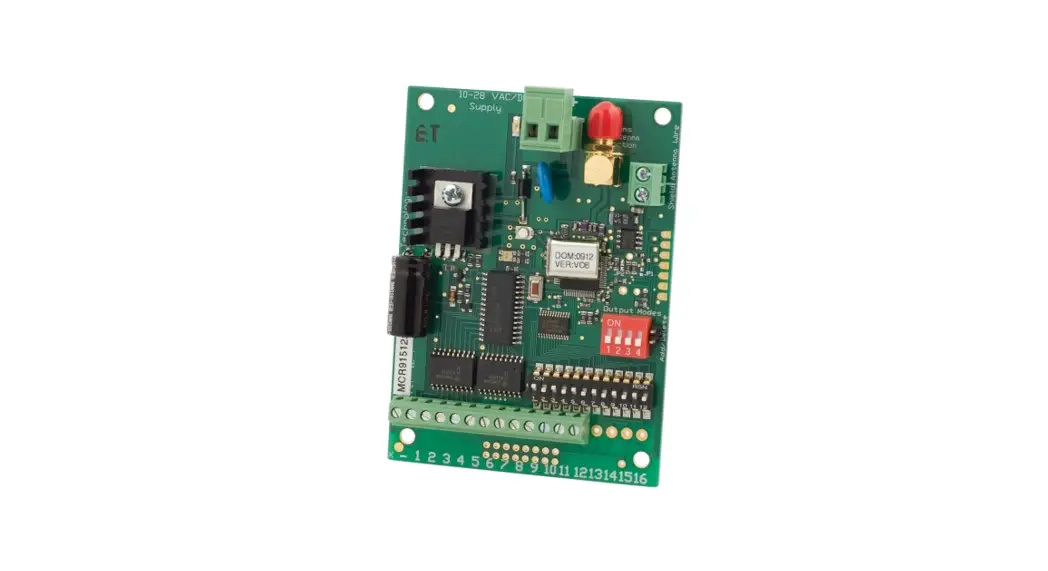
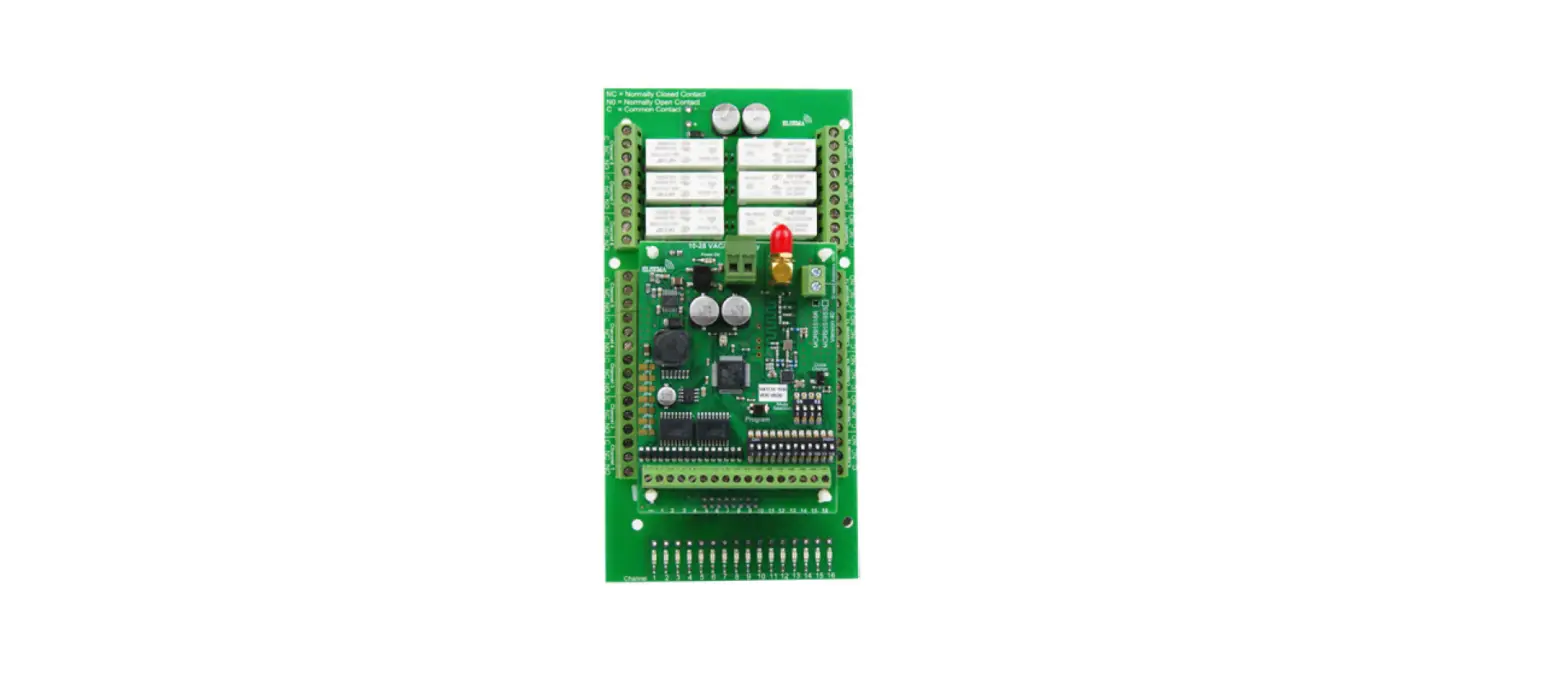
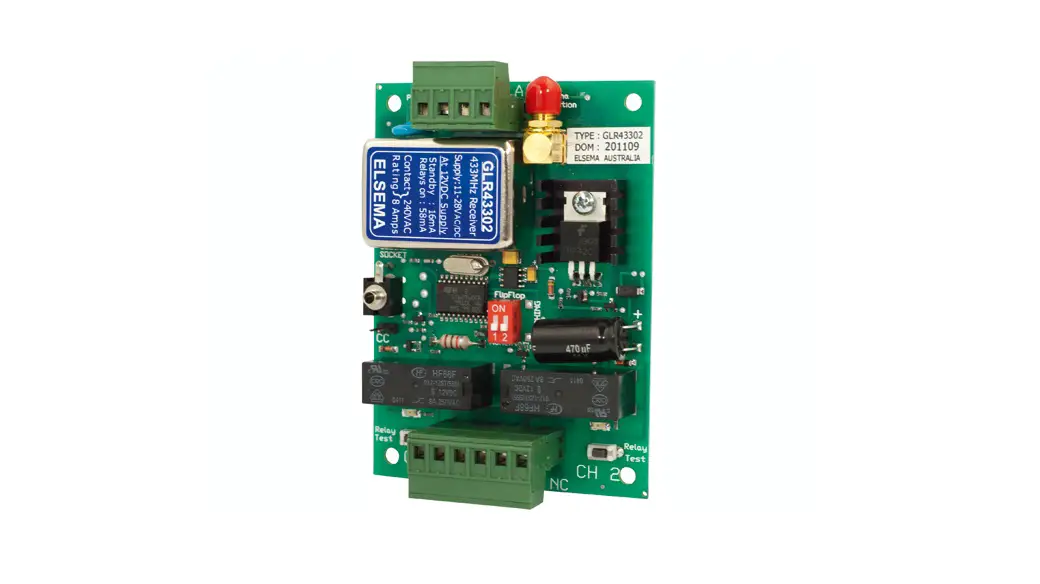
| PCR43301RE 1-Channel Receiver withRelay Output. Enclosed in a case | PCR43302P 2-Channel Plug in type Receiver with Open Collector Output | PCR43302R 2-Channel Receiver with Relay Outputs | PCR43302RE 2-Channel Receiver with Relay Outputs. Enclosed in a case |
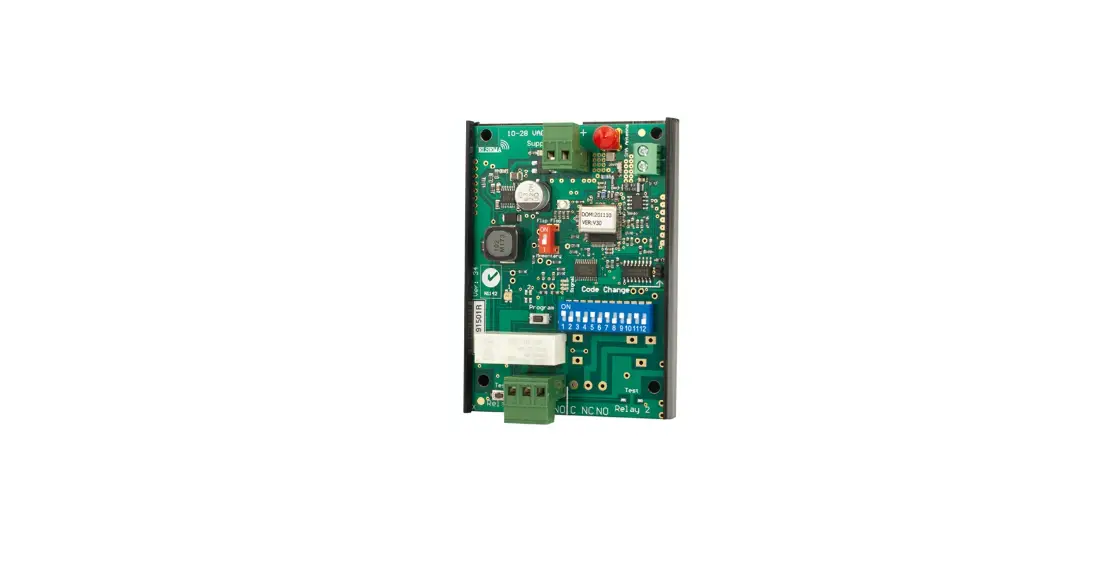
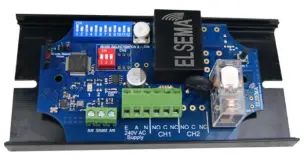 | 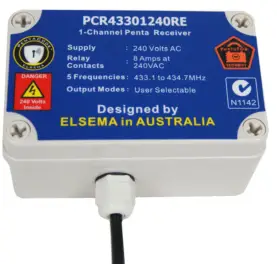 | 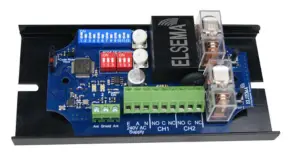 |  |
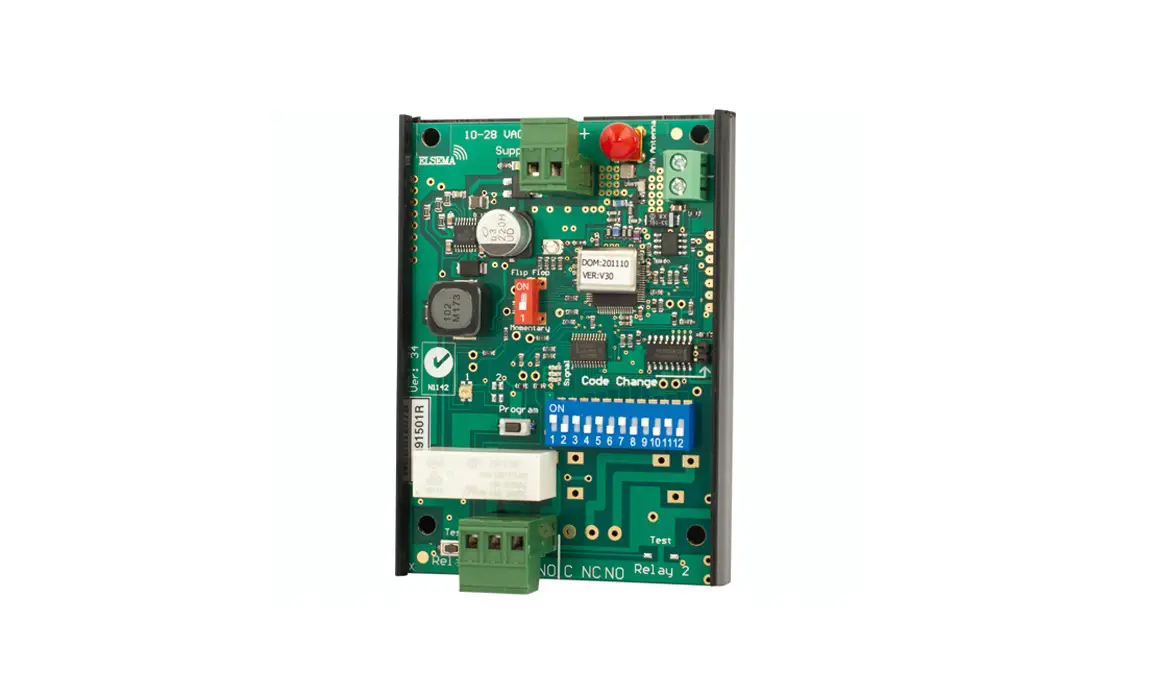
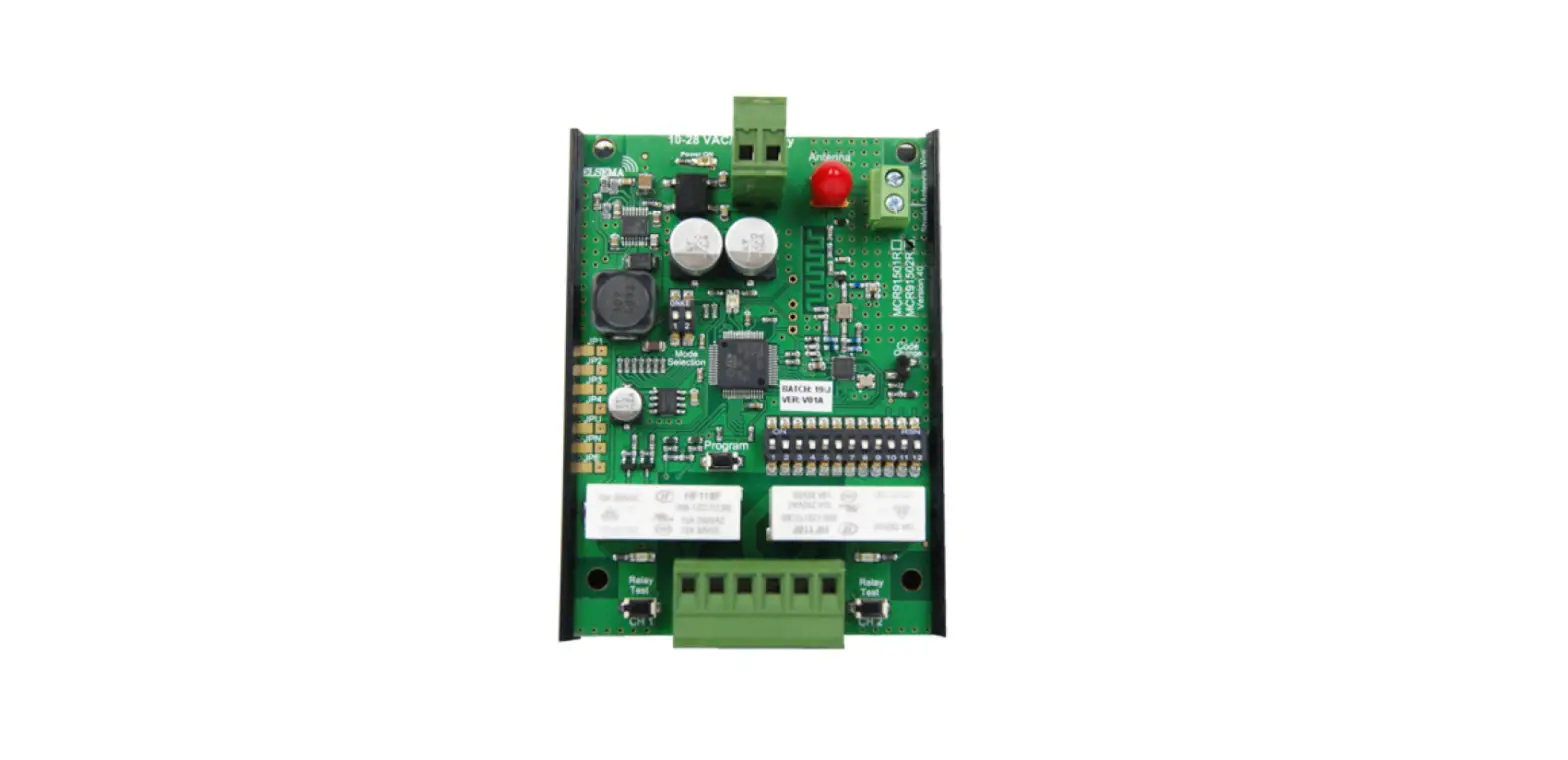
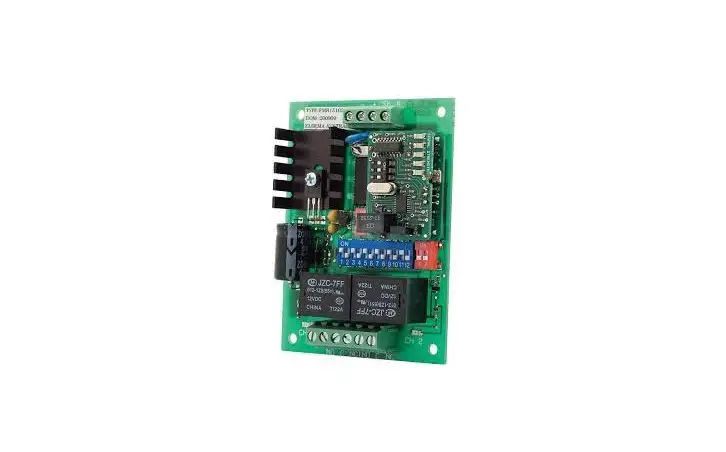
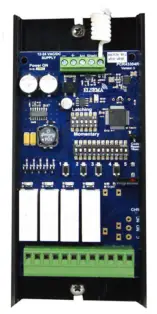
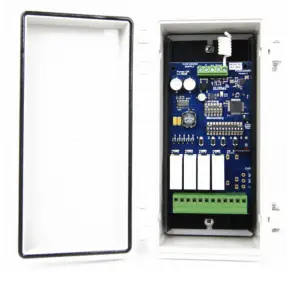
| PCR43301240R 1-Channel Receiver with 240VAC mains supply | PCR43301240RE 1-Channel Receiver enclosed in an IP66 case | PCR43302240R 2-Channel Receiver with 240VAC mains supply | PCR43302240RE 2-Channel Receiver enclosed in an IP66 case |
 |  |  |  |
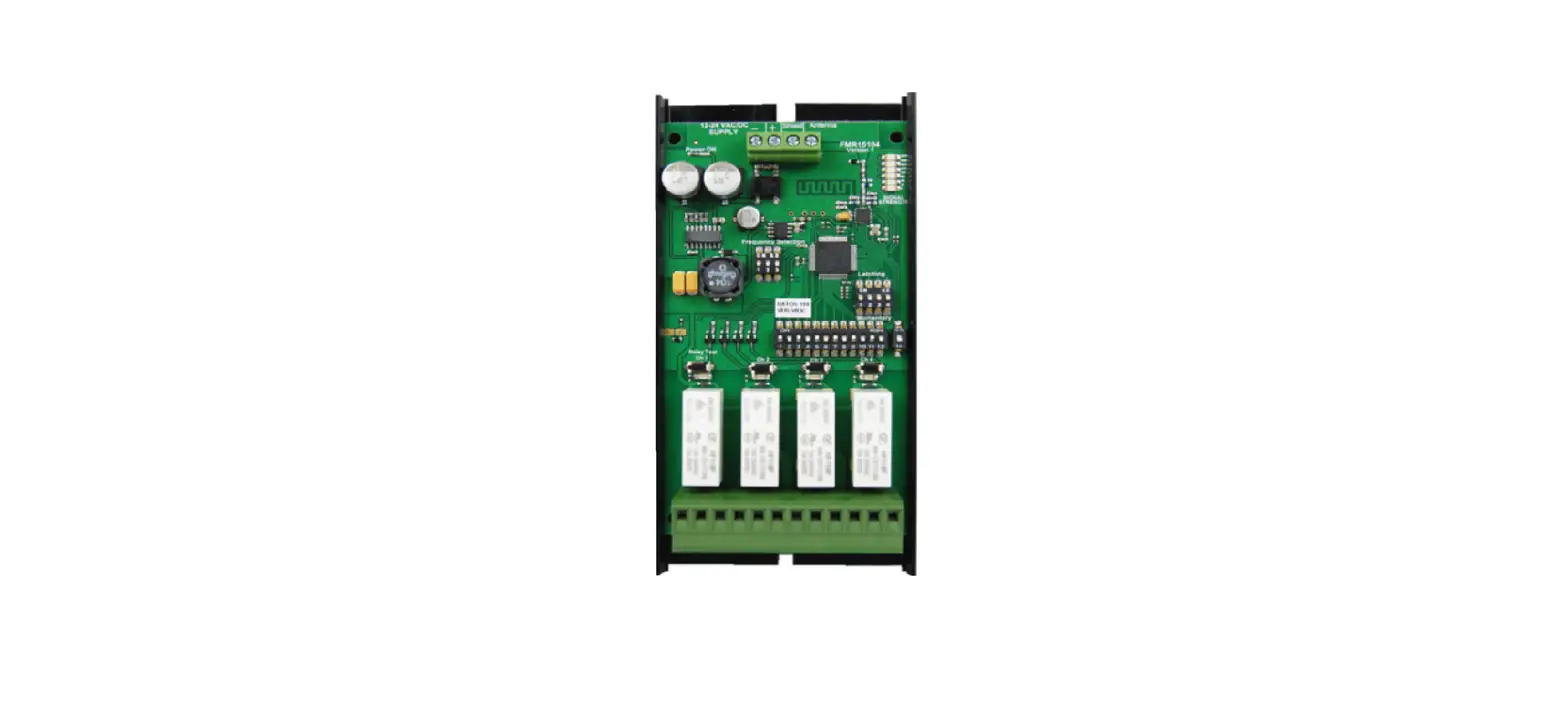
| PCR43304R 4-Channel Receiver with Relay Outputs | PCR43304RE 4-Channel Receiver enclosed in an IP66 case | PCR43305R 5-Channel Receiver with Relay Outputs | PCR43305RE 5-Channel Receiver enclosed in an IP66 case |
Technical Data
| Supply Voltage | 100 to 240 Volts AC Mains |
| Frequency Band | 433.100 to 434.700MHz |
| Receiver Sensitivity | Better than 0.316uV (-117dBm) |
| Operating Temperature Range | -5 to 50°C |
| Receiver Memory Storage | Unlimited Remotes |
| Decoding System | Encrypted 17 billion codes combinations or On board 12-way code switch |
| Outputs | 2 Voltage free change over relay outputs, rated at 8 Amps at 240Volts AC |
| Relay Contacts | Common (C), Normally Closed (NC) & Normally Open (NO) |
| Connections | Screw type terminal block |
| Antenna | ANT433 series for long range applications. Antenna wire for short range applications |
| Operating Range | Refer to the remote control or transmitter datasheet |
| Dimensions | 120 x 70 x 30 (PCR43301240R), 125 x 80 x 75 (PCR43301240RE) |
| Weight | 140grams (PCR43301240R), 330grams (PCR43301240RE) |
| Useable Transmitters | FOB433 series and PCK series. |
PCR43301240R
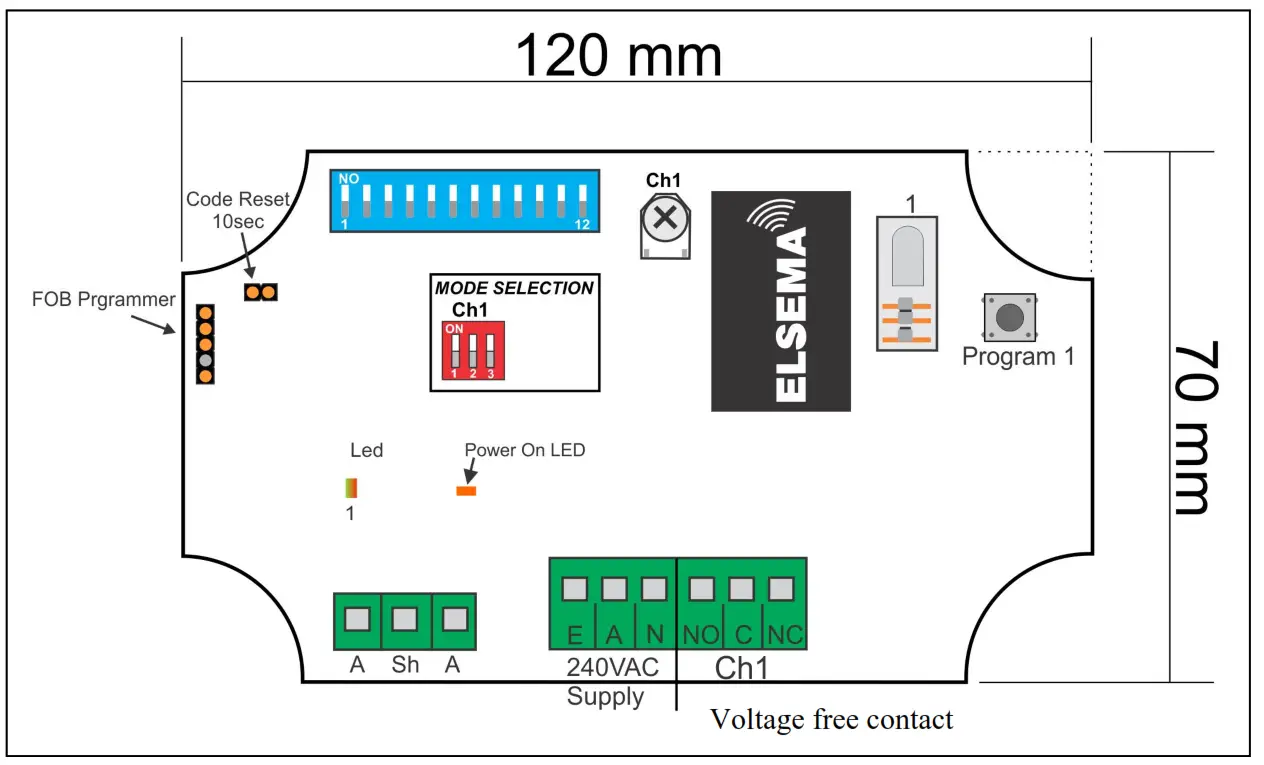
PentaFOB ® Programming Instructions
Coding the PentaFOB® remotes and receivers can be done in 2 different ways.
- Remote to Receiver
- Remote to Remote
Remote to Receiver
- Check that all switches are “OFF” on the receivers 12-way dip switch
- Press and hold the program button on the receiver
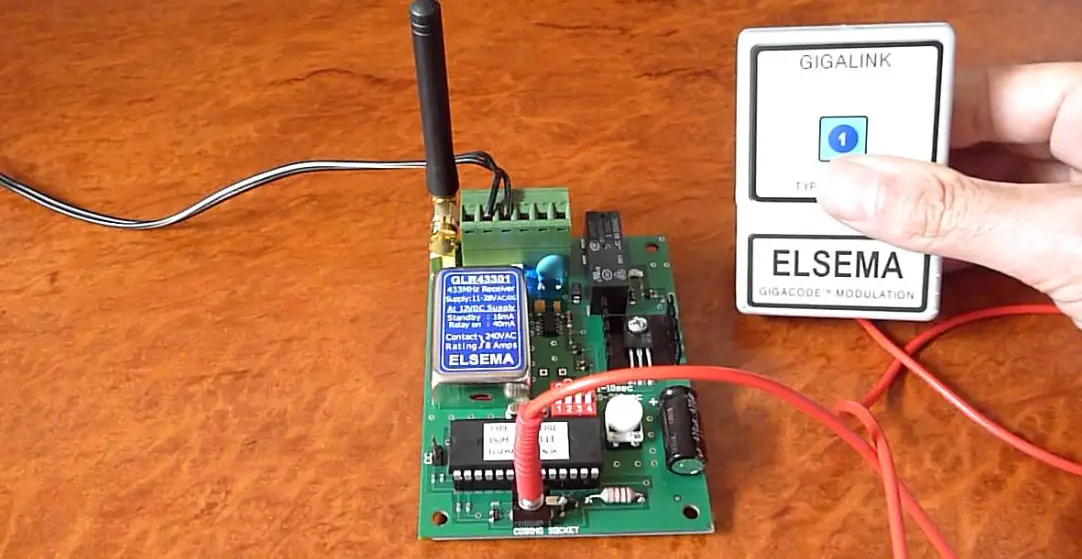
- Press the remote button for 2 seconds, receiver LED will flash and then turn Green
- Release the button on the receiver and the remote
- Press remote control button to test the receiver output
Remote to Remote (you should be near the receiver for this procedure)
- Open the case of a remote control that is already programmed and press and release the program button on the back of the board (The receiver enters learning mode)
- Press the button of the remote in step 1 which activates the receiver
- Press the button on the new remote which needs to be programmed for 2 seconds
- Press the program button again of the remote in step 1(The receiver exits learning mode)
- Press the new remote control button to test the receiver output
For receiver’s which do not have the red marking
- Open the case of a remote control that is already programmed and press and release the program button on the back of the board
- Press the new remote control button for 2 seconds
- Press the new remote control button again to test the receiver output
Deleting Receivers Memory
Short the Code Reset pins on the receiver for 10 seconds. This will delete all the remotes from the receiver’s memory.
PentaFOB® Programmer
This programmer allows you to add and delete certain remotes from the receiver memory. This is used when a remote control is lost or a tenant moves from the premises and the owner wants to prevent un-authorised access.
PentaFOB® Backup Chips
This chip is used to backup or restore the contents of a receiver. When there are 100’s of remotes programmed to a receiver the installer normally backups the receiver memory in case the receiver is damaged.
12- Way Dip Switch Coding
- Set a random code on the receiver dip switch by flicking the dip switches “On” or “Off”. (DO NOT USE THE DEFAULT FACTORY SETTING FOR THE 12-WAY DIP SWITCH AS THIS IS A COMMON CODE)
- Open the battery cover in the PentaCODE® remote.
- Match the 12-way dip switch to the receivers 12-way dip switch.
- Press button 1 on the remote and the receiver output should activate. This is indicated by the receiver LED.
To program the same PentaCODE® remote buttons 2, 3 or 4 to another receiver change dip switch 11 and 12 in the 2nd, 3rd and 4th receivers. For example:
| Receivers Dip Switch 11 | Receiver Dip Switch 12 | |
| Receiver 1 | Off | Off |
| Receiver 2 | On | Off |
| Receiver 3 | Off | On |
| Receiver 4 | On | On |
Dip switches 1 to 10 should all be the same in the remotes and the receivers.
Encrypted Coding – (All 12-Way Dip Switches must be “Off”)
Coding the PentaCODE ® remotes and receivers can be done in 3 different ways.
- Receiver to a Remote
- Remote to a Receiver
- Remote to a Remote
Receiver to a Remote
- Press and hold the program button 1 on the receiver.
- Press the remote button you want to program for 2 seconds, receiver LED will flash Green
- Release the button on the receiver and the remote.
- The LED on the PentaCODE ® remote will flash to confirm the coding has been successful.
Remote to a Receiver / Remote to a Remote
Set one of the remotes or receivers to broadcast its code. The broadcaster’s code will be programmed to the other units.
– To broadcast the remotes code make sure all 12 dip switches are “off”. Then press and hold button 1 and flick dip switch 12 “on” and then “off”. This is confirmed by the LED’s being on for 10 seconds. You can release the remotes button 1.
– To broadcast the receivers code make sure all 12 dip switches are “off” and then flick dip switch 12 “on” and then “off”. This is confirmed by the green LED being on for 10 seconds. While broadcasting the code press button 1 on a different remote or receiver for 1 second and then release the button. The LED will flash twice to confirm successful programming. Broadcasting will be latched on for 10 seconds or stop if any dipswitch is turned on. Deleting Receivers Memory
Short the CC pin on the receiver for 10 seconds. This will delete all the remotes from the receiver’s memory.