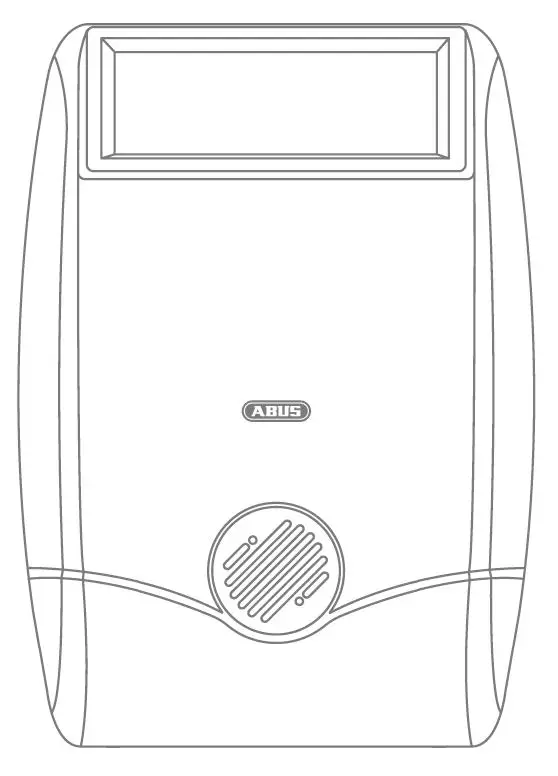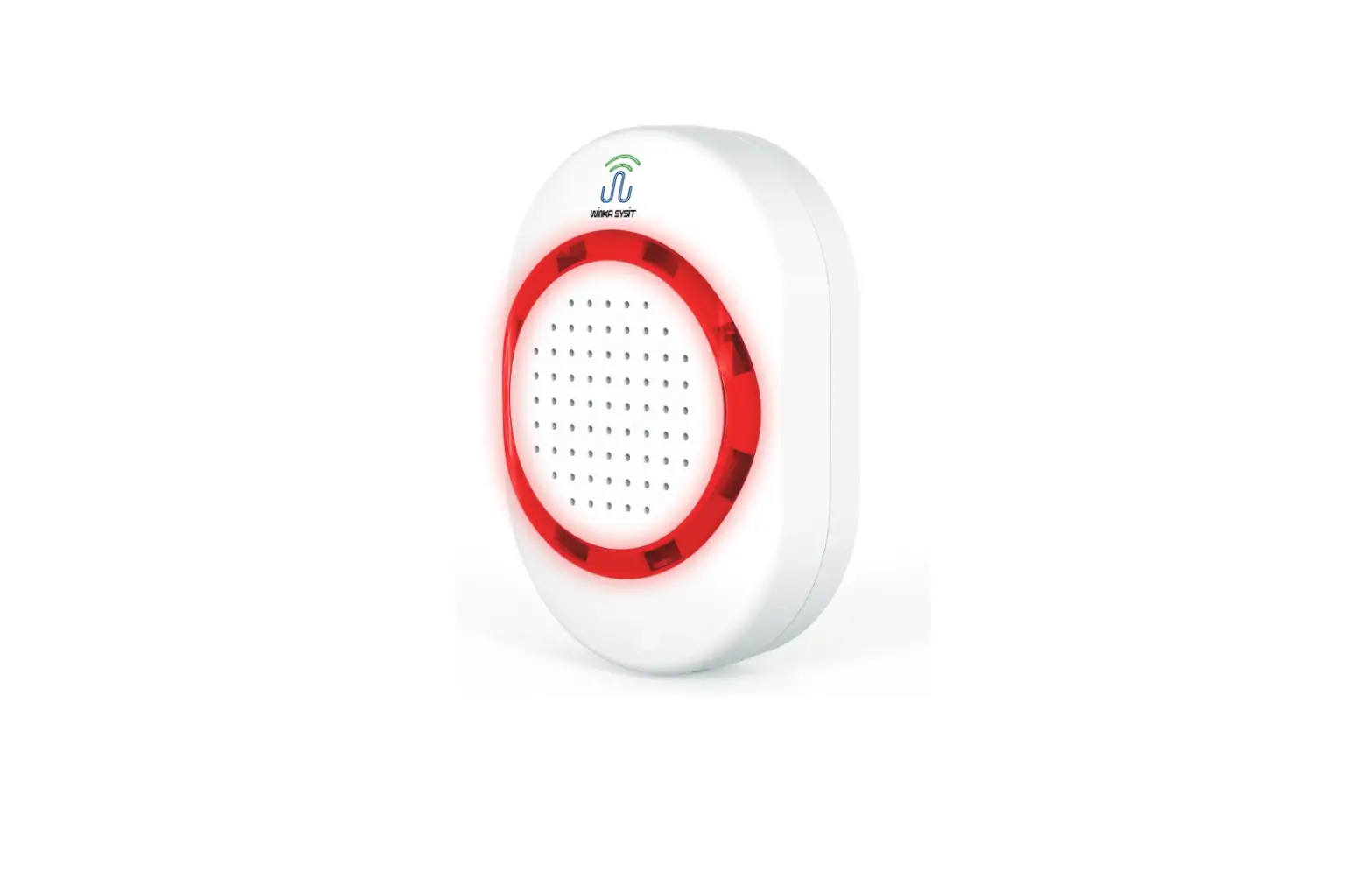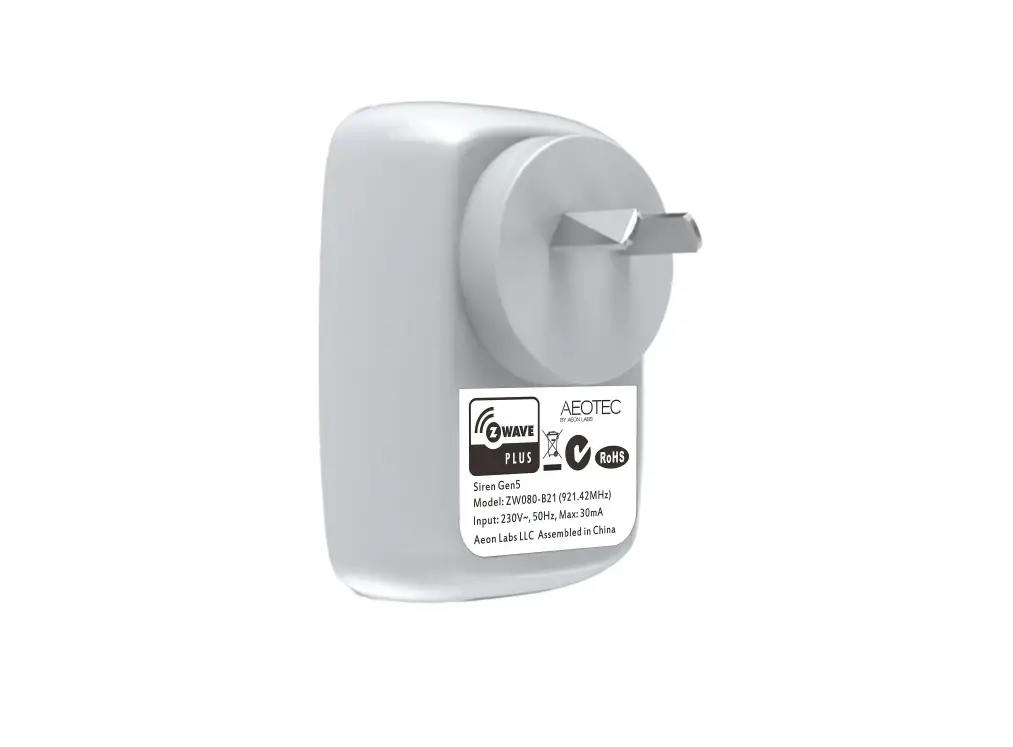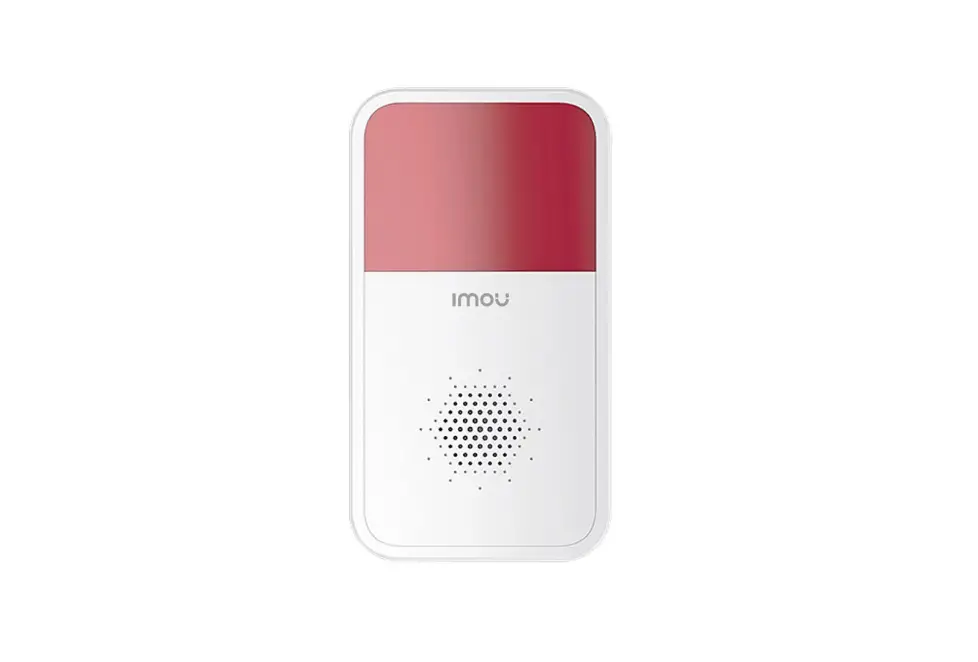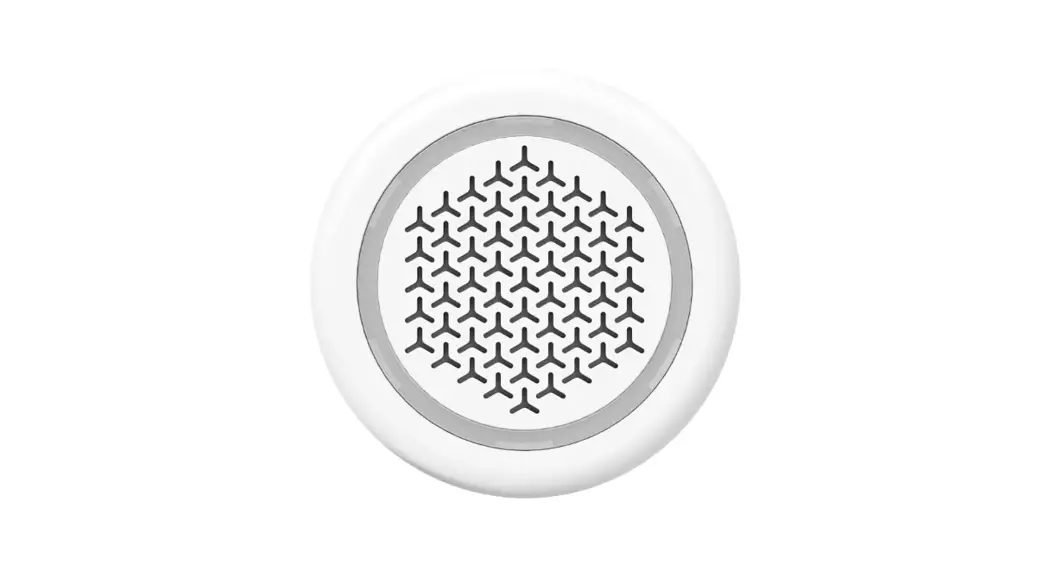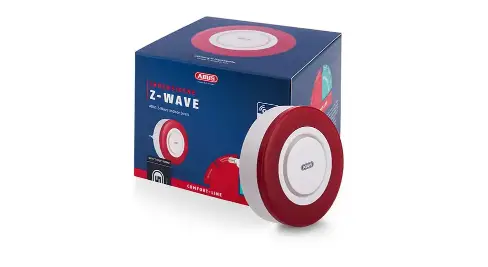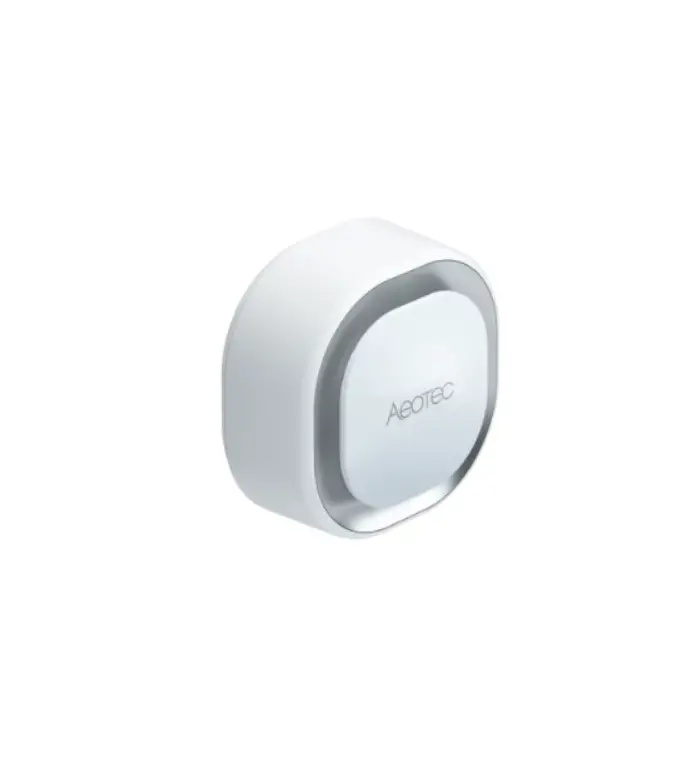

ERIA 81868 Smart siren
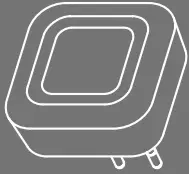
- Insert the siren with the plug into an outlet.

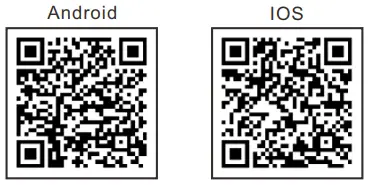
- A. Download the Adurosmart App from the Apple App Store or from Google Play or go to http://adurosmart.com/adurosmart-app/

- B. If you have a third party ZigBee compatible hub then proceed to step 8.
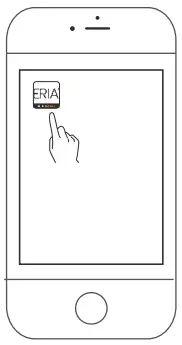
- Open the Adurosmart Eria APP.

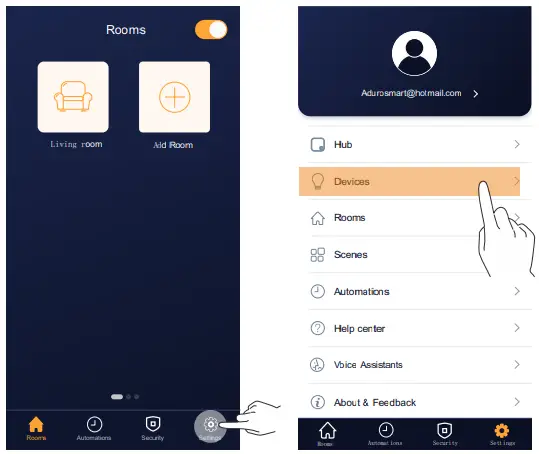
- On the bottom right corner press on “Settings”.
- Select “Devices”.

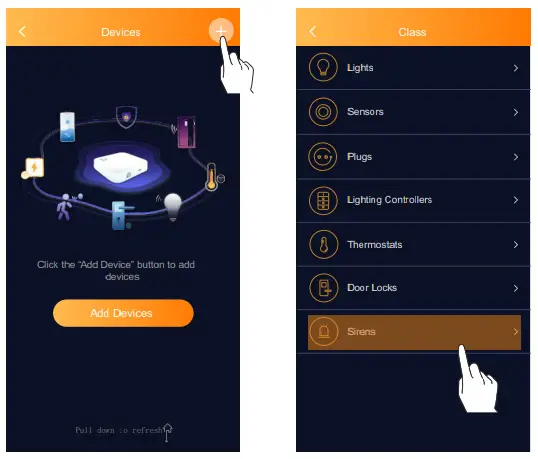
- On the top right corner press on the “+” symbol then press on “Add device”.
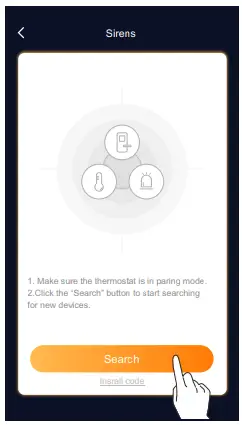
- Press on “Sirens”.

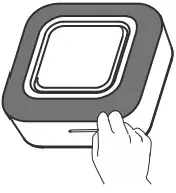
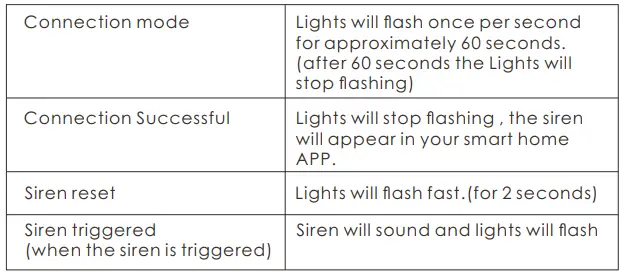
- Use the included pin to press the button that is located behind the safety hole. The light will slowly flash continuously for 60 seconds.(Device is in pairing mode)

- If you have a third party hub, then this is the moment to initiate the search from your Smart Home hub app.
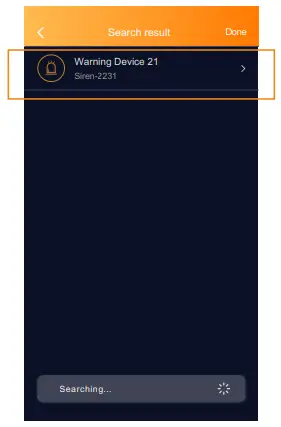
- Proceed by pressing on “Search” to allow the Adurosmart ERIA hub to and the siren, the LED indicator on the hub will flash green this indicates that the hub is searching for devices.

- When the siren has been found and paired successfully the siren will stop flashing and it will show up in your search complete the process .

LED FUNCTION TABLE
NEED HELP? CALL US
For troubleshoots, instruction video’s or more information please visit us at www.adurosmart.com/faq Chat with one of our support agents at www.adurosmart.com The Netherlands: +31 523687532 [email protected]
Warning Device 21 Siren-2231 www.adurosmart.com/manuals/smartsiren
 adurosmart.com/adurosmart-app/
 adurosmart.com