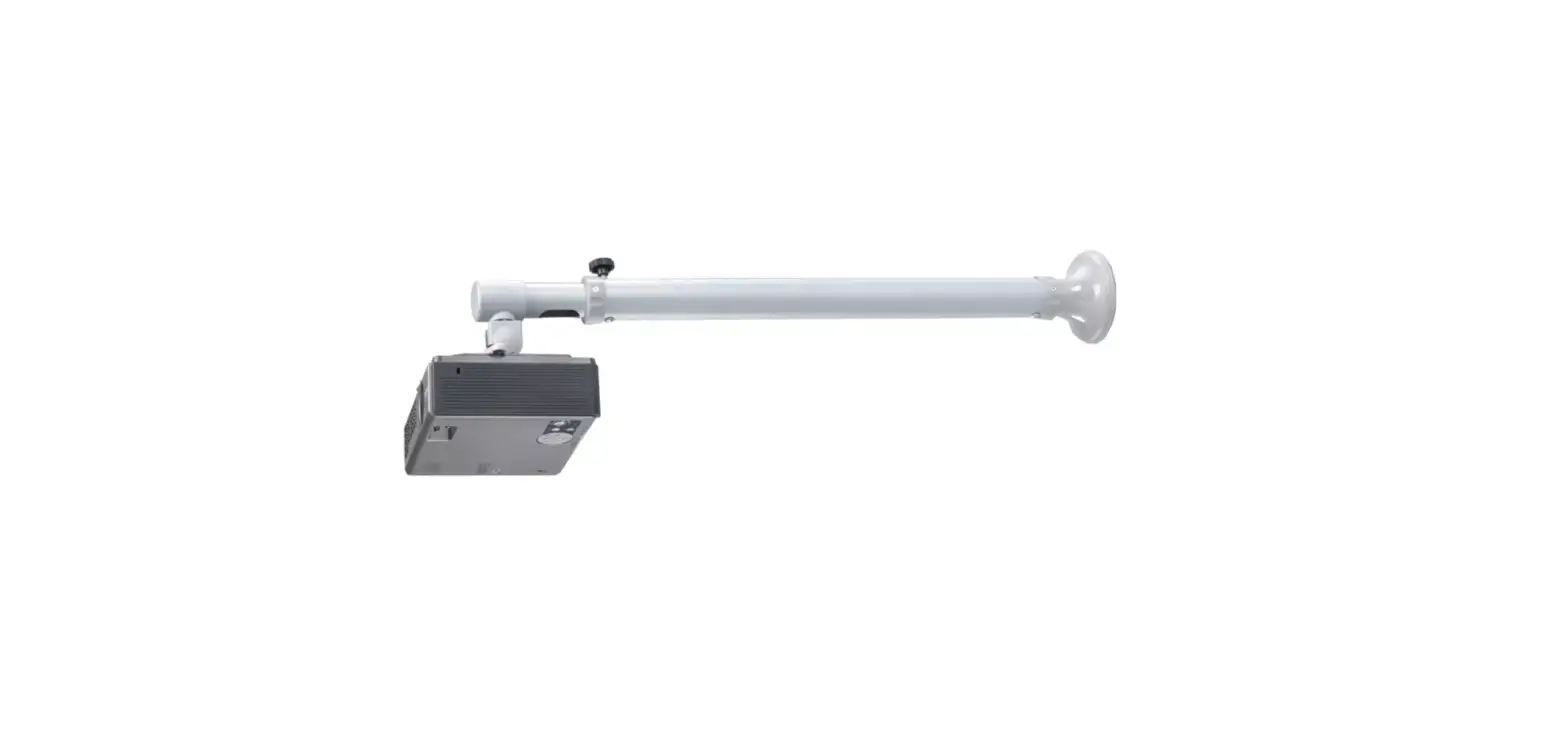
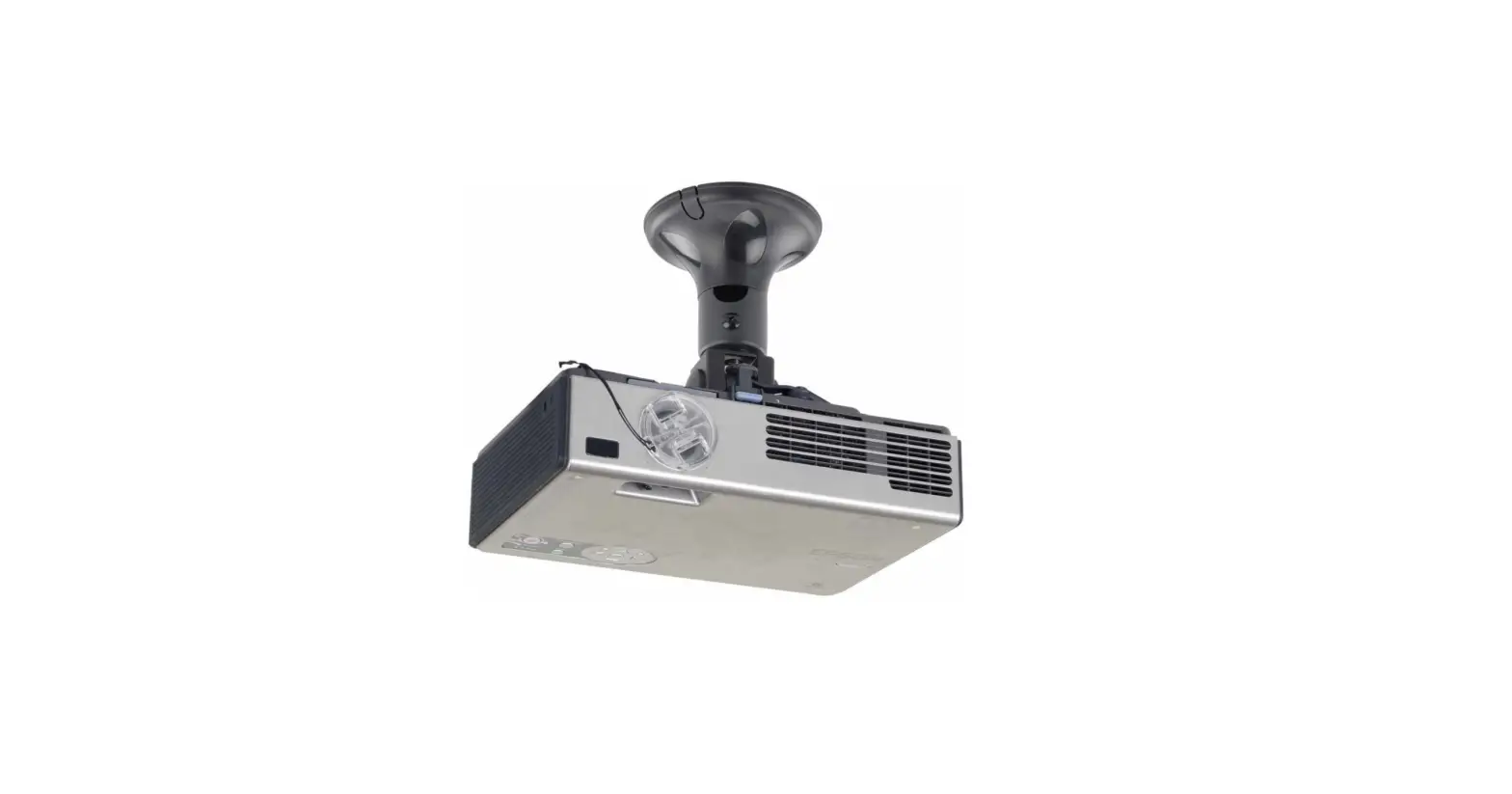
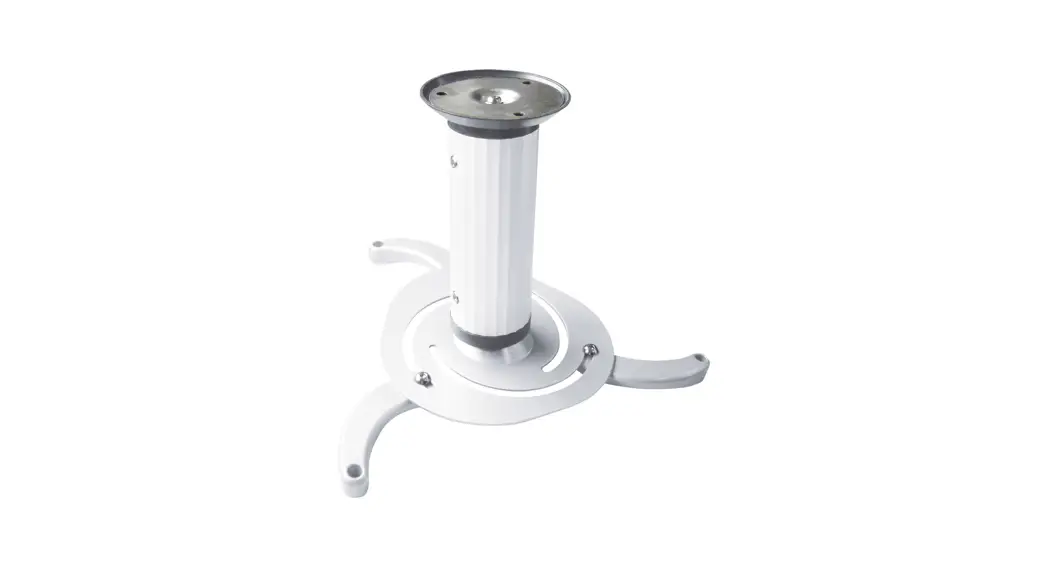
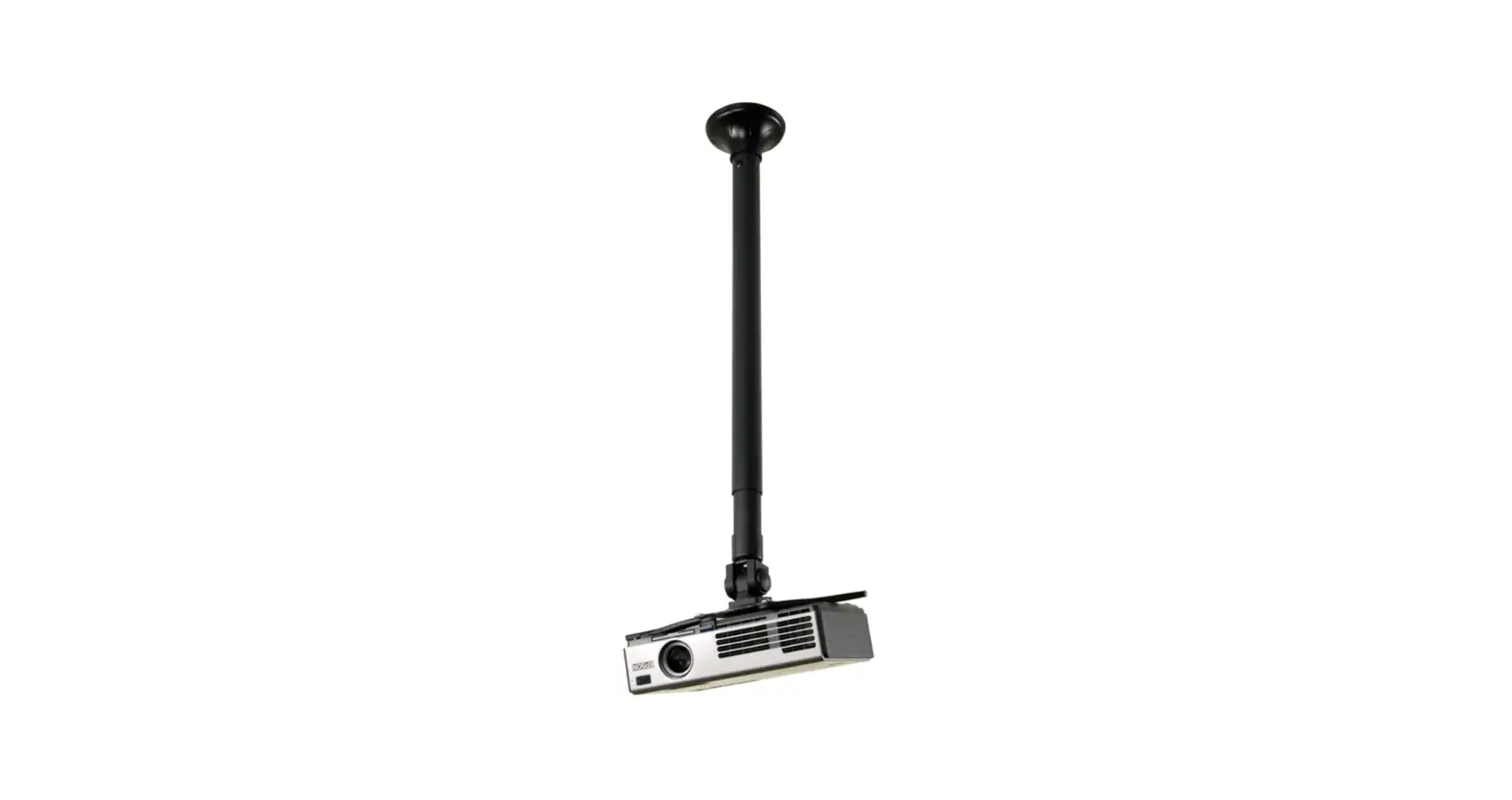
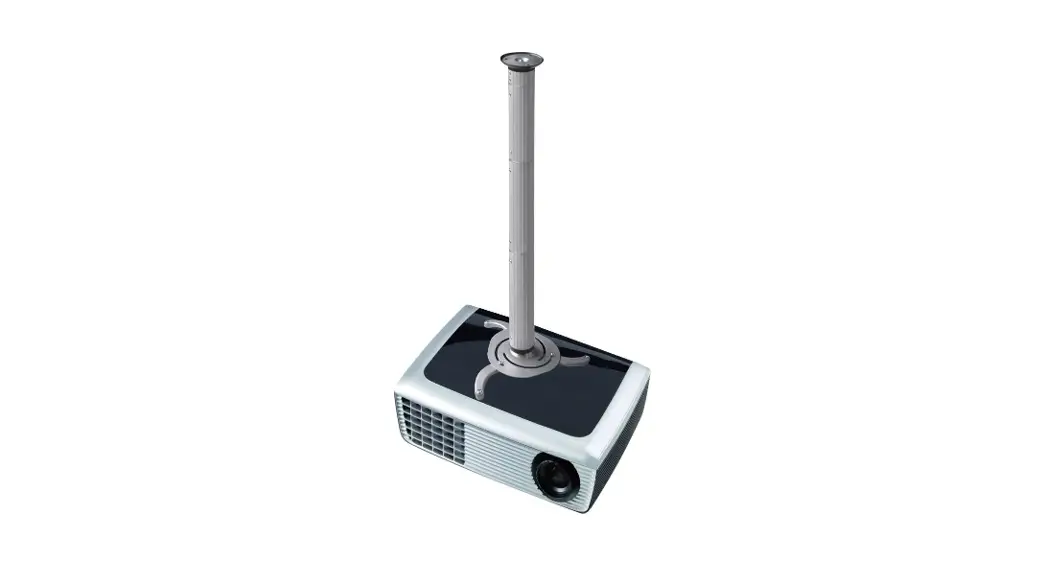
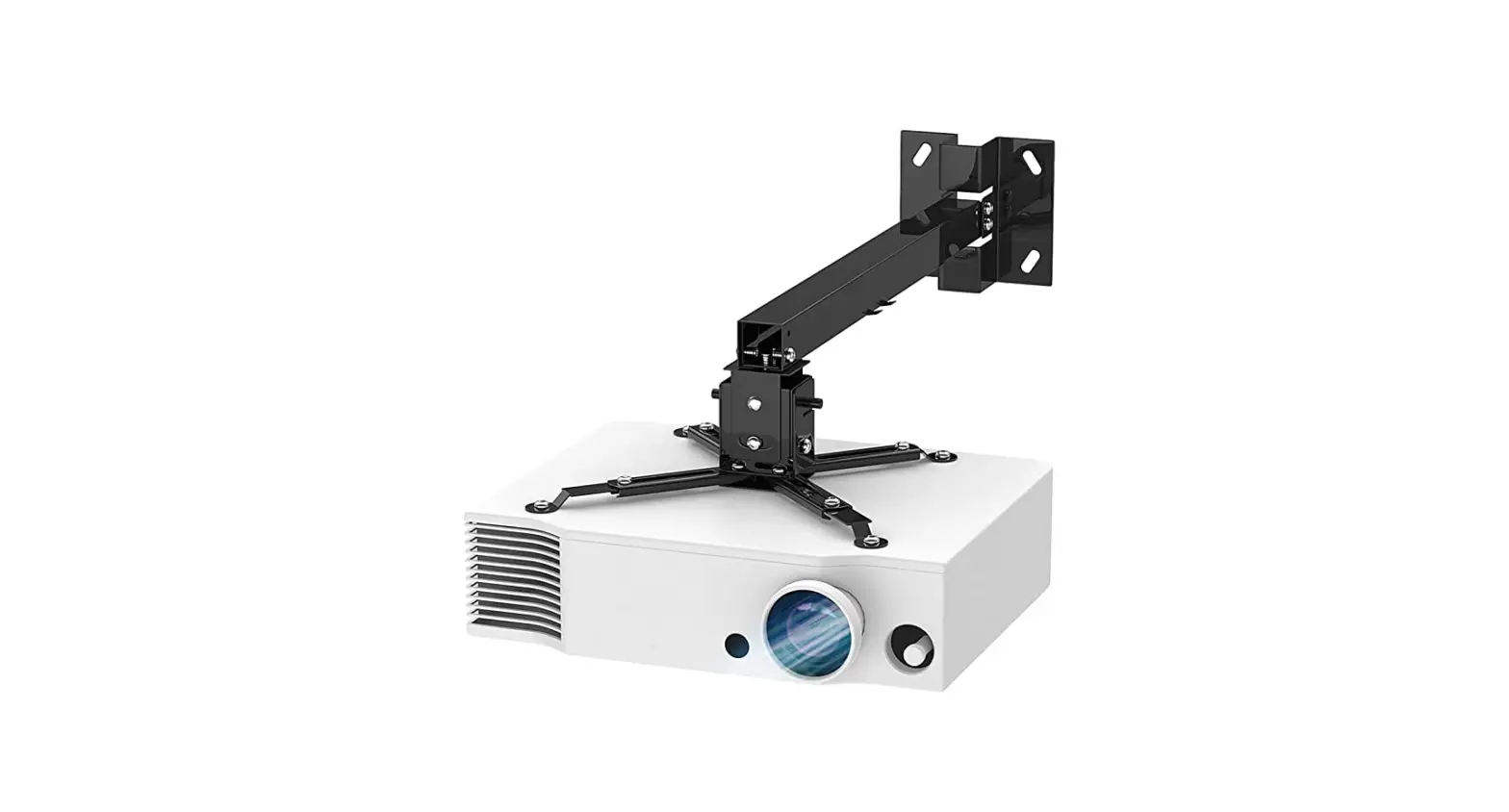
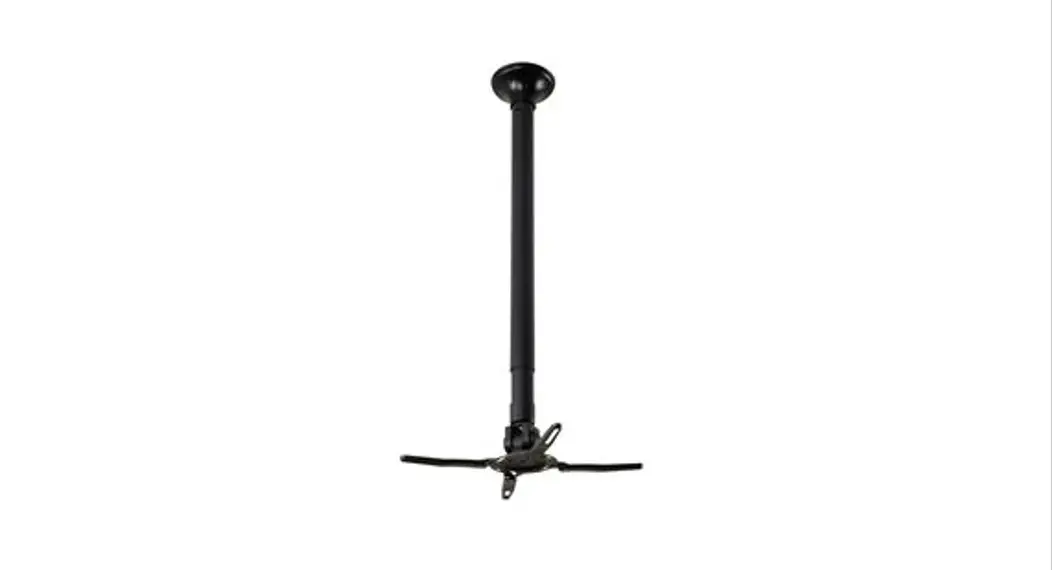
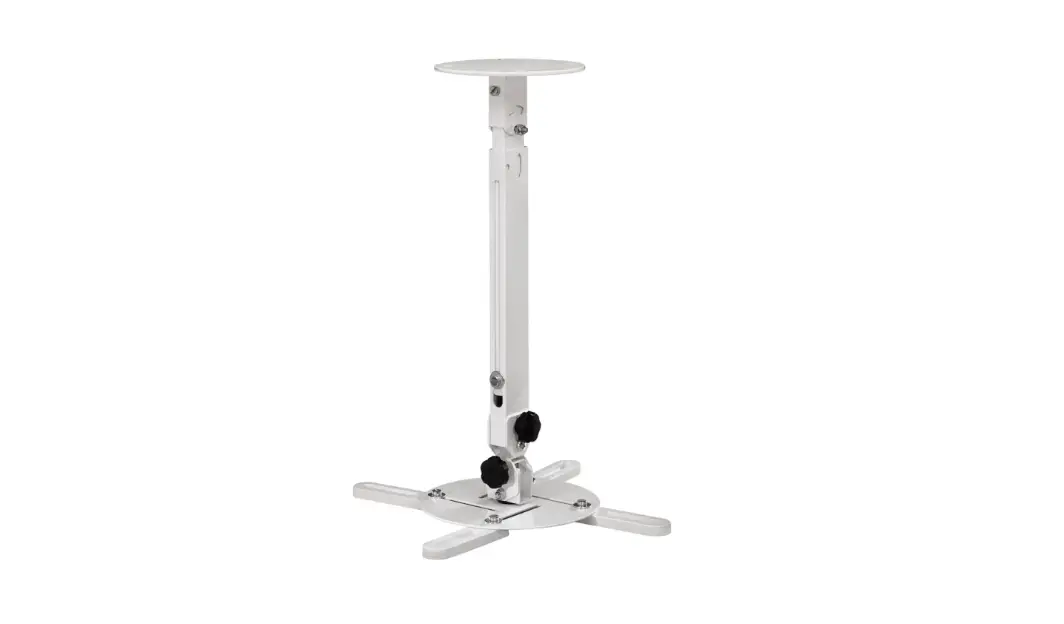
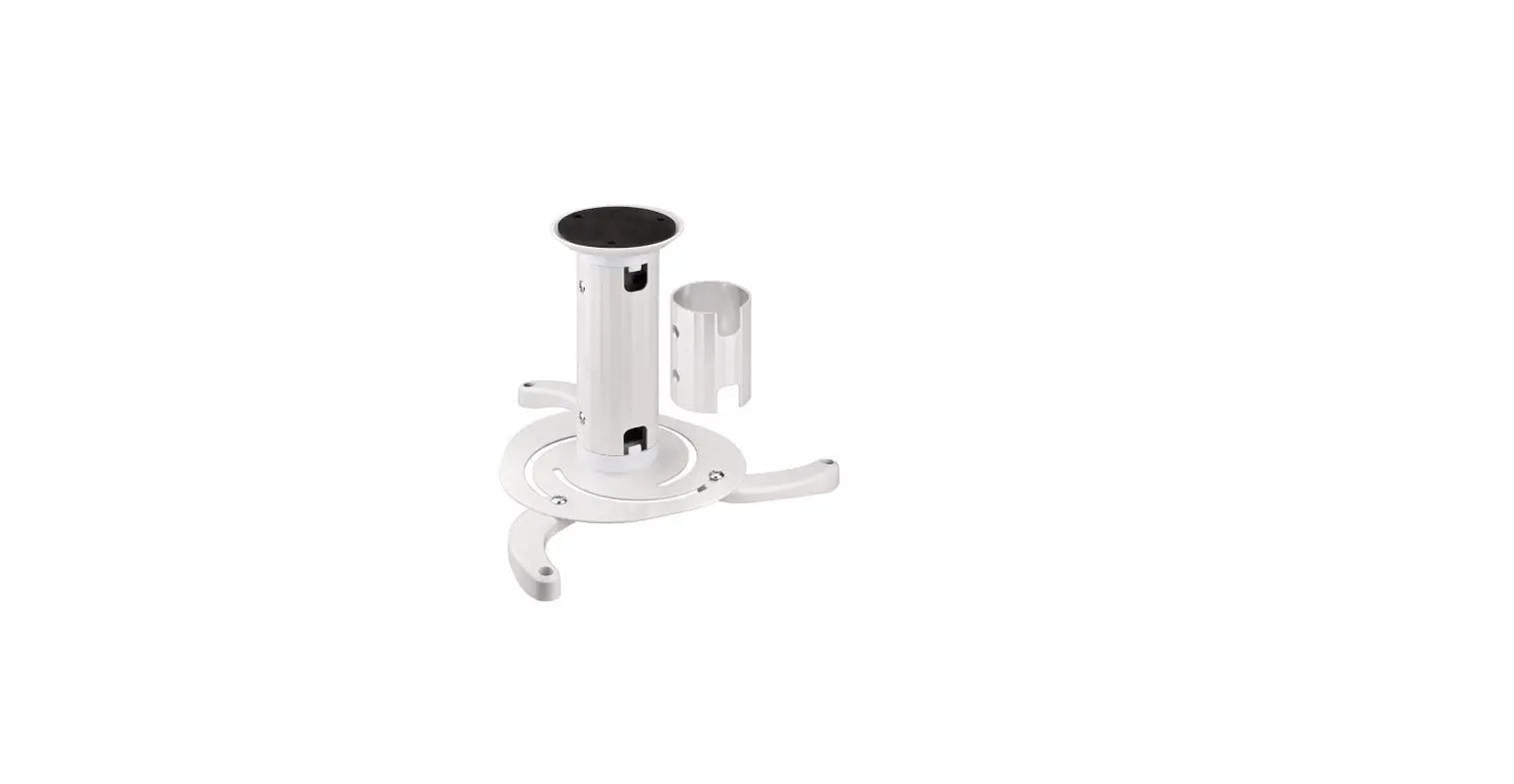
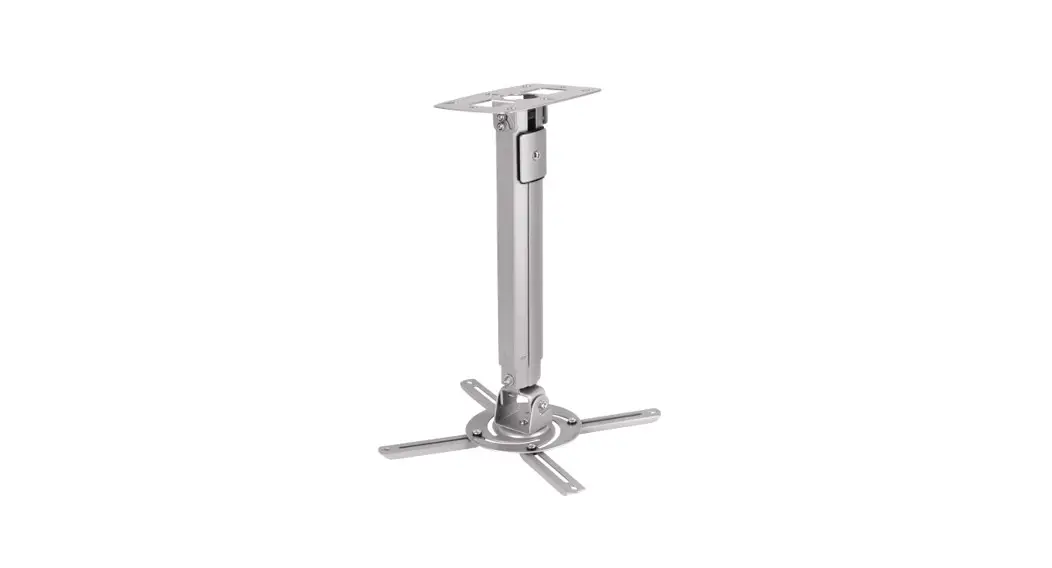
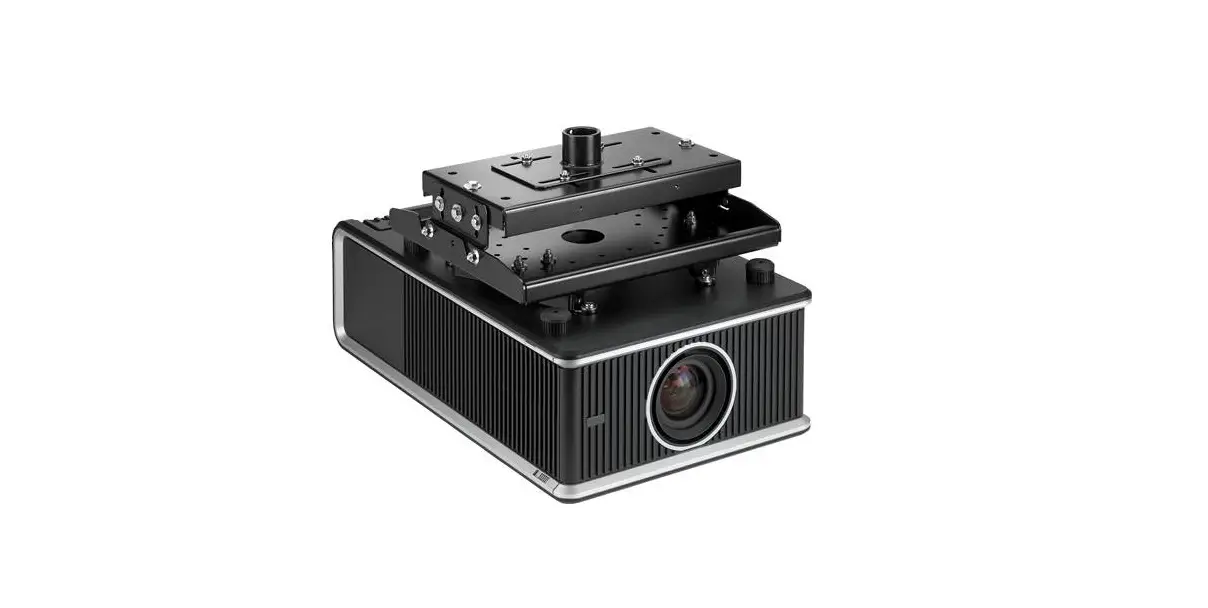
BEAMER-W050SILVER Projector Mount
Product Information
Product Name: Beamer-W050Silver
Product Website: www.neomounts.com
Maximum Length: 390 mm
Weight Capacity: 0-12 kg | 0-26.5 lbs
Adjustable Range: 37-47 cm
Product Usage Instructions
- Prepare the necessary parts and tools:
- 1/4×2 screws (x4)
- #14×2 screws (x4)
- M6x10 screws (x4)
- M3x16 screws (x4)
- M4x16 screws (x4)
- M5x16 screws (x4)
- M6x16 screws (x4)
- M3 nuts (x4)
- M5 nuts (x4)
- E caps (x4)
- F tool (x1)
- G cover (x1)
- H (x2) – unspecified part
- I M6x12 screw (x1)
or tightening the screws
Please refer to the user manual for additional instructions in
other languages.
INSTRUCTION MANUAL
3p7e0r ~2457m0 mmm 180°
360°
MAX: 390 mm
BEAMER-W050SILVER
EN Projector mount NL Projector mount DE Projektor Halterung FR Support pour vidéoprojecteur IT Supporto per proiettore ES Soporte de proyector PT Suporte de projetor DK Projektorbeslag
NO Projektor feste SE Projektorfäste FI Projektoriteline PL Uchwyt do projektora CS Drzák projektoru SK Drziak na projektor RO Suport pentru proiector
WWW.NEOMOUNTS.COM
BEAMER-W050SILVER
PARTS
1/4″x2″ (x4) #14″x2″ (x4) A.
B. M6x10 (x4)
M3x16 (x4) M4x16 (x4) M5x16 (x4) M6x16 (x4) C.
M3 (x4)
M5 (x4) D.
STEP 1
EN Install the extension brackets NL Installeer de extensie haakjes DE Installieren der Zusatzklammern FR Installez les supports de rallonge IT Installa le staffe di estensione ES Instale los extensores PT Instale os suportes de extensão PL Zainstaluj przedluki ramion uchwytu
E. (x4)
F. (x1)
B
Tool
Drill
0-12 kg | 0-26,5 lbs
37-47 cm
G. (x1)
H. (x2)
I. M6x12 (x1)
STEP 3
EN Install the mount, route the cables and place the cover NL Installeer de steun, werk de kabels weg en plaats de afdek-
kappen DE Montieren Sie die Halterung, Kabel verlegen und Abdeckung
monitieren FR Installation du support, câbles de routage et placez les capu-
chons de protection IT Installa il supporto, routing dei cavi e metti le coperte ES Instalar el soporte, colocacion de los cables y coloque las
tapas de la cubierta PT Instale o suporte, colocação dos cabos e coloque as tampas PL Zainstaluj uchwyt, organizacja kabli i umie oslony
STEP 4
EN Adjust the depth NL Pas de diepte aan DE Einstellungen der Tiefe FR Ajustez l’écartement IT Regolare la profondità ES Ajuste la profundidad PT Ajuste a profundidade PL Dostosowa glboko
STEP 2
EN Attach the VESA plate NL Bevestig de VESA plaat DE VESA Platte fixieren FR Fixation de la plaque VESA IT Collegamento del piatto VESA ES Colocación de la Placa VESA PT Colocar a placa VESA PL Monta plytki VESA
E
C D for M3~M5
STEP 5
EN Adjust the mount to your desired position and loosen or
tighten the screws if necessary
NL Stel de steun in op de gewenste positie en draai de schroe-
ven indien nodig
DE Bringen Sie die Halterung in die gewünschte Position, durch
lockern oder anziehen der Schrauben
FR Positionnez le support dans la position désirée en désserrant
et resserant les articulations de hauteur, d’inclinaison et de
rotation
IT Regolare il supporto nella posizione desiderata e allentare o
serrare le viti se necessario
ES Coloque el soporte en la posición deseada y gire los tornillos
si es necesario
I
PT Ponha o suporte na posição desejada e afrouxe ou aperte os
parafusos, se necessário
PL Dostosuj pozycj uchwytu do twoich wymaga i poluzuj
zacin rubki, jeli to konieczne
A F
 Neomounts