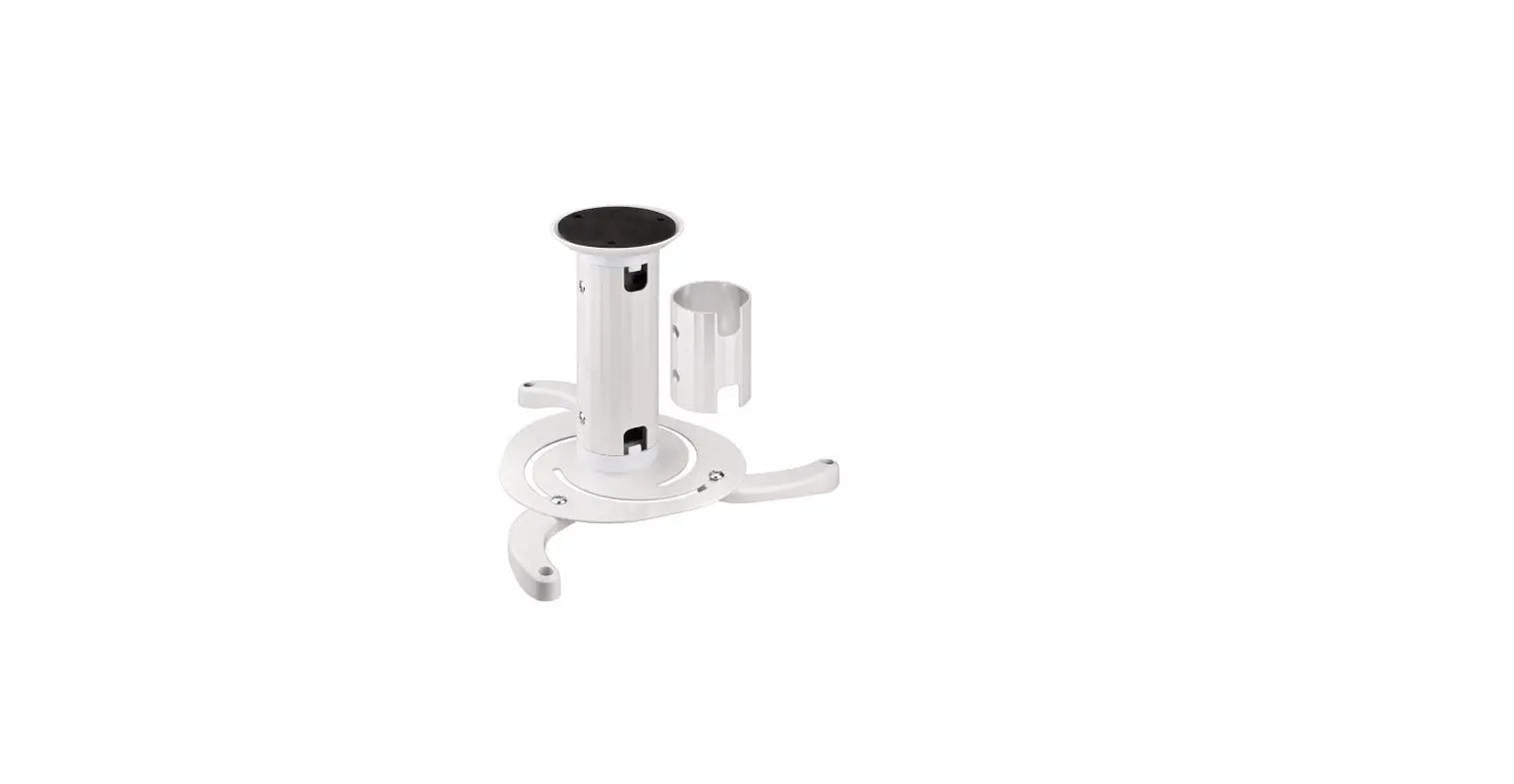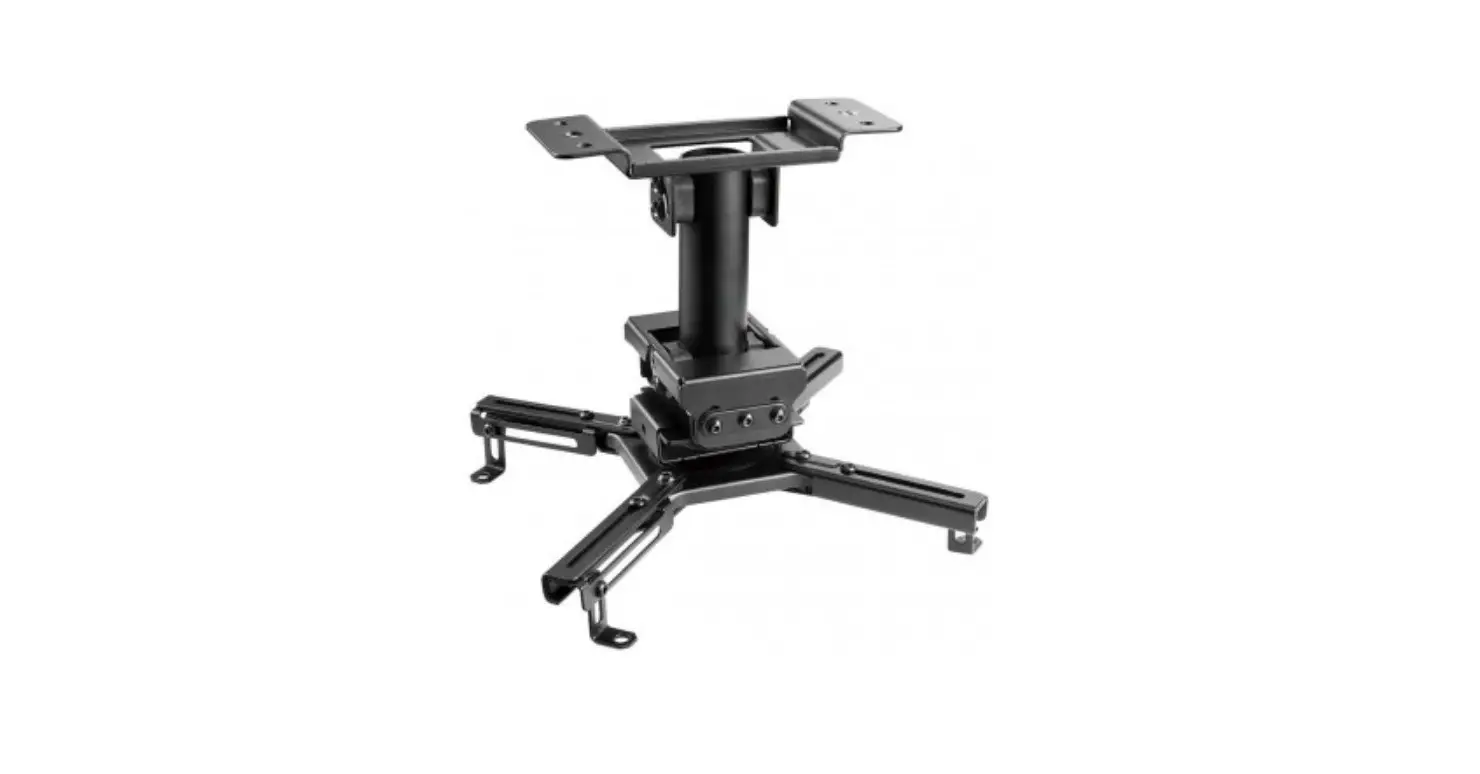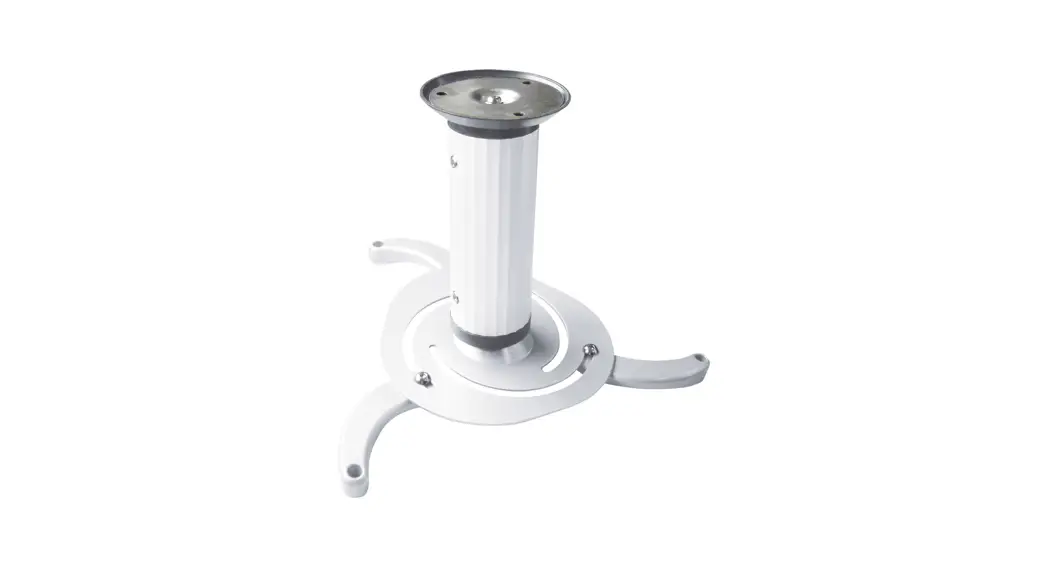

INSTRUCTION MANUAL
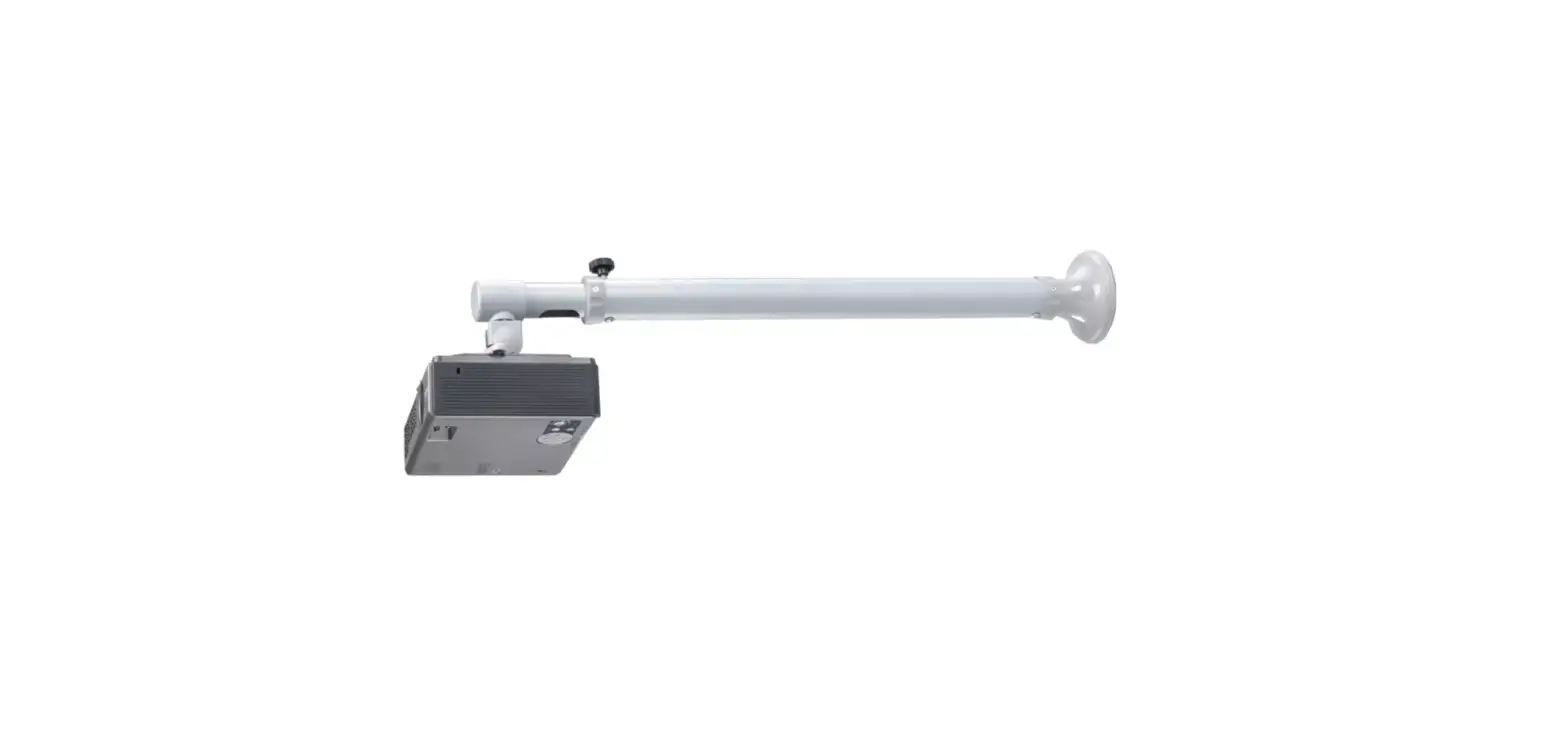
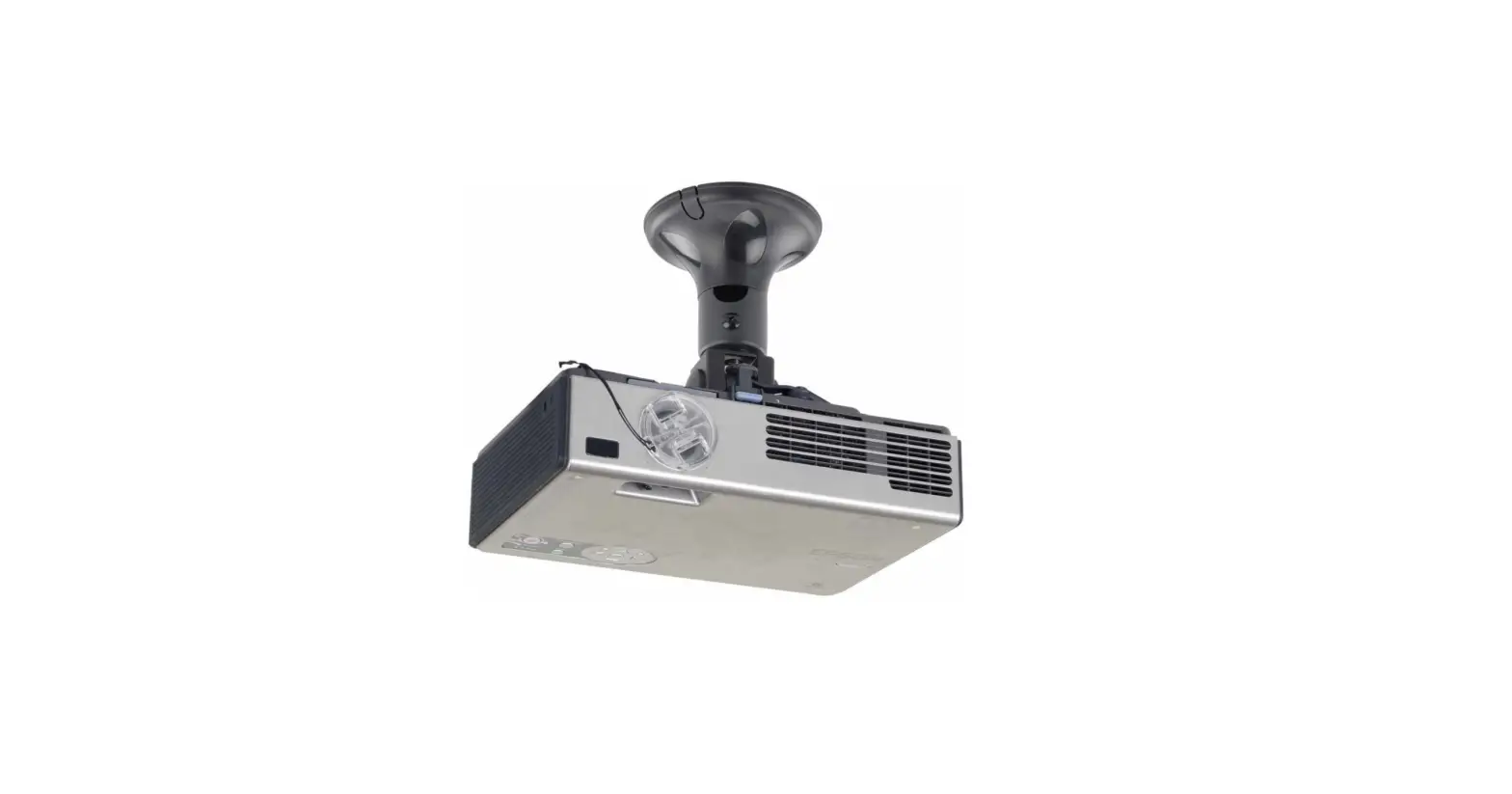
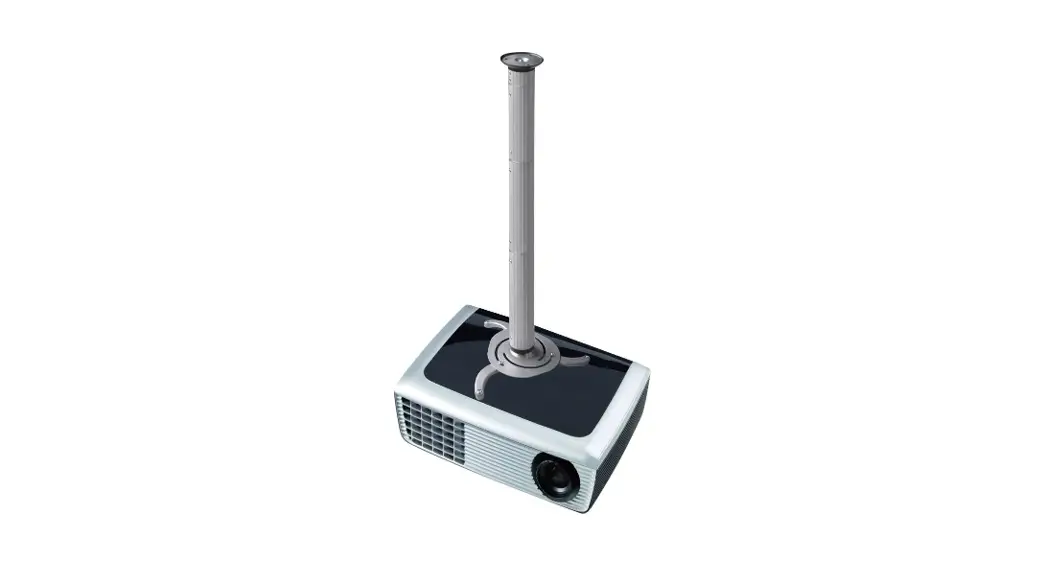
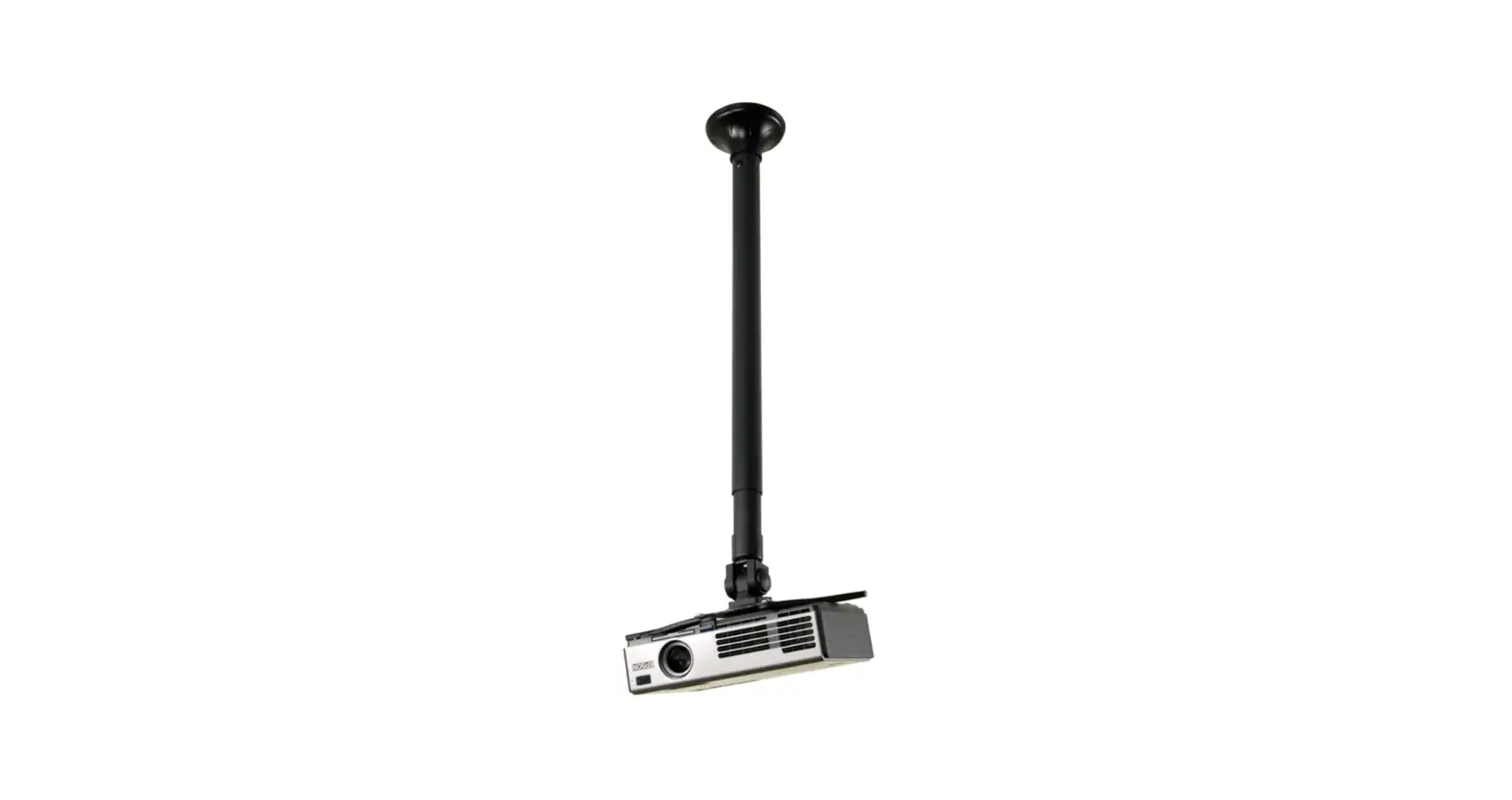
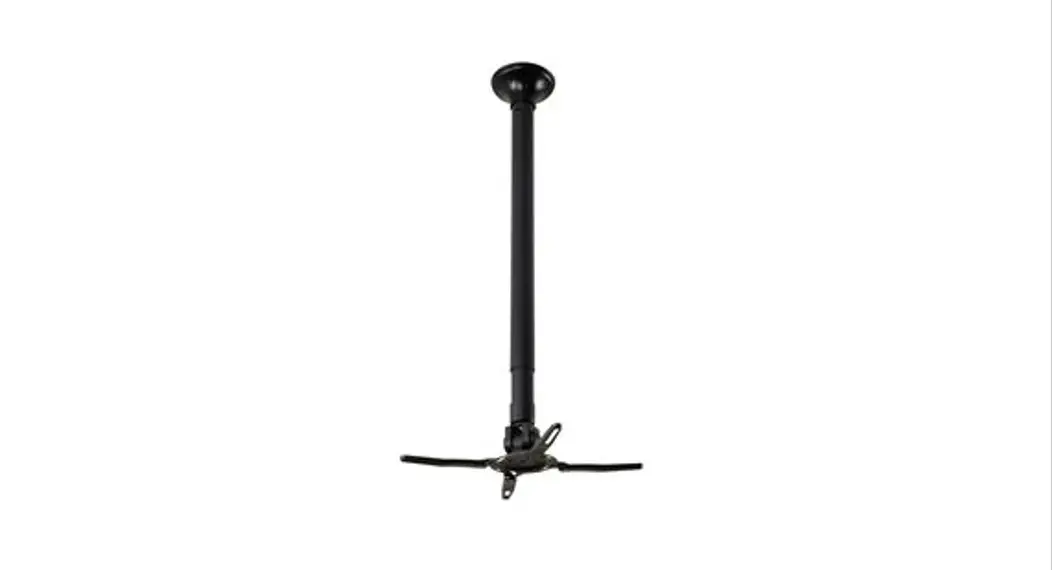
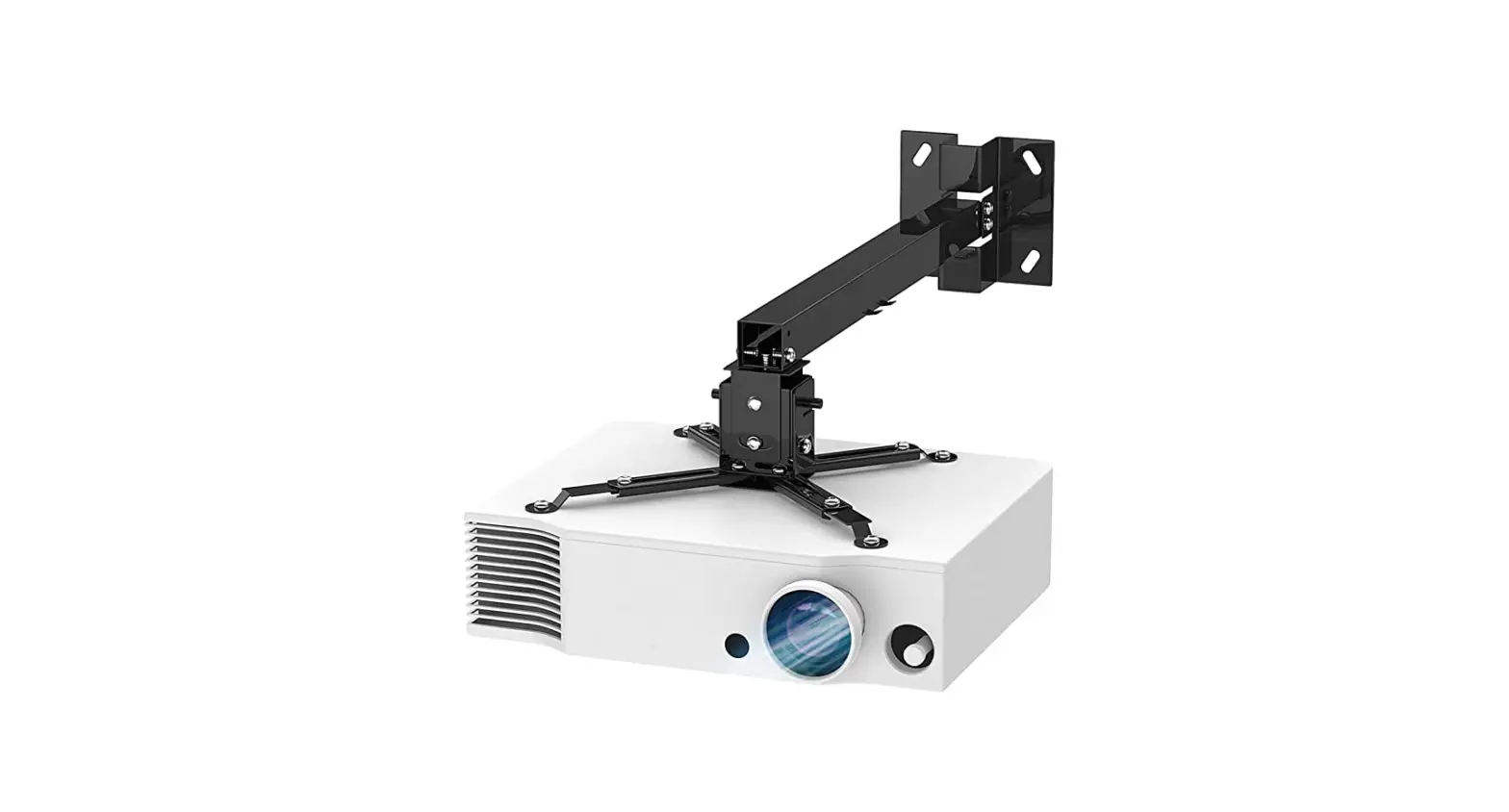
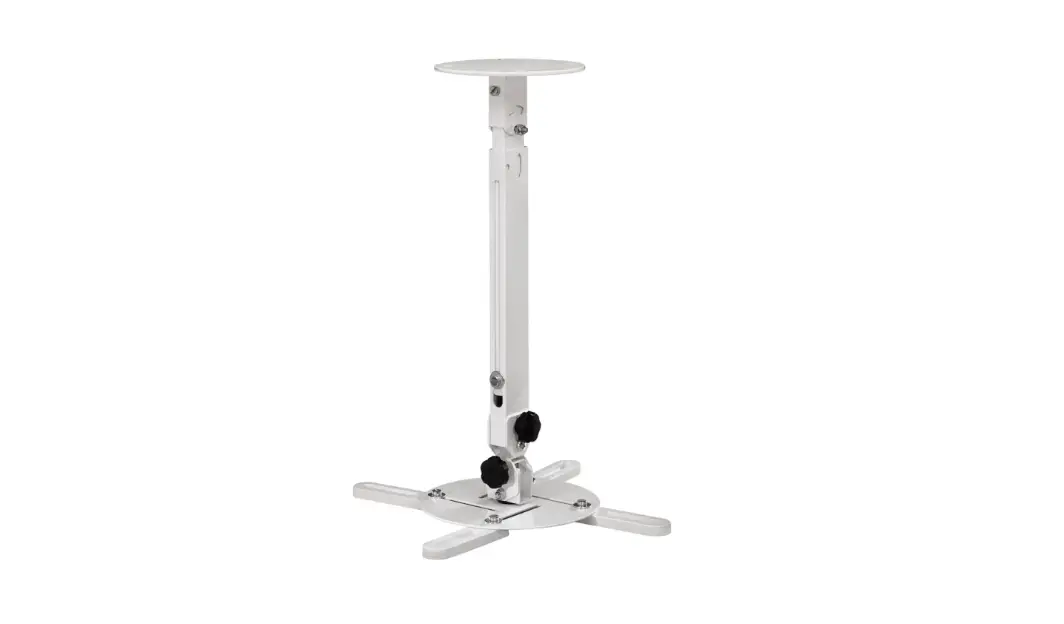
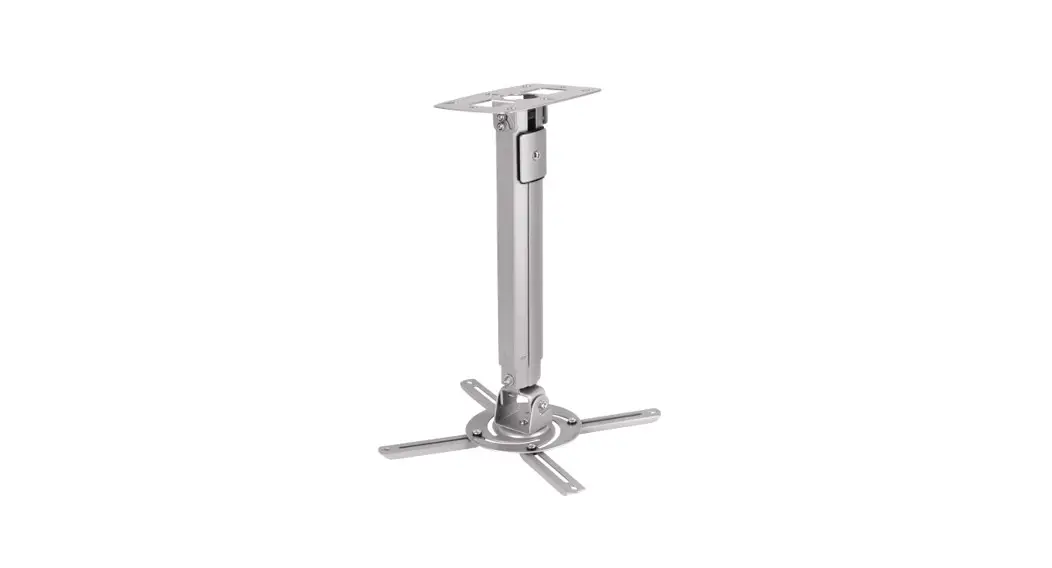
BEAMER-C80WHITE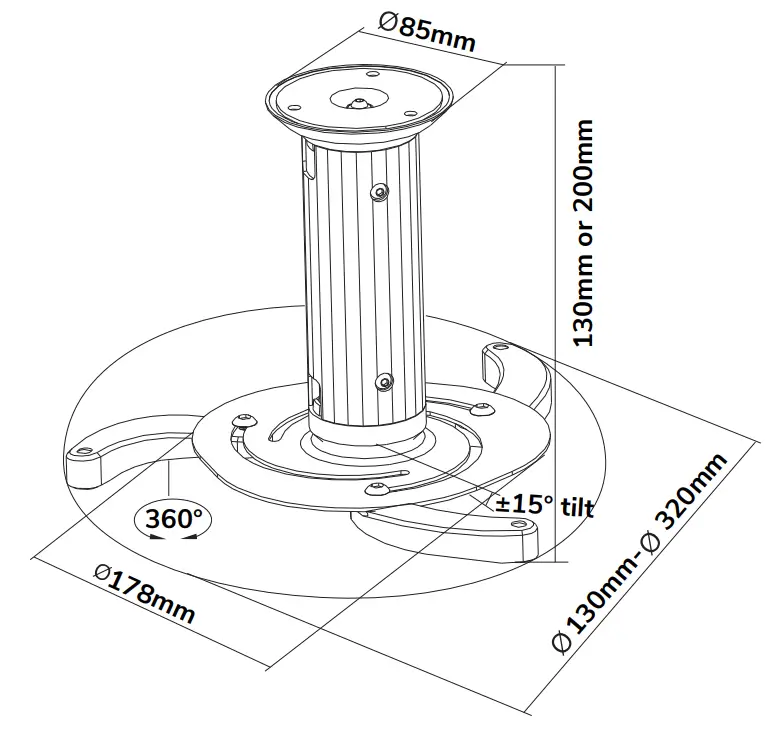
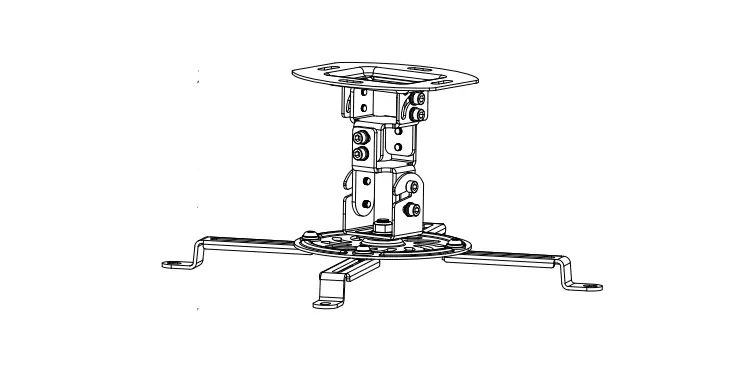
Projector mount
WWW.NEOMOUNTS.COM
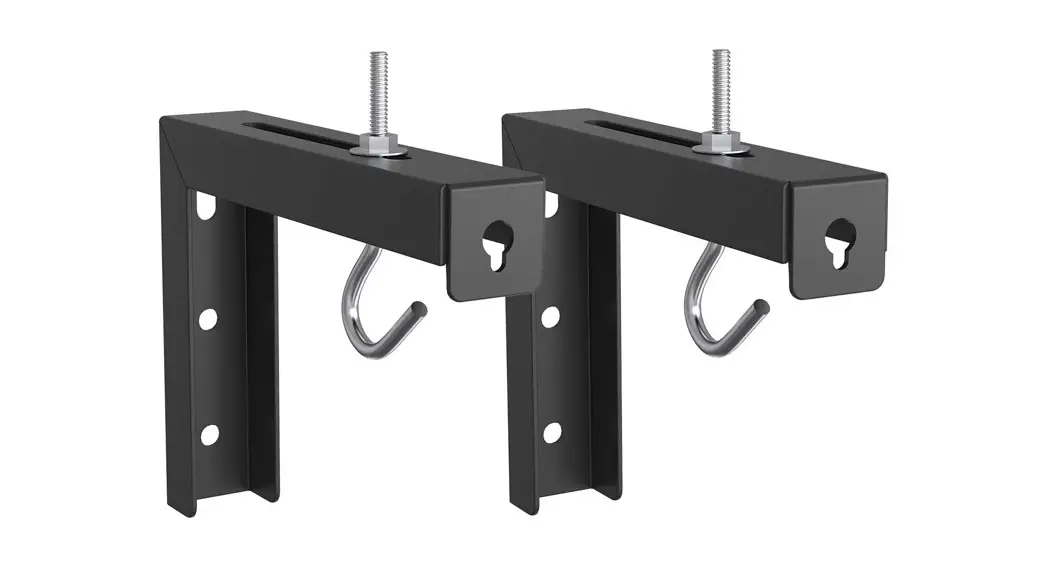
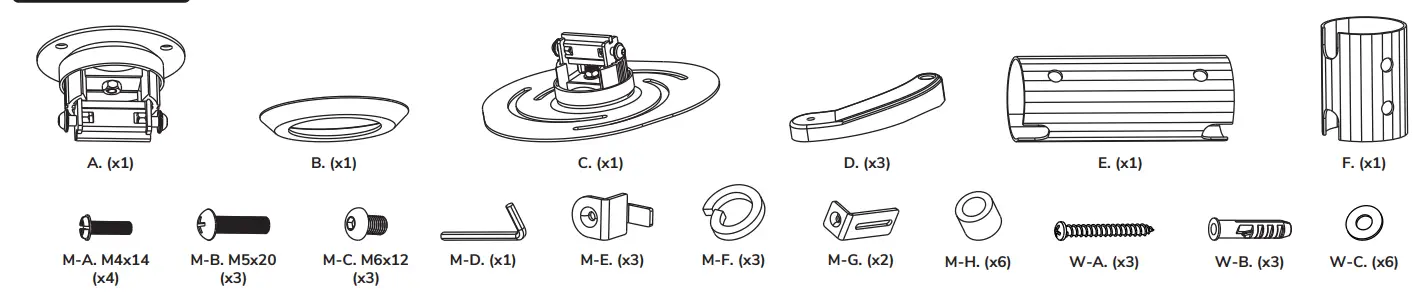
BEAMER-C80WHITE PARTS
 STEP 1 A
Install the ceiling plate on a solid brick or concrete ceiling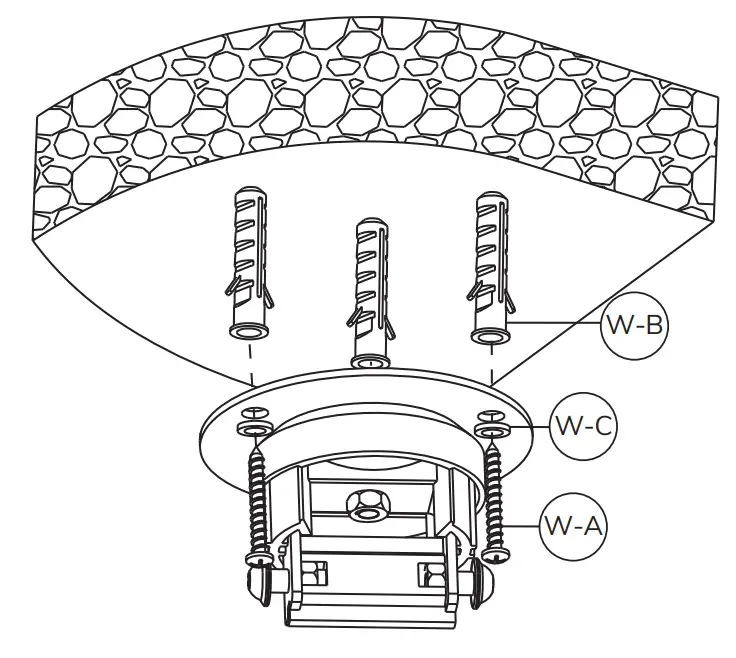
STEP 1 B
Install the ceiling plate on a wooden joist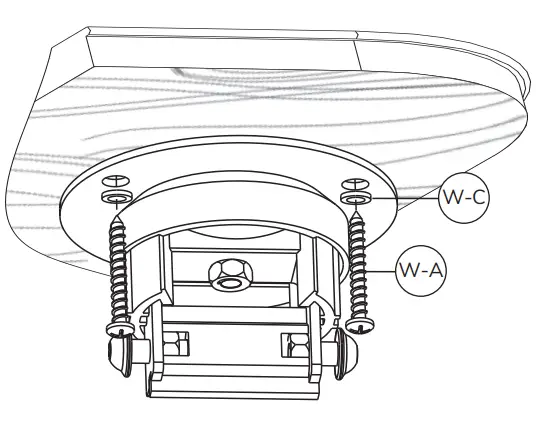
STEP 2
Place the cover and connect the pole to the ceiling plate 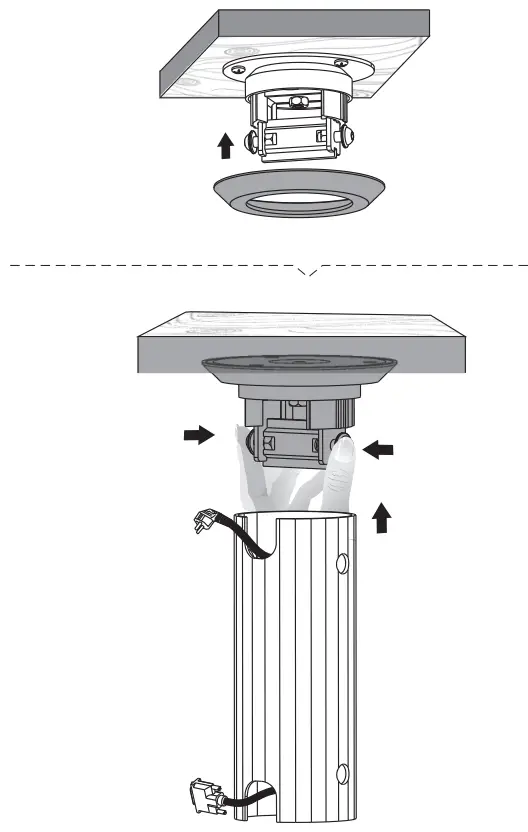
STEP 3
Secure the bracket and ensure the bolt is facing outwards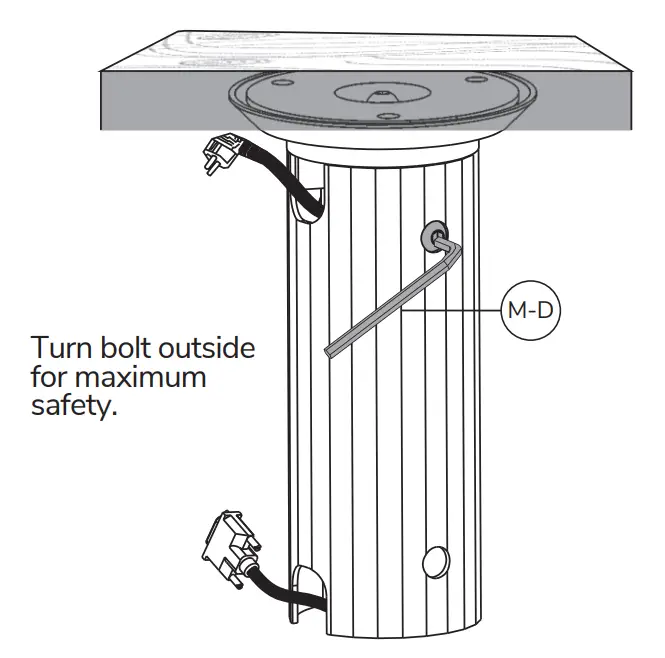
STEP 4
Install the extension brackets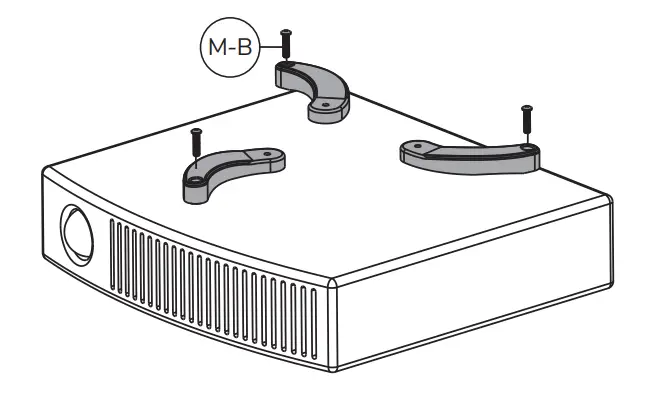 OPTION
Use spacers if necessary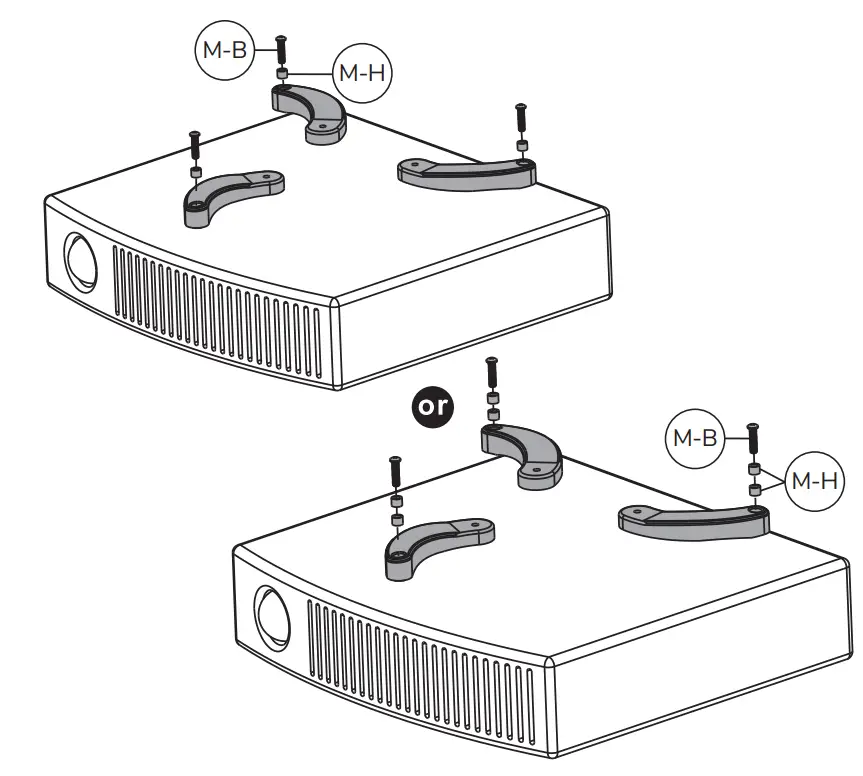
STEP 5
Install the intermediate piece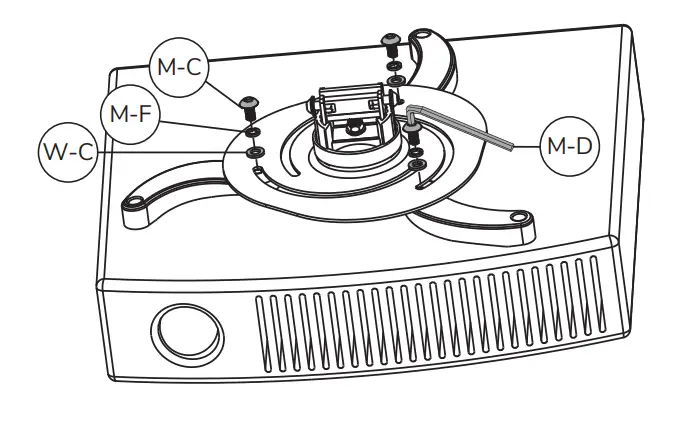
OPTION A
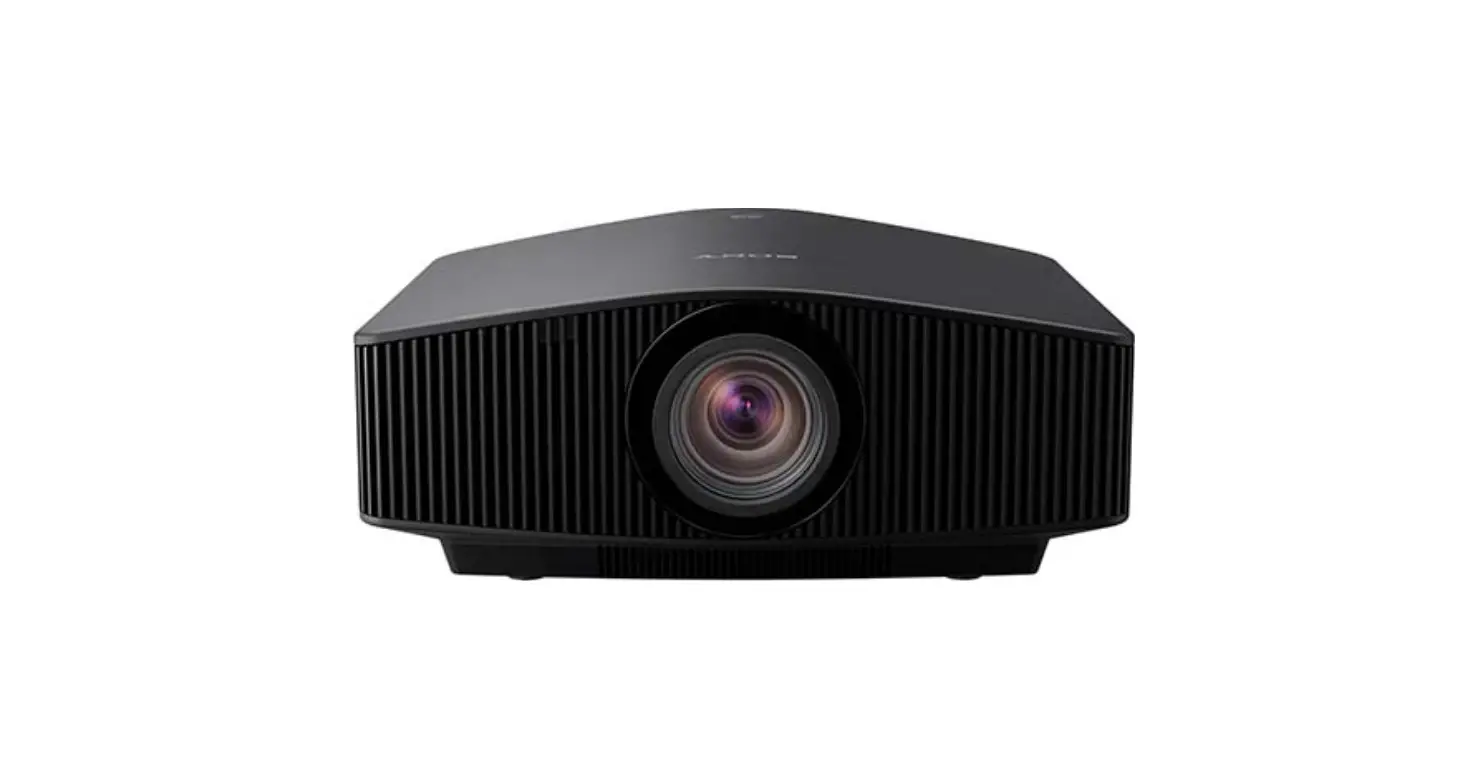
For Toshiba projectors
Install the extension brackets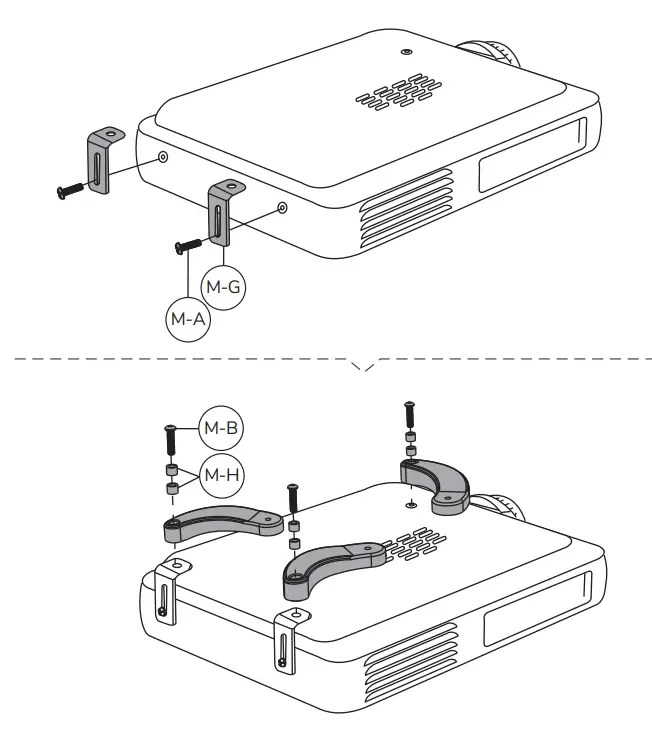
OPTION B
Install the intermediate piece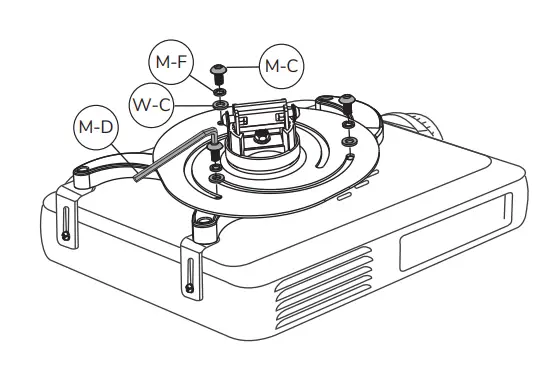
STEP 6
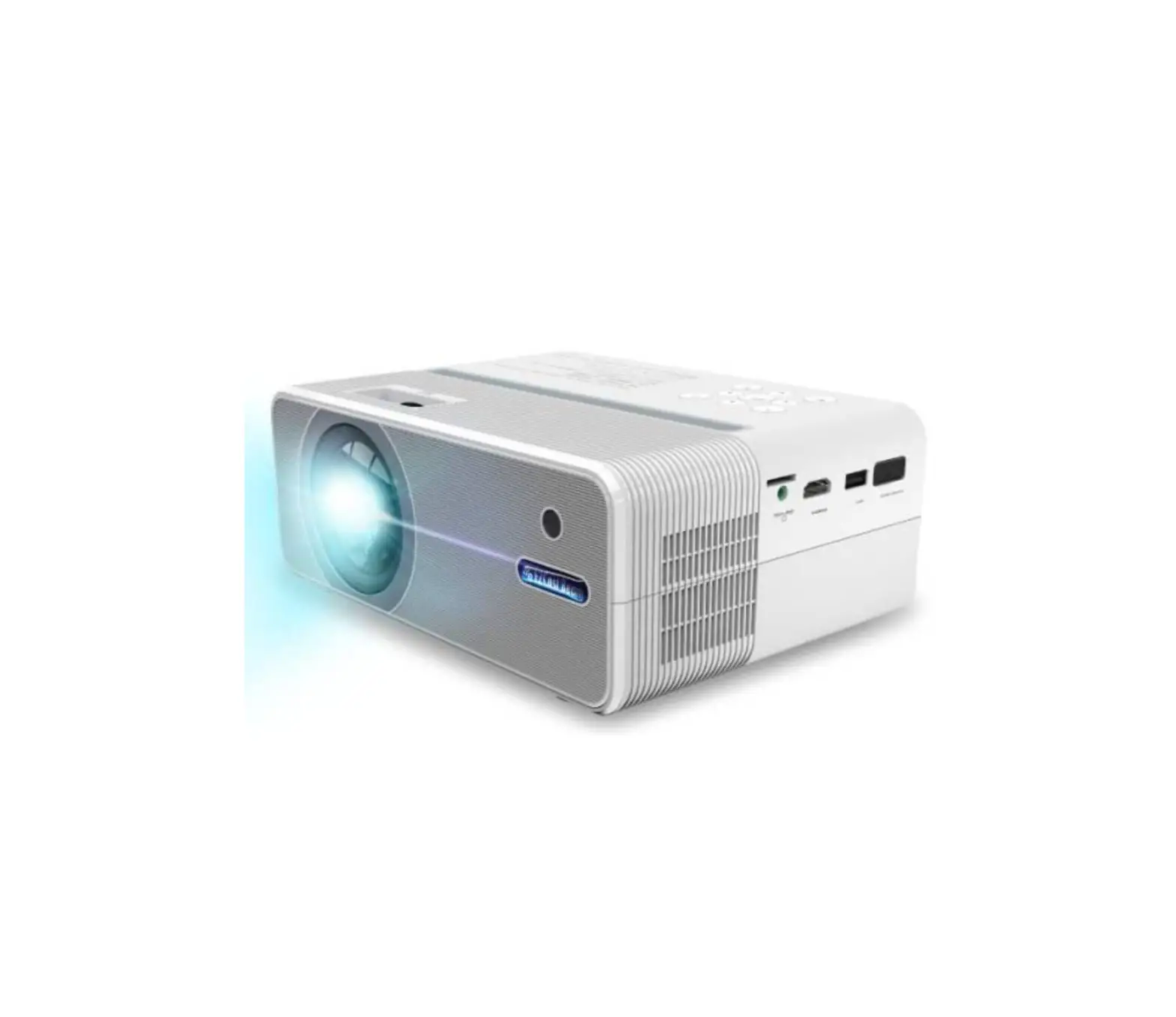
Install the bracket to the projector 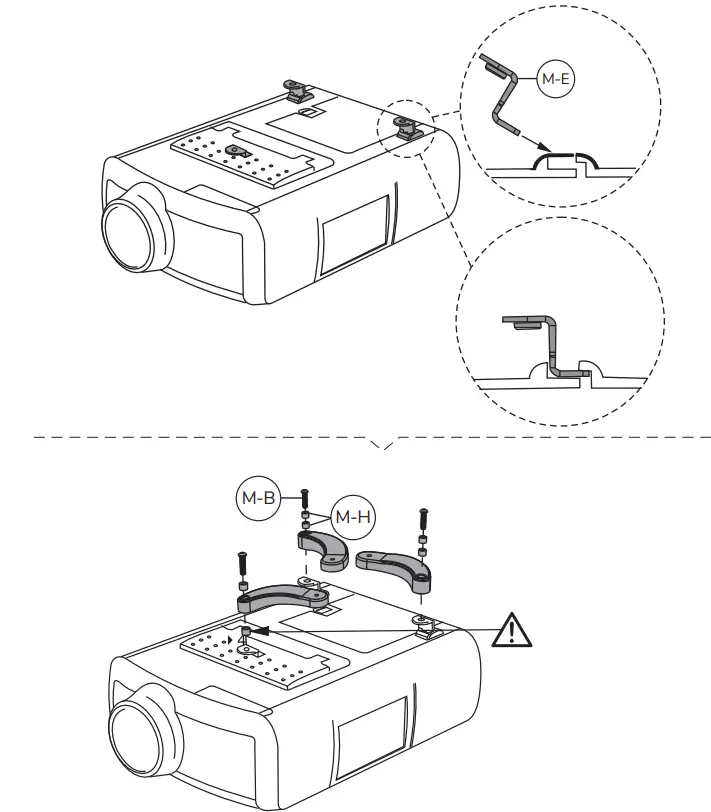 OPTION B
Install the intermediate piece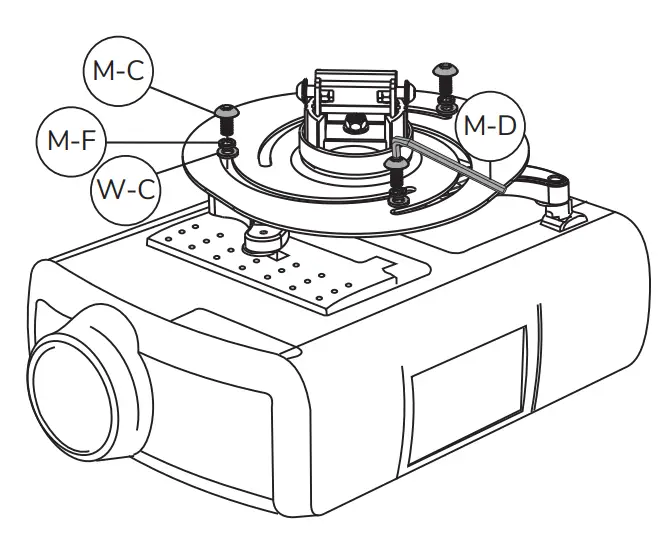 STEP 6
Install the bracket to the projector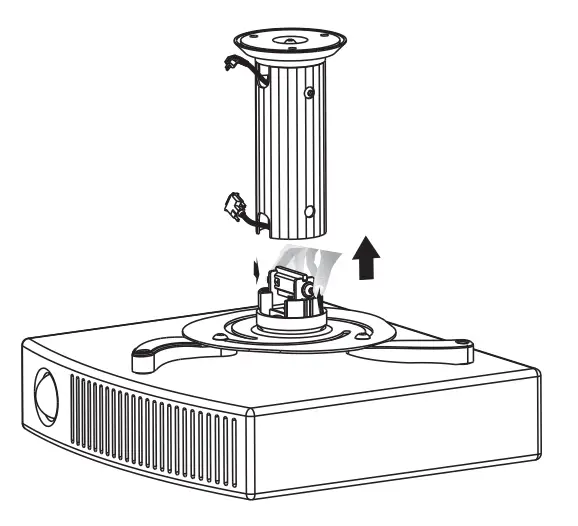
STEP 7
Secure the bracket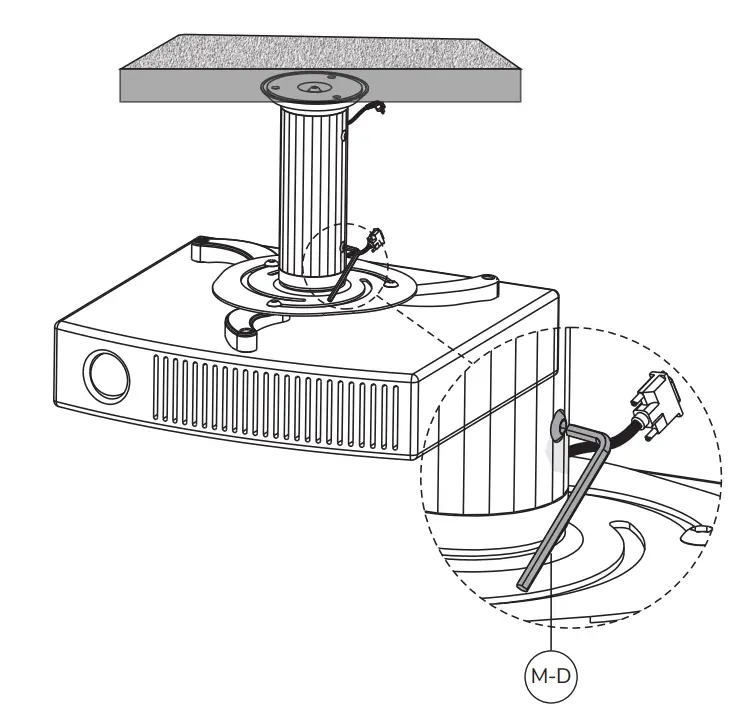
STEP 8
Adjust the amount to your desired position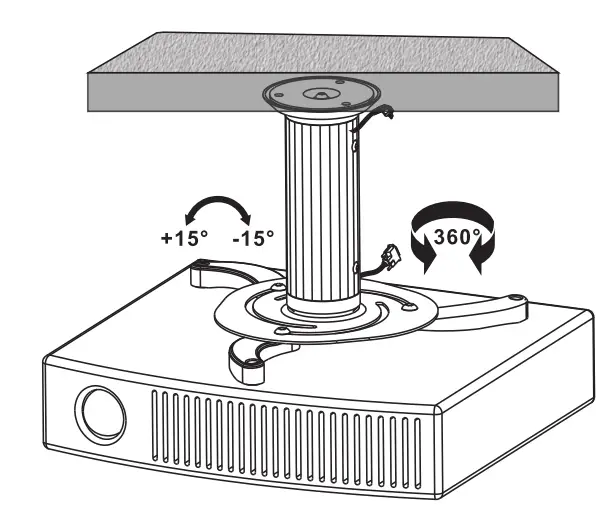
 CAUTION
- To ensure safety. please read this manual carefully before installation and follow the instructions. Store this manual in a secure place for future reference.
- The manufacturer shall not be legally responsible for any equipment damage or personal injury caused by incorrect installation or operation other than that covered in this manual.
- The mount is designed for easy installation and removal. The manufacturer shall not be liable for damage to equipment or personal injuries arising out of human factors or acts of nature, such as earthquakes or typhoons.
- It is recommended that the mount be installed by qualified personnel only.
- At least two persons are needed to install or remove the product to avoid the hazard of falling objects.
- Please carefully inspect the area where the mount is to be Installed:
– Avoid places that are subject to high temperatures, humidity, or contact with water.
– Do not install the product near air conditioning vents or areas with excess dust and fumes.
– Only install on vertical walls and avoid slanted surfaces.
– Do not install in places subject to any shock or vibration.
– Do not install in places subject to direct exposure to bright light as it may cause eye fatigue when viewing the display panel. - Maintain sufficient space around the display to ensure adequate ventilation.
- To ensure safe installation. first check the structure of the wall, ceiling, or floor and select a secure mounting location.
- The wall, ceiling, or floor should be strong enough to sustain a weight of at least four times of the display and mount combined. The mounting location must be able to withstand an earthquake or another strong shock.
- Do not modify any accessories or use broken parts. Contact your dealer with any questions.
- lighten all screws (do not exert excessive force to avoid breaking the screw or damaging its thread).
- Drill holes and bolts will be left in the wall, ceiling, or floor once the display and bracket are removed. Stains may occur after extended use.
- Since the manufacturer has no way to control the wall, ceiling, or floor type and installation of the mount the warranty of the product shall only cover the body of the mount The warranty period of the product is 5 years.
- Please consult the English language manual for any dispute on conditions.