
User’s manual
Customer Service
US: 1-800-645-2986
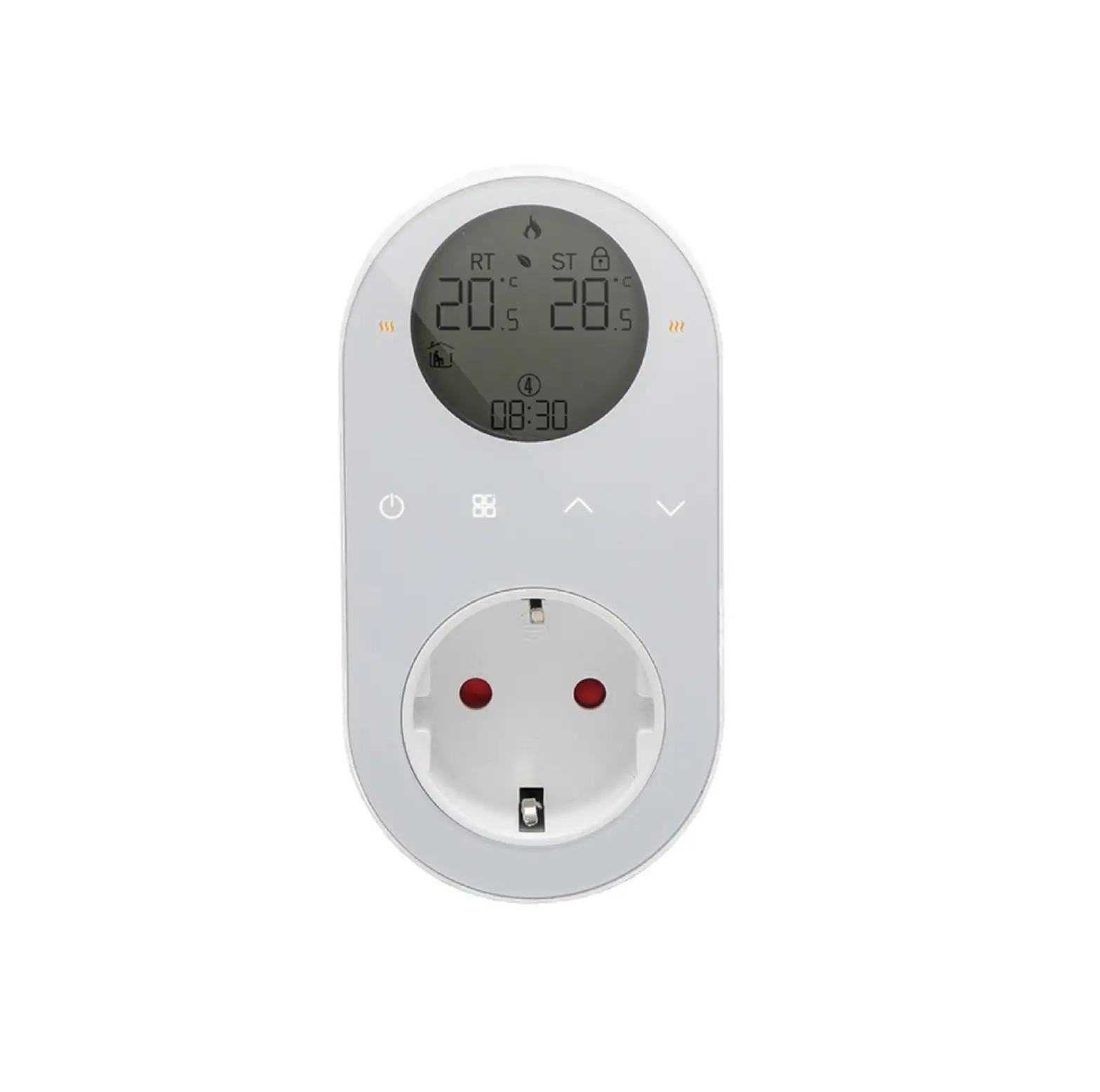
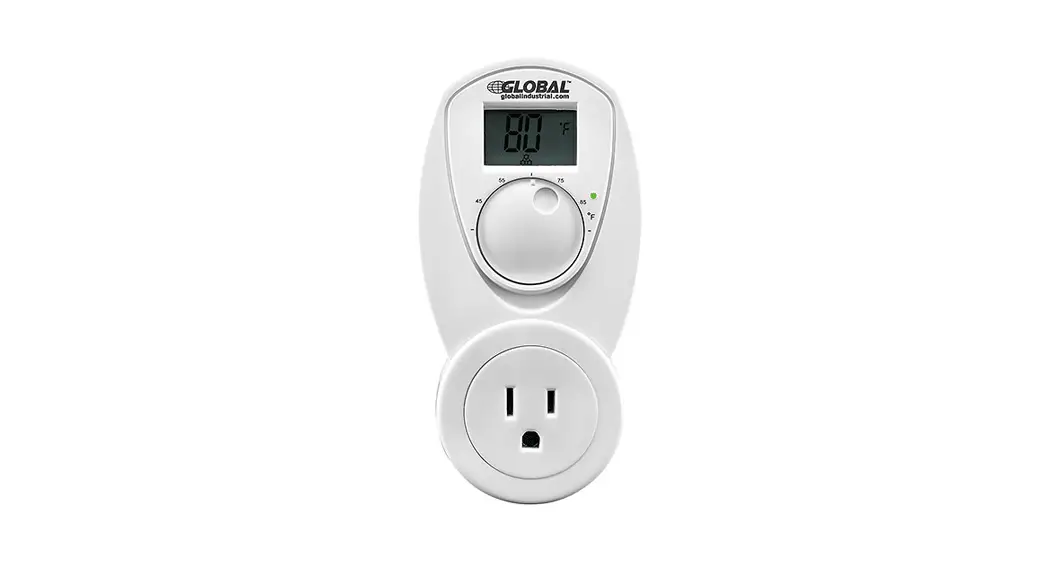
Portable Thermostat Control Heat Plug Model 246114
Portable Thermostat Control Cool Plug Model 246115
Dimensions in inches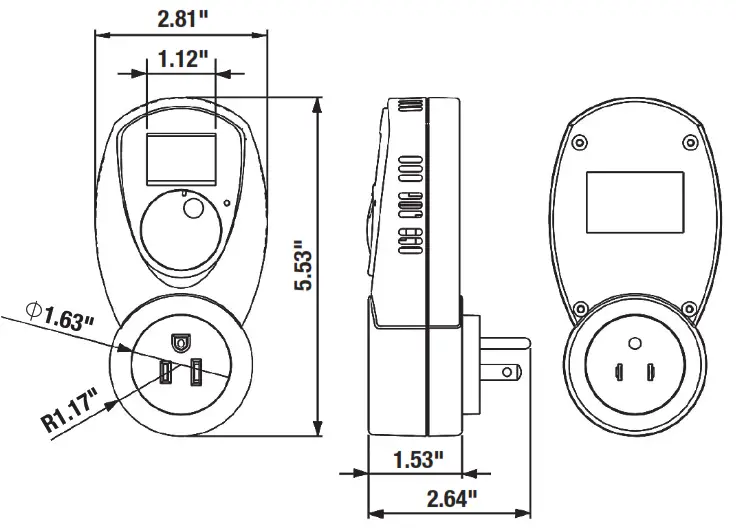
Purpose of control
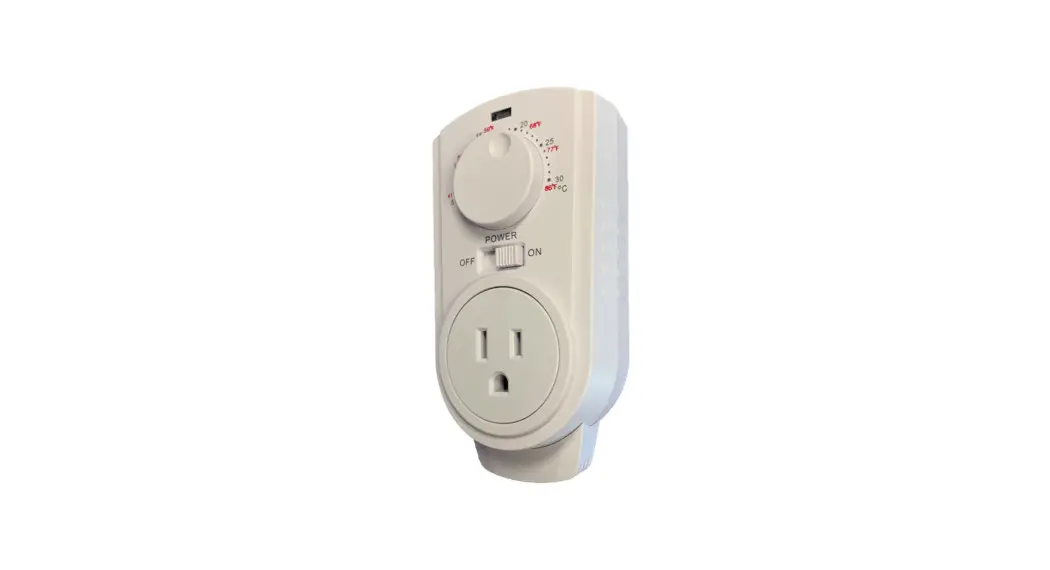
246114 Therma Plug is designed to conveniently control heater operation for the purpose of maintaining indoor room temperature at the desired level. 246115 Therma Plug is designed to conveniently control cooling unit operation for the purpose of maintaining indoor room temperature at the desired level. The Therma Plug will power on any unit if the actual temperature is lower than the set temperature and power off if the temperature is higher than the set temperature for convenient regulation.
Plug location
The Therma Plug is restricted to indoor use only and should be socket-mounted vertically in a general area with even air circulation. Avoid unit exposure to hot surfaces, equipment (i.e. TV, heater, refrigerator), sunlight, or moisture.
Operation
- Plug the Therma Plug into a wall socket.
- Adjust the temperature setting:
• Select the desired temperature by rotating the rotary knob while monitoring the LCD display and the icon.
icon.
• Operating mode will return to room temperature display after 10 seconds with theicon disappearing. - For model 246114, plug the heater into the Therma Plug socket. For model 246115, plug the cooler into the Therma Plug socket.
 icon.
icon.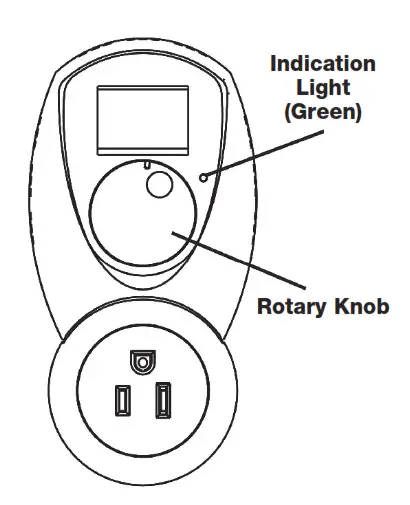
Technical Data | |
| Control Temperature | 40 to 95°F resolution |
| Rating | 120VAC 15(3)A max |
| Frequency | 60Hz |
| Switching Differential | Approx. ±1°F |
| Operating Voltage | 120VAC 60Hz |
| Operating Temperature | 0 – 50°C / 32 – 122°F |
| Storage Temperature | 23 – 122°F / -5 – 50°C |
| Operating Humidity | 5 to 95% non-condensing |
| Type of Disconnection | Type 1B |
| Rated Impulse Voltage | 1500V |
| Pollution degree | 2 |