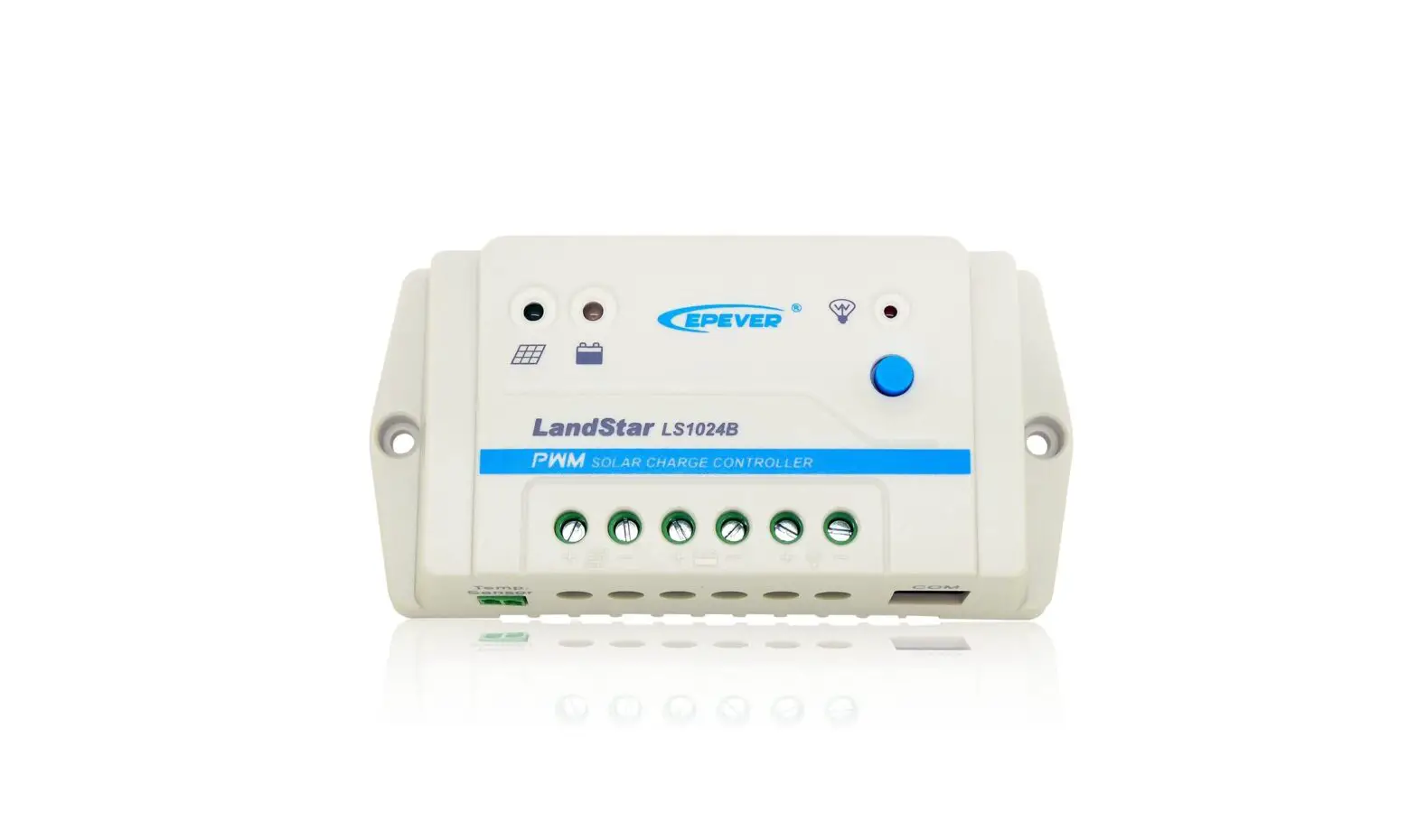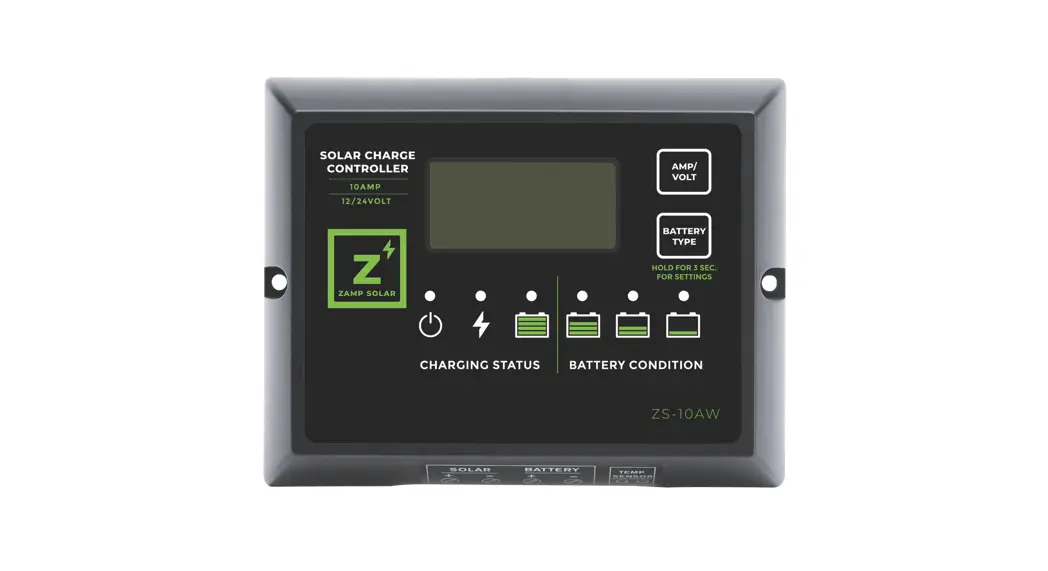

ZS-10A Solar Controller
User Manual
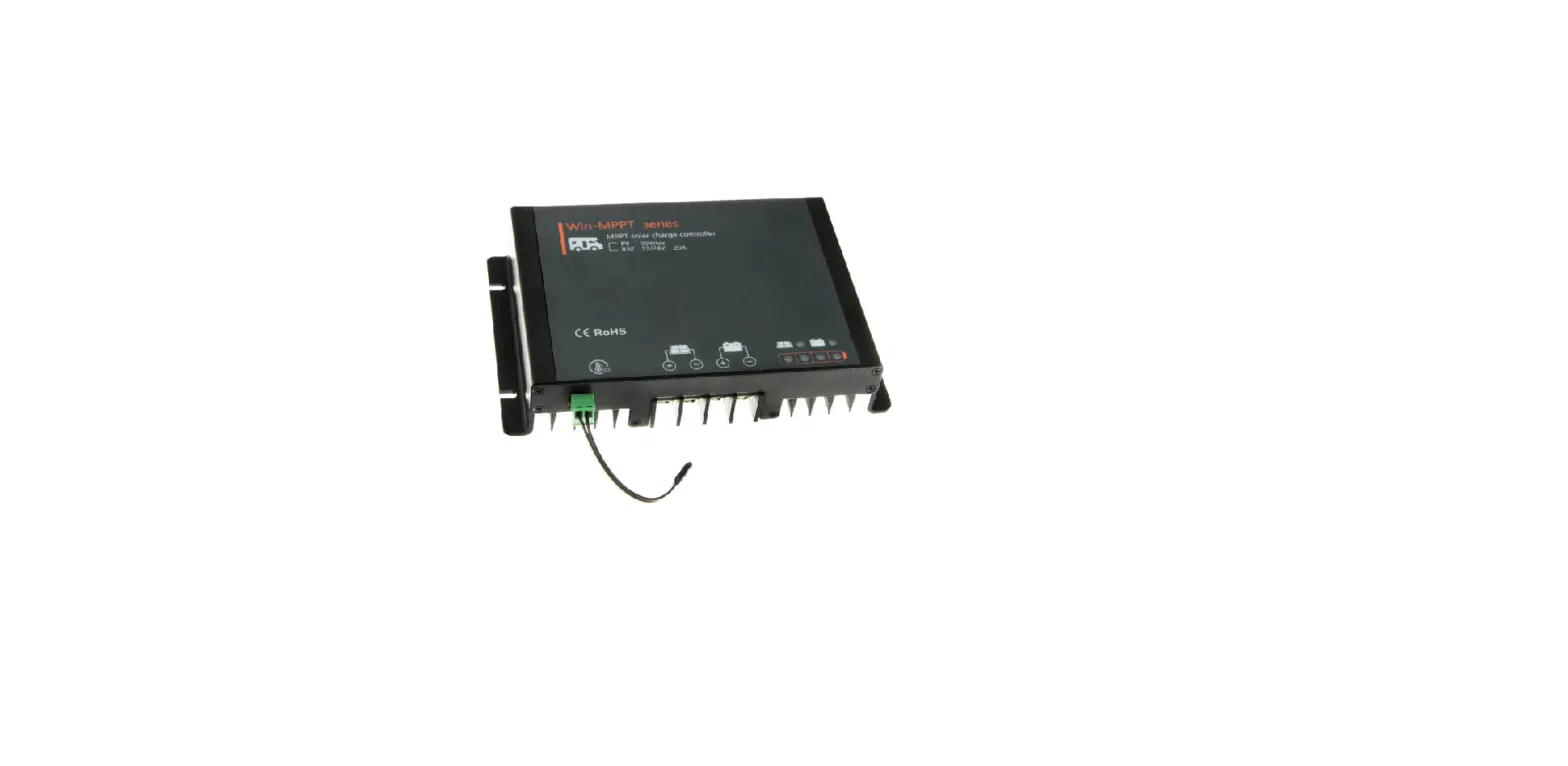
Solar Controller / Battery Charger
Input: DC12V Solar panel (Max. 25V)
Output: DC12V 10A / DC12V 15A
Model Number: ZS-10A / ZS-15A (Non-waterproof)
ZS- 10AW / ZS-15AW (All-weather)
User’s Manual
FEATURE
- Advanced MCU control pulse width modulated (PWM) technology, high-efficiency operation.
- The target for Gel, AGM, Conventional lead acid (WET) and Calcium Batteries.
- Built-in regulator to prevent your battery from being overcharged. Overcharging occurs when the charge voltage is unregulated. This can result in premature battery failure.
- Come with the regulator to prevent your battery from being undercharged, in the solar energy field, battery undercharge always occurs, especially on some Conventional lead acid or Calcium batteries; The unit provides an automatic Equalization feature for deeply drained Conventional lead-acid batteries or Calcium batteries, as well as provides a cycling automatic Equalizing feature every 28 days.
- Can be connected to the battery permanently to keep the battery fully charged by using a process called “floating”. This means the controller will stop charging when the battery is full and will automatically start charging the battery as required. This process will also reduce water loss and help prevent the battery from `drying out.
- Protects your battery from discharge at night. Under low light or no light conditions, the solar panel voltage could be less than the battery voltage. The unit contains a special circuit that prevents current from flowing back from the battery and into the solar panel.
- Colored LED’s to easily indicate the operational status and battery conditions.
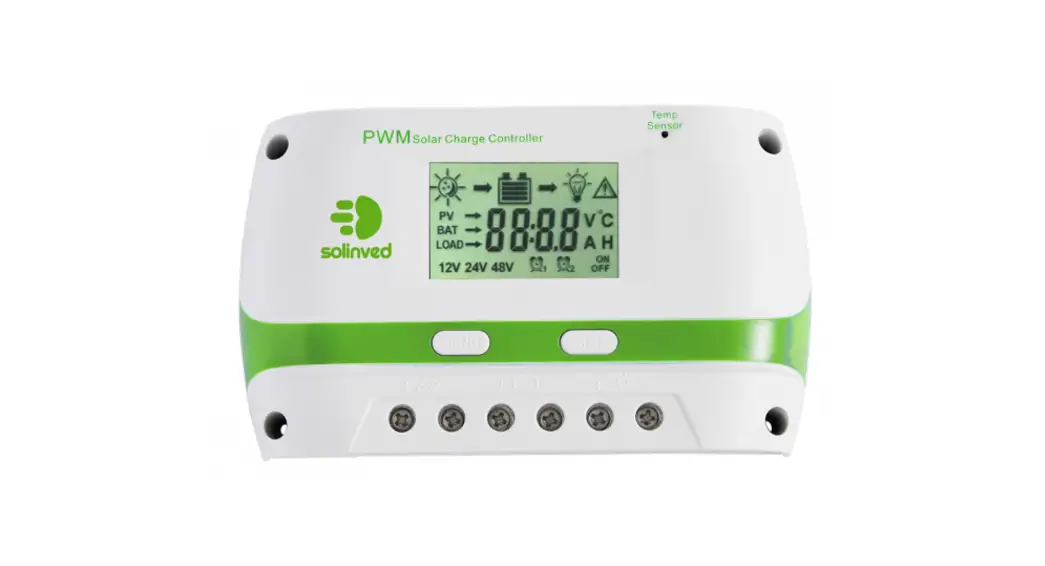
- Digital LCD to directly display battery voltage, charging current, charging capacity (Amp hour), battery types, full charge, and faulty codes. Provides external battery temperature sensor (Optional).
- Multi charging protection against reverse polarity, short circuit, over-temperature, over-voltage, etc.
- Surface Mount or Flush Panel Mount options.
- Conformal-coating circuit boards and plated terminals apply to hostile environments.

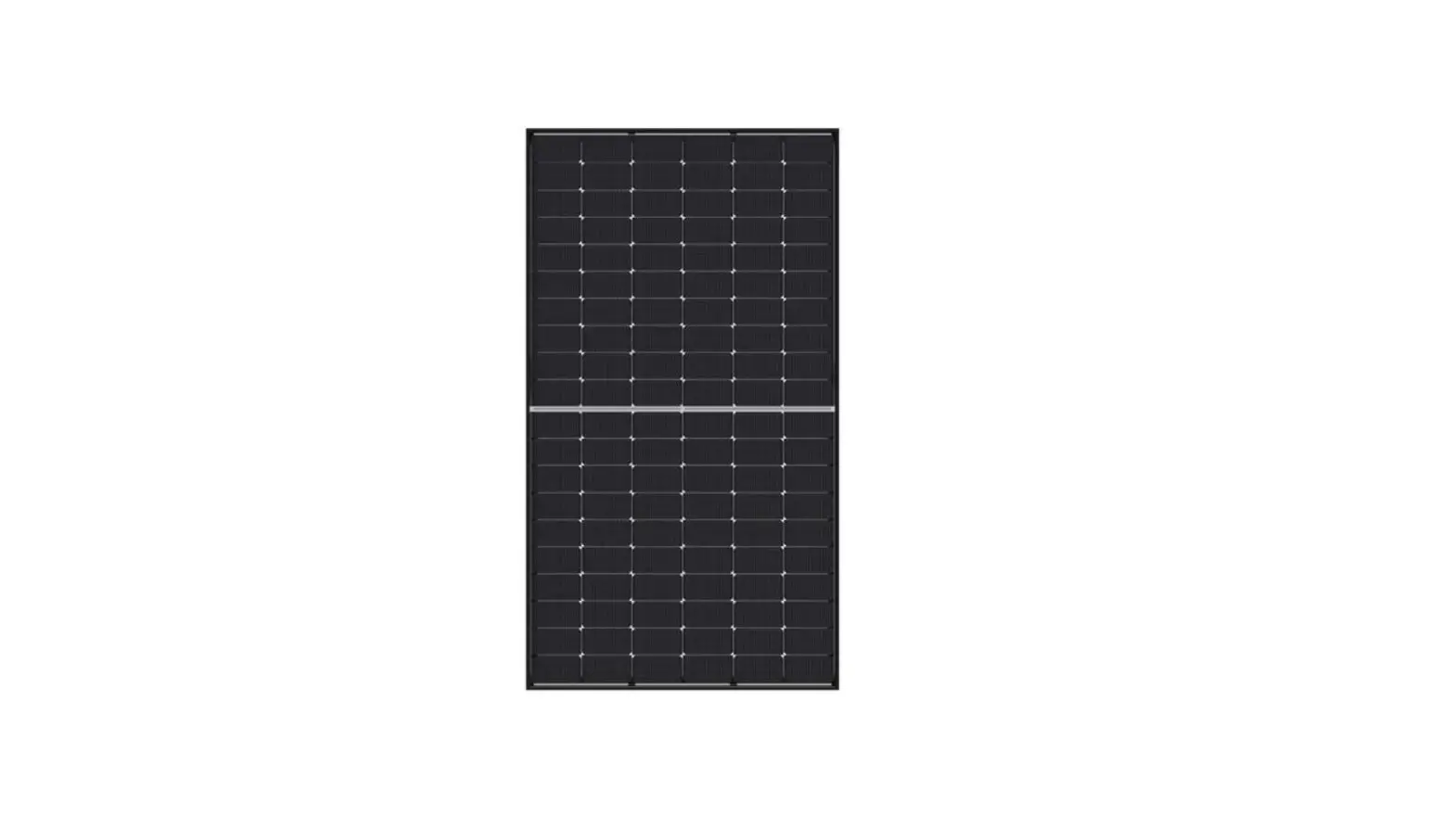
For use with 12Volt Solar Panel Only Suitable for Solar panels up to 170 W for ZS-10A and ZS-10AW
255 Watts for ZS-15A / ZS-15AW
WARNING IMPORTANT PLEASE READ
- This charger is designed for indoor use (non-waterproof type ) or outdoor Use (all-weather type).
- Do not disassemble the controller. Take to a qualified person if the unit requires repairing.
- Lead-acid batteries can be dangerous. Ensure no sparks or flames are present when working near batteries.
- Eye protection should always be used. Never short circuit the battery Given sufficient light solar panels always generate energy even when they
are disconnected. - Accidental `shorting’ of the terminals or wiring can result in sparks causing personal injury or a fire hazard. We recommend that you cover up the panel(s) with some sort of soft cloth so you can block all incoming light during the installation. This will ensure that no damage is caused to the Solar Panel or Battery if the wires are accidentally short-circuited.
- Always install a battery fuse on each circuit including the solar controller Do not reverse connect the wires to the solar panel or battery
MOUNTING THE DEVICE
The Solar Controller is mounted as below
The quickest and easiest way to mount the unit is to use the two plastic spacers and self-tapping screws supplied and mount the unit to a flat surface,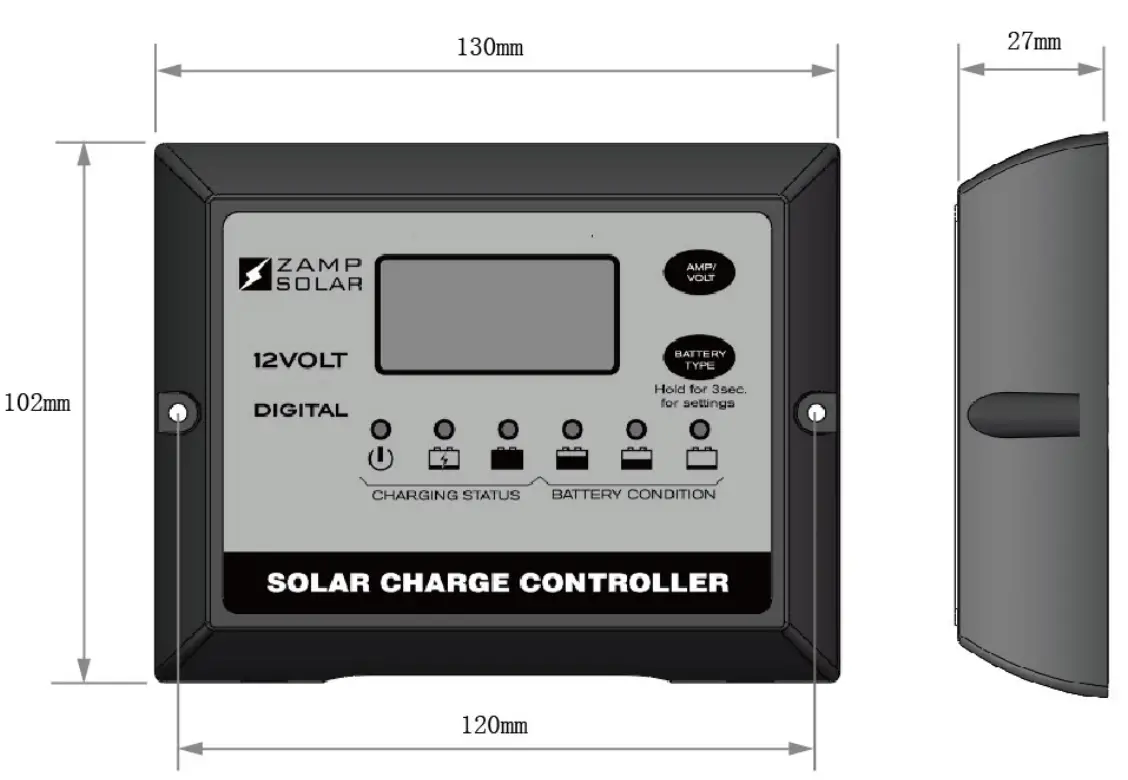 WIRING CONNECTIONS
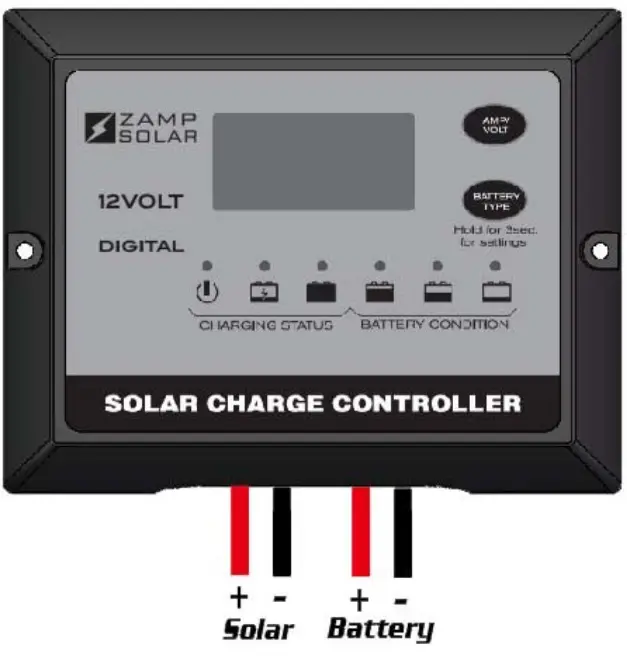
To protect the Battery and the Solar Panel, we strongly recommend that you place a inline fuse on the positive wire on both the “Solar” and “Battery” Circuits. 20A fuse for ZS-10A, 30A fuse for ZS-15A (As close to the Battery /Panel as possible) The Solar Controller has 4 terminals which are clearly marked `Solar’ and `Battery’. There is a (12V) and earth (GND) terminal for each circuit. Refer to the wiring diagram below.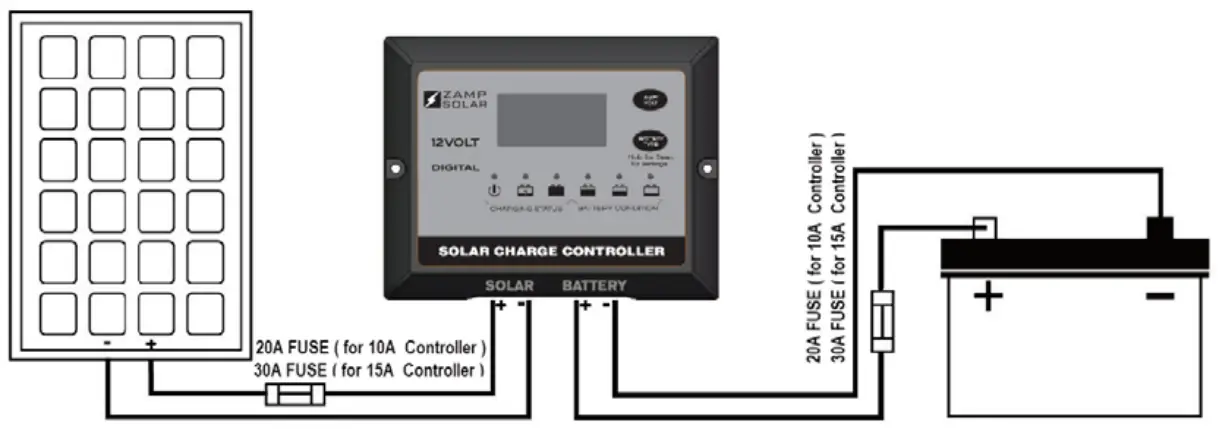 Correct Wire Size:
Please refer to the wire size chart below to determine the minimum size wire needed for each connection. This will also ensure you get the best performance out of your solar regulator.
| Battery Connection | Solar Array Connection | |||
| Length of Wire | < 0.9m | 6m | 9m | 12m |
| Size (AWG) | 18 or 16 | 14 | 12 | 12 |
- Using the stranded wires, screw tightly the wires to the “Solar” terminal on the back of the controller and connect to the Solar Panel as shown.
- Using the stranded wires, screw tightly the wires to the “Battery” terminal on the back of the controller and connect to the Battery as shown.
When the connections are completed, the Solar Controller will start working automatically.
OPERATION – LCD DISPLAY
Please check your battery manufacturer’s specifications to select the correct battery type. The unit provides 4 battery types for selection: Gel, AGM, WET (conventional lead-acid), and Calcium.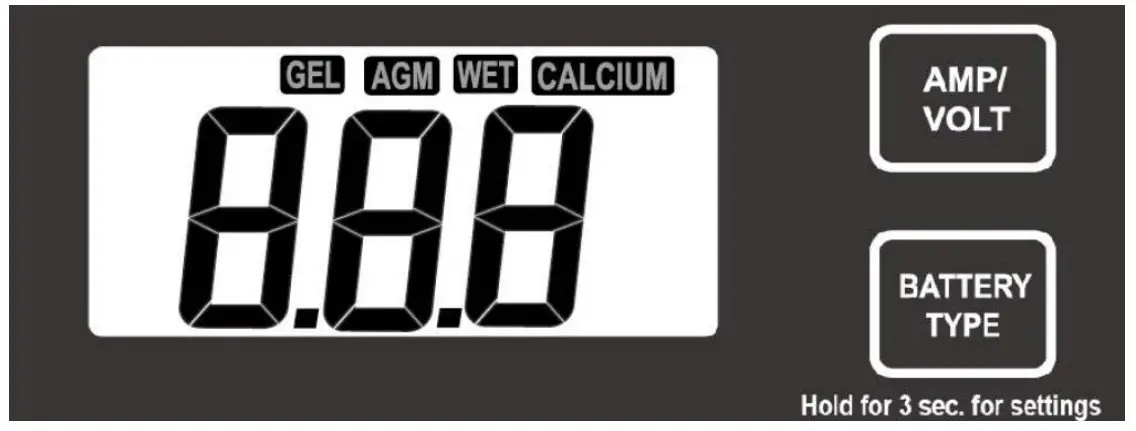 Press the BATTERY TYPE button and hold for 3 seconds to go into your battery type selection mode, the battery type you select will be shown on the LCD meter, the default setting is AGM Battery; the controller will automatically memorize your battery type setting.
Caution: Incorrect battery type settings may damage your battery.
When the controller powers on, the unit will run self-qualify mode and automatically show the below items on the LCD before going into the charging process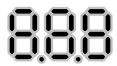 Self-test starts, digital meter segments test
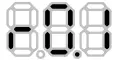 Software version test
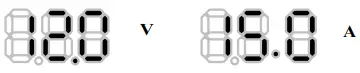 Rated voltage and current testºC
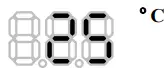 External battery temperature sensor test (if connected)
After going into the charging process, the LCD displays the charging status as below: Press VOLT / AMP button in sequence, and the LCD will display in turn with Battery Voltage, Charging Current, Charged capacity (Amp-hour), and Battery Temperature (if external temperature sensor connected)
Display in the daytime-
Display during the night-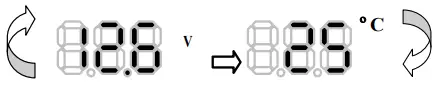 Display when battery fully charged
Press VOLT / AMP button in sequence, the LCD will display in turn with Battery Voltage, Charging Current, if you do not press the button, the LCD will alternatively display the FUL and VOLT or FUL and AMP every 2 seconds
CHARGING STAGES
The VOLT / AMP button can be changed at any time during the charging process.
The LCD also can be treated as an independent voltage meter or thermometer. A voltage less than 11.5V Volts indicates that the battery is discharged and needs re-charging.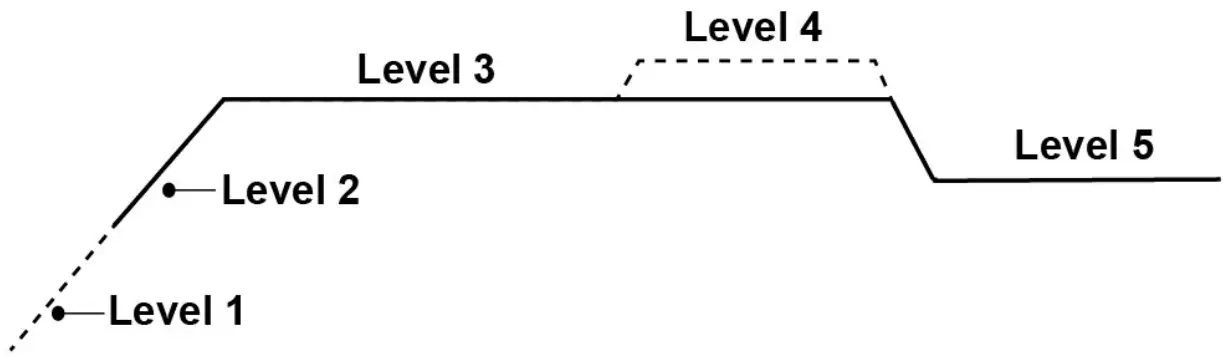 Soft Charge- When batteries suffer an over-discharge, the controller will softly ramp the battery voltage up to 10V.
Bulk Charge-Maximum current charging until batteries rise to the Absorption level
Absorption Charge-Constant voltage charging and battery is over 85%.
Equalization Charge*-Only for WET battery or Calcium battery type, when the battery is deeply drained below 10V, it will automatically run this stage to bring the internal cells as an equal state and fully complement the loss of capacity.(Gel and AGM battery do not run Equalization charge)
Float Charge-Battery is fully charged and maintained at a safe level. A fully charged battery has a voltage of more than 13.6 Volts.
OPERATION- L.E.D. INDICATION
| The 6 LEDs indicate the charging status and the battery condition |  |  |  |  |  |  |
| Red | Blue | Green | Green | Yellow | Red | |
| Solar Power Present-No battery connected | ON | OFF | OFF | OFF | OFF | Flash |
| Soft charging | ON | Flash | OFF | OFF | OFF | ON |
| Bulk charging | ON | ON | OFF | Subject to battery voltage | ||
| Absorption charging | ON | ON | OFF | ON | OFF | OFF |
| Equalization charging | ON | ON | OFF | ON | OFF | OFF |
| Float charging | ON | OFF | ON | OFF | OFF | OFF |
| Solar panel weak | Flash | OFF | OFF | Subject to battery voltage | ||
| At night no charge | OFF | OFF | OFF | Subject to battery voltage | ||
| Battery Voltage below 11.5V (+/-0.2V) | ON | ON | OFF | OFF | OFF | ON |
| Battery Voltage between 11.5V – 12.5V (+/-0.2V) | ON | ON | OFF | OFF | ON | OFF |
| Battery Voltage above 12.5V (+/-0.2V) | ON | ON | OFF | ON | OFF | OFF |
ABNORMAL OPERATION MODE
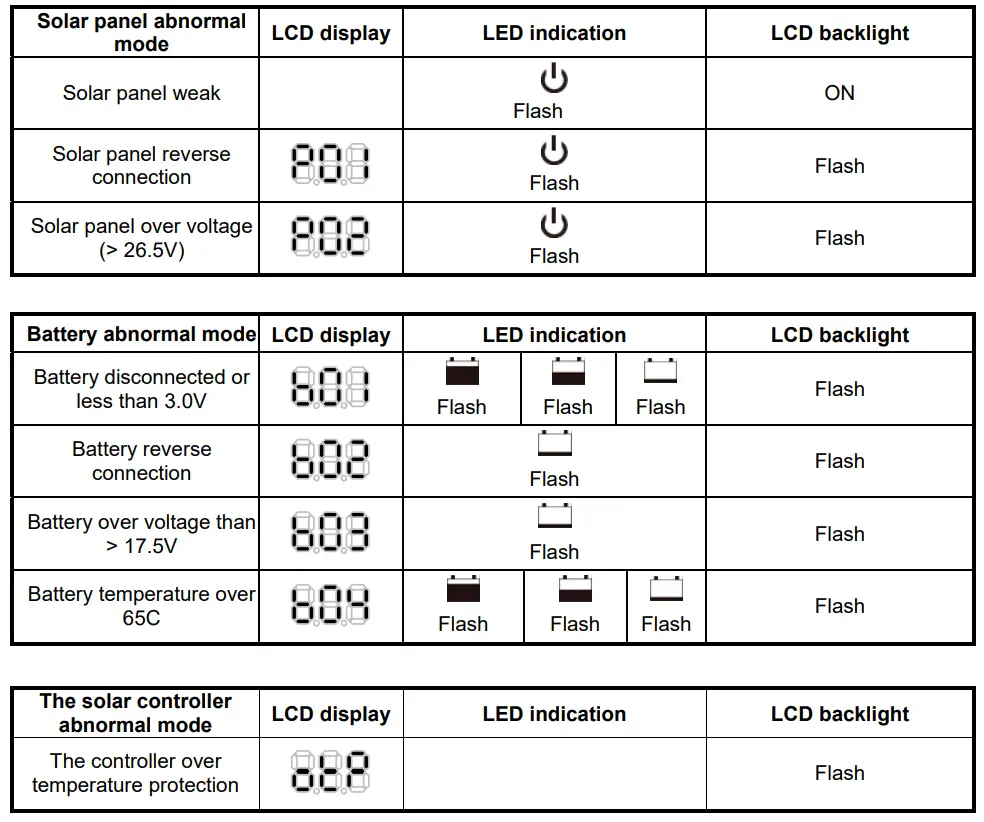
OPTIONAL EXTERNAL DEVICE
The controller provides an optional device (excludes in the packaging box).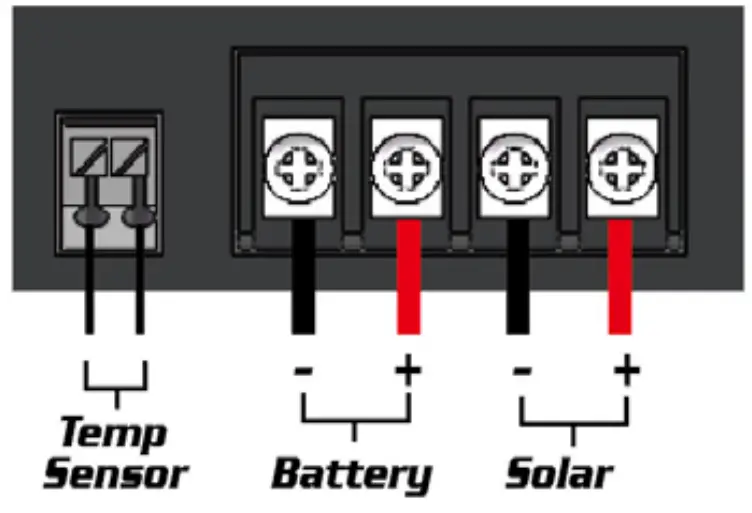 Optional external battery temperature sensor:
As an option, the unit provides a port to connect the external battery temperature sensor; If the external battery temperature sensor is connected, the unit will optimize the charging performance subjected to the battery temperature detected and also provide the battery over-temperature protection, in some case, if battery over-temperature occurs, the controller will automatically stop charging.
SPECIFICATIONS
| 1 | Electrical Parameters | |||
| 1-1 | Rated solar panel amps for ZS-15A/ZS-15AW | 15 | Max. | AMP |
| 1-2 | Rated solar panel amps for ZS-10A/ZS-10AW | 10 | Max. | AMP |
| 1-3 | Normal input Solar cell array voltage | 15-22 | VDC | |
| 1-4 | Max. solar cell array voltage (output has no load) | 25 | Max. | VDC |
| 1-5 | The controller’s lowest operating voltage (at the solar or battery side ) | 8V | Min | VDC |
| 1-6 | Standby current consumption at night | 5 | Max | mA |
| 1-7 | Maximum voltage drop-Solar panel to the battery | 0.25 | Max. | VDC |
| 2 | Charging characteristics | |||
| 2-1 | Minimum battery start charging voltage | 3 | Min | VDC |
| 2-2 | Soft start charging voltage | 3-10 | +/-0.2 | VDC |
| 2-3 | Soft start charging current (50% PWM duty) | Up to 15 | AMP | |
| 2-4 | Bulk charge voltage | 10-14.0 | +/-0.2 | VDC |
| 2-5 | Absorption charging voltage at 25*C | |||
| –Gel-type battery | 14.1 | +/-0.2 | VDC | |
| –AGM type battery (default setting) | 14.4 | +/-0.2 | VDC | |
| –WET type battery | 14.7 | +/-0.2 | VDC | |
| –Calcium-type battery | 14.9 | +/-0.2 | VDC | |
| 2-6 | Absorption transits to Equalizing or Float condition: | |||
| –Charging current drops to | 0.5 | +/0.1 | AMP | |
| — or Absorption charging timer timed out | 4 | Hour | ||
| 2-7 | Equalization charging active | |||
| –Only for WET or Calcium battery | ||||
| –Battery voltage discharged to less than | 10 | +/-0.2 | VDC | |
| –Automatic equalizing charging periodical | 28 | Day | ||
| 2-8 | Equalization charging voltage at 25*C | 15.5 | +/-0.2 | VDC |
| 2-9 | The equalization charging timer timed out | 2 | Hour | |
| 2-10 | Float charging voltage at 25*C | 13.6 | +/-0.2 | VDC |
| 2-11 | Voltage control accuracy | +/- 1% | ||
| 2-12 | Battery temperature compensation coefficient | -24 | mV/*C | |
| 2-13 | Temperature compensation range | -20 ~ +50 | *C | |
| 3 | Protection | |||
| 3-1 | Against reverse polarity or short circuit at panel side | |||
| 3-2 | Against reverse polarity or short circuit at battery side | |||
| 3-3 | No reverse current from the battery to solar at night | |||
| 3-4 | Over-temperature protection during charging | 65 | *C | |
| 3-5 | Transient over-voltage protection with TVs or varistor | |||
| 4 | Electrical parts | |||
| 4-1 | Input-output terminal | M4 terminals | ||
| 4-2 | Temperature sensor port (Press and Release type) | DA 250-350 2P | ||
| 5 | Physical Parameters | |||
| 5-1 | Controller material | Plastic, Standard ABS | ||
| 5-2 | Power terminal maximum stranded wire size | #12 AWG stranded-3 mm2 | ||
| 5-3 | Mounting | Vertical wall mounting | ||
| 5-4 | IP grade for ZS-10A and ZS-15A | IP22 | ||
| 5-5 | IP grade for ZS-10AW and ZS-15AW | IP65 | ||
| 5-5 | Net weight | Approx. 250g | ||
| 6 | Environmental characteristics | |||
| 6-1 | Operating temperature | -25 ~ 50*C | ||
| 6-2 | Storage temperature | -40 ~ 85*C | ||
| 6-3 | Operating Humidity range | 100% no condensation | ||