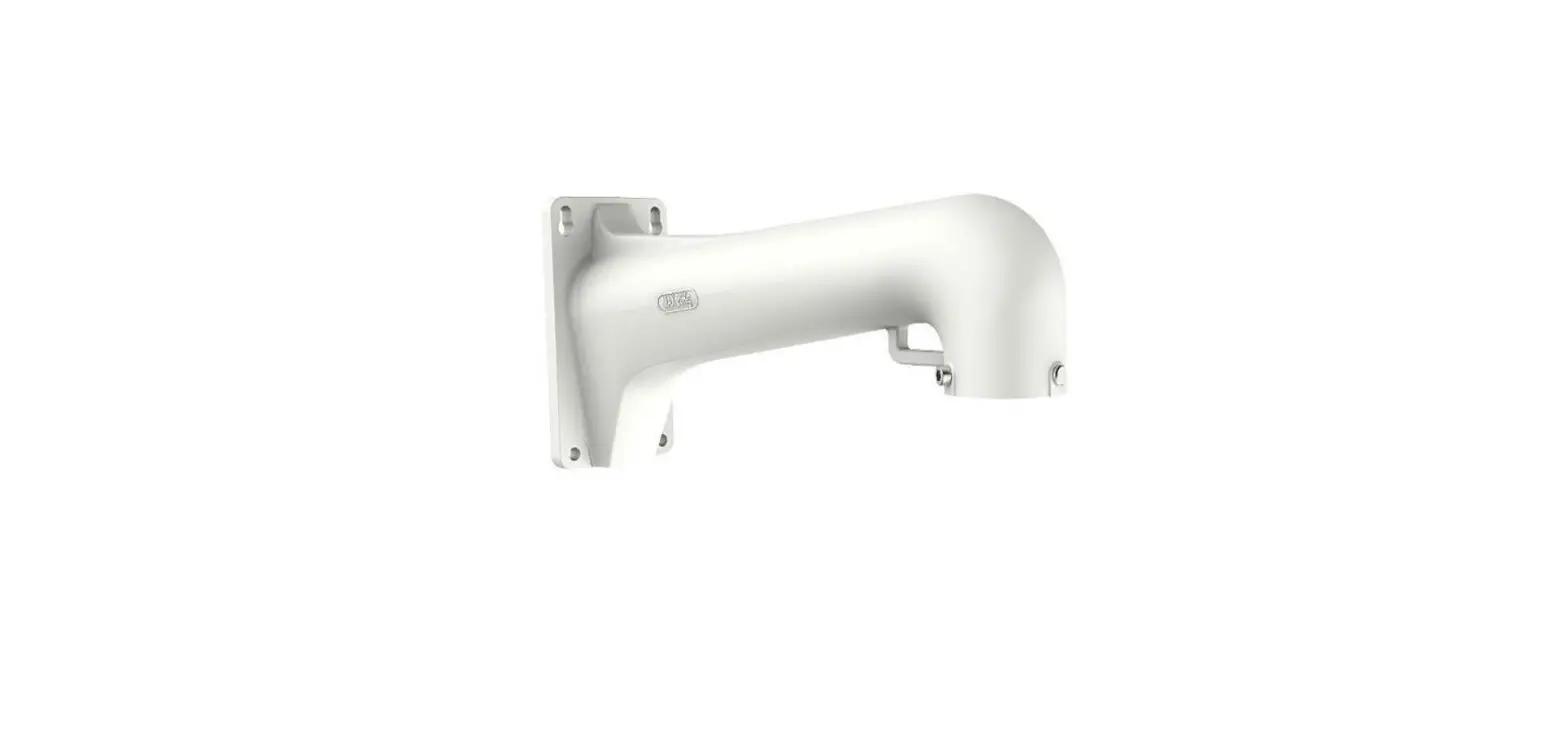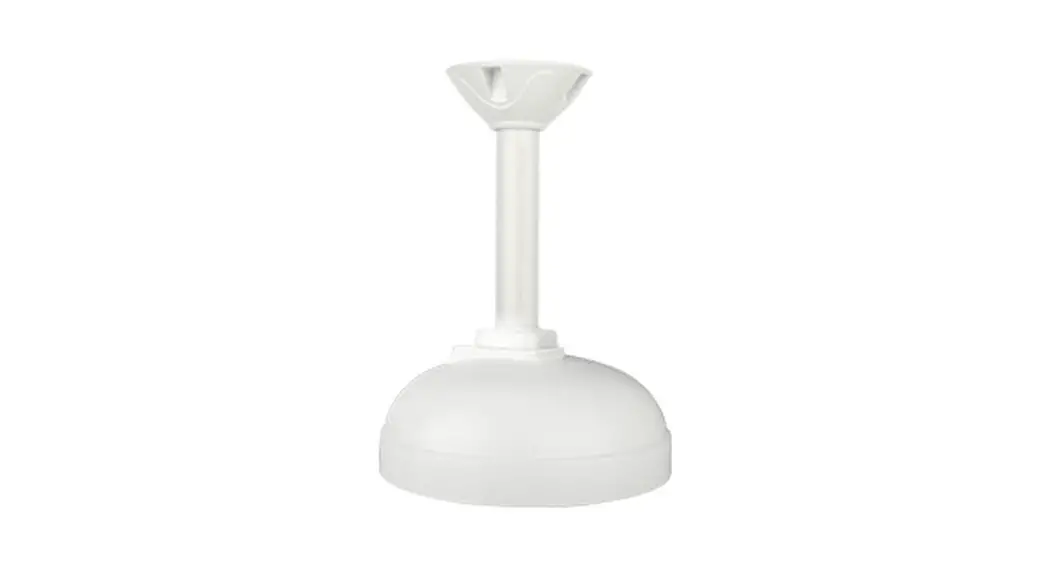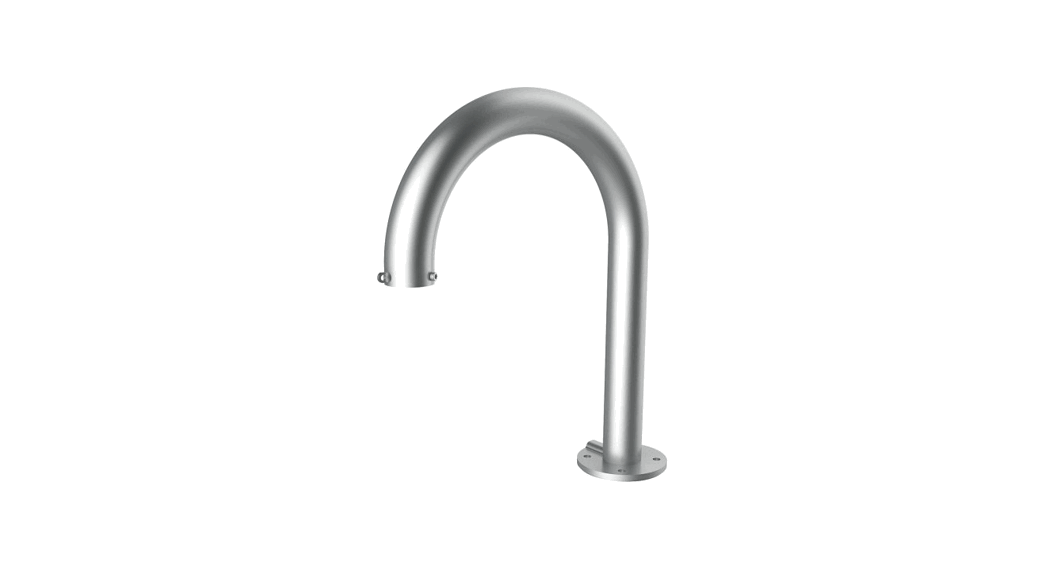
 DS-1619ZJ Swan Neck Bracket
Installation Guide DS-1619ZJ
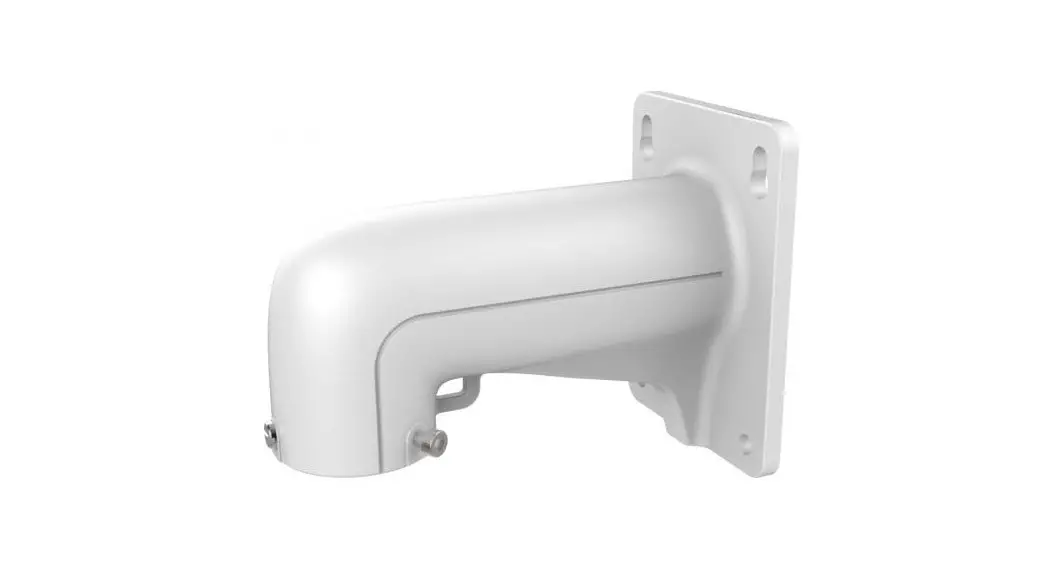
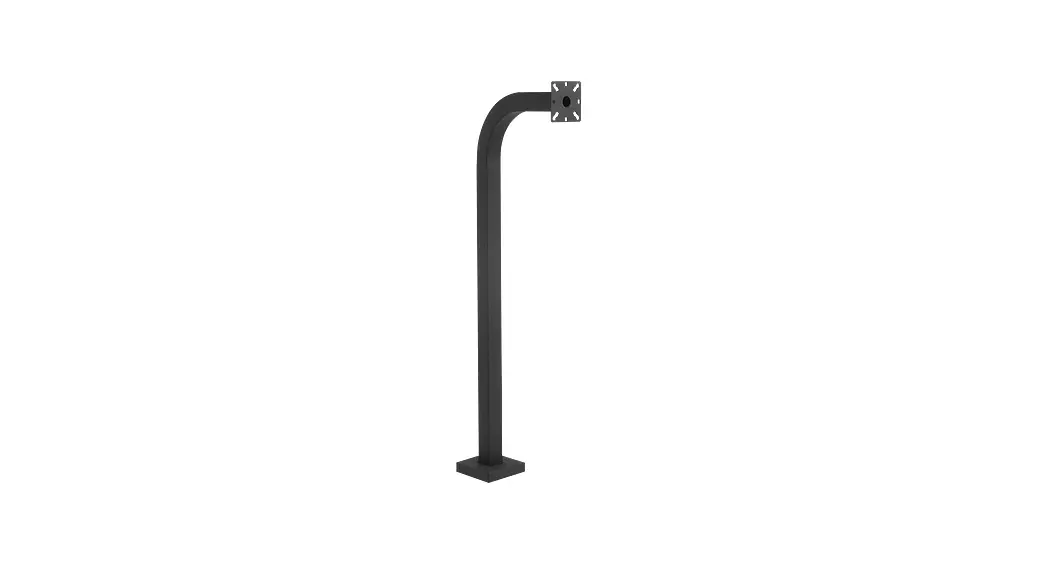
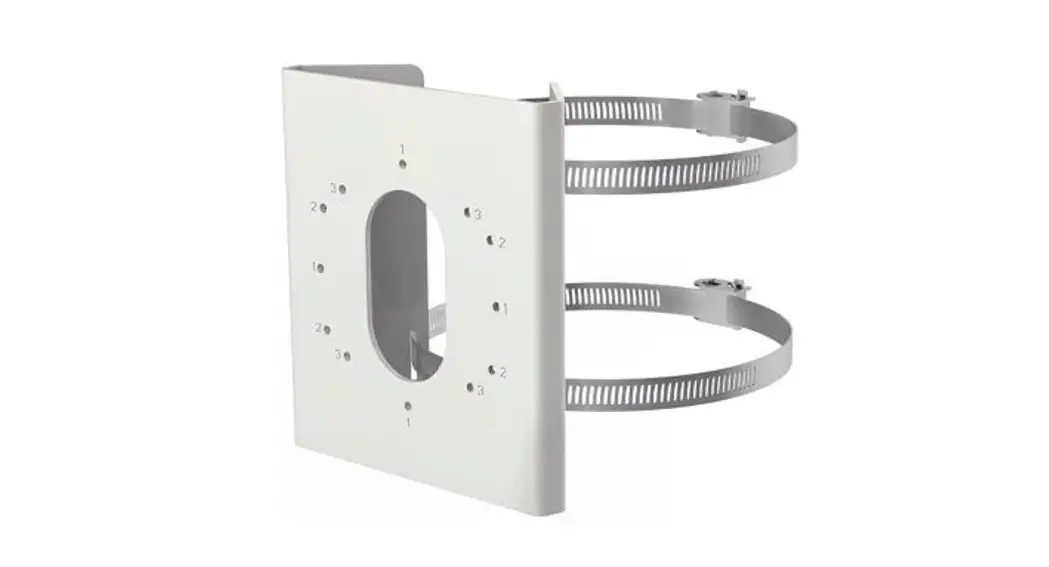
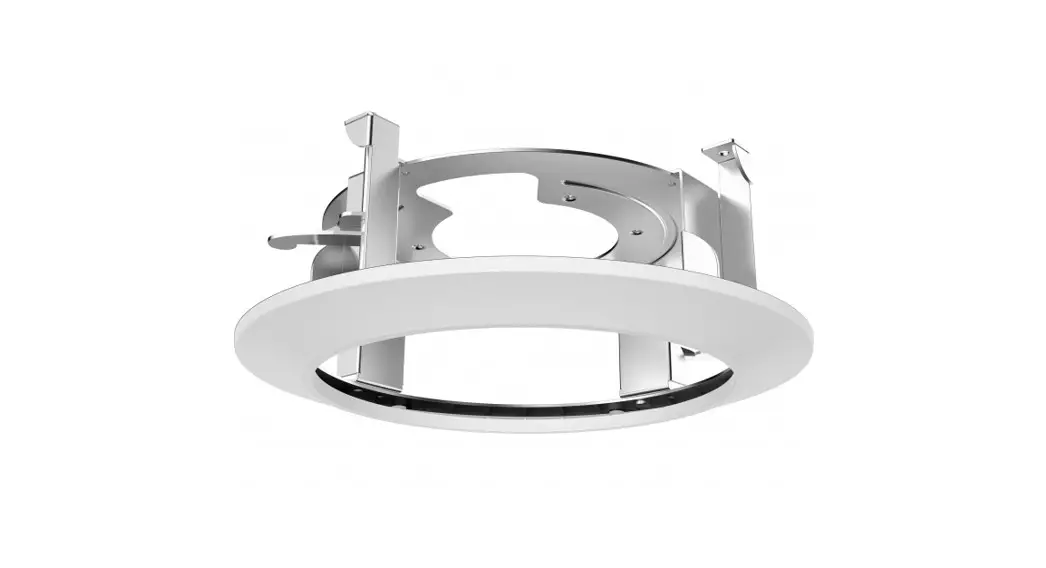
Swan neck bracket
Features:
- Aluminum alloy and steel tube with surface spray treatment
- Suitable to install on top of poles and walls
- Snap-fit joints, easy to install
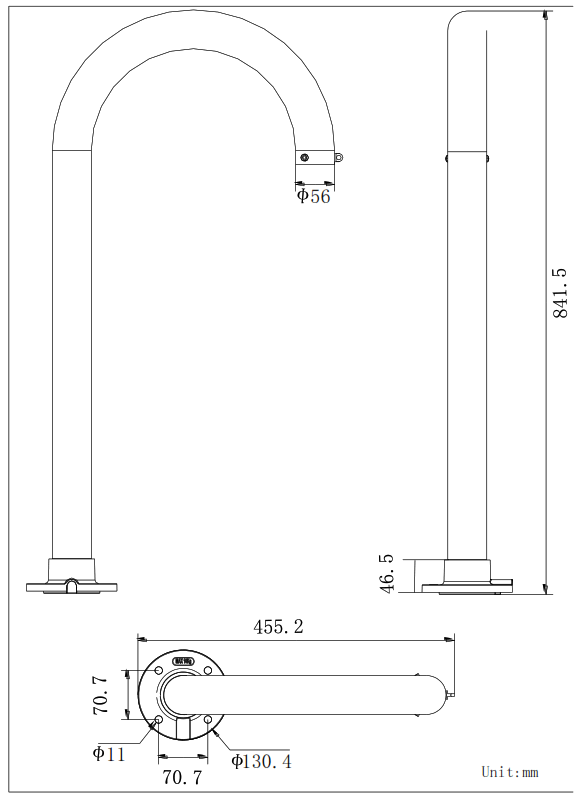
Dimension:
Order Model:
DS-1619ZJ
Parameters:
| Model | DS-1619ZJ |
| Parameters | Swan neck bracket |
| Color | Hik white |
| Feature | Suitable for PTZ dome cameras |
| Material | Aluminum alloy and steel tube |
| Dimension | 455.2×130.4×841.5mm |
| Weight | 6426g |
Installation steps:
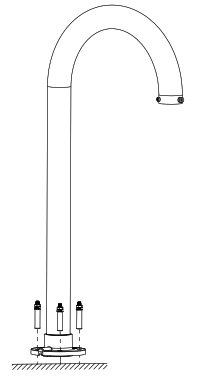
- Select a suitable surface for installation and thread the wires.

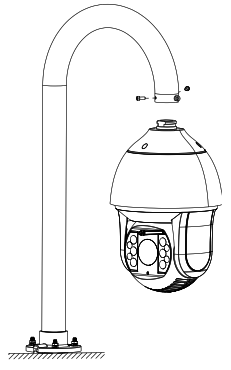
- Loosen two hex screws, align the PTZ dome to the screws on the bracket and rotate 180 degrees.

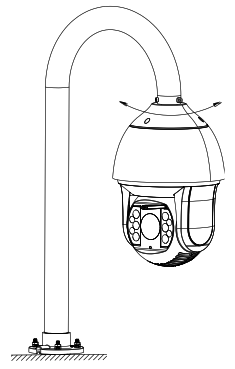
- Tighten the two hex screws.