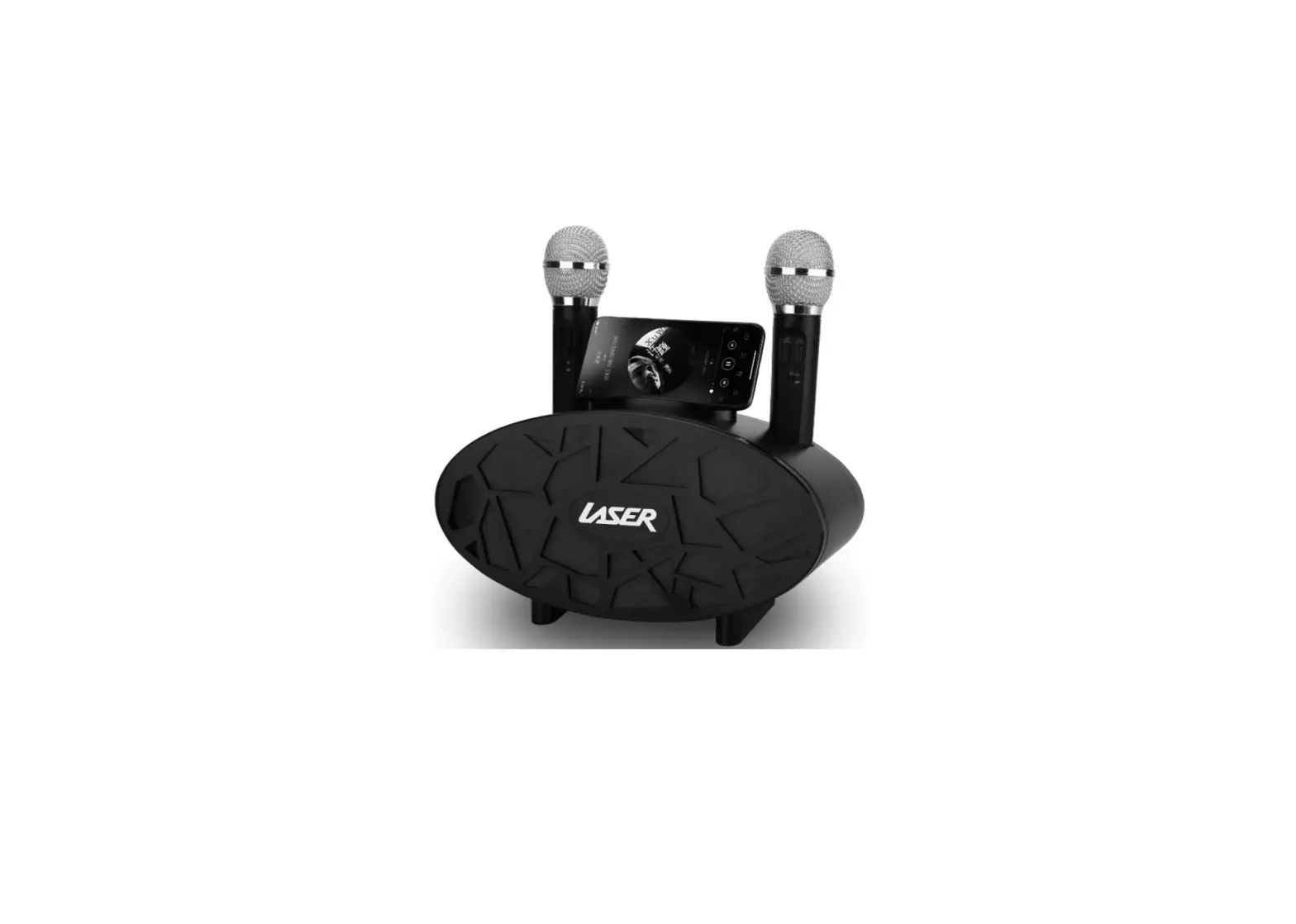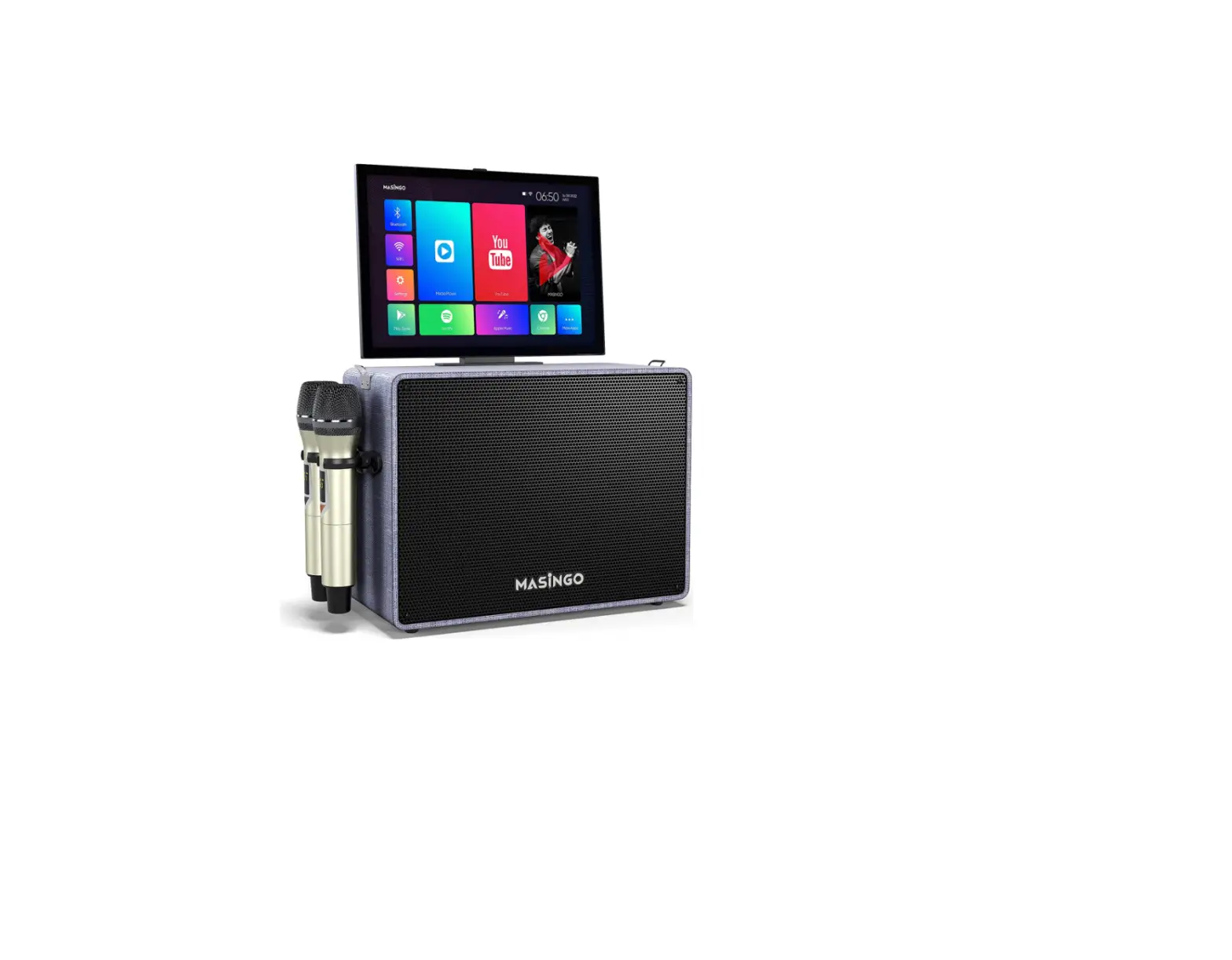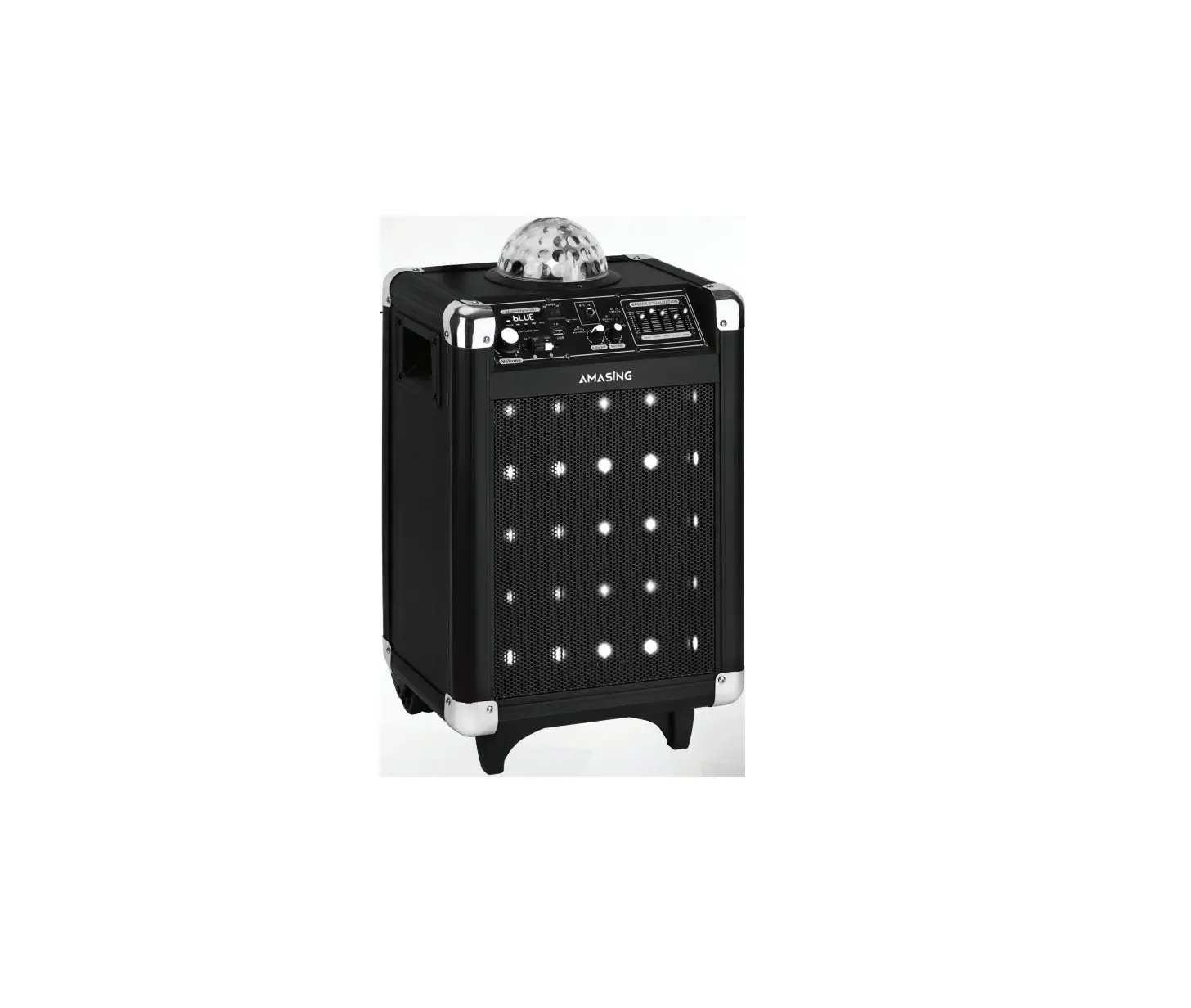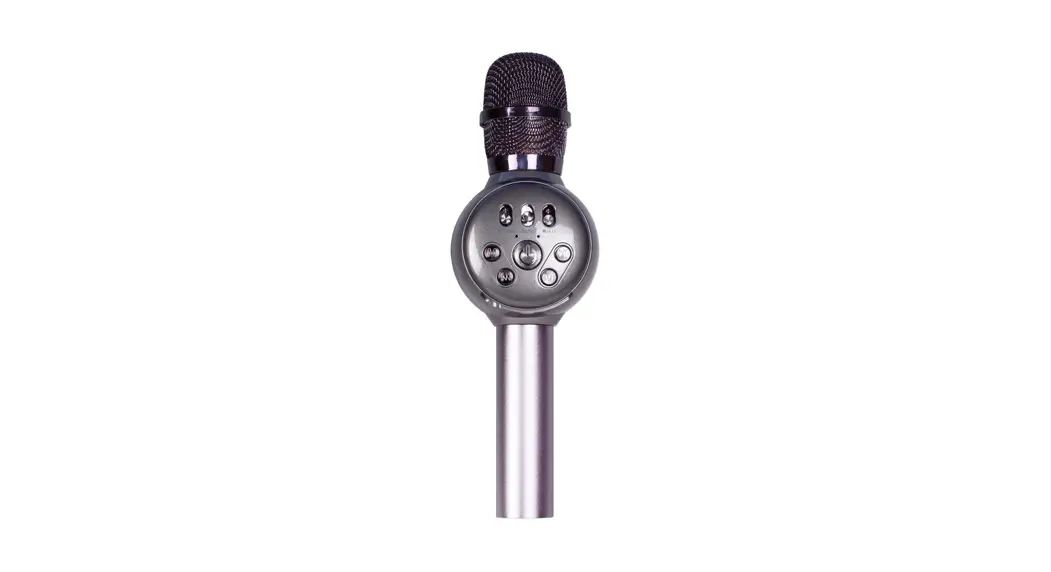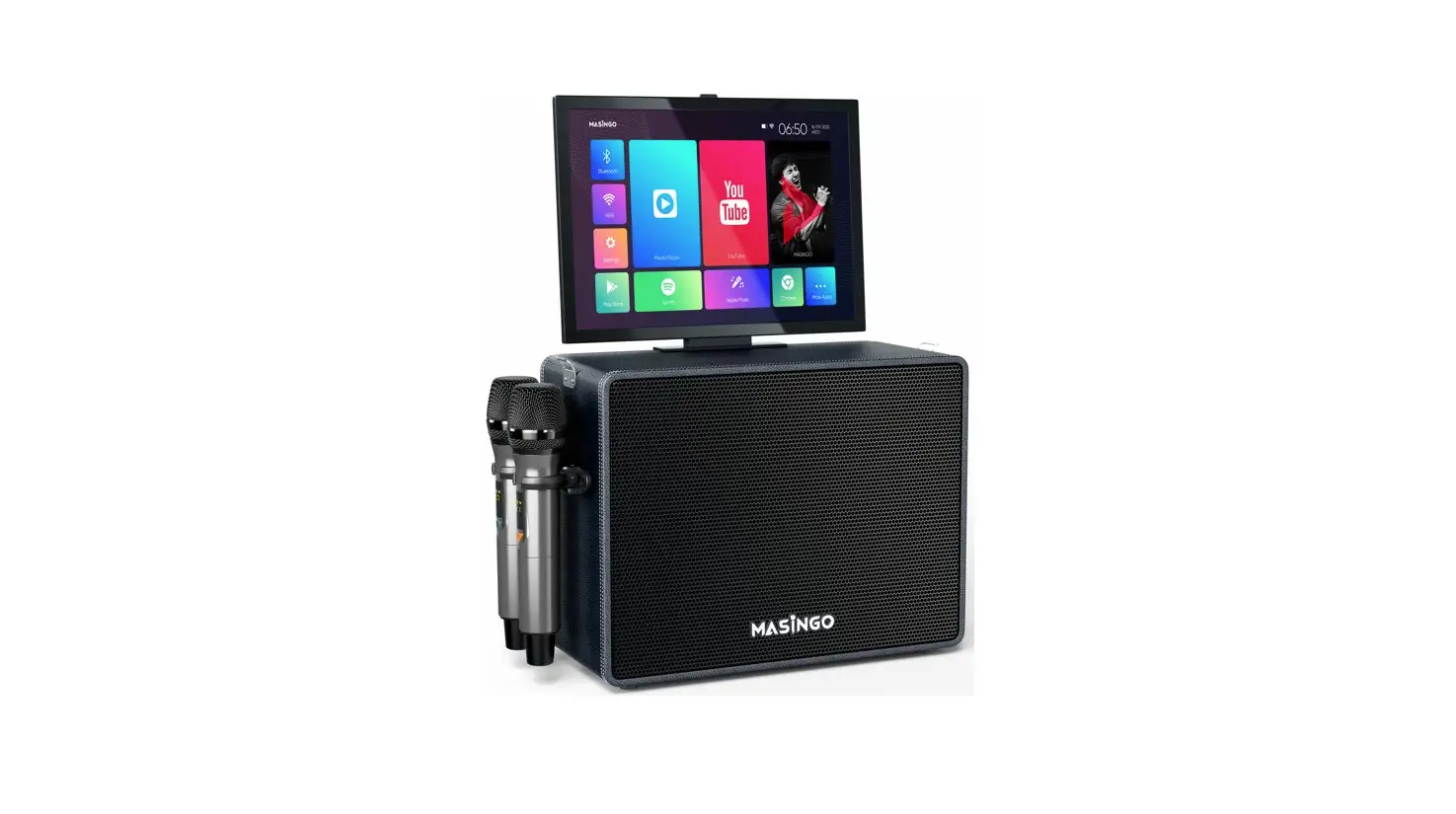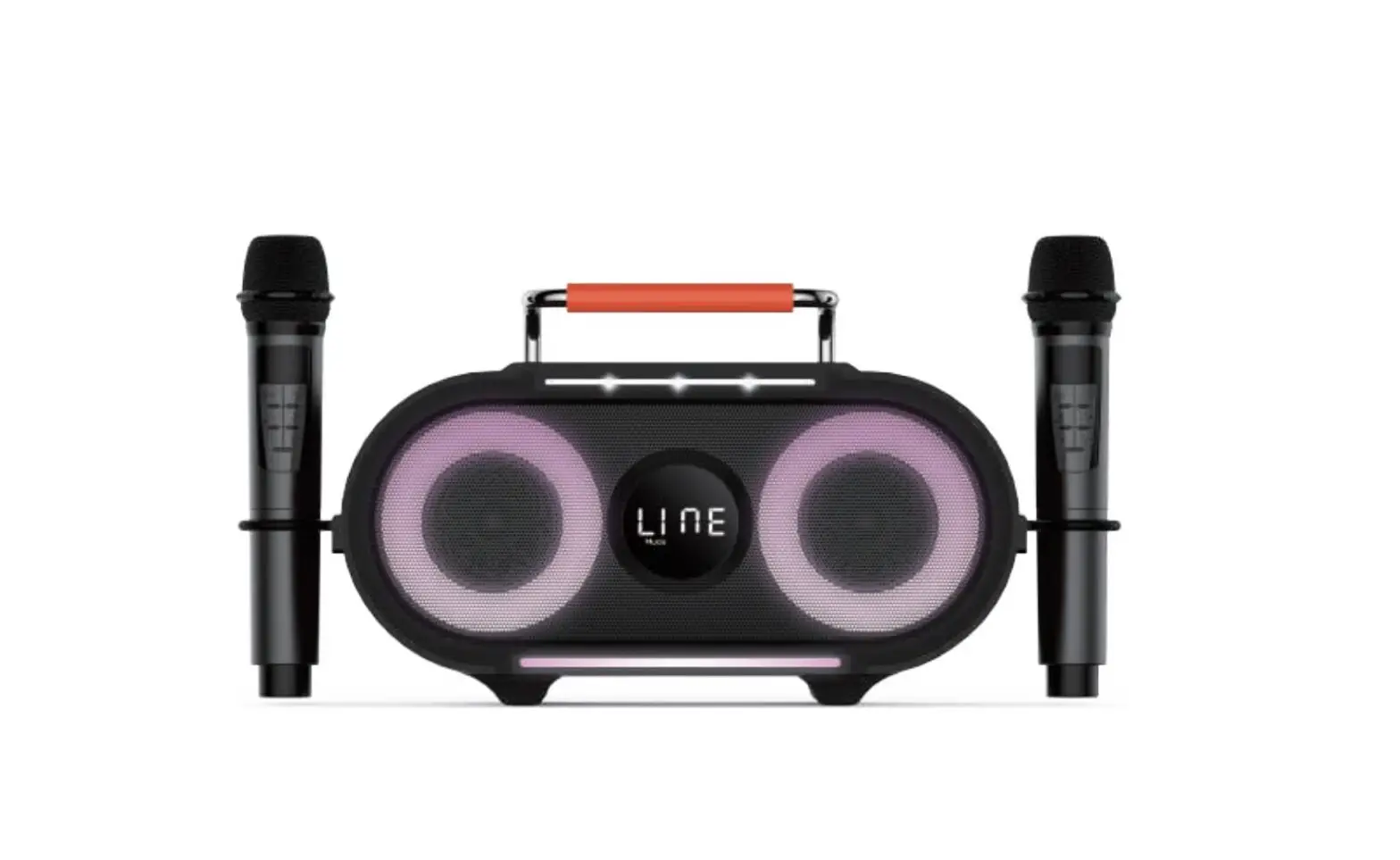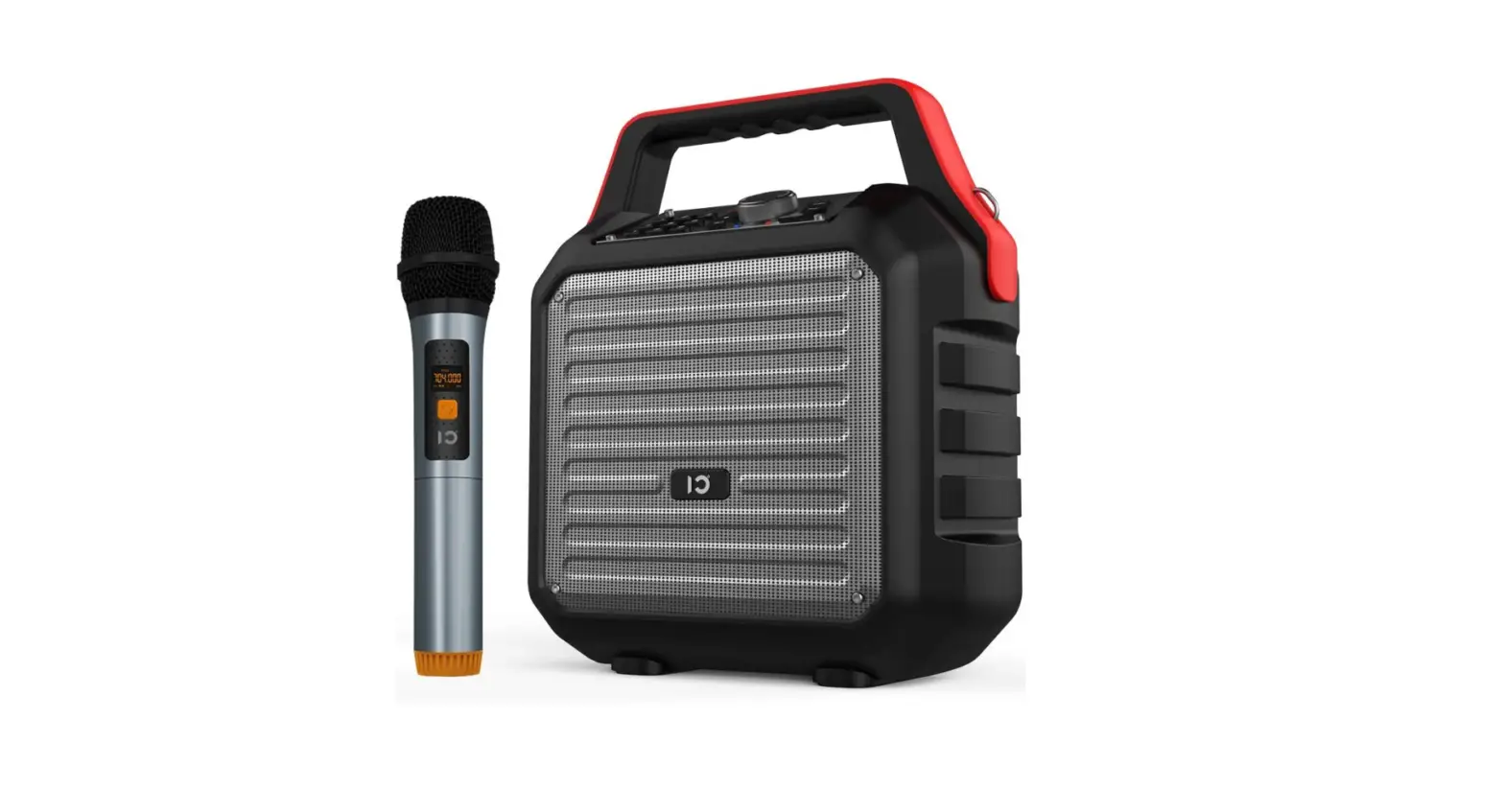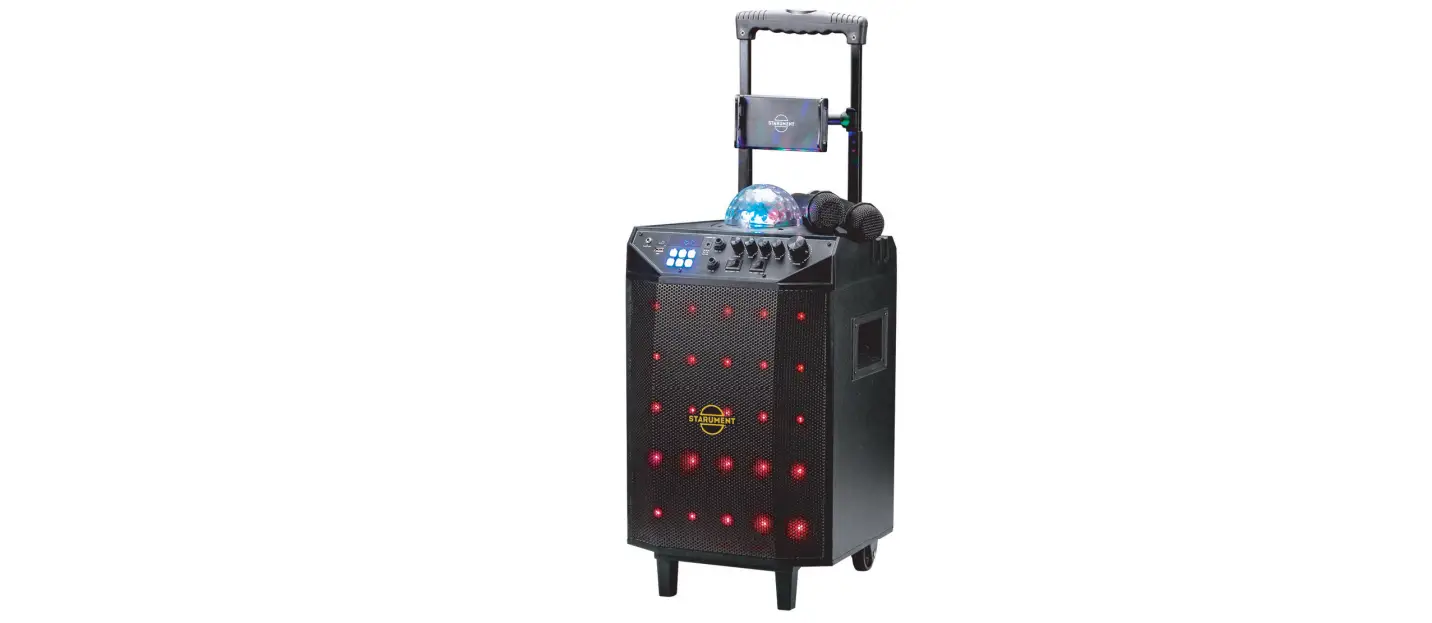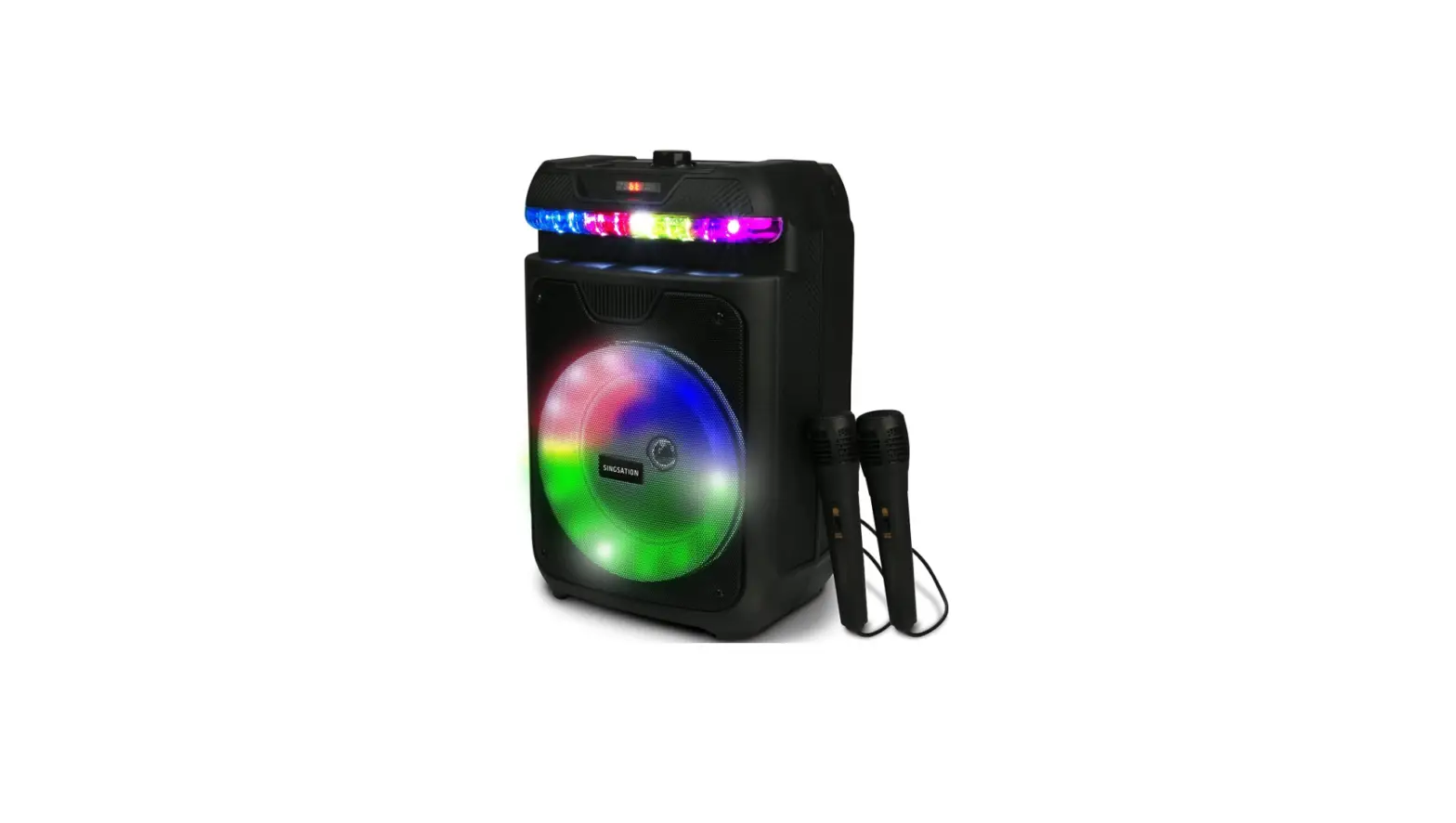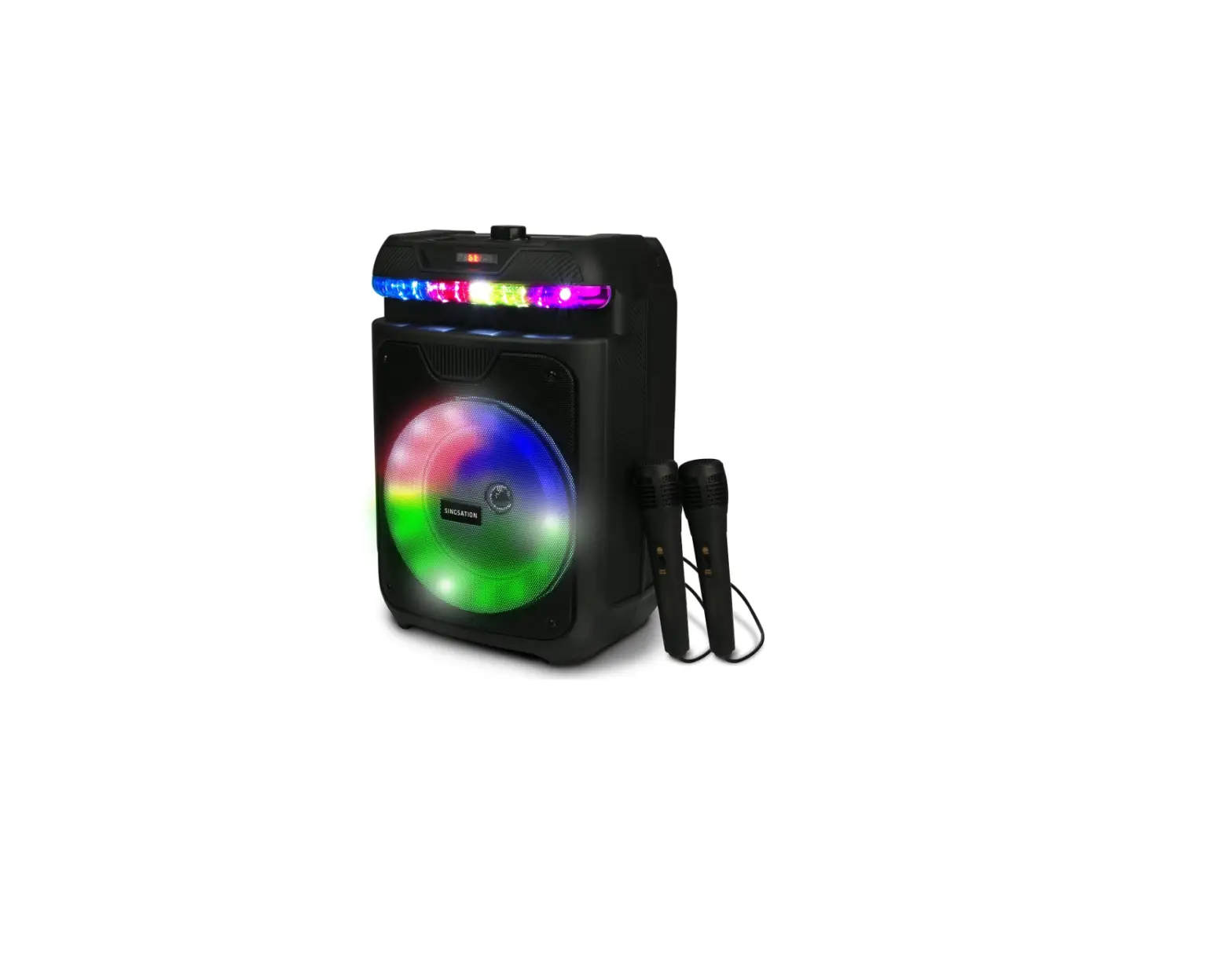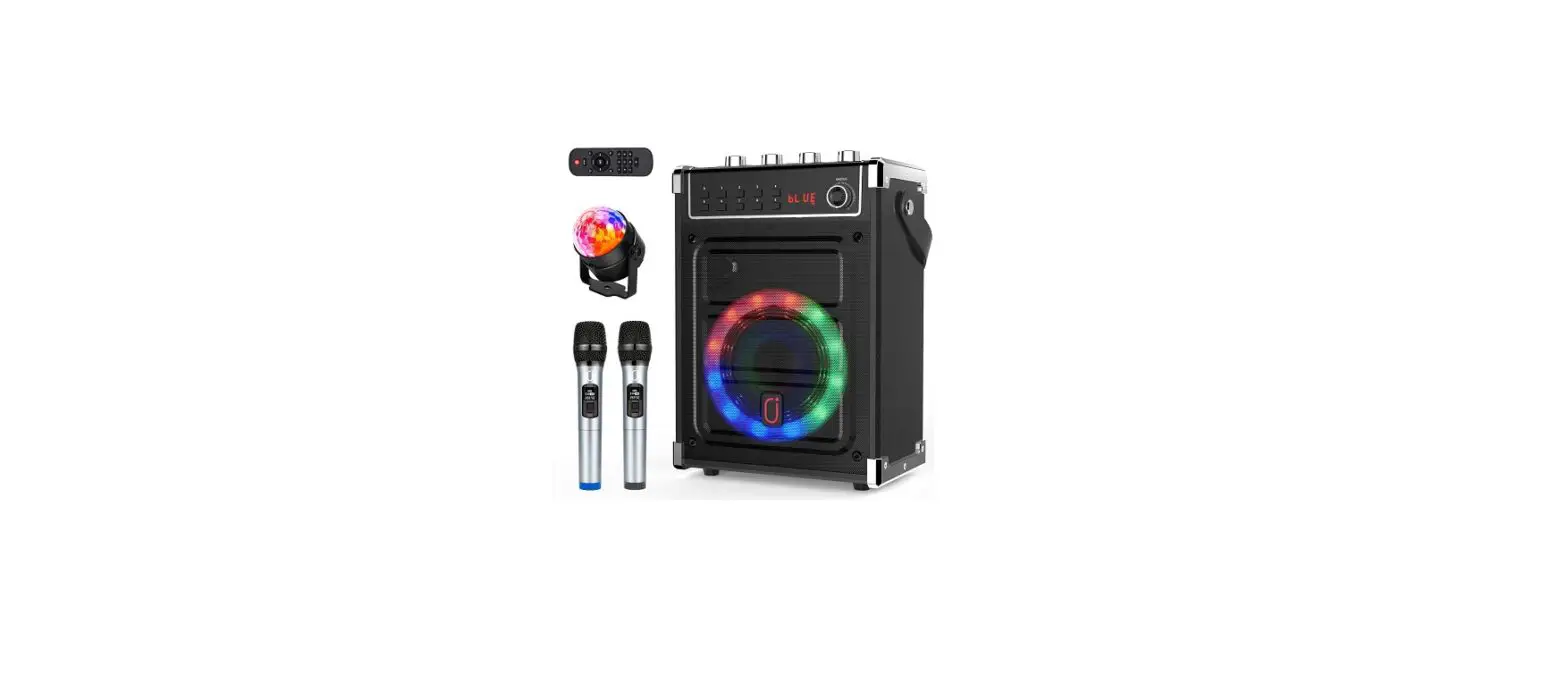

LASER MIC-KKAAST Portable Karaoke Machine
Thank you for your purchase!
Laser Corporation is 100% Australian owned & operated. To get the most out of your product please read the user manual carefully and keep for future use.
For specific information relating to your product such as Spare Parts, FAQs, Warranty claims, and more, please scan the following QR code:
WHAT’S IN THE BOX
- Karaoke Speaker
- 2 x Microphones
- Carry Strap
- User Manual
SPECIFICATIONS
- Bluetooth Version: 5.0
- Bluetooth Range: 10M
- Speaker Output: RMS 6W
- Signal to Noise Ratio: > 80dB
- Battery: 3.7V/1200mA
- Charging Input: DC 5V/1A
- Dimensions: 19.2 x 7.8 x 22.9cm
SETUP
- Step 1:
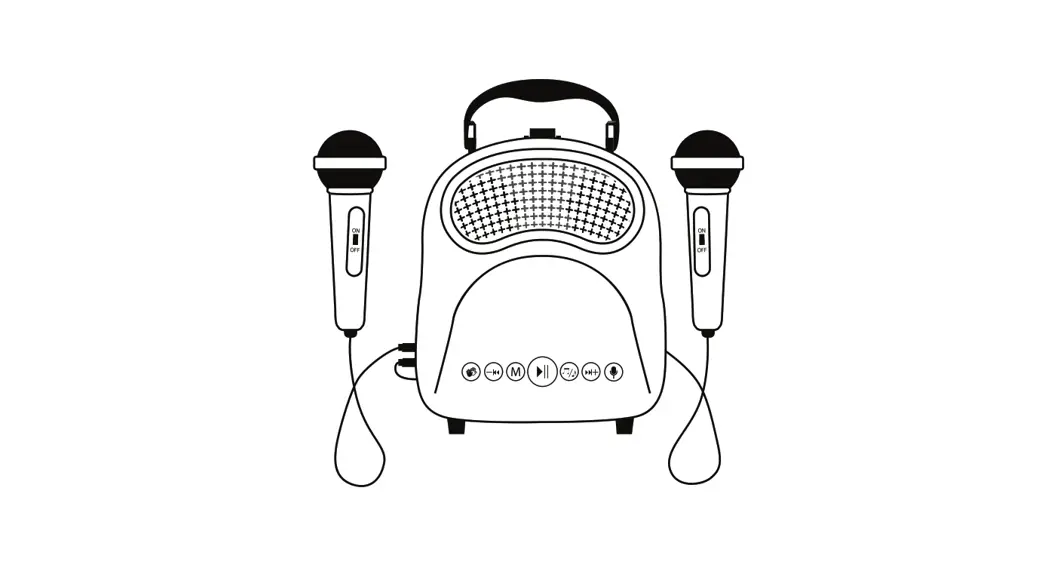
Open the backpack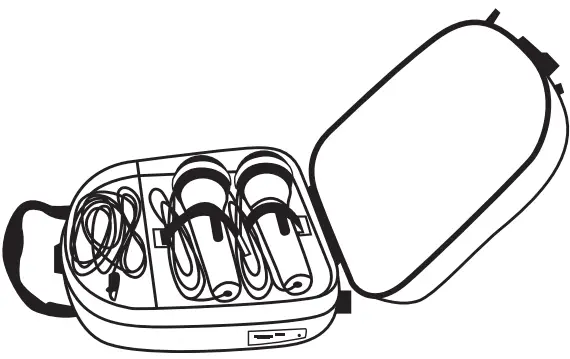
- Step 2:
Take out the strap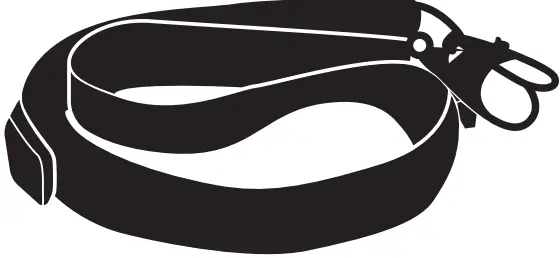
- Step 3:
The straps can be fastened to both ends of the speaker carry handle.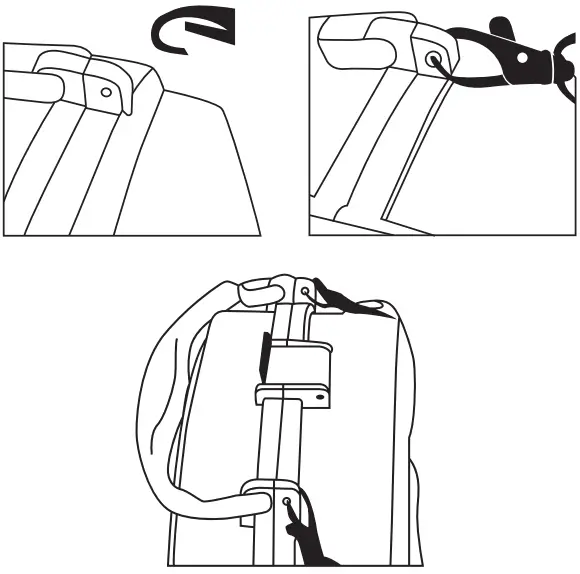
- Step 4:
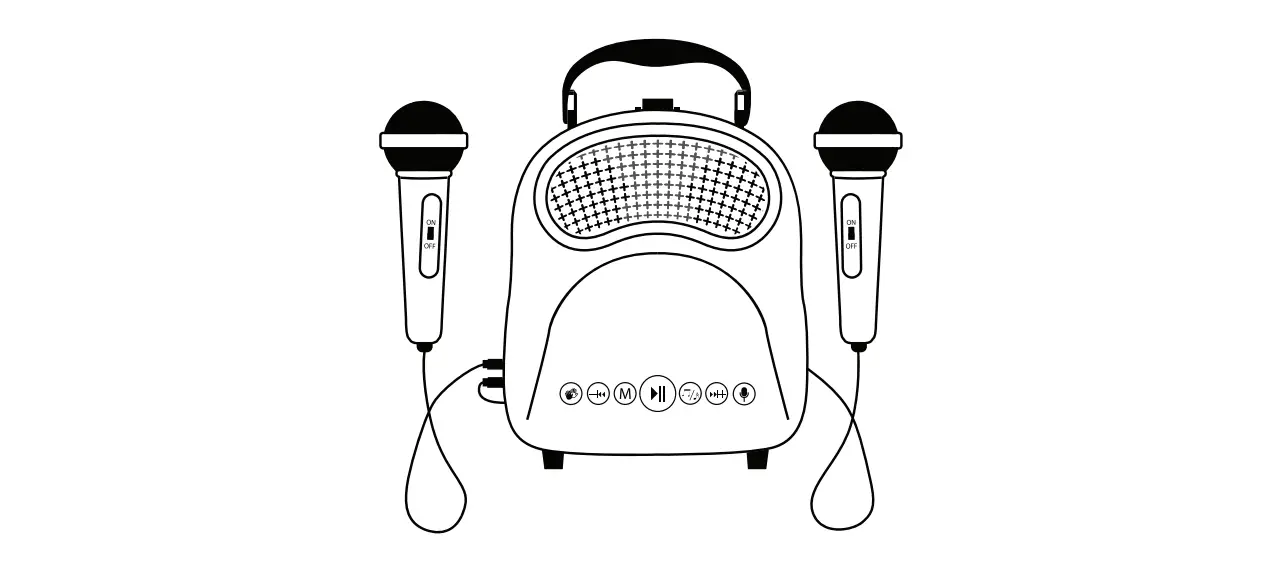
Insert 1 or both microphones into the ports on the speaker.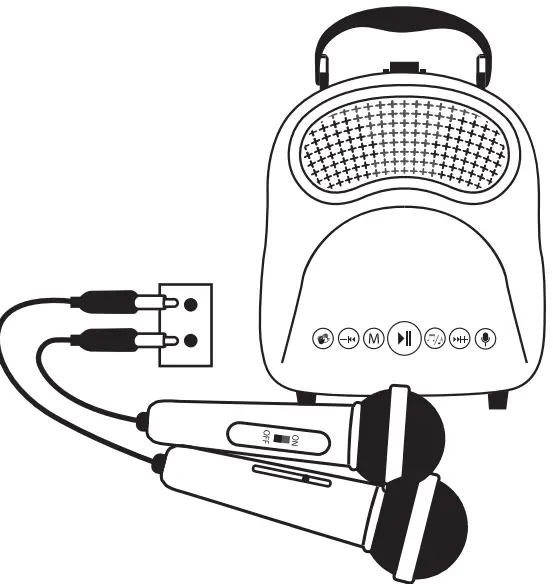
CONTROLS
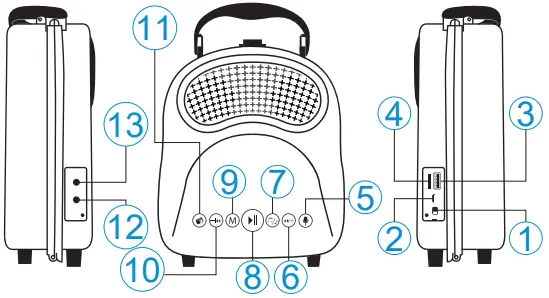
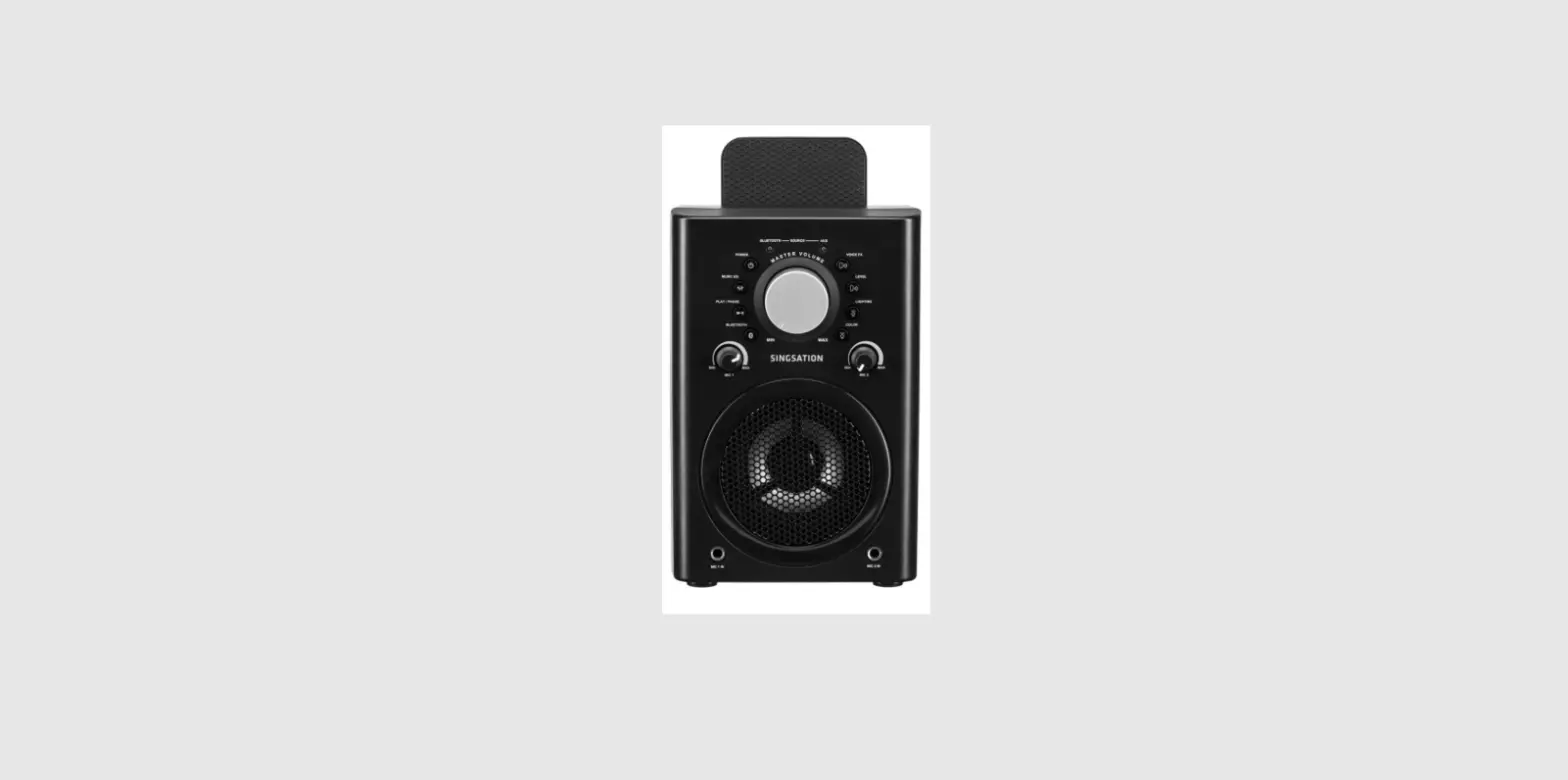
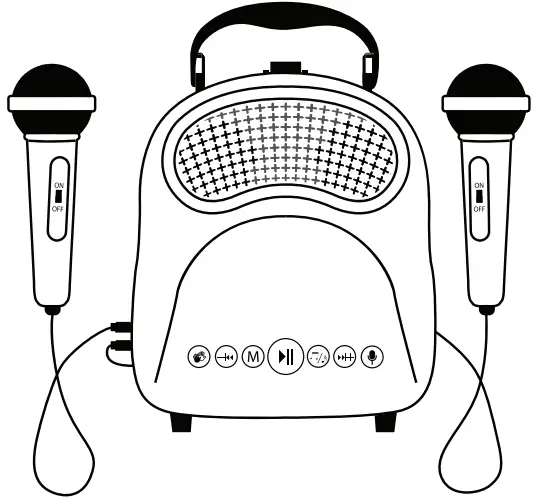
 Turn device on/off
 DC5V Charging Port
 USB Port Insert USB to play music files
 Micro SD card slot Insert Micro SD card to play music files
 Voice changer Tap to switch between 3 different voice filters.
 Press and hold to skip track forward. Tap to increase volume.
 Tap to mute the lyrics on any music being played. Note: Results may vary based on individual tracks.
 Tap to switch between Bluetooth, USB, and Micro SD card modes.
 Tap to “cheer”. Press and hold to “boo”.
 Microphone 1 input.
- Microphone 2 input.
BLUETOOTH PAIRING
- Turn the speaker on and it should automatically go into Bluetooth pairing mode.
- Search for “MIC-KKAAST or MIC-KKAFLM” under Bluetooth settings of device you are connecting to e.g., smartphone or tablet.
TIP:
If password is requested during Bluetooth pairing then enter “0000—.
MICRO SD CARD PLAYBACK
- Plug in a Micro SD Card via the port on the speaker.
- Only MP3 files are supported.
- Up to 32GB cards are supported.
- If card is not detected, please try formatting on a Windows computer to another file system.
USB DRIVE PLAYBACK
- Turn the speaker on and it should automatically go into Bluetooth pairing mode.
- Only MP3 files are supported.
- Up to 32GB drives are supported.
- If drive is not detected, please try formatting on a Windows computer to another file system.
CHARGING
- Plug one end of the included charging cable into the port on the speaker.
- Plug the other end to a 5V/1A USB power source.
- A full charge can take up to 6 hours.
TROUBLESHOOTING
Problems Connecting to Bluetooth:
- Place the speaker next to the smart device you are pairing to e.g., Smartphone.
- Wait up to 1 minute for the device name to appear.
- If the Bluetooth name “MIC-KKAAST or MIC-KKAFLM” does not appear on the list of available devices, then try refreshing the list or searching again.
- Make sure the speaker is in Bluetooth mode (default mode when turning on speaker) before searching on your smart device.
- If the speaker is already connected to another smart device, it will need to be unpaired from that device first or it will need to be out of Bluetooth connection range of that device before it can be connected to another.
Visit our website
www.laserco.com.au
Check us out at
 Laser Co | Technology for everyone