
MANUAL
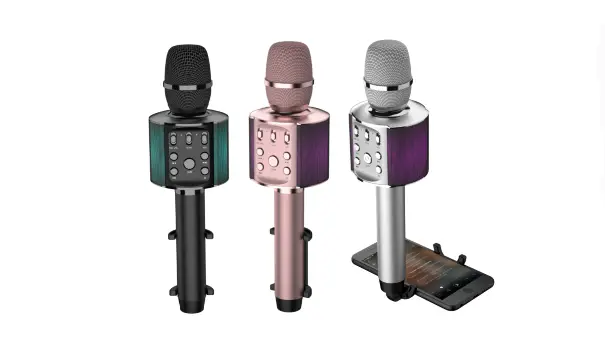
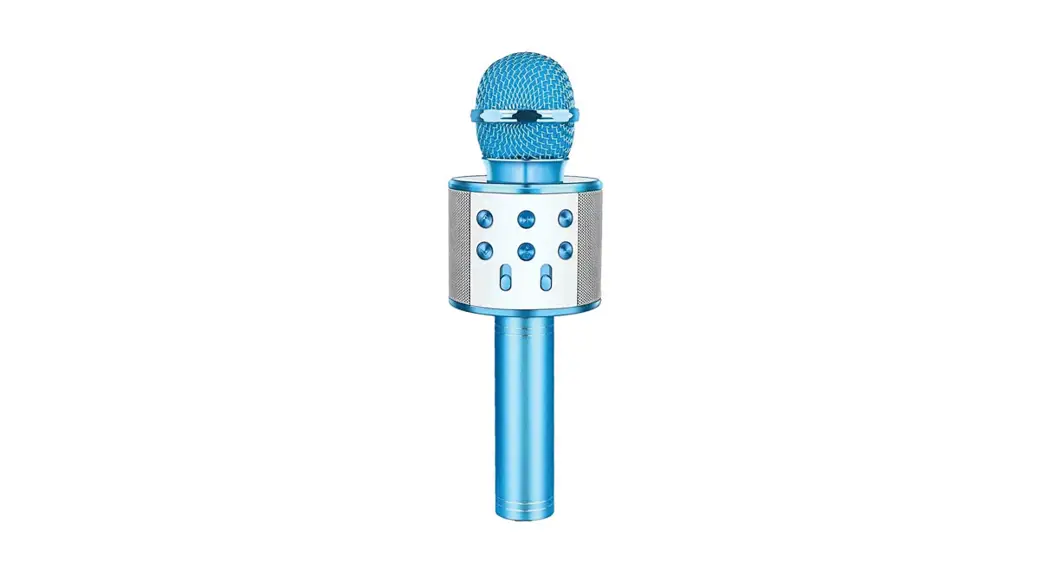
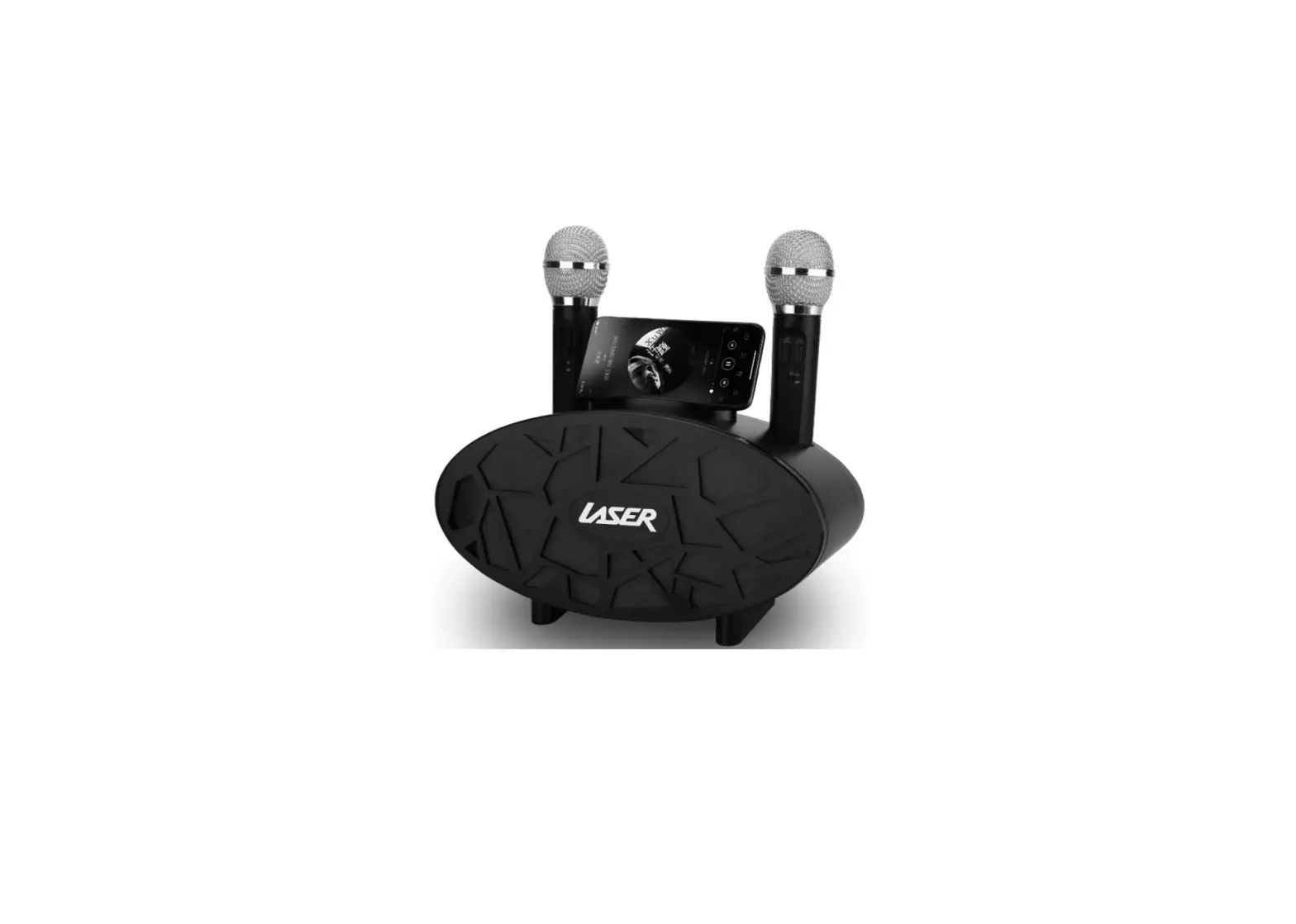
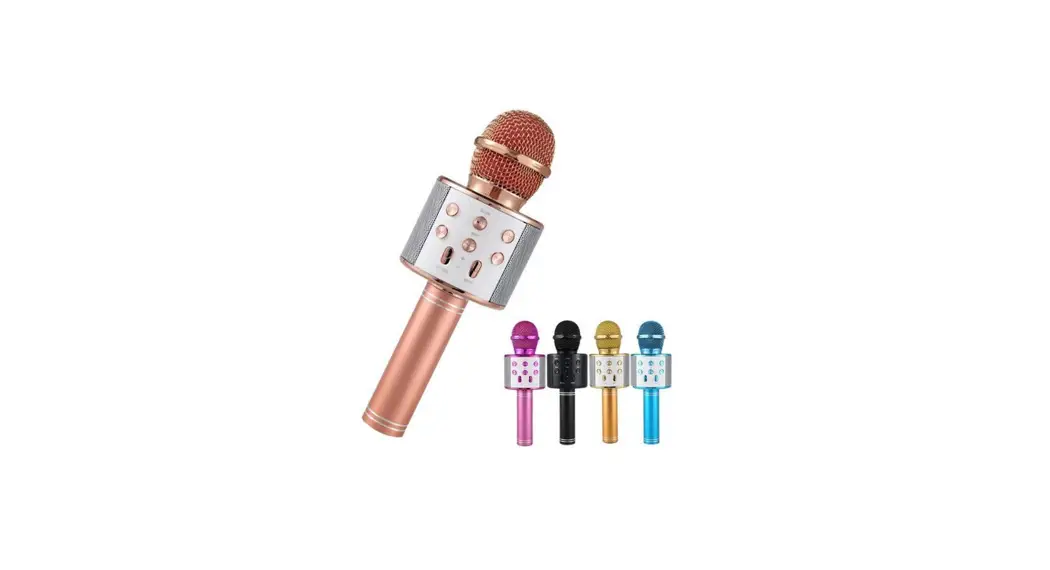
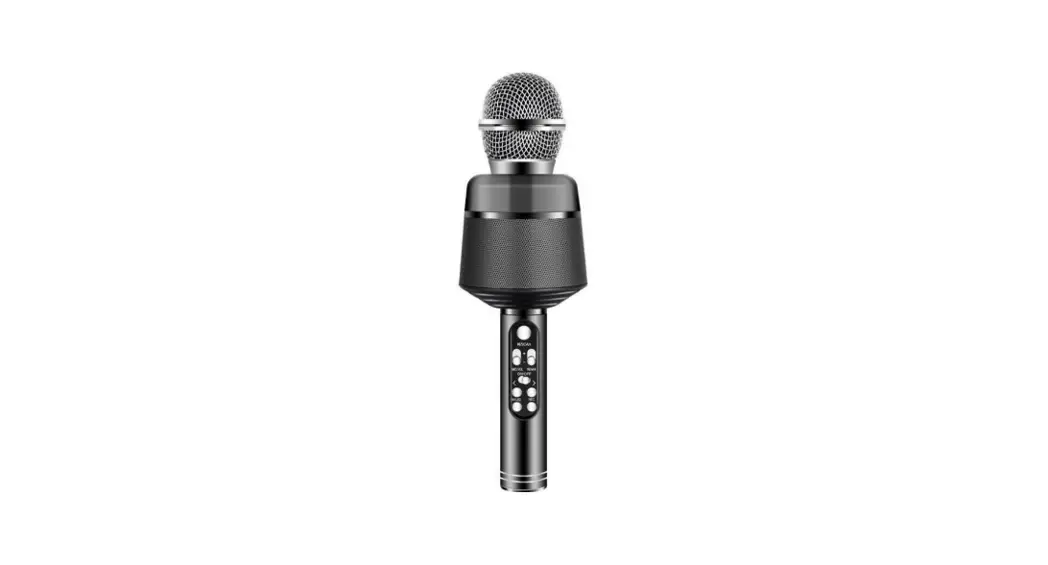
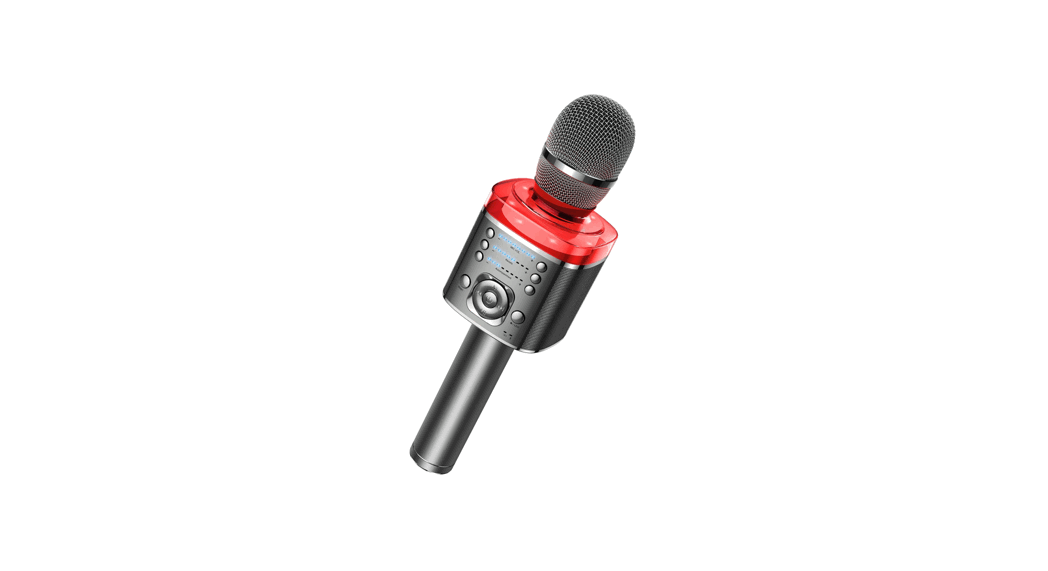
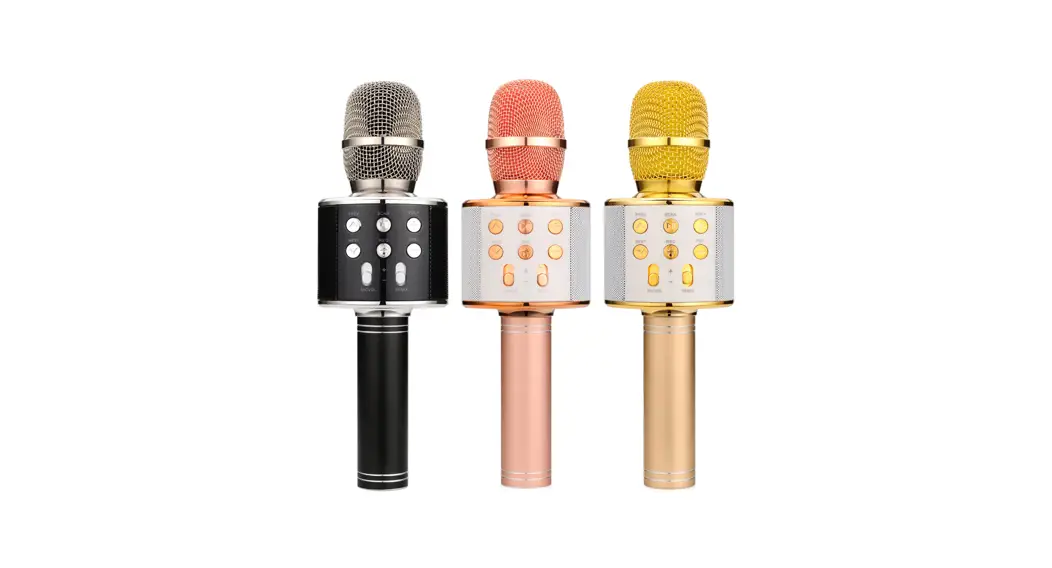
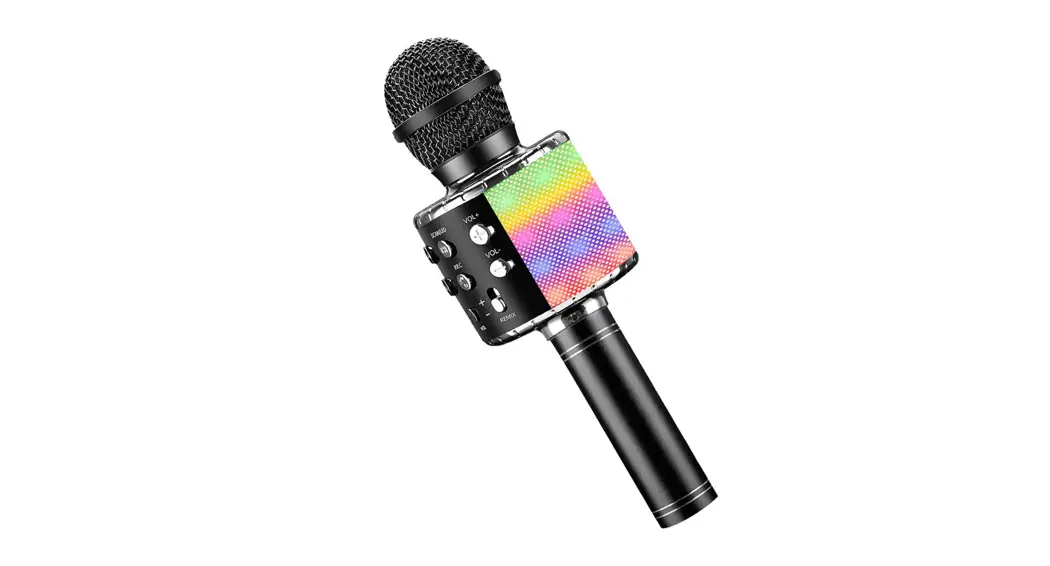
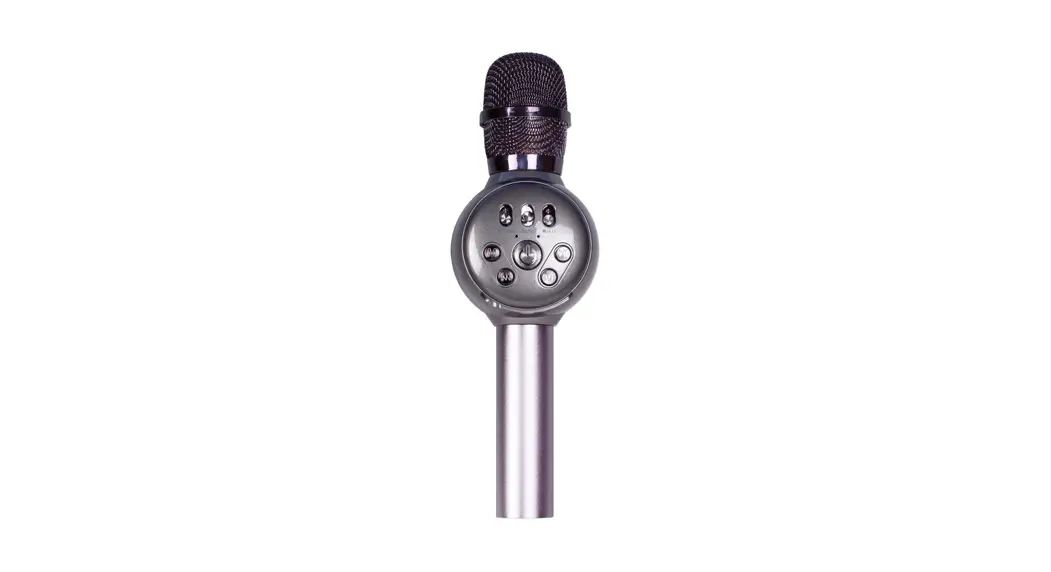
Laser LED Karaoke Microphone
MIC-RKLED
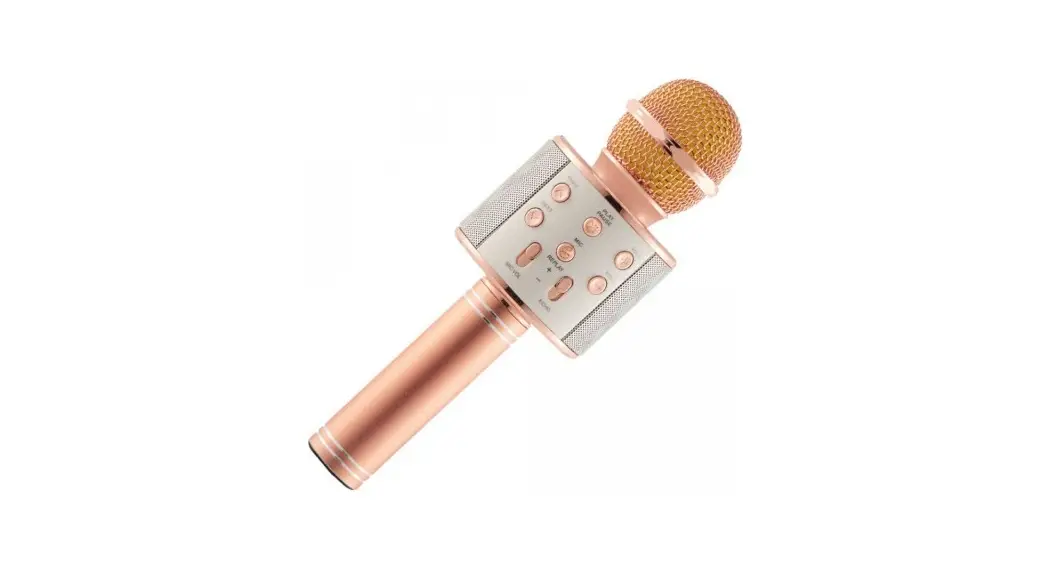
CONTROLS
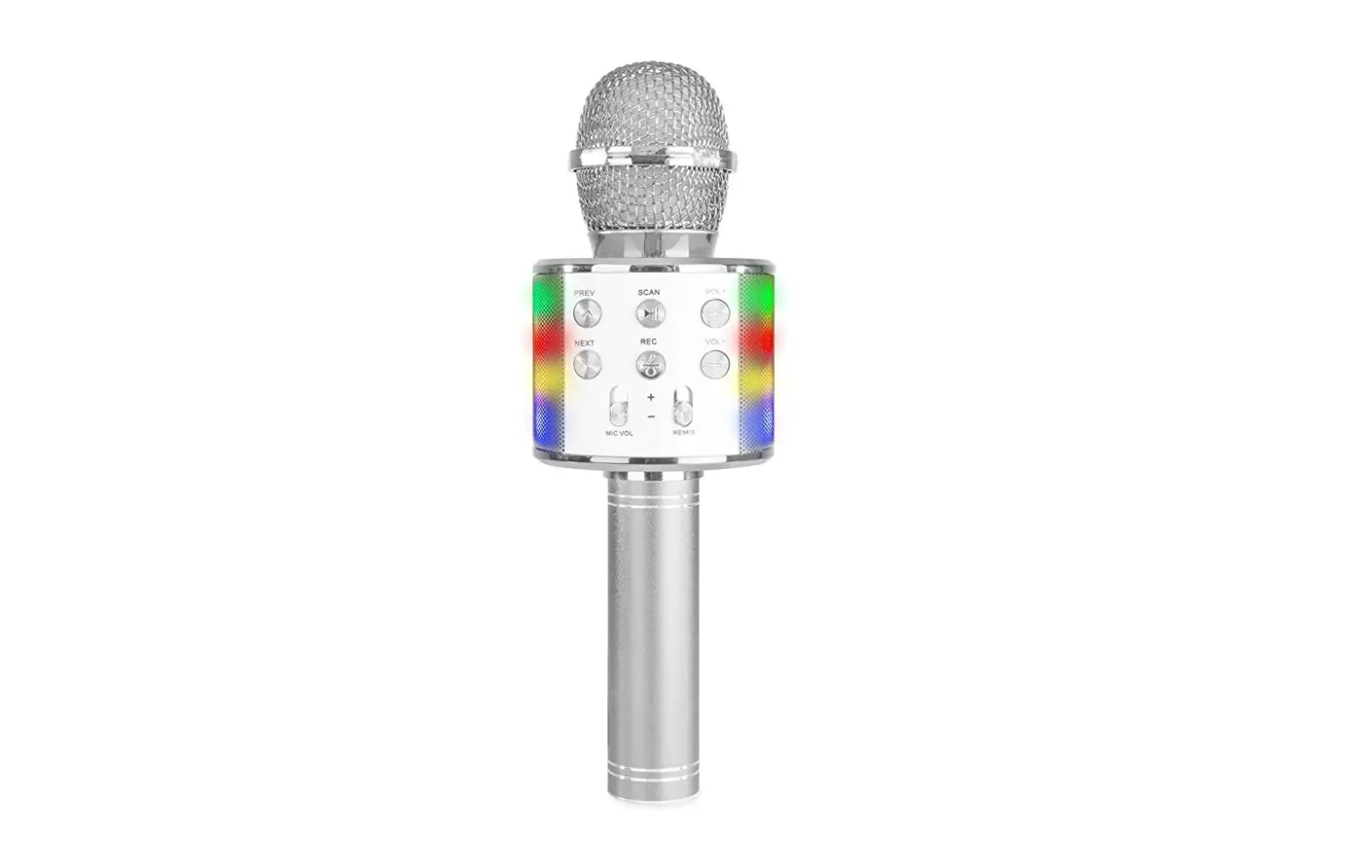
| VOLUME | +Microphone volume is increased – Microphone volume is decreased |
| ECHO | +Echo is increased – Echo is decreased |
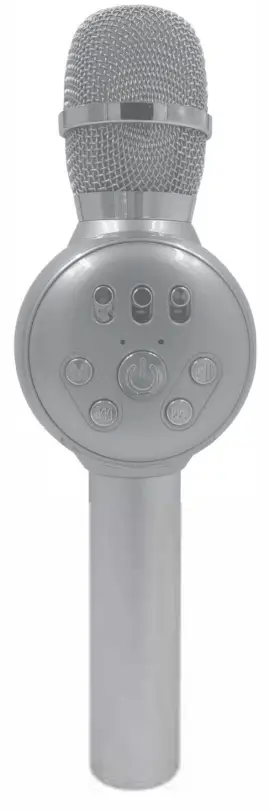
| MUSIC | +Source volume is increased -Source volume is decreased |
 | Press and hold to turn the device ON/OFF |
 | Tap during file playback for the next track |
 | Tap during file playback to PLAY/PAUSE |
 | Tap during file playback for the previous track |
 | Press and HOLD to swap between MODE selection or VOICE FILTER Tap during MODE to switch between BT, AUX, or Micro SD Card Tap during VOICE FILTER for 4 different filter options |
| Micro USB Input | Insert Micro USB Cable for DC5V charging |
| 3.5mm Input | Connect AUX device for file playback |
| Micro SD Card Slot | Insert Micro SD Card Only MP3 files supported and only cards formatted to the FAT32 file system |
| TIPS | When connecting via BT device will appear as MIC-RKLED Karaoke/Microphone is supported during all MODES If no soundcheck source volume |
| PRODUCT TECHNICAL SPECIFICATIONS | Speaker Output Power: 5W Frequency Range: 100Hz – 10KHz Battery Capacity: 1200mAh |
WARRANTY
Our goods come with guarantees that cannot be excluded under the Australian Consumer Law. You are entitled to a replacement or refund for a major failure and compensation or any other reasonably foreseeable loss or damage. You are also entitled to have the goods repaired or replaced if the goods fail to be of acceptable quality and the failure does not amount to a major failure. www.laserco.com.au