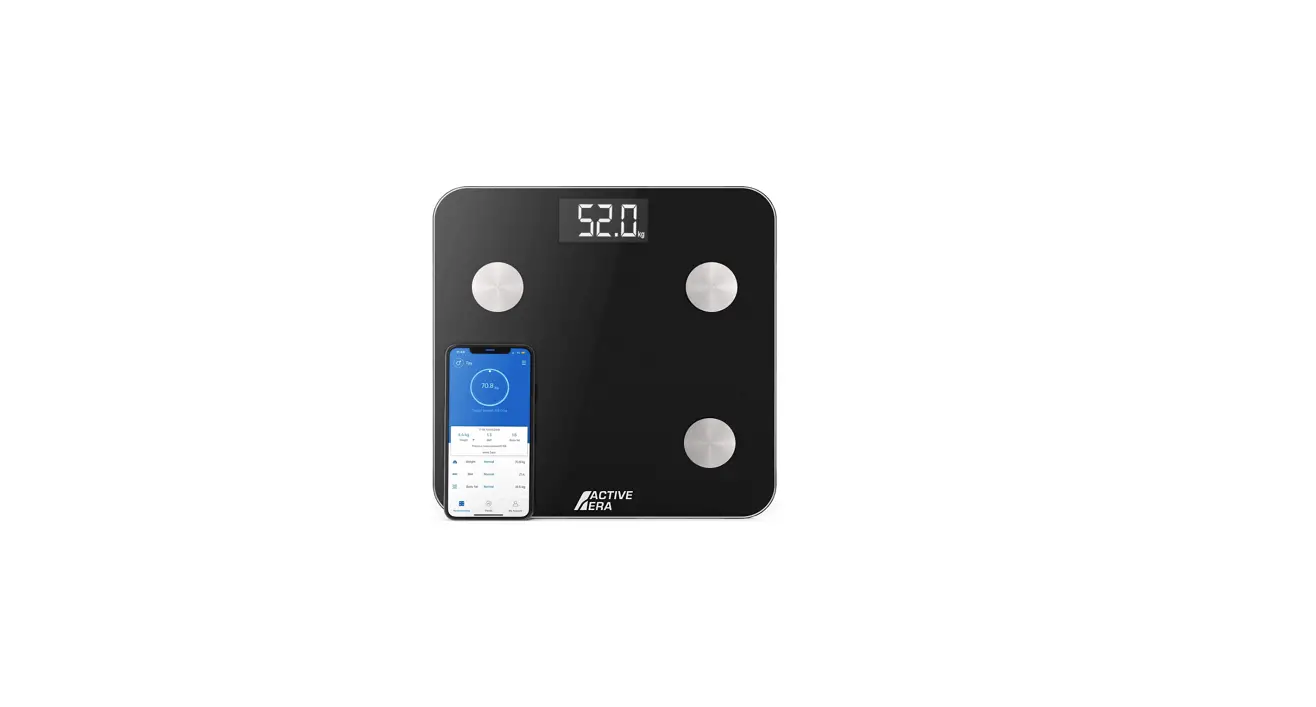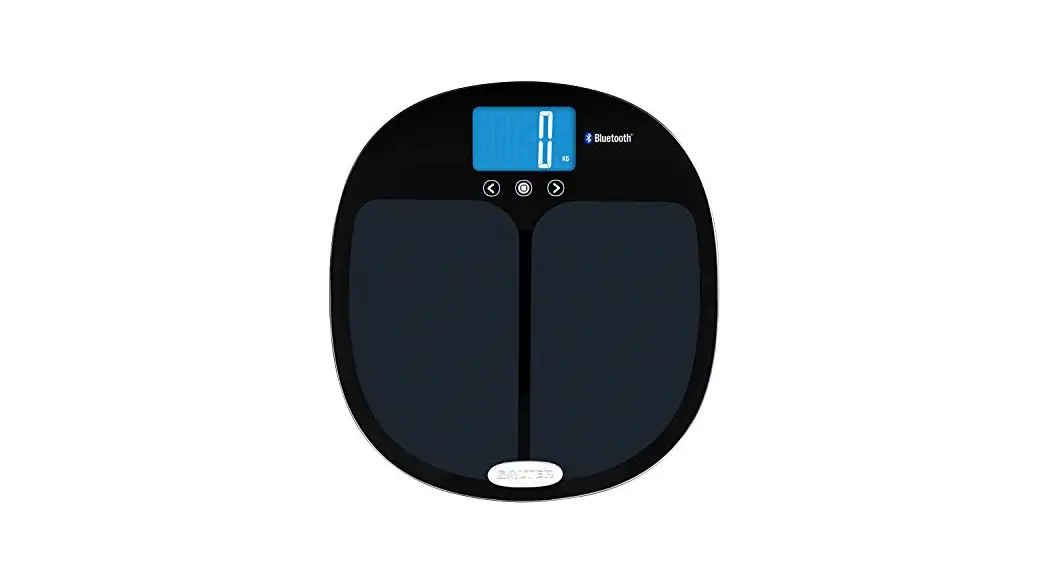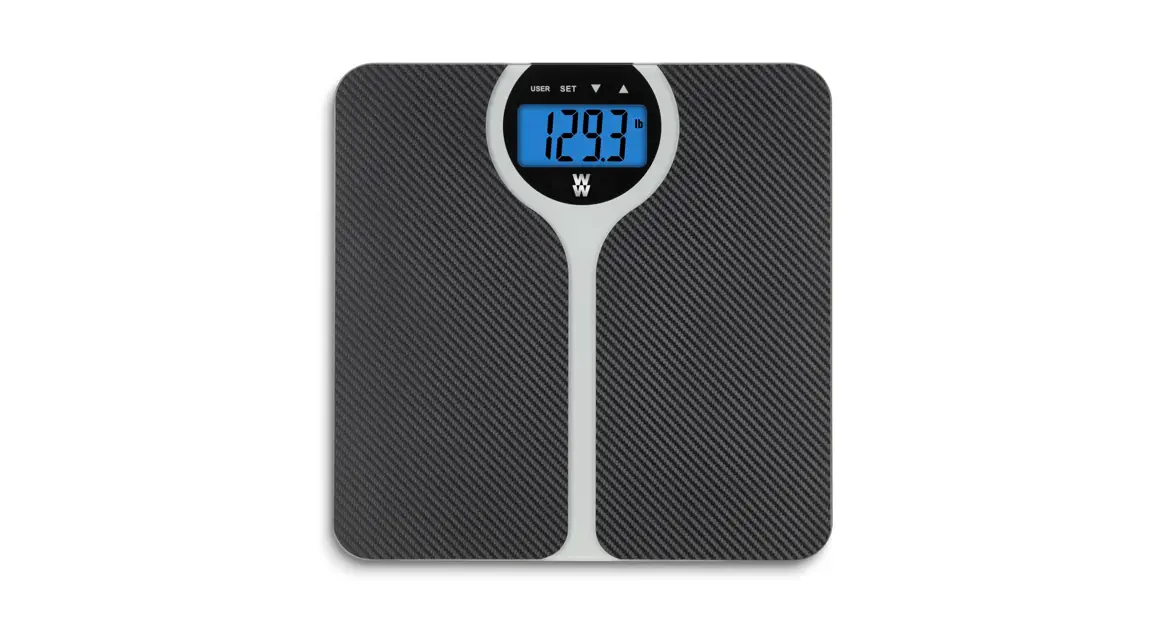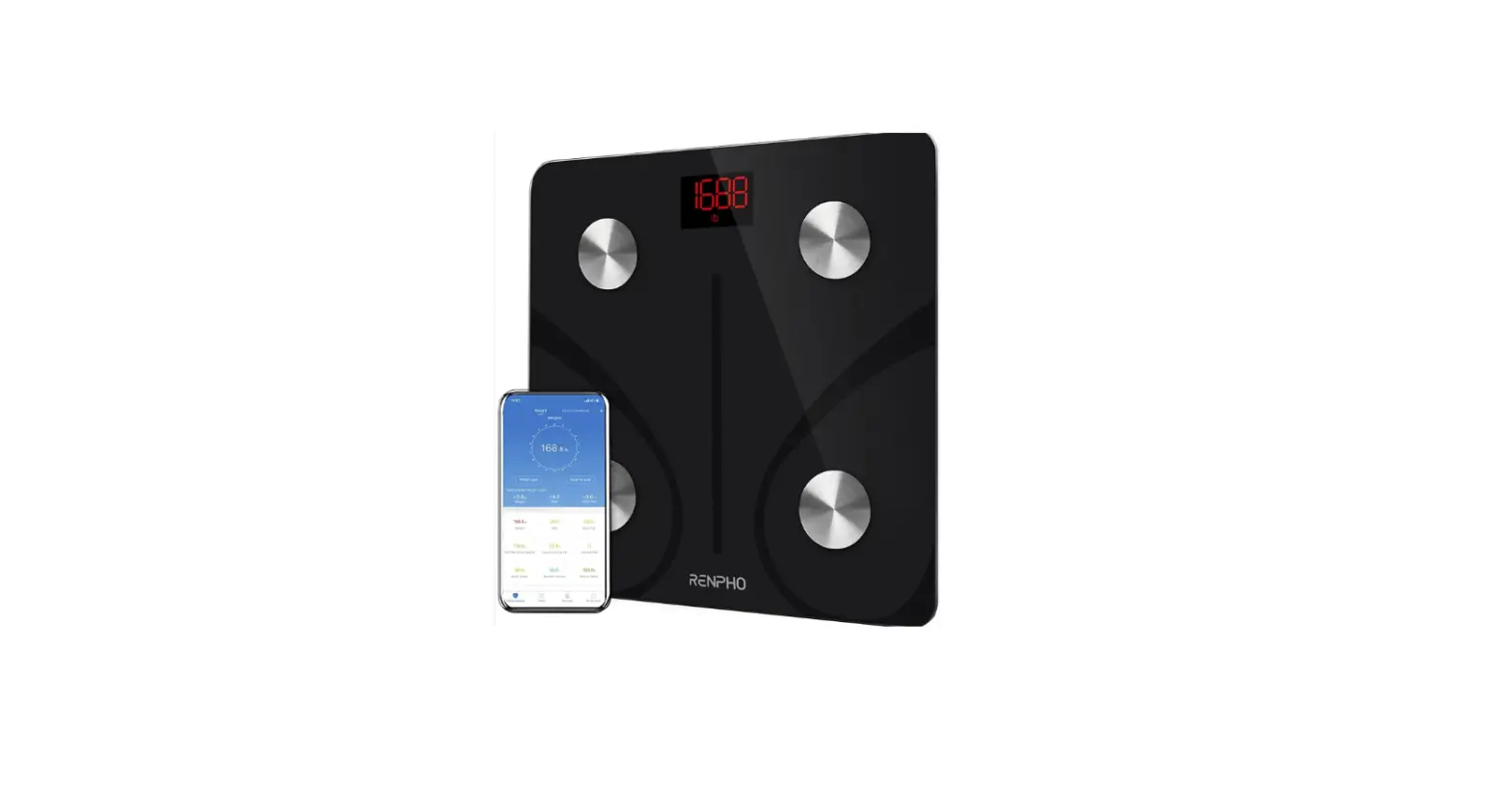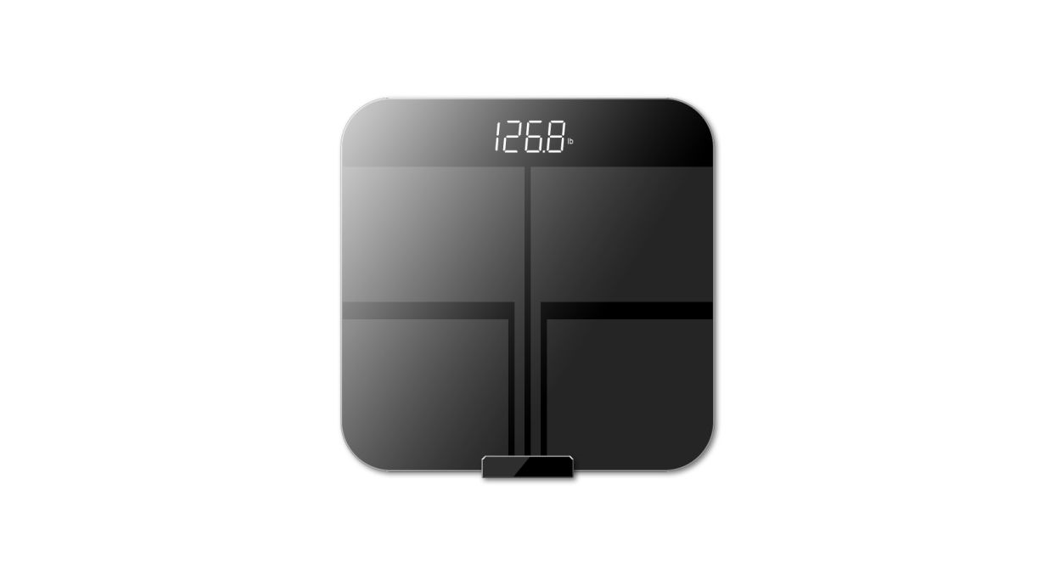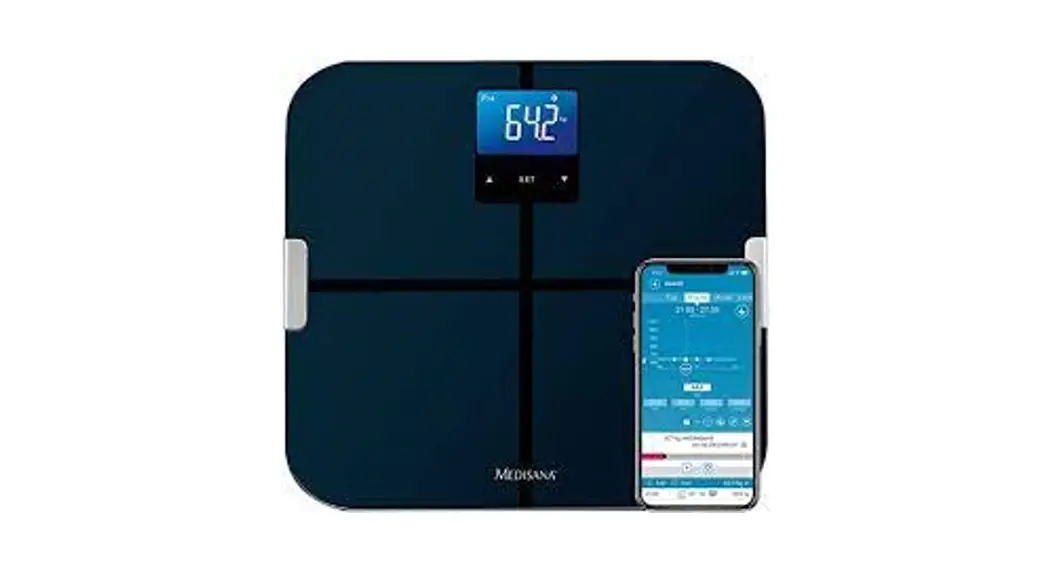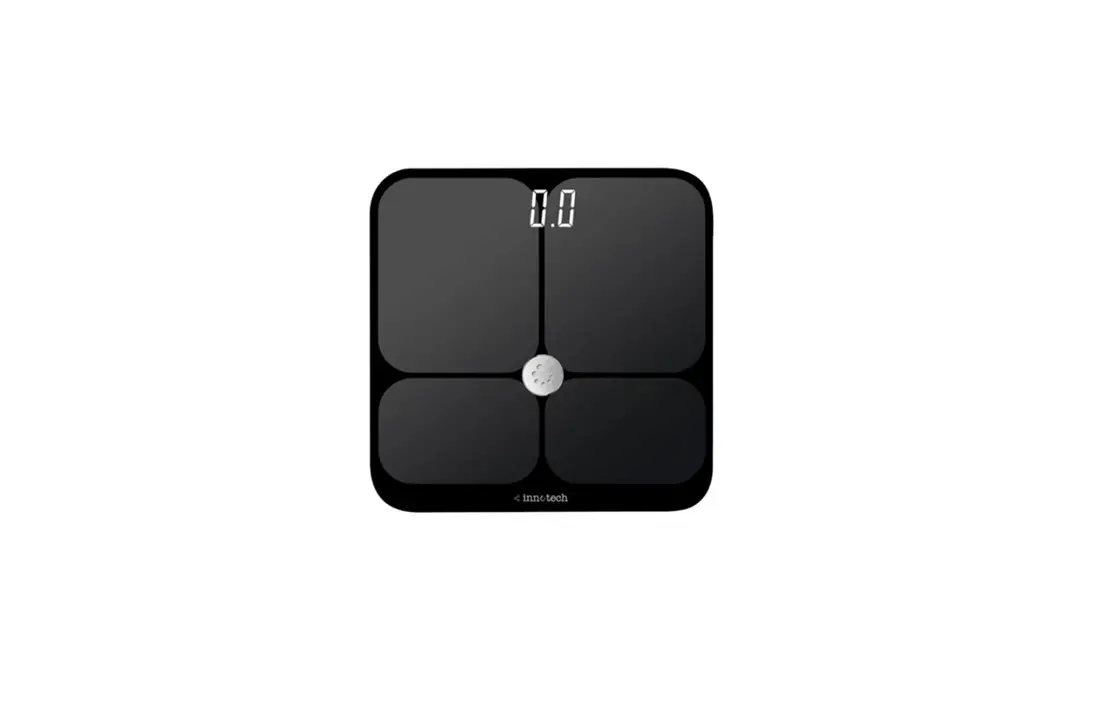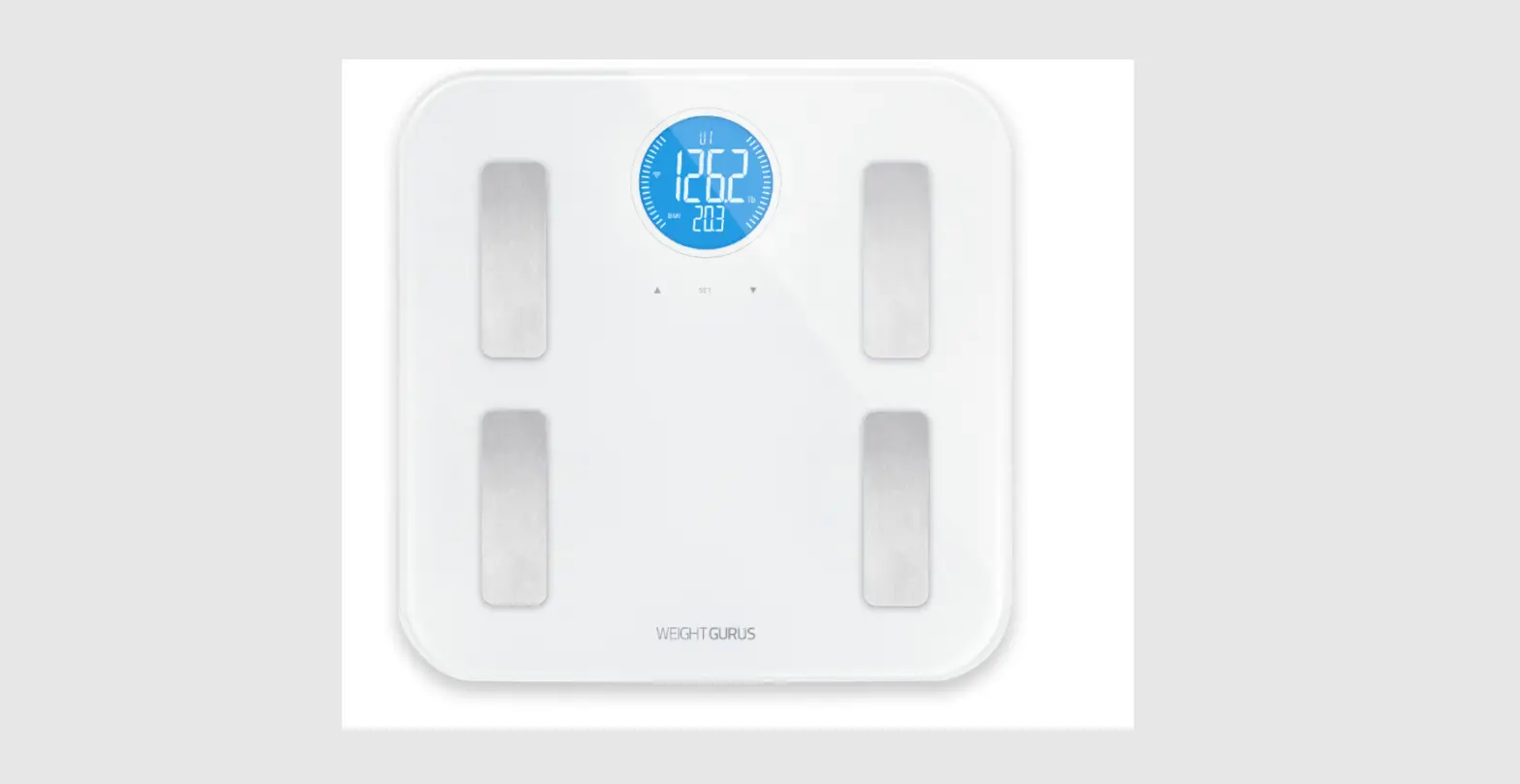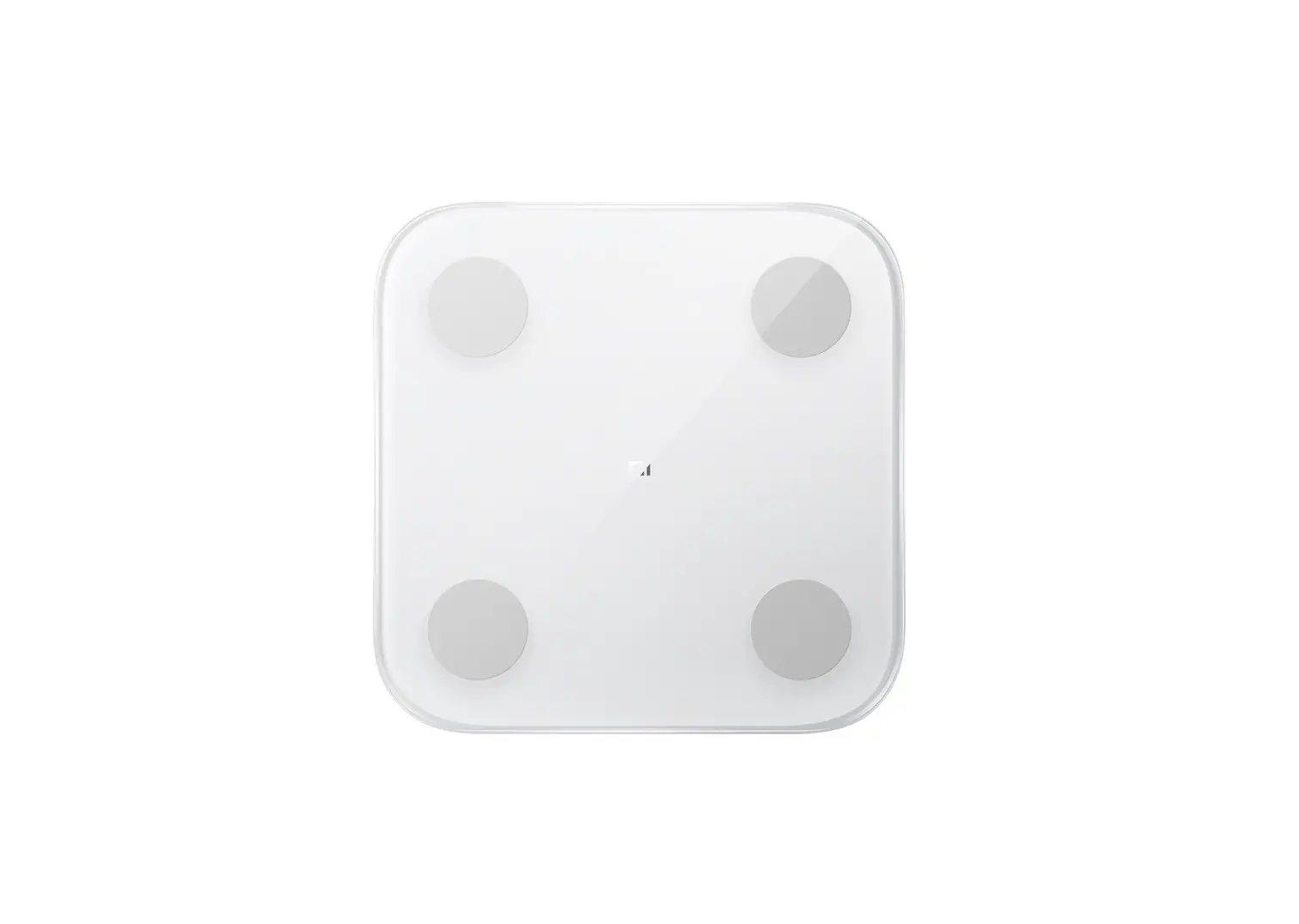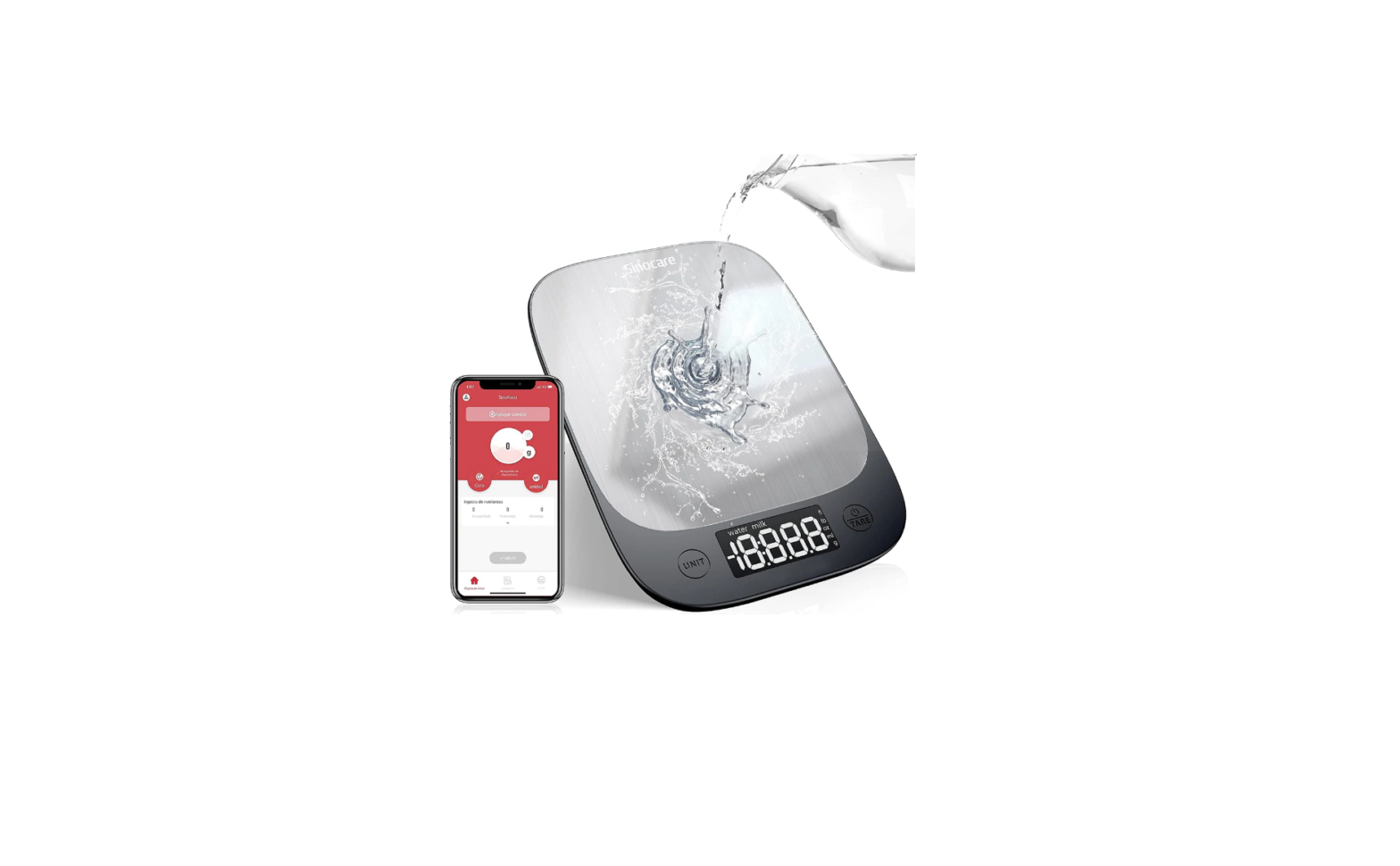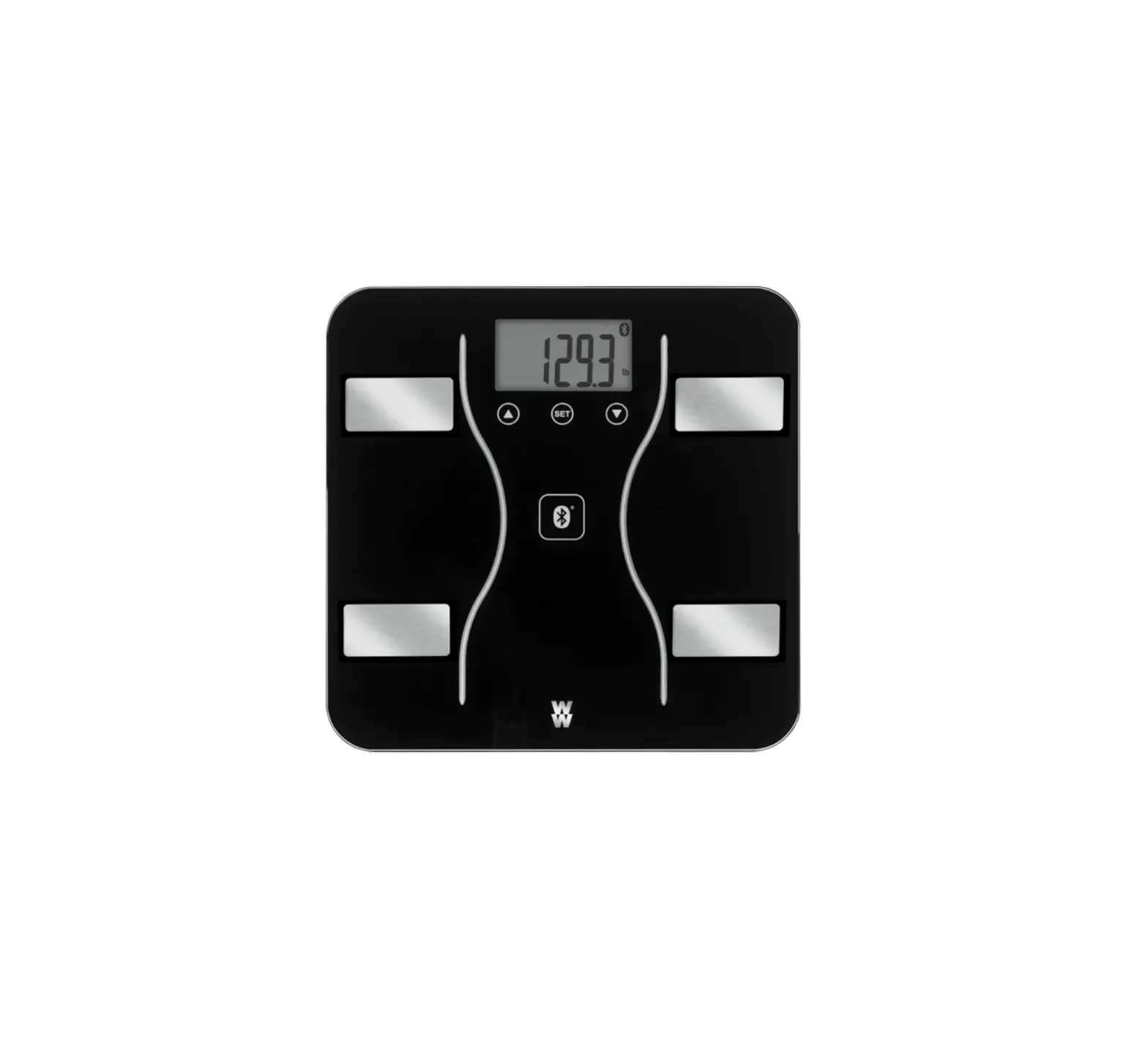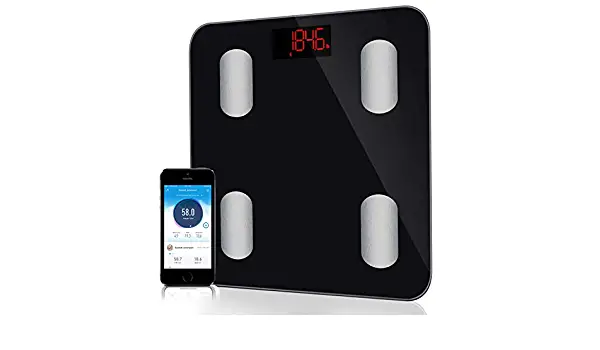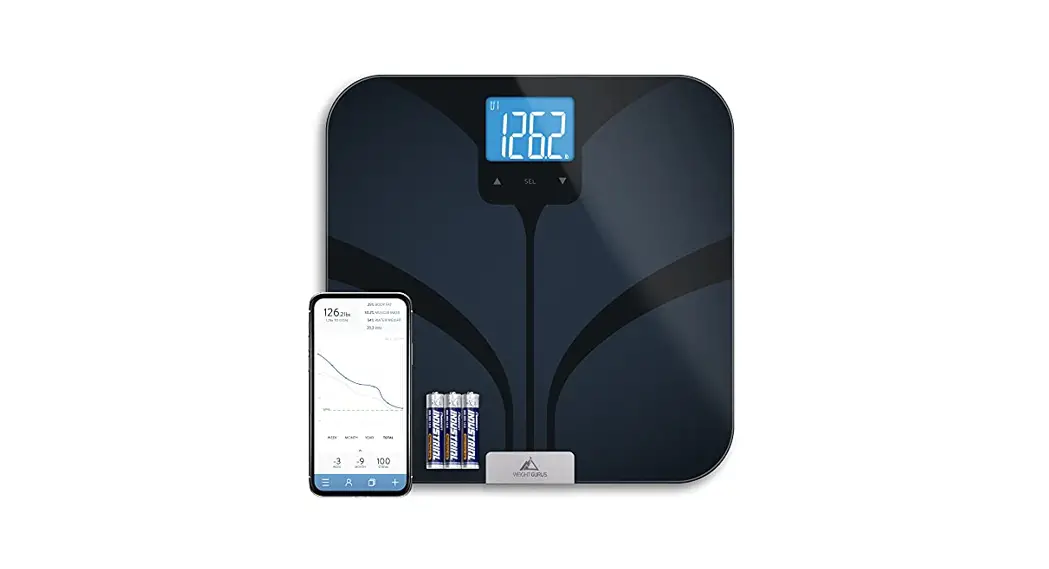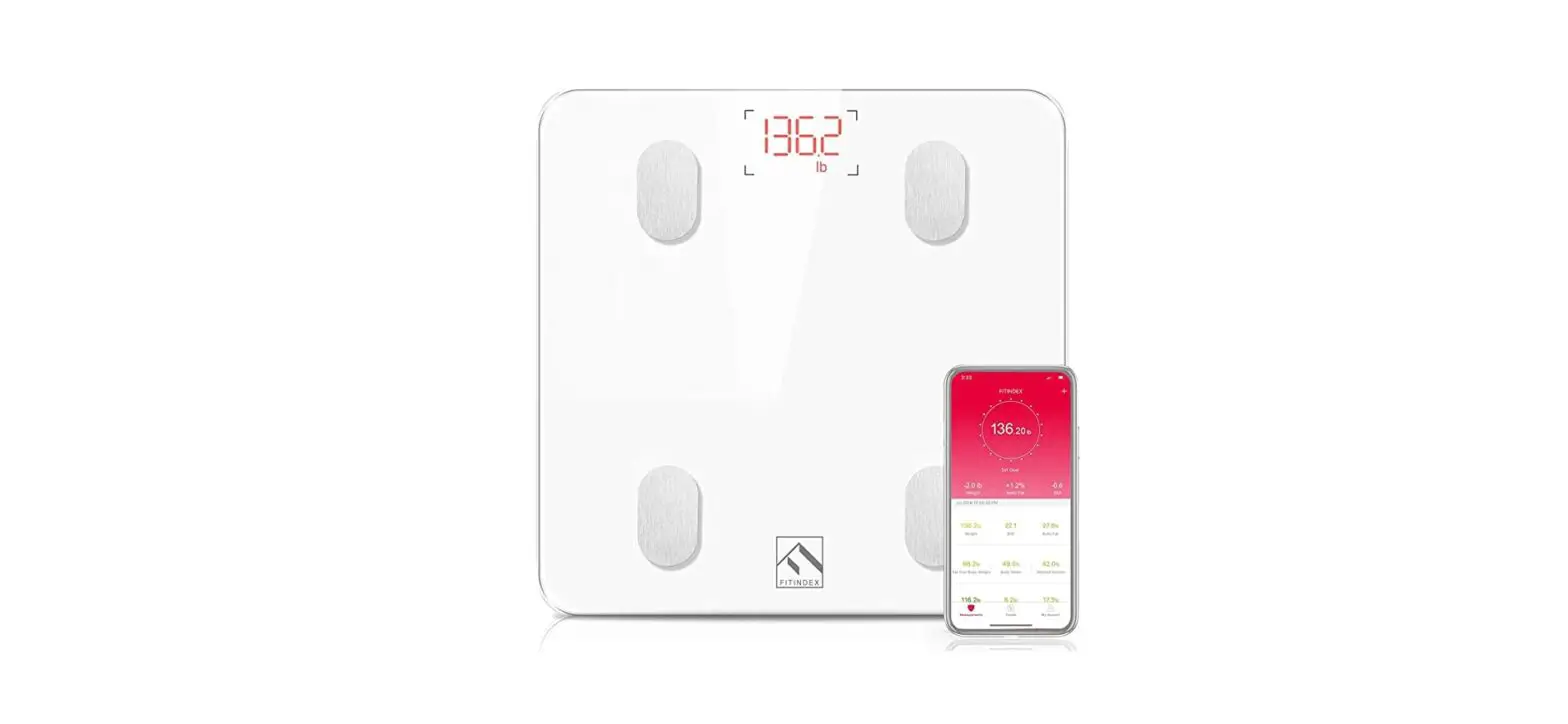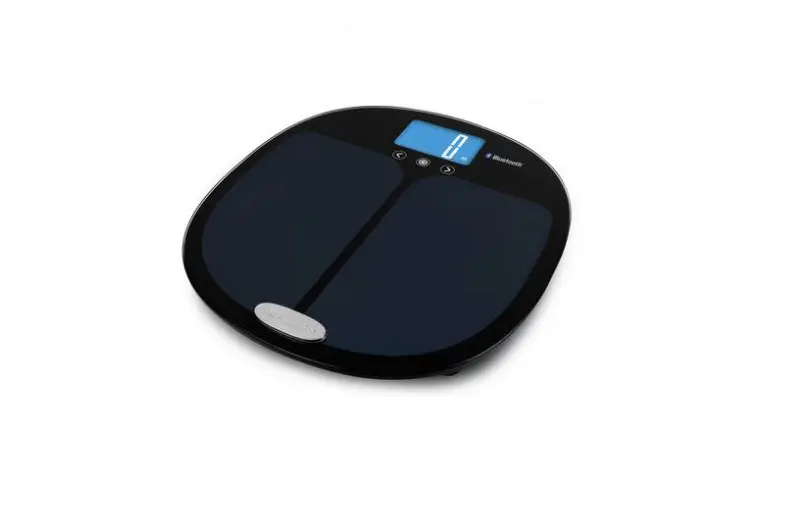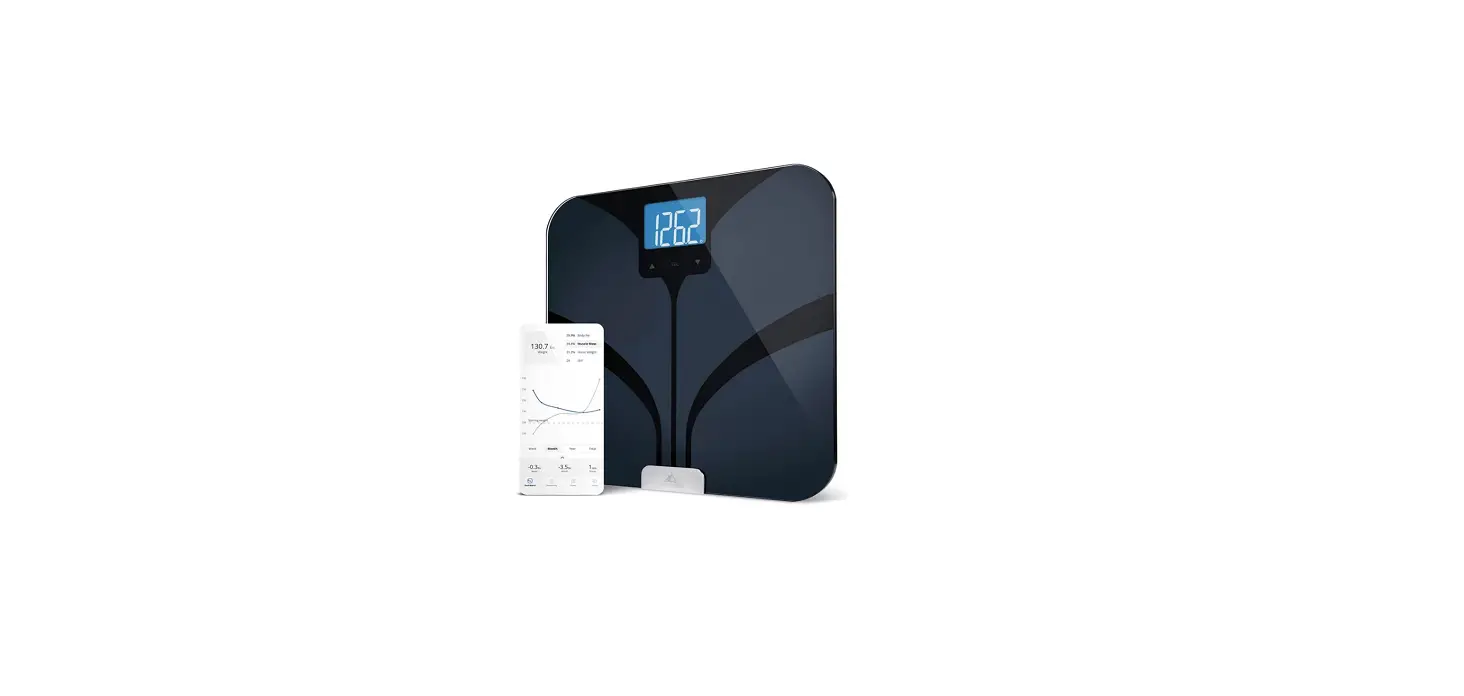

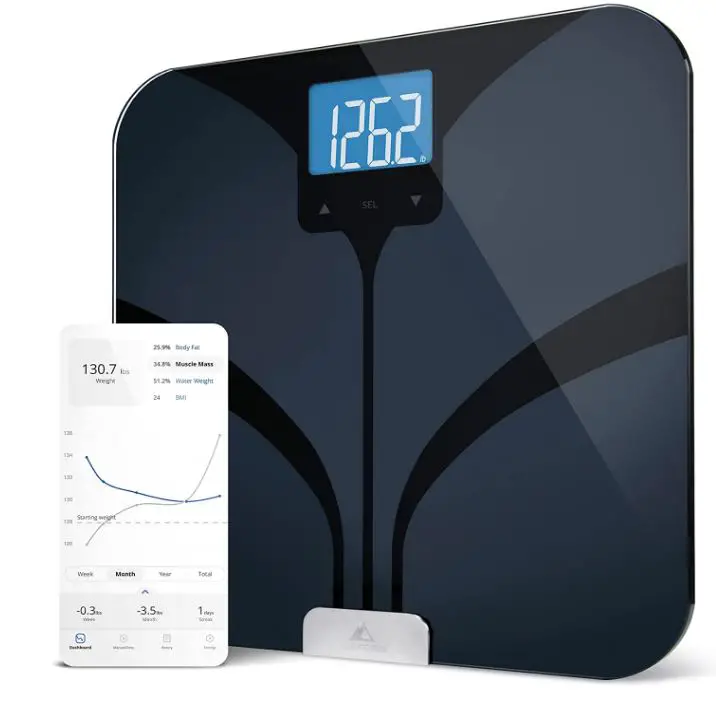
Greater Goods 8526624 Bluetooth Bathroom Smart Scale
SPECIFICATIONS
- BRAND Greater Goods
- COLOR Black
- PRODUCT DIMENSIONS 6″L x 12.6″W x 0.94″H
- ITEM WEIGHT 5 Pounds
- BATTERIES 4 AAA batteries required
DESCRIPTION
This smart scale is going to last and perform at the top level due to its design and quality. With up to 8 people supported, secure one-to-one syncing over Bluetooth, and multi-app connectivity, your goals are within reach, and this scalability will assist you in achieving them. All the features you need and anticipate from a smart scale, plus a couple you didn’t know you needed. Of course, there is a backlit screen and a free app to connect to, working together to measure all metrics, making your fitness path more holistic. These metrics include weight, BMI, body fat, lean mass, water weight, and bone mass.
Never again will a scale limit your style. This smart Bluetooth scale’s user-friendly, contemporary design blends seamlessly with even the most fashionable bathroom decor. It won’t need to be hidden in the cabinet like all of your previous scales did. Additionally, it makes it simpler to use than ever before; all body metrics are supplied directly to your phone when you merely step on it. Any questions you might have concerning your smart scale can be answered by our helpful team in St. Louis, who are also experts in the field. We take tremendous delight in what we do, and we want your entire experience to be wonderful.
HOW IT WORKS
- A smart scale uses Wi-Fi or Bluetooth to send data to your smartphone after taking your weight.
- Your phone records the data that is gathered each time you walk on the scale.
- The majority of linked scales have a fitness app that stores this data.
HOW TO USE
To do this, momentarily hit the weighing platform with your foot to wake the scale up, navigate to your profile using the arrow buttons, confirm your choice by pressing SET, and then walk on to weigh yourself.
HOW TO SYNC GREATER GOODS SCALES
- Open the Weight Gurus app, then tap “Settings” in the bottom navigation bar.
- Choose “Add & Edit Scales,” type the 4-digit model number of your scale, and then hit Submit.
- To sync your weigh-in, adhere to the instructions in the application.
HOW TO TURN OFF
Placing on a solid, level surface. If the scale does not read 0, press the POWER/ZERO button to zero out the weight. Otherwise, press the POWER/ZERO button to turn the scale on.
HOW TO CALIBRATE DIGITAL SCALE
- Get ready the calibration weight that your scale needs.
- To calibrate the scale, locate a level, flat surface and allow the scale to reach room temperature.
- Wait for the scale to stabilize after pressing ON/OFF to turn it on.
- Activate the CAL key.
FAQs
Download the Greater Goods app from Google Play or the App Store. Once you have downloaded the app, follow the instructions to pair your scale with your phone.
The measurements are very accurate. The scale will give you readings in 0.2 pound increments and up to 400 pounds.
BMI stands for body mass index and is a measurement of body fat based on height and weight. It is a useful tool for determining if an individual is healthy based on their weight relative to their height.
To set up your profile, you will need to enter your gender, age, height, weight, and select your activity level. You can also add any personal information such as birth date, race, and any medical conditions that may affect how you weigh in. Greater Goods 8526624 Bluetooth Bathroom Smart Scale User Guide
You must utilize MyFitnessPal or the Fitbit->SmartScaleSync.com website to enter your weight into Garmin. According to what I understand, the MyFitnessPal route will just give weight data while the Fitbit route can send both weight and body fat data (intermittently).
Actually, our scale/app integrates with more currently. We currently interface with Fitbit, Google Fit, Under Armour, Apple Health, and MyFitnessPal.
We’re considering integrating with the Apple Health Kit and other health monitoring programs. I don’t know when the feature would be accessible, but we are looking into it. As a tiny firm (10 employees), we occasionally take a bit longer to carry out changes. For updates, check the app store frequently.
Yes, the scale will keep a number of out-of-sync weigh-ins until the following sync. Numerous of our clients weigh themselves every day, but they only sync once per week or two. All of their data arrives at once and is arranged by date such that the information stays in the correct order.
Yes, it runs through the six measurements (weight, BMI, body fat percentage, muscle mass percentage, water percentage, and bone mass percentage) four times before turning off automatically. For convenient historical reference, the app keeps track of four of those under the Weigh-Ins area (Weight, BF%, MM%, and W%).
As promised, I cannot use Bluetooth to connect to the scale. After getting in touch with the business, I learned that they are misleading prospective customers by using an outdated version of Bluetooth. You will need to manually enter the scale’s data into the app if the app can’t connect to the scale.
I’m sorry for the trouble, and I’d be glad to assist you. This could be a number of things with Bluetooth connections, and we’d be pleased to assist you. Please get in touch with us at [email protected] or 866.991.8494 between 9 am and 5 pm.
This scale has a 45-entry maximum for each user profile (U1-18).
I’m sorry your readings are inaccurate, but I’m willing to assist. It may be as easy as the scale has to be calibrated. To achieve this, set the scale down on a firm, flat surface and apply enough pressure to have it wake up. Step on and weigh yourself after allowing it to reach 0.0 and waiting 3–5 seconds. Try it several times in a row, then let us know whether it resolves the issue.
It is indeed connected to two separate smartphones in our home.