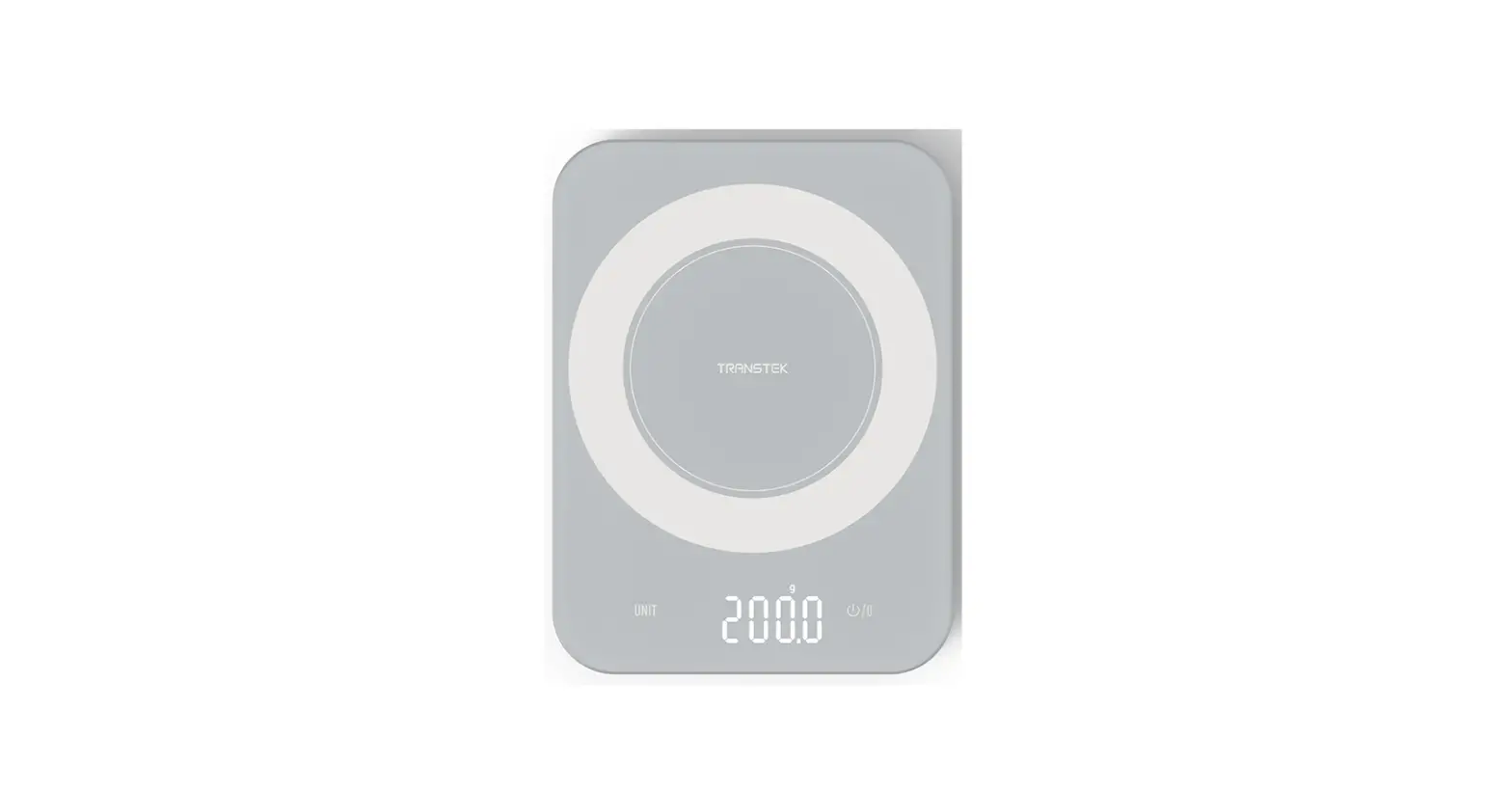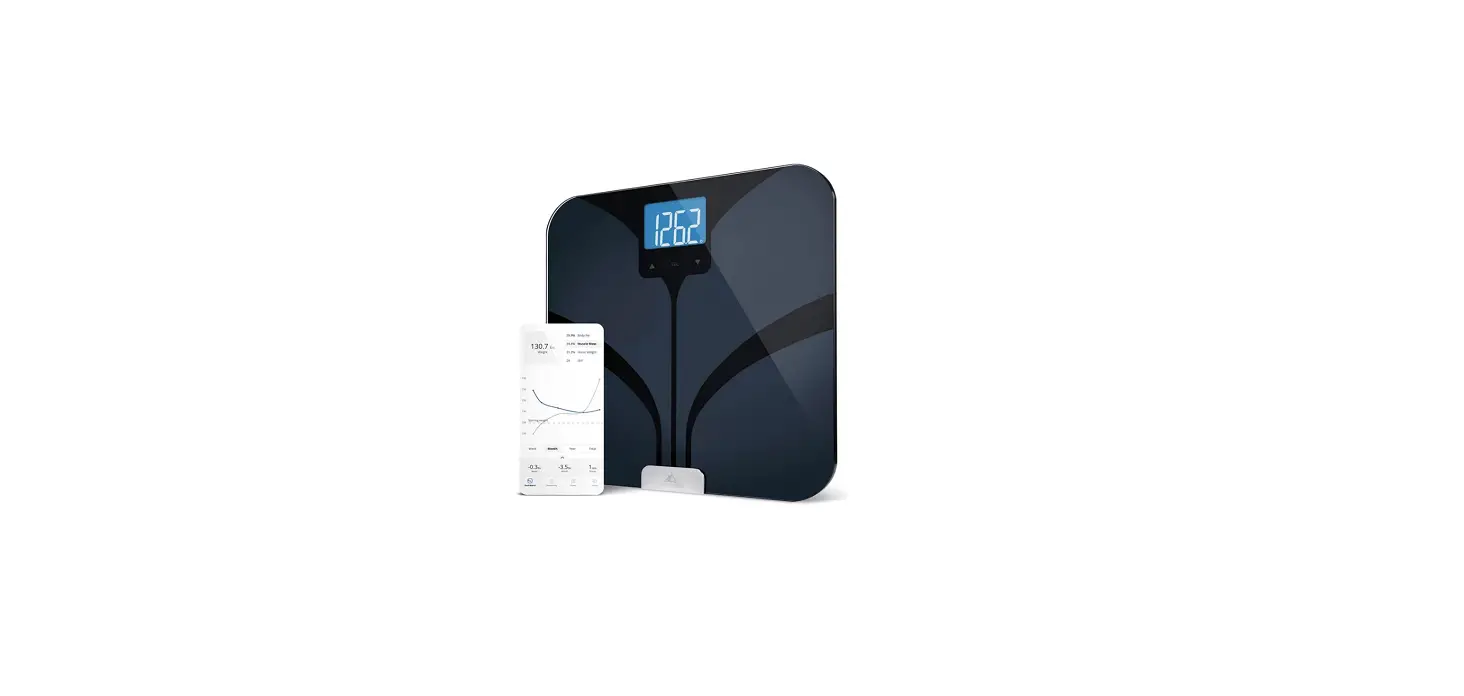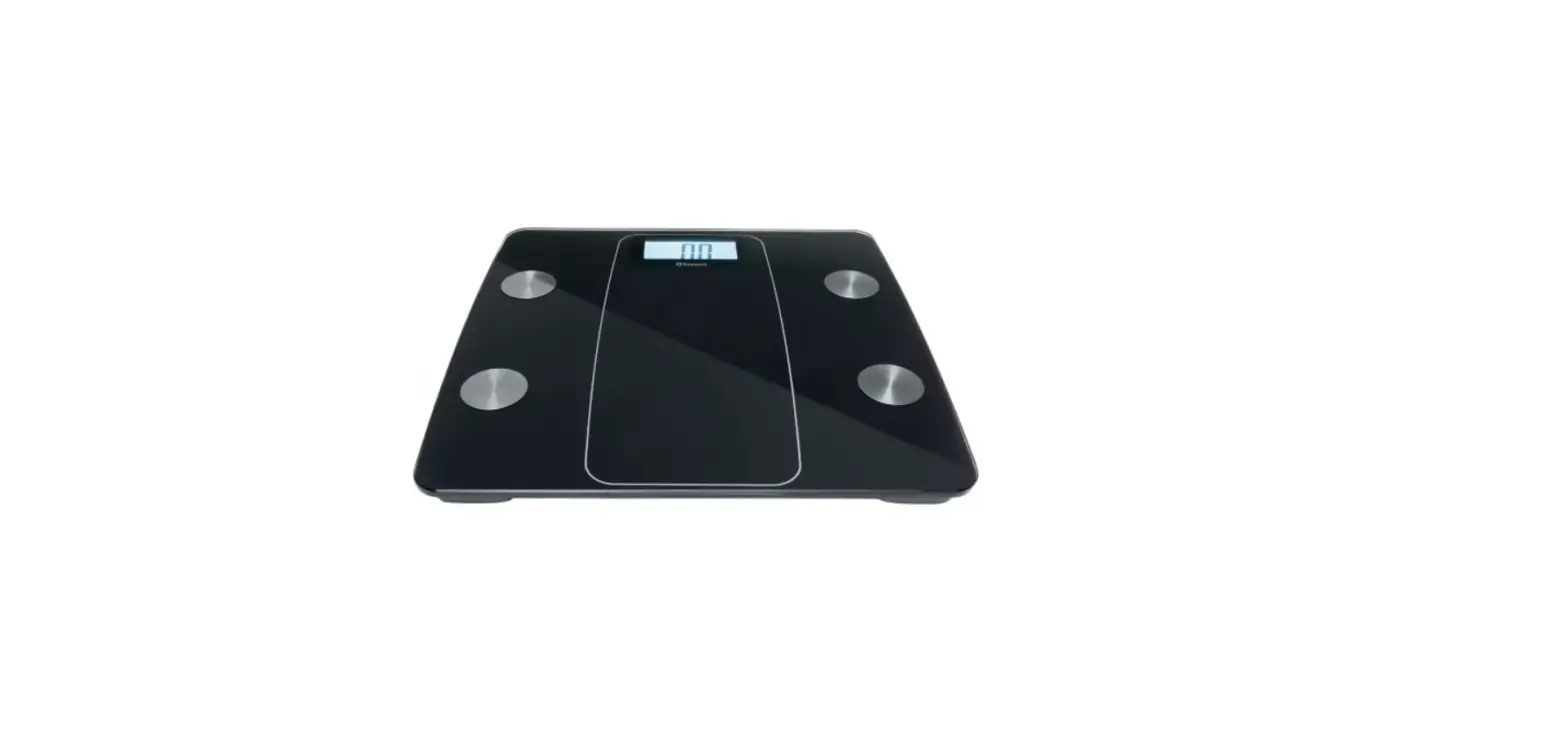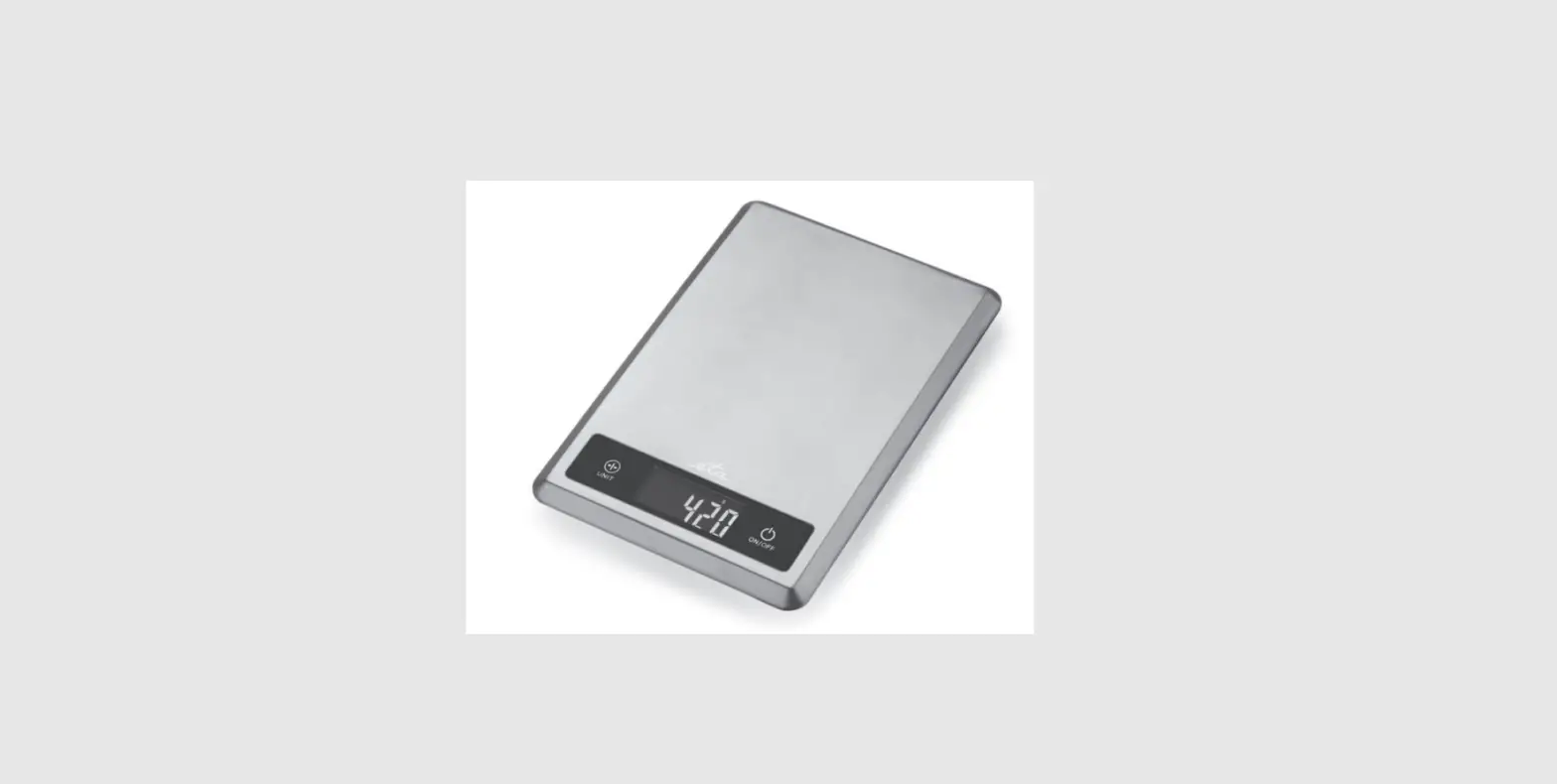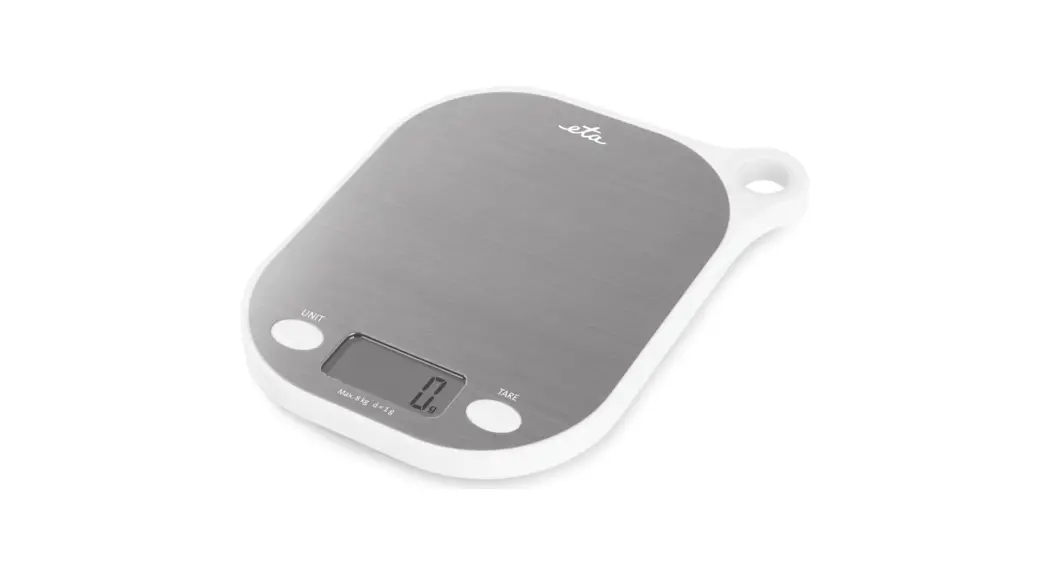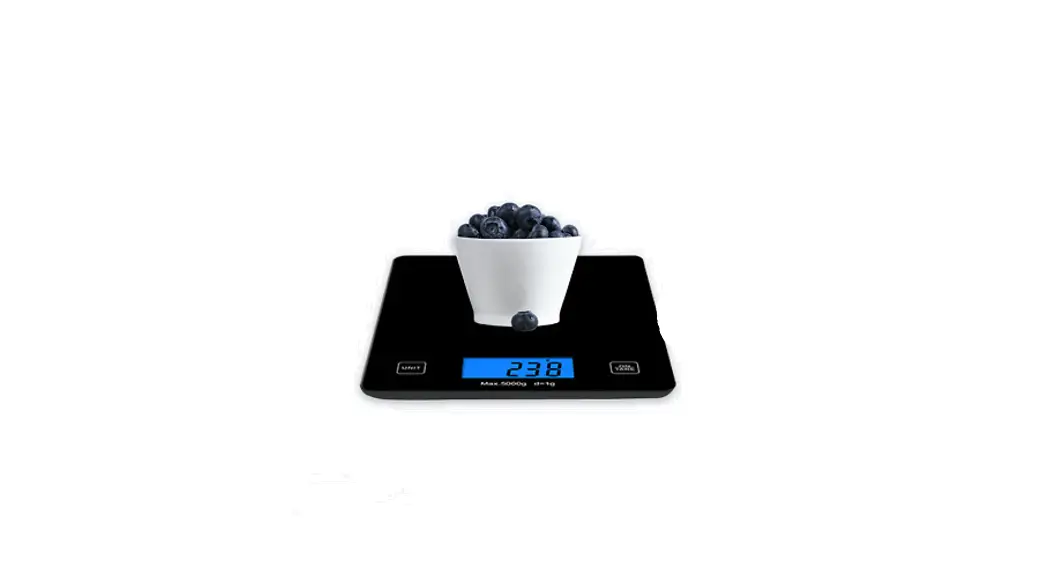
 glaciology 9352945002382 Bluetooth Smart Kitchen Scale
User Manual
GETING STARTED
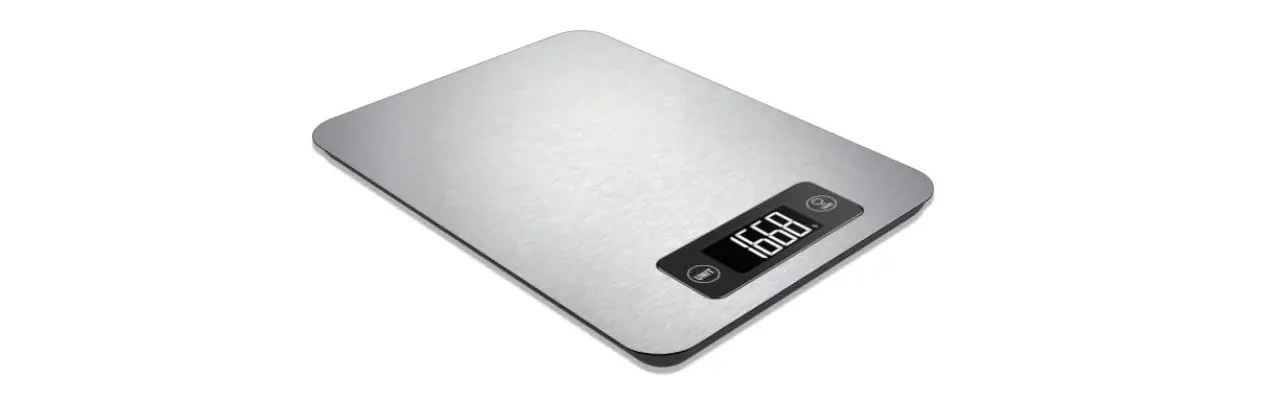
The Smart Kitchen Scale
Thank you for purchasing the Glucalogy”4 Smart Kitchen Scale. This product is designed to provide quick and accessible nutritional information for food from the USDA database.
This manual will provide guidance on how to best maintain and use the smart scale alongside the accompanying food nutrition app.
The information contained in the rho app is for general information purposes only and is no: meant to submit. tit professional dietary advice or treatment. You should not use any information gained from the app to make health-related decisions. All &tory information shook’ be used at your discretion and is not intended to diagnose. neat. prevent or cure any disease.
USING THE USE
For First Use
Ensure you instill 2 X I .5v MA batteries oy opening the battery door at the bottom of the product.
Place the scale on o hard and flat surface to ensure accurate measurement.
The scale will either turn on automatically or manually press ON to get stored.
Connect the “Food Nutrition” app to your new scale (refer to ‘Connecting Scale to App’ instructions).
Clean the scale with a damp cloth and try to ovoid c.hemicol abrasive cleaners. Do not put it in the dishwasher.
Store scale in a cool and dry environment.
FEATURES
Display
Shoves weight in desired unit and other necessary messages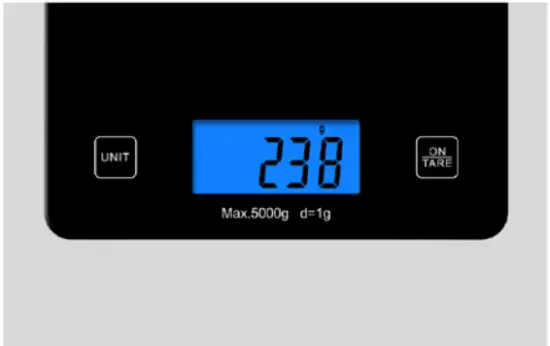
Options available induce measurements in grams, pounds, ounces and mis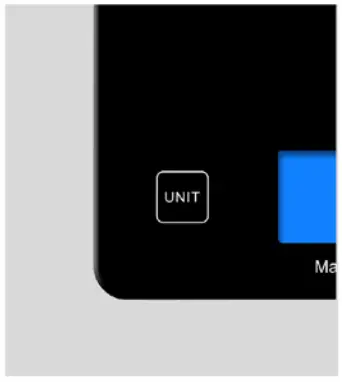
Power button 10 turn the scale on or off, and to reset the scale bad to 0 units in movement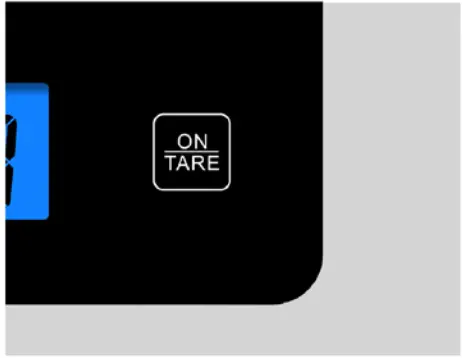
Turning scale off
To turn the scale off when not in use, hold the ON/OFF/Tore button for 3 seconds.
The scale will also automatically turn off, if left inactive, alter for approximately I minute.
Weight Capacity
Note that the scale is designed for a maximum capacity of 5kg.
If this limit is exceeded, the display on the scale will show an error message.
CONNECTING SCALE TO APP
DOWNLOAD APP
Scan the appropriate OR code to download the ‘Smart Apple’ app on your device.
IOS App
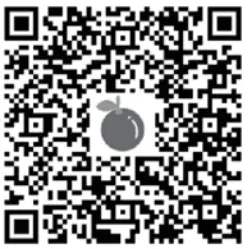 https://itunes.apple.com/us/app/smartapple-food-nutrition/id1503295328
Android App
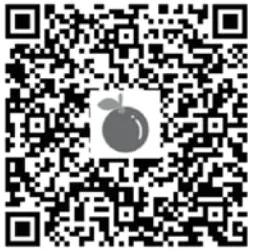 https://play.google.com/store/apps/details?id=com.cannyscale.smartapple
HOW IT CONNECTS
Once you open the app, there is no connecting settings required. Ensure your device has its Bluetooth connection on.
HOW THE APP WORKS
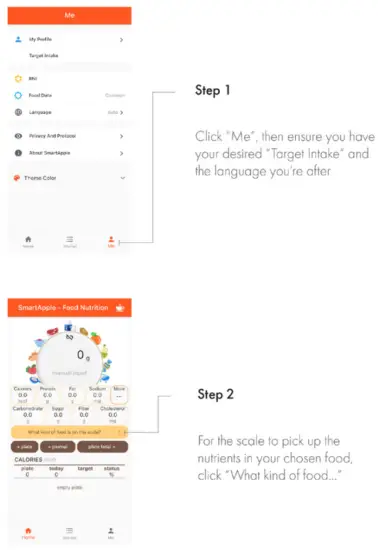
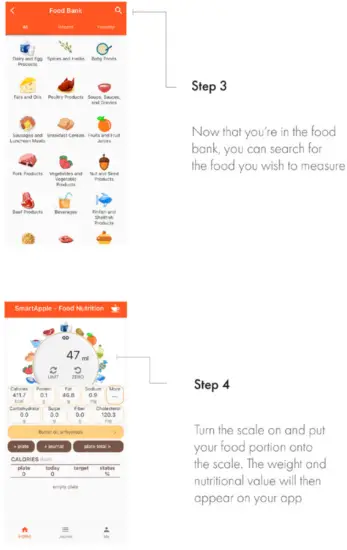
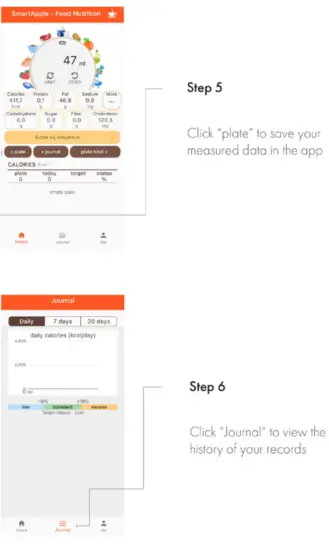
NUTRITION CONTENT
The app can provide the following nutrient content:
GENERAL
Calories, Protein, Fat, Carbohydrate, Sugar, Fiber, Cholesterol, Alcohol, Retinol
MINERALS
Calcium, Iron, Magnesium, Potassium, Phosphorus, Sodium, Zinc, Copper, Manganese, Selenium
VITAMINS
Vitamin A, B6, B 12, C, E, Niacin
TECHNICAL DETAILS
| CAPACITY: | 5 kg |
| MINIMUM WEIGHT: | 5g |
| BATTERY: | 2x 1.5v AAA |
| DIMENSION: | 200 x 160 x 18mm |
| DIVISION: | 1 g/0.1 oz/ 0.05oz/ImL |
| LCD DISPLAY: | 58 x 26mm |
| WARRANTY: | 12 months |
SUPPORT AND SAFETY
IMPORTANT SAFETY INSTRUCTIONS
Make sure you read these instructions, keep these instructions and follow all instructions.
Do not attempt to repair or service Glucology Smart Kitchen Scale yourself. Refer all servicing to qualified service personnel.
CONTACT
For more information, visit our website:
Australia Customers: www.ibdmedical.com.ou
International Customers: www.glucology.store
OTHER CONTACT INFORMATION:
US & Canada Number: 1 800 494 2301
Worldwide Number: +61 2 8398 7520
Customer Support email: [email protected]
Headquarter Address: 31 /330
Wattle Street, Ultimo NSW 2007