Sinocare CK793 Smart Bluetooth Kitchen Scale User Manual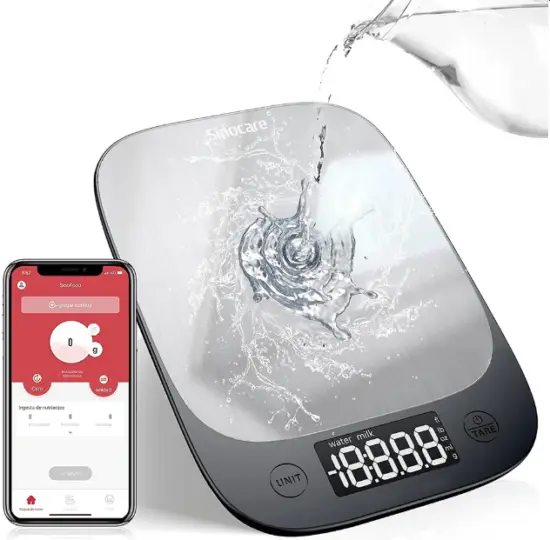
Please read this manual carefully before using
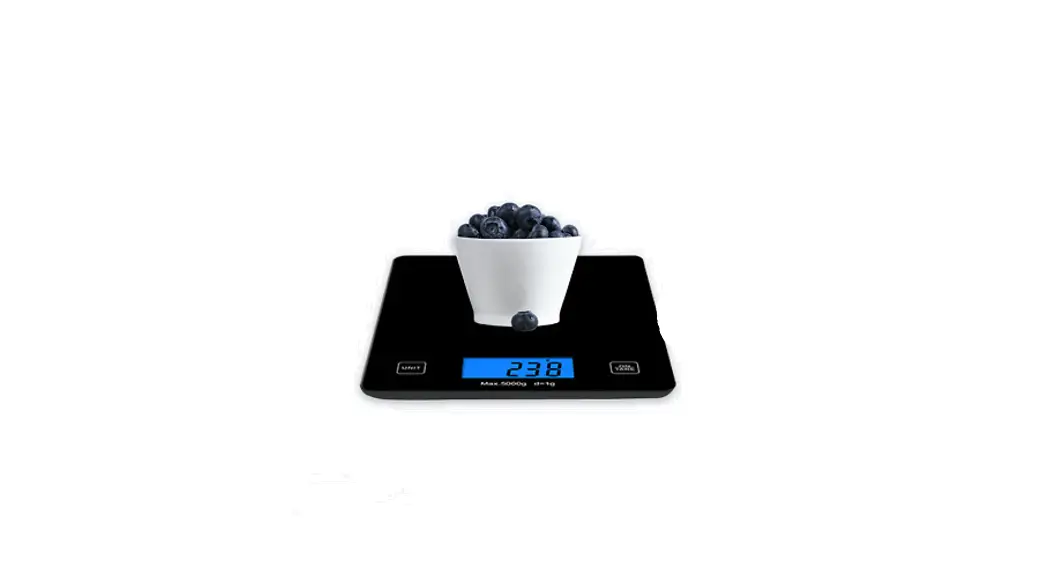
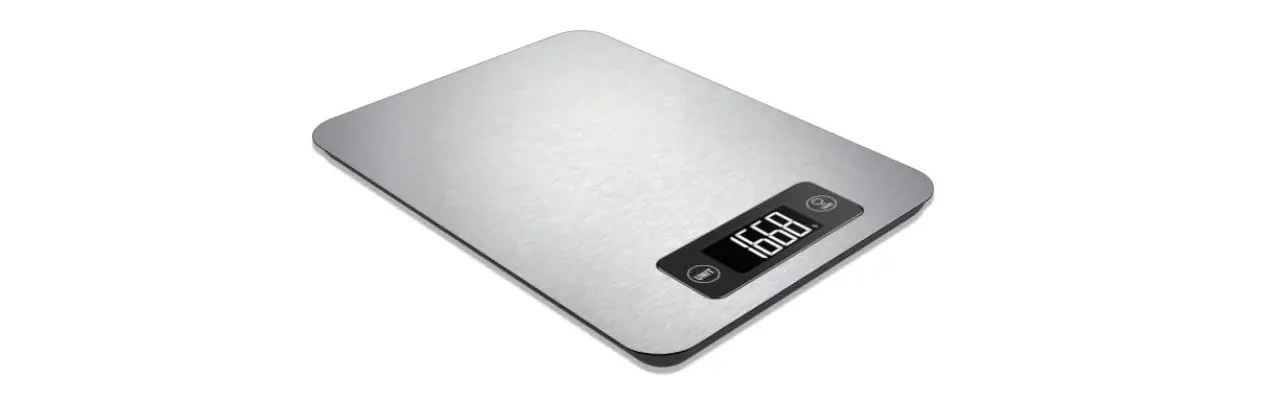
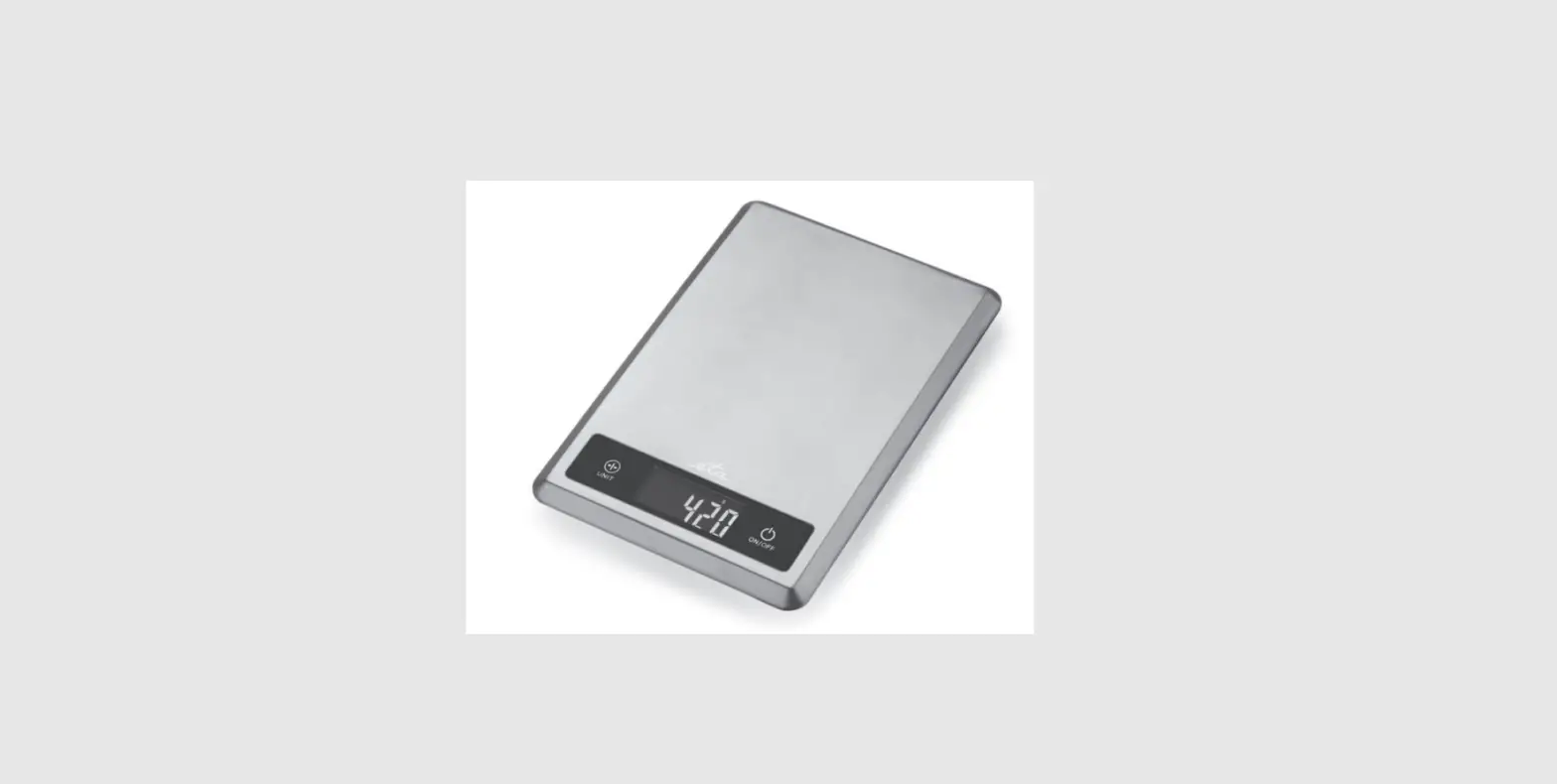
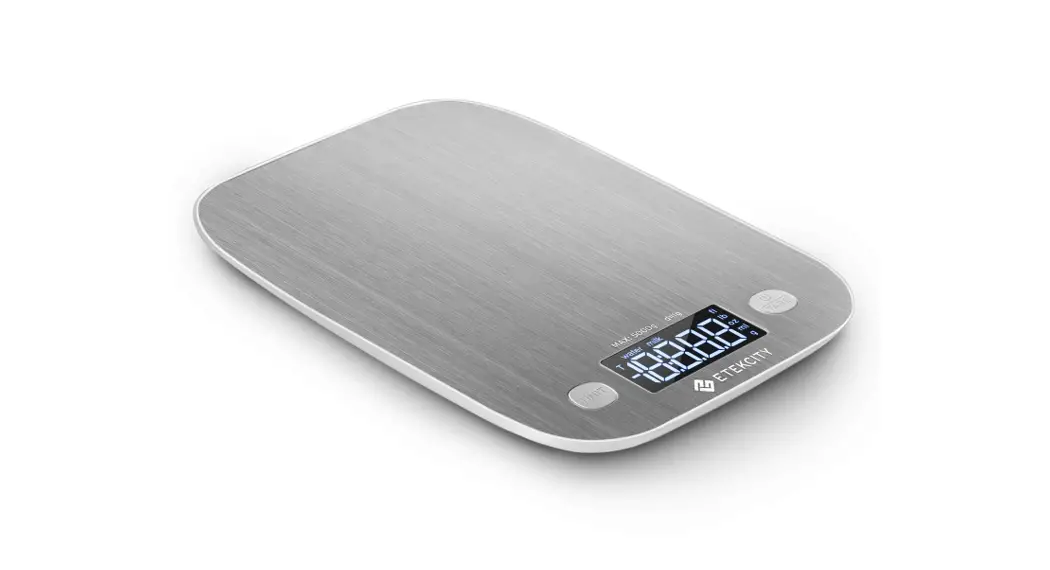
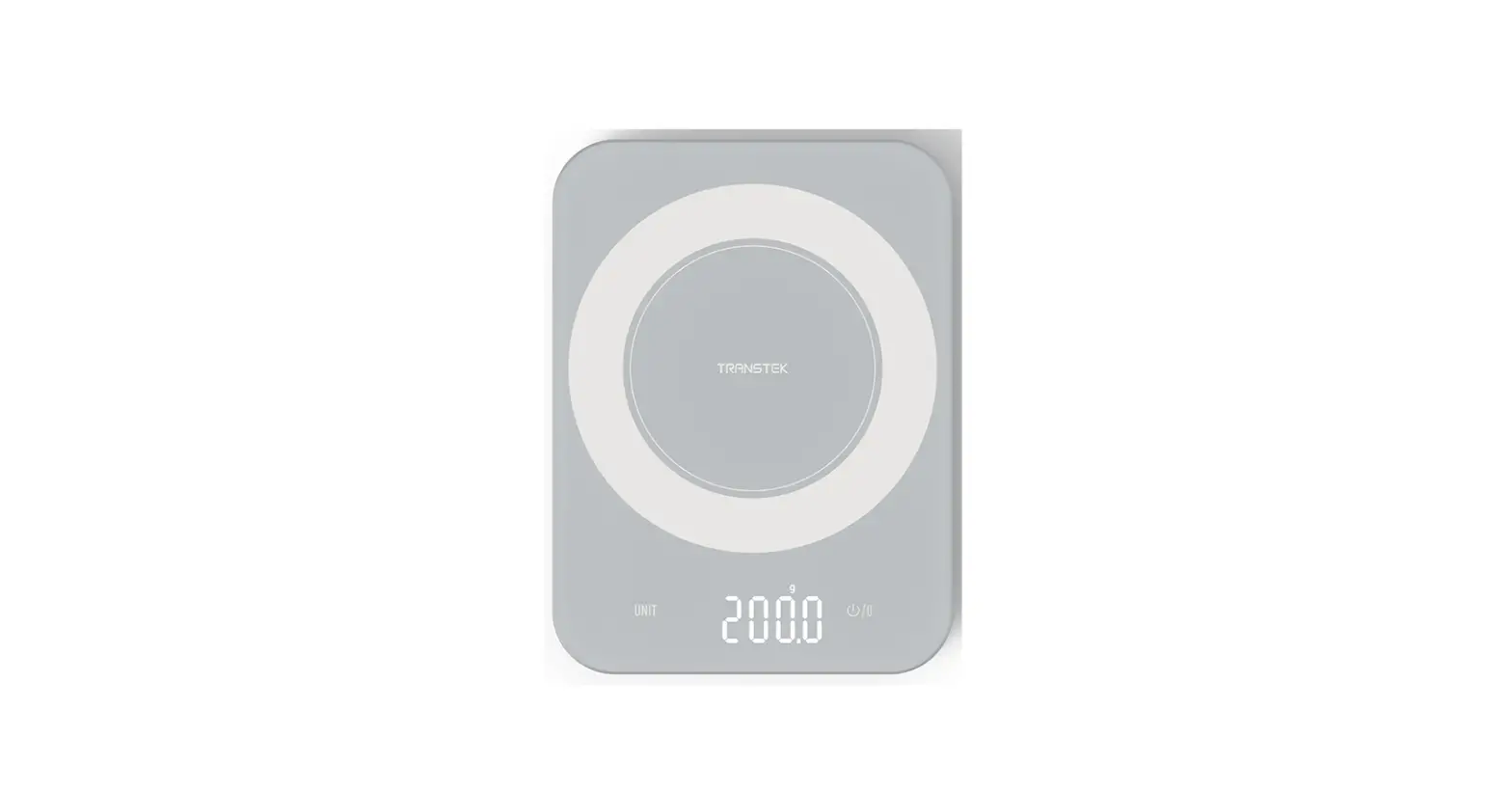
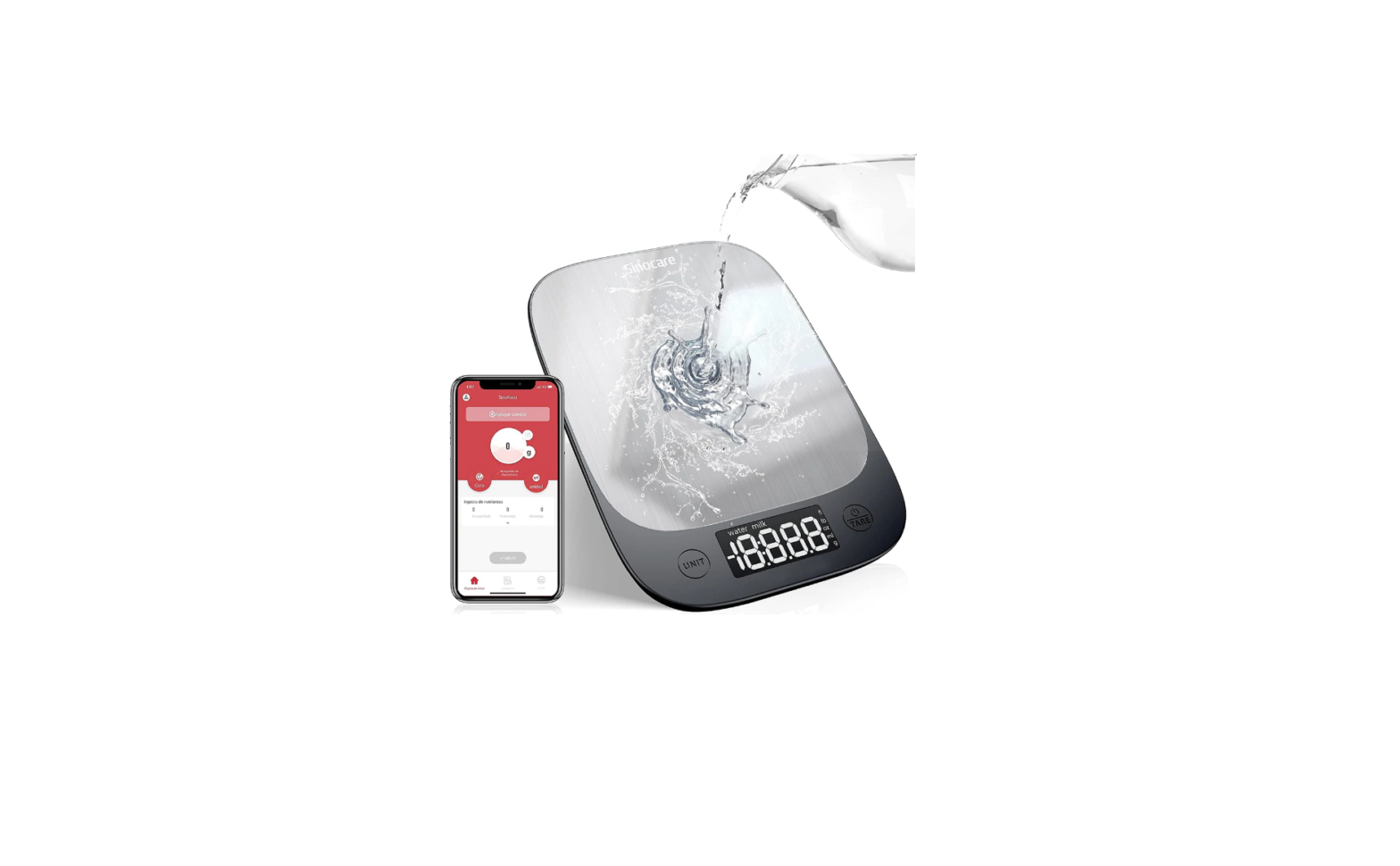
PRODUCT STRUCTURE
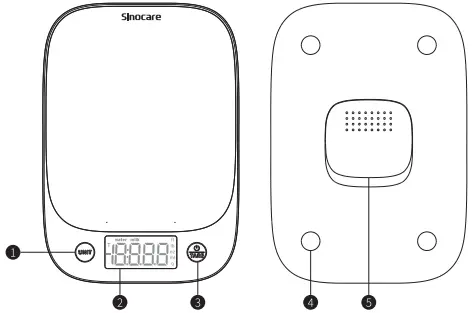
- Unit key.
- LED display.
- Power on key/clear.
- Sensor.
- Battery cover.
SPECIFICATIONS
| PROJECT | PARAMETER |
| PRODUCT NAME: | BLUETOOTH KITCHEN SCALE |
| PRODUCT NUMBER: | CK793 |
| UNIT: | OZ/ LB:OZ / FL’ OZ/ G/ML |
| WEIGHING RANGE: | 1760Z/11 LB/ 5000 G/5000 ML |
| POWER SUPPLY: | 3′ 1.51/ AAA BATTERIES |
| AUTO-OFF: | 180 SECONDS |
SELECT UNIT
- Press the power button to boot. Before the first use or after replacing the battery, you can choose the unit g/ ml / lb:oz / oz according to your needs.

- To select the unit, when the display shows “0”, press “UNIT” to select the scale unit.

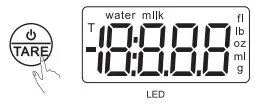
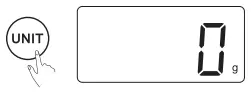
Weight removal function
- Press the power button to boot.

- When the display shows “0”, gently place the container to be weighed on the scale.

- After waiting for the weight of the container to be displayed on the display screen, press the “Zero key” to reset the weight of the container.

- Put the food in the container, the display shows the weight of the food; press “TARE” to reset, and press again to shut down.

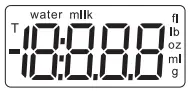
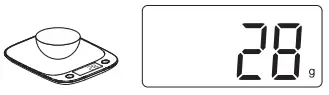
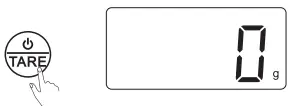
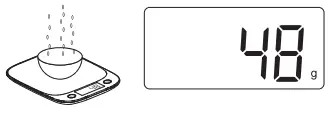
Tips: After the container weight is cleared, if the container on the weighing platform is removed, the display will show “2, indicating negative weight.
APP INTRODUCTION
- Use Google Play Store or Apple App Store to scan this QR code, or search “SinoFood” to download the APP.

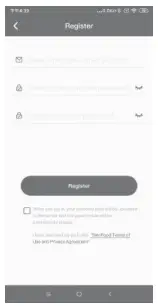
- Open “SinoFood”, log in and set personal information.

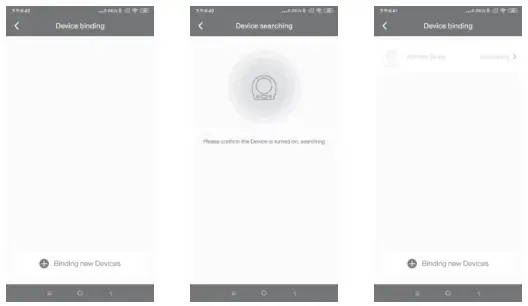
- Turn on the scale, turn on the Bluetooth on the mobile phone, and connect to “SinoFood”.

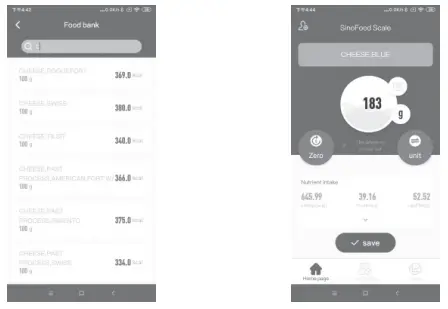
- After connecting to “SinoFood”, search for the item you will weigh from the food library, put the item on the scale, and the data will be uploaded to “SinoFood”.

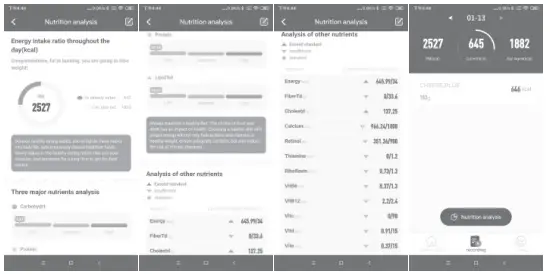
- Through the “SinoFood” analysis results, you can view the nutritional content of the food, and you can also record and make a diet plan.

- Low power consumption Bluetooth 4.2, Android 4.3 and higher version IOS 8.0 and higher version.

DISTRIBUTED BY: CHANGSHA SINOCARE INC. NO.265, GUYUAN ROAD, HI-TECH ZONE, CHANGSHA, HUNANPROVINCE, 410205, CHINA
TEL: +86-731-89935581/89935582
FAX: +86-731-89825189
EMAIL: [email protected]
WEBSITE: WWW.SINOCARE.COM