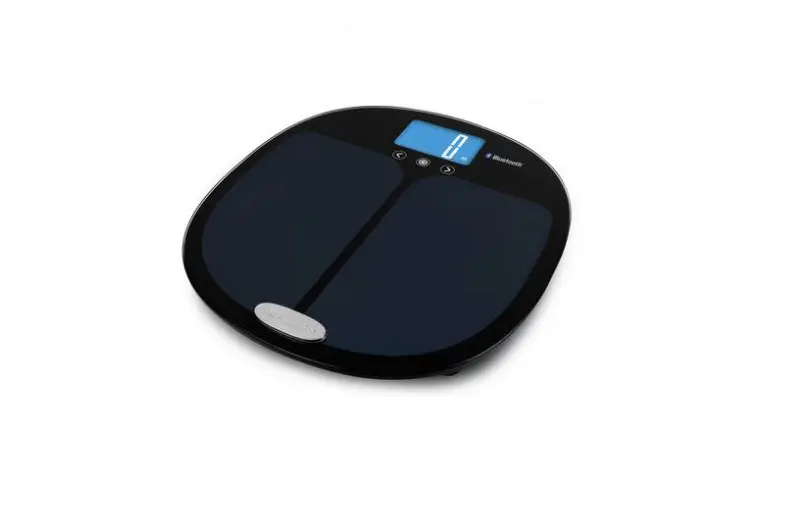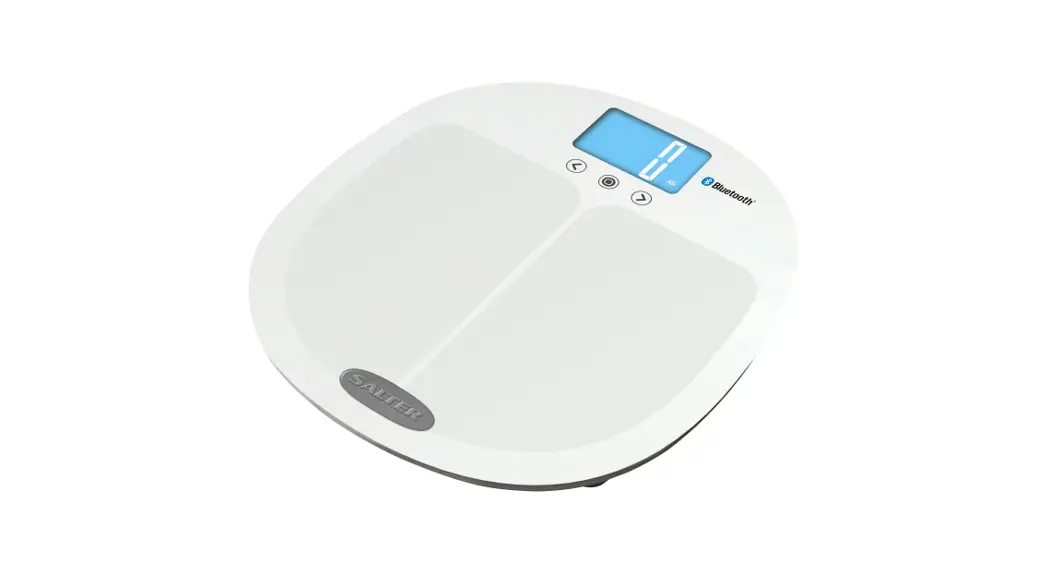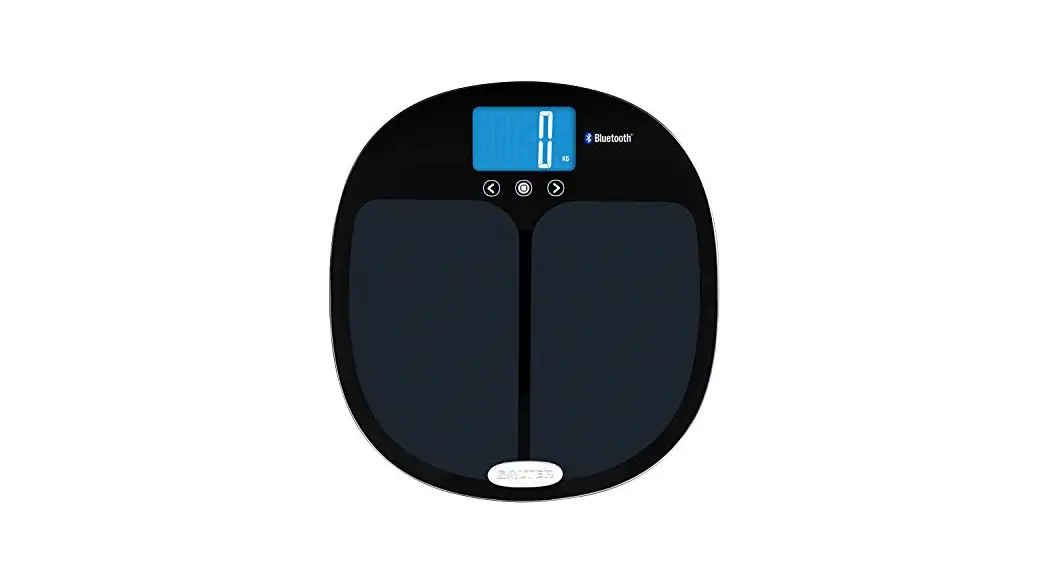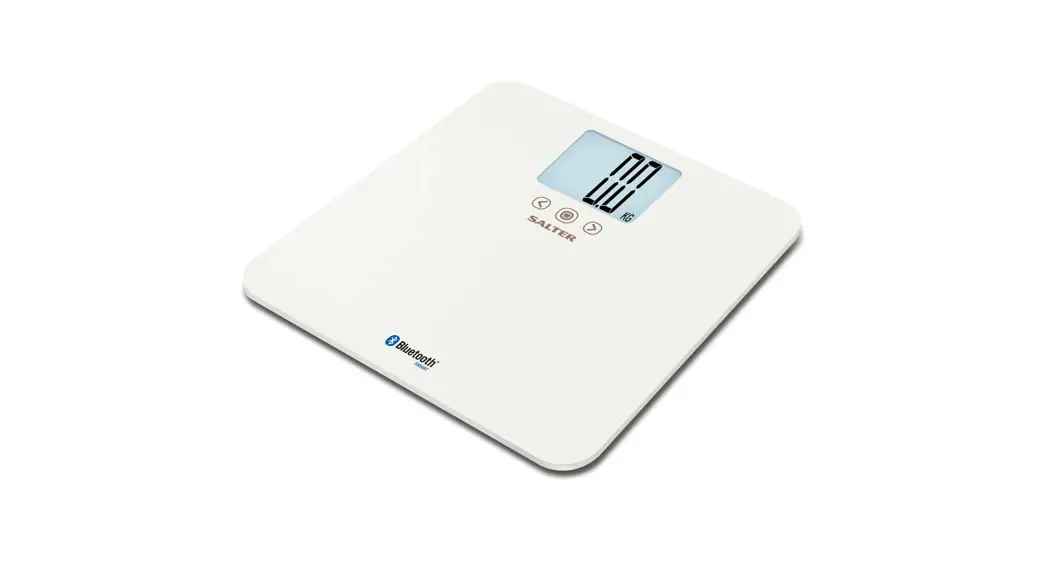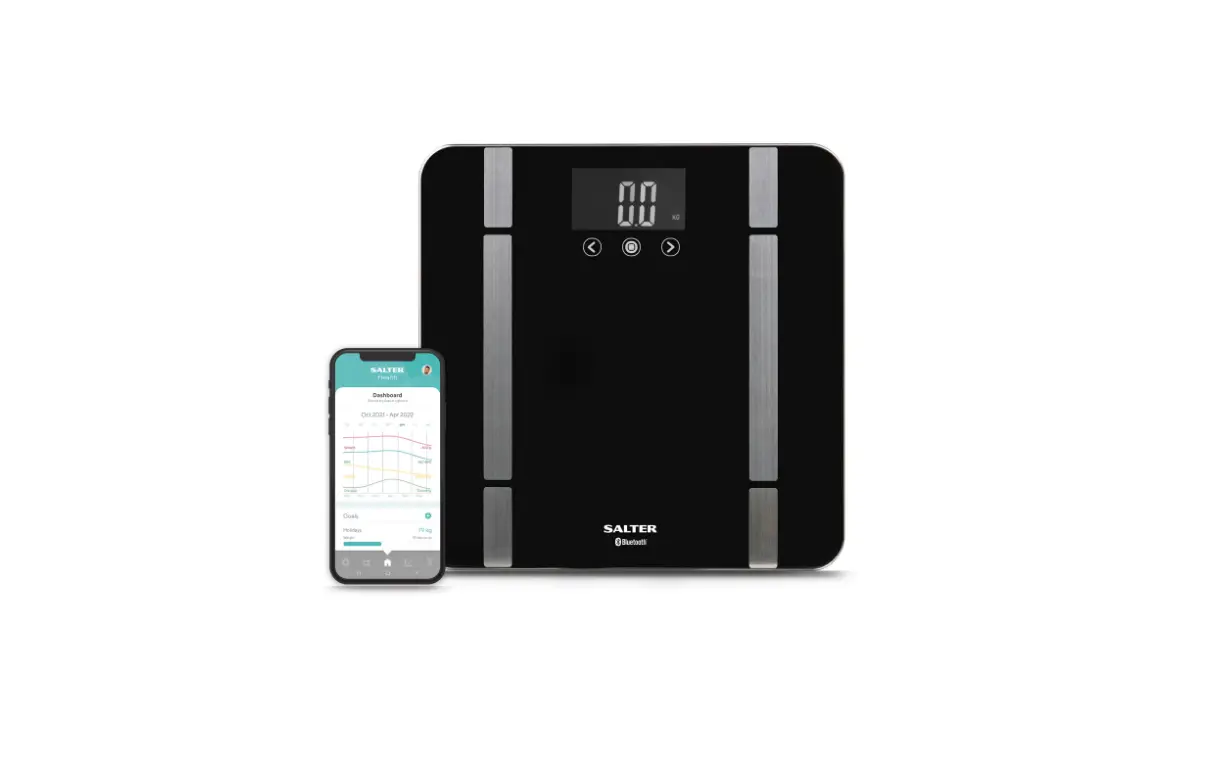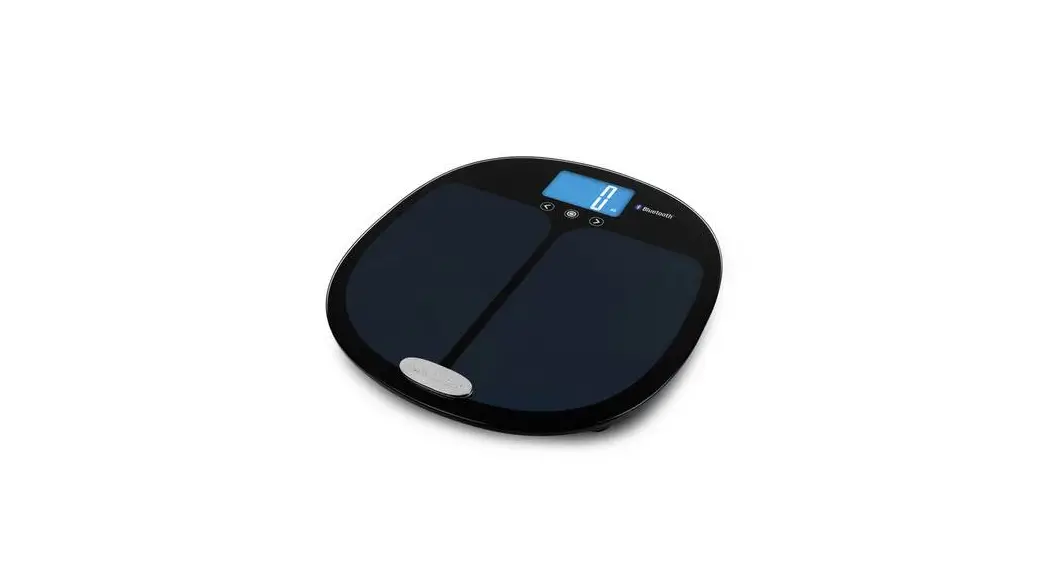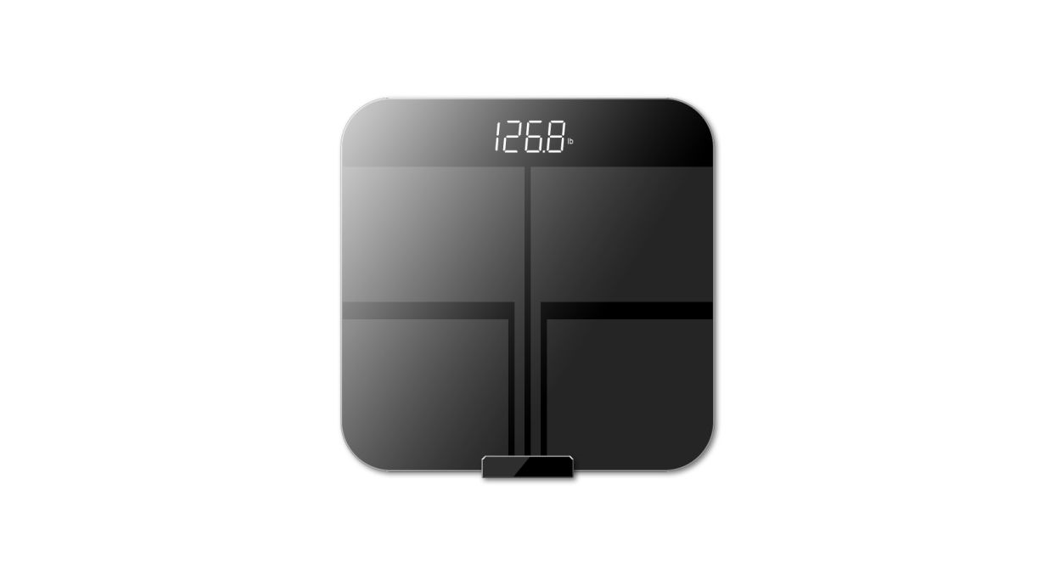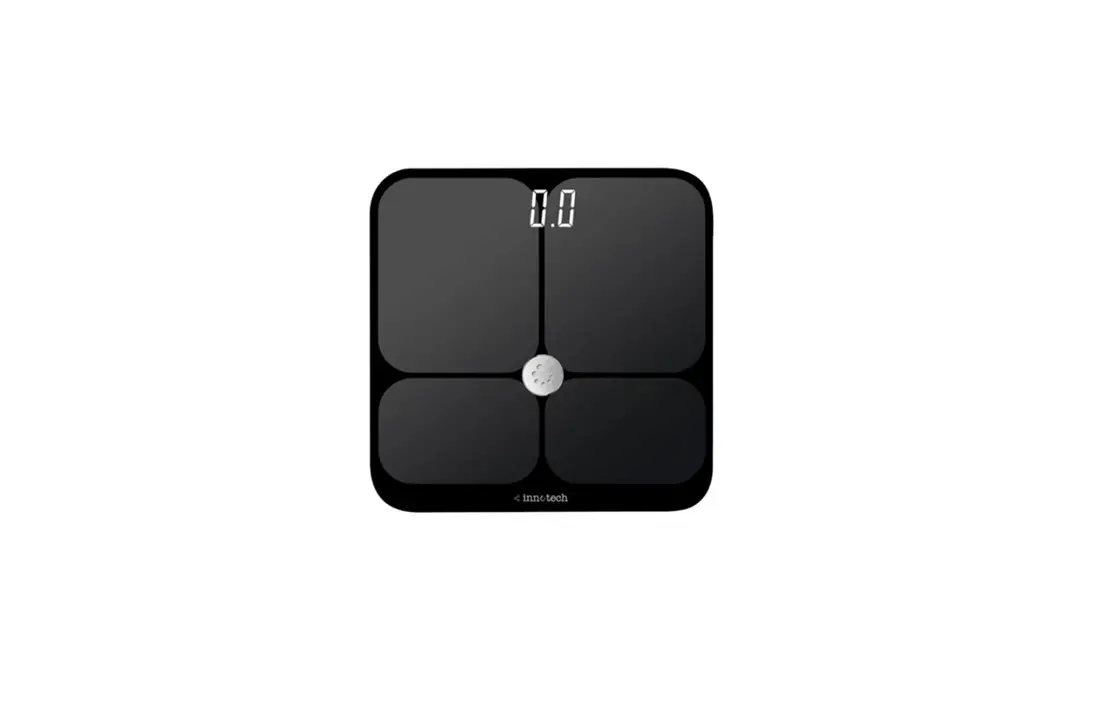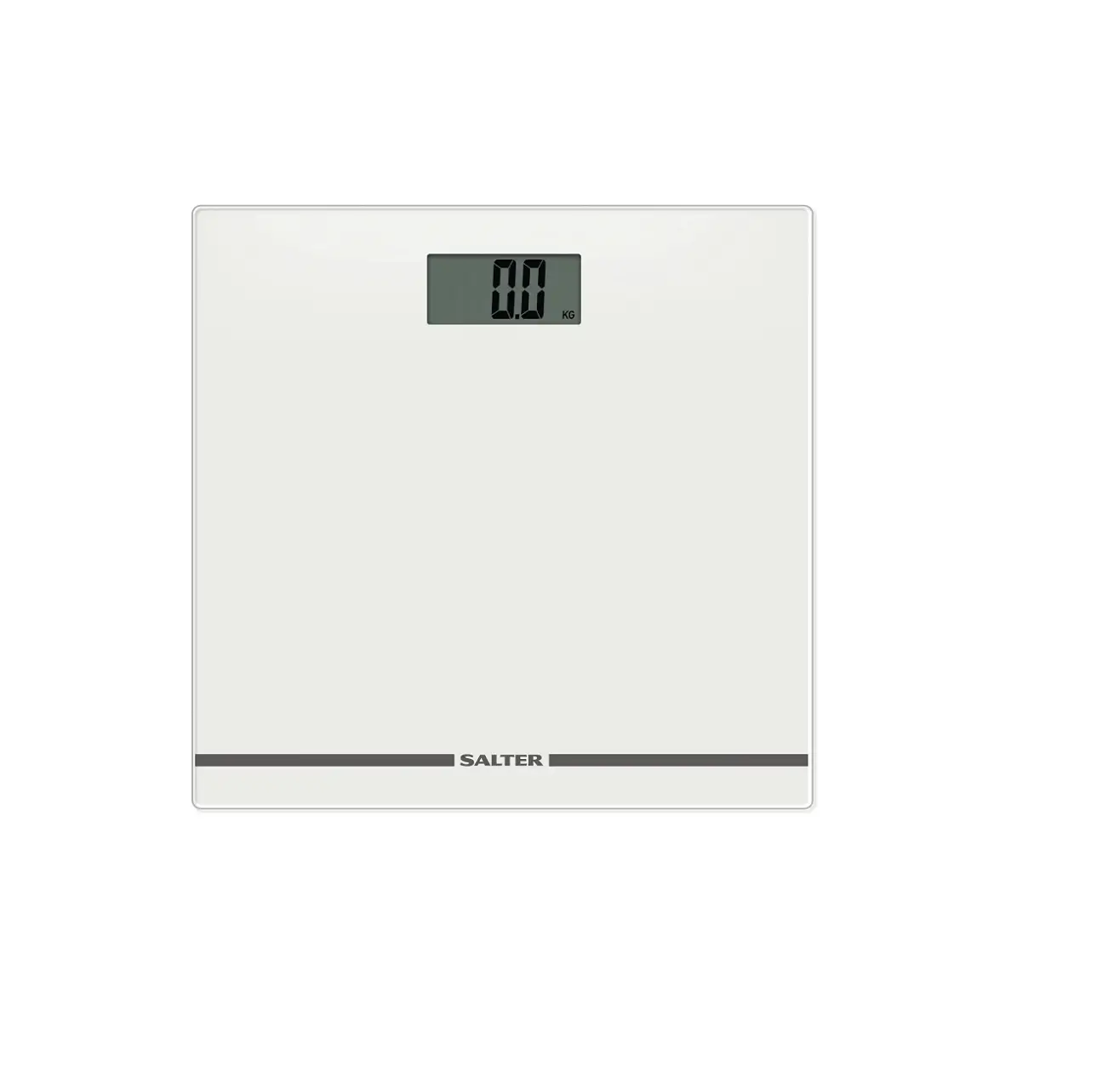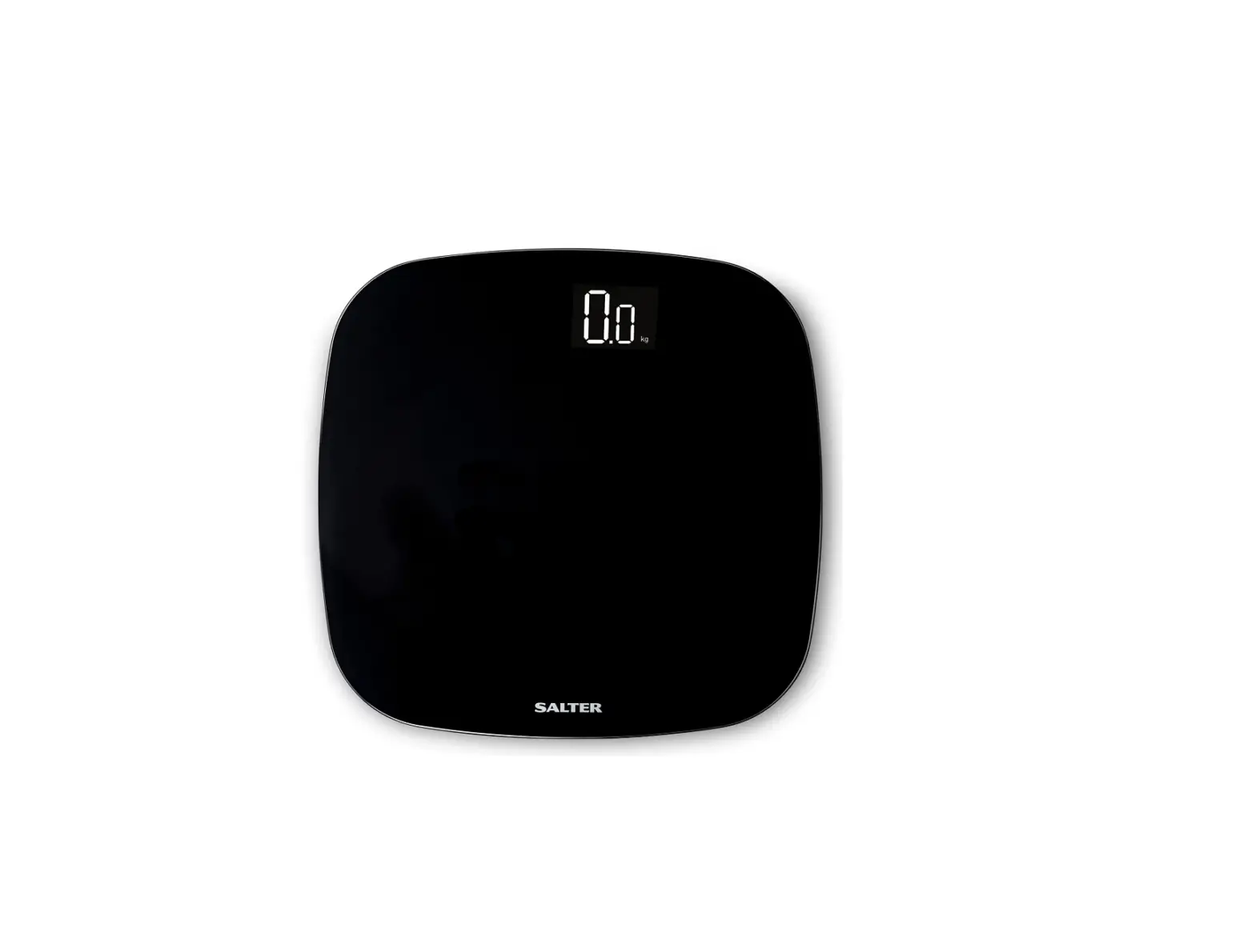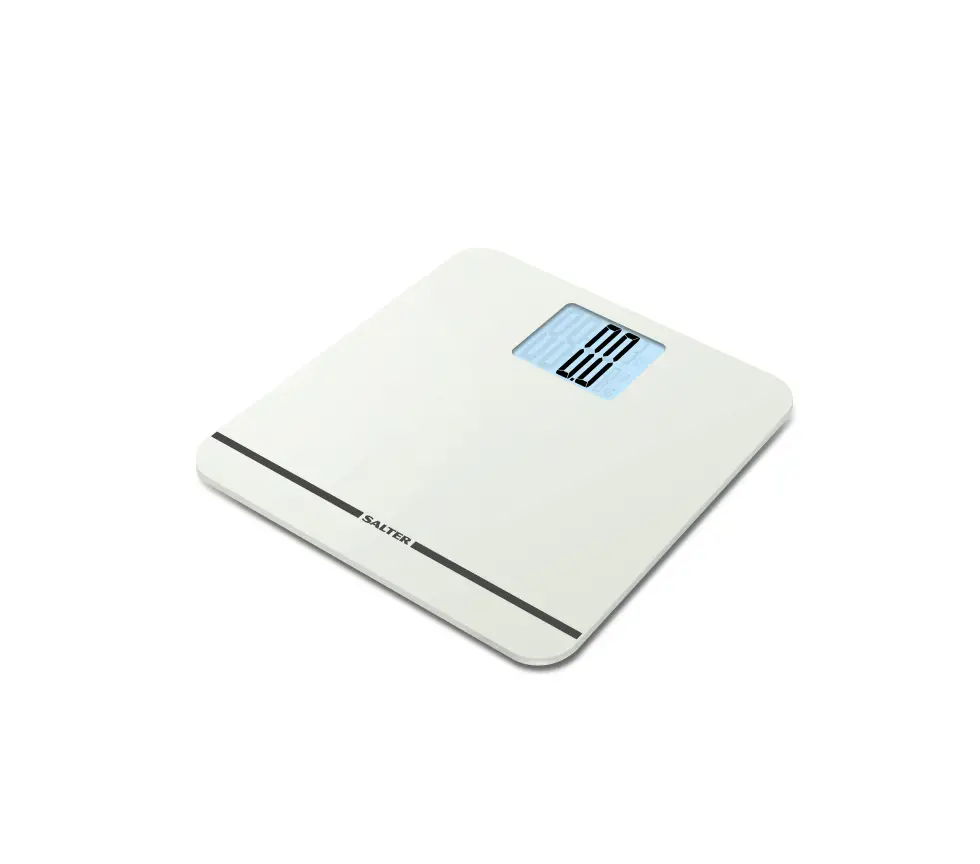

SALTER 9159 Bluetooth Scale
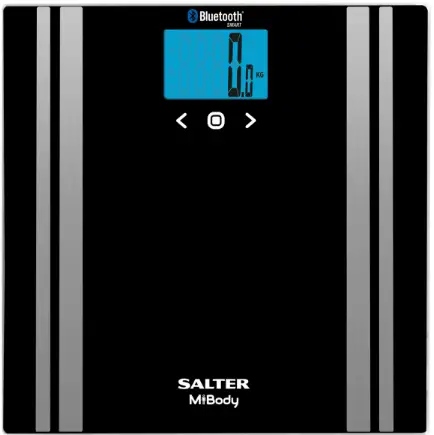
HOW TO USE
- Step 1

Ensure that Bluetooth is enabled on your mobile device and then step on the centre of the scale platform to turn your scale on - Step 2

Please choose a user number for your measurements - Step 3

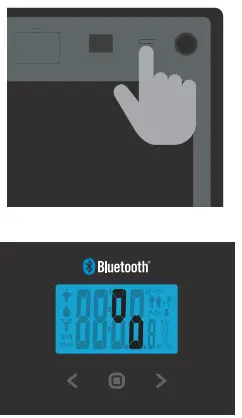
Press and hold the unit button on the rear the of scale until the animation appears - Step 4

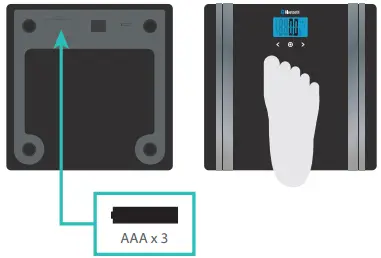
Place your scale on a firm flat surface and press the centre of the platform with your foot to turn it on - Step 5

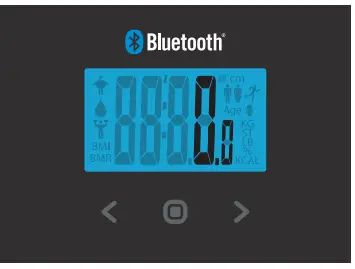
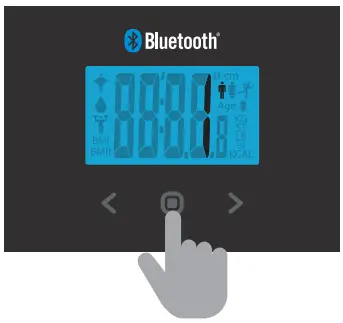
Press the button and use the
 buttons to select your user number
 - Step 6

Wait whilst the scale confirms your personal data and then shows a zero reading - Step 7

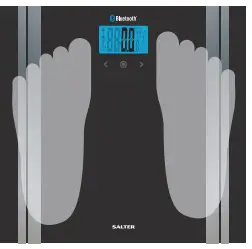
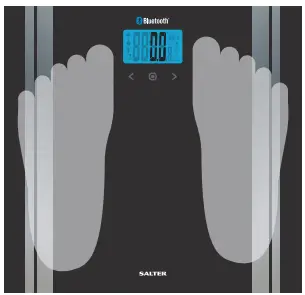
When zero is displayed, with bare feet, step onto the platform and stand still Your scale will then weigh you and measure a range of other values using BIA analysis - Step 8

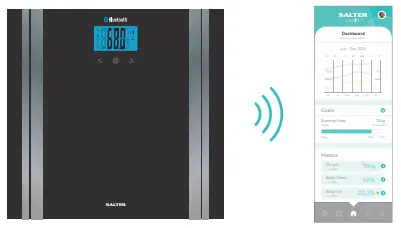
If your scale is on and your app is open then your data will be synced automatically If your scale is unable to connect, then your data will be saved to your scale until a connection is available - Step 9

You can sync your saved data at any time by opening the app, pressing on the centre of the platform to turn your scale on and then selecting your user number

 button and use the
 buttons to select your user number