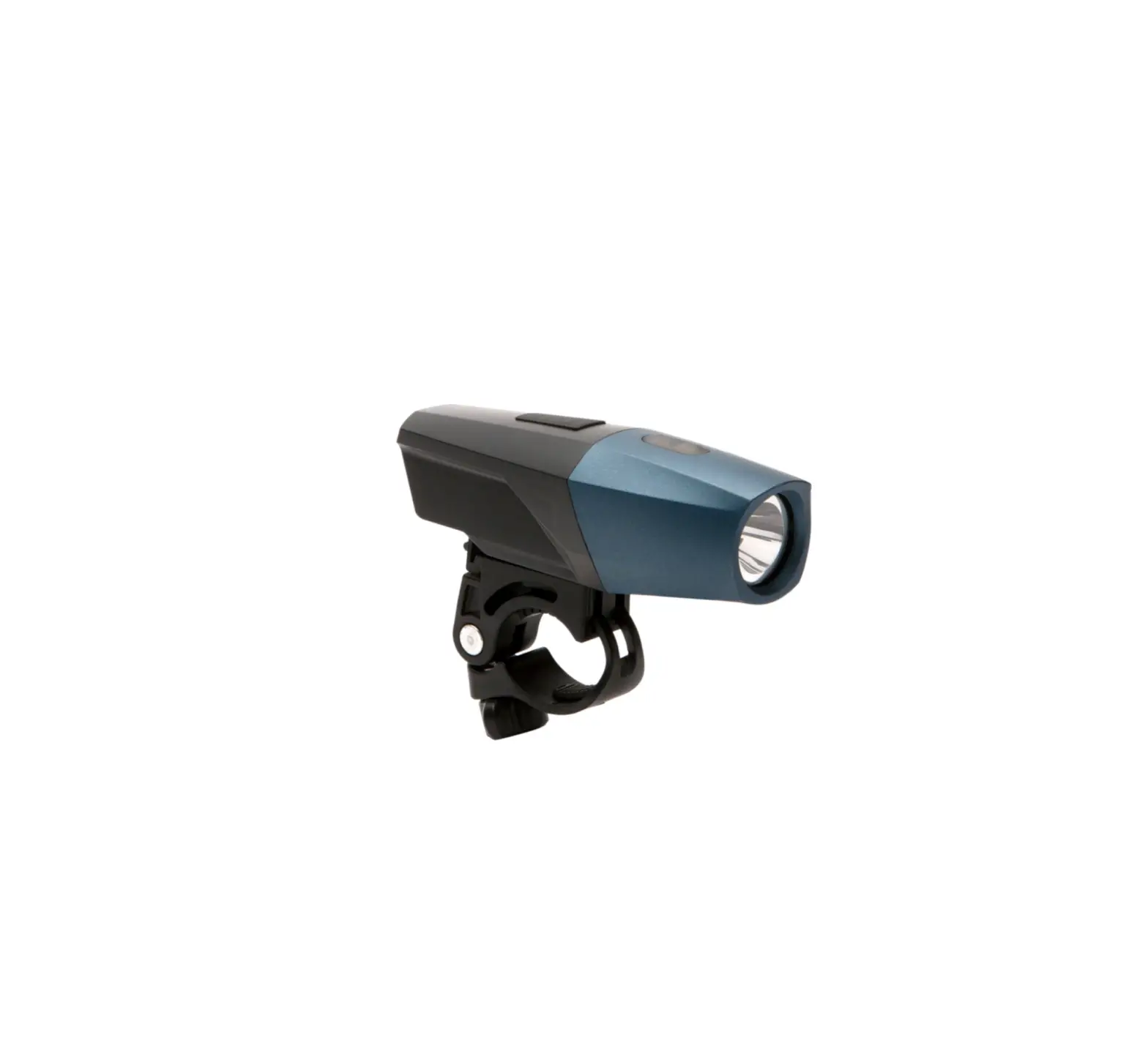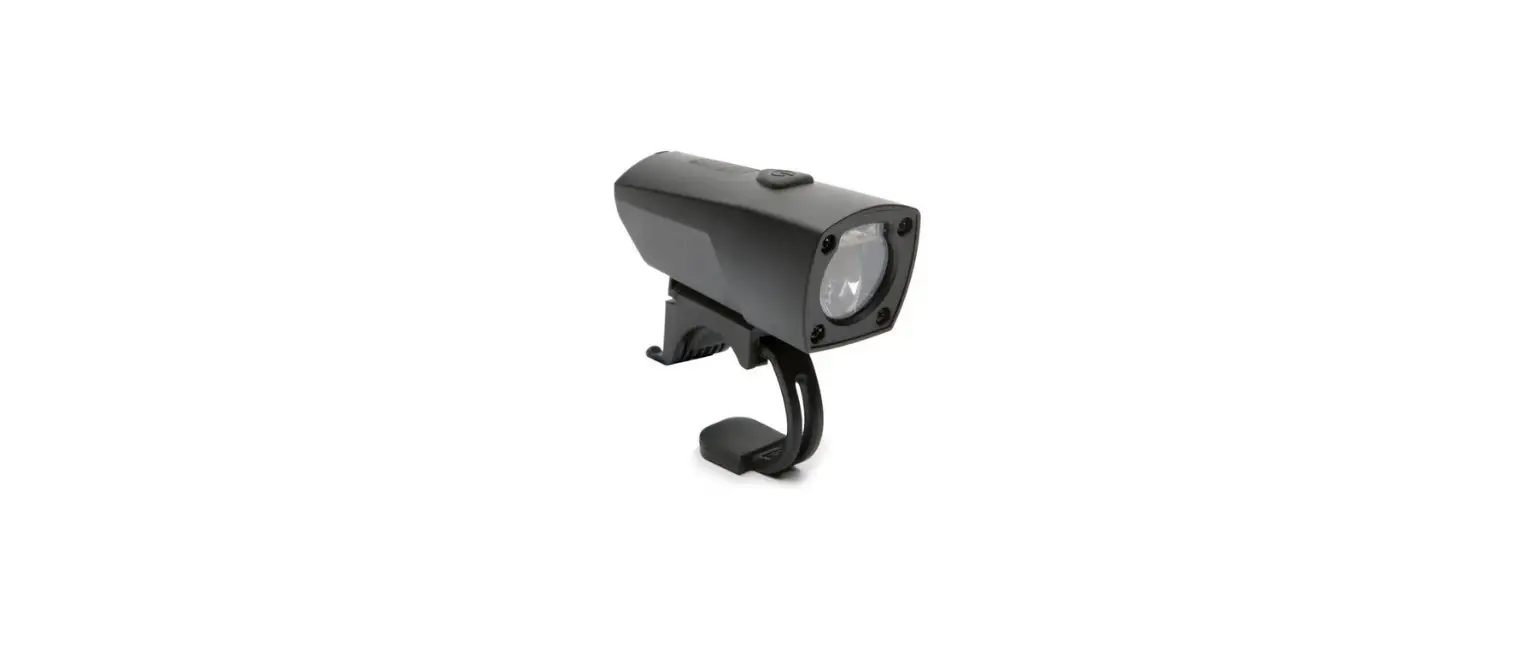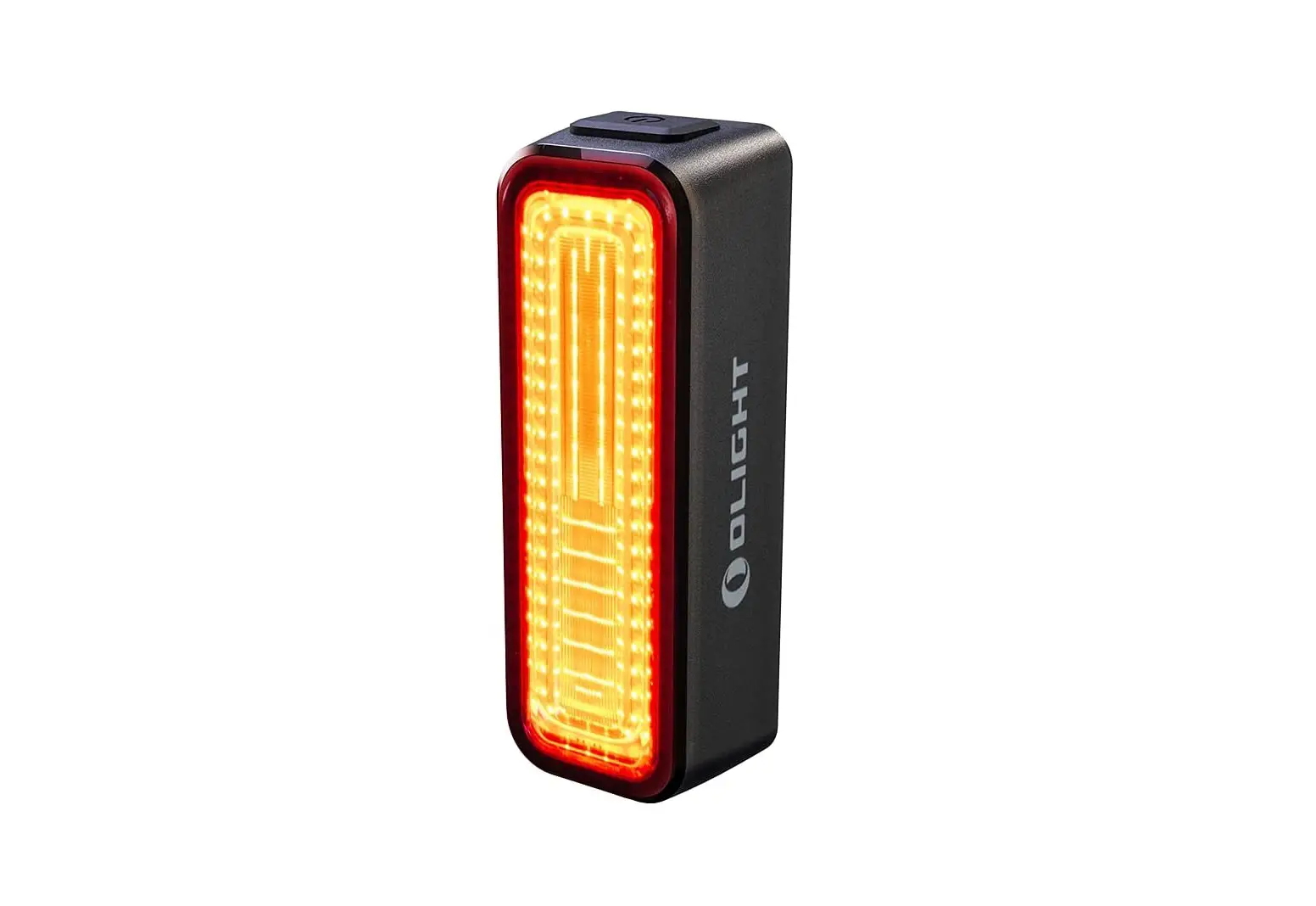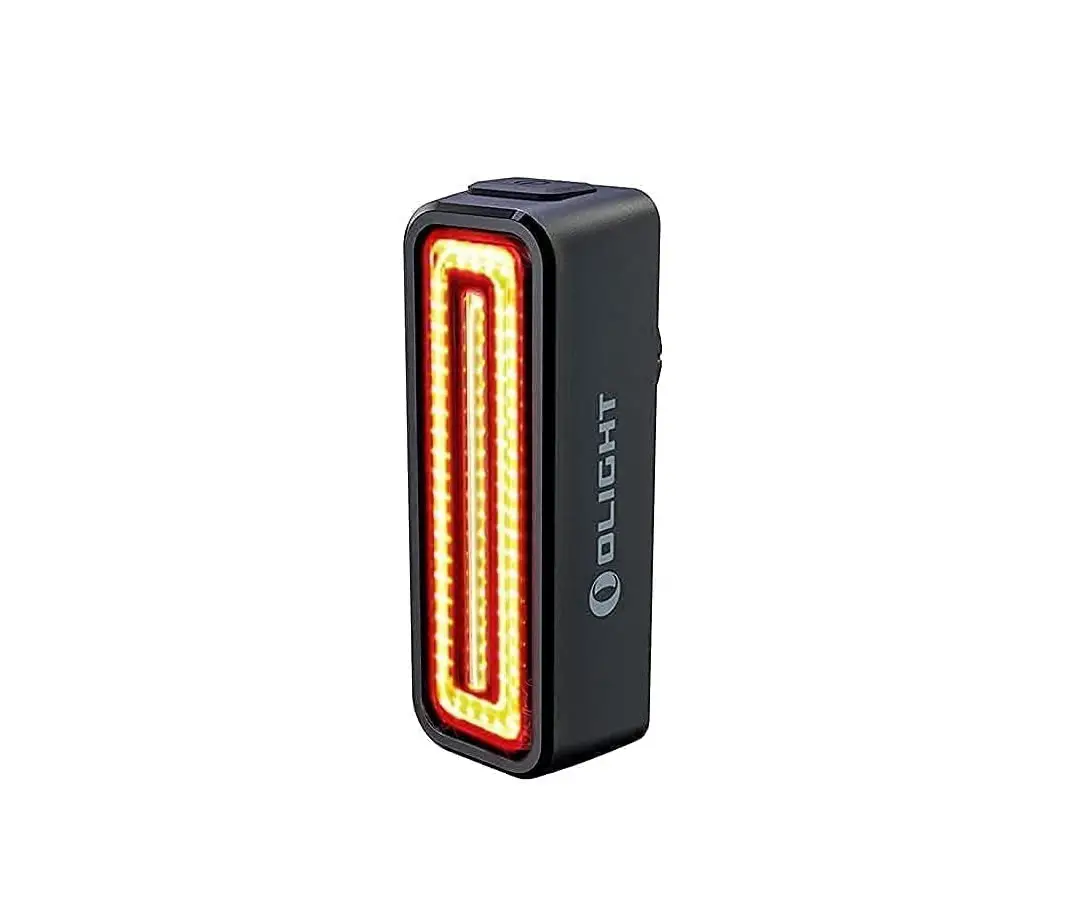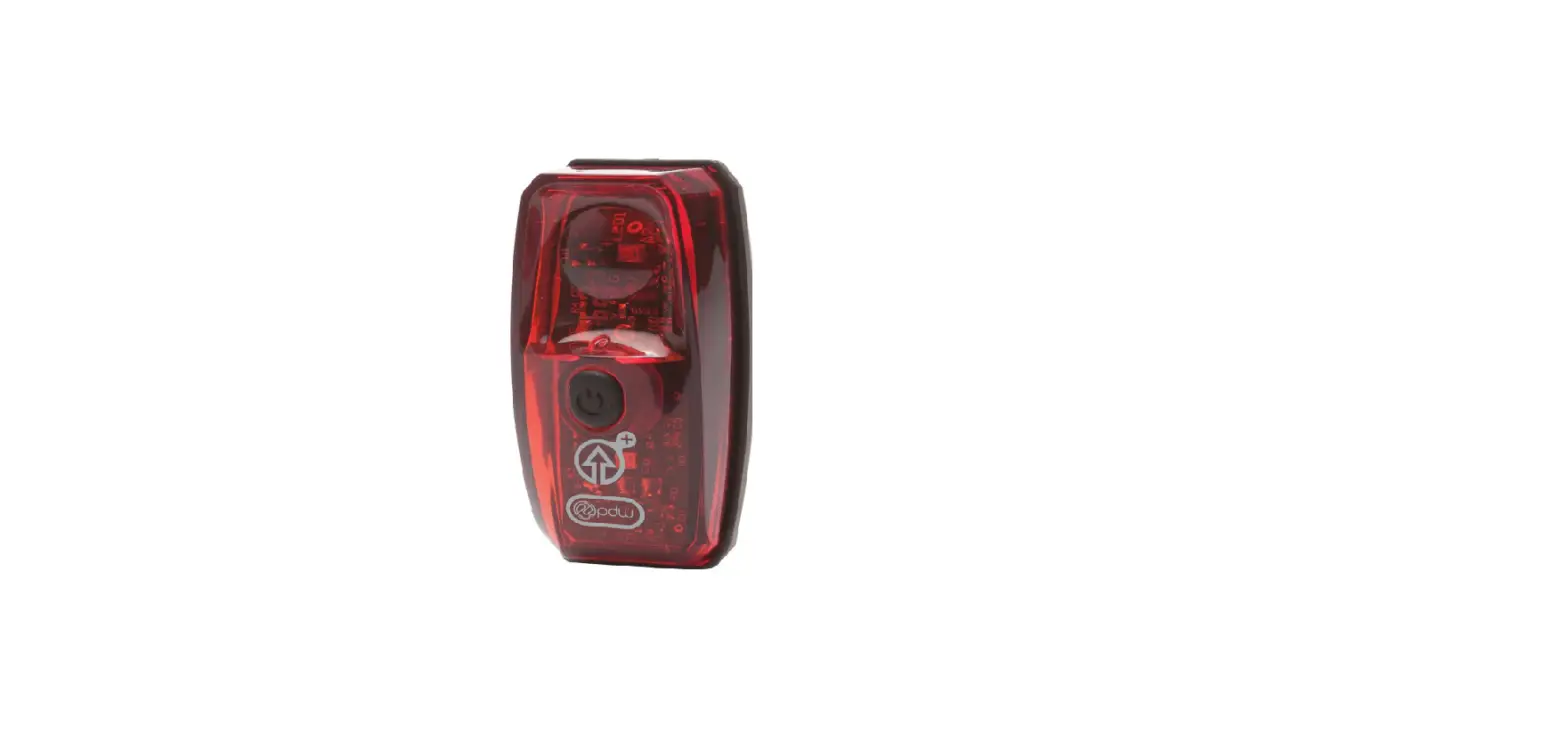

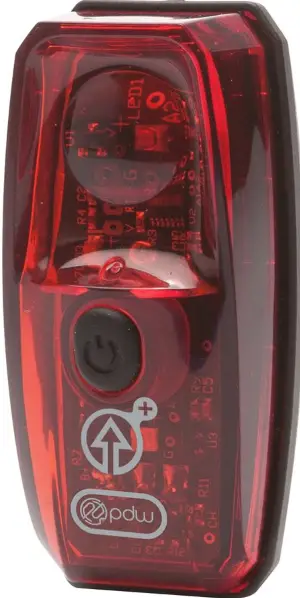
pdw Gravity Plus USB Tail Light
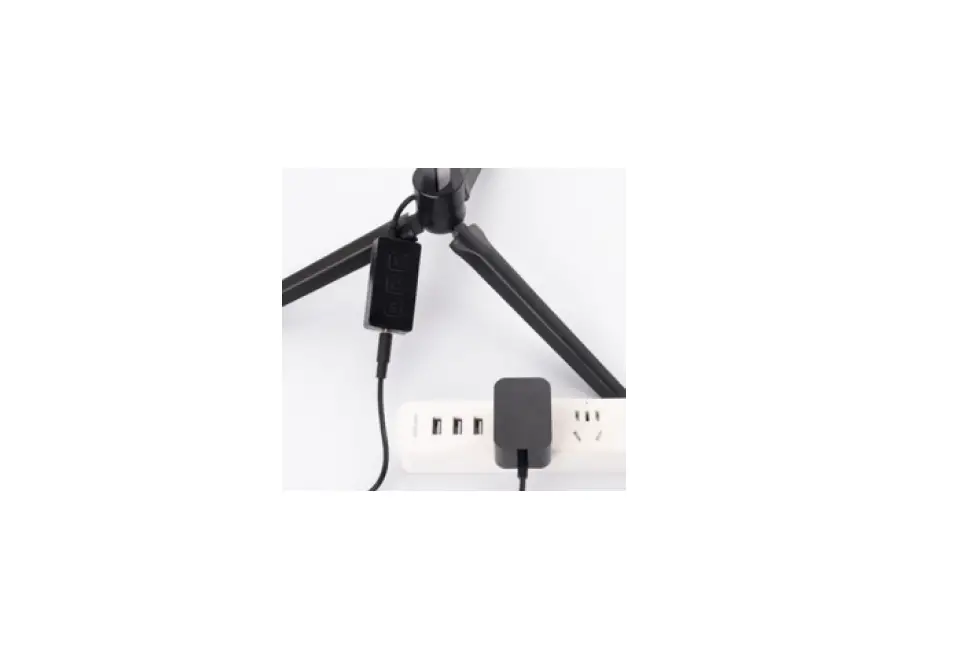
Charging
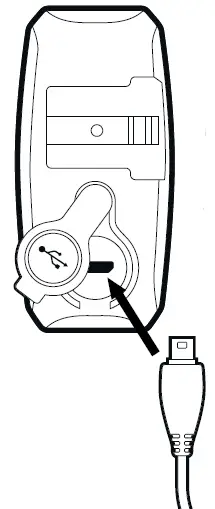
Charging indicator on front of light
- Blue flash: charging
- Solid Blue: fully charged
Tail light will charge from empty to full in 2.5 hours.
Battery Care note
- Leaving the light plugged into a power source or charging before the light is fully depleted will not harm the battery.
- Charge the battery at least once every 2 months to maintain battery health.
Stayputnik™ mount
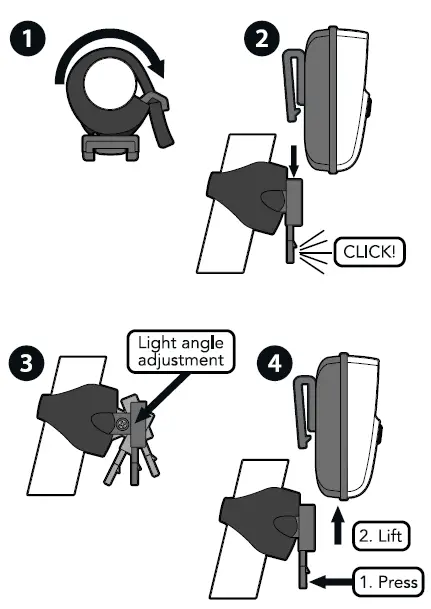
Operation
To allow the accelerometer to calibrate, always install the GravityTM on your bike before powering it on. Hold your bike still for 1 second after pressing the power button to complete the calibration.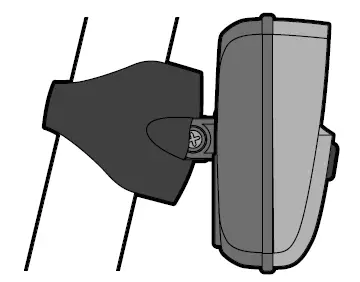
- Press and hold button for 1 second for on/off.
- Tap button to change between functions.
- When battery is low a small green LED lights up.
Warranty
Lifetime warranty covering manufacturing defects except as follows: 2 years on electrical components and one year on batteries.
Spare parts available at: www.ridepdw.com/goods/spare-parts
CONTACT
- ridepdw.com
- 503-234-7257
- 3625 SE 21st Ave Portland, OR 97202