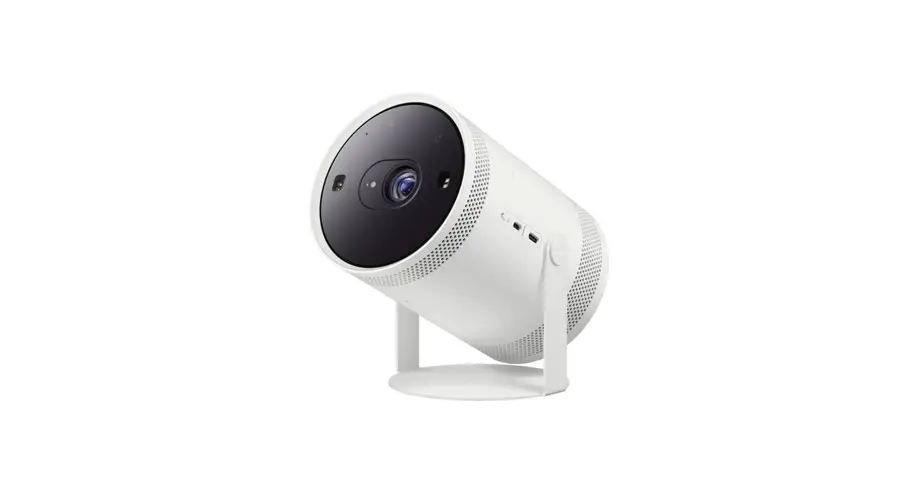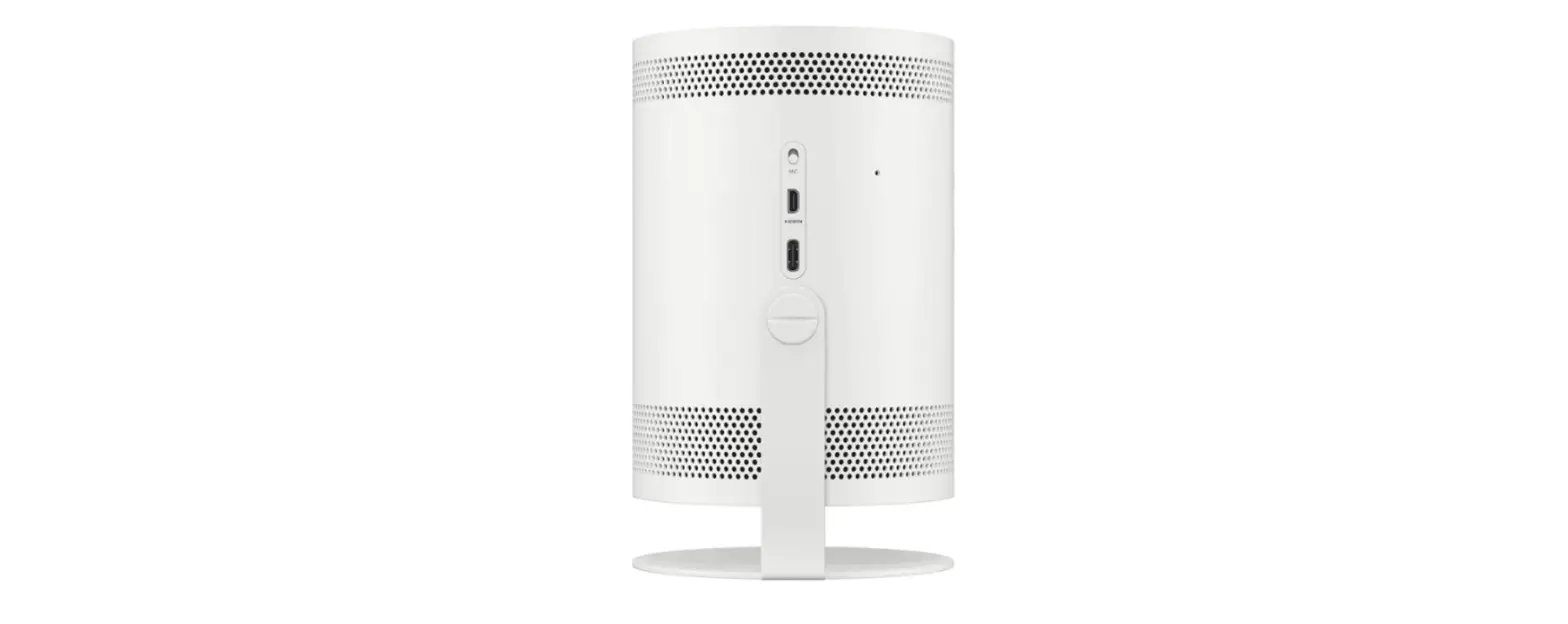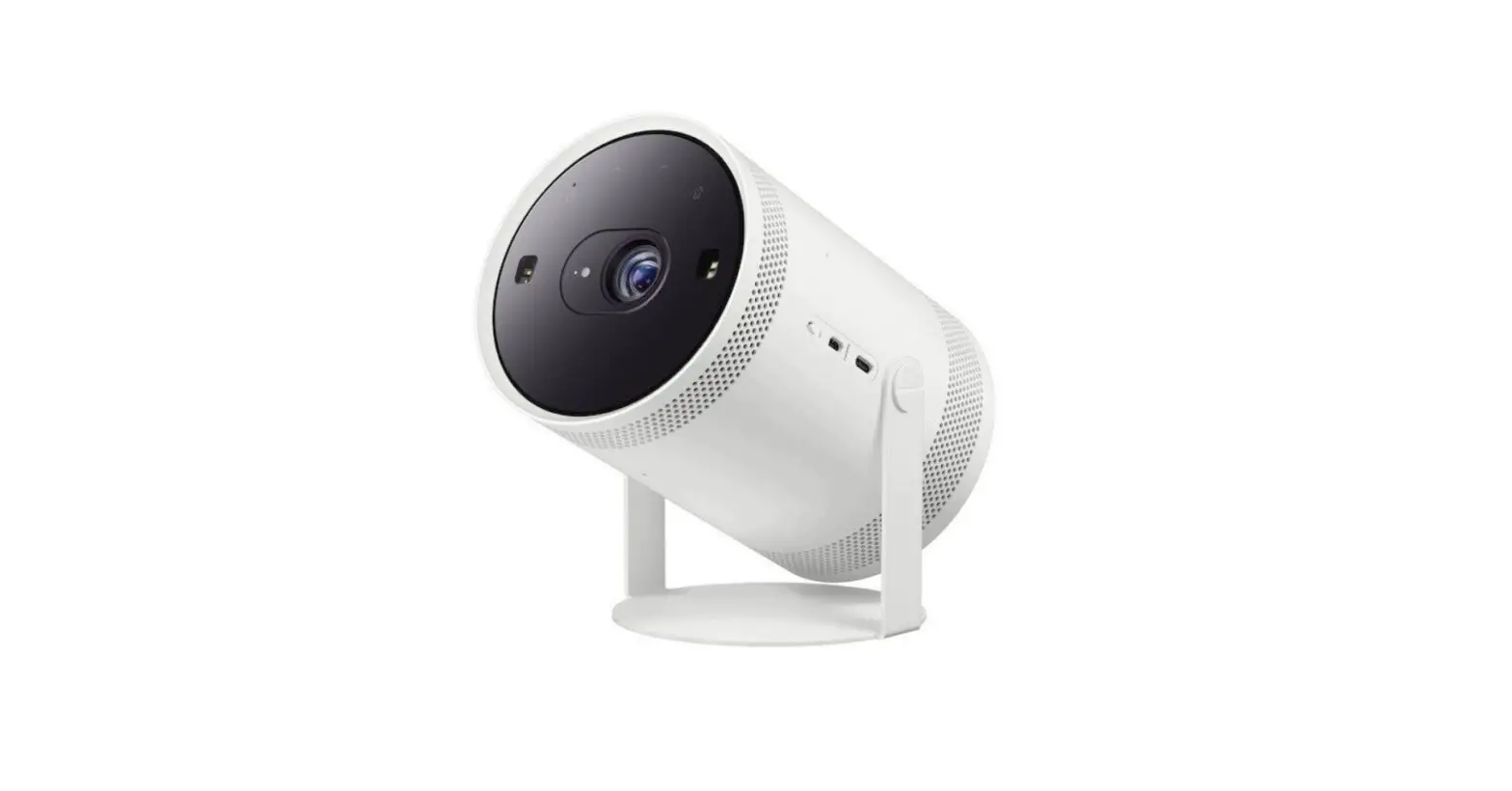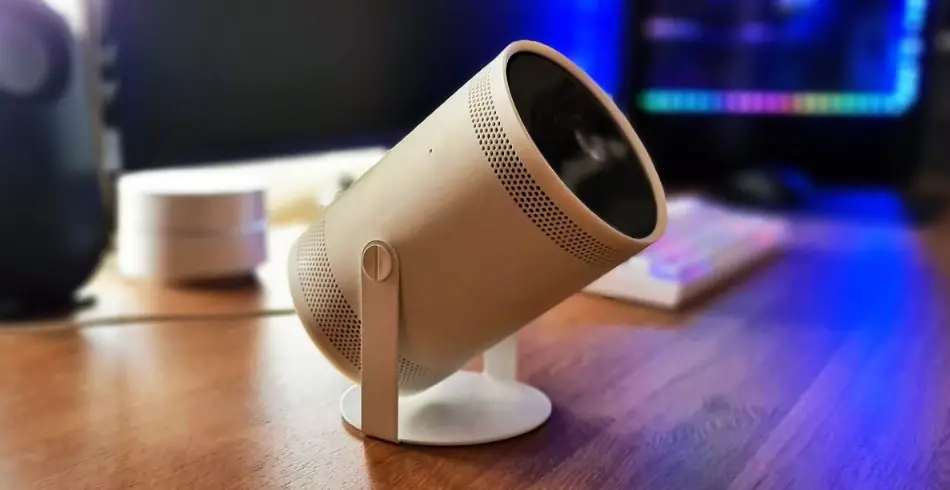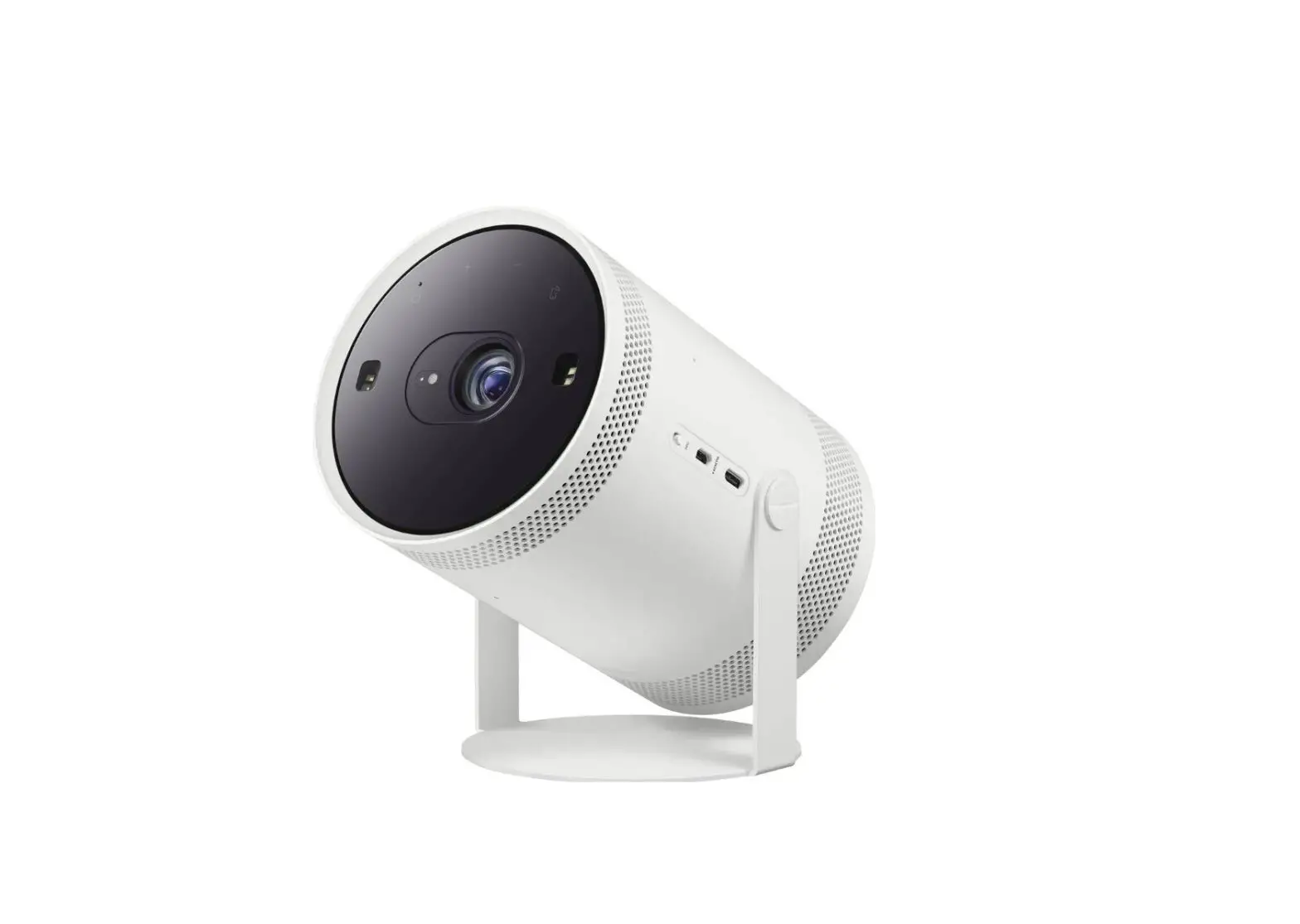

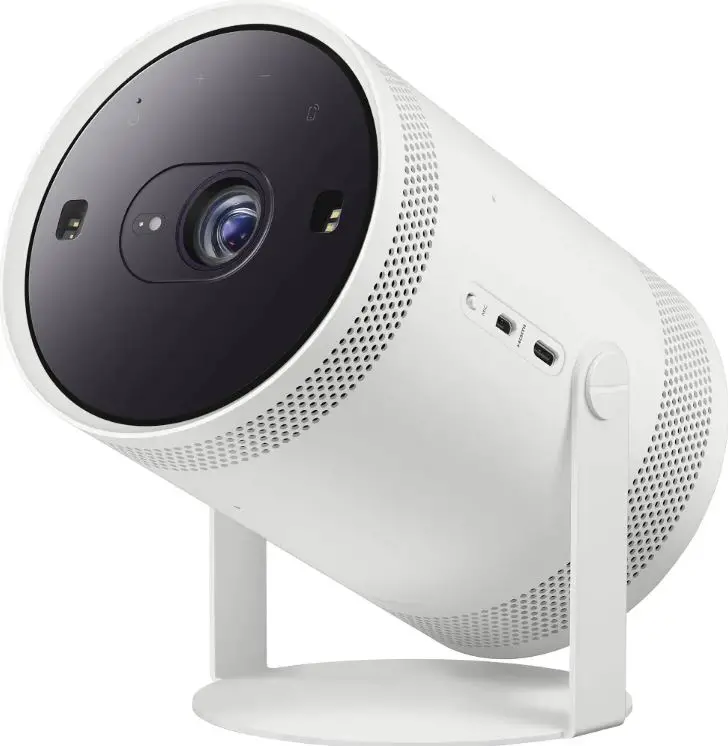
SAMSUNG BP81-00631F-00 Freestyle FHD HDR Smart Portable Projector
Cautions for screen projection
- When using the automatic keystone feature, make sure to use the recommended projection angle.
- When using a wall as the screen: 45° or lower
- When using a ceiling as the screen: 45° – 90° (Recommended)
- This is when the Samsung logo is facing downward.
- Do not project the light onto another source of light or an obstacle.
- Keep the product’s top surface (sensor area) clear of dust and foreign matter.
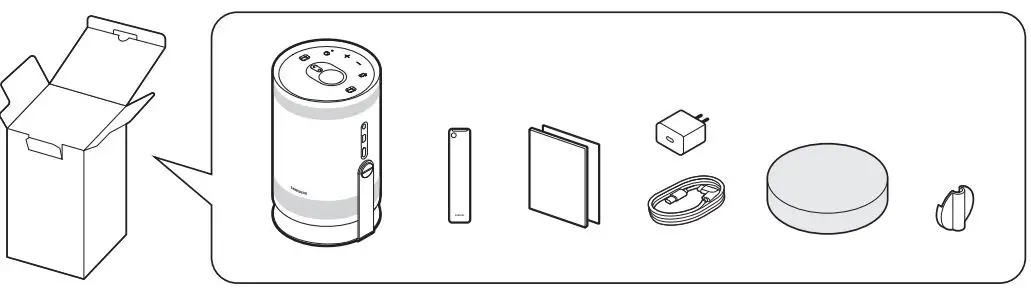
WHAT IN BOX
HOW TO USE 

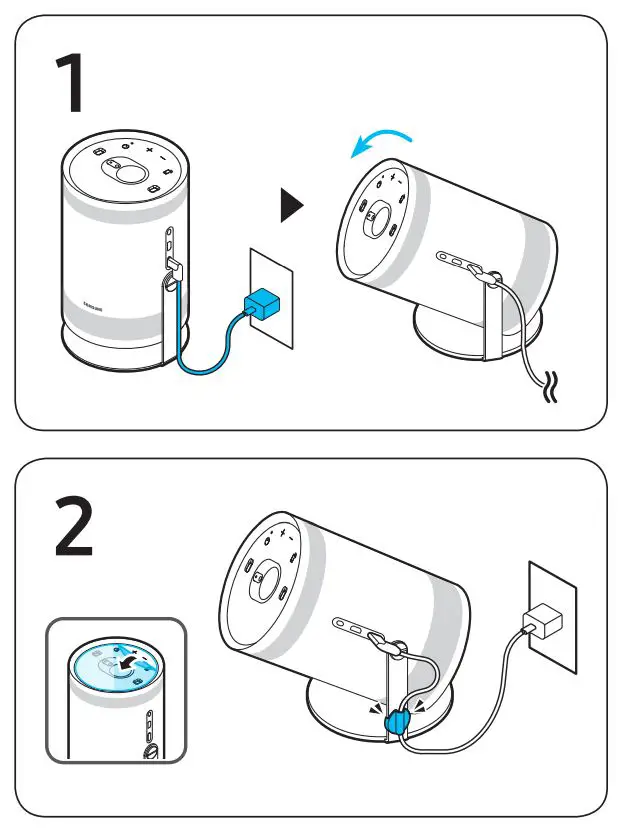
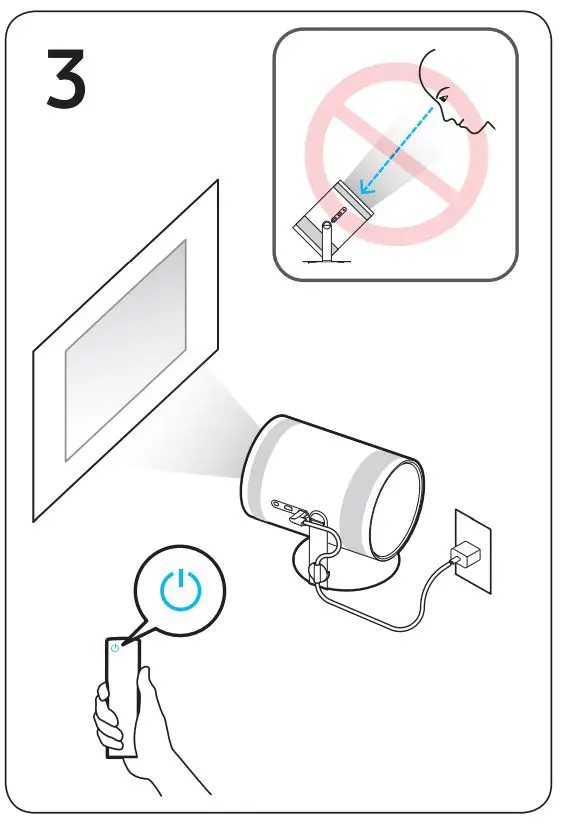
DIMENSION
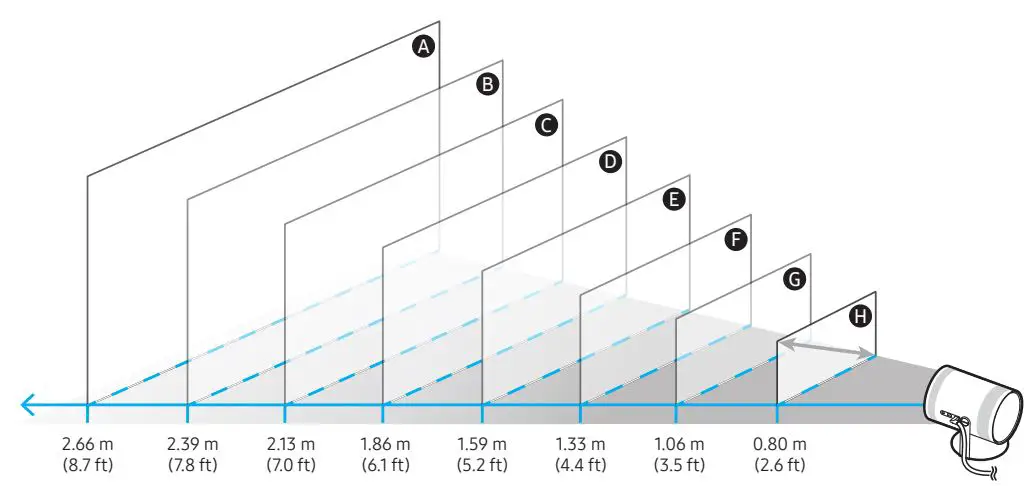
- A100 inches / 2540 mm / 254.0 cm
- B 90 inches / 2286 mm / 228.6 cm
- C 80 inches / 2032 mm / 203.2 cm
- D 70 inches / 1778 mm / 177.8 cm
- E 60 inches / 1524 mm / 152.4 cm
- F 50 inches / 1270 mm / 127.0 cm
- G 40 inches / 1016 mm / 101.6 cm
- H 30 inches / 762 mm / 76.2 cm
The screen sizes for each projection distance may differ depending on the installation environment.