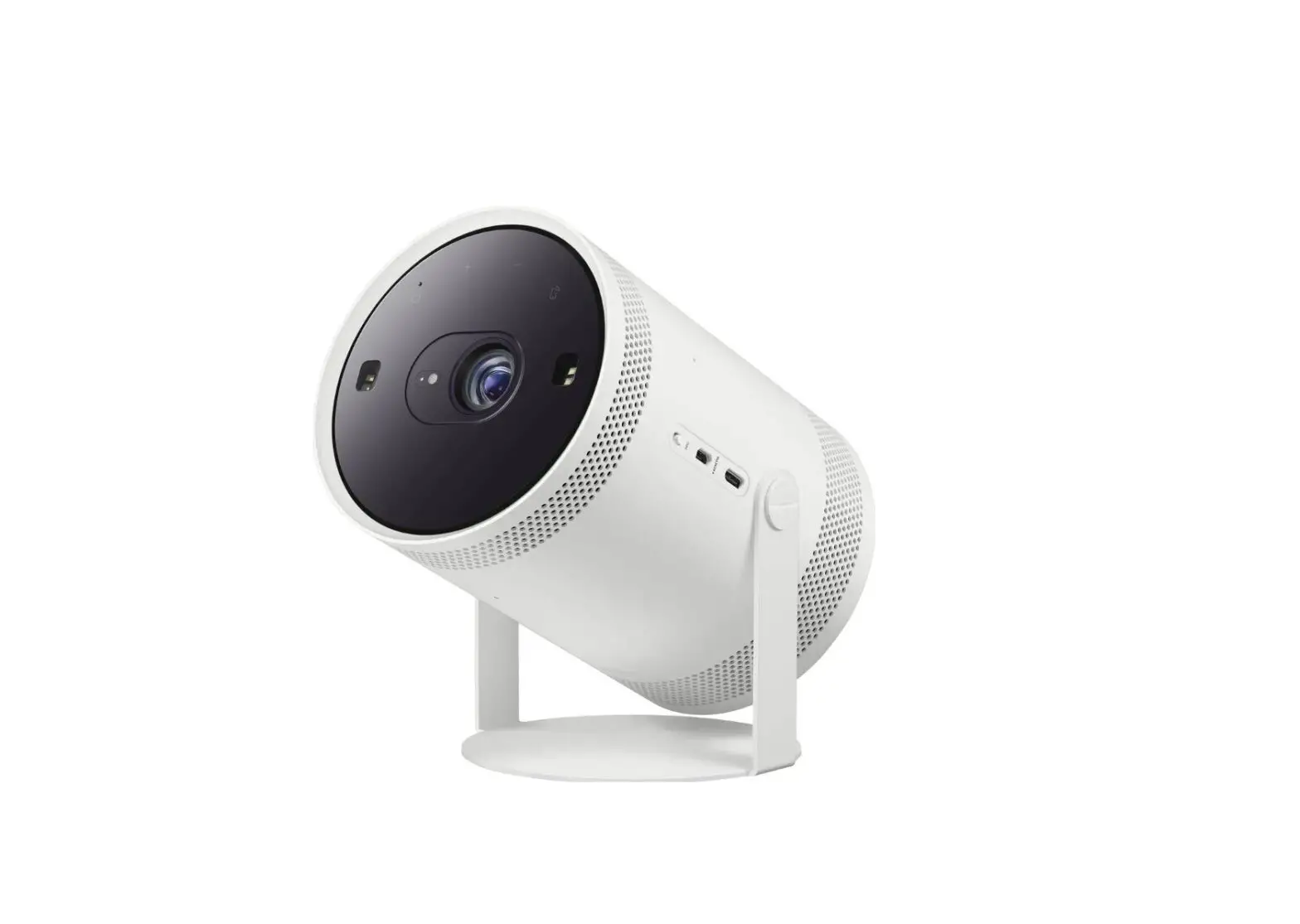
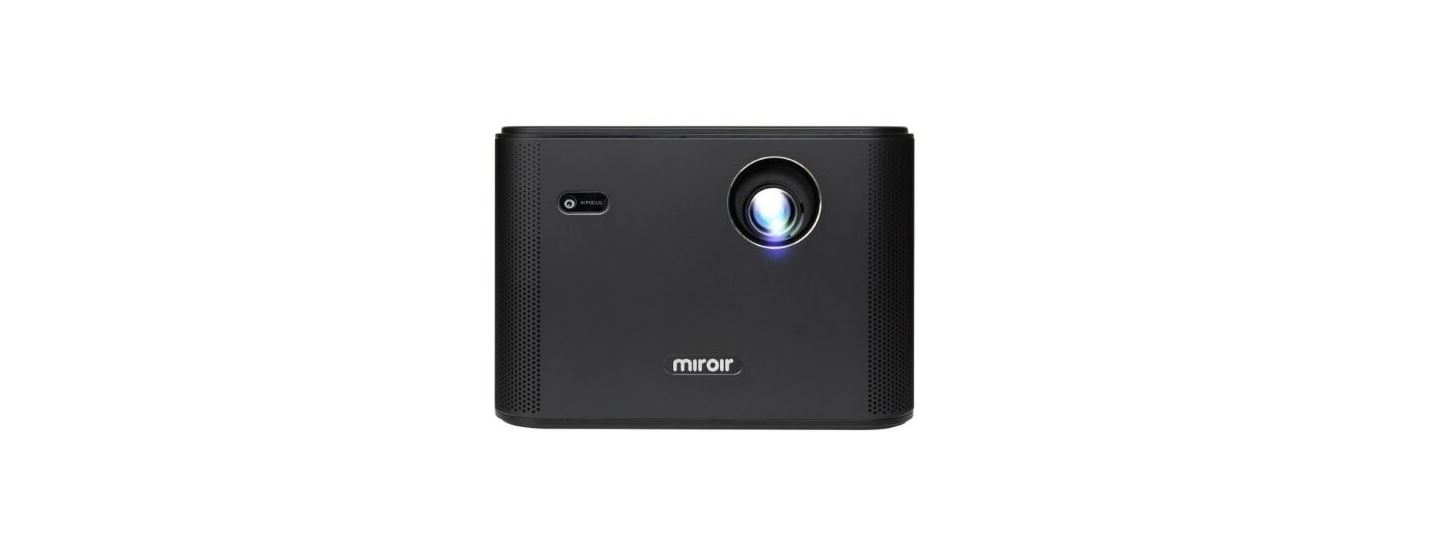
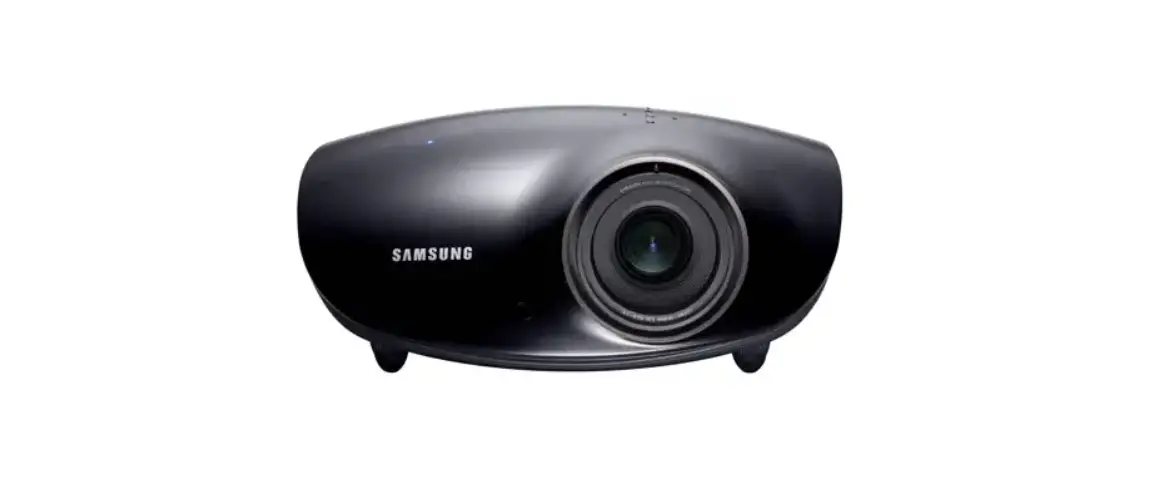
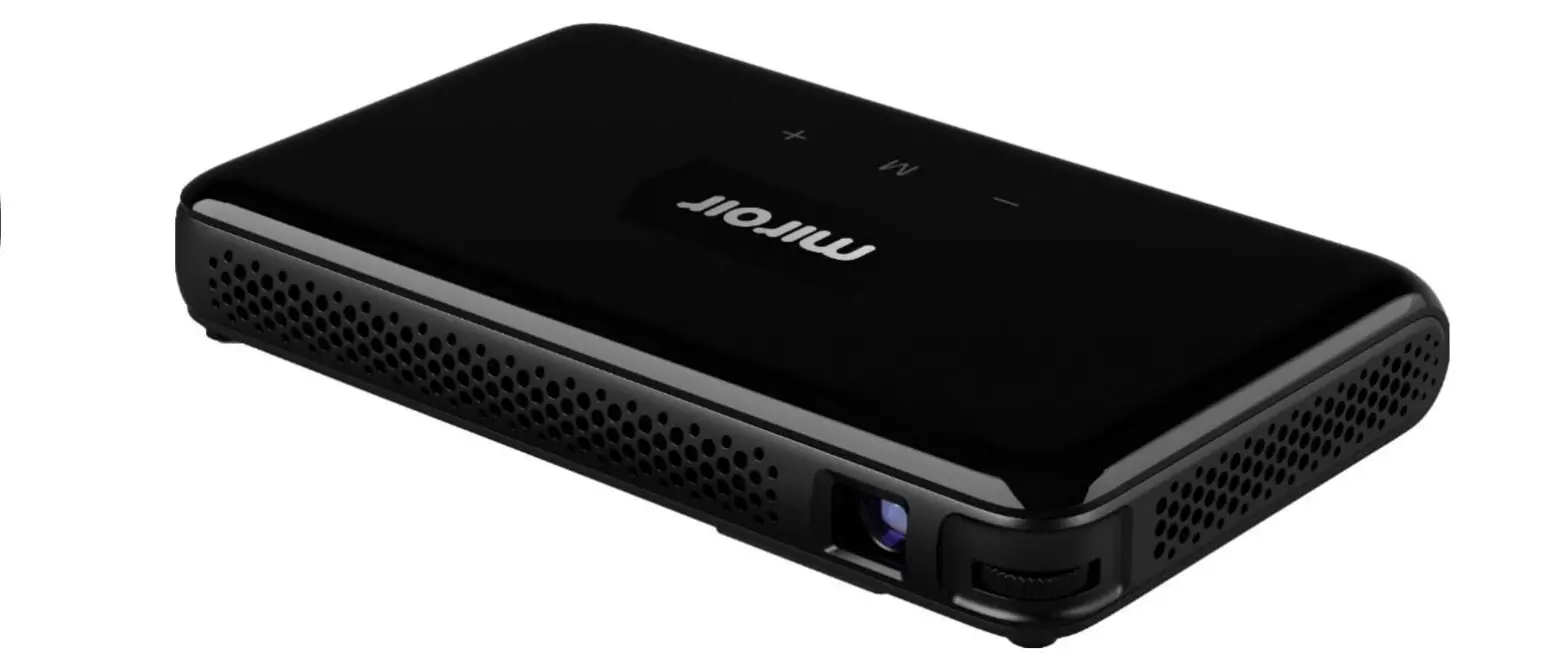
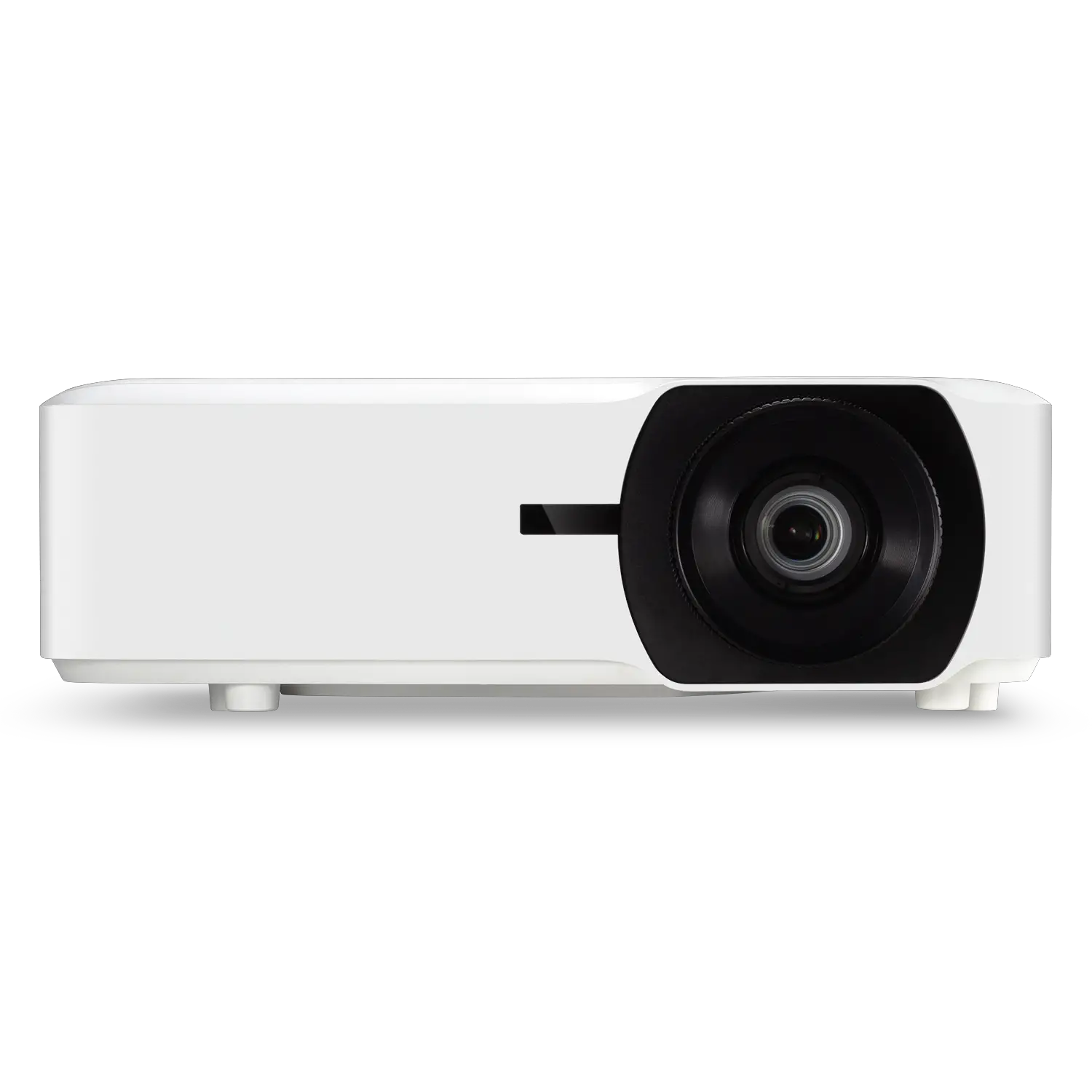
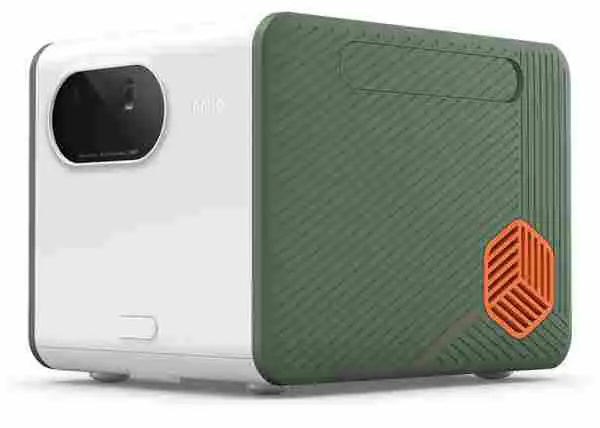
BP81-00631A-00 Smart Portable Projector
Product Information:
The product is a screen projection device that allows you to
project content onto a flat surface. The device comes with an
automatic keystone feature that adjusts the projection angle to
ensure a clear and crisp image. The product has various screen
sizes that can be projected at different distances, as indicated in
the table below:
| Screen Size | Projection Distance |
|---|---|
| 100 inches / 2540 mm / 254.0 cm | 2.66 m (8.7 ft) |
| 90 inches / 2286 mm / 228.6 cm | 2.39 m (7.8 ft) |
| 80 inches / 2032 mm / 203.2 cm | 2.13 m (7.0 ft) |
| 70 inches / 1778 mm / 177.8 cm | 1.86 m (6.1 ft) |
| 60 inches / 1524 mm / 152.4 cm | 1.59 m (5.2 ft) |
| 50 inches / 1270 mm / 127.0 cm | 1.33 m (4.4 ft) |
| 40 inches / 1016 mm / 101.6 cm | 1.06 m (3.5 ft) |
| 30 inches / 762 mm / 76.2 cm | 0.80 m (2.6 ft) |
Please note that the screen sizes may differ depending on the
installation environment.
Product Usage:
- Ensure that the automatic keystone feature is turned on before
projecting content. - Place the product in a location where it is facing the flat
surface onto which you want to project the content. - Make sure that the Samsung logo on the product is facing
downwards. - Avoid projecting the light onto another source of light or any
obstacles to ensure a clear image. - Keep the top surface of the product (sensor area) free of dust
and foreign matter to ensure proper functioning. - Select the appropriate screen size and projection distance from
the table above based on your installation environment. - Project your desired content onto the flat surface.
use the recommended projection angle. x When using a wall as the screen: 45° or lower x When using a ceiling as the screen: 45° – 90°
(Recommended) N This is when the Samsung logo is facing downward. – Do not project the light onto another source of light or an obstacle. – Keep the product’s top surface (sensor area) clear of dust and foreign matter.
[Français] Mises en garde pour la projection à l’écran – Si vous utilisez la fonction de correction automatique
de la distorsion, assurez-vous de respecter l’angle de projection recommandé. x Si vous utilisez un mur en tant qu’écran : 45° ou moins x Si vous utilisez un plafond en tant qu’écran : de 45° à
90° (recommandé) N Lorsque le logo de Samsung est orienté vers le bas. – Ne projetez pas la lumière sur une autre source de lumière ou un obstacle. – Gardez la surface supérieure du produit (zone du capteur) exempte de poussière et de matières étrangères.
[Español] Precauciones para la proyección de pantalla – Cuando use la función de ajuste trapezoidal automático,
asegúrese de usar el ángulo de proyección recomendado.
x Cuando use una pared a modo de pantalla: 45º o menor x Cuando use el cielorraso a modo de pantalla: 45 a 90º
(recomendado) N Por eso el logotipo de Samsung mira hacia abajo. – No proyecte la luz sobre otra fuente de luz o un obstáculo. – Mantenga la superficie superior del producto (área donde está el sensor) libre de polvo y sustancias extrañas.
[Português] Cuidados ao projetar a tela – Ao usar o recurso de keystone automático, verifique se
está usando o ângulo de projeção recomendado. x Ao usar uma parede como a tela: 45° ou menos x Ao usar um teto como a tela: 45° a 90° (Recommended) N Isso é quando o logotipo da Samsung está apontado
para baixo. – Não projete a luz em outra fonte de luz nem em um
obstáculo. – Mantenha a parte de cima do produto (área do sensor)
livre de poeira e objetos estranhos.
[] – .
x : 45° x : 45°-90° N . – . – () .
QUICK SETUP GUIDE GUIDE D’INSTALLATION RAPIDE GUÍA RÁPIDA DE CONFIGURACIÓN GUIA RÁPIDO DE INSTALAÇÃO
BP81-00631A-00
1
3
2
A 100 inches / 2540 mm / 254.0 cm B 90 inches / 2286 mm / 228.6 cm C 80 inches / 2032 mm / 203.2 cm D 70 inches / 1778 mm / 177.8 cm
E 60 inches / 1524 mm / 152.4 cm F 50 inches / 1270 mm / 127.0 cm G 40 inches / 1016 mm / 101.6 cm H 30 inches / 762 mm / 76.2 cm
* inches / pouces / pulgadas / polegadas /
A B C D E F G H
2.66 m (8.7 ft)
2.39 m (7.8 ft)
2.13 m (7.0 ft)
1.86 m (6.1 ft)
1.59 m (5.2 ft)
1.33 m (4.4 ft)
1.06 m (3.5 ft)
0.80 m (2.6 ft)
[English] The screen sizes for each projection distance may differ depending on the installation environment.[Français] Les tailles d’écran pour chaque distance de projection peuvent différer selon l’environnement d’installation.[Español] Los tamaños de las pantallas para cada distancia de proyección pueden variar según el entorno de instalación.
[Português] Os tamanhos da tela para cada distância de projeção podem diferir dependendo do ambiente de instalação.
[] .