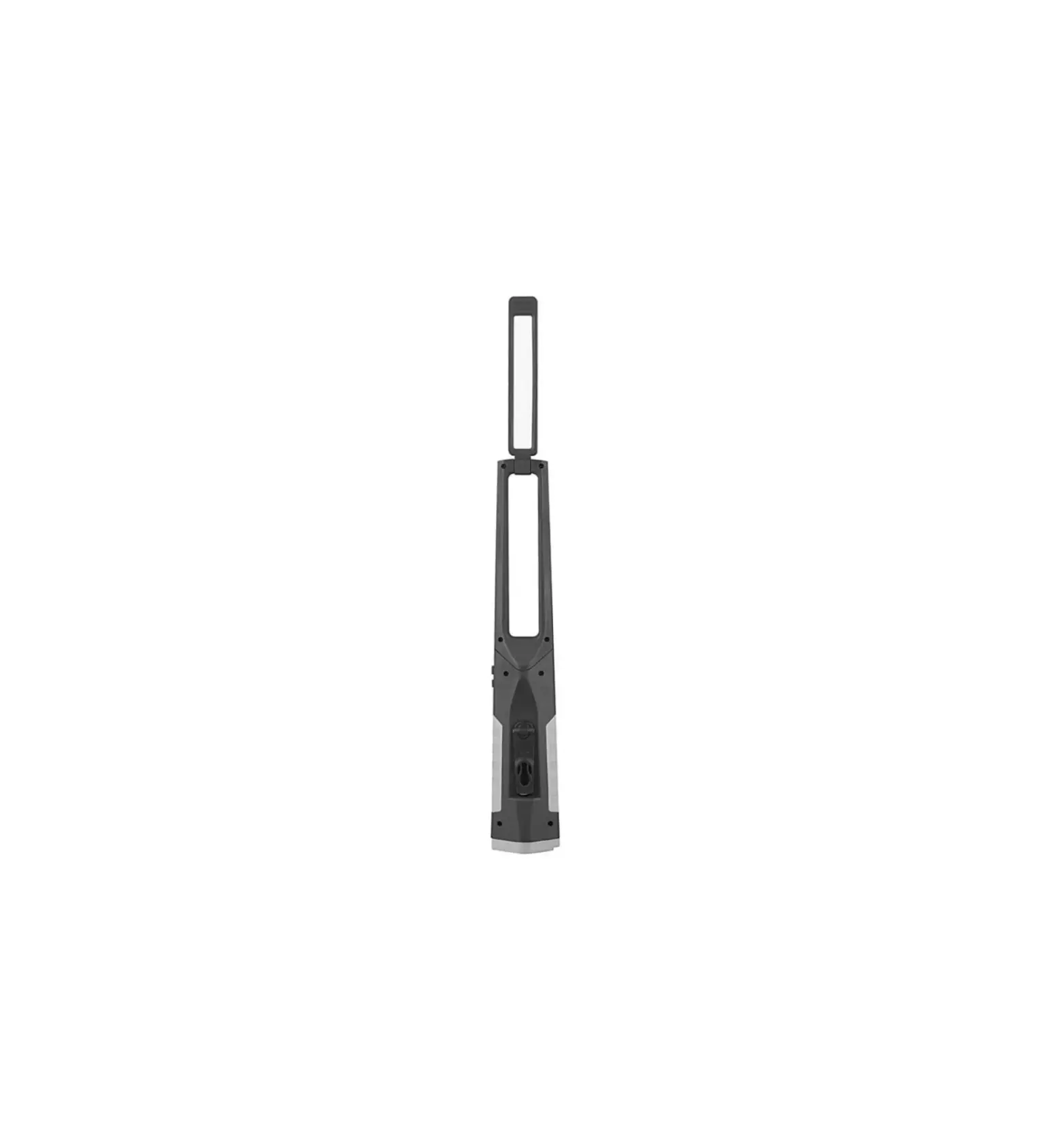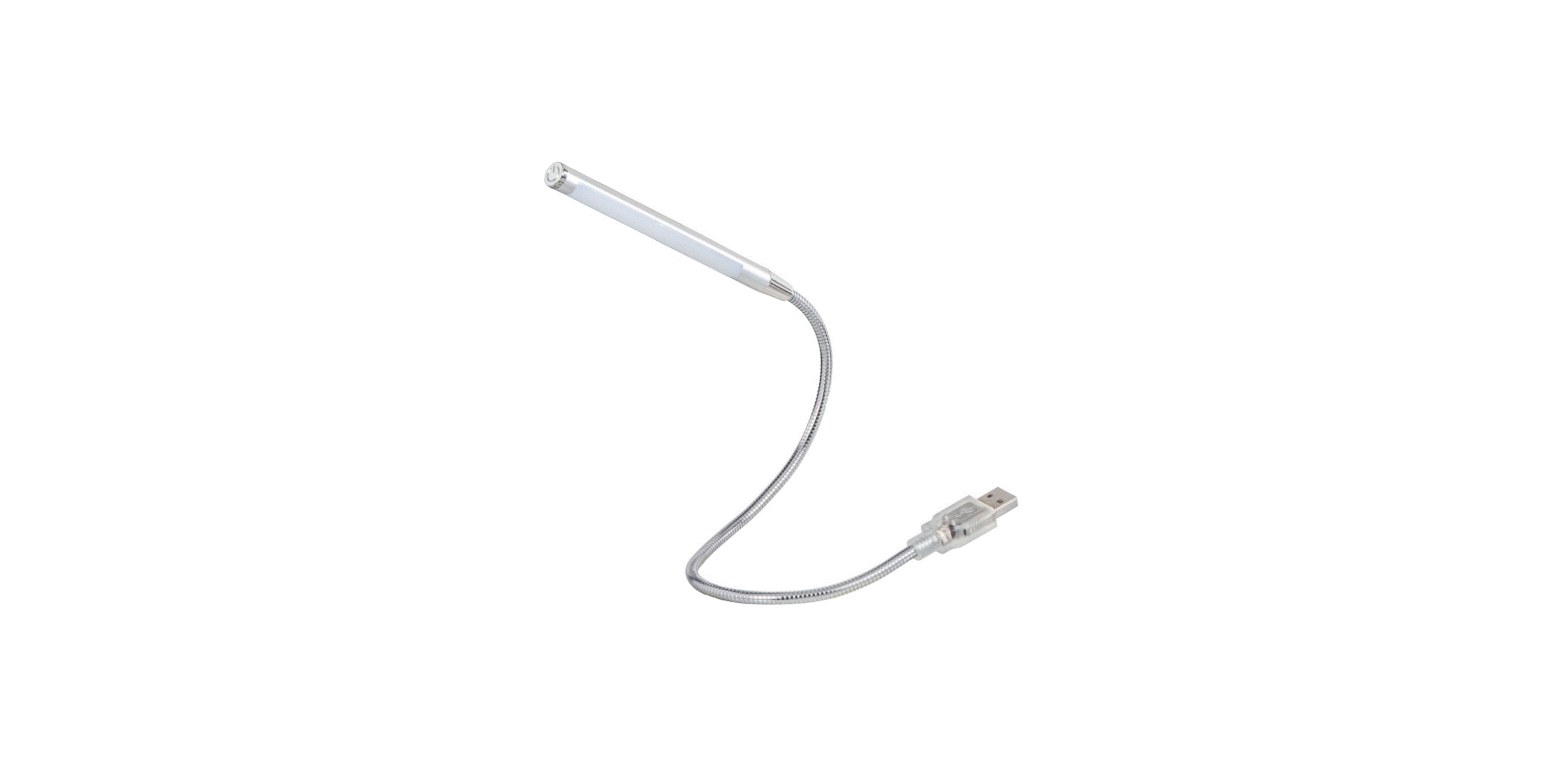

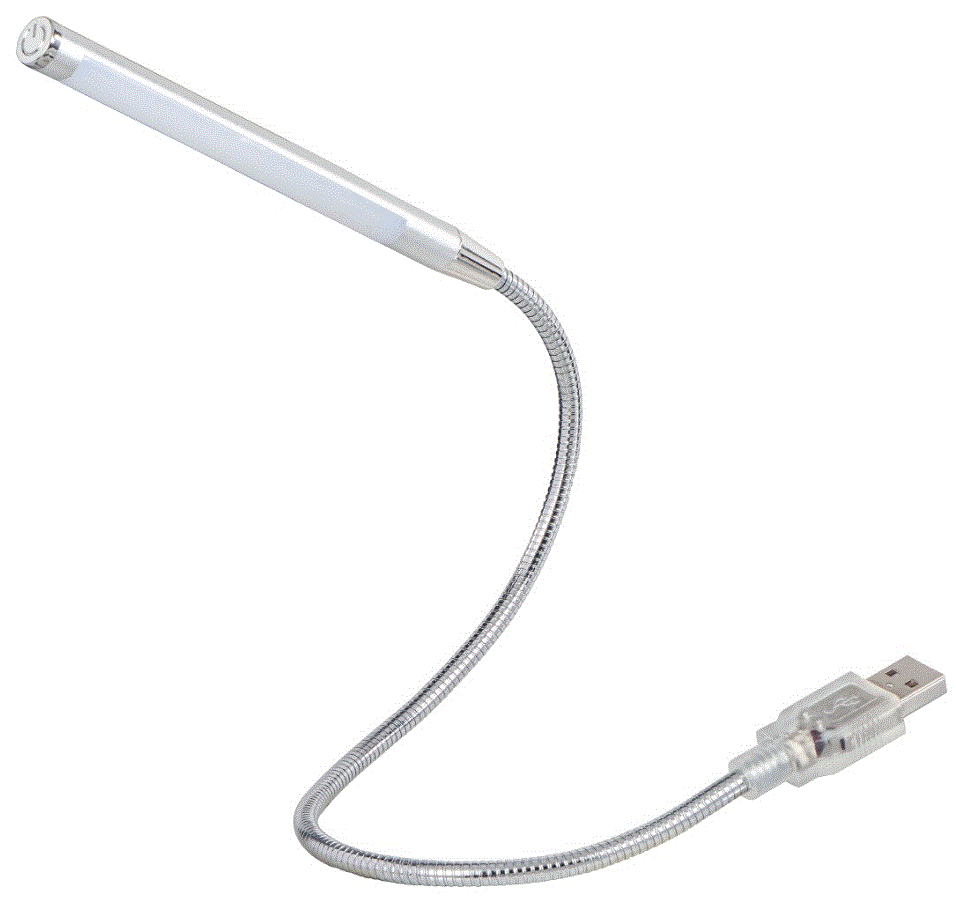
hama 00054118 Swan Neck USB Notebook Light
Quick Guide
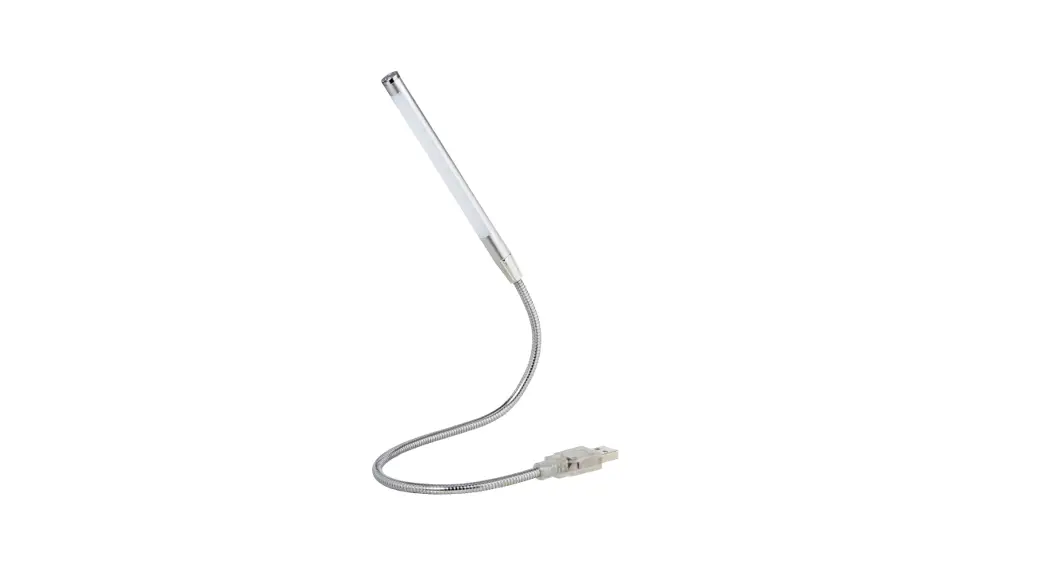
- Plug the notebook light into a free USB socket to power the device.
- To switch on the light, briefly touch the touch sensor
 on the head of the light.
 - To dim or brighten the light, hold the touch sensor down until you get the desired brightness.
- Briefly touch the touch sensor to switch off the notebook light.
 on the head of the light.