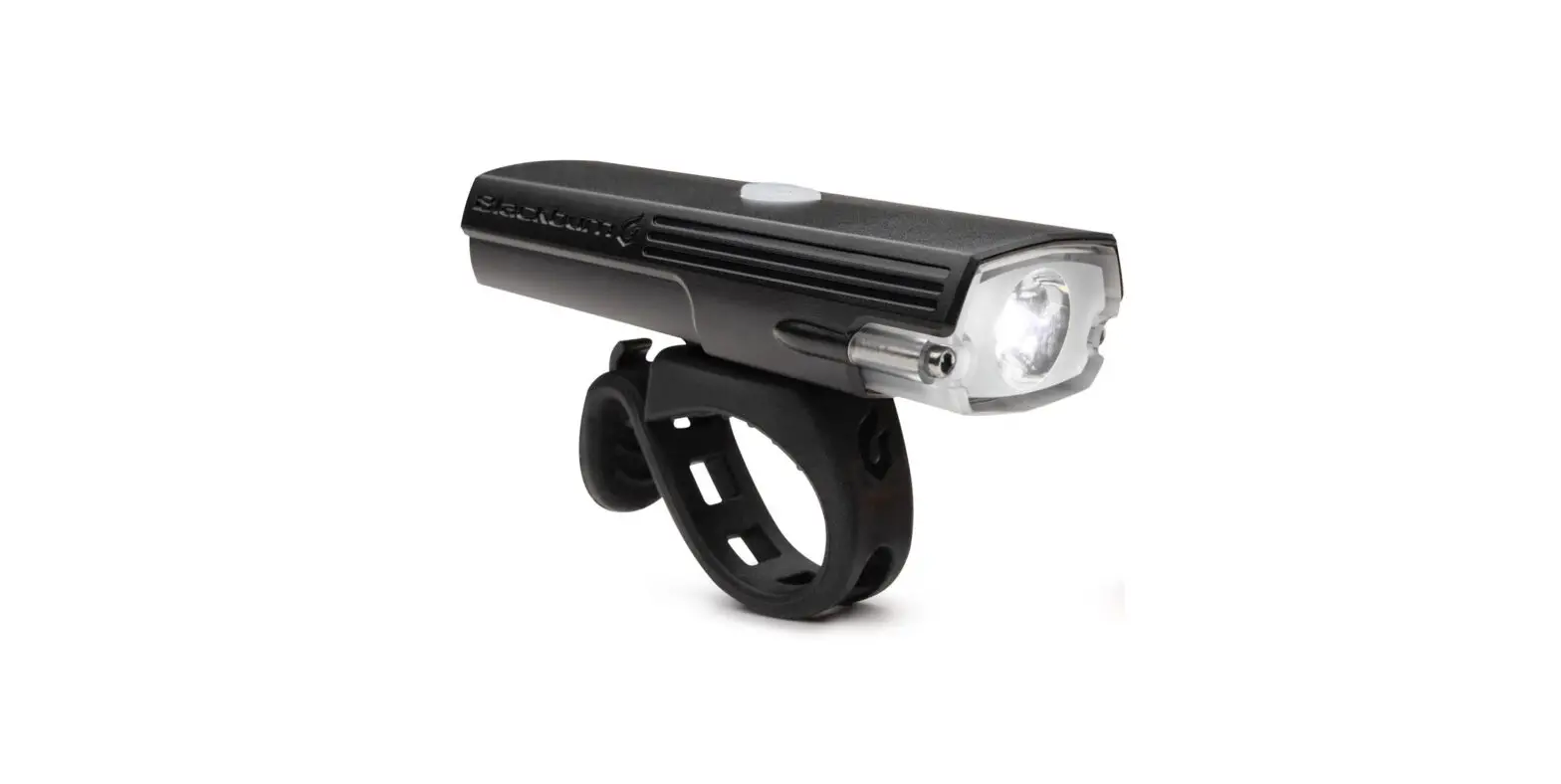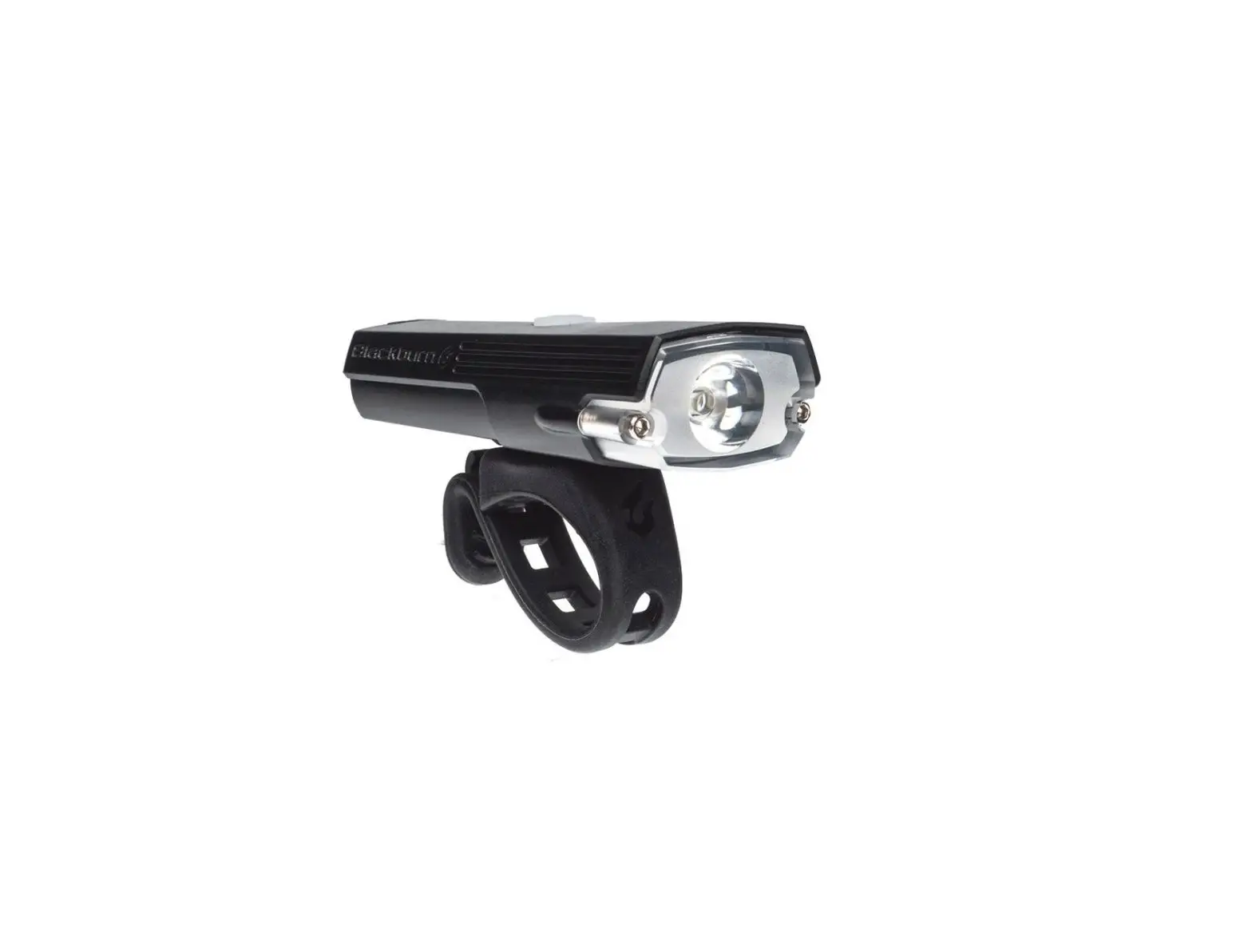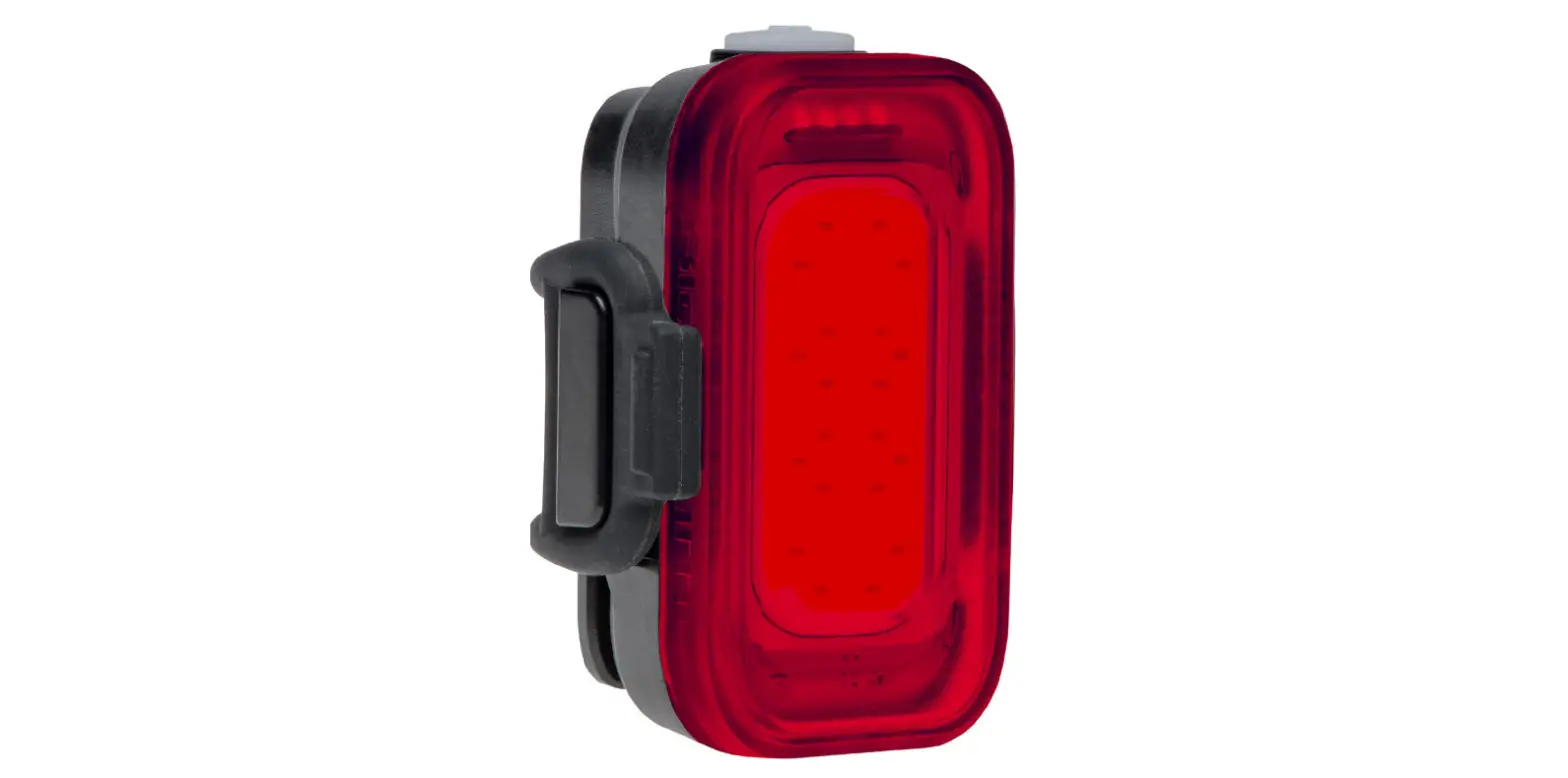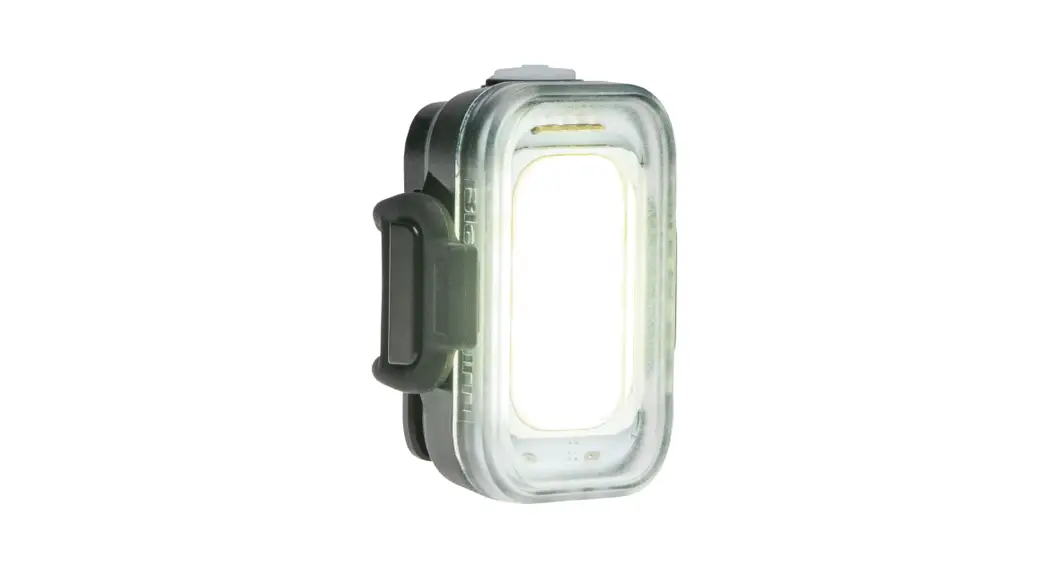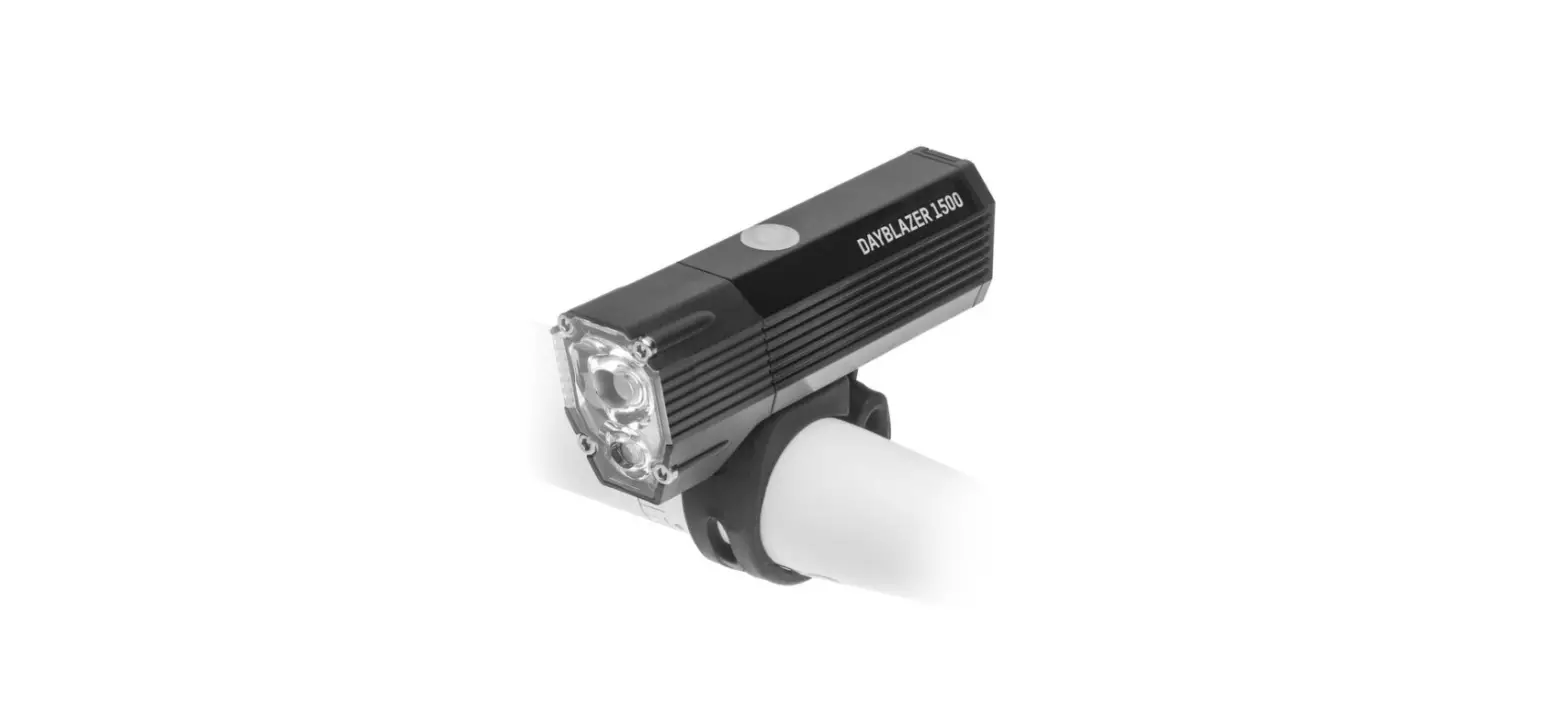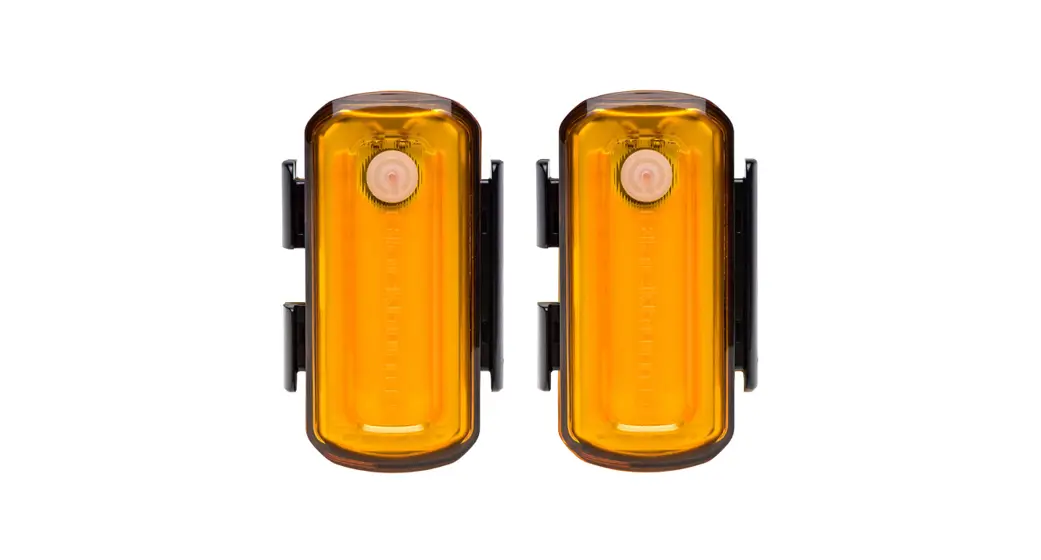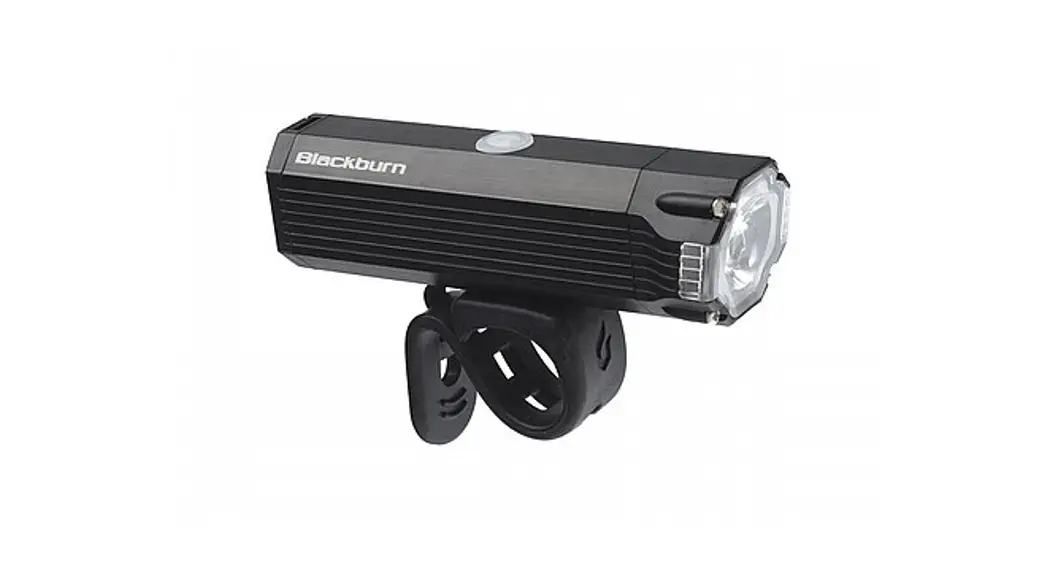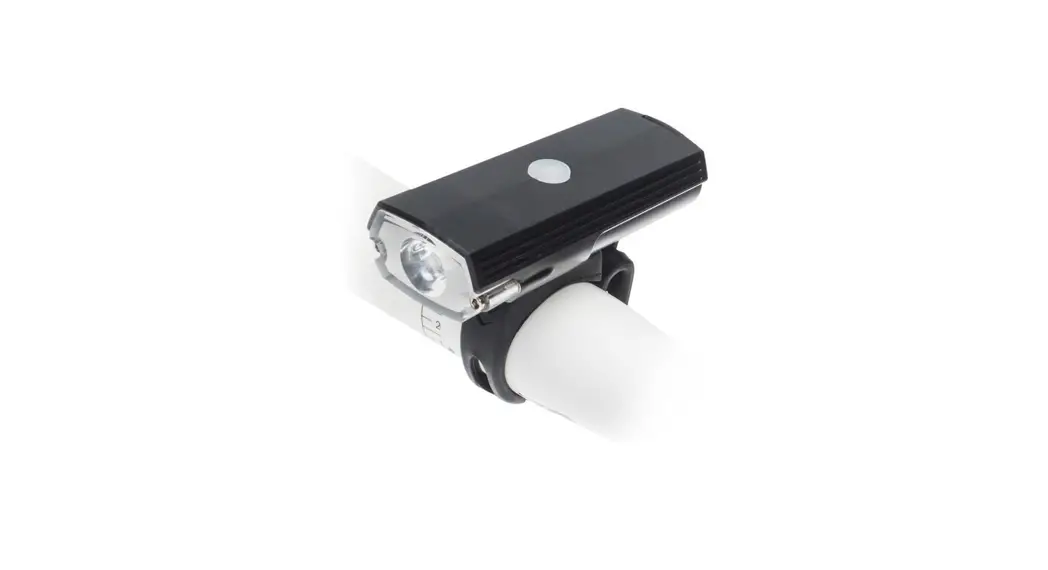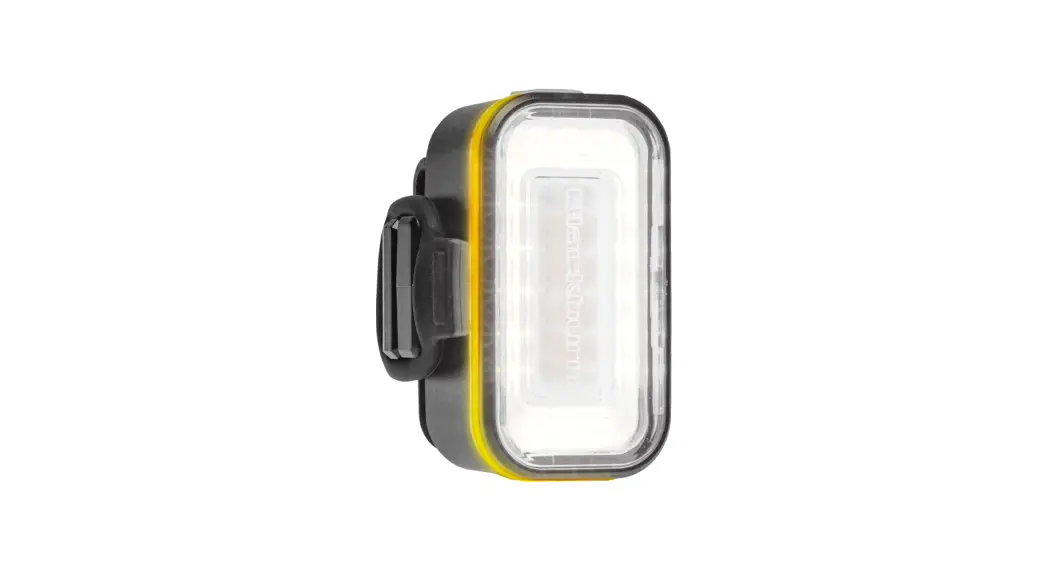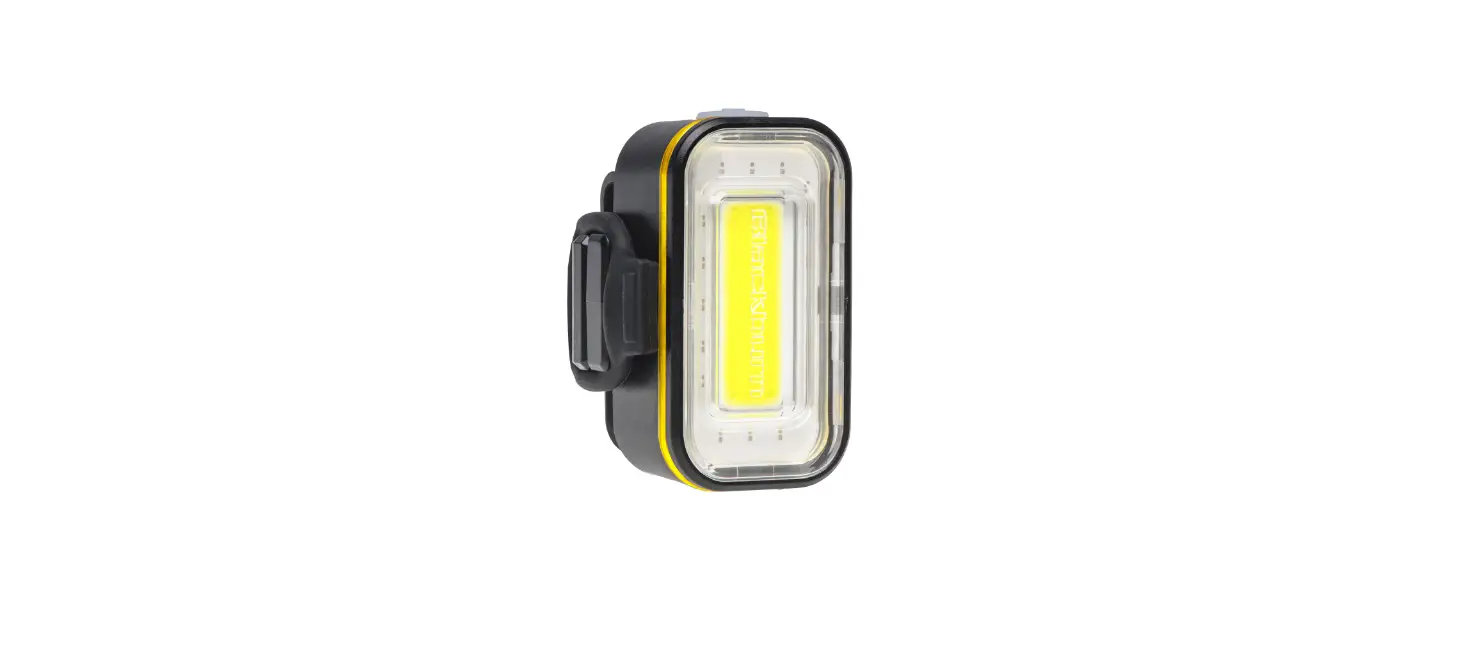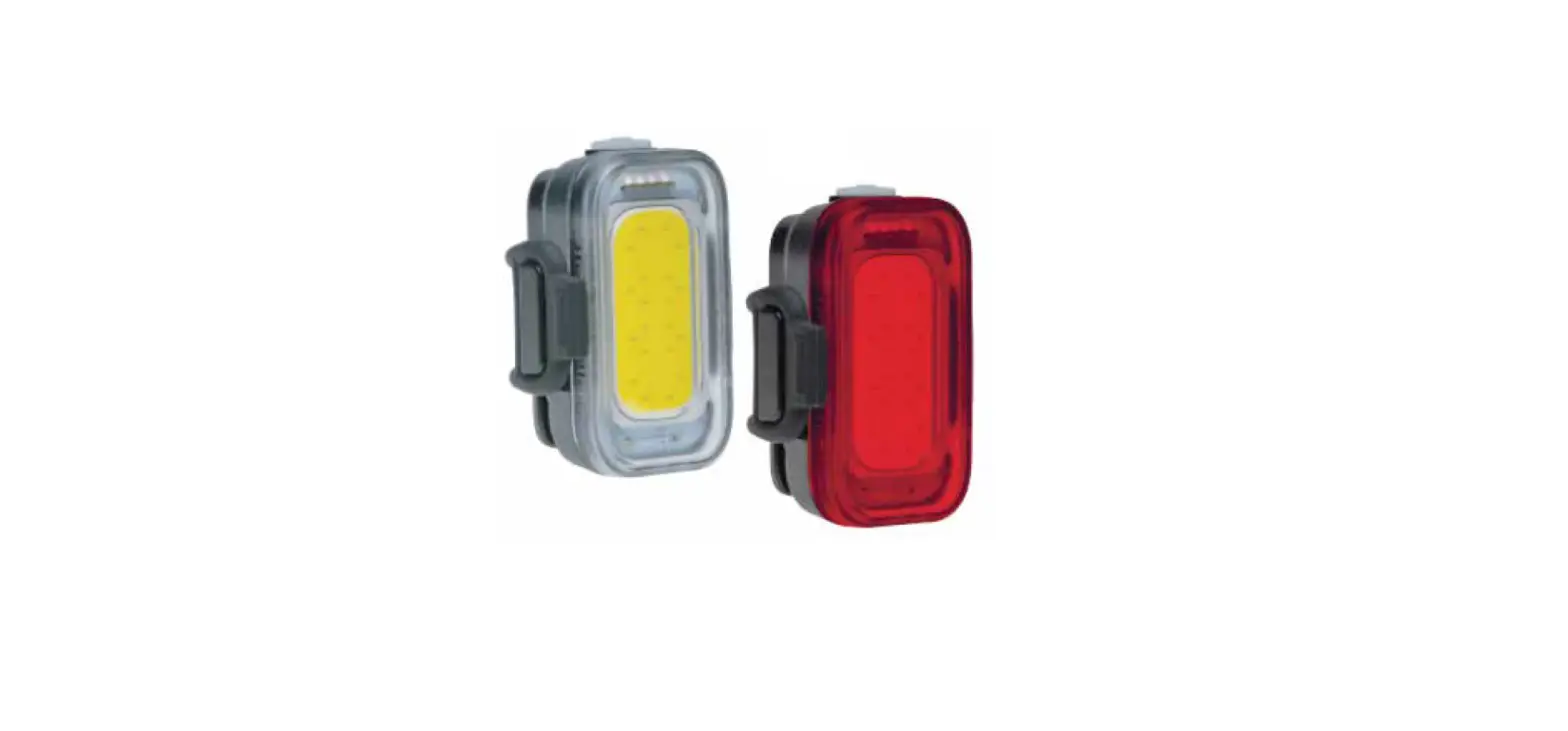

Blackburn 7149590 USB Rechargeable Light
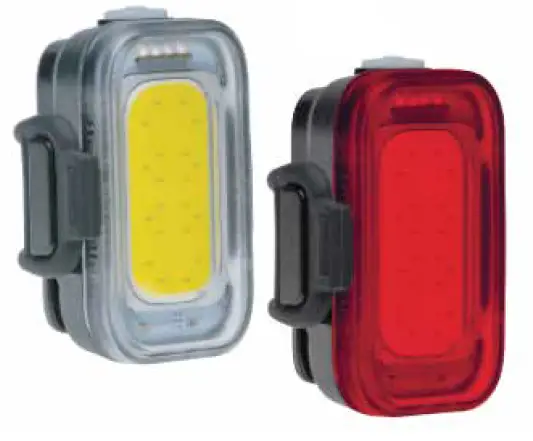
QUICK START
- Push button to power on.
- Click to cycle modes.
- Hold 1 second to power off, light powers back on in the last mode used.
FUEL GAUGE
Color LEDs in the power button help you monitor your light battery power, indicating that it’s time to charge your light.
USB CHARGING
Fully charge the light before first use. The fuel gauge will flash when charging. When charging is complete the fuel gauge will be a steady green.
MODES FRONT
| Solid | 110 | 1.5h | – |
| Pulse | 75 | 4h | + 2h |
| Strobe | 40 | 8.5h | + 2h |
| ECO | 40 | 20h | – |
| MODES REAR | LUMENS | RUNTIME | *AUTO-ECO |
| Solid | 40 | 1.5h | – |
| Pulse | 30 | 4h | + 2h |
| Strobe | 20 | 7.5h | + 2h |
| ECO | 20 | 20h | – |
MOUNTING
Pull strap around handlebar and attach to hook. Fits most handlebars, seatposts, seatstays, racks, bag light loops.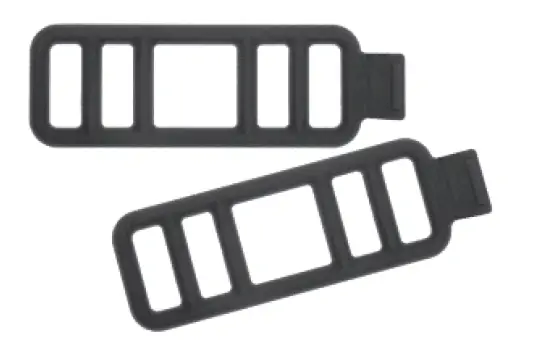
INCLUDES
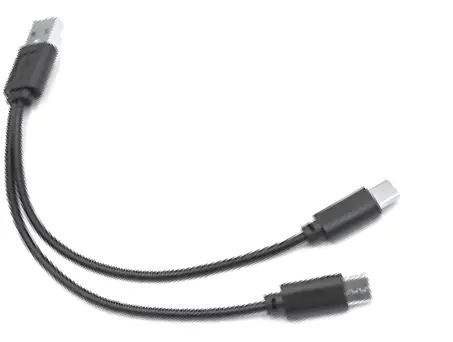
(2) Li Po Battery, (1) Dual-head USB charging cable, (2) Silicone straps
WARNING: Potential choking hazard to children. This light is extremely bright—do not aim directly into eyes. UK ONLY: When used for cycling, this light should be used in conjunction with a British Standard 6102/3
cycle light.
WARNING: This product contains Bisphenol A which is known to the State of California to cause reproductive harm.
FCC Statement:
This equipment has been tested and found to comply with the limits for a Class B digital device, pursuant to Part 15 of the FCC Rules. These limits are designed to provide reasonable protection against harmful interference in a residential installation. This equipment generates, uses and can radiate radio frequency energy and, if not installed and used in accordance with the instructions, may cause harmful interference to radio communications. However, there is no guarantee that interference will not occur in a particular installation. If this equipment does cause harmful interference to radio or television reception, which can be determined by turning the equipment off and on, the user is encouraged to try to correct the interference by one or more of the following measures:
- Reorient or relocate the receiving antenna.
- Increase the separation between the equipment and receiver.
- Connect the equipment into an outlet on a circuit different from that to which the receiver is connected.
- Consult the dealer or an experienced radio/TV technician for help.
Shielded interface cable must be used with the equipment in order to comply with the limits for a digital device pursuant to Subpart B of Part 15 of FCC Rules. Specifications and designs are subject to change without any notice or obligation on the part of the manufacturer.
Customer Service: 1-800-456-2355