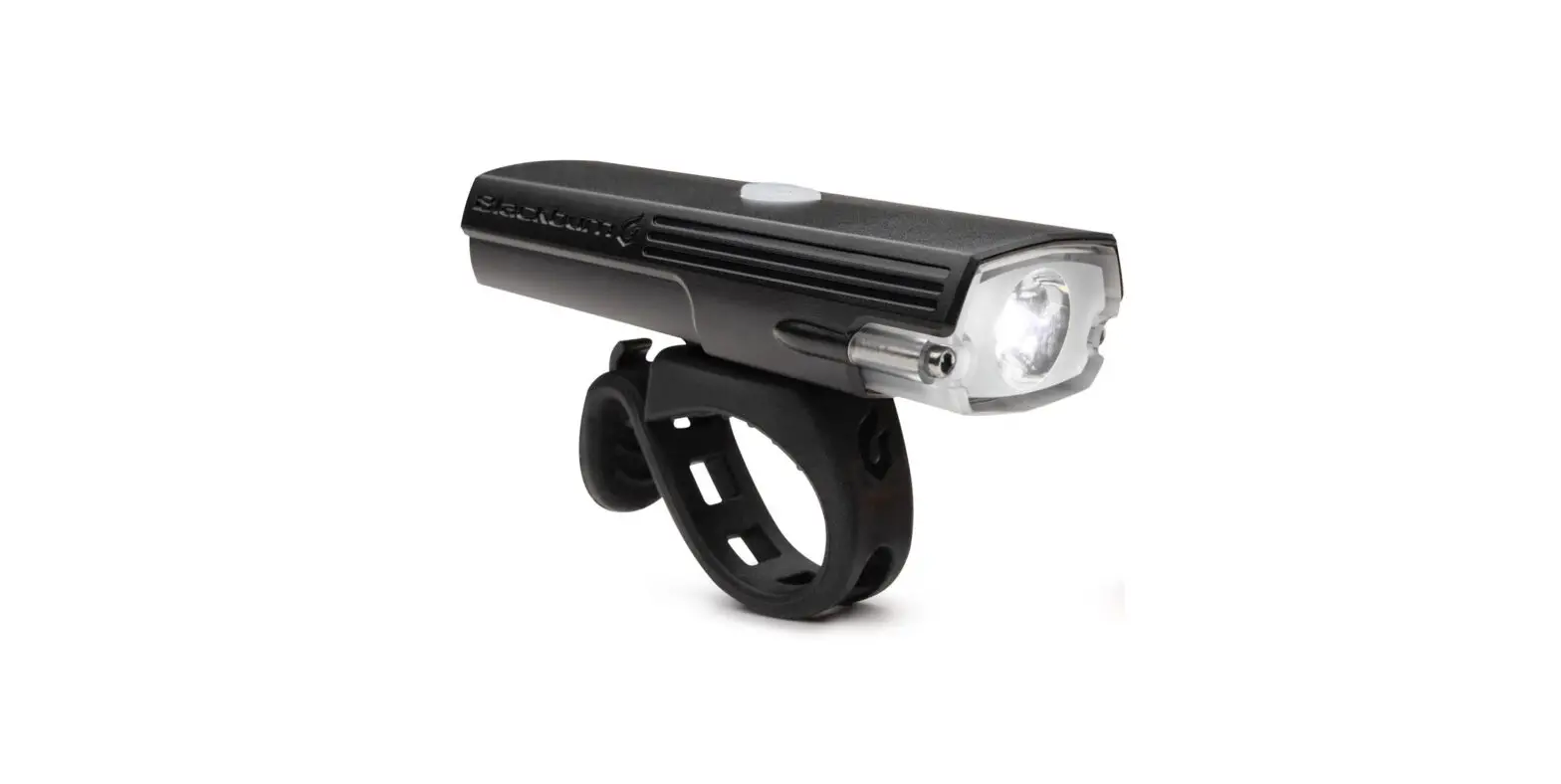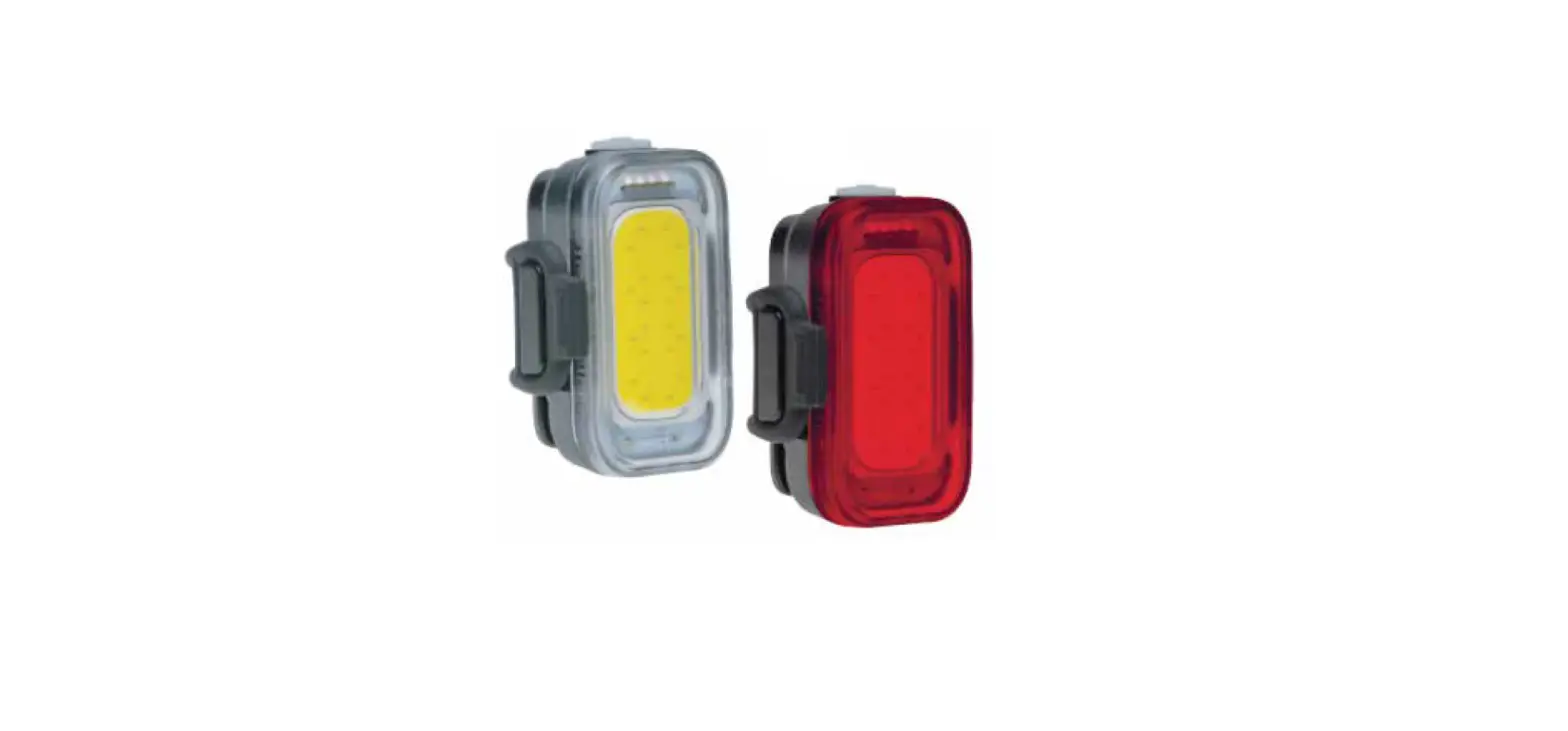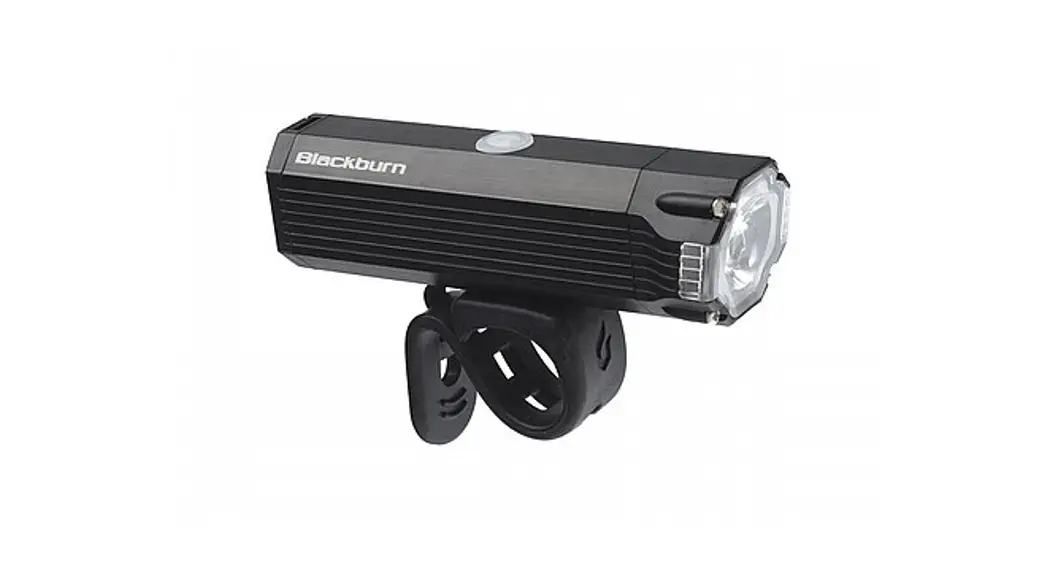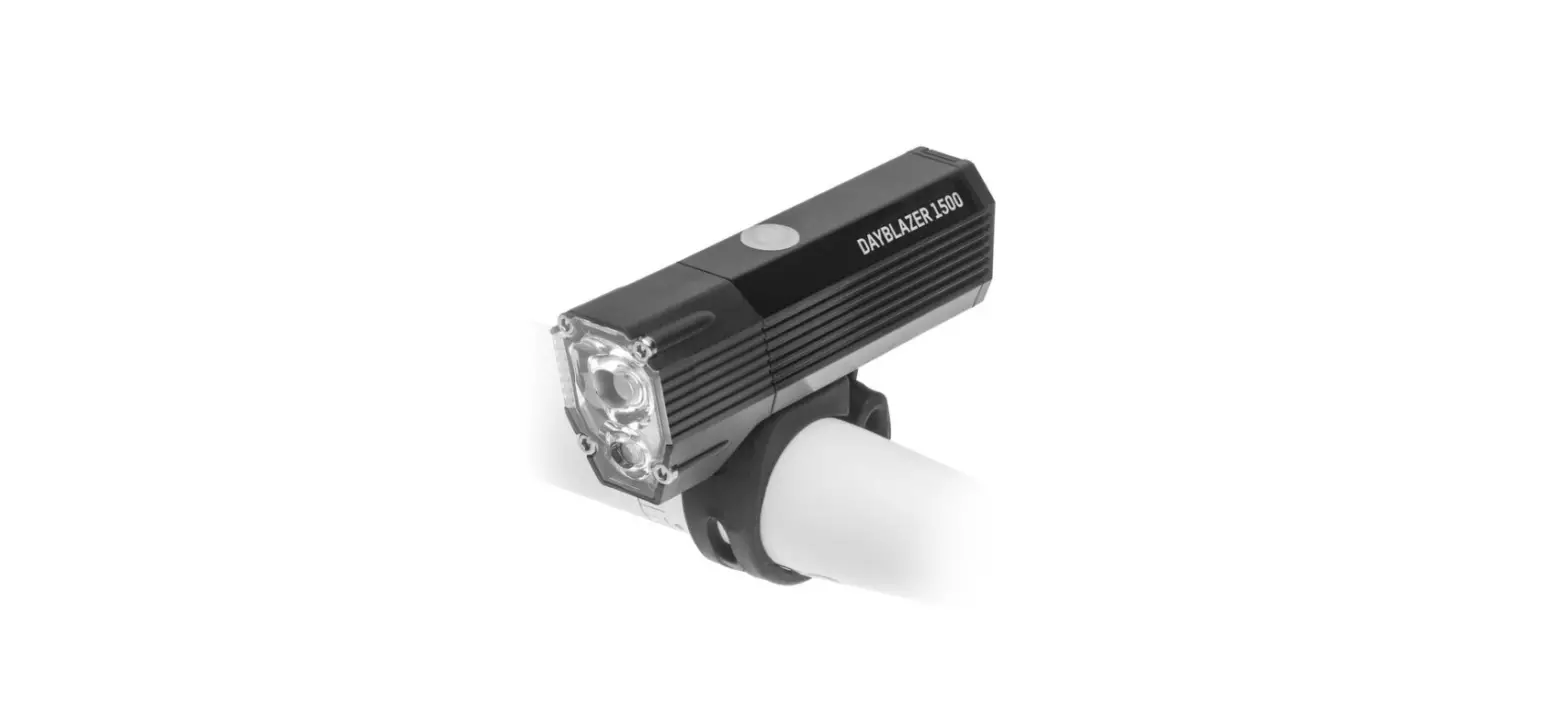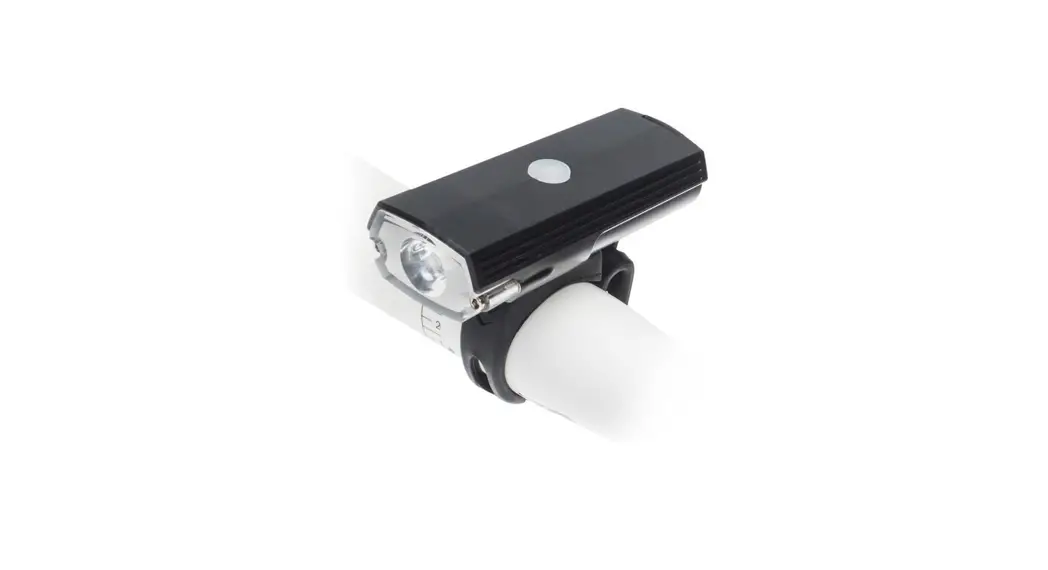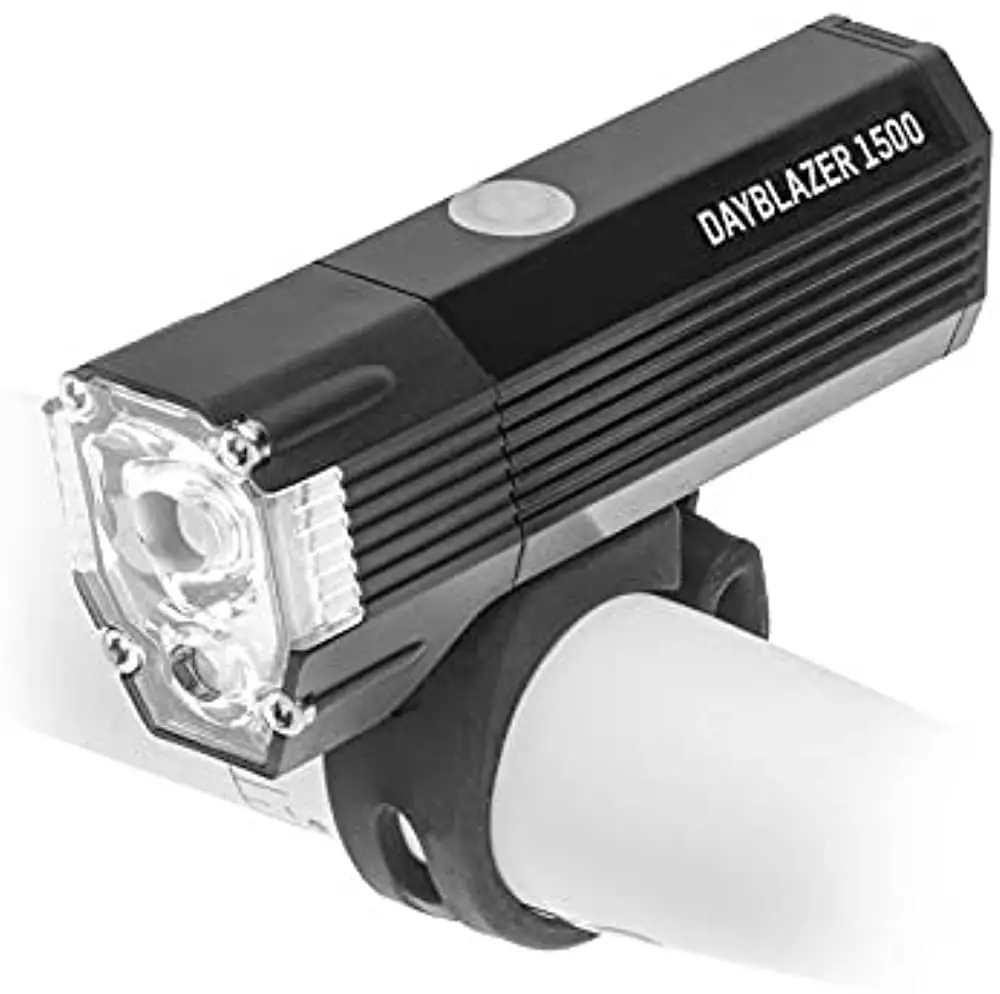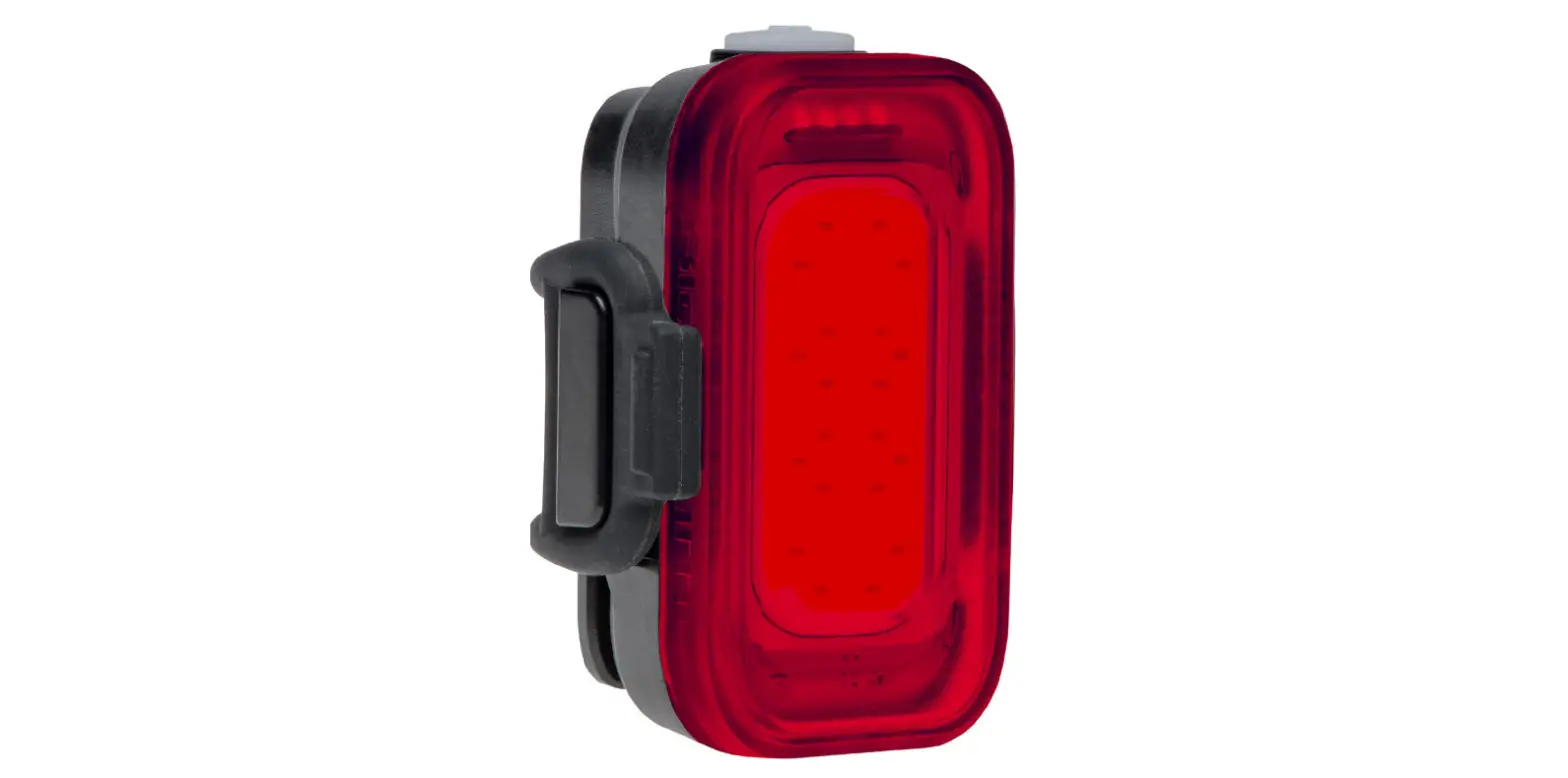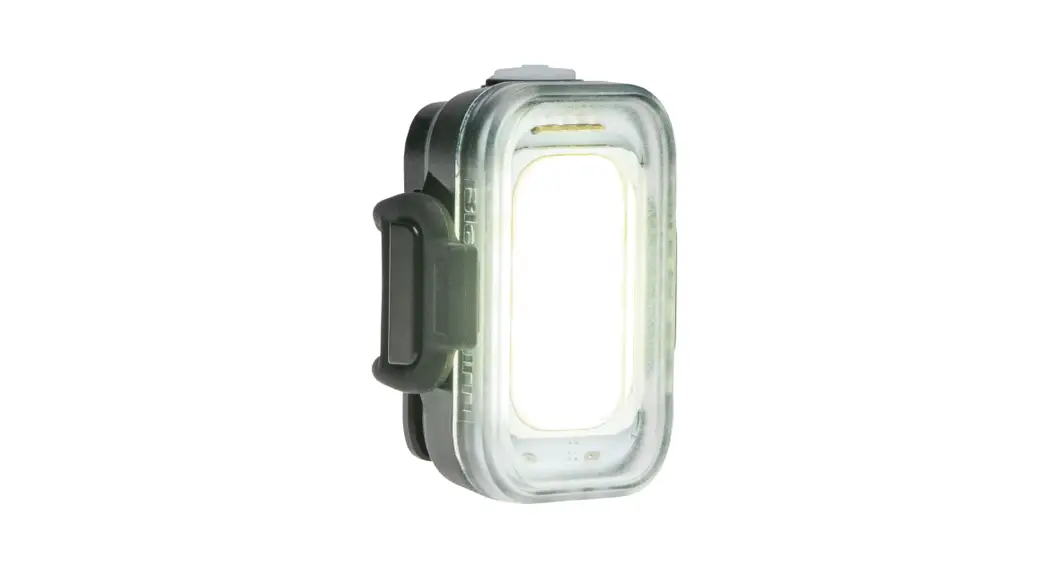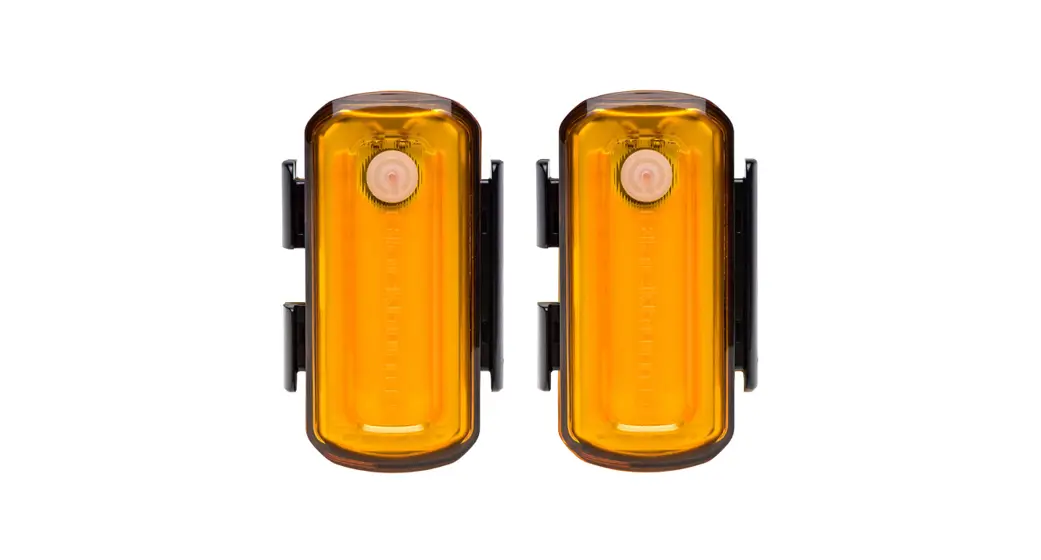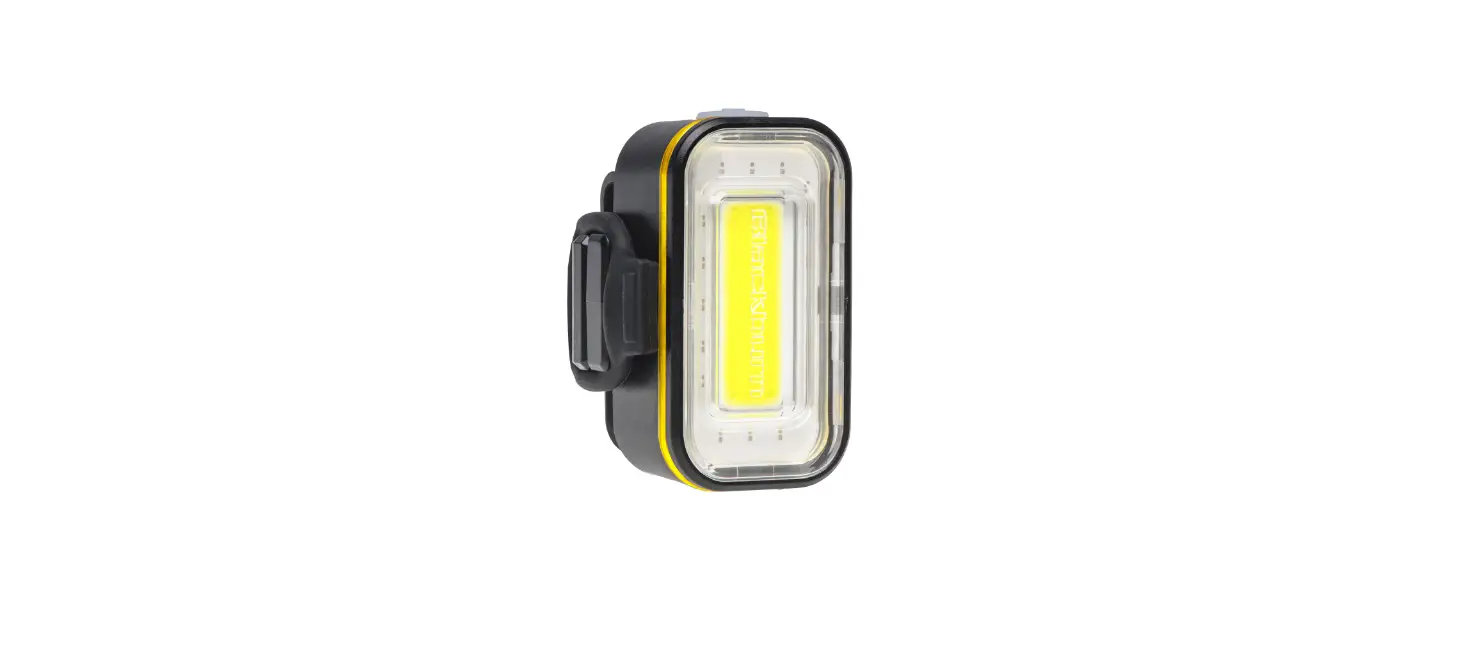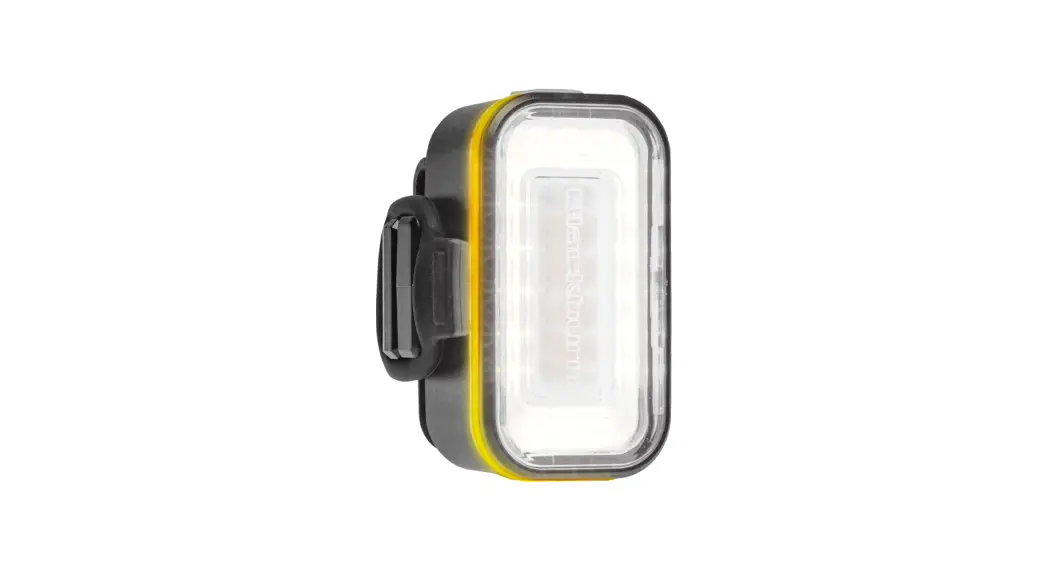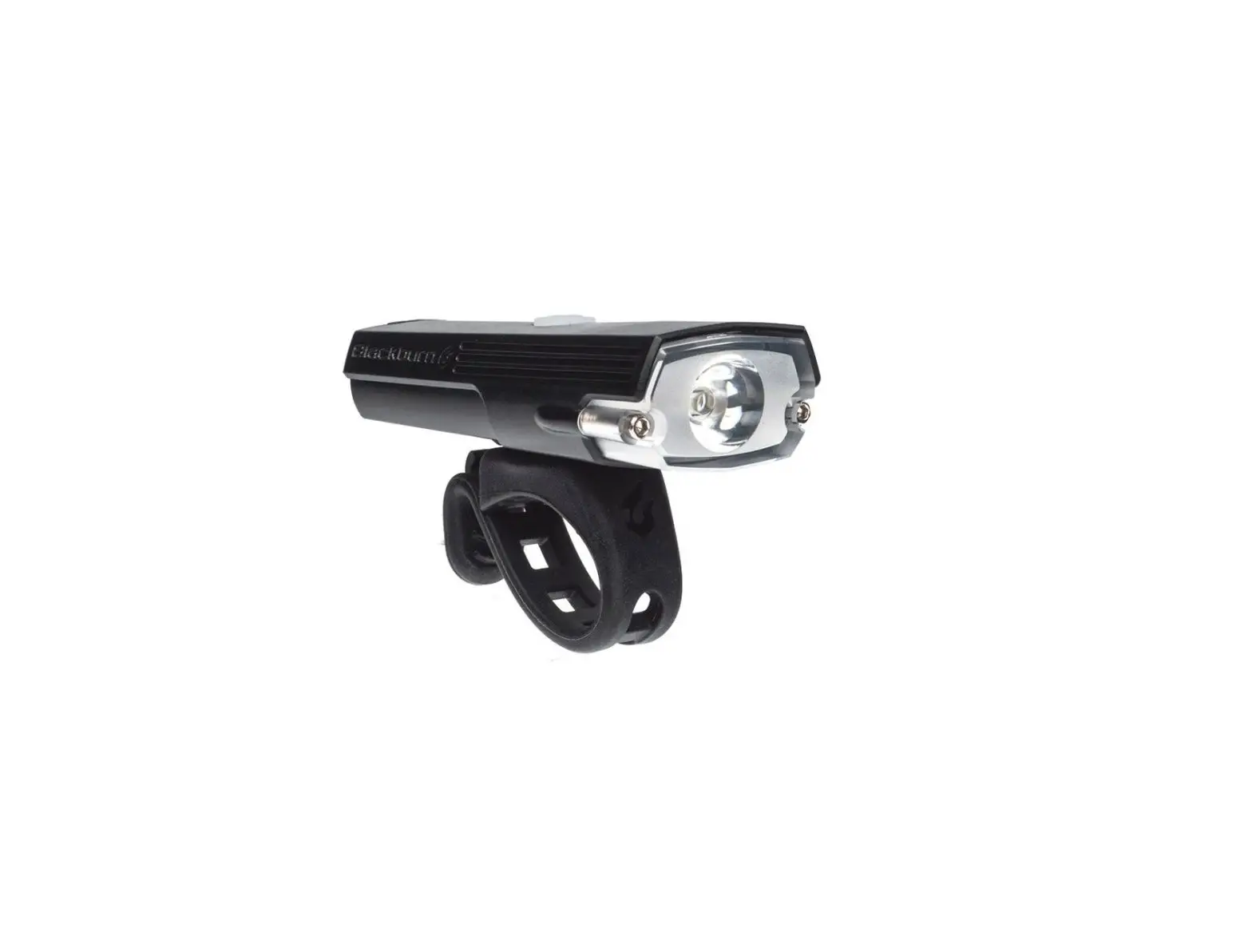
Blackburn DAYBLAZER 400 USB Rechargeable Light
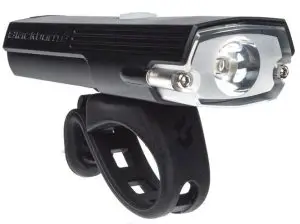
USB Rechargeable Light
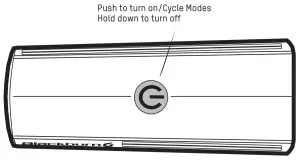
- Push button to power on.
- Click to cycle modes.
- Hold down 1 second to power off.
Light powers back on in the last mode used.
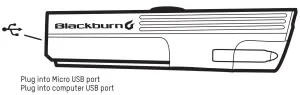
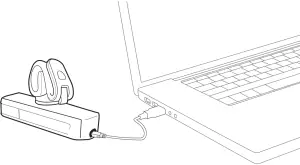
The light indicator will blink when charging. When charging is complete the light indicator with flash green.
GREEN = 100% to 75% Battery Capacity
ORANGE = 75% to 25% Battery Capacity
RED = <25% Battery Capacity
When battery capacity is 25-35 minutes or less, red indicator light will remain on constant until light reaches 0% or turns off in the selected mode.
MAKE SURE TO FULLY CHARGE LIGHT BEFORE FIRST USE
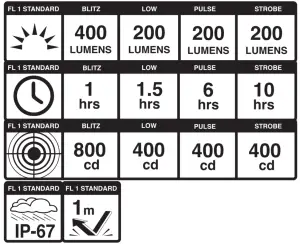
 | WARNING: POTENTIAL CHOKING HAZARD TO CHILDREN. THIS LIGHT IS EXTREMELY BRIGHT – DO NOT AIM DIRECTLY INTO EYES. UK ONLY: WHEN USED FOR CYCLING, THIS LIGHT SHOULD BE USED IN CONJUNCTION WITH BRITISH STANDARD 6102/3 CYCLE LIGHT. |
Includes
- 1 LiPo Battery
- 1 USB Cable
- 1 Manual
Visit us at blackburndesign.com for product updates.
LIMITED LIFETIME WARRANTY
• RESTRICTIONS S CONDITIONS APPLY
Customer Service: 1-800-456-2355
Blackburndesign.com

 Blackburn | Bike Lights, Bags, Racks, and Pumps
 Blackburn | Bike Lights, Bags, Racks, and Pumps