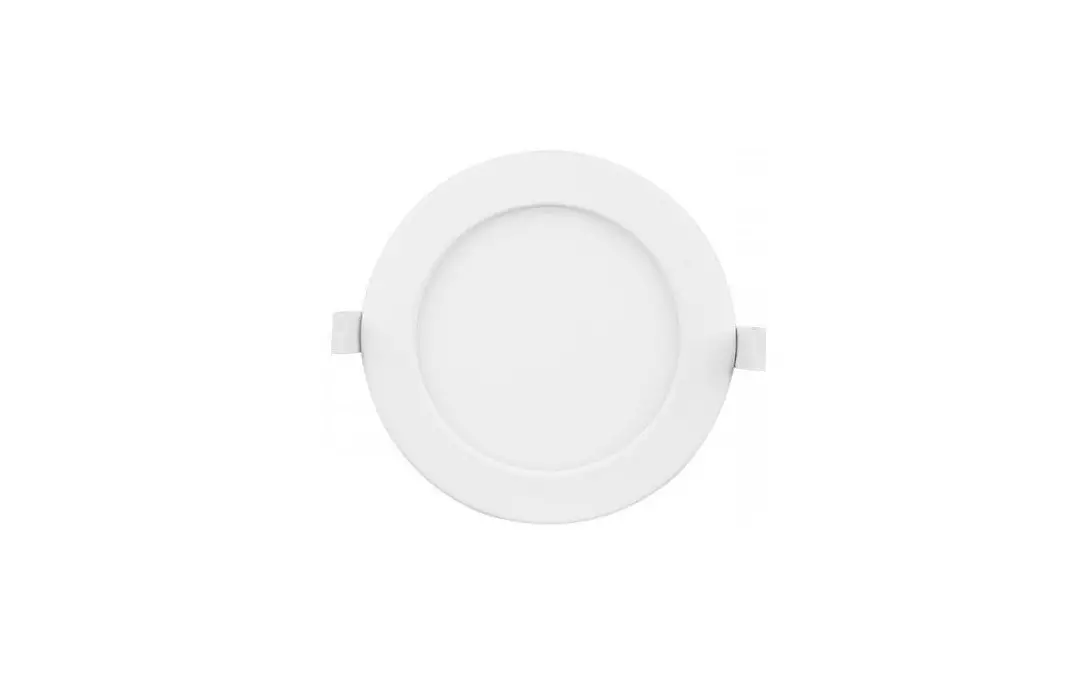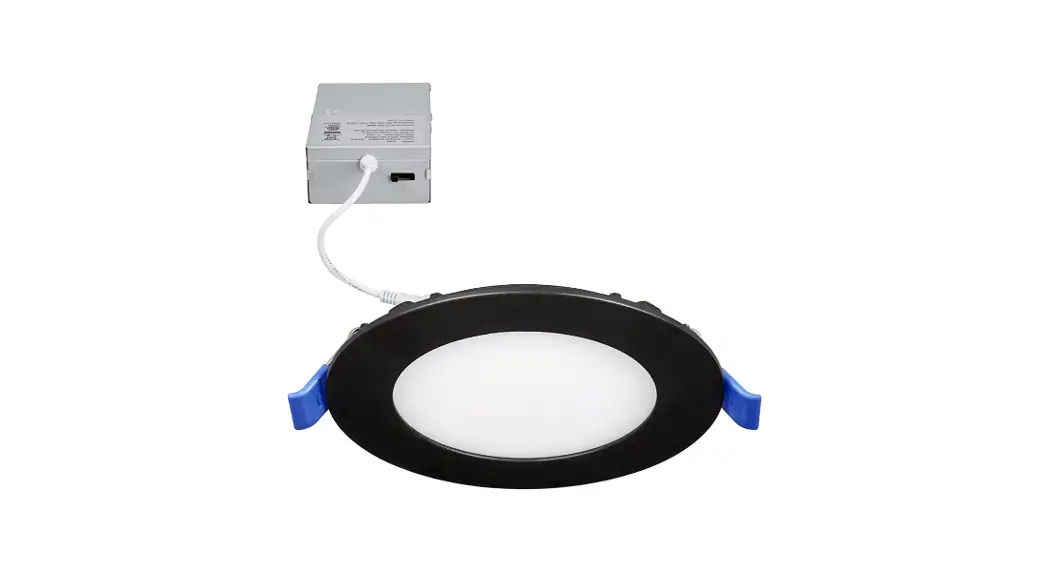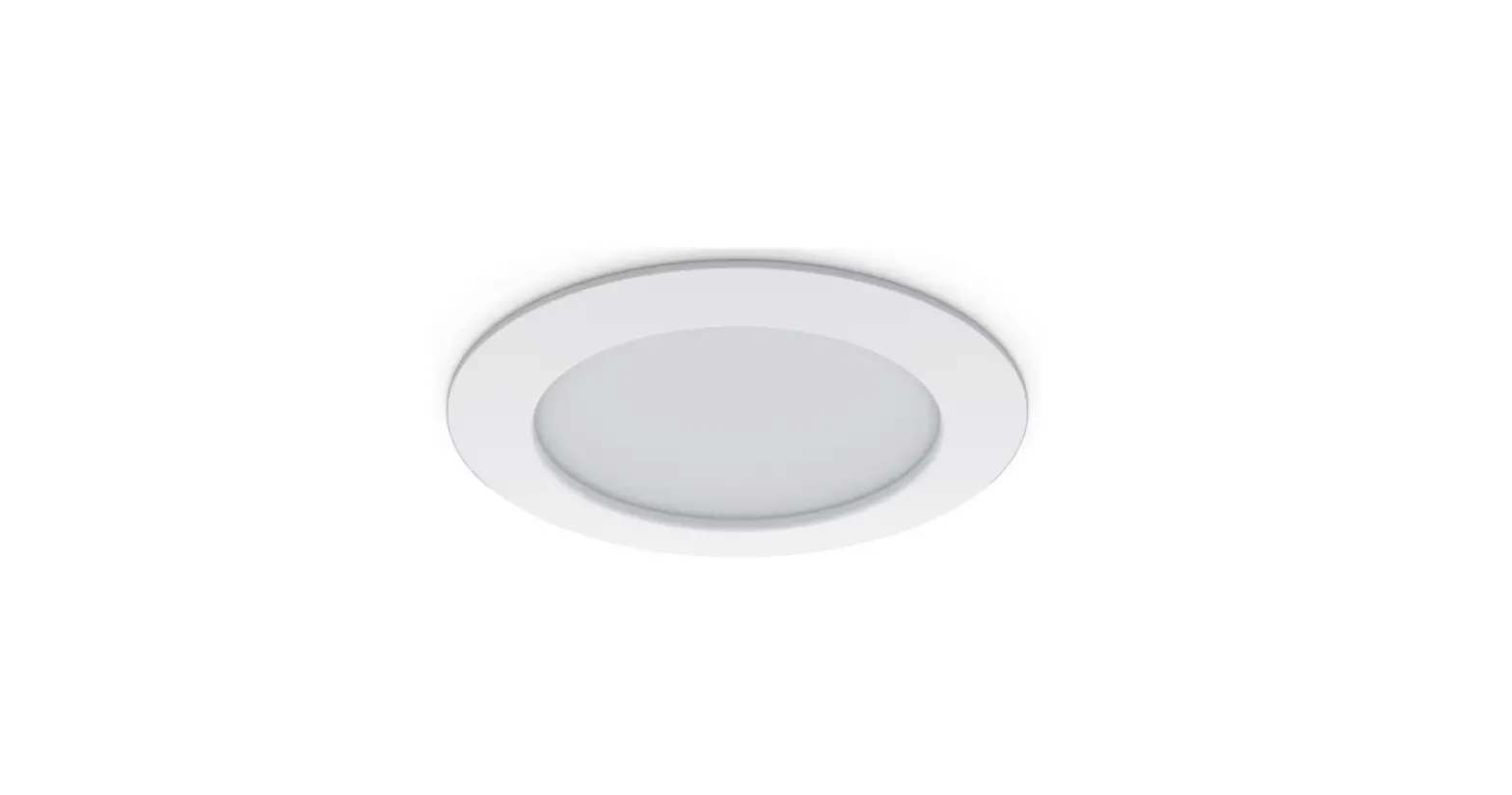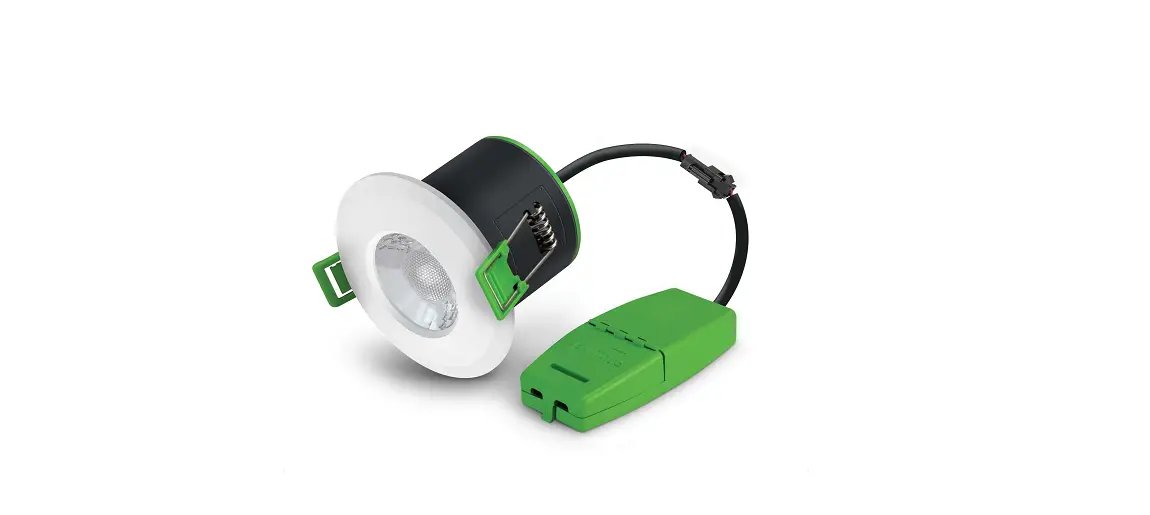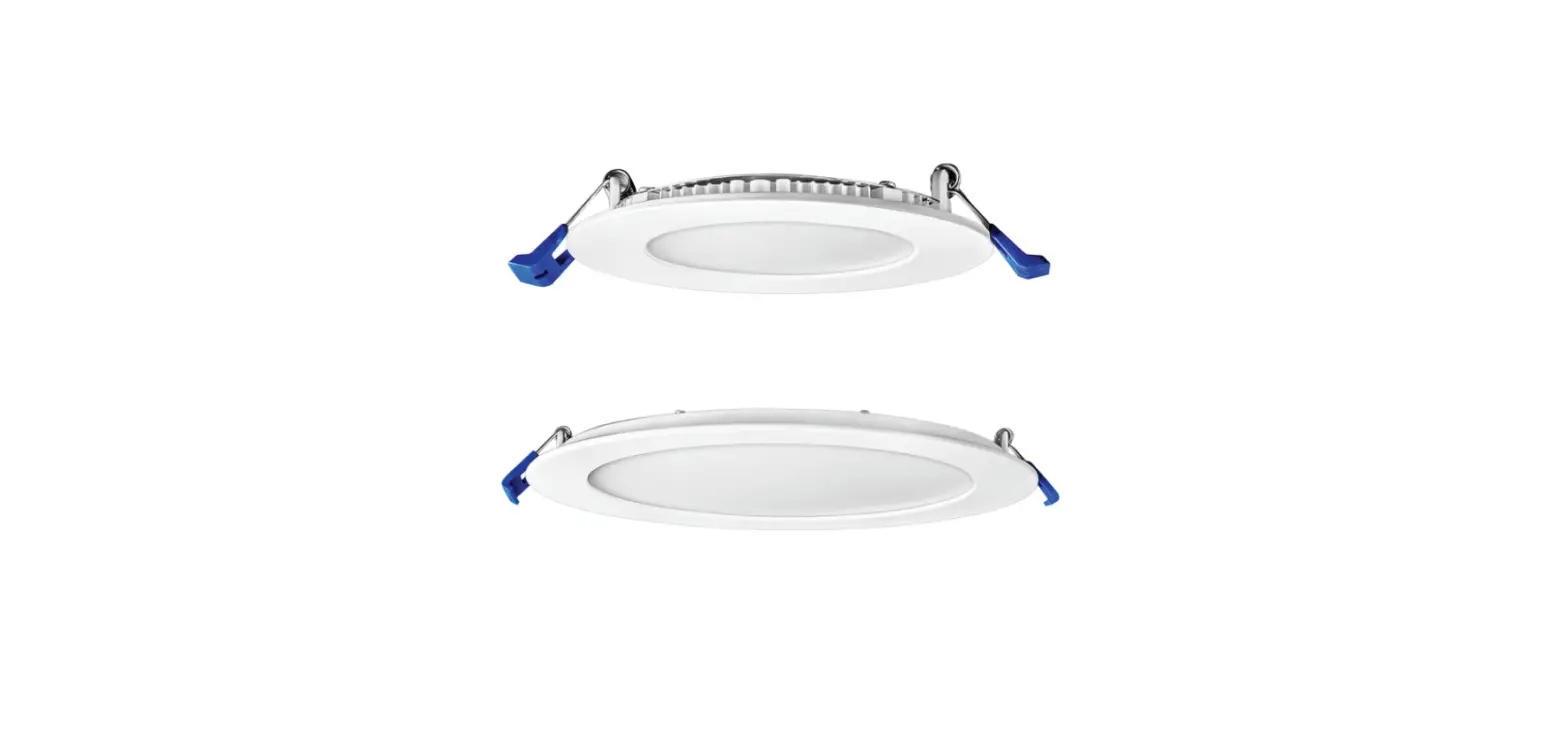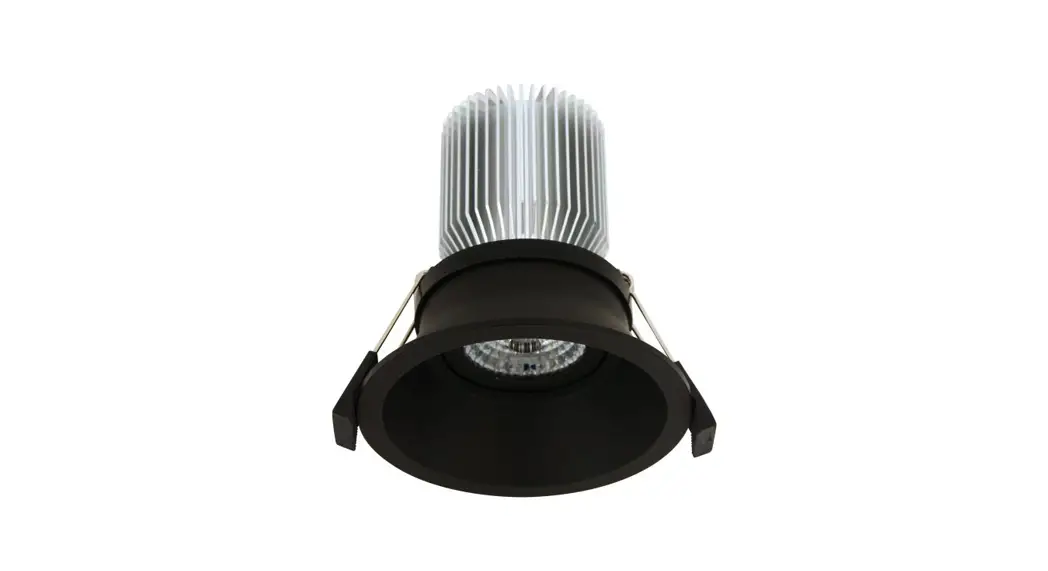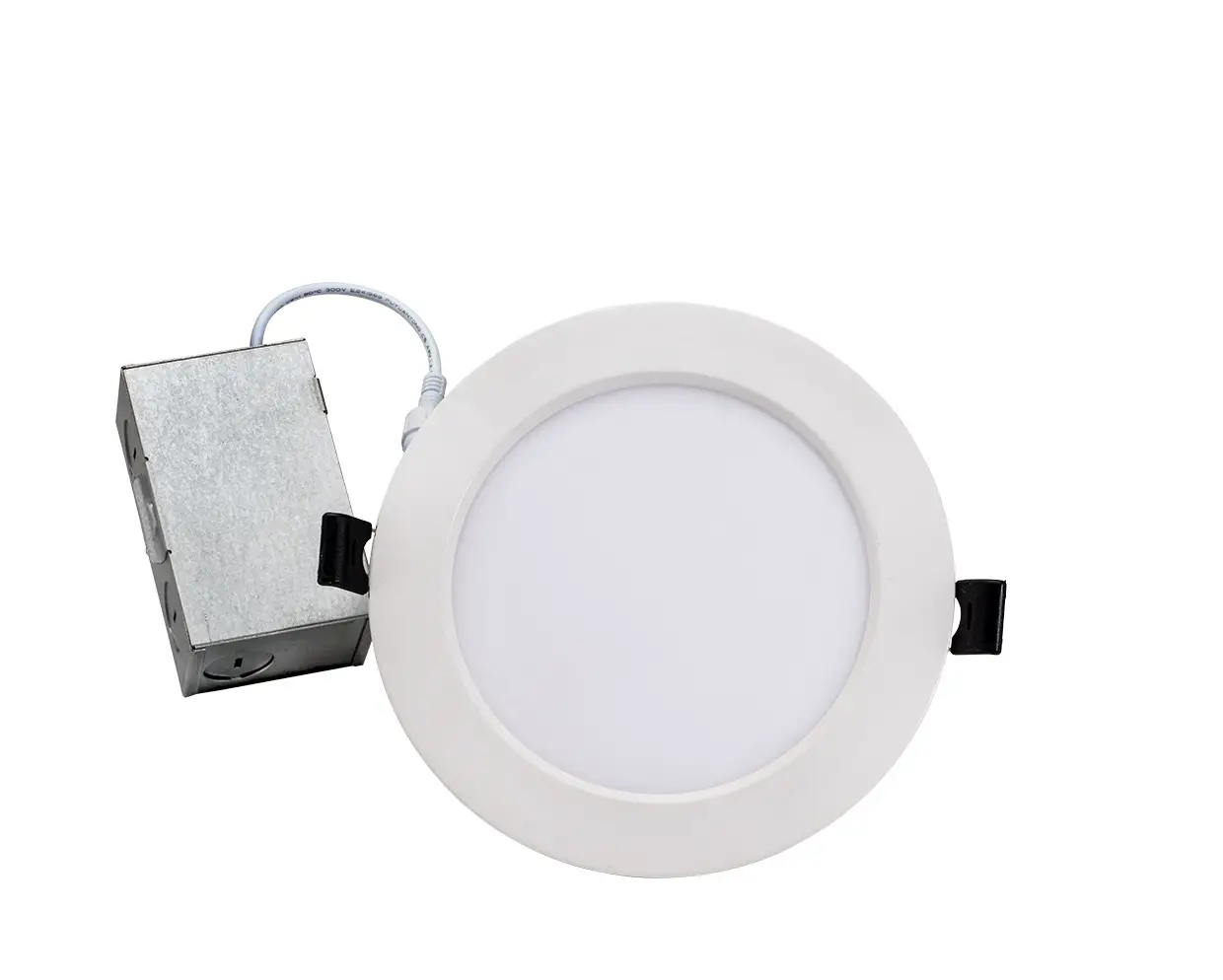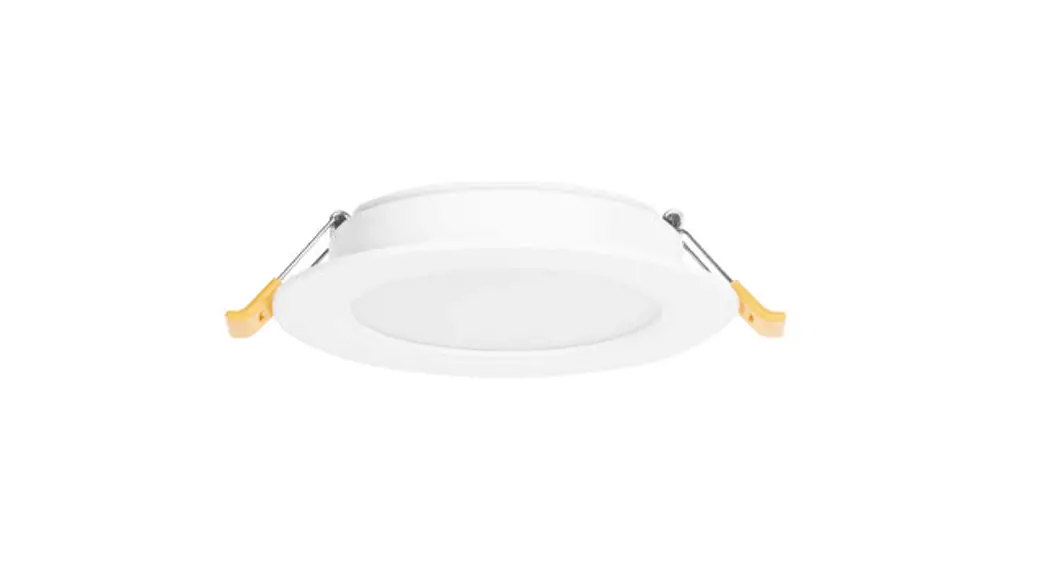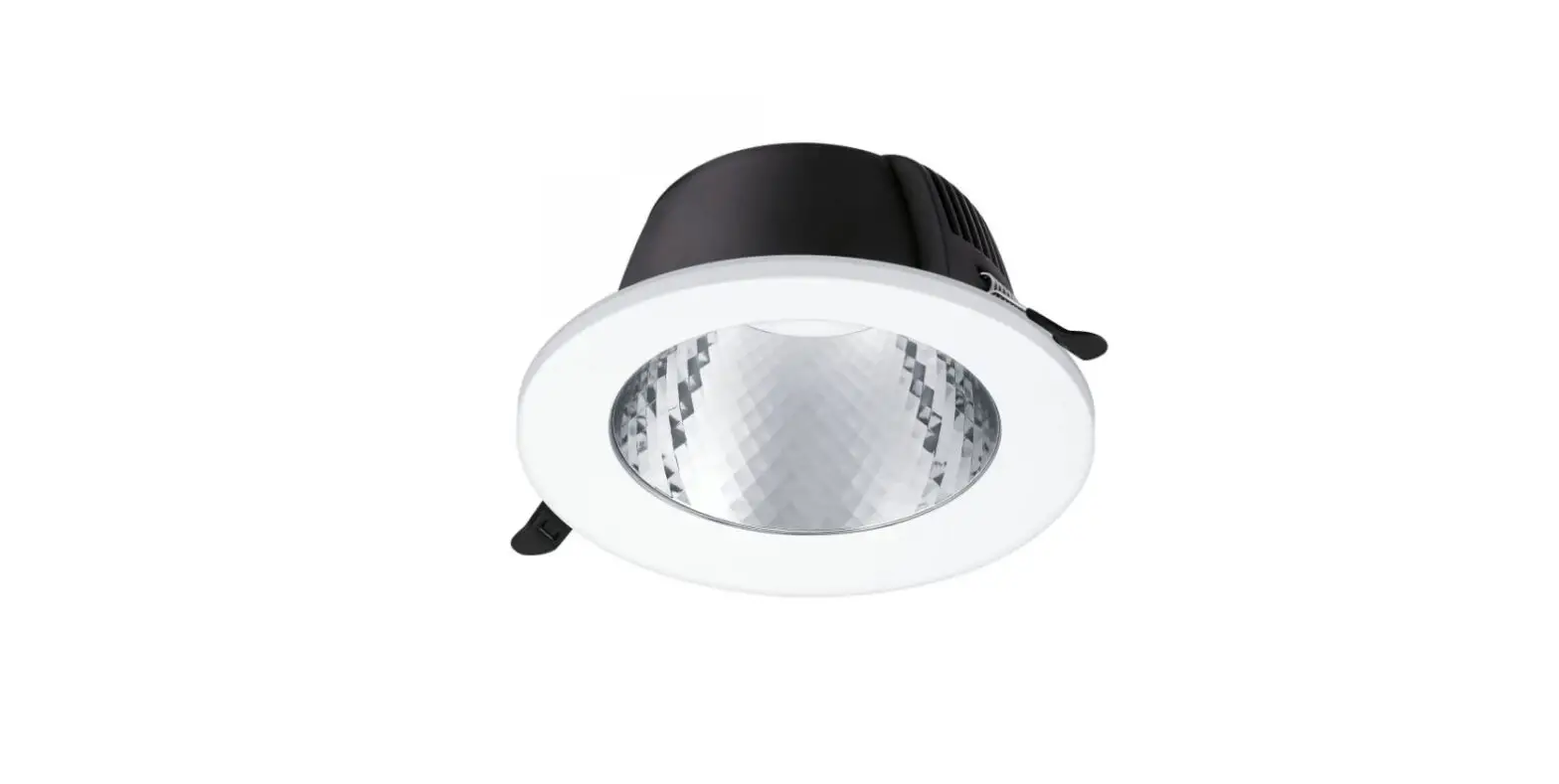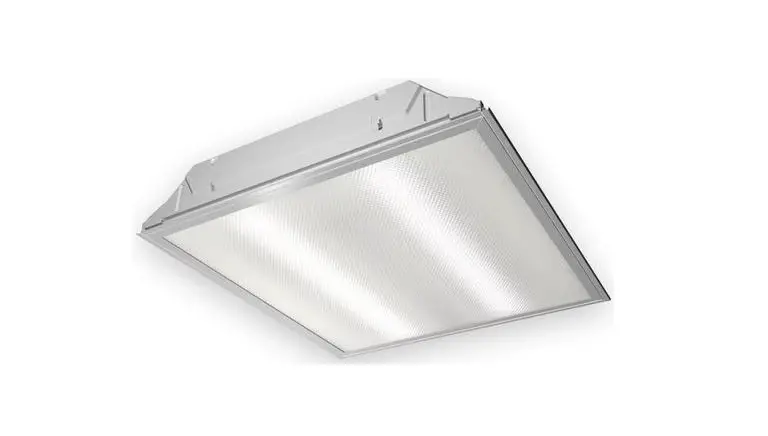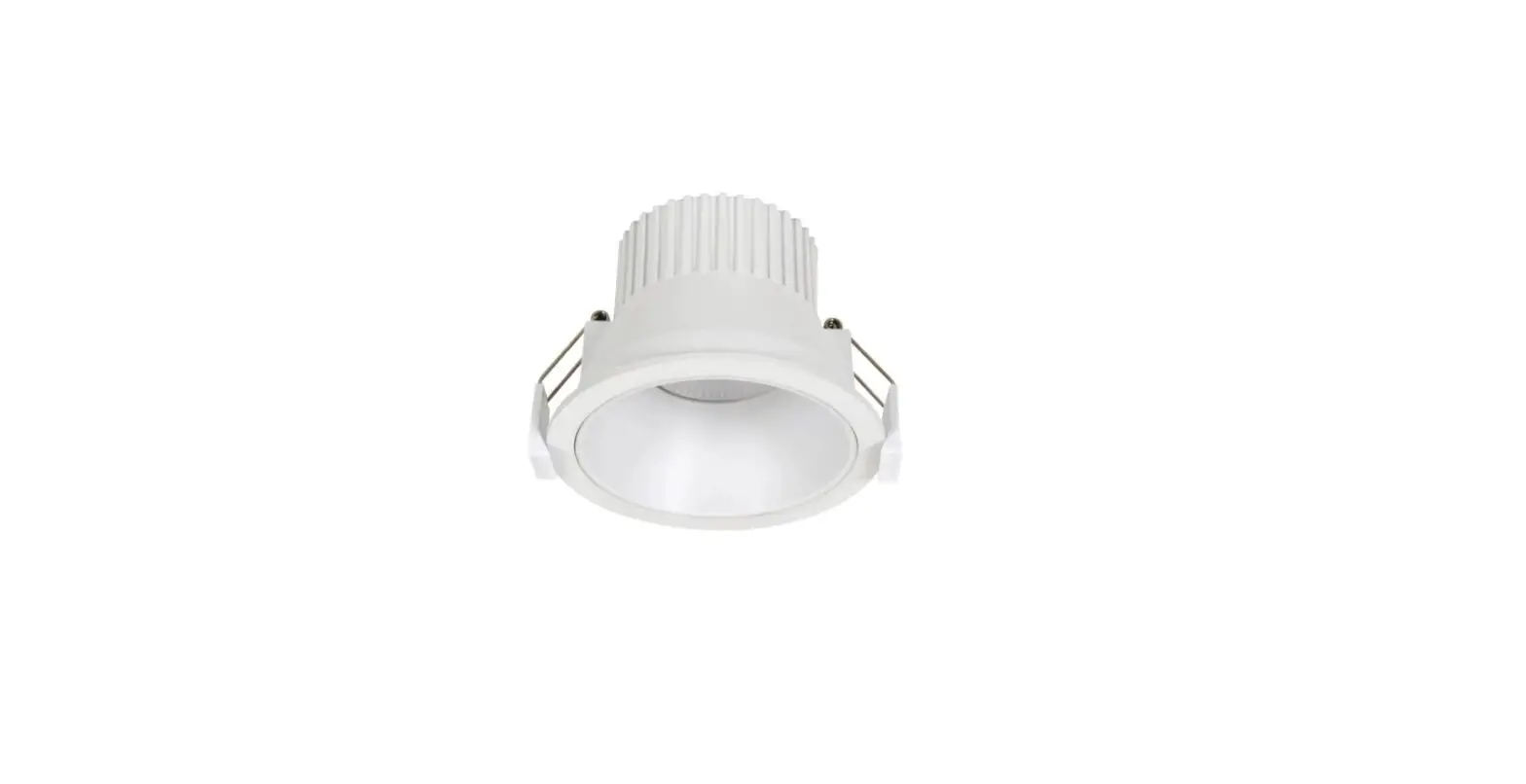
 OptonicaLED LED Slim Downlight CCT Change Color
 OptonicaLED LED Slim Downlight CCT Change Color
LED Slim Down Light Instruction
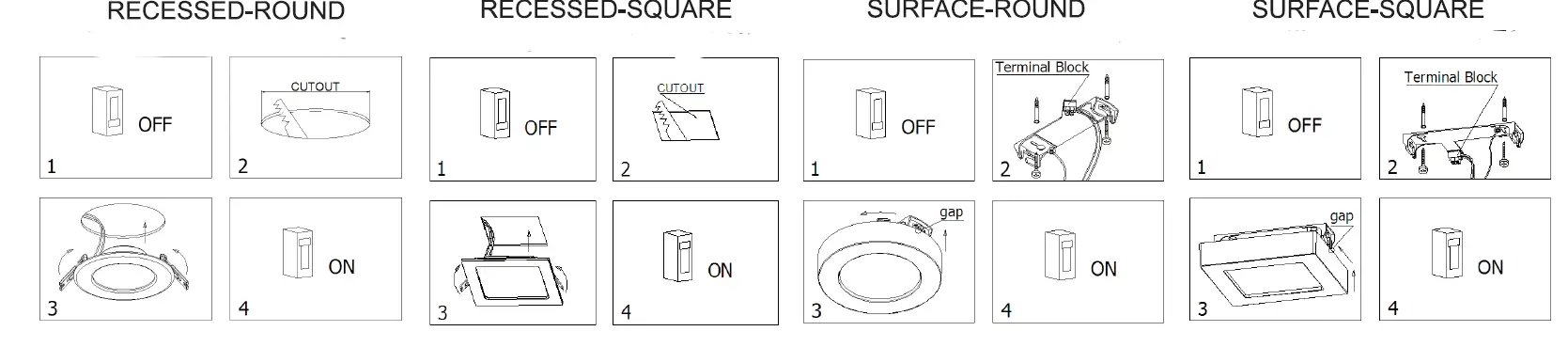
- Turn off the power.
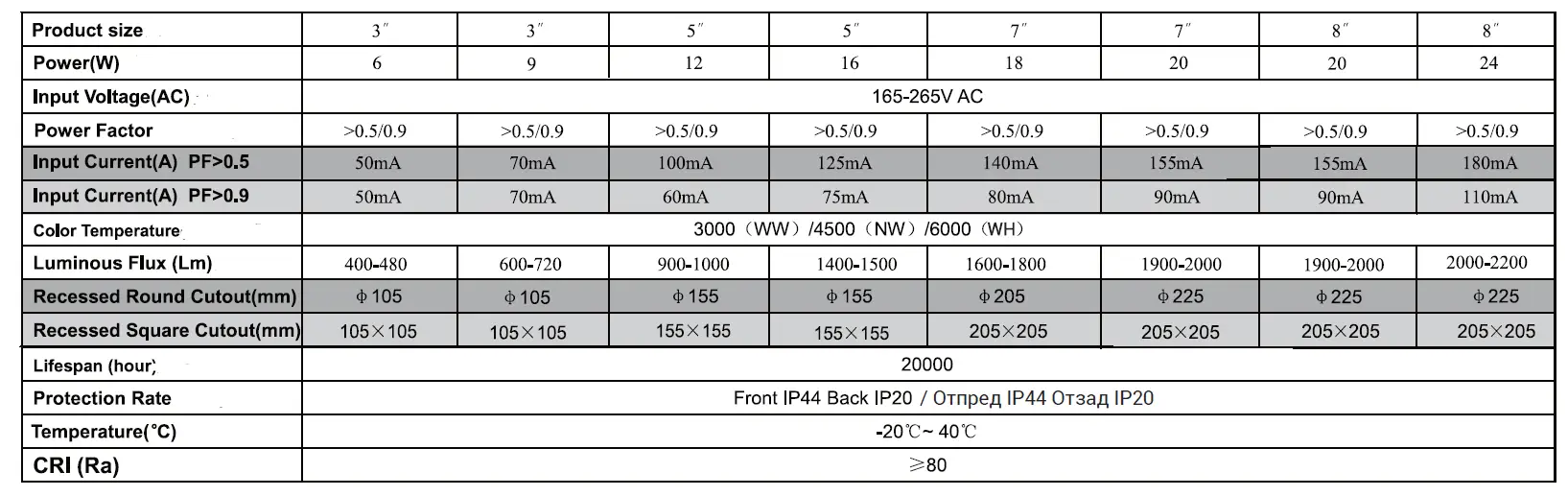
- Drill a suitable mounting on the ceiling according to the light’s cutout.
- Connect input end of LED lights to commercial power.
- Make sure no copper wire exposed.
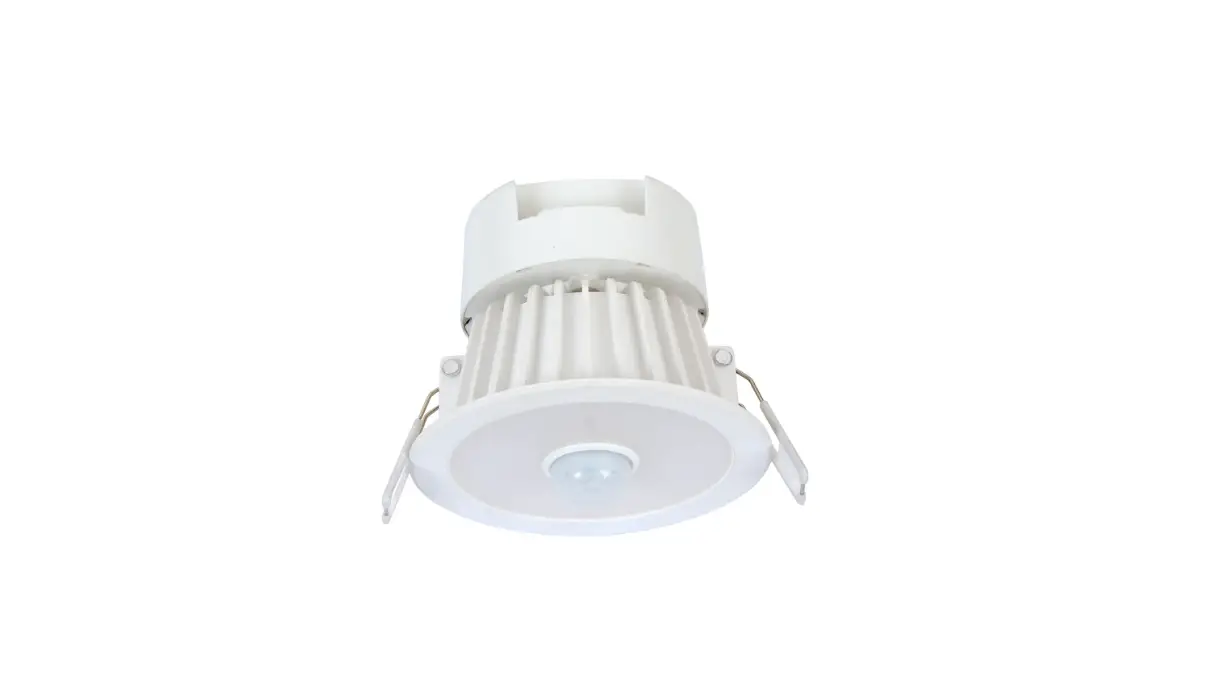
- Pinch both springs, then push light into installation hole.
- Make sure the light is fixed well.
- Turn on the power supplv.
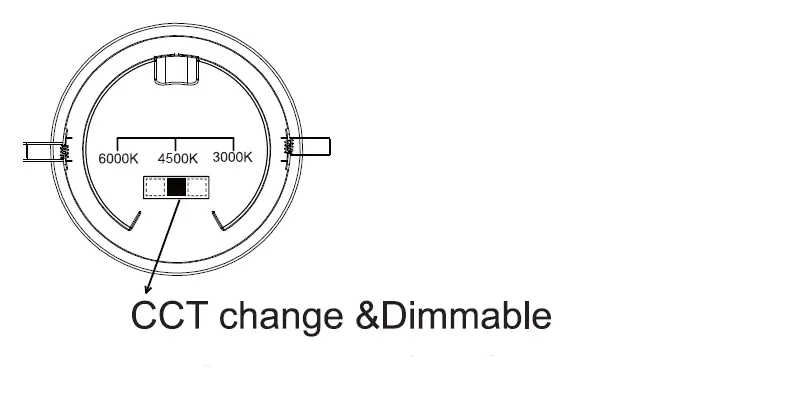
option Functions
Accessories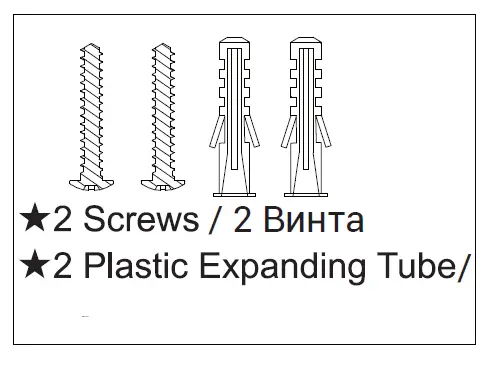
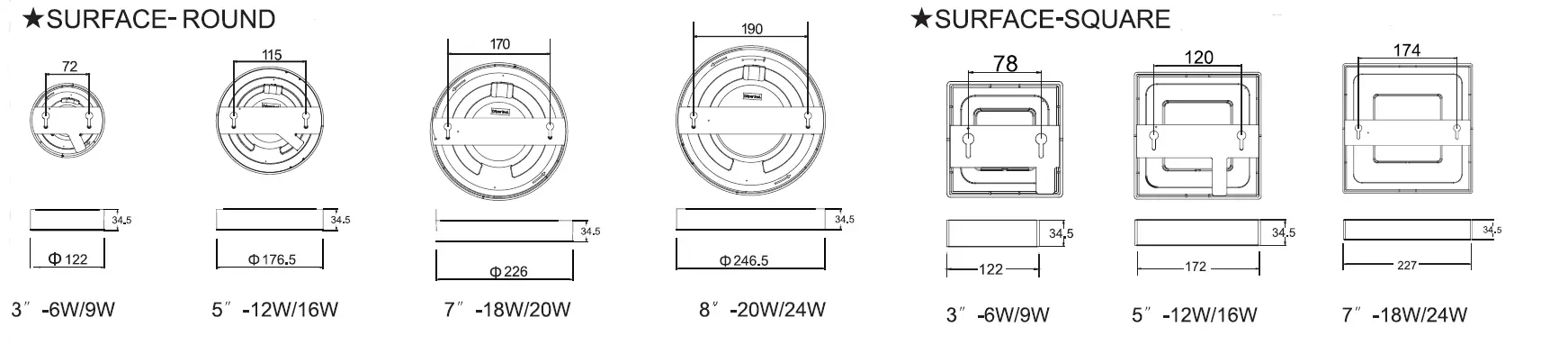
Product Size & Cutout

Installation
NOTES
- The panel should be driven by appointed power supply.
- All the instruction, maintenance, and checking should be operated by professional technical person to avoid any dangers.
- 75mm space should be left around the light for ventilation, no cover on the light at any time.
INSTALLATION INSTRUCTIONS
The installation of the luminaire must be performed by a qualified technician. Supply voltage of the light: 230V/50Hz
- Before you begin installation, make sure the power is off.
- Connect the terminals of the input voltage of the power supply to the power cord from the mains.
- Insulate connections to prevent short circuitsPrima Group 2004 Ltd. is not responsible for damage caused by improper installation. This product complies with the following EU Directives:
- LVD 2014/35/EU
- EMC 2014/30/EU
IMPORTER: Prima Group 2004 LTD, Bulgaria, 1784 Sofia, Mladost 1, bl. 144, Ground Floor; Phone: +359 2 988 45 72;