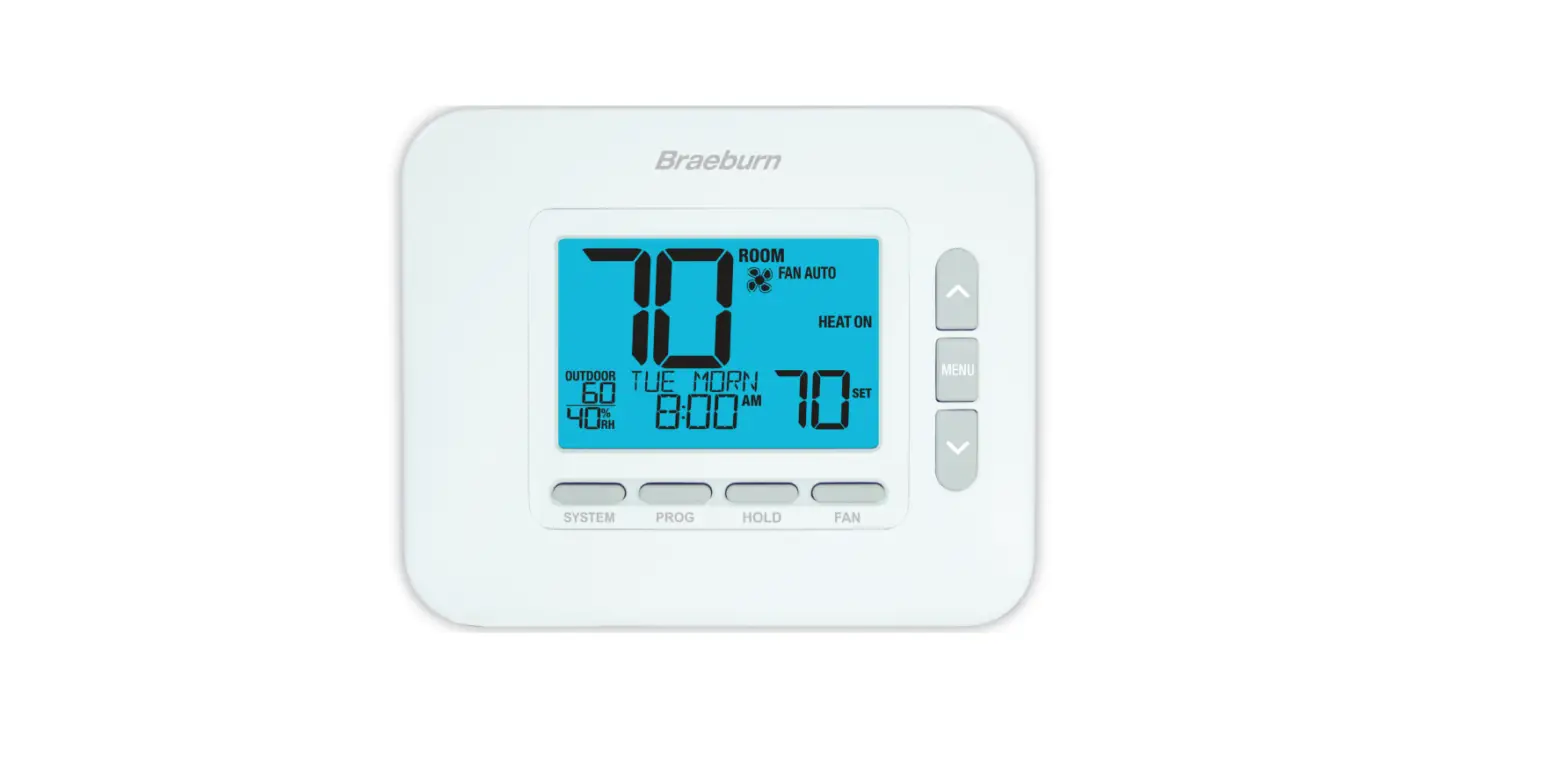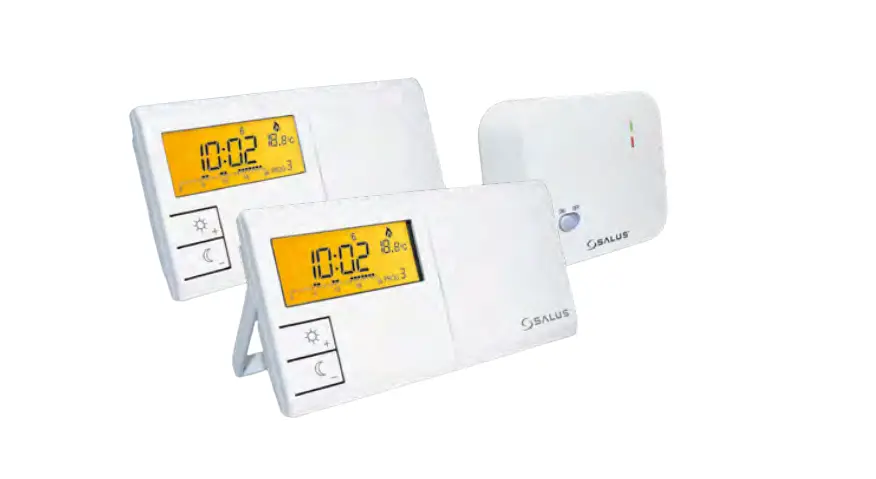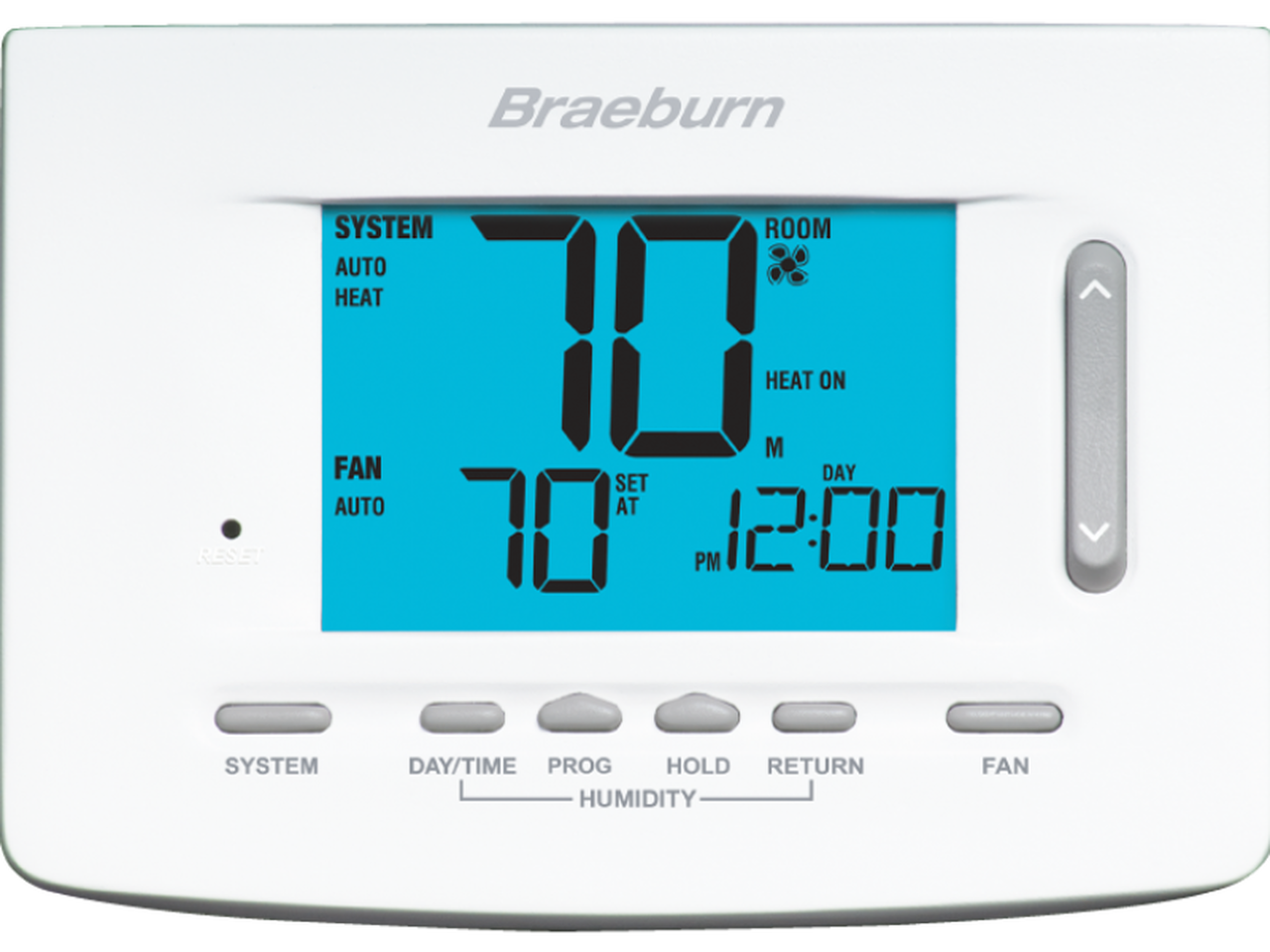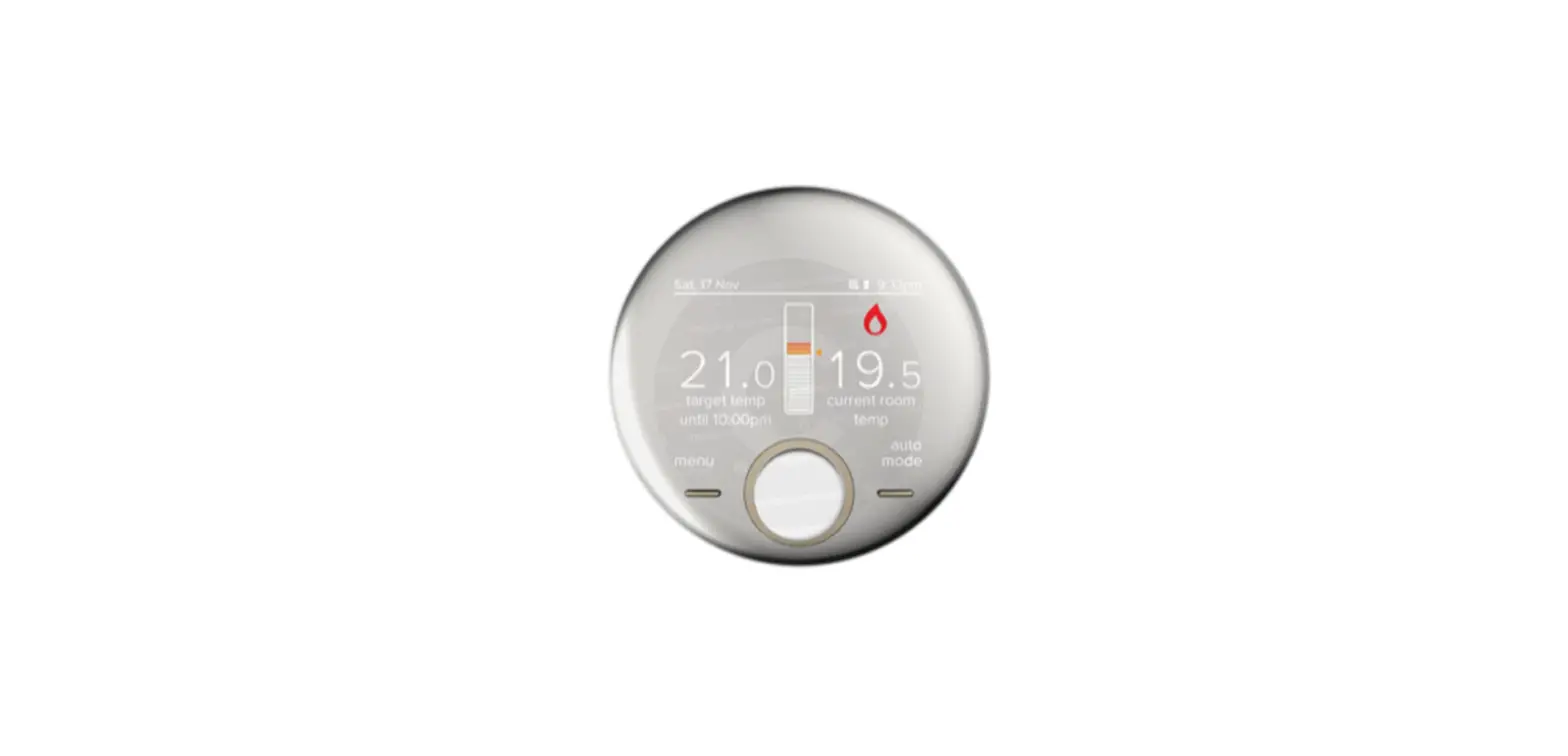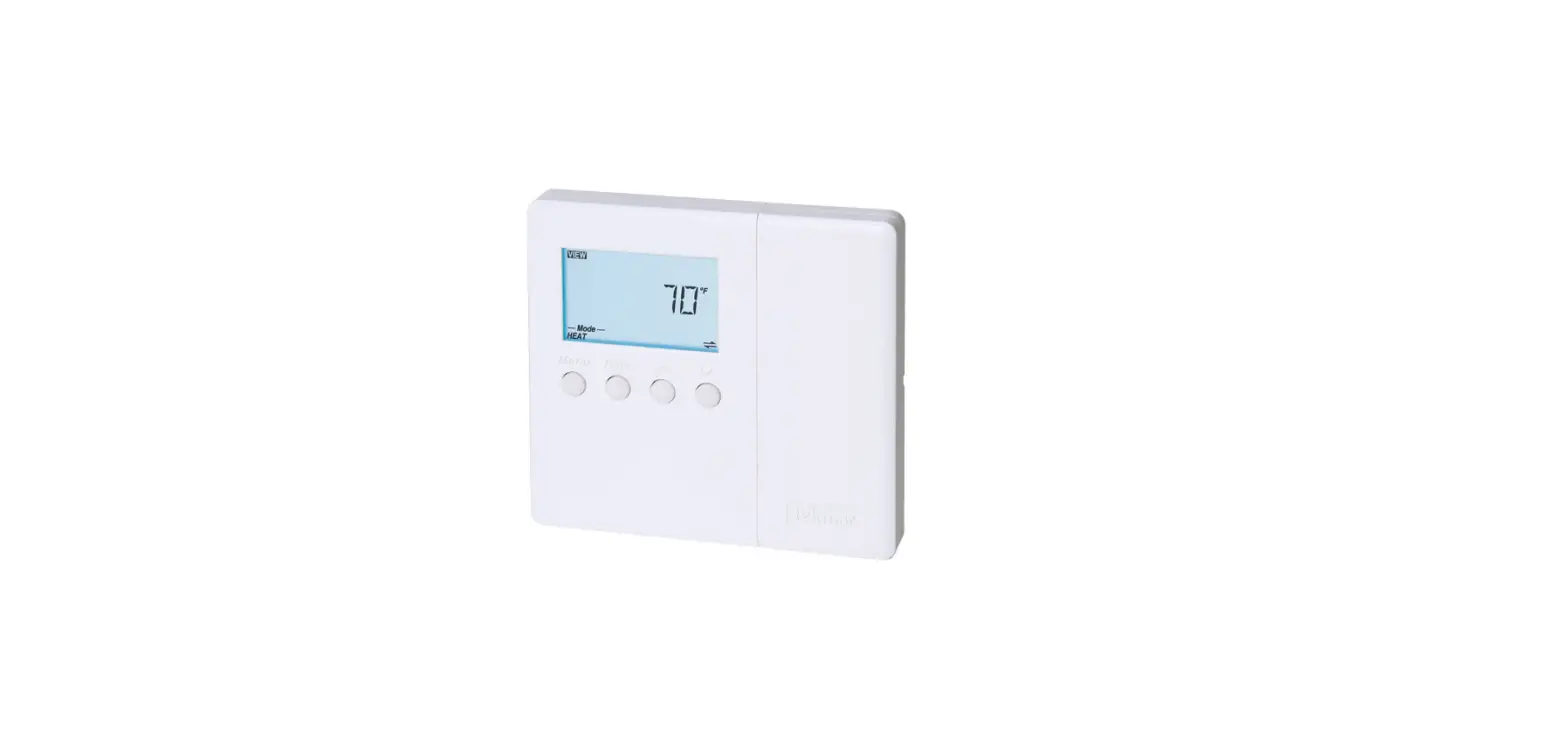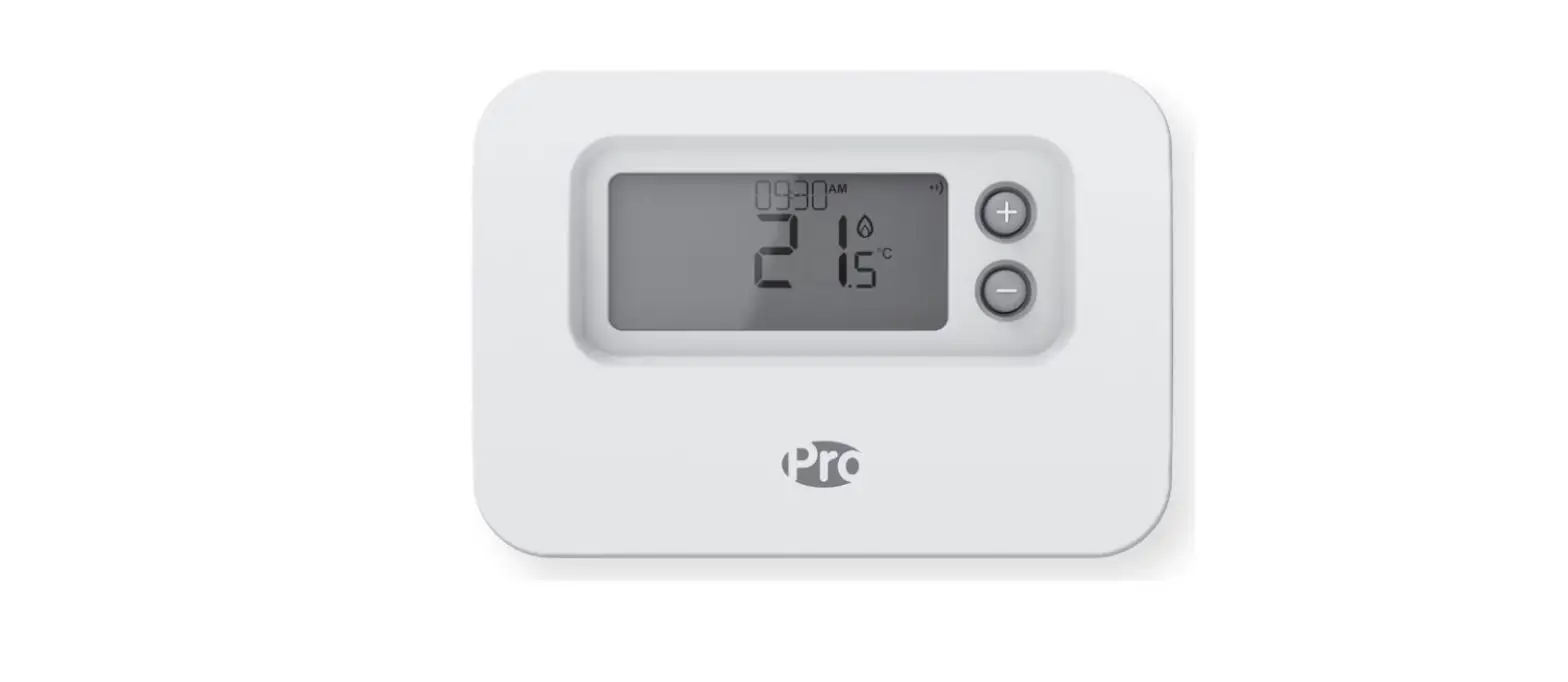

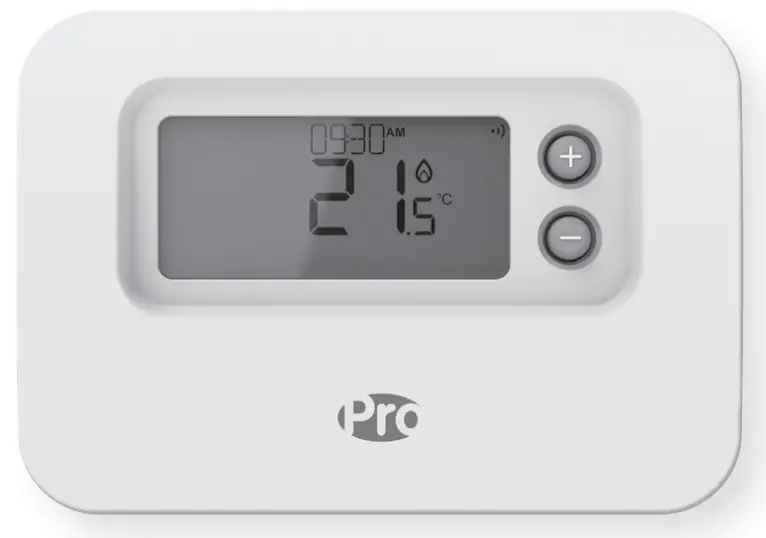
plumbarena FPP15206 Programmable Thermostat
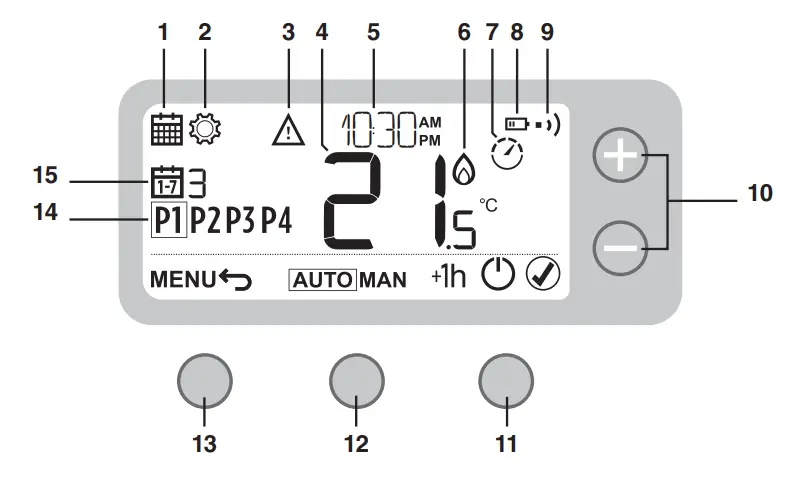
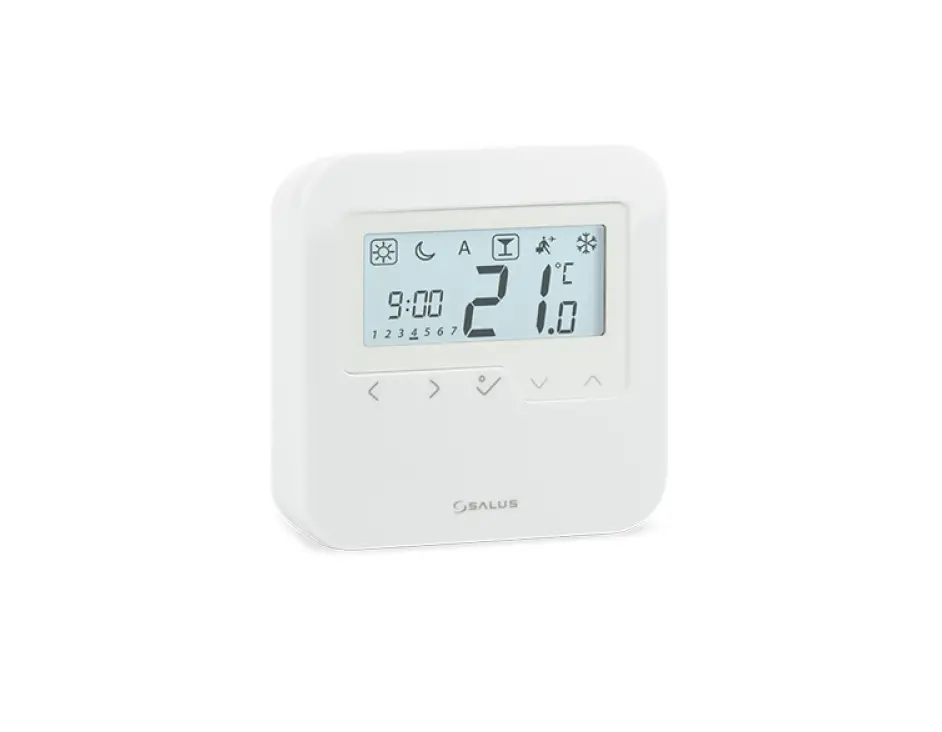
- Programming Menu
- Settings Menu
- Alert
- Room Temperature
- Current time
- Heat demand
- Optimization
- Low battery
- Wireless signal (FPP16216 only)
- Temperature adjust
- Right button
- Middle button
- Left button
- Schedule period
- Day
Programming the Schedule
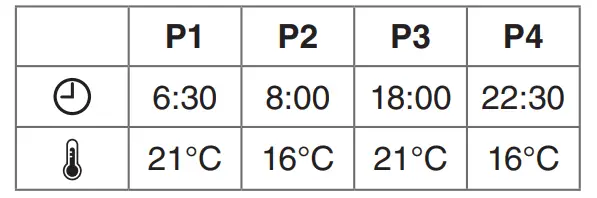
Default Schedule
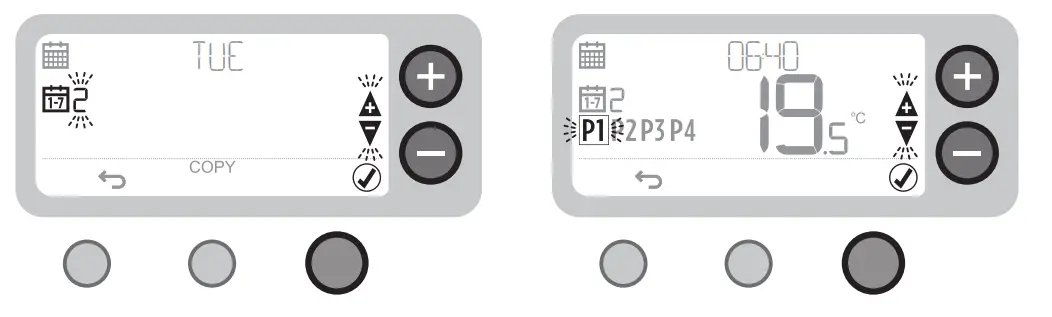
- The select day then confirm
- Select period then confirm

Adjusting the Schedule
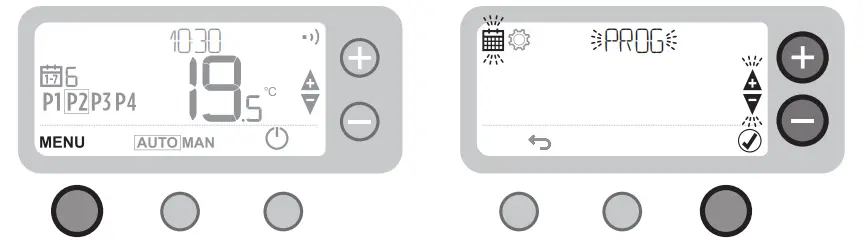
- Press MENU
- Select PROG then confirm
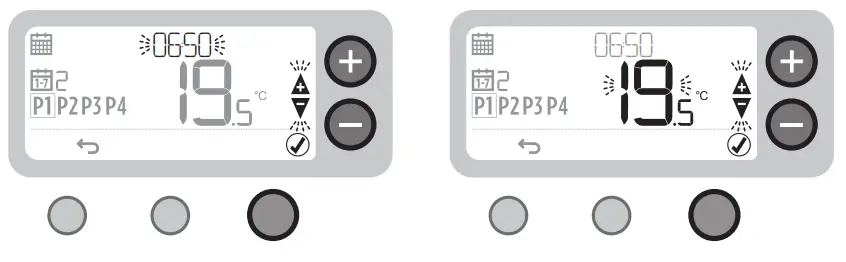
- Adjust time then confirm
- Adjust temperature then confirm
Copy Day
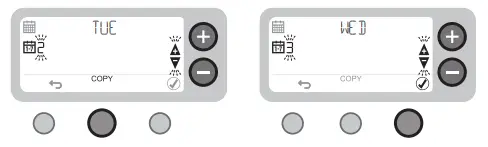
- The select day then COPY
- Select “TO” day then confirm
Device Modes
“AUTO”
“MAN”
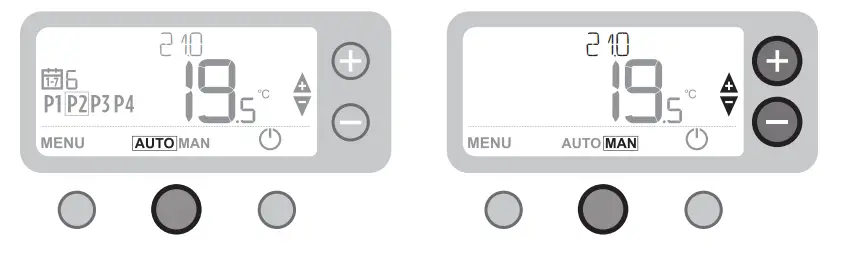
- The programmed schedule is followed
- The only set temperature is followed
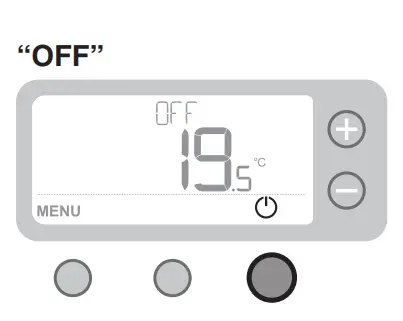
Heating is OFF
Temperature Override
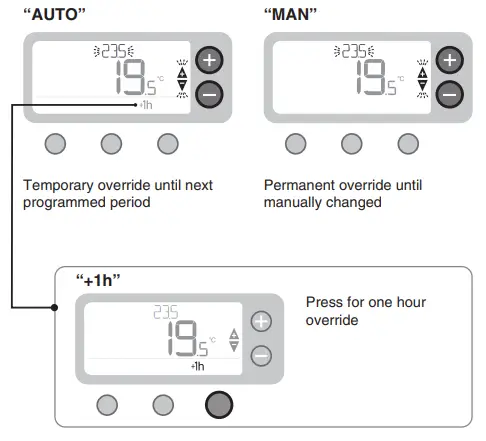
Date and Time

- Press MENU
- Select SETTINGS then confirm
- Set MONTH (1-12) then confirm
- Repeat steps to set DAY, HOUR, and MINUTE
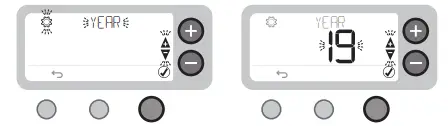
- Select YEAR then confirm
- Set YEAR then confirm
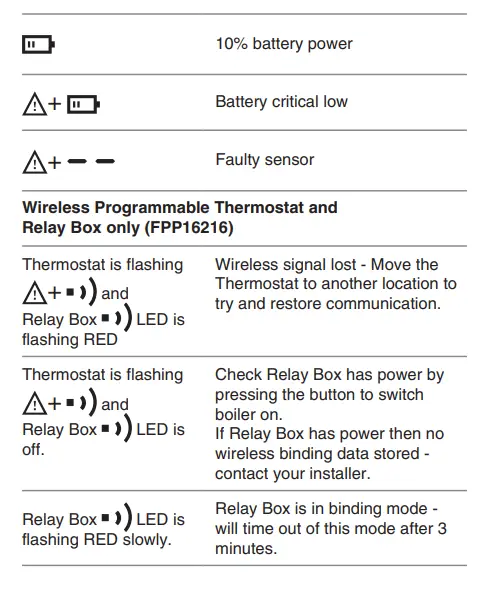
Troubleshooting
 Primaflow F&P