GOODWE HK3000 HomeKit Smart Meter User Manual
Contents hide
INTRODUCTION
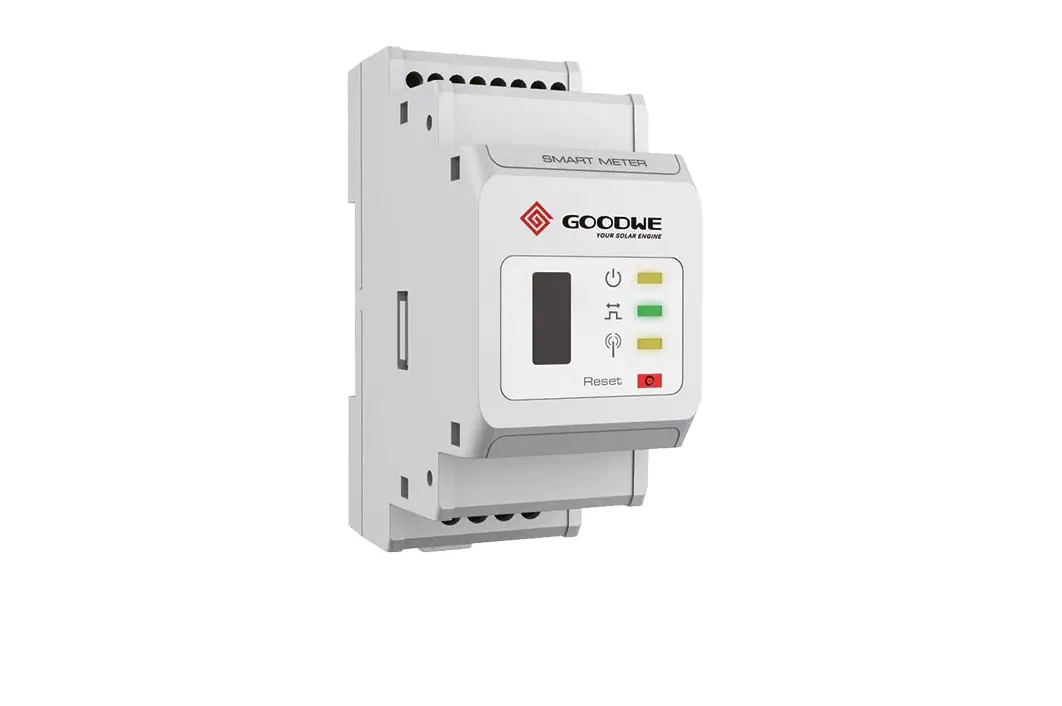
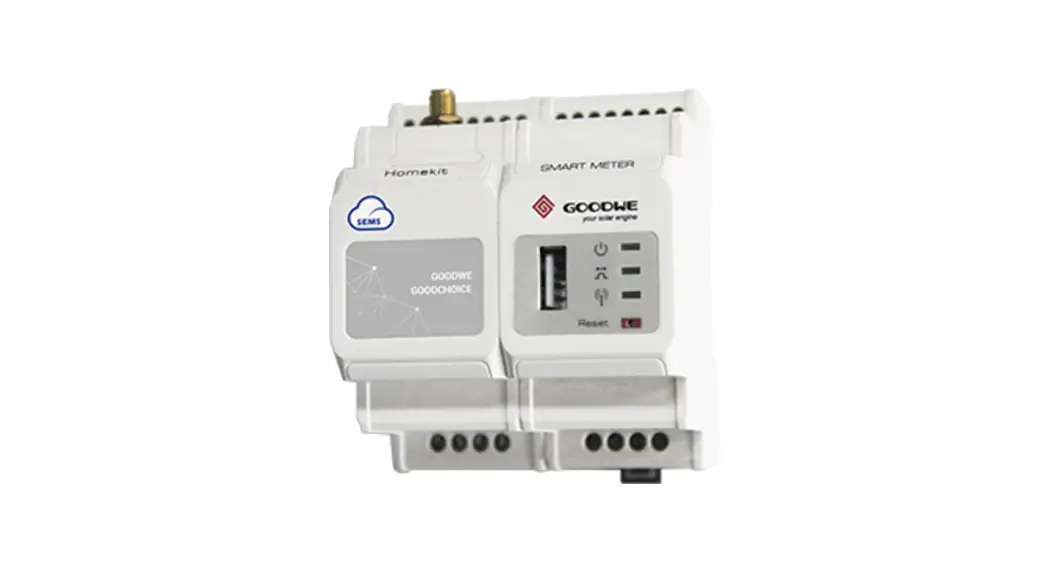
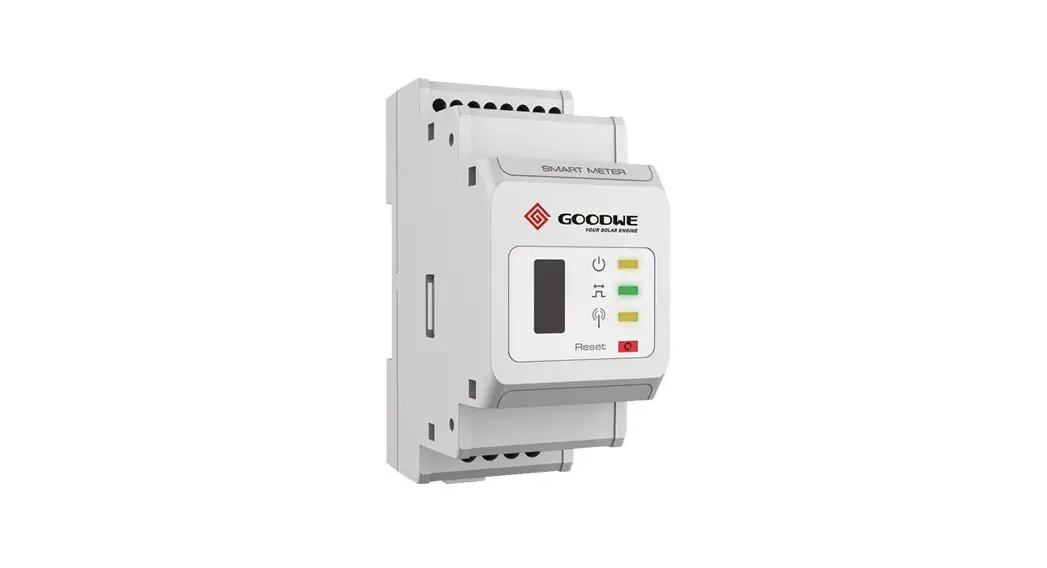
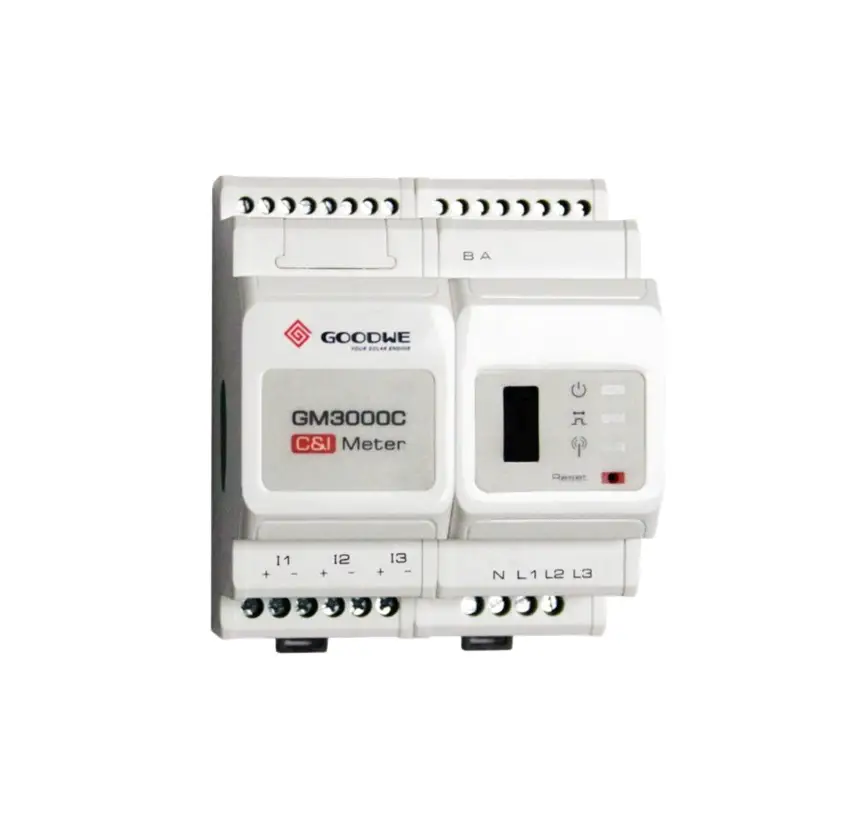
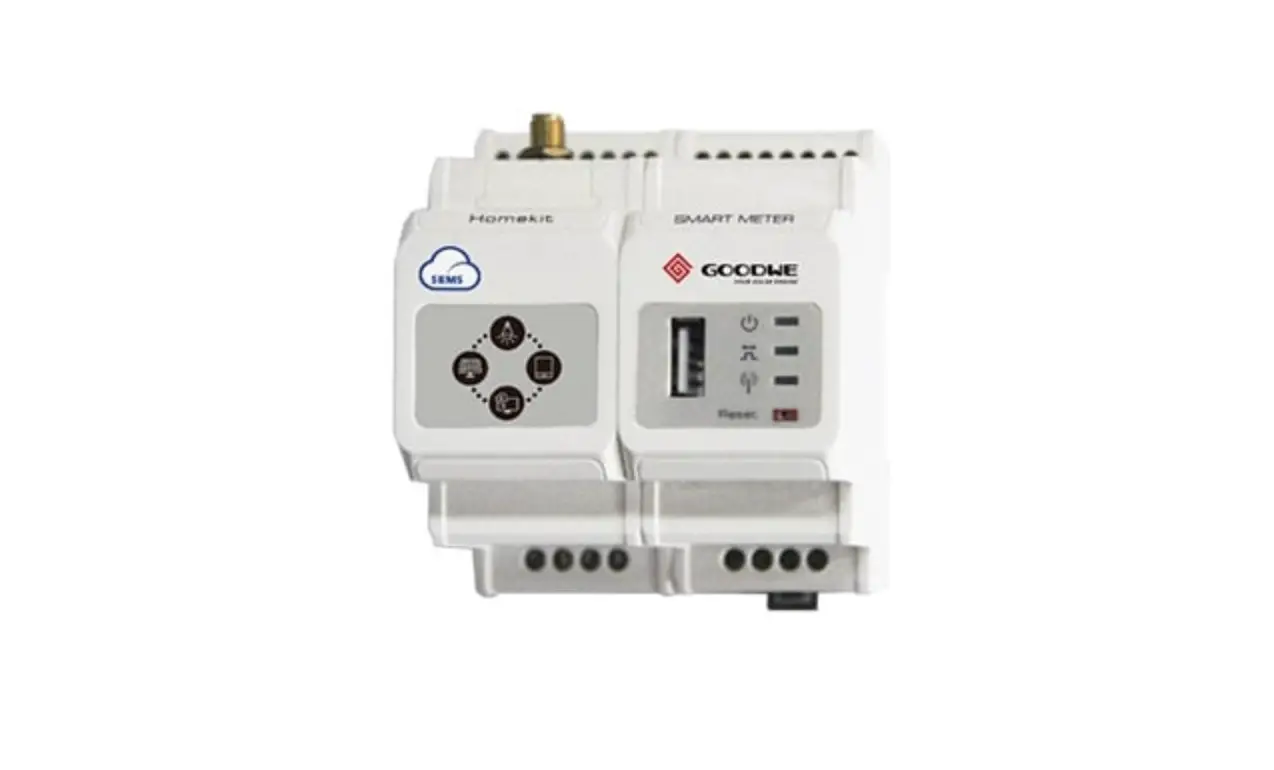
This product has the advantages of high precision, small dimensions,convenient operation and installation. It is equipped with Single-Phase Meter and Two-Channel External CT to measure and calculate the Power and Energy at the Inverter Output Point, Grid Point and Household Load Point, and upload the measurement and calculation datas to the server in real time over Wi-Fi or an ethernet cable, to realize the measurement, statistics, analysis andmanagement of electric energy at different loads with the SEMS and APP system of GoodWe. ( See the following link for more detail instructions of SEMS and APP :www.semsportal.com/)
PACKING LIST
- 1*HomeKit
- 2*CT(Current Transformer)
- 1*Screw Driver
- 1*Wi-Fi Antenna
- 1*HomeKit Network Quick Configuration Guide
- 1*USB Seal
- 1*Short Wiring
- 4*Cable Connection Terminal
- 1*User Manual
OVERVIEW
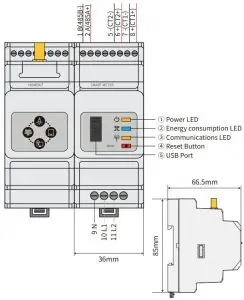
HOMEKIT OVERVIEW
CT OVERVIEW
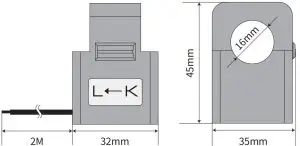
INSTALLATION INSTRUCITON
INSTALLATION ENVIROMENT
- Protection Class: IP20(for indoor use)
- Operating Temperature: -25℃~+60℃
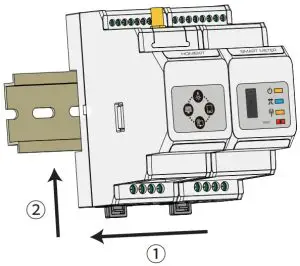
INSTALLATION (WITH DIN TRACK)
- Pull to release the retaining clip
- Mount the HomeKit on the track and push the retaining clip up(a click sound indicates it is installed well)

WIRING CONNECTION
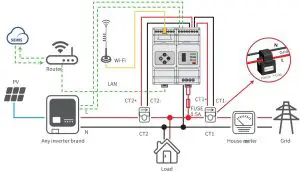
- Please note the CT location: CT1 is connected to the Grid Point, while CT2 is connected to the Inverter Output Point, and the arrow direction on the CT is pointed to the Grid from the Inverter side. The connection wires of CT are RED corresponding to ‘+’ and BLACK corresponding to ‘-‘.
- HomeKit is only suitable for Single-Phase grid application. Please short connect L1 and L2 in HomeKit side (see the wiring diagram), otherwise it may cause measurement error.
ELECTRICAL DATA
| MODEL | HK1000 | |
| APPLICATION | Household Loads Mornitoring | |
| CVoulrtraegnet | Voltage Range | 100V~240 V |
| Nominal Voltage | 110V/230V | |
| Frequency | 50Hz / 60Hz | |
| Nominal Current Current Range | CT in:120A / 40mA | |
| 0.48A-120A | ||
| Self-Consumption | <5W | |
| Data Detection | Active Power / Reactive Power / Power Factor / Frequency | |
| Energy Calculation | Active/Reactive Power Energy | |
| Precision | Voltage/ Current | Class 1 |
| Active Power | Class 1 | |
| Reactive Power | Class 2 | |
| Communication | Wi‒Fi or LAN | |
| Weight | 440g | |
| Altitude | <2000m | |
INTERFACE
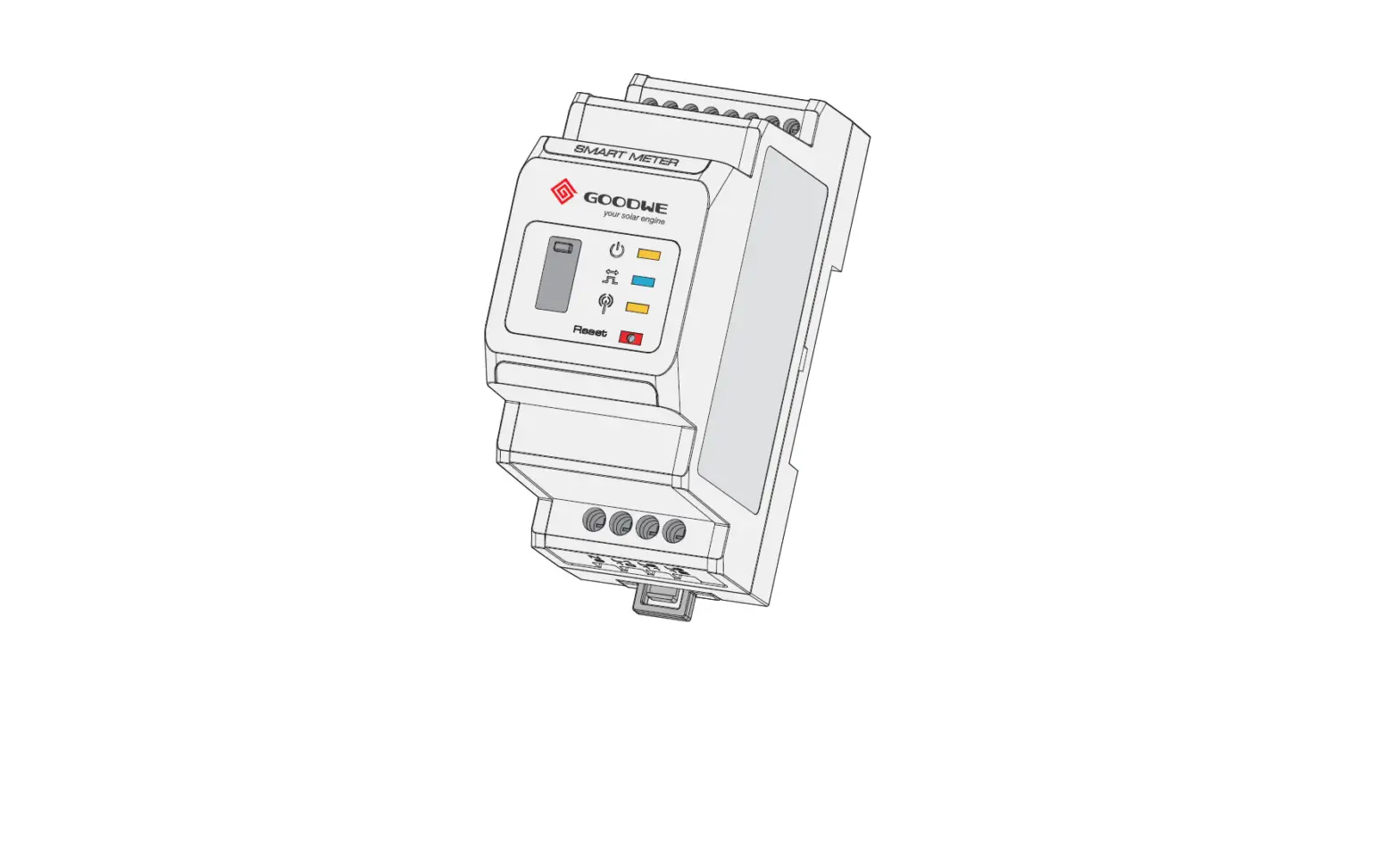
INDICATIONS
- Power LED:
- Normal status: ON
- Energy Consumption LED:
- Consuming: ON
- Generating: Blinking
- Communication LED:
- Trying to conncet Router: Blinking 2 times
- Trying to connect Sever: Blinking 4 times
- Transmitting data: ON
- Fail to transmit any data: OFF
| Press | Function |
| 1-3s | Restore Communication Module of HomeKit to |
| 5-10s | Restore Meter of HomeKit to factory Settings |
| >15s | Restore Meter of HomeKit to factory Settings and clear |
USB PORT
For after-sales maintenance.