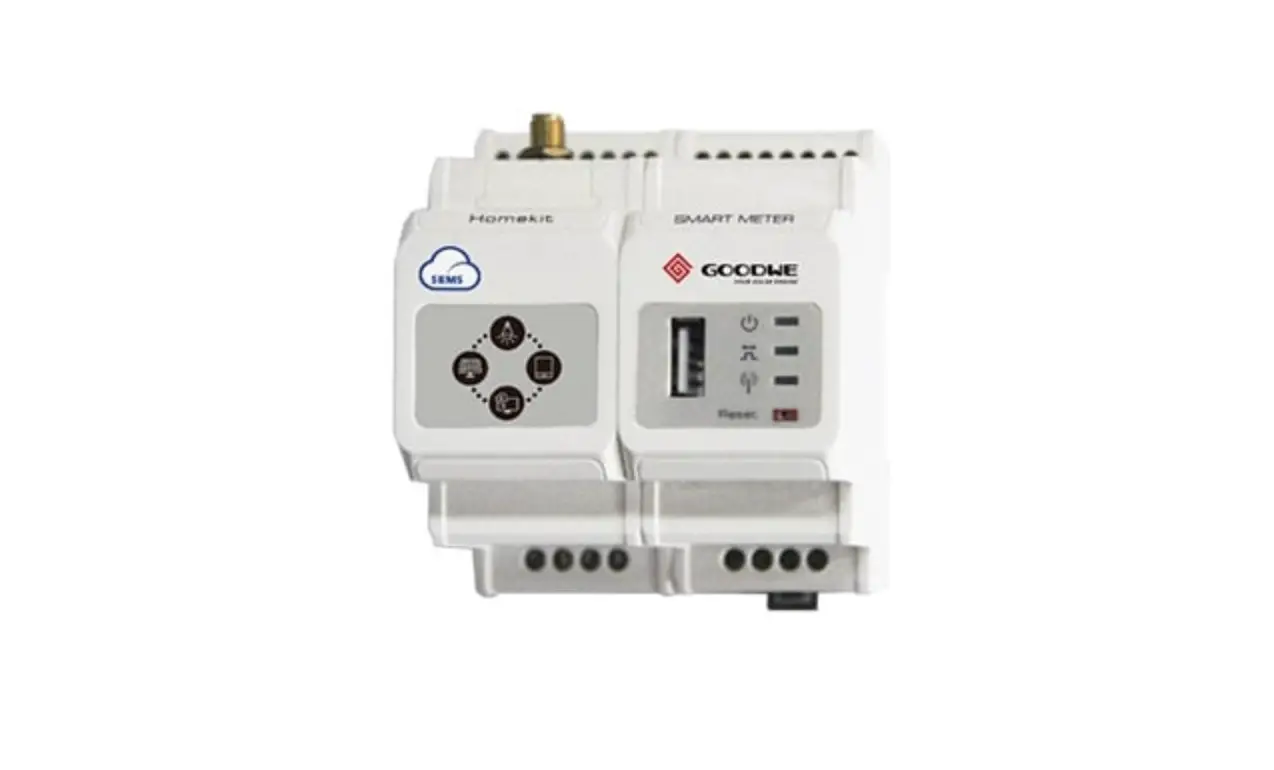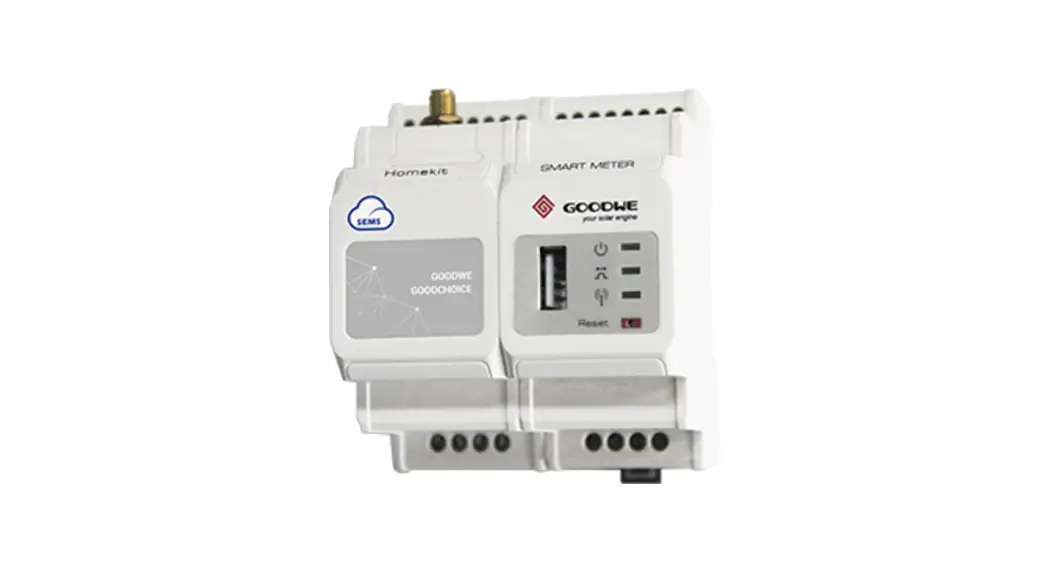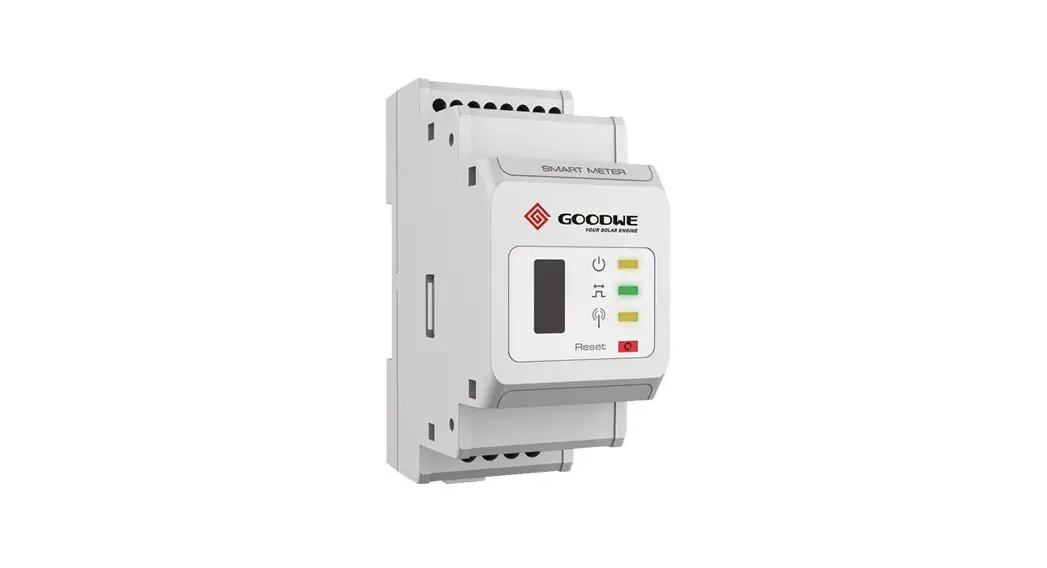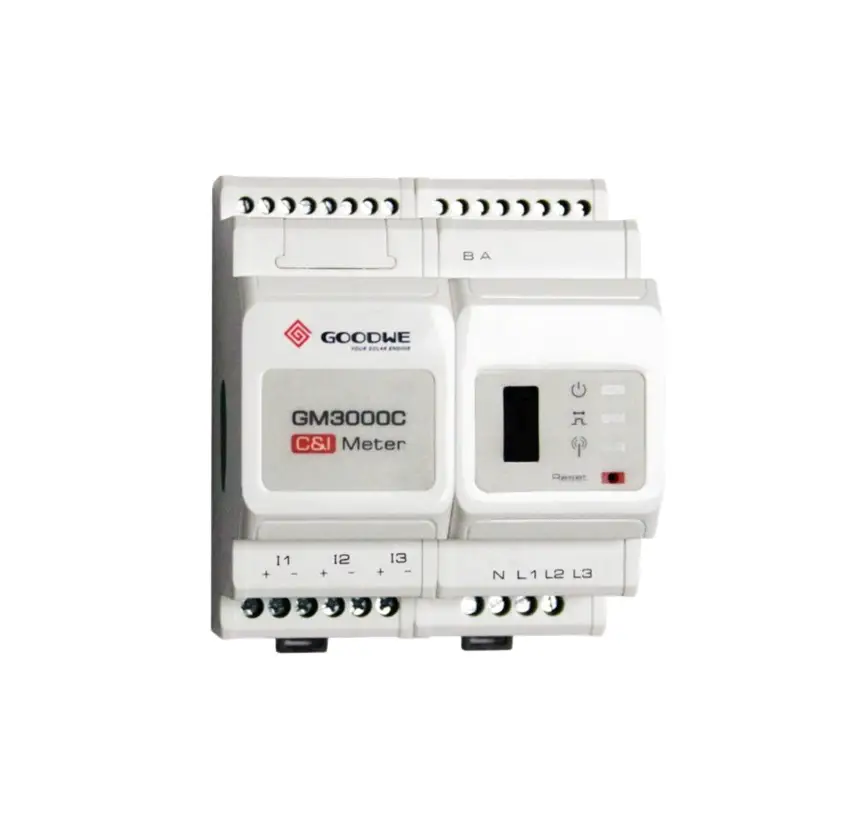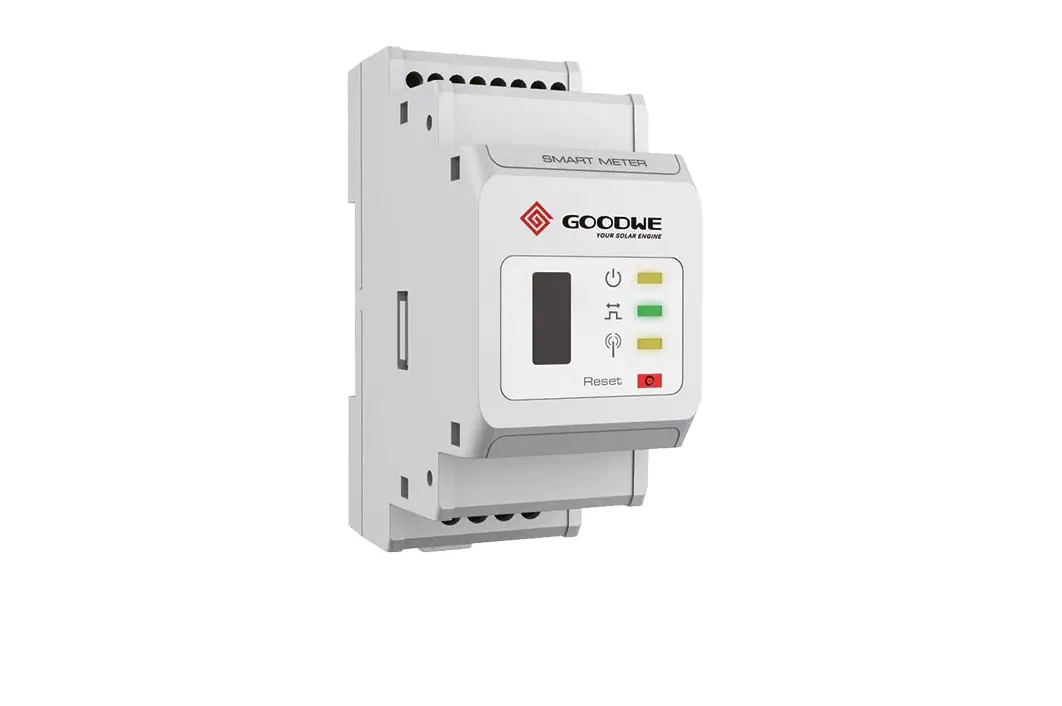

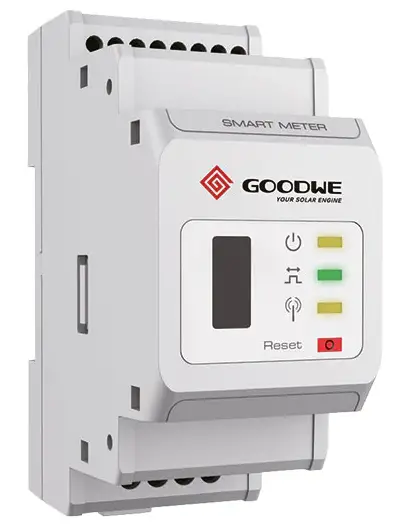
GOODWE HK3000 Smart Meter Homekit
Packing List
- 1 x HomeKit 3000 (HK3000)
- 1 x Screwdriver
- 1 x Quick Installation Instruction
- 1 x WiFi Antenna
- 4 x Wiring Terminal
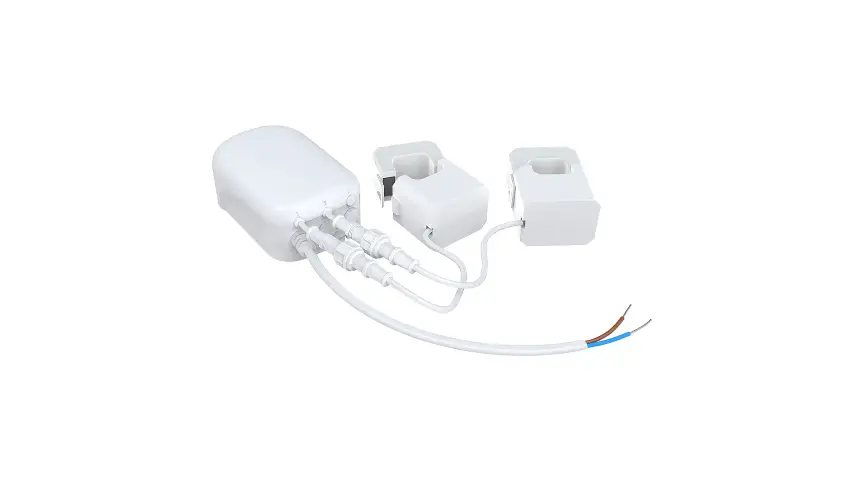
- 3 x Current Transformer (120A/40mA or 200A/66.7-mA CT)
- 1 x USB Seal
Technical Data
| Model | HK3000 | |
| Application | Household Loads Monitoring + ARCB | |
| Voltage | Rated Voltage | 3*230V/400V |
| Voltage Range | AC 100V~240V | |
| Frequency | 50Hz/60Hz | |
| Current Input Range | 0.04A~200A | |
| Self-Consumption | < 5W | |
| Communication | 100M Ethernet | |
| WiFi | ||
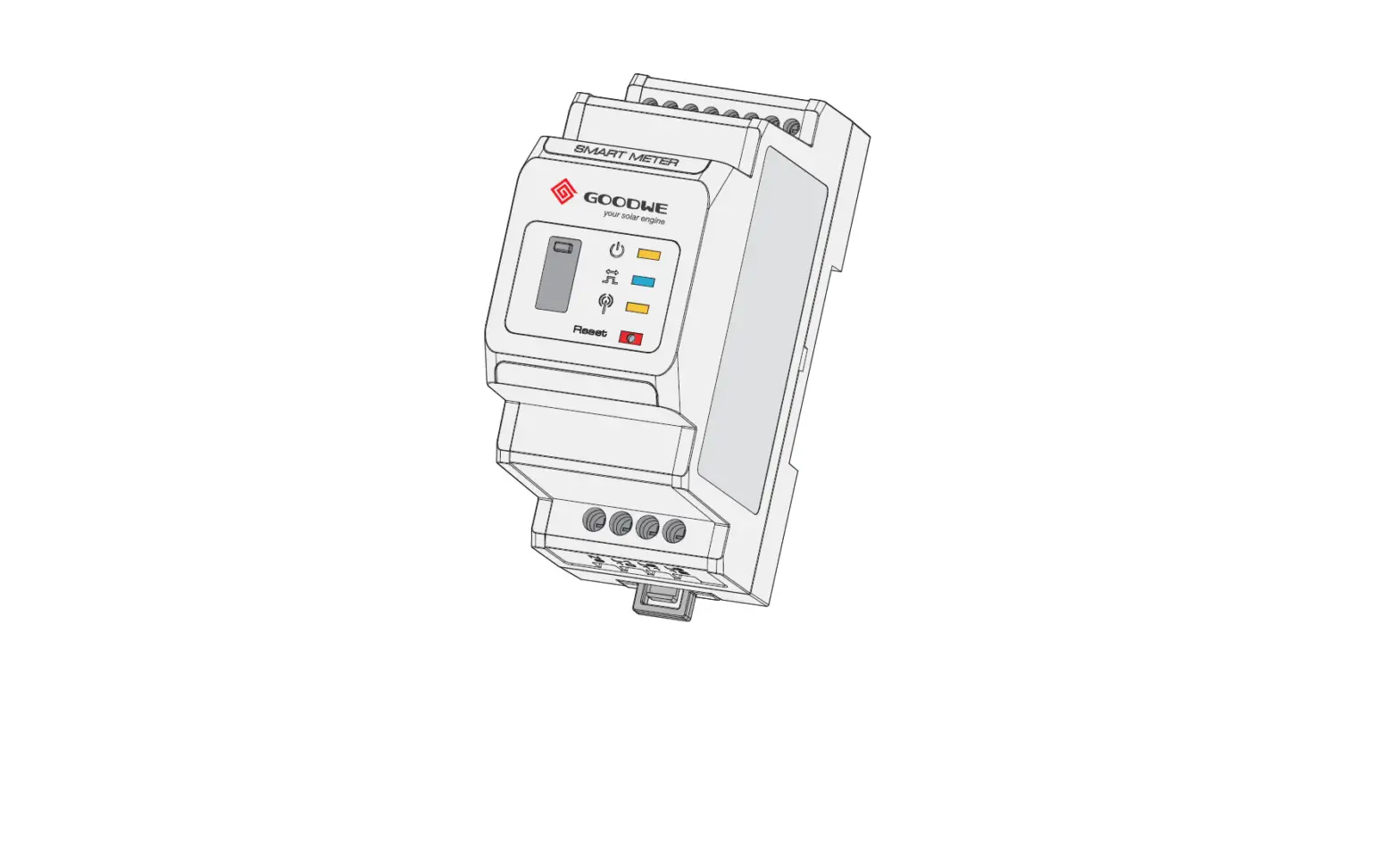
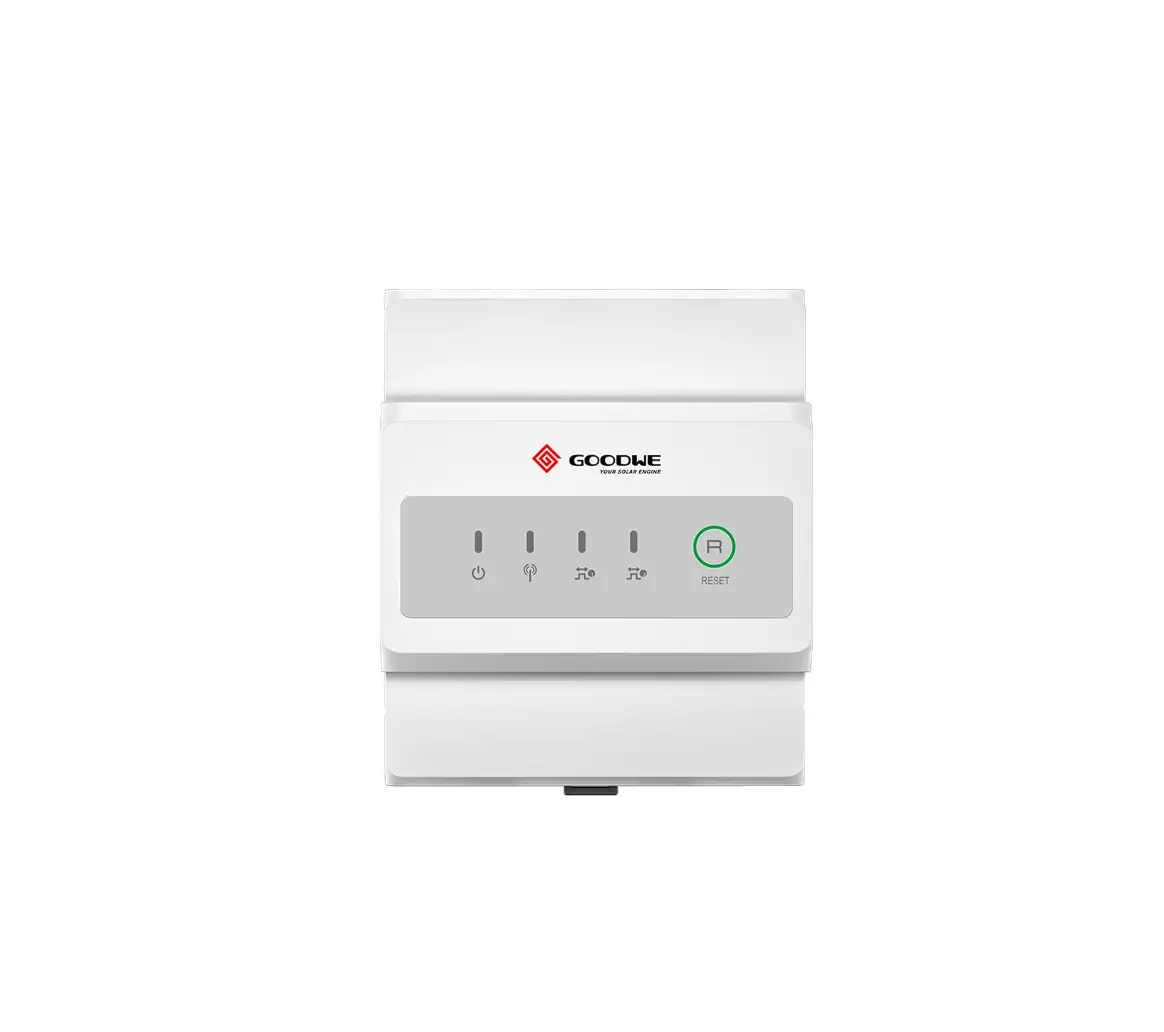
| Interface | 3 LEDs (Power, Energy Consumption, Communication), Reset Button | |
| Operating Temperature | -25 ~ +60°C | |
| Storage Temperature | -30 ~ +70°C | |
| Operating Humidity | < 95%; No Condensation | |
| Altitude | < 2000m | |
Product Overview
HK3000 is designed as a three-phase meter with three-channel CTs to measure energy power at the grid point. Together with the measurement of inverter output, you can calculate the household load. Meanwhile, HK 3000 can upload the data to the cloud server in real-time to conduct the measurement, statistical analysis, and management of electric energy at different loads. The data cannot be taken as the basis and standard for electric charging by the grid power company.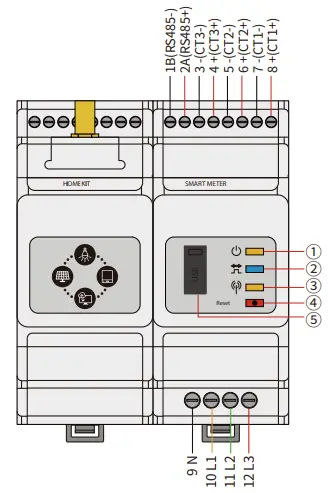
| NO. | Part | Description |
| 1 | Power LED | Normal status: ON |
| 2 | Energy consumption LED | Consuming: ON |
| Generating: Blinking | ||
| 3 | Communication LED | Blink once: detecting data transferring |
| Blink 5 times: Reset successfully | ||
| 4 | Reset button | Press less than 3s: Meter Reset : |
| Press 5s more or less Meter Settings Initialization | ||
| Press more than 10s: Meter Initialize settings and Clear Energy Data | ||
| 5 | USB port | For after-sales maintenance. |
Equipment Installation
NOTE
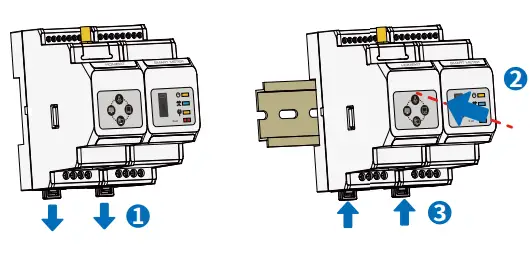
- HK3000 should be installed on a rail and should not be installed outdoors.
- When operating the meter, use insulation tools and wear personal protective equipment to ensure personal safety.
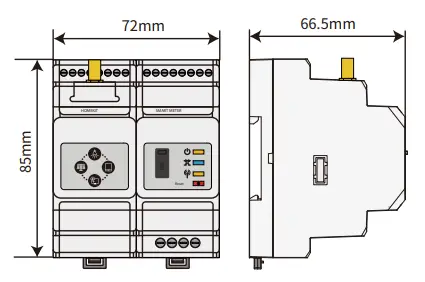
Dimensions
Installation
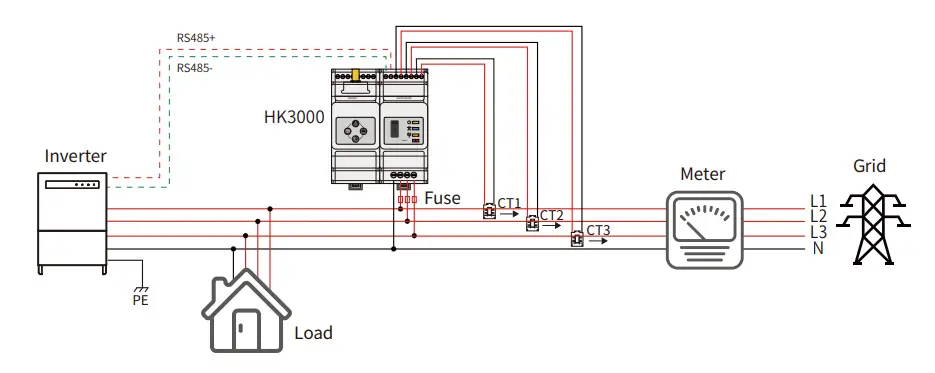
Cable Connections
APP Configuration
HK3000 Configuration via SolarGo APP
NOTE
- Search in Google Play/App Store or scan the QR code to download SolarGo APP.
- Make sure the inverter is grid-tied.
- Establish communication between the inverter and SolarGo app via Bluetooth module or WiFi module, and ensure that the communication between them is normal.

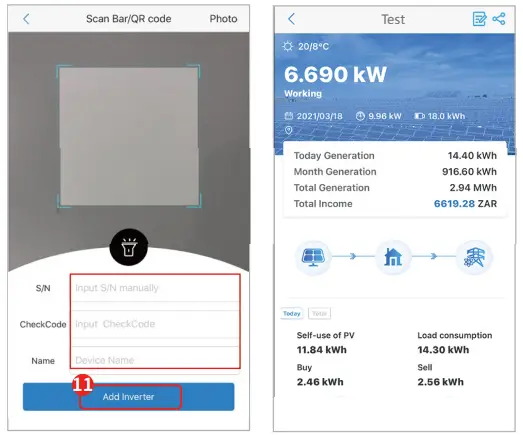
Solaro APP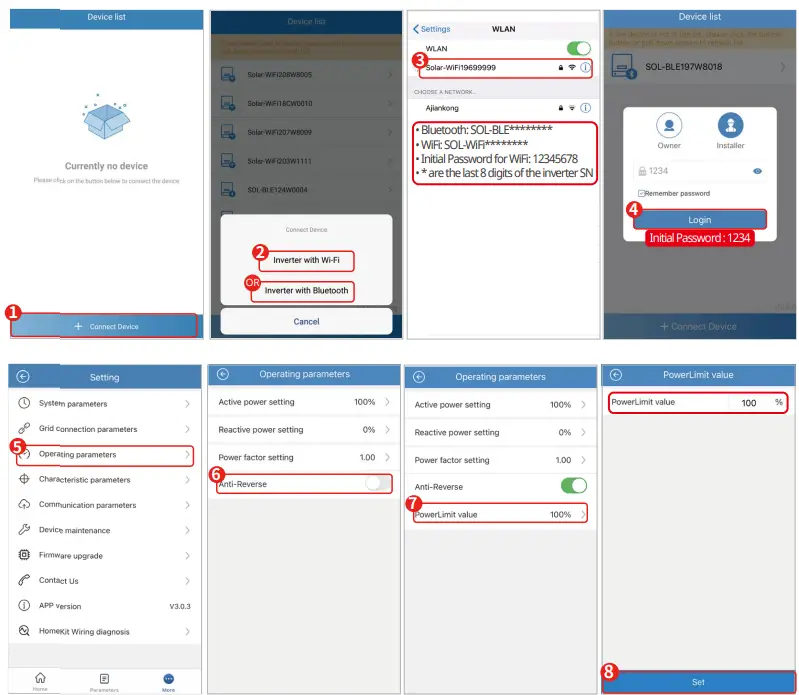 HK3000 Network Configuratin and Monitoring via SEMS Portal
NOTE
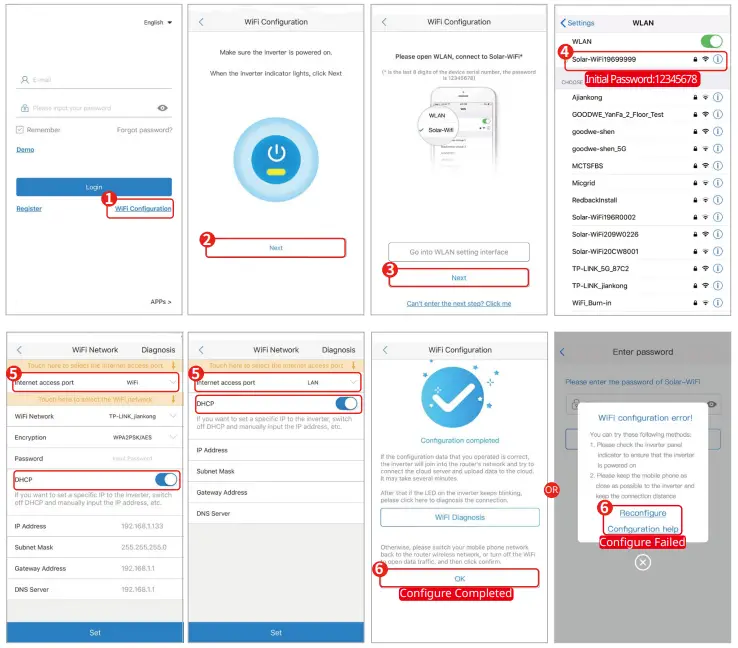
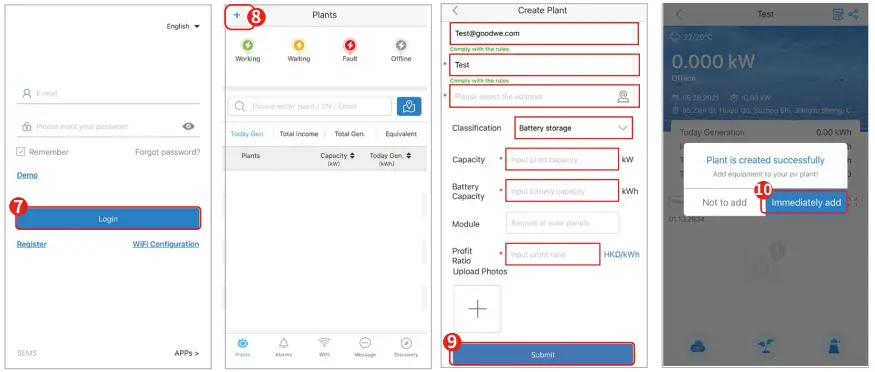
- Scan the QR code to download SEMS Portal APP.
- Connect HK3000 to the Ethernet properly via SEMS Portal.
- Log in using the initial password for the first time and change the password as soon as possible. To ensure account security, you are advised to change the password periodically and keep the new password in mind.

- Select WiFi or LAN as Internet Access Port. Switch off DHCP and manually input the IP address if you want to set a specific static IP.


- JIANGSU GOODWE POWER SUPPLY TECHNOLOGY CO., LTD 90 Zijin Road, High-tech Zone, Suzhou, China
- T: +86 512 6239 6771
- www.goodwe.com
- [email protected]
 固德威——以光伏逆变器为核心的整体解决方案服务商