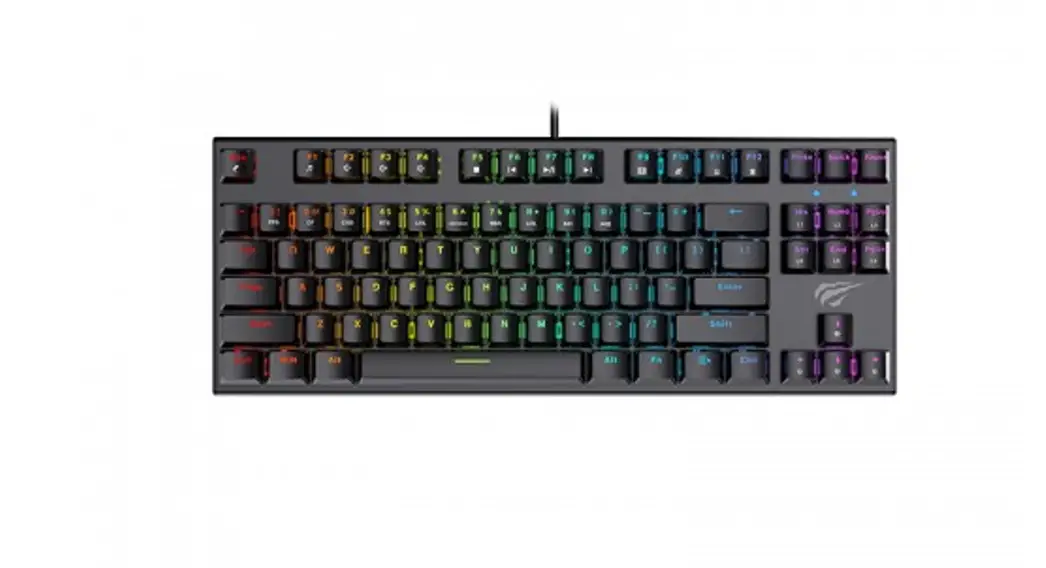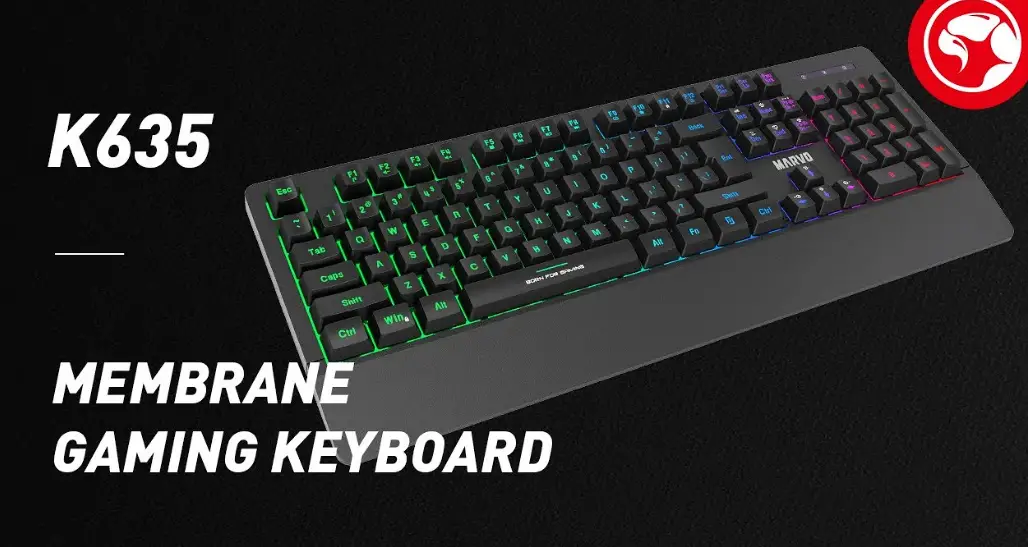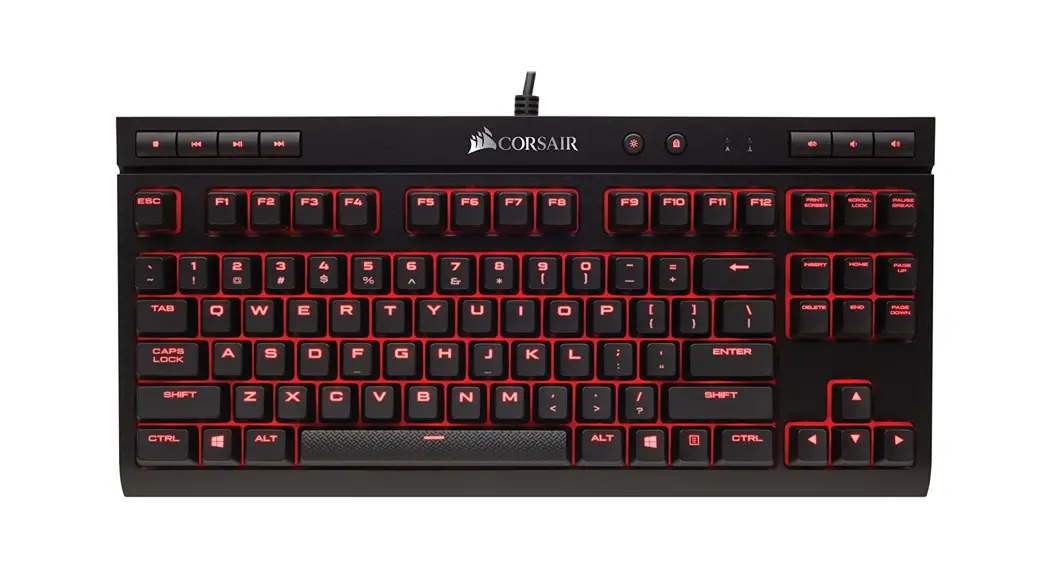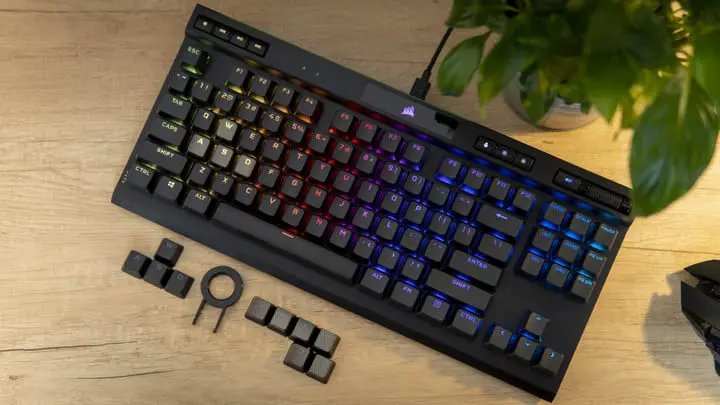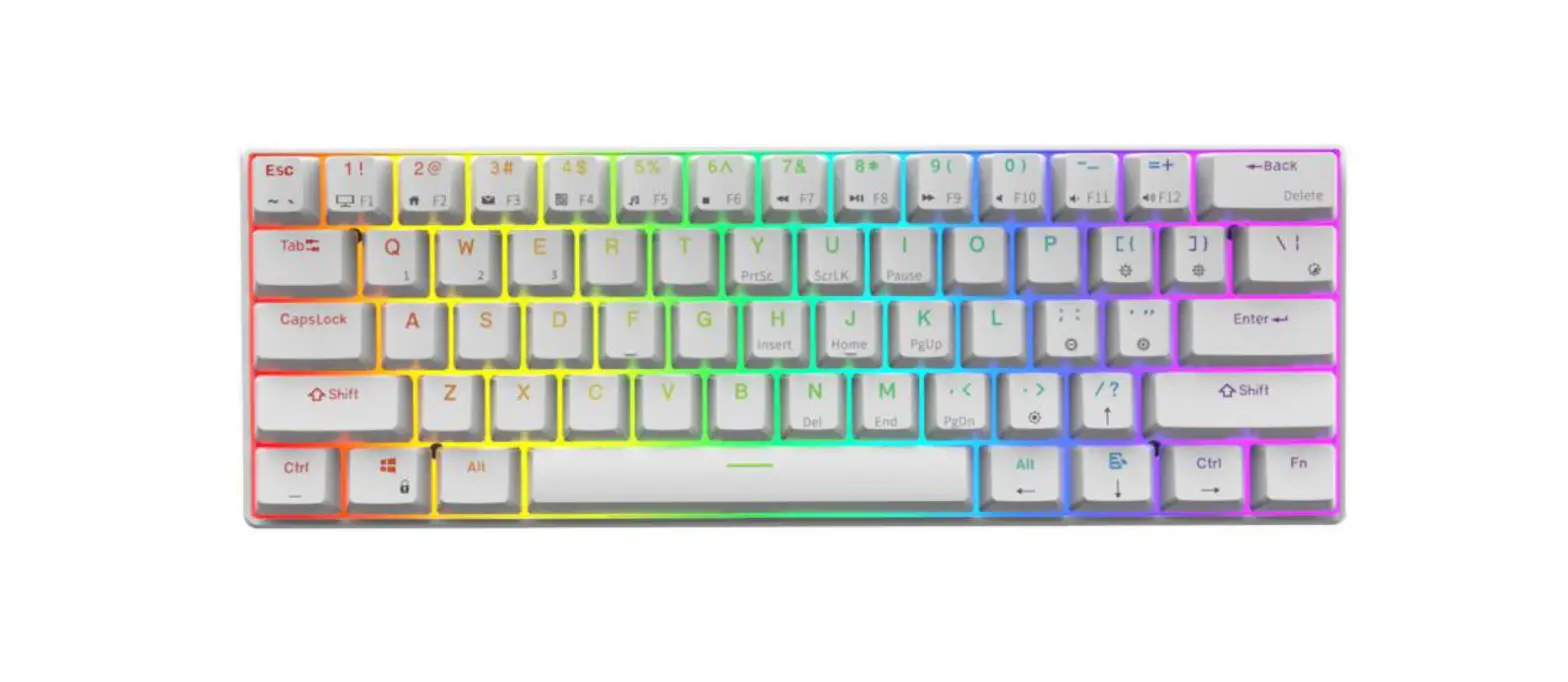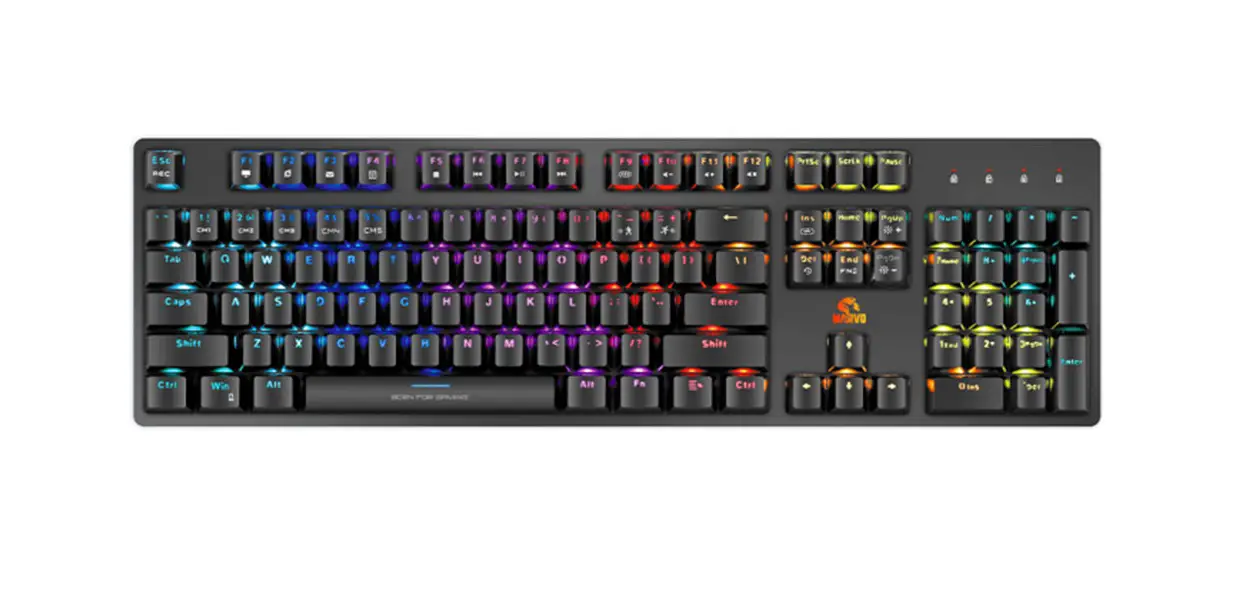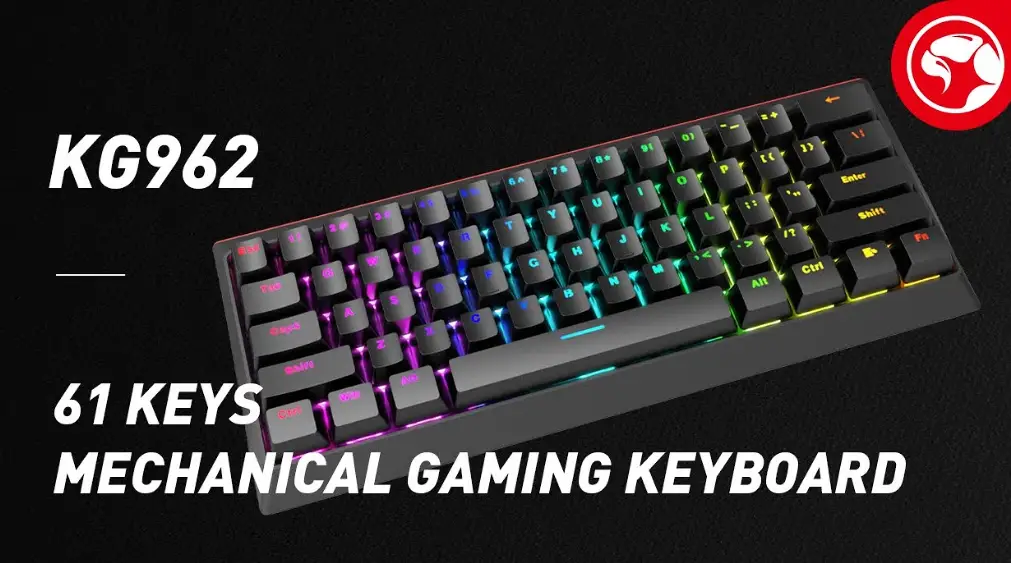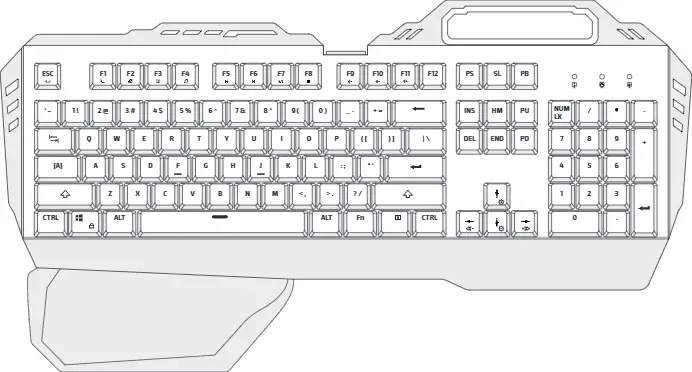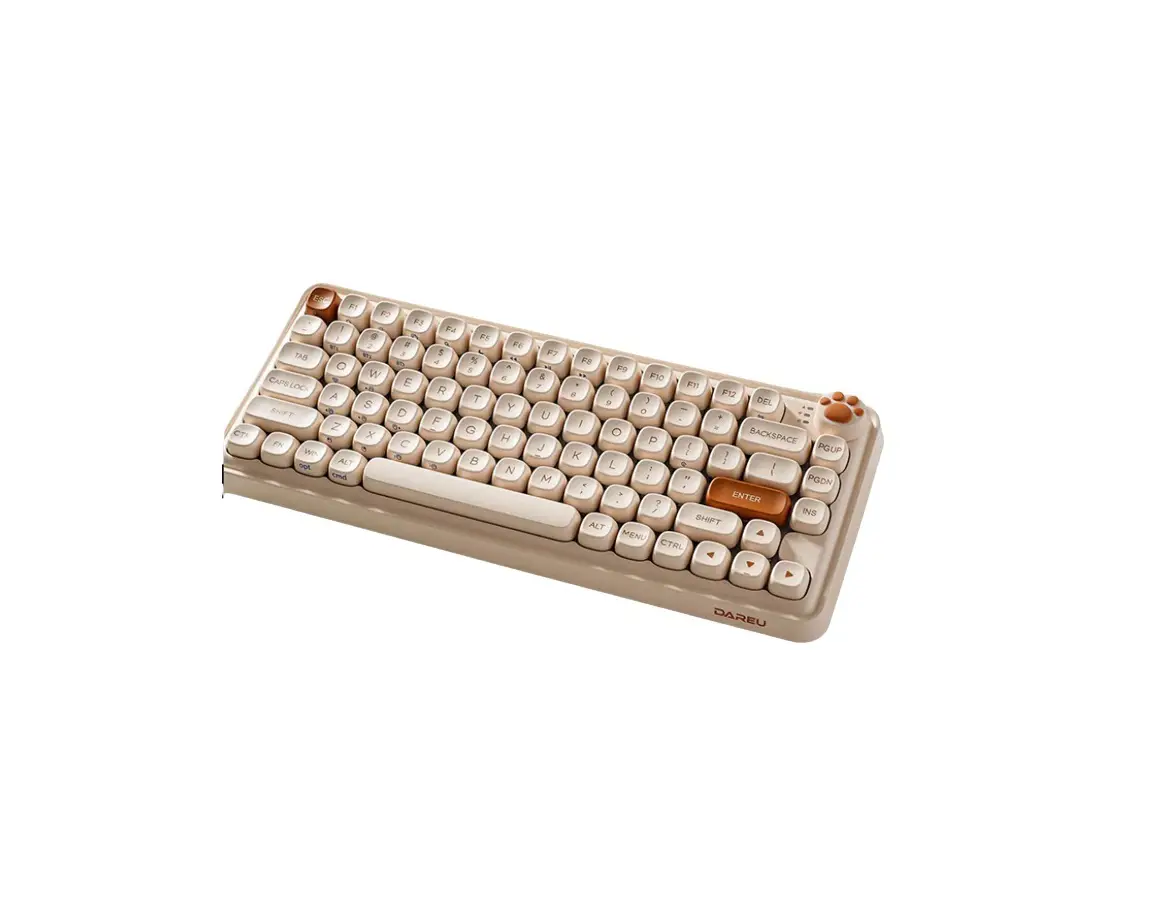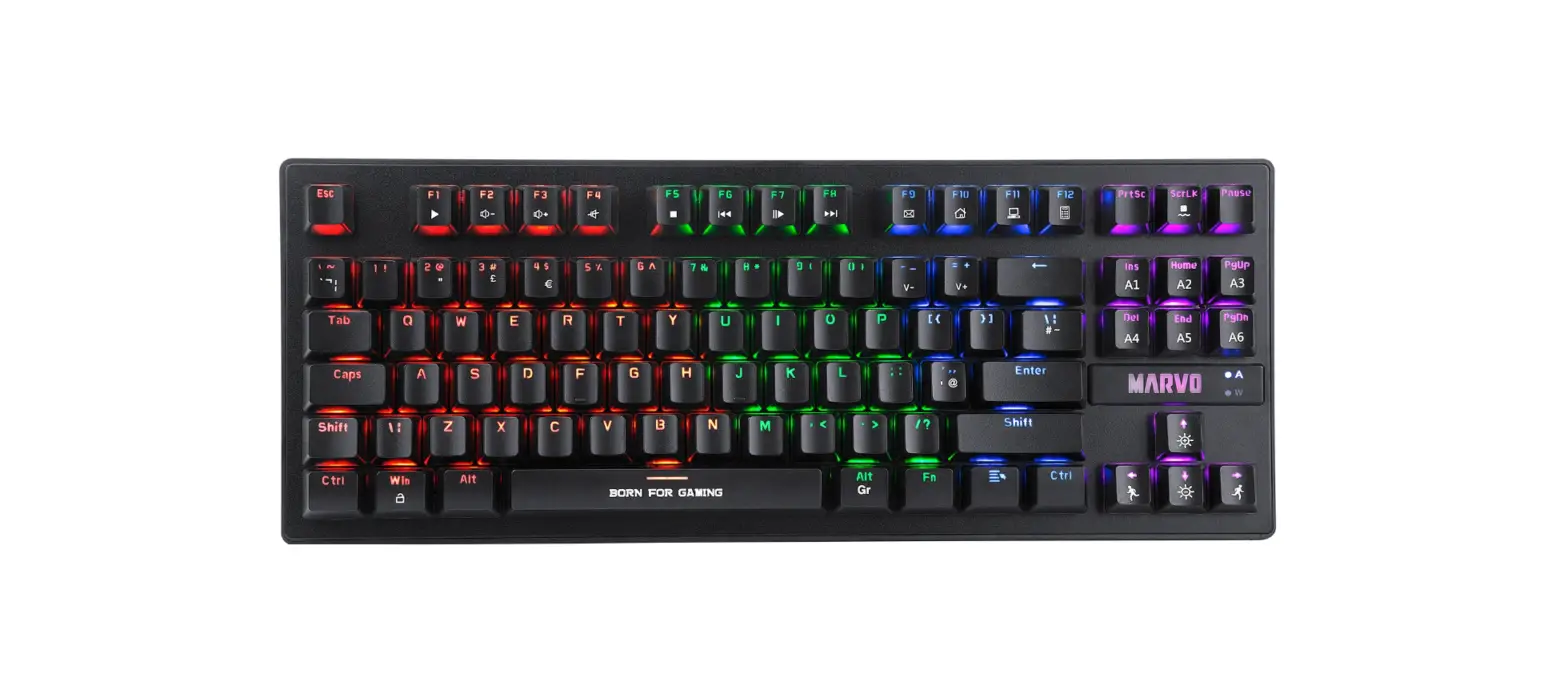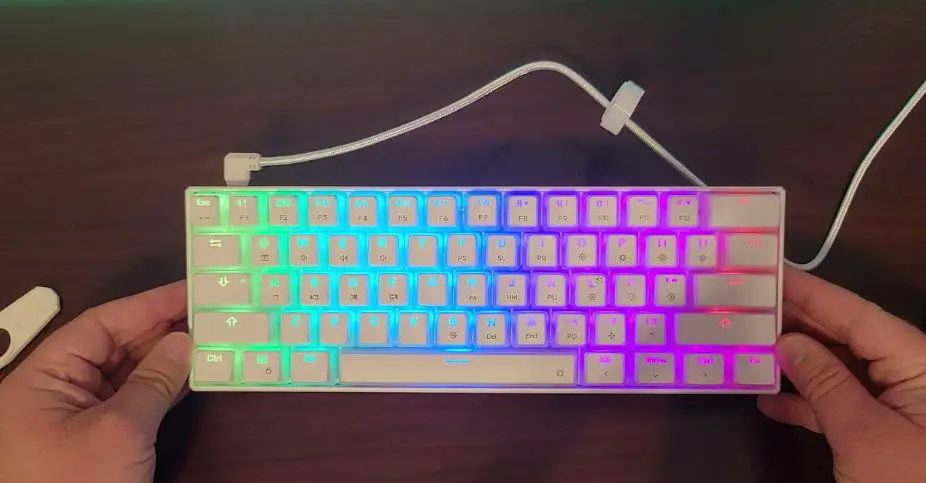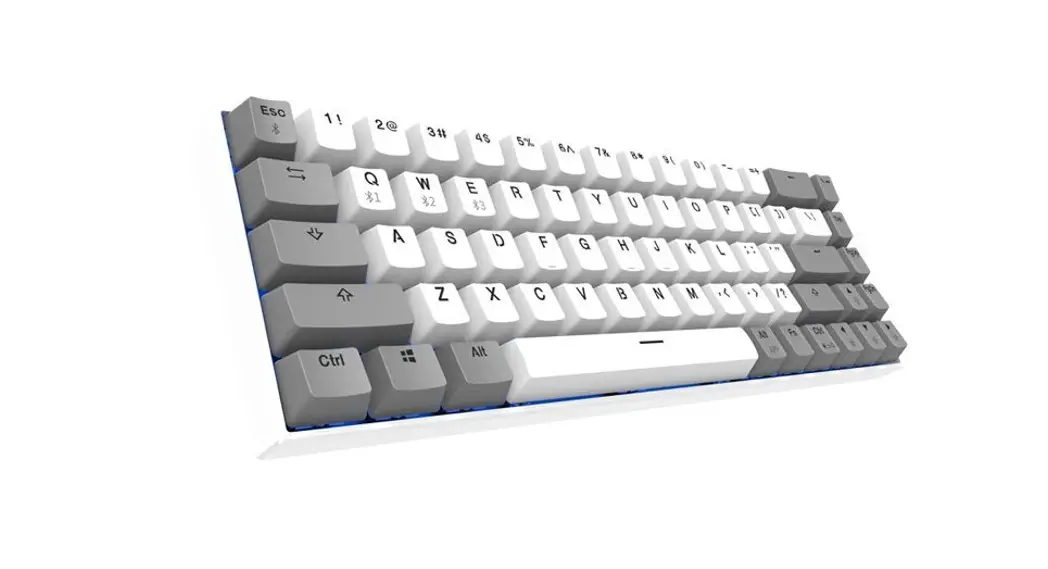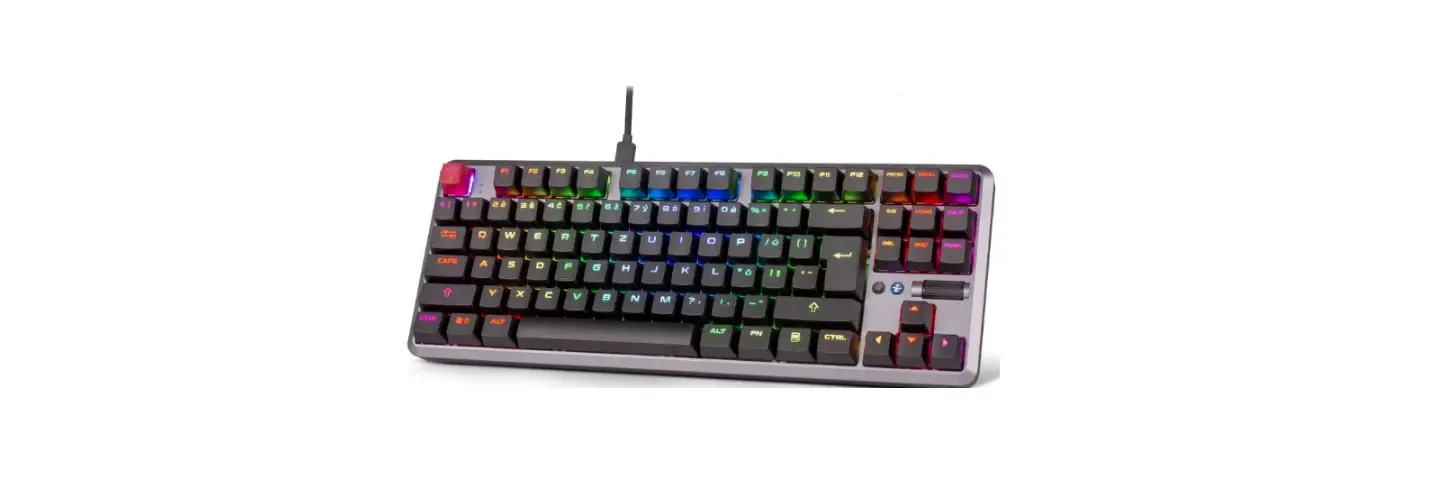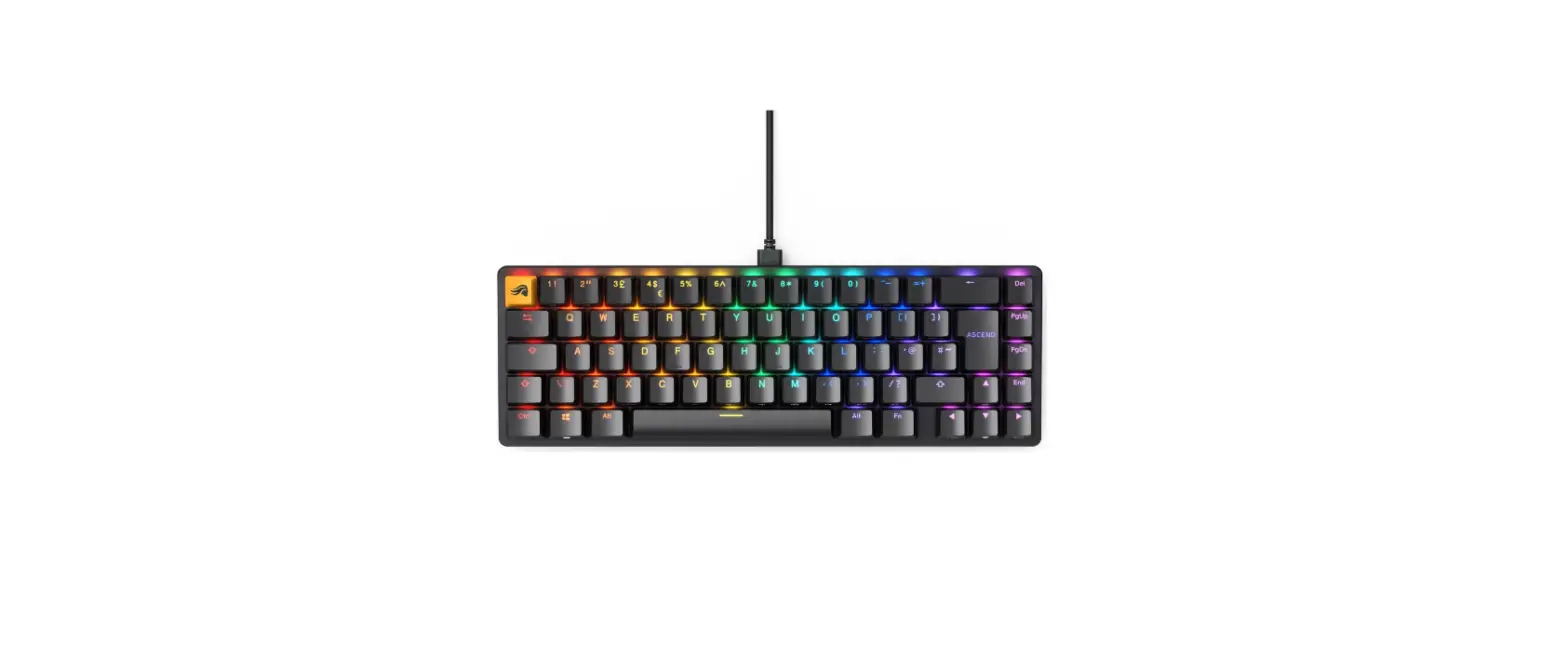

CACKBIRD A1JA-ls67pL Portable 60% Mechanical Gaming Keyboard
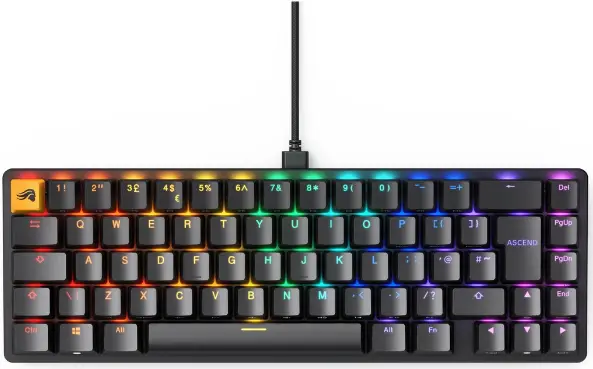
PACKAGE CONTENTS
- Keyboard x1
- user Manual x1
- Keycap Puller x1
- USB Cable x1
INSTRUCTIONS
Take out keyboard and USB cable. Connect keyboard with computer via USB cable. The keyboard will work after the driver is installed automatically.
FEATURES
- The keyboard has 18 light modes which can be switched via FN+P keys.
- Win Lock. Press FN+Win to enable or disable the function of Win key and APP key.
- Switch Direction Key Function. Press FN key and Spacebar to switch </> <ALT> <Ctrl> <APP> four keys to direction keys. Press again to restore.
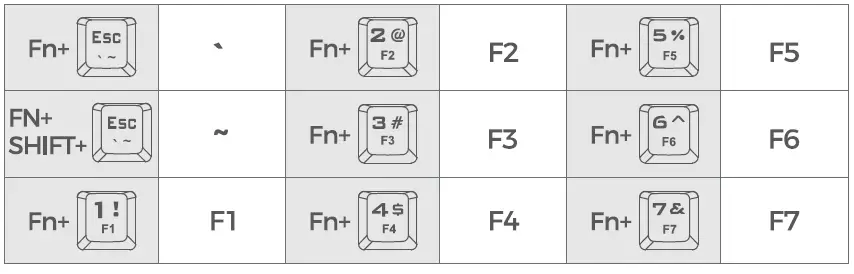
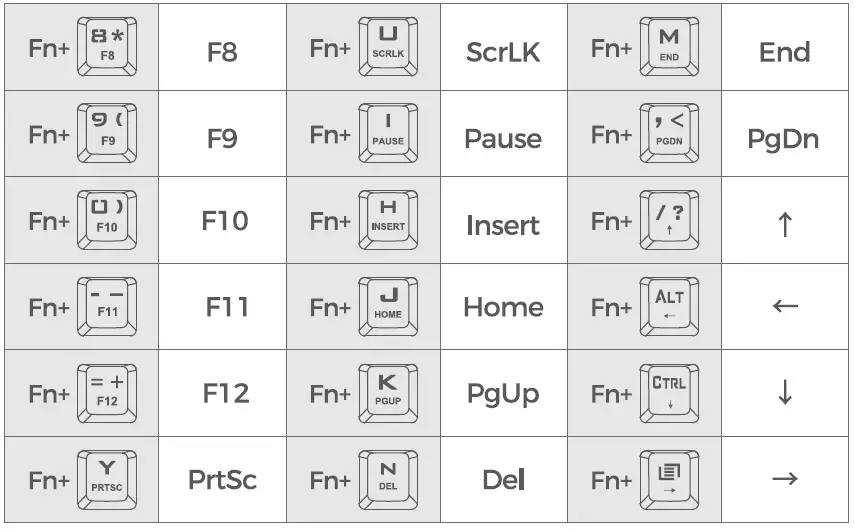
BACKLICHT CONTROL INSTRUCTION
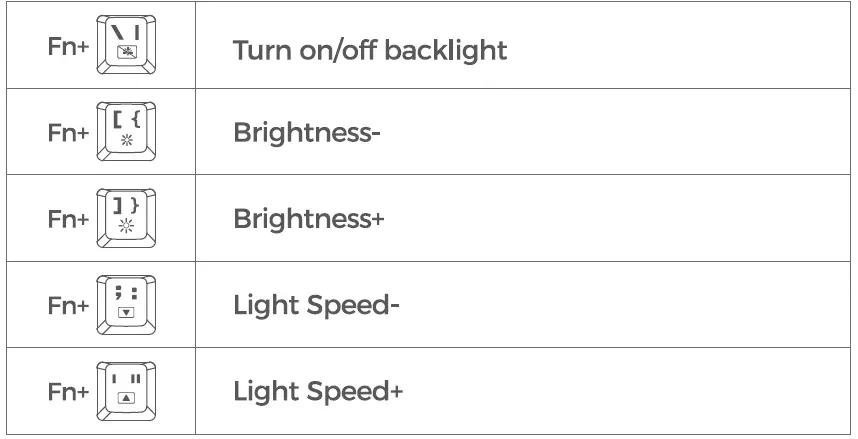
CUSTOMIZE LICHT MODE
- Support customizing backlight Press FN and Backspace keys to enter customizing backlight mode.
- Press FN and Backspace keys again to enter recording state and CAP key will flash to indicate.
- Under recording state, press any key to customize backlight Press FN and Backspace keys to save lighting effect.
NOTE
If you encounter any product issue. you can contact our customer service for help. (Email: [email protected])
CORRECT DISPOSAL OF THIS PRODUCT
( Waste Electrical & Electronic Equipment ) This Marking shown on the product or its literature, indicate that it should not be disposed with other – household wastes at the end of its working life. To prevent possible harm to the environment or human health from uncontrolled waste disposal, please separate this from other types of wastes and recycle it responsibly to promote the sustainable reuse of material resources.Household user should contact either the retailer where they purchased this product, or their local government office, for details of where and how they can take this item for environmentally safe recycling. Business users should contact their supplier and check the terms and conditions of the purchase contact. This product should not be mixed with other commercial wastes for disposal.
FCC STATEMENT
Any Changes or modifications not expressly approved by the party responsible for compliance could void the user’s authority to operate the equipment. This device complies with part 15 of the FCC Rules. Operation is subject to the following two conditions:
- This device may not cause harmful interference, and
- this device must accept any interference received, including interference that may cause undesired operation.
Note: This equipment has been tested and found to comply with the limits for a Class B digital device, pursuant to part 1 S of the FCC Rules. These limits are designed to provide reasonable protection against harmful interference in a residential installation. This equipment generates uses and can radiate radio frequency energy and. if not installed and used in accordance with the instructions. may cause harmful interference to radio communications. However, there is no guarantee that interference will not occur in a particular installation. If this equipment does cause harmful interference to radio or television reception. which can be determined by turning the equipment off and on. the user is encouraged to try to correct the interference by one or more of the following measures:
- Reorient or relocate the receiving antenna.
- Increase the separation between the equipment and receiver.
- Connect the equipment into an outlet on a circuit different from that to which the receiver is connected.
- Consult the dealer or an experienced radio/TV technician for help.