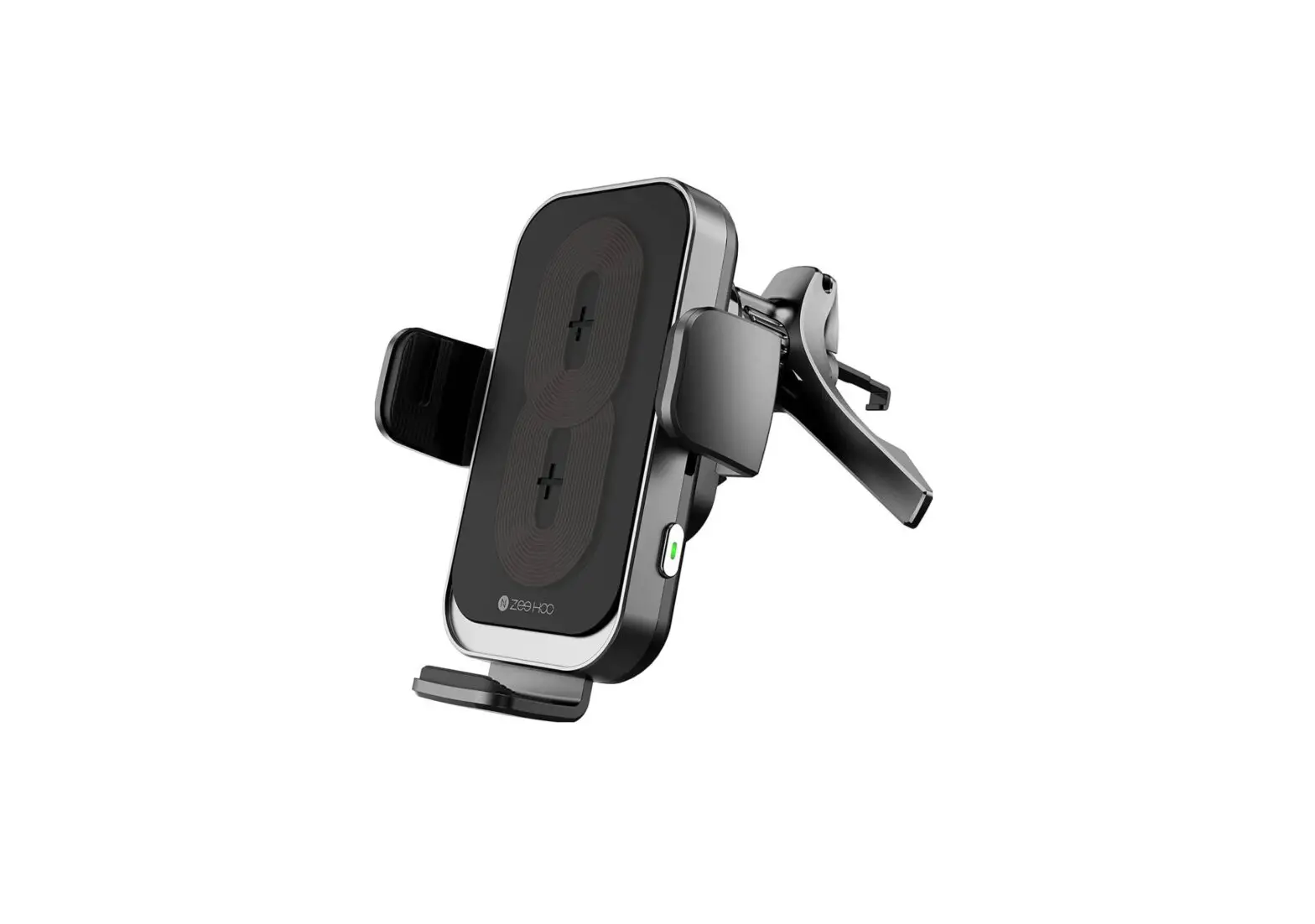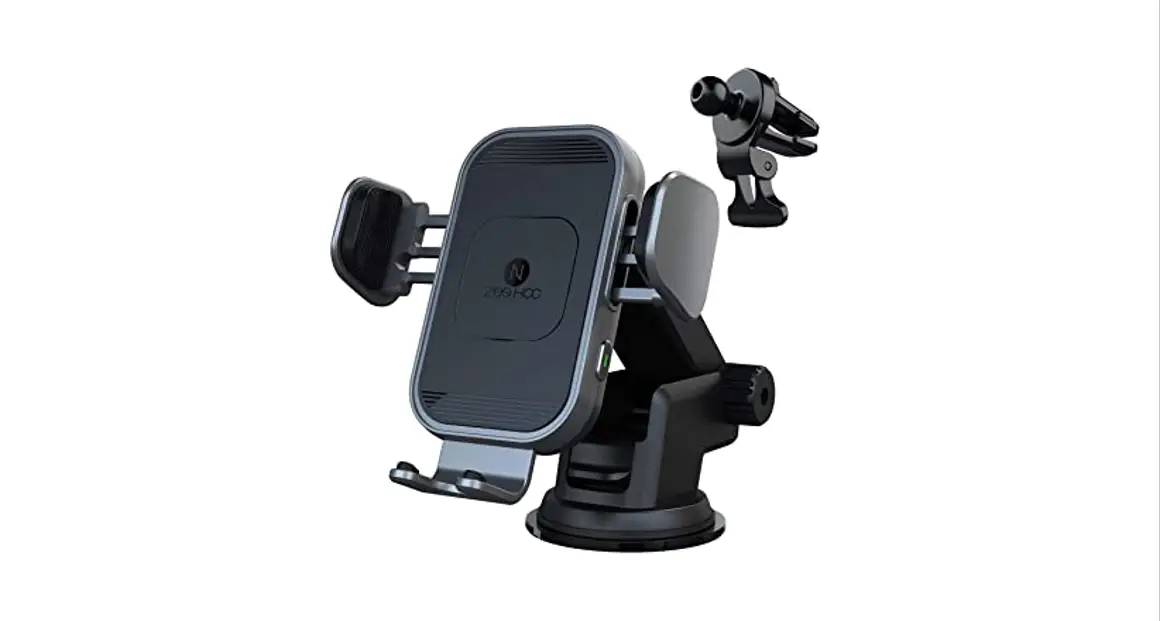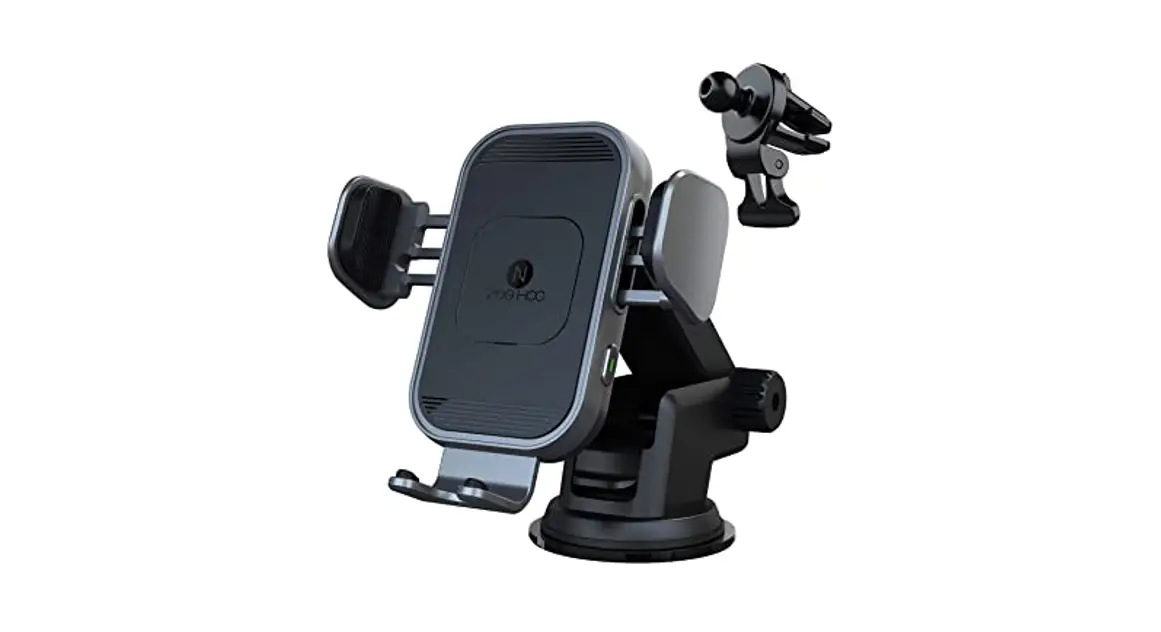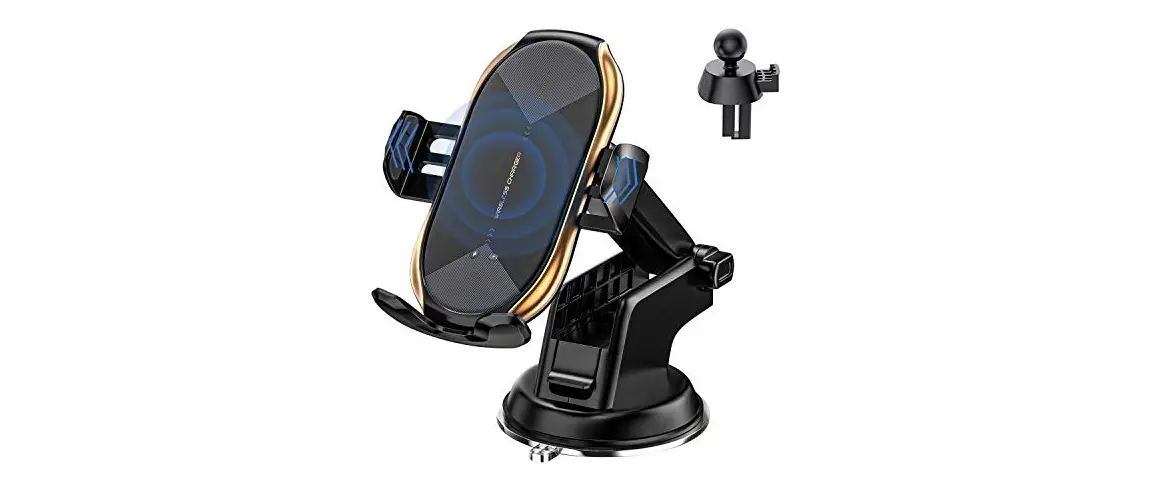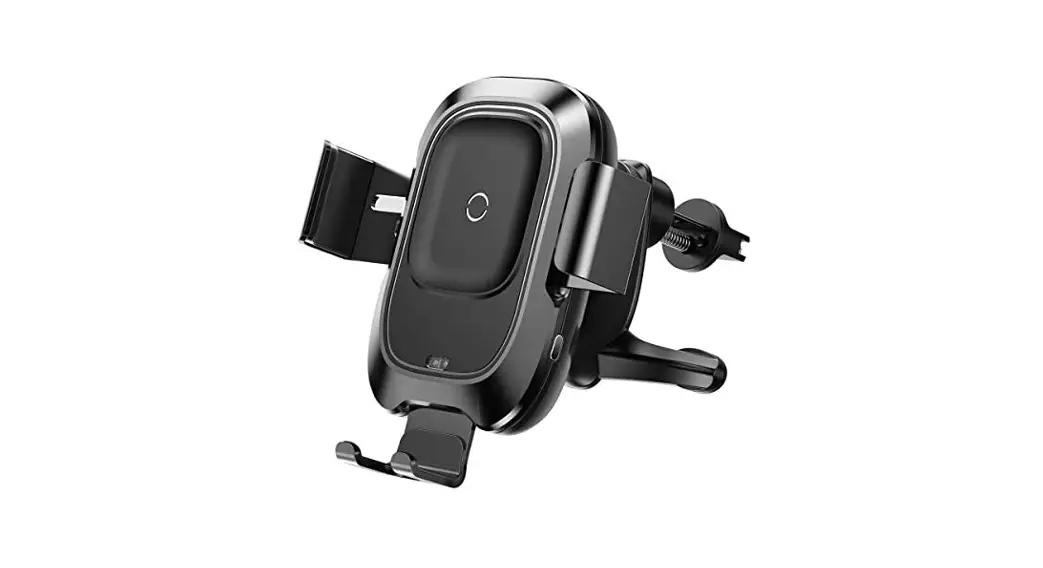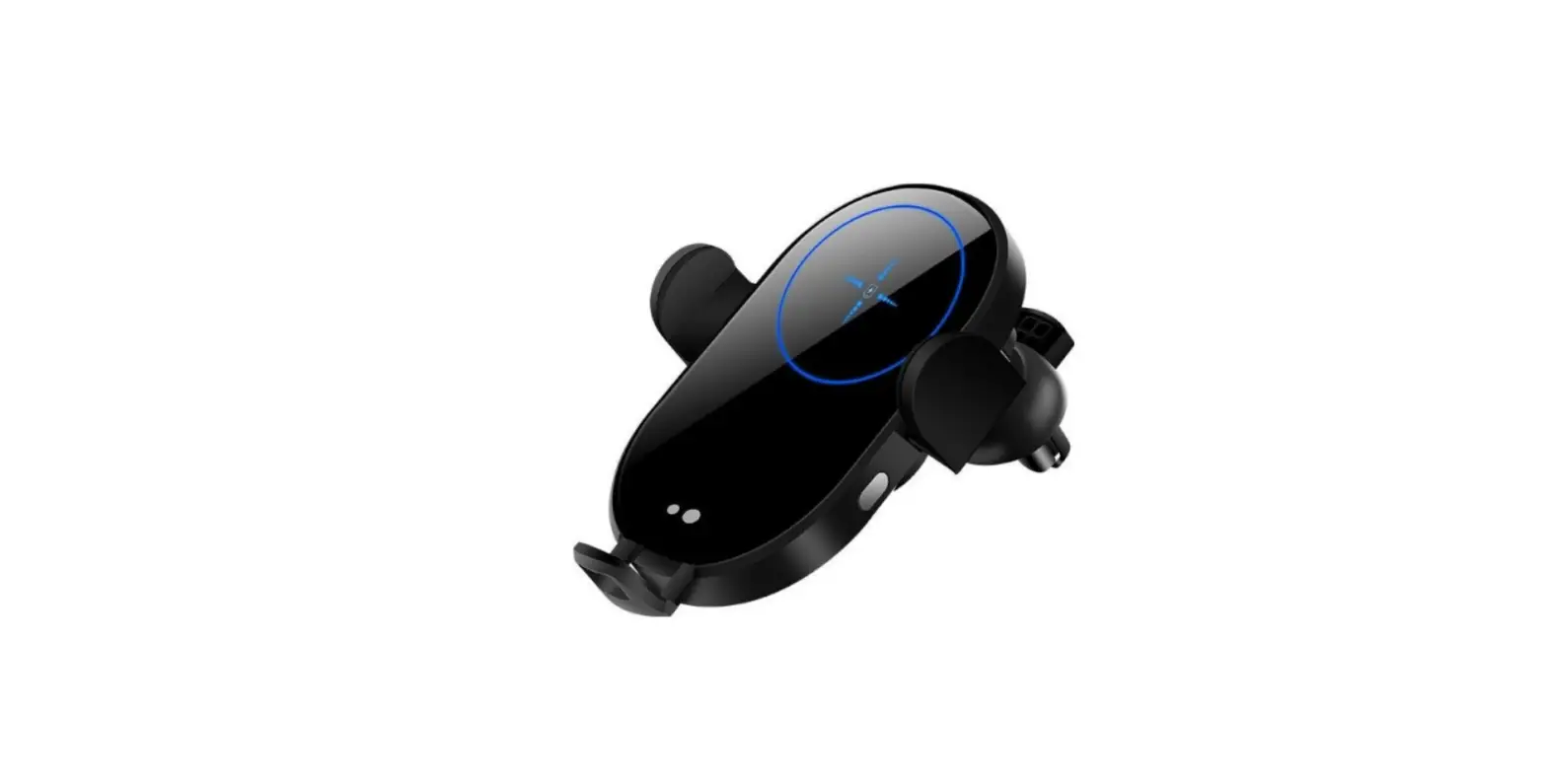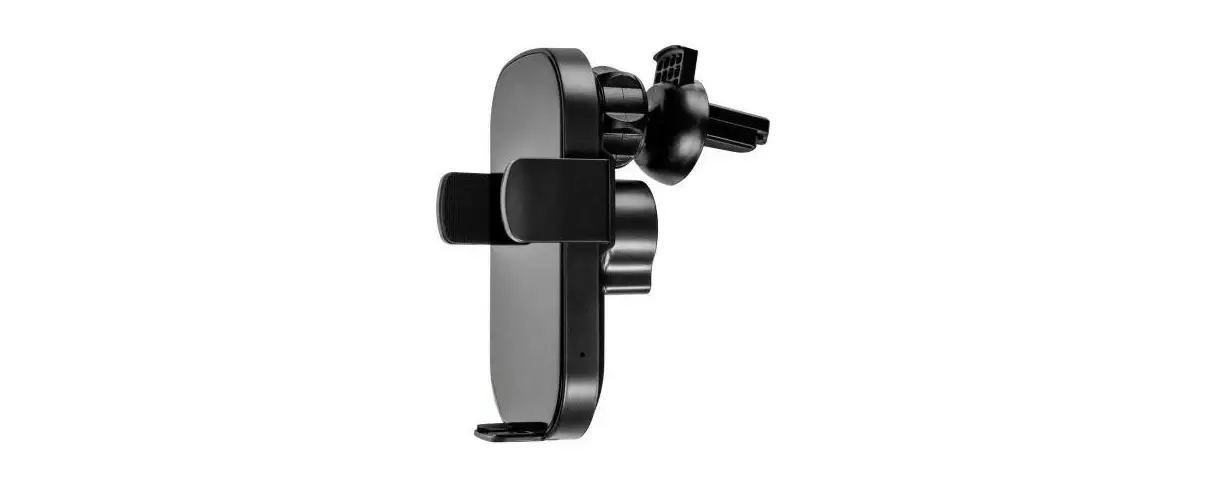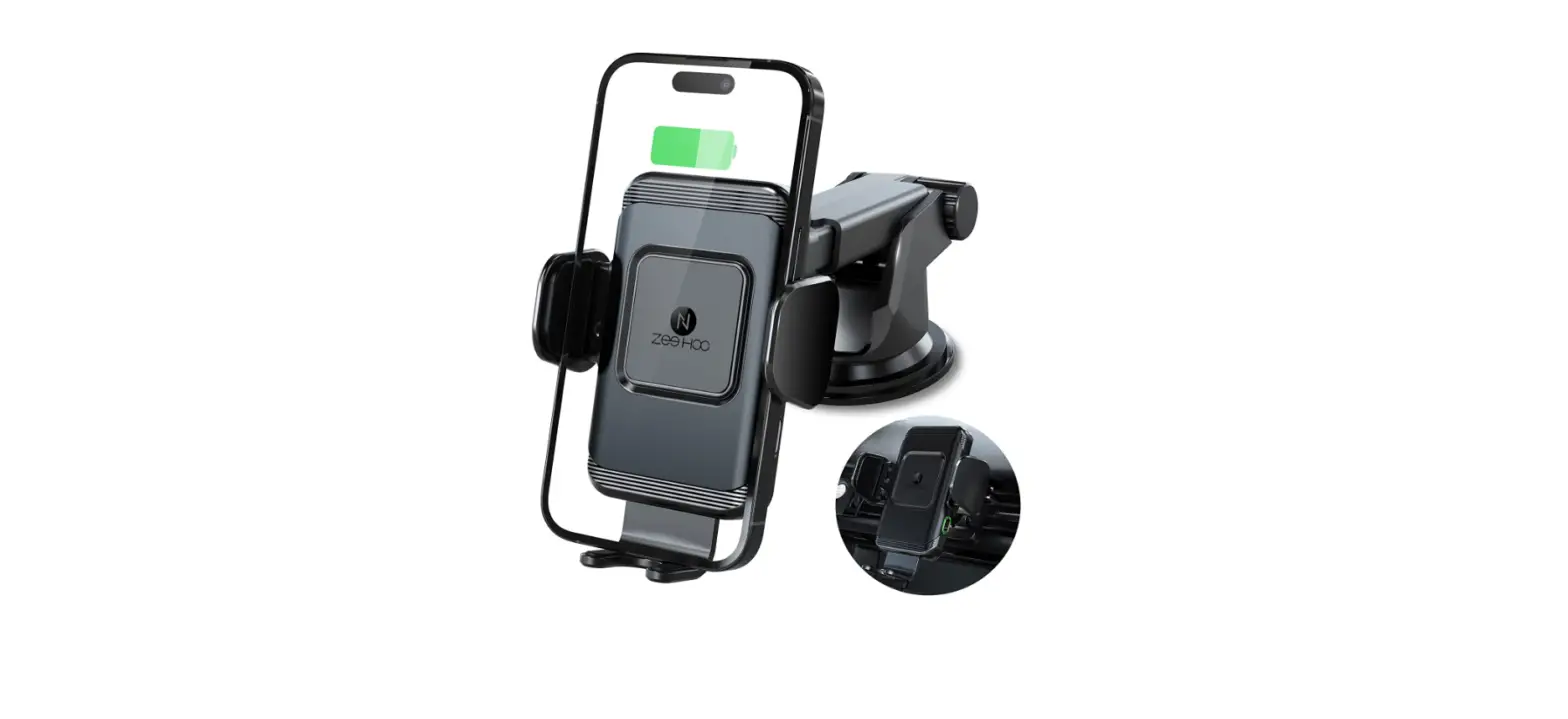
 ZeeHoo PowerDrive Cc70 Wireless Car Charger
 ZeeHoo PowerDrive Cc70 Wireless Car Charger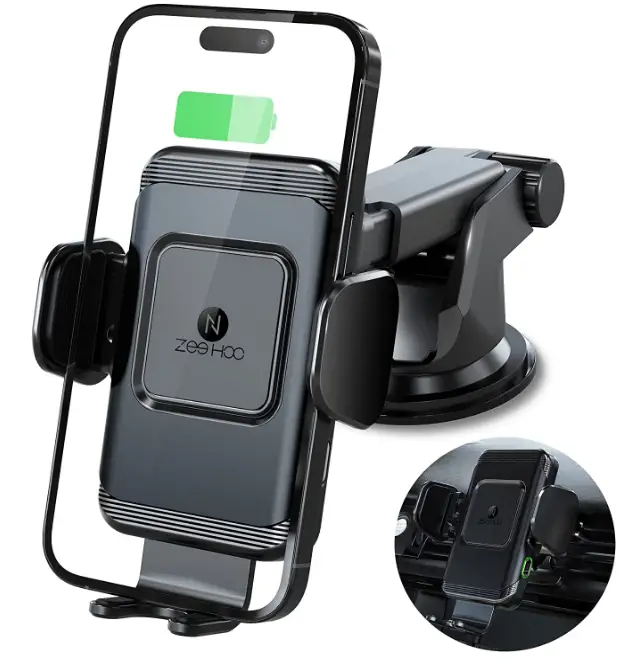
MATTERS NEEDING ATTENTION
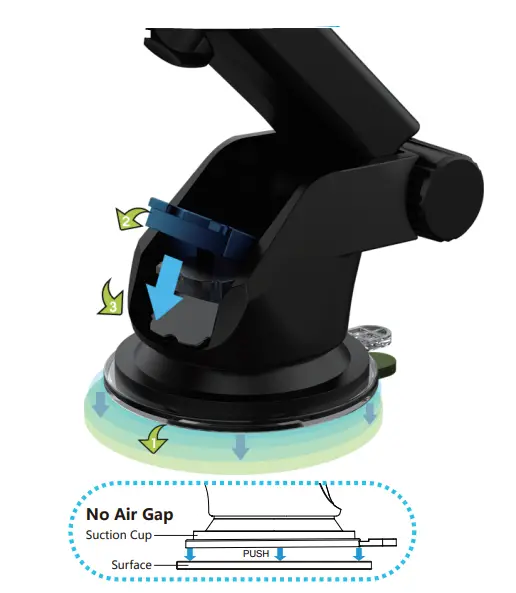
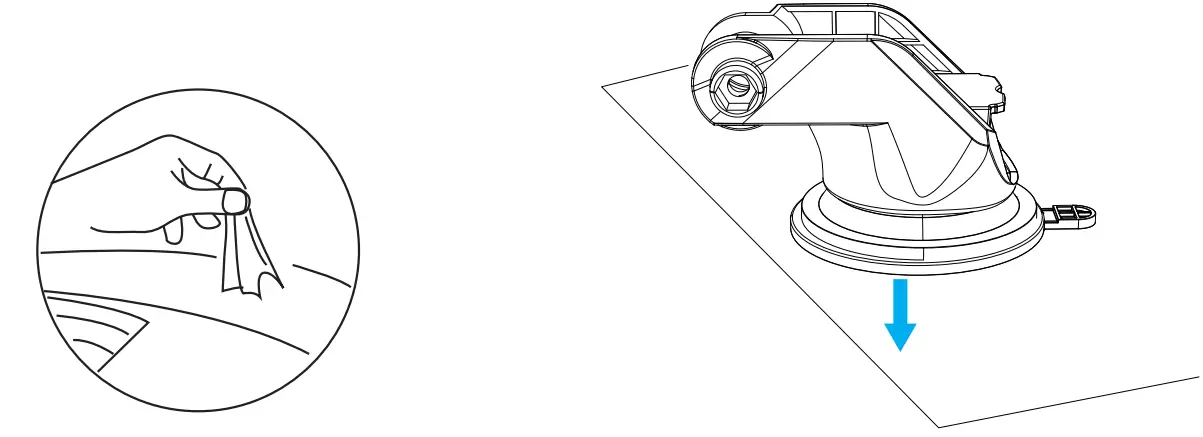
- Clean the dashboard/ windshield and peel the protective film from the suction cup bottom.
- Push the suction cup harder against the dashboard/ windshield surface ( flat surface prefered) and then pull the locker twice to the bottom to ensure the stability.
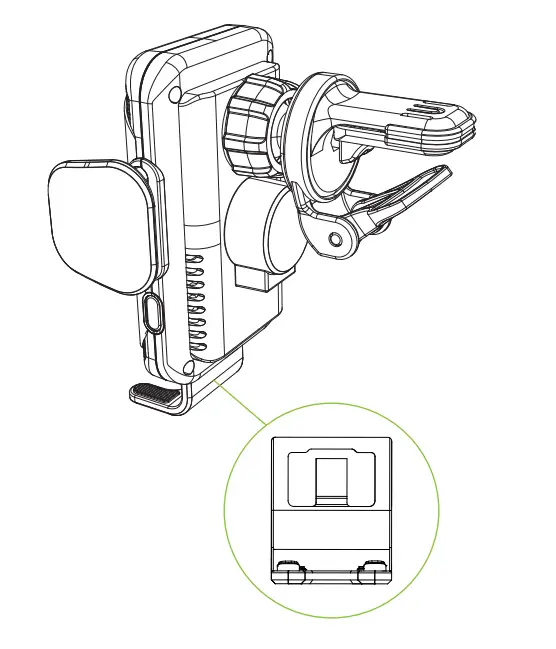
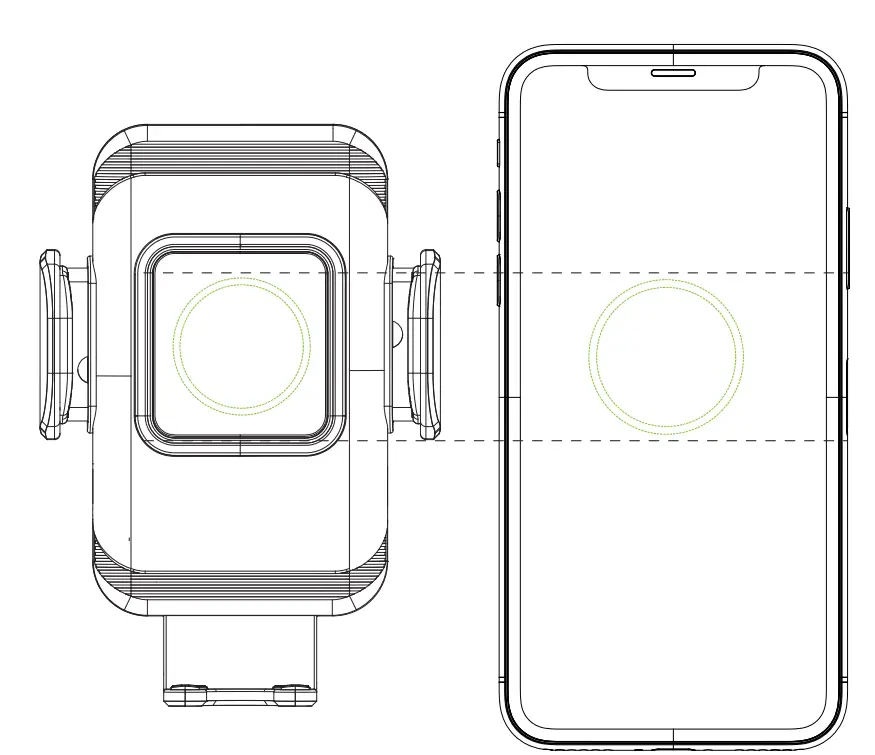
Adjust the bottom tray to align coil for optimal charging performance.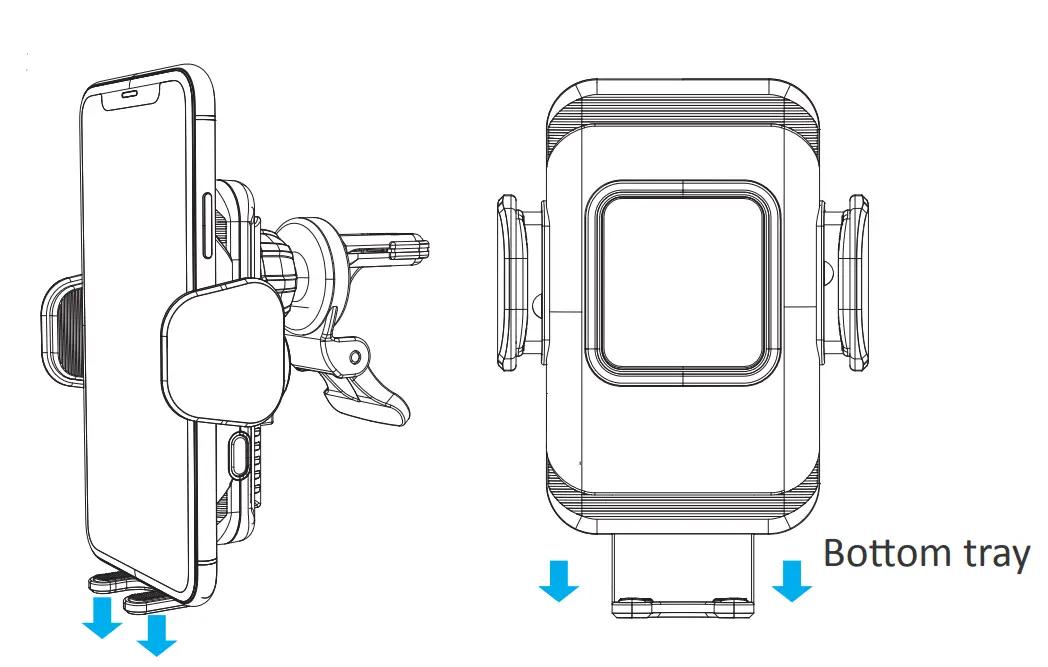
IMPORTANT
If your phone wears a case, please adjust the bottom tray to the appropriate area for wireless charging, otherwise it may cause the charging to stop or repeat the power-off charging phenomenon. During use, please make sure that the charger will not be powered off (like the adapter loose), otherwise the automatic arm will open automaticallv, causing the phone to fall.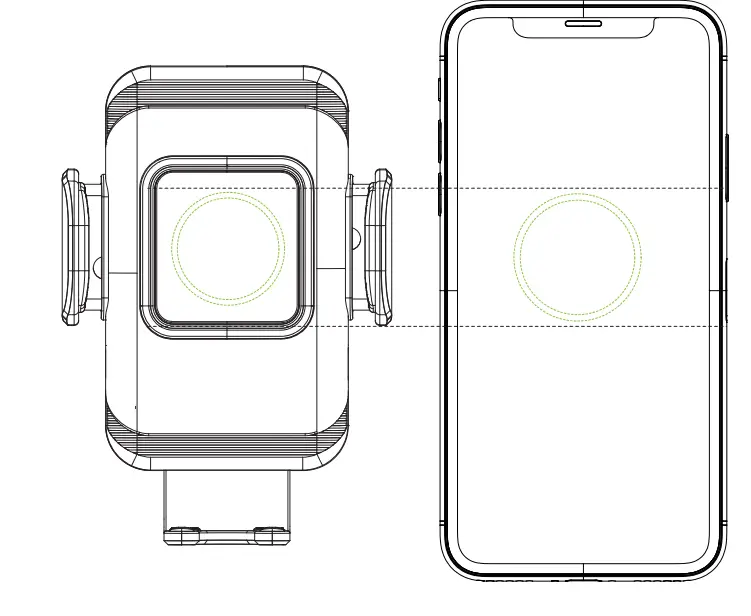
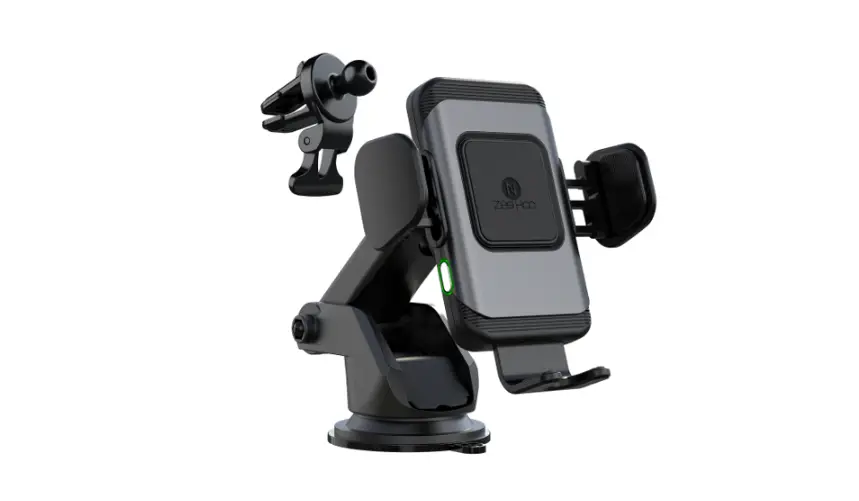
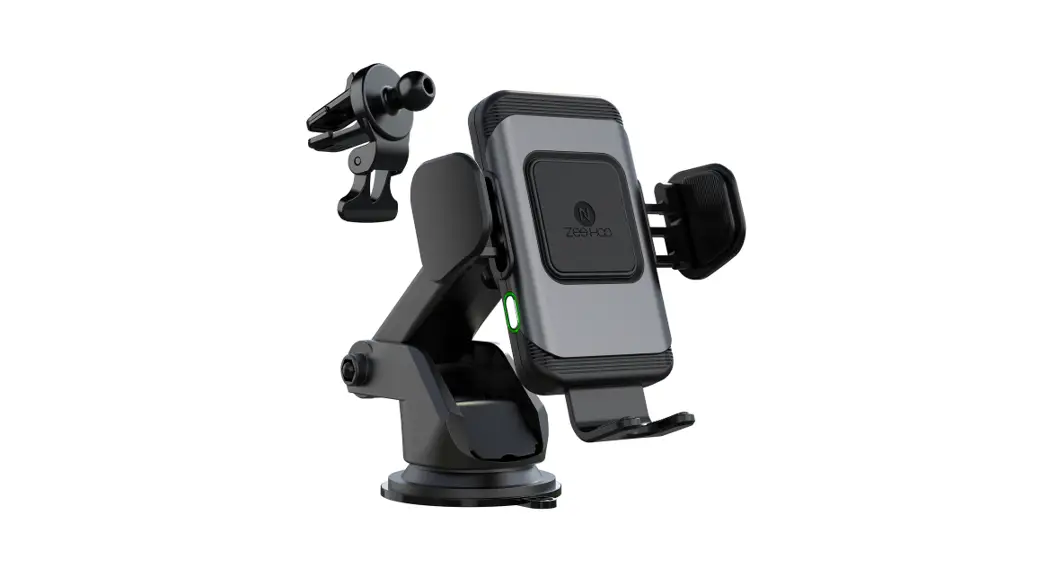
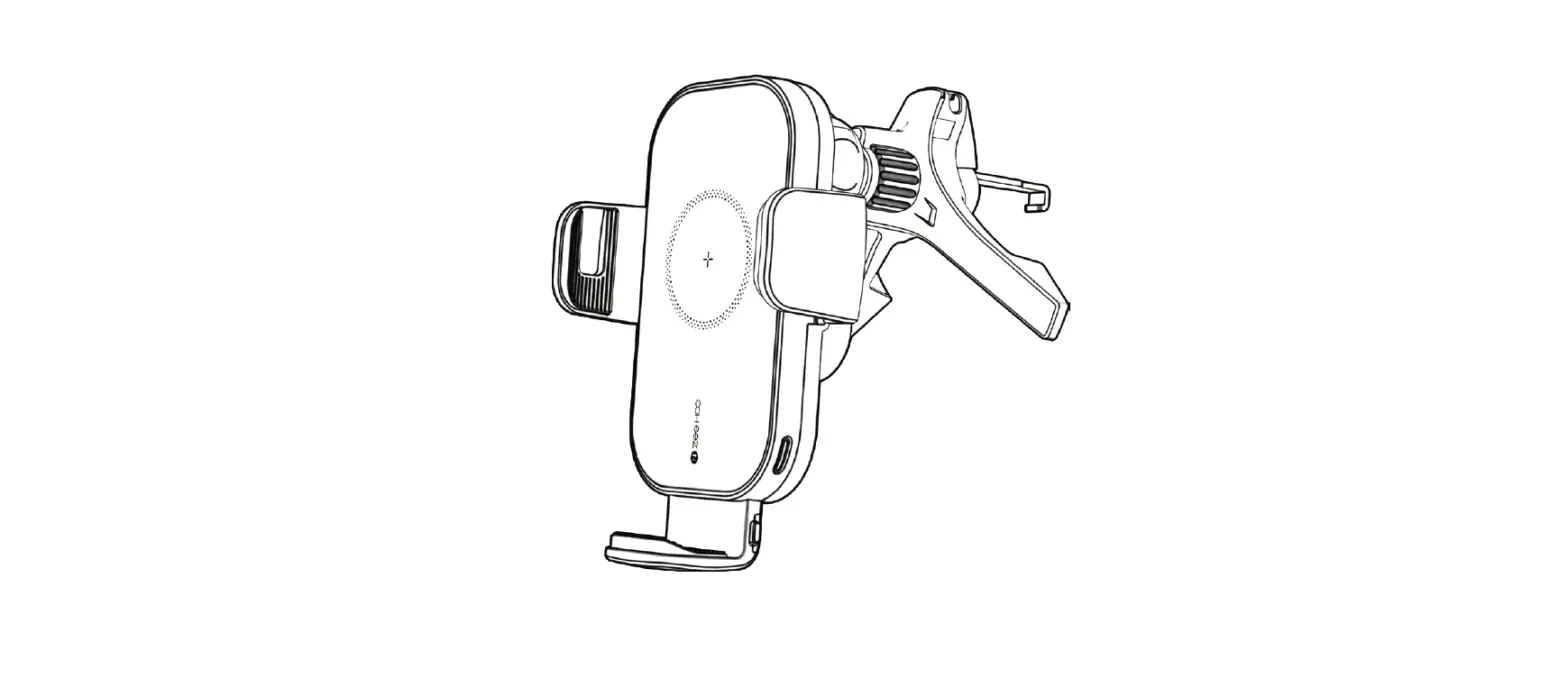
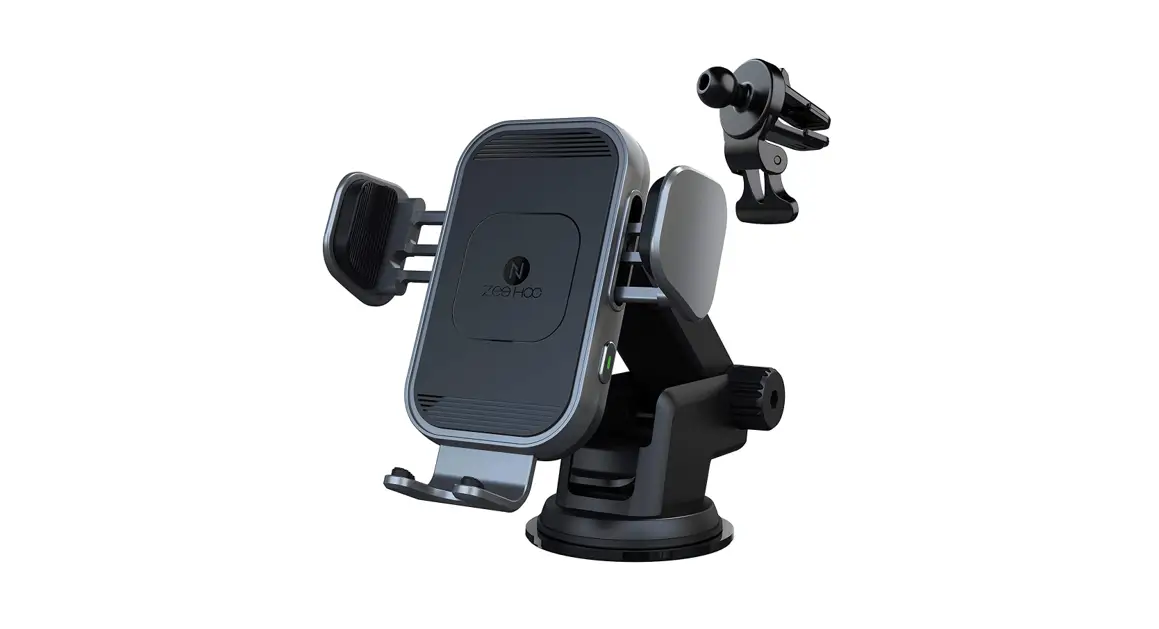
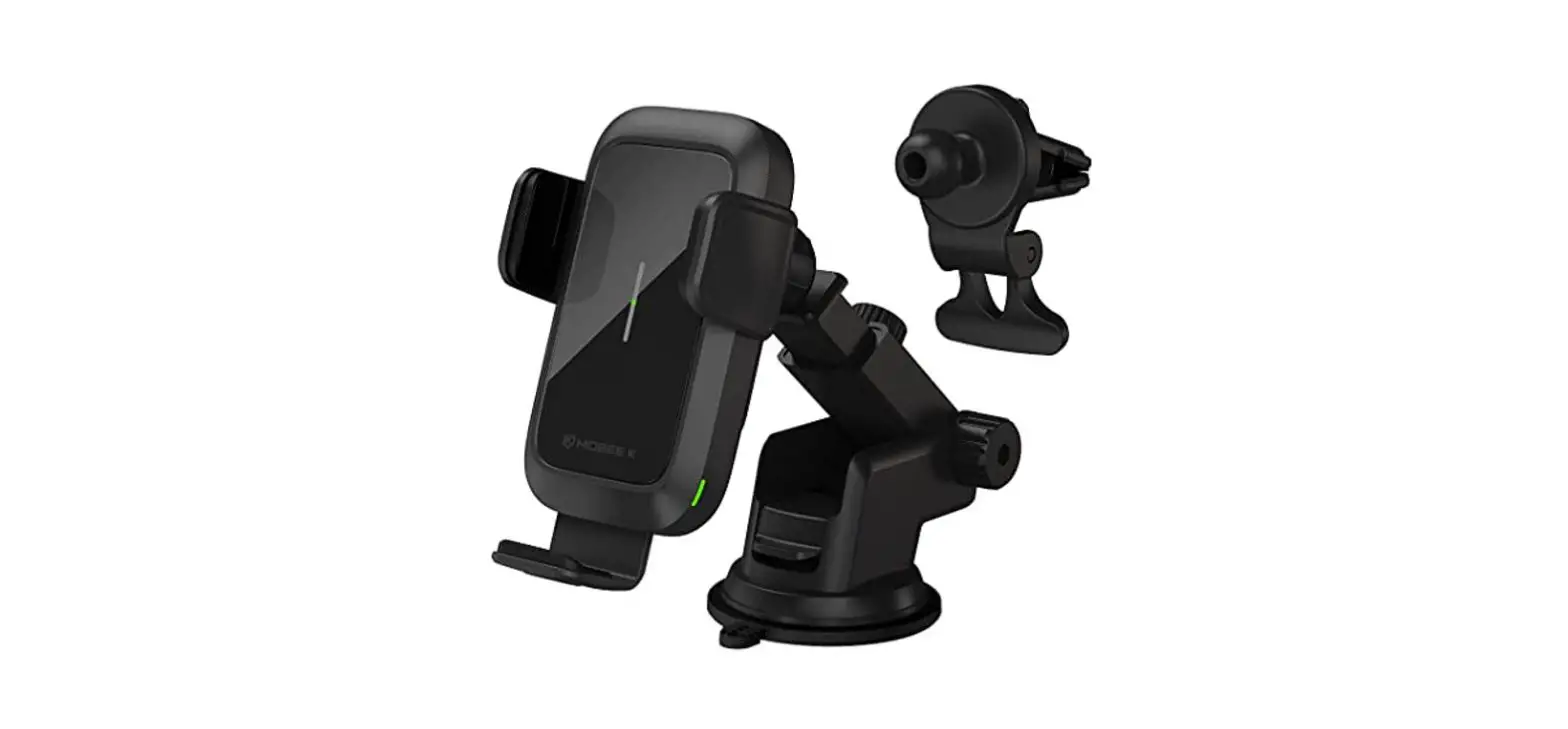
Product Overview

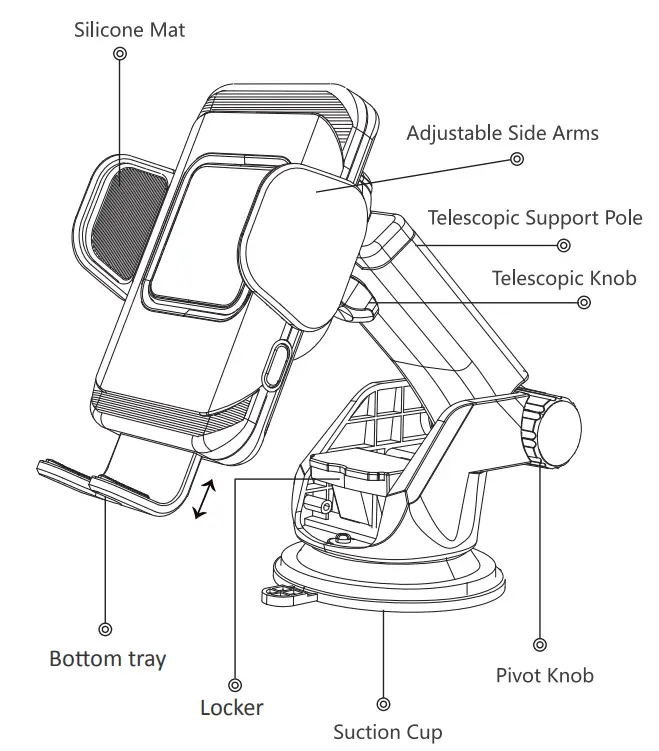
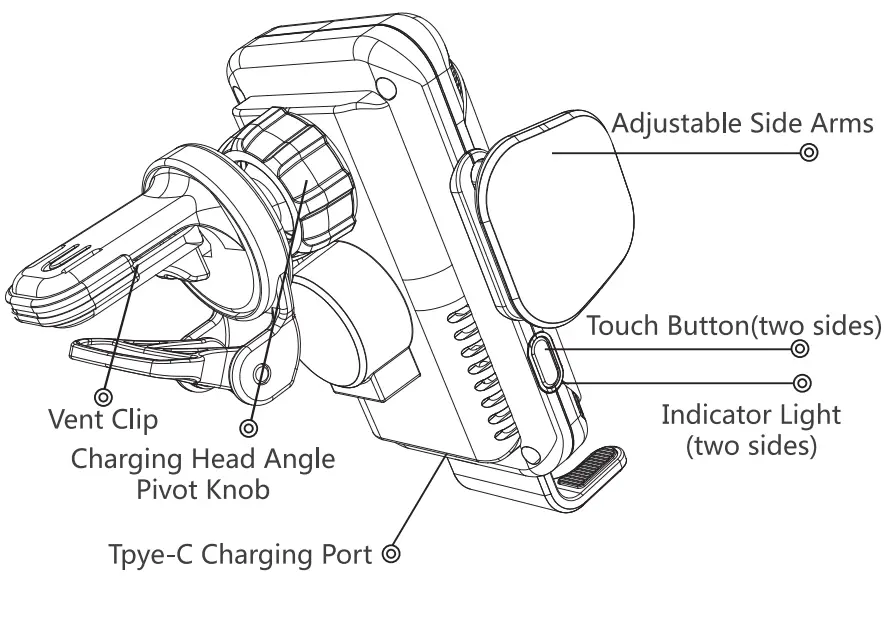
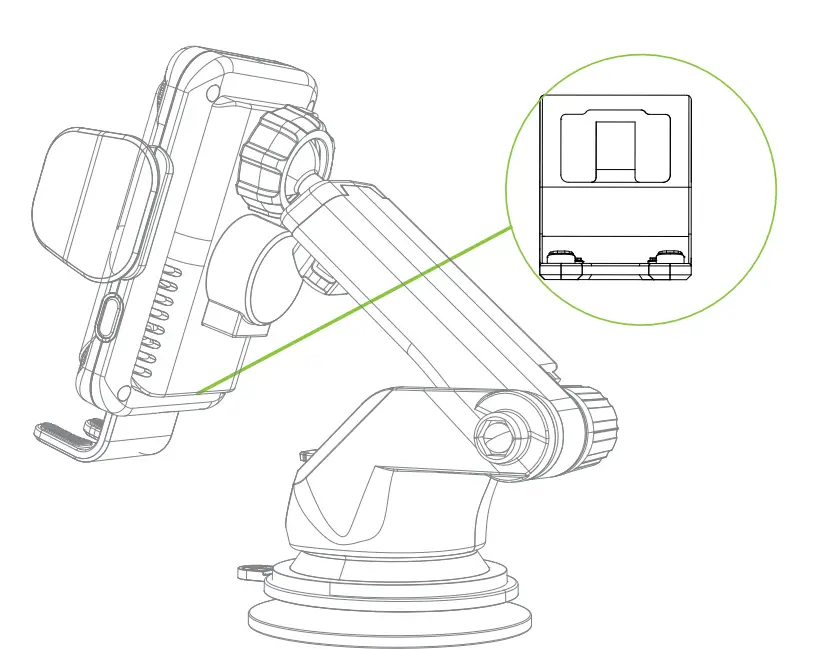
Installing Your ZEEHOO Wireless Car Mount Charger
Installing Your Car Mount Holder
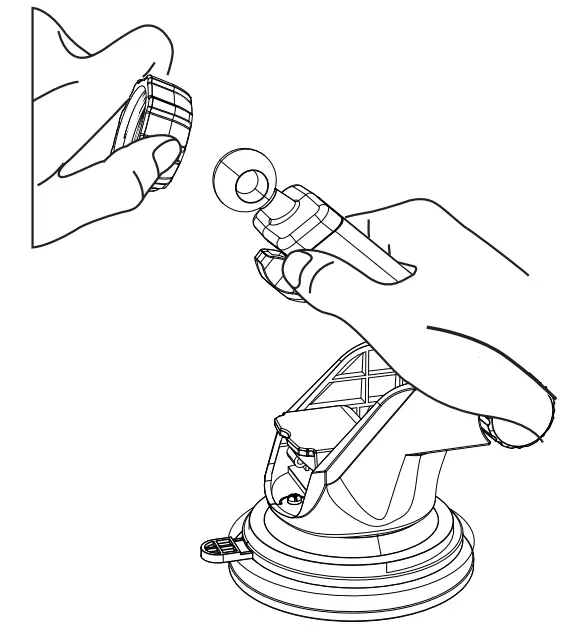
- Unscrew the nut, let ball go through the nut

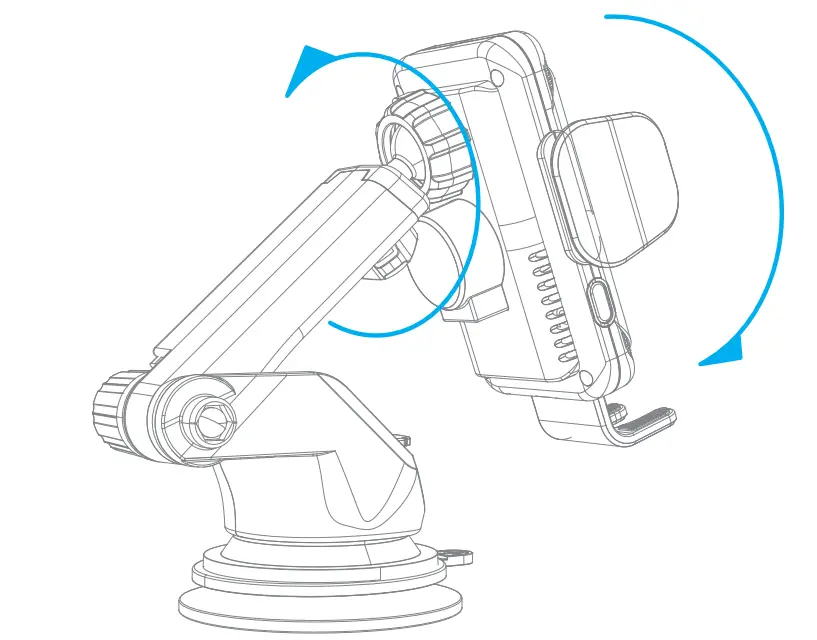
- Fasten the nut into the spherical top and push the nut forcibly into the round hole, adjust the car mount to the optimal viewing angle, then tighten the nuts to secure

- Clean the dashboard and mount the suction cup on the dashboard. Please push the suction cup harder against the dashboard and push the locker to the bottom

- Adjust the bottom tray to align coil, then plug in the type C charging cable to connect the car mount to a car charger

Mounting Your Smartphone
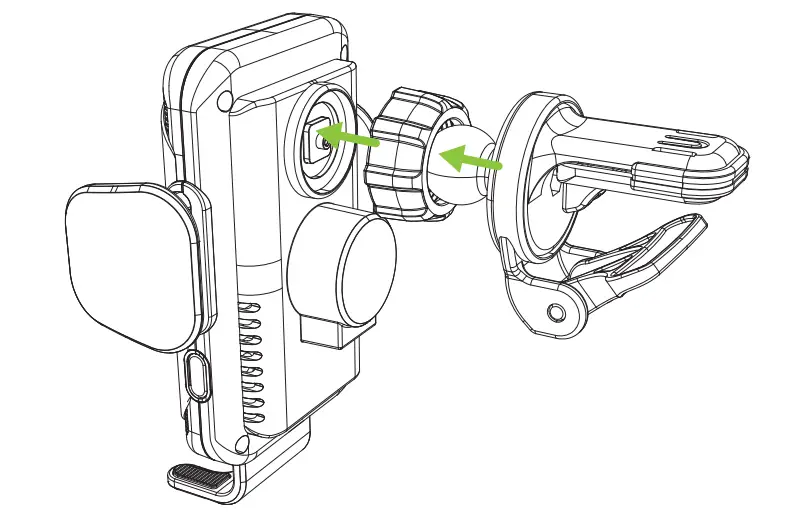
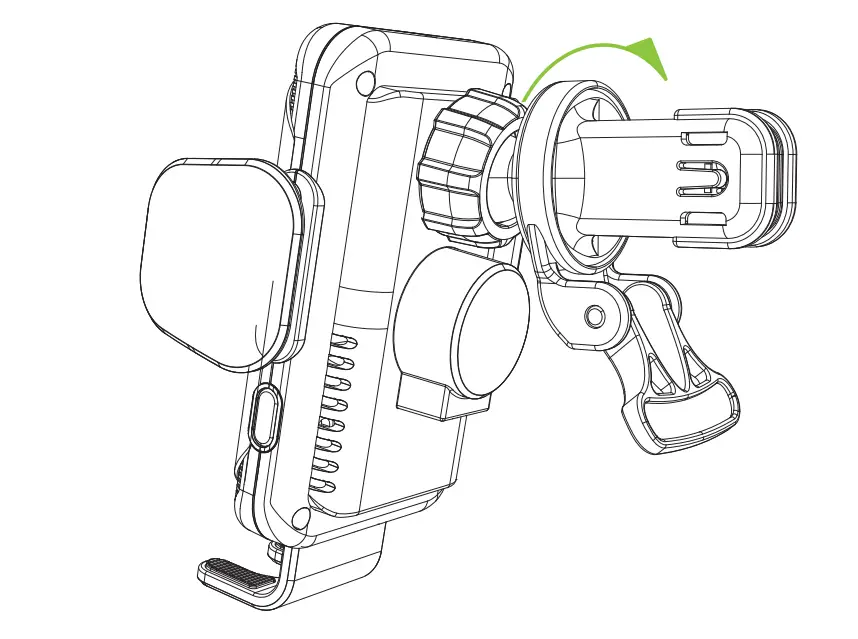
- Unscrew the nut, let the ball go through the nut.

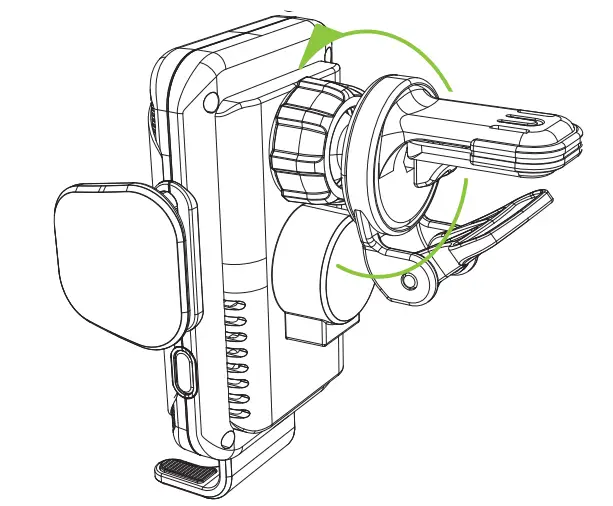
- Fasten the nut into the spherical top and push the nut forcibly into the round hole, then tighten the nut to secure it.

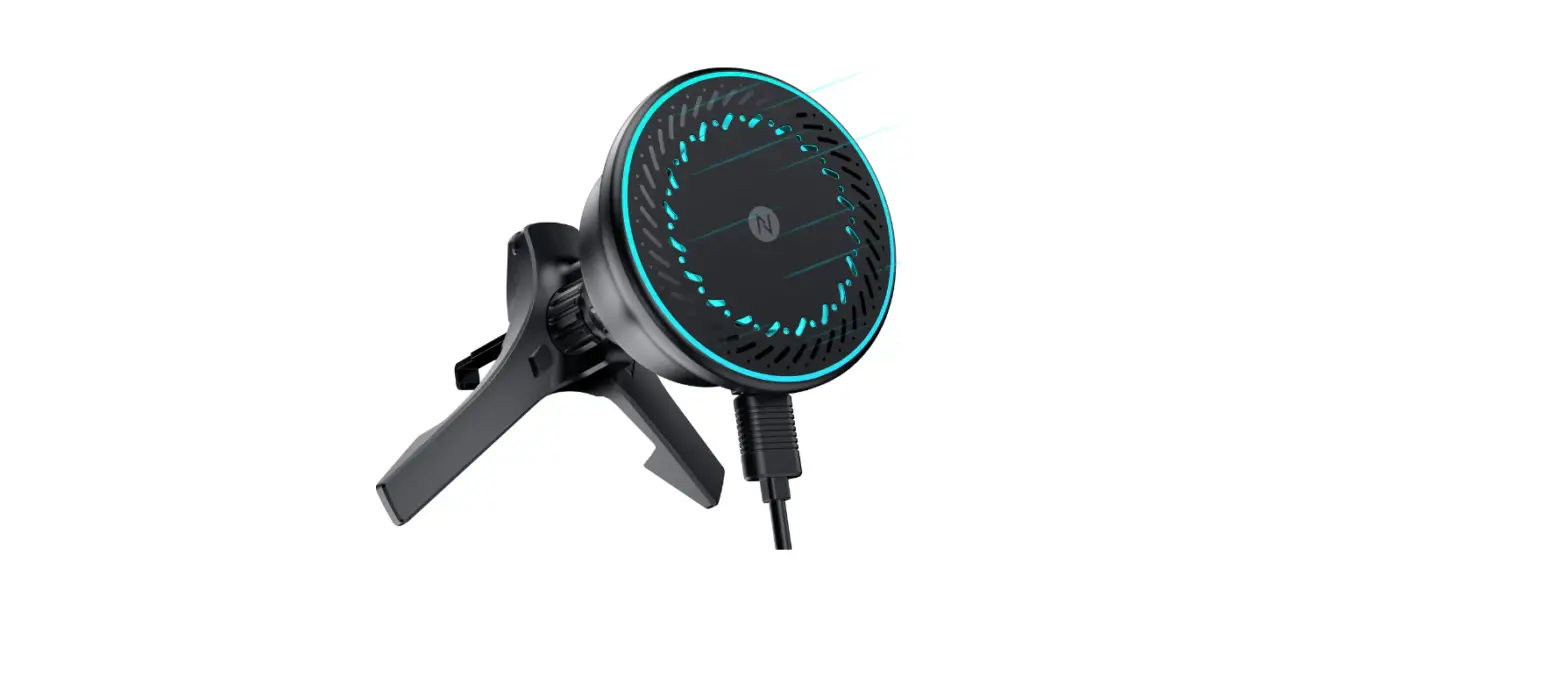
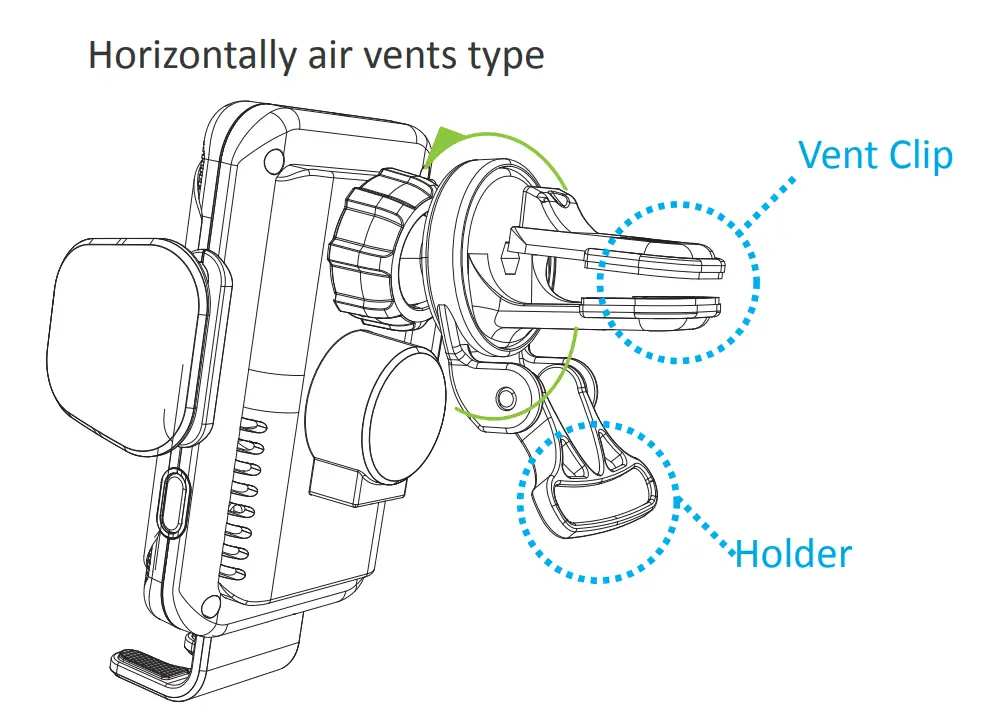
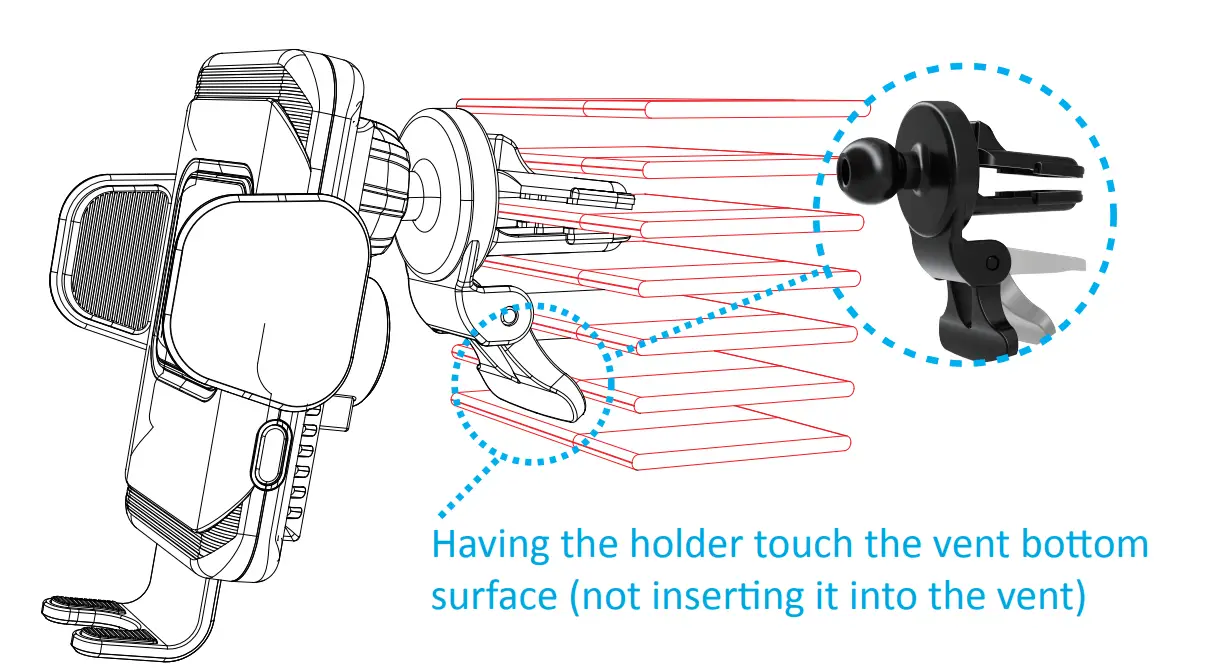
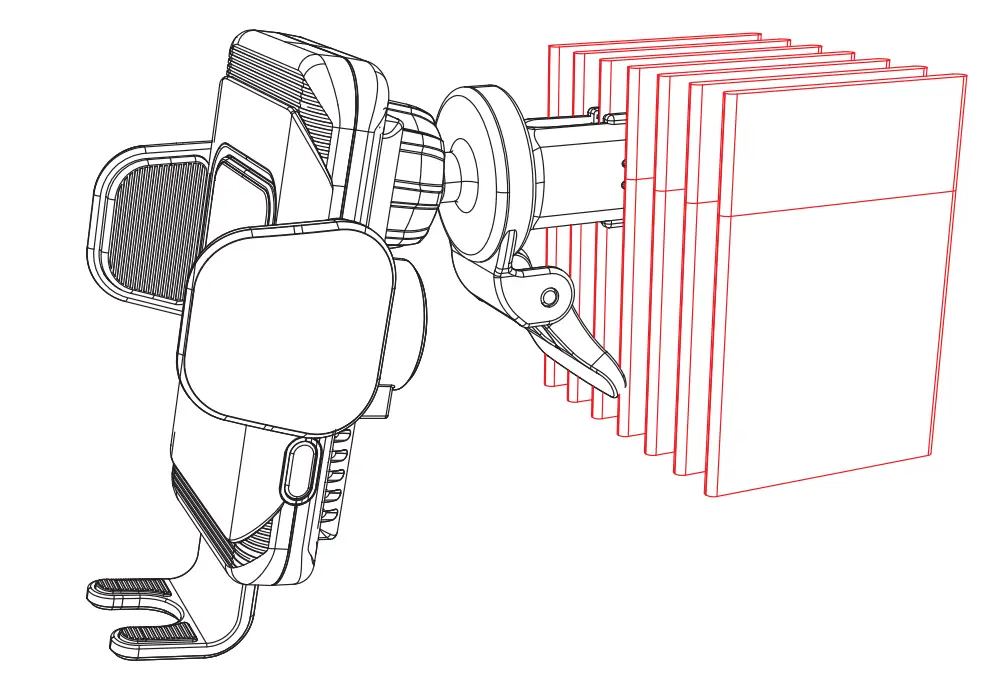
- Insert the adjustable claw into your car’s air vent, adjust the car mount to the optimal viewing angle make sure the claw is inserted securely in position. Adjust the Vent Clip Horizontally/Vertically at a proper angle to match the air vents, having the holder touch the vent bottom surface (not inserting it into the vent) so it can form a triangle position, then press and hold the Clip to insert into your car’s air vents making the claw more stable to hold your phone.
Horizontally air vents type

Vertically air vents type
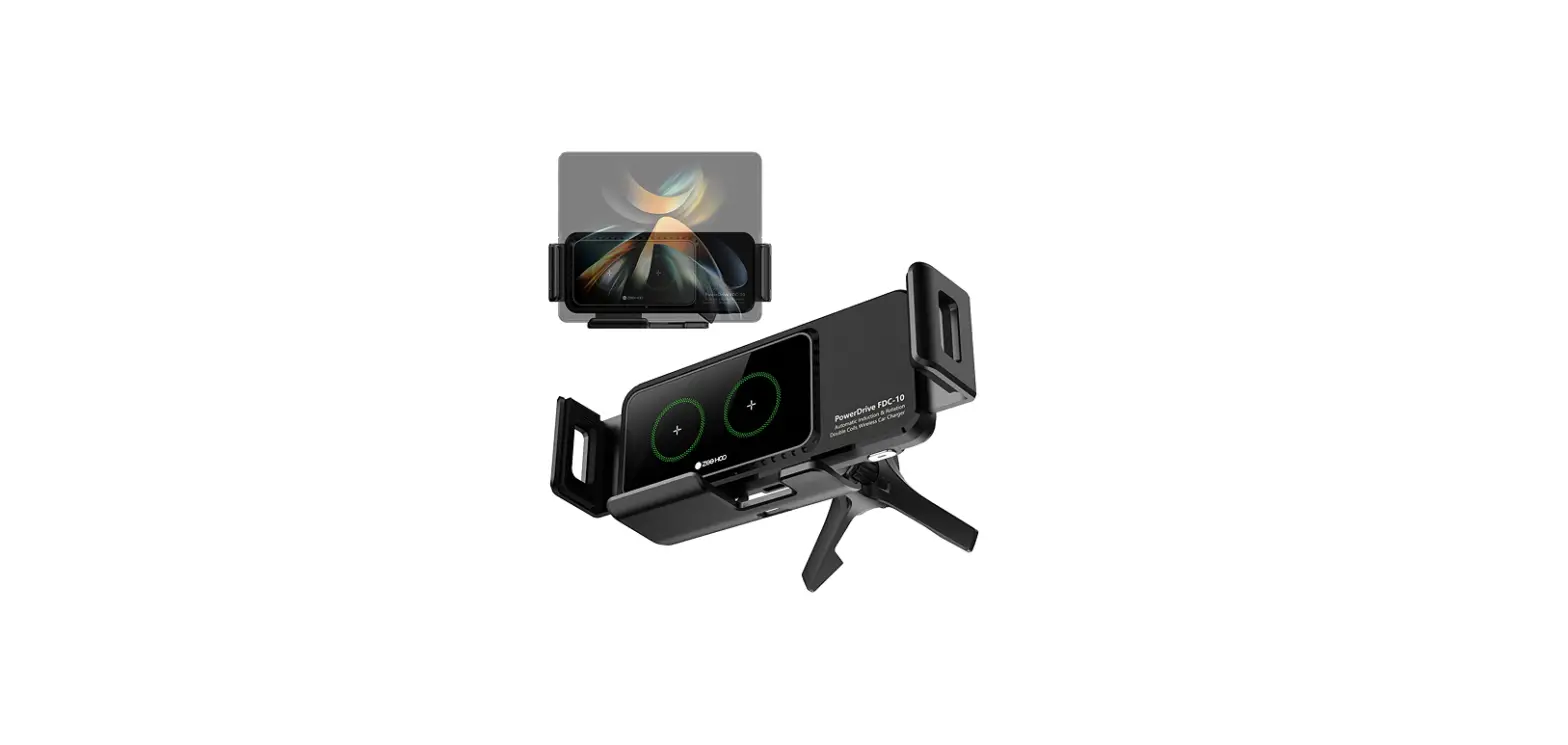
 Placing the car mount horizontally or vertically
- Adjust the bottom tray to align coil, then plug in the type C charging cable to connect the car mount to a car charger

Note: For optimal charging performance, align the smartphone with the Qi coil on the center of the car mount. If there is no grade scale for your smartphone or your phone has a protective cover, you can slightly adjust the bottom tray to align the smartphone with the Qi coil
 Placing the car mount horizontally or vertically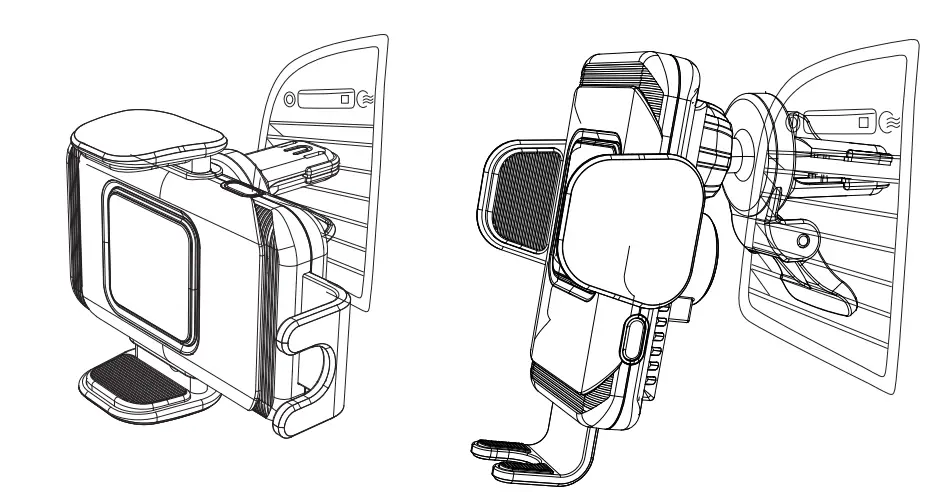
Charging Your Smartphone Wirelessly
- Mount your smartphone in your desired location
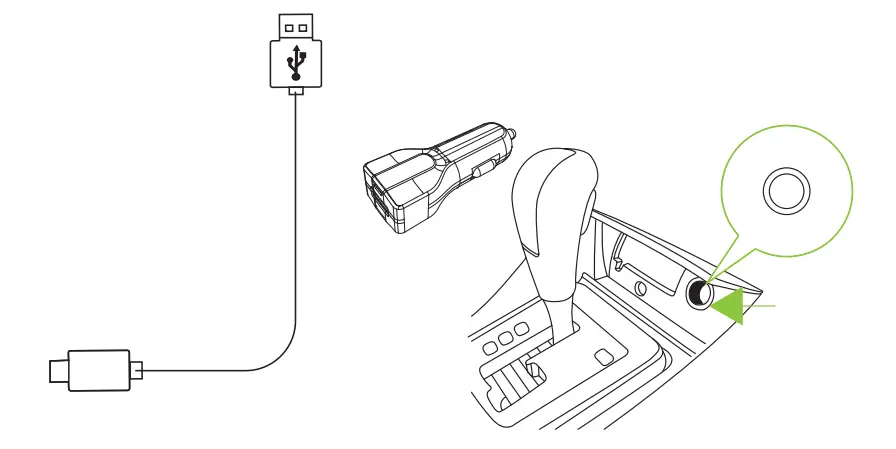
- Use the USB-C cable to connect the car mount to a car charger

Note: Wireless charging function is sensitive to temperature.
The in-car high temperature may pause charging or slow down the charging speed, so it is recommended to turn on the air conditioner in your car to avoid overheating If the LED indicator turns off, it indicates this product is overheated.
The car mount charger will automatically turn off to let it cool down before resuming charging. For 10W, 7.5W fast charging mode, QC 3.0 car charger adapter is required as its power source.
Status LED
The LED indicator displays the status of the car mount charger.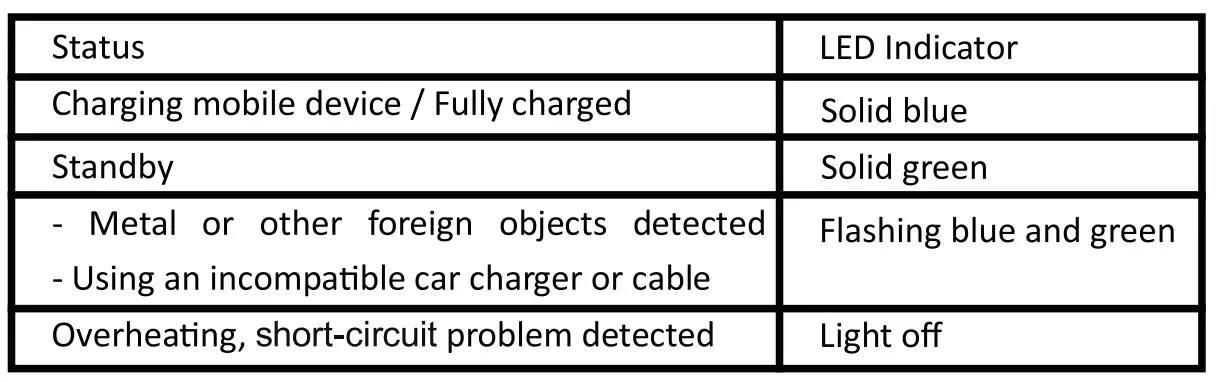
Compatibility
Before using this product, make sure your smartphone is compatible with Qj wireless charging technology.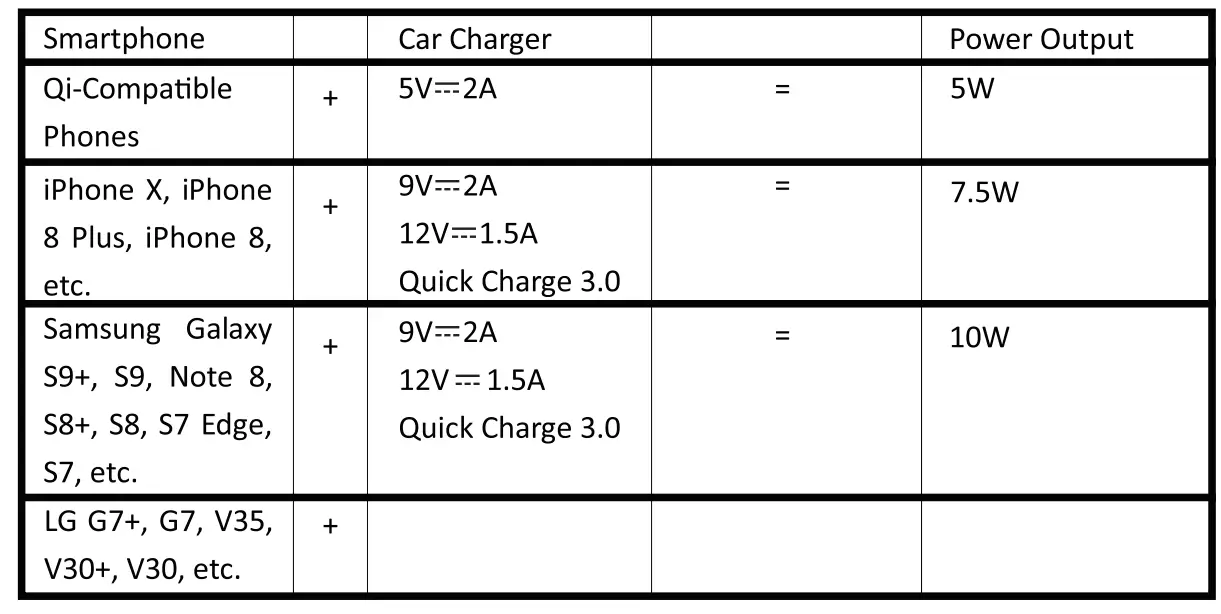
Compatibility Before using this product, make sure your smartphone is compatible with Qi wireless charging technology.
Specification
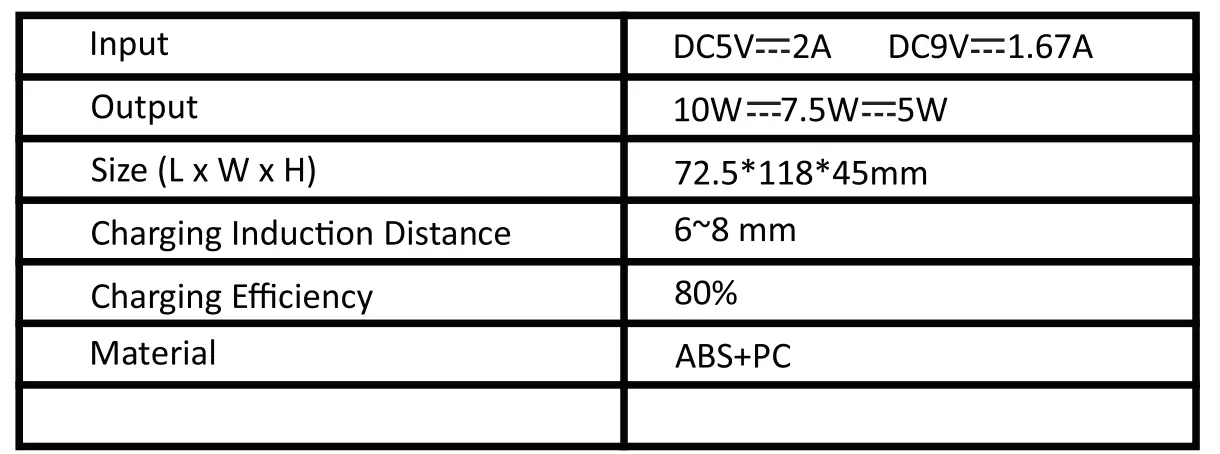
Important Safety Instructions
- Avoid dropping. *Do not disassemble.
- Do not expose to liquids. *For the safest and fastest charge, use original or certified cables.
- The maximum ambient temperature during the use of this product must not exceed 40°C.
- Open flame sources, such as candles, must not be placed on this product.
- Only use a dry cloth or brush to clean this product.
- Do not install it while driving.
To securely fasten the phone, touch the release button, as lillustrated.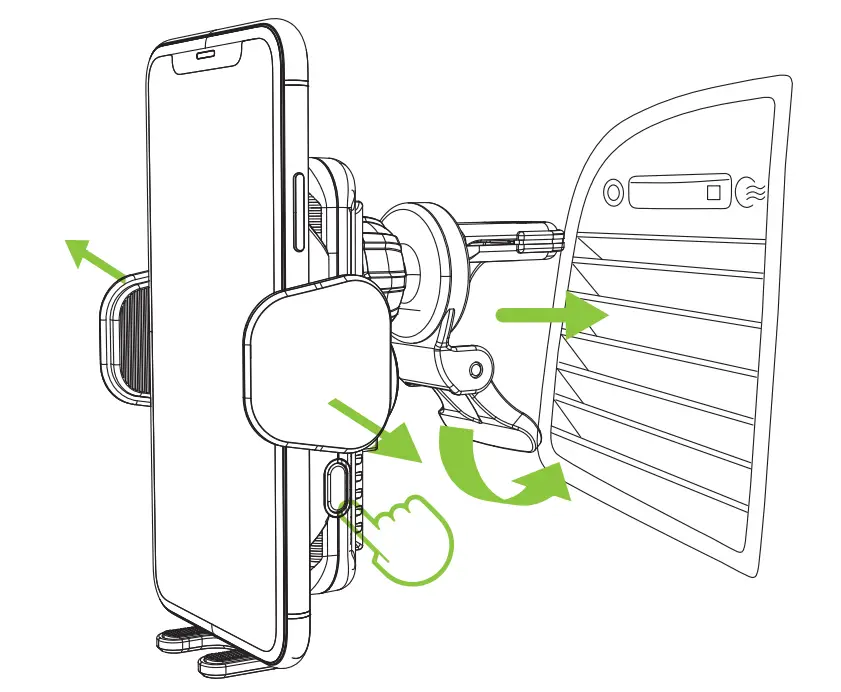
Non-intensive, arc-shaped, or retraction-type air vents are not supported. 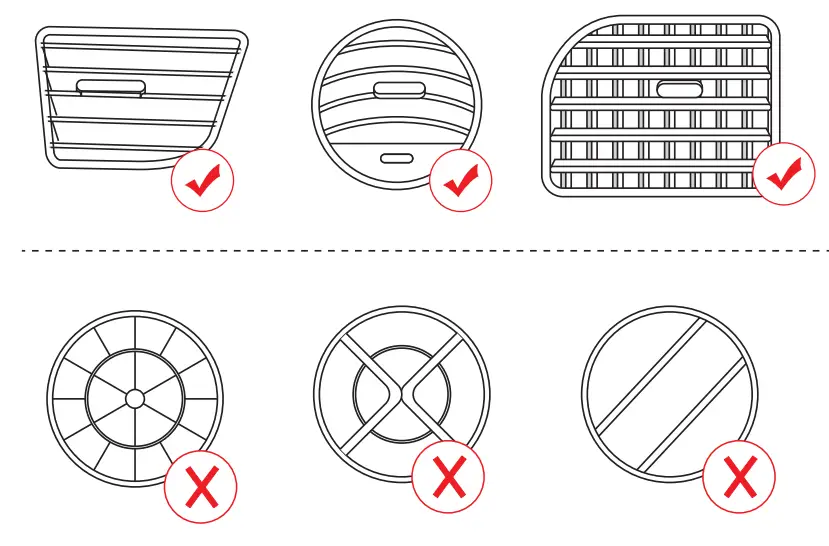
Do not place any foreign objects between your smartphone and the surface of the car mount, including metal objects, credit cards, door keys, coins, or NFC cards, as it may cause overheating.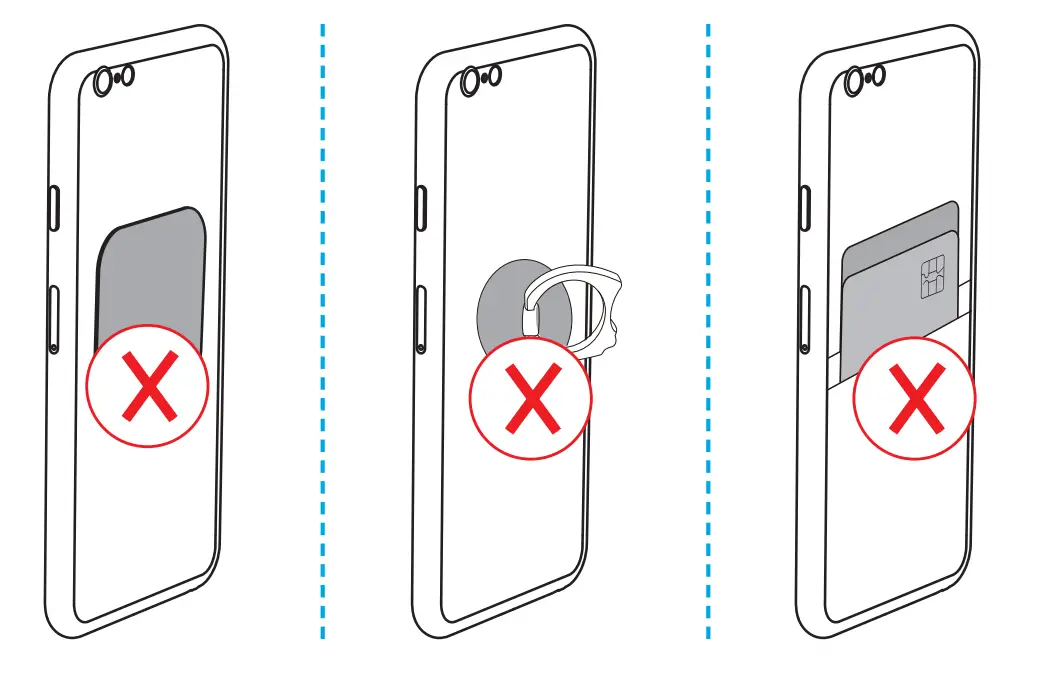
Using an ultra-thick protective phone case is not recommended as it may affect the wireless charging function.
Thank you for purchasing a ZeeHoo product. Our goal is to make sure that you are completely satisfied with your purchase. Please contact us at any time 24/7/365 if you have any questions, Concerns or need to submit warranty request [email protected] izeehoo.com/support www.izeehoo.com
FAQS
Will this achieve the fastest available charging for iphone (7.5w) using an anker power iq 2.0 car charger?
Yes, it charged my phone from a 2% to 8% in one hour.
Will my Galaxy S8+ fingerprint scanner still be accessible in this mount?
Yes
Is this compatible with galaxy 6s plus?
Yes, Works on my note8 and note10
is it compatible with redmi note 8 pro???
Works with Note 8 regular and Note 10 plus so i would thinks so
Is there a wire going to the docke itself ?
Yes
Does this work with Samsung 8 active?
Yes, i have a LG G8 ThinQ and Samsung S9 and they work fine.
Will this work on a galaxy note s 5. i saw two different answers does anyone know for sure it will
work on this model
It’s a wireless charger, so as long as the note S5 can be charged wirelessly than yes it will work
Would this work with I phone 11 pro max?
Yes it will work with the iPhone 11 pro max
Can this be swapped between more than 1 car? Does it come with more than 1 suction cup?
At only $40 bucks each for great quality
What amps does this charge at?
Don’t know, but works fine in my car with a USB adapter in the cigarette lighter
will this work with the iphone 12 pro max
Probably, but you would be better off just getting an Android phone anyway
Does your phone drop down? How can you prevent a heavy phone from drooping down when placing the phone in the holdster?
The back adjust to whatever angle you want to tilt it to whether it’s on the dashboard or on the windshield. It also has a sticky back where is the phone at tears while sitting on the charger my phone has not fallen off yet and I also have a case on my phone. The sides are cushioned and adjust to hold the phone snug in place as well as the holder under the bottom of the phone mount.