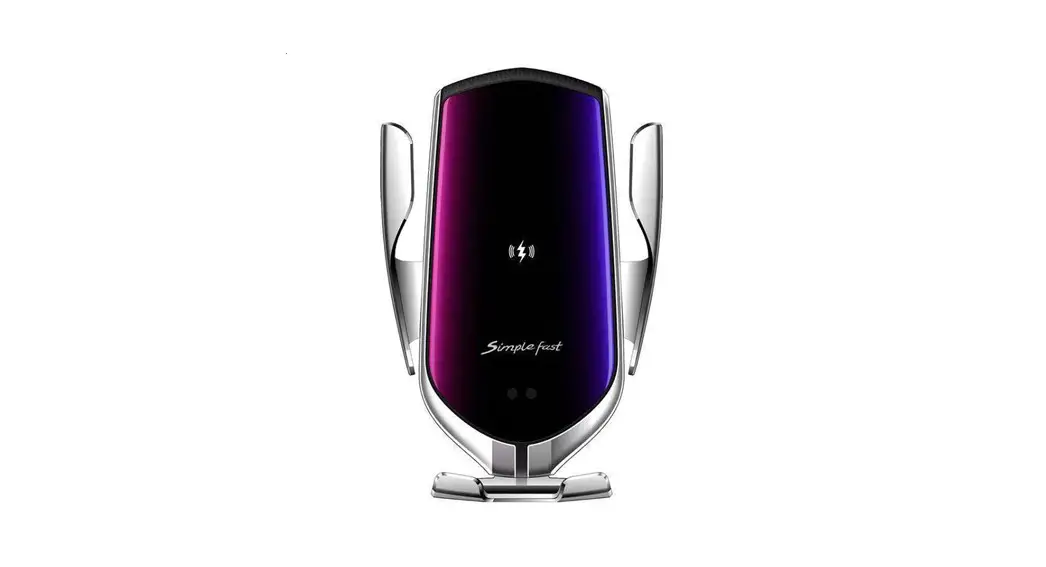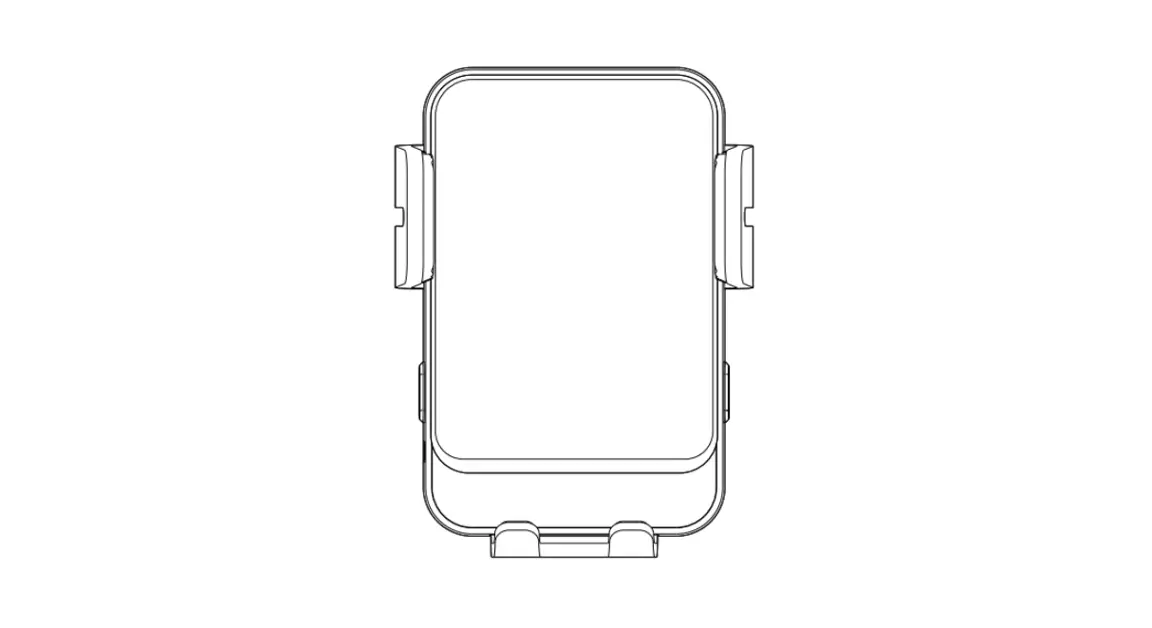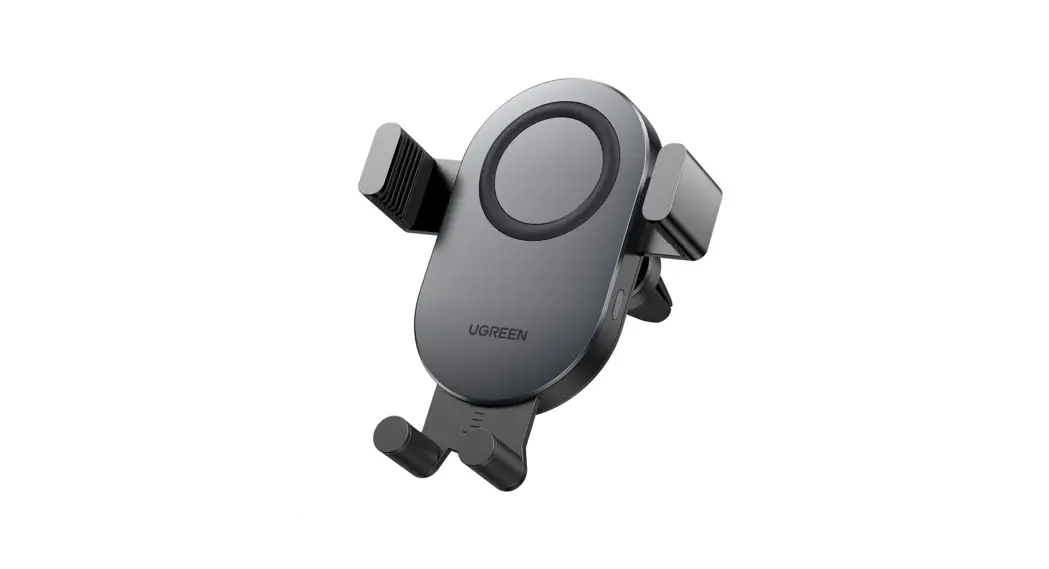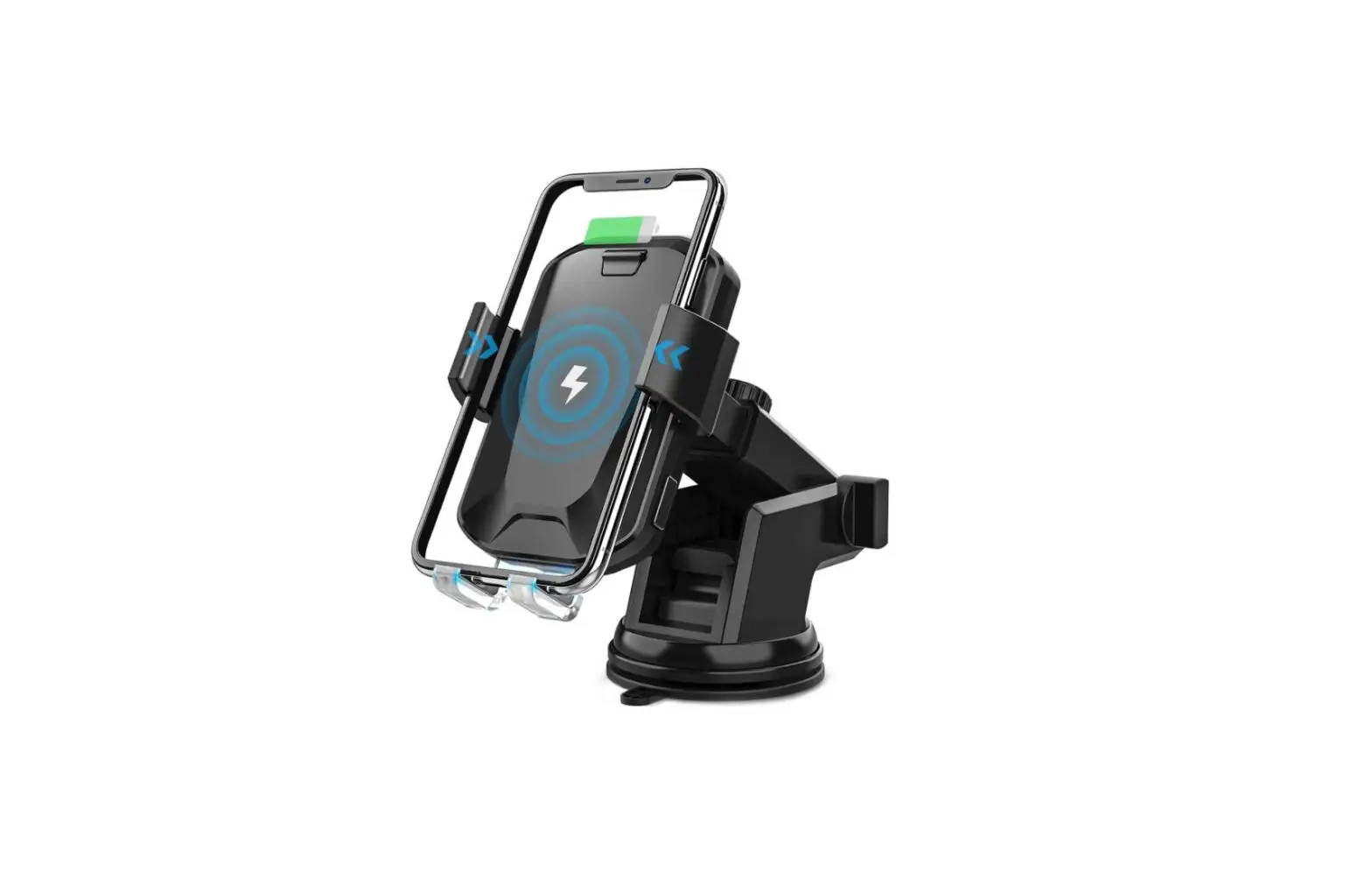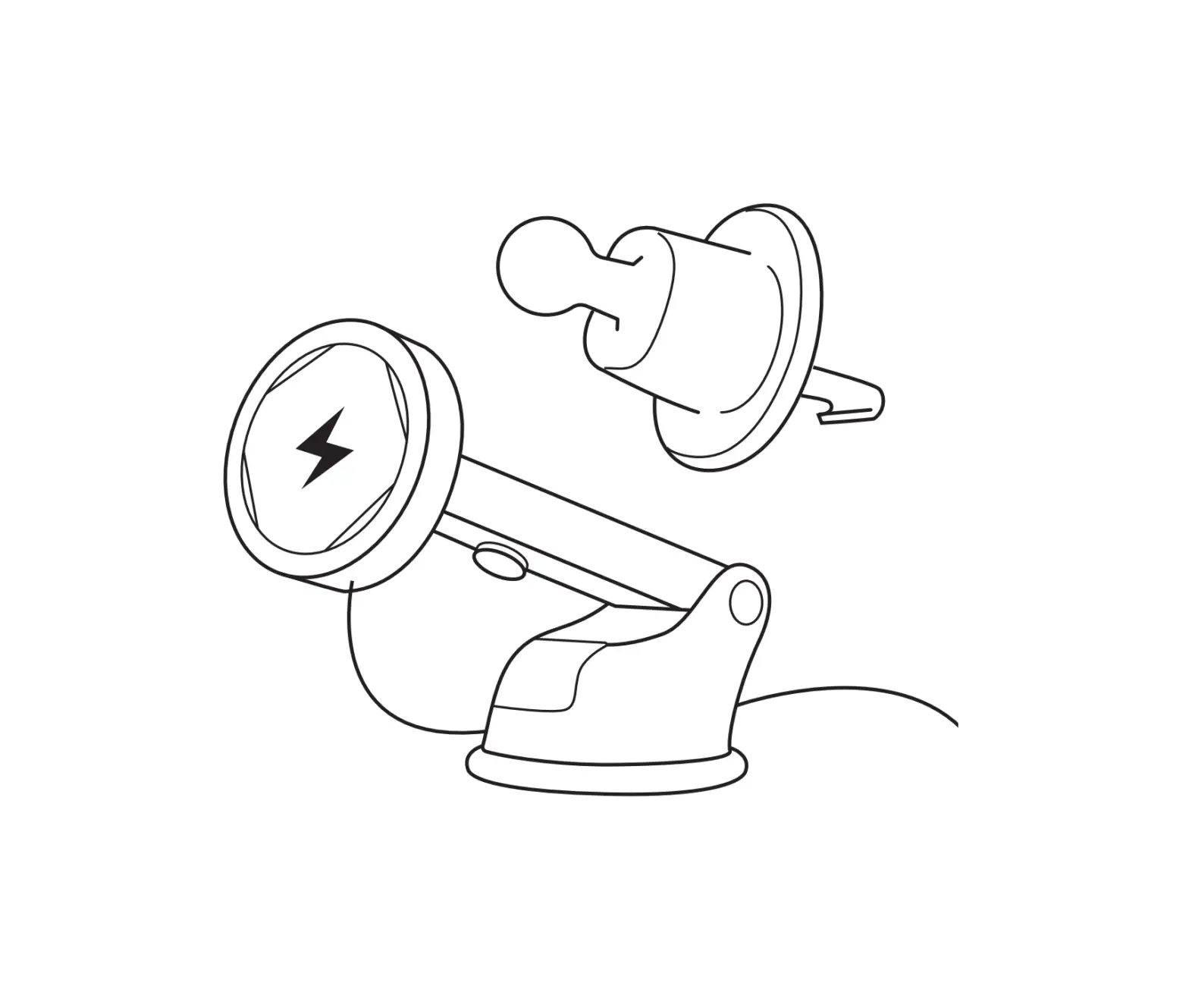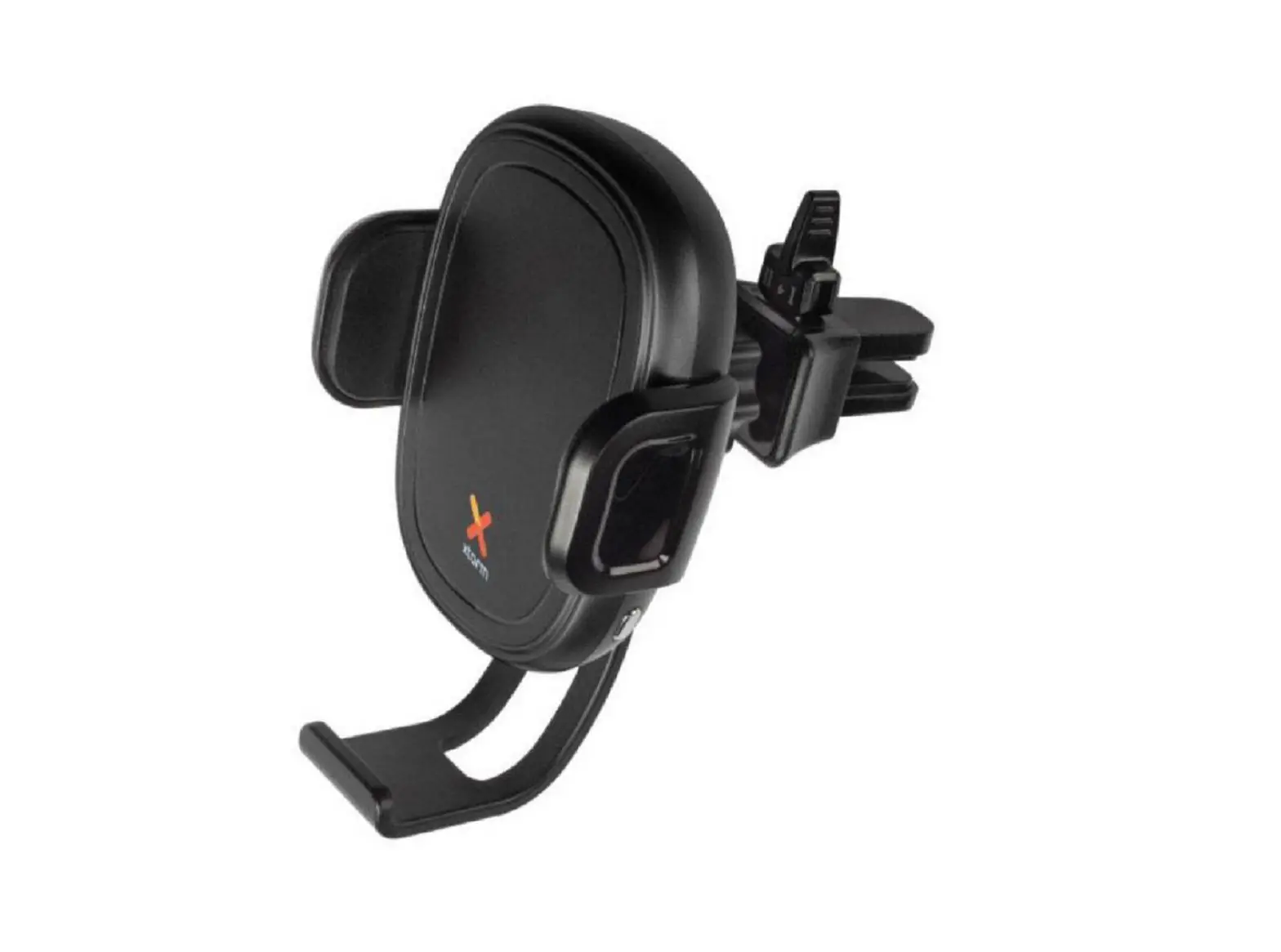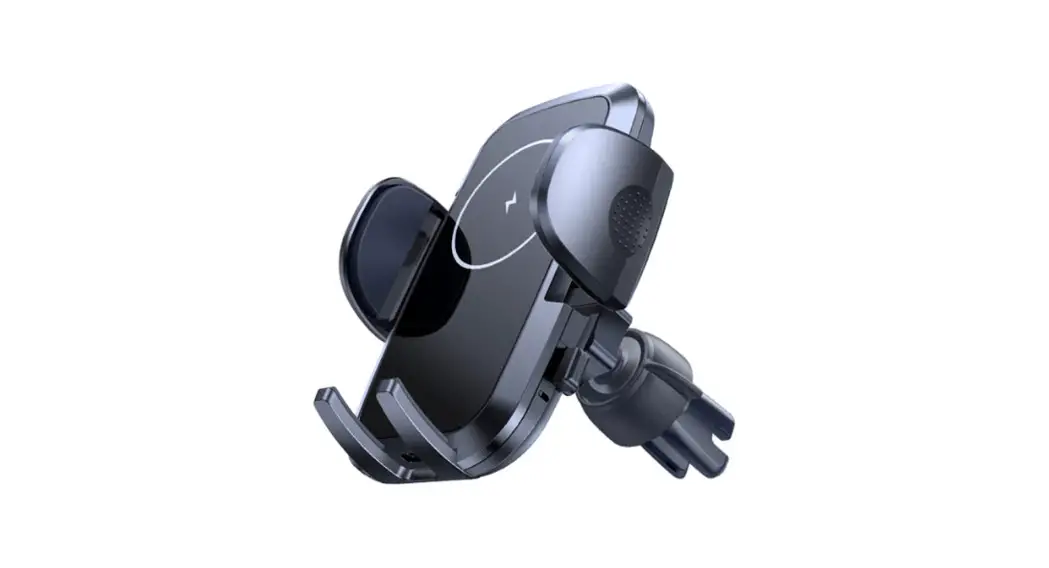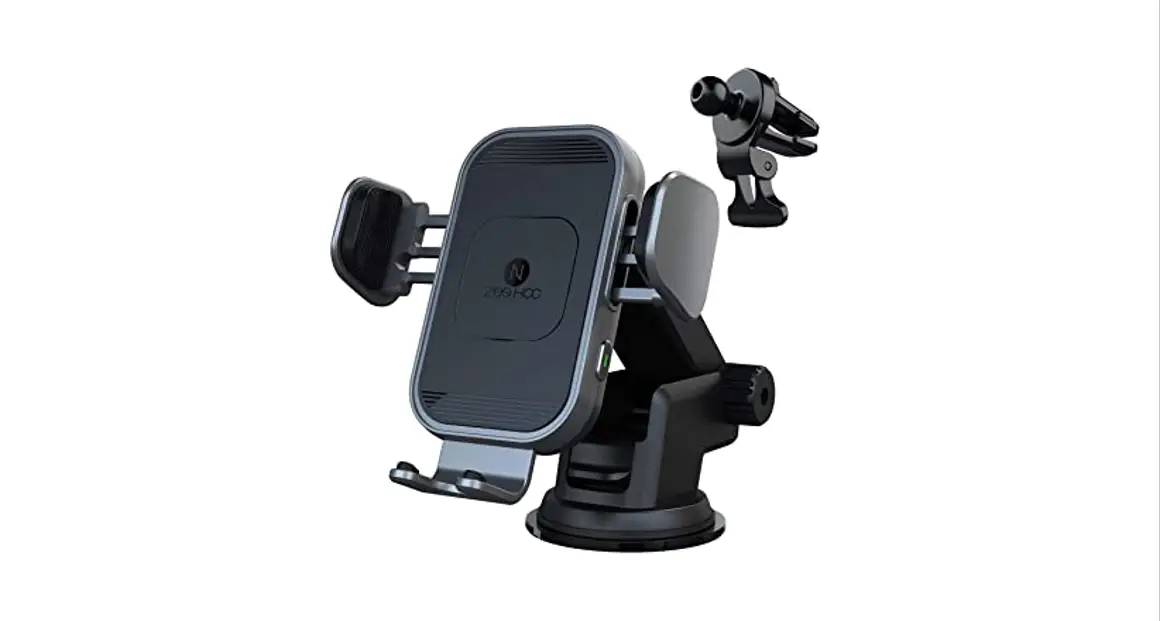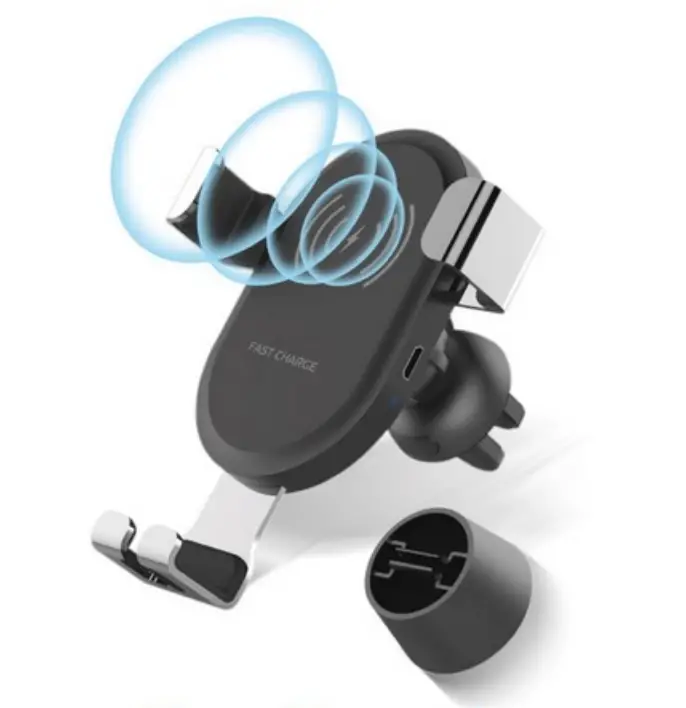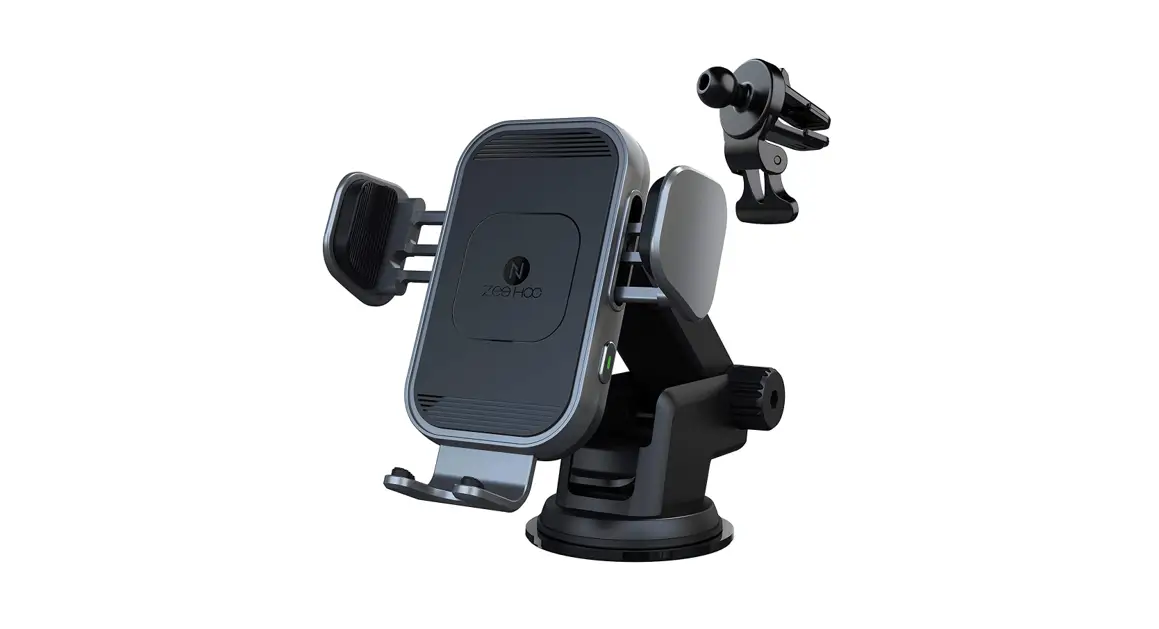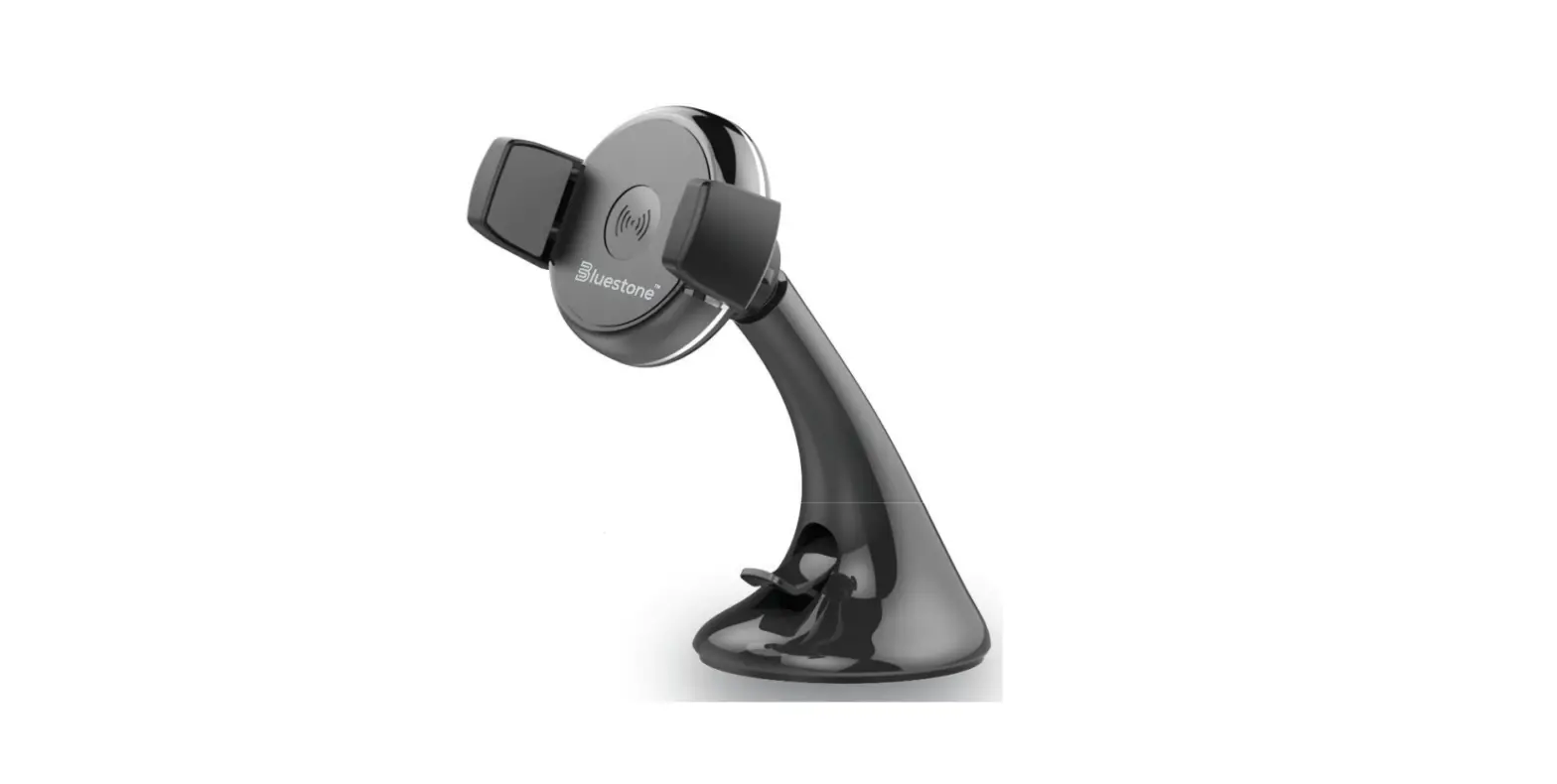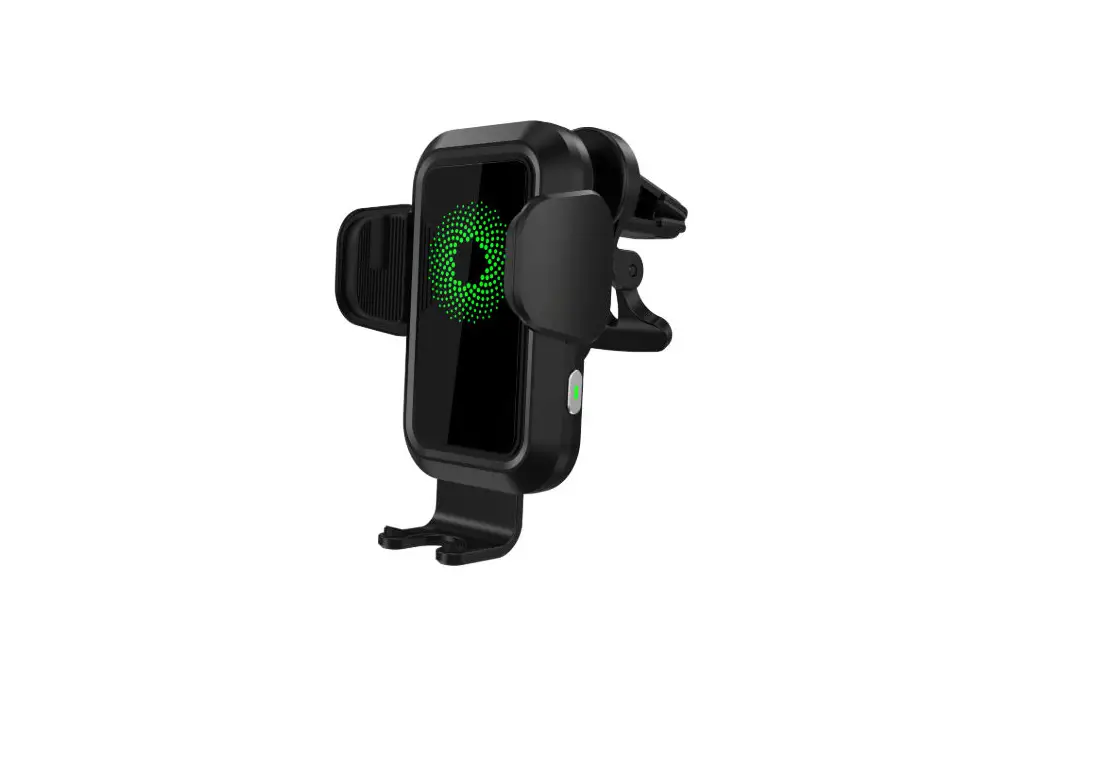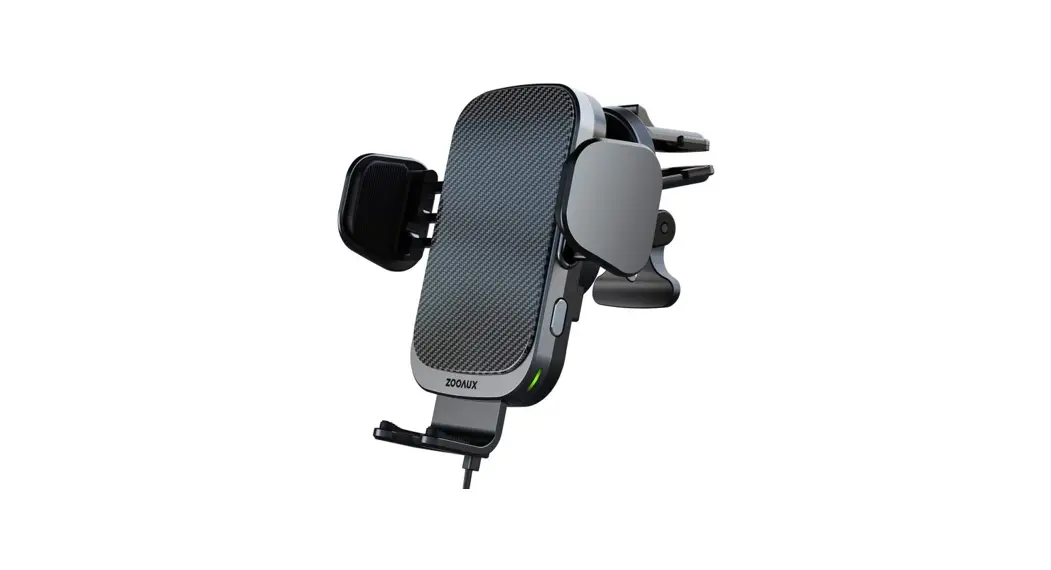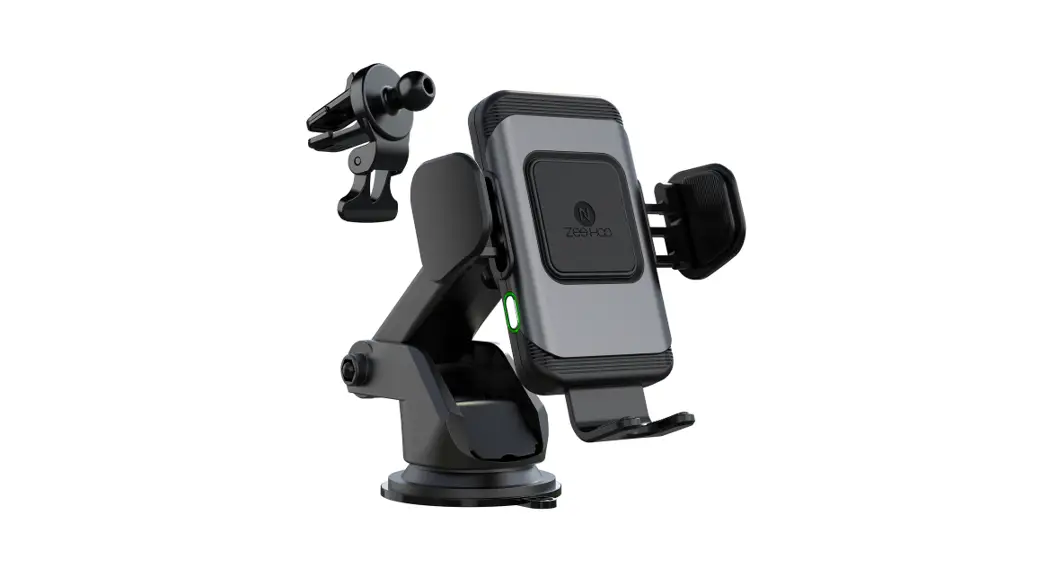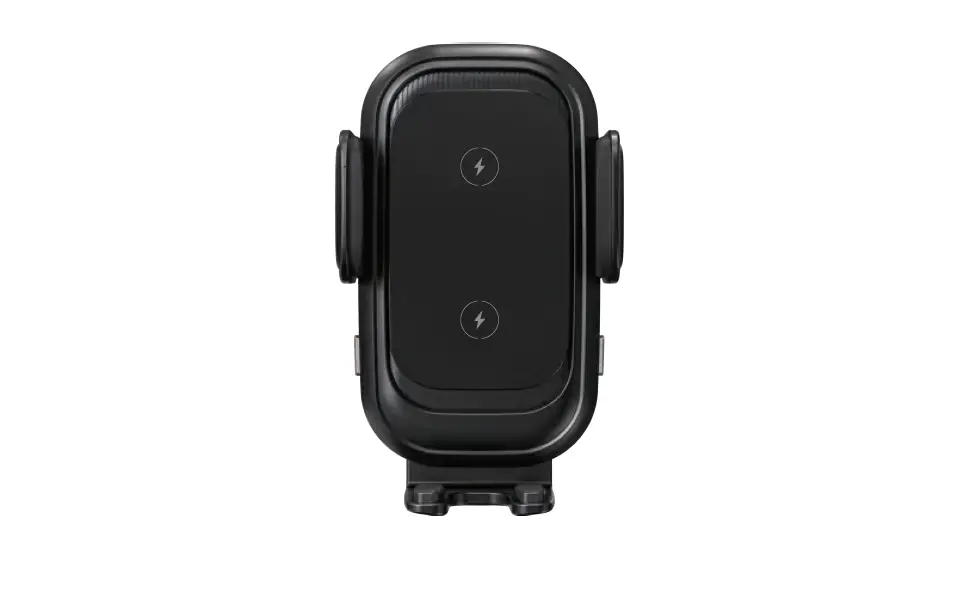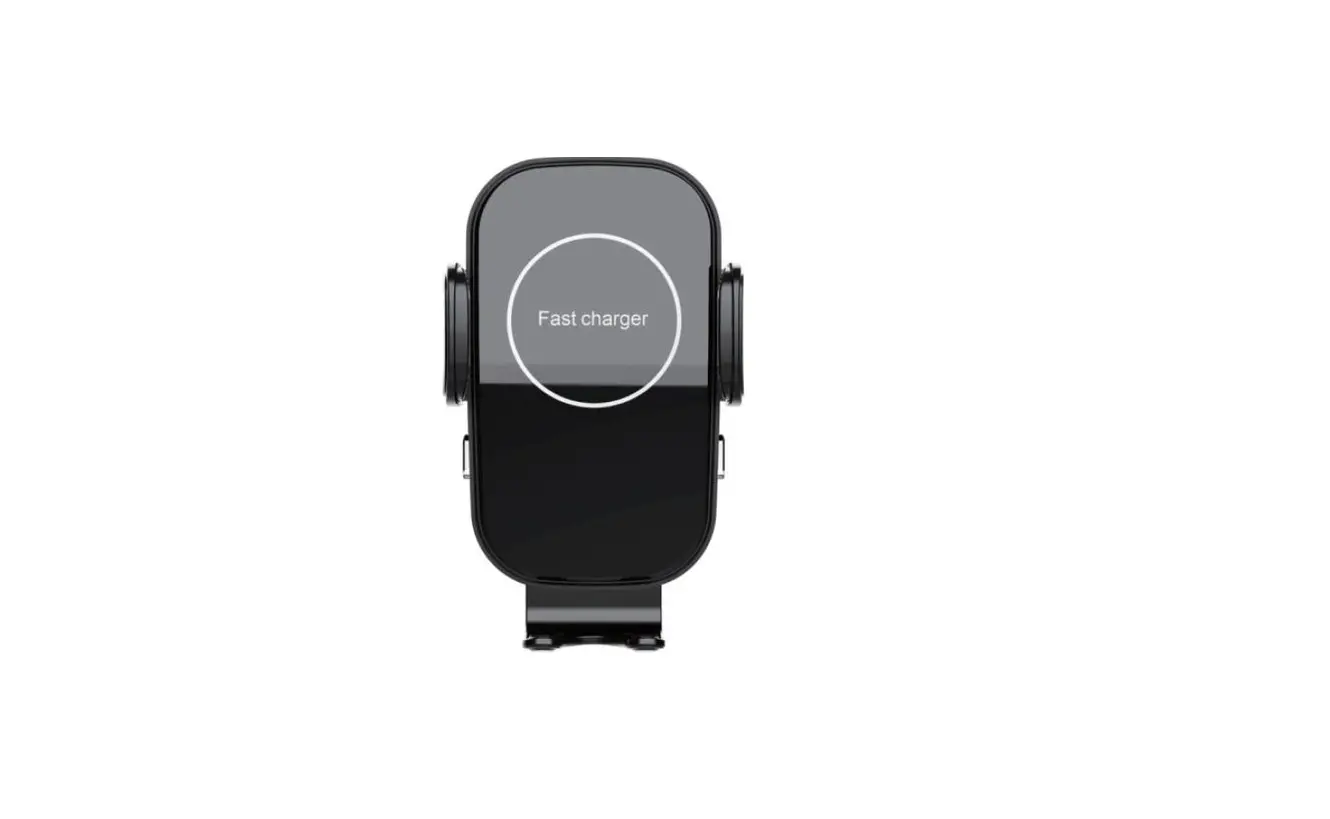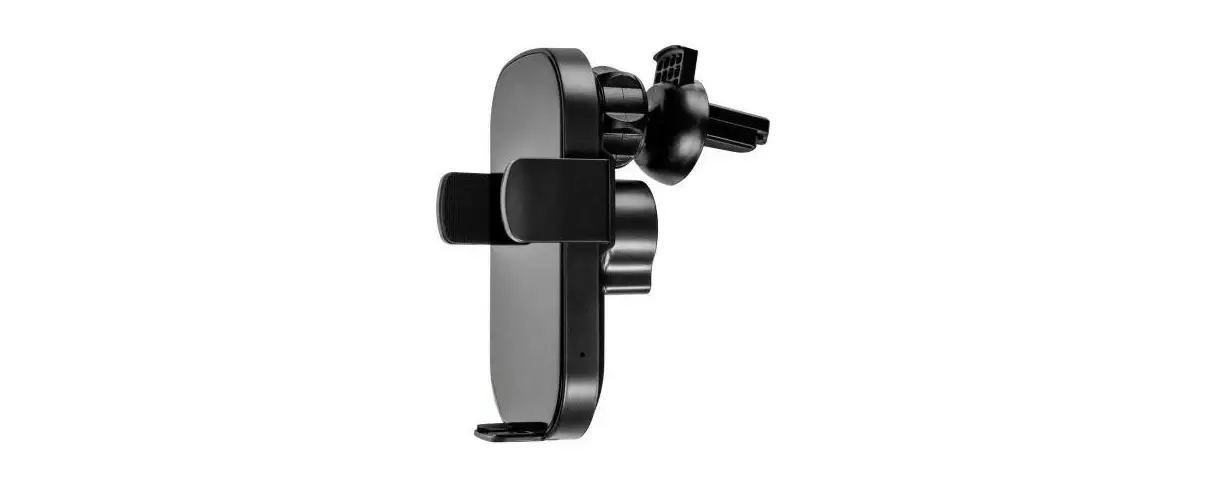

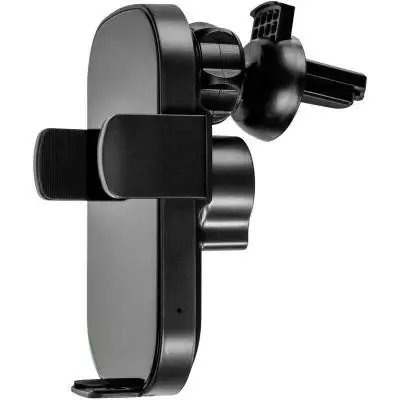
Gelius Wally2 Wireless Car Charger
Thank you for purchasing and using this product!
Please read this Operation Instruction carefully and keep it properly before using this product.
Product Specification
- Wally 2 Wireless Charger
- Input: 5V-2A/9V-l.67A
- Output:5V-l.5A/9V-1.2A
- Charging Efficiency: 75%
Applicable Devices
Compatible with all devices with Qi Standard
For all other mobiles without Qi Standard, those will be working with wireless receivers.
Innovative Technology
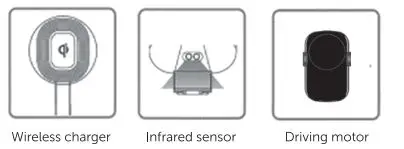
- Wireless charger
- Infrared sensor
- Driving motor
Installation Steps
- Adjust the screw cap to the best active status

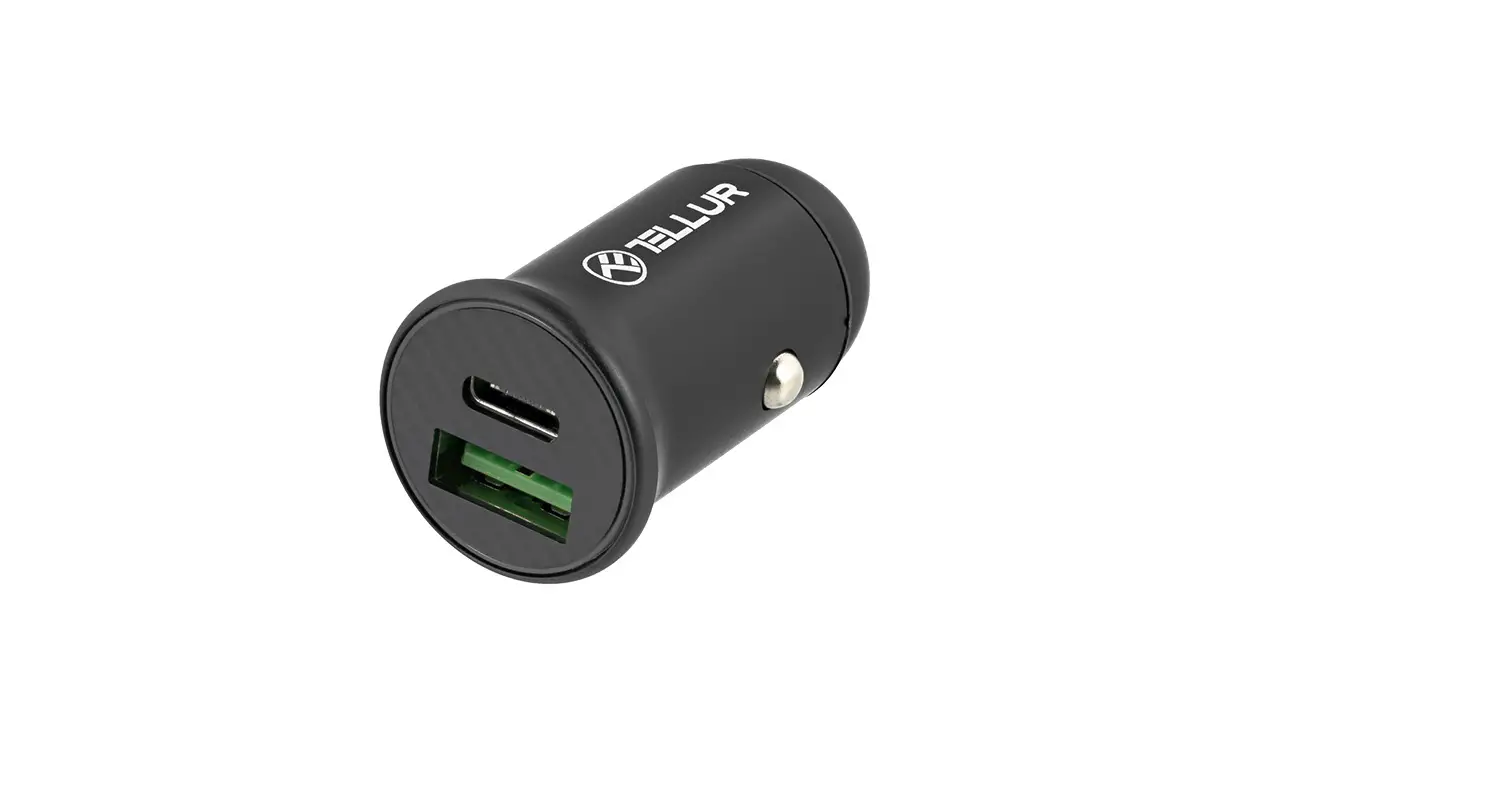
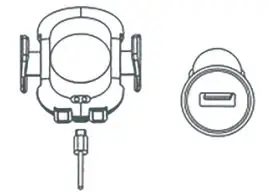
- Input: Connect the wirsless charger and car adapter with the charging cord.
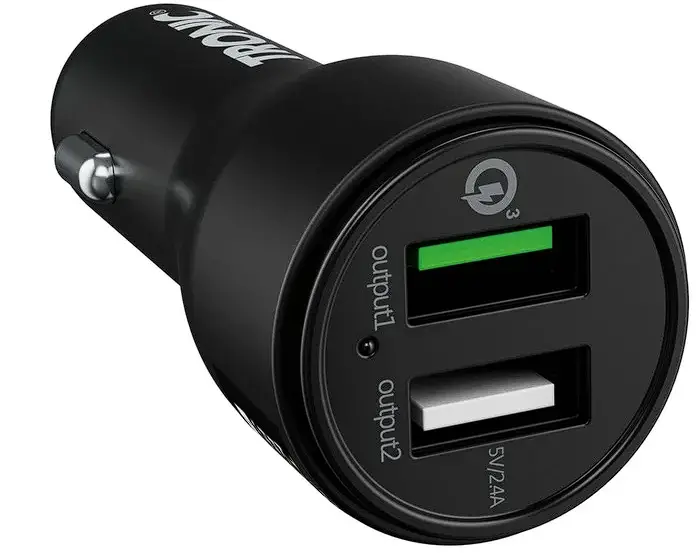
 Must use Qualcomm quick charge adaptor for fast wireless charging.
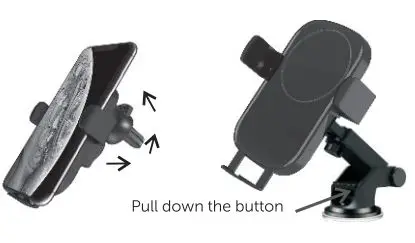
 - Press the button of dip to fix, then adjust the angle and tighten the fixed nut.

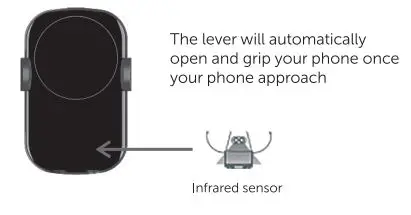
- Place smartphone

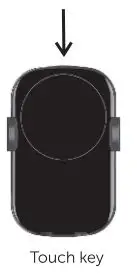
- Touch the on-off button on left side the clips automatically open, take your phone out.

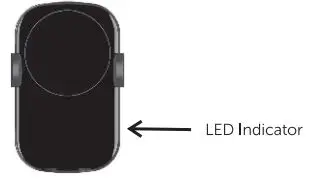
- LED indicated light shows the working status:
- Blue lights on to show nomal work
- The red light flashes to show not working properly

 Must use Qualcomm quick charge adaptor for fast wireless charging.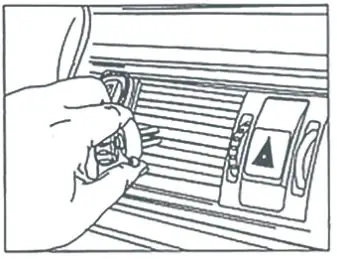
Attention
- Please keep the charger away from water or other liquid.
- If you need to clean the charger, please make sure it is not connected power supply.
- Using Environment temperature remains-20-45°C.
When the LED light flashes during the wirsless charging,which indicates a charging failure
The following situaions can cause faiures like the high temperature.slow charging and no charging!
- The adapter is not uo to standard(No PC USB output power supply)
- The charging cable is not up to standard;
- The phone case is too thick (recommended phone case thickness within 2mm)
- The phone is not placed at the center of the wireless charger
- There is metal/magnet on the back of Cell phone or phone case.
- Cell phones do not support Qi wireless charge function.