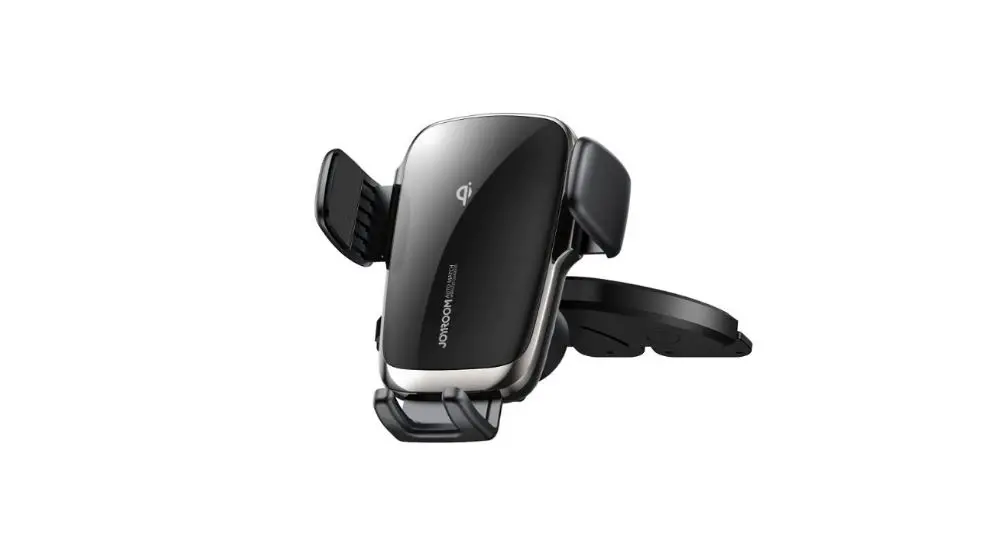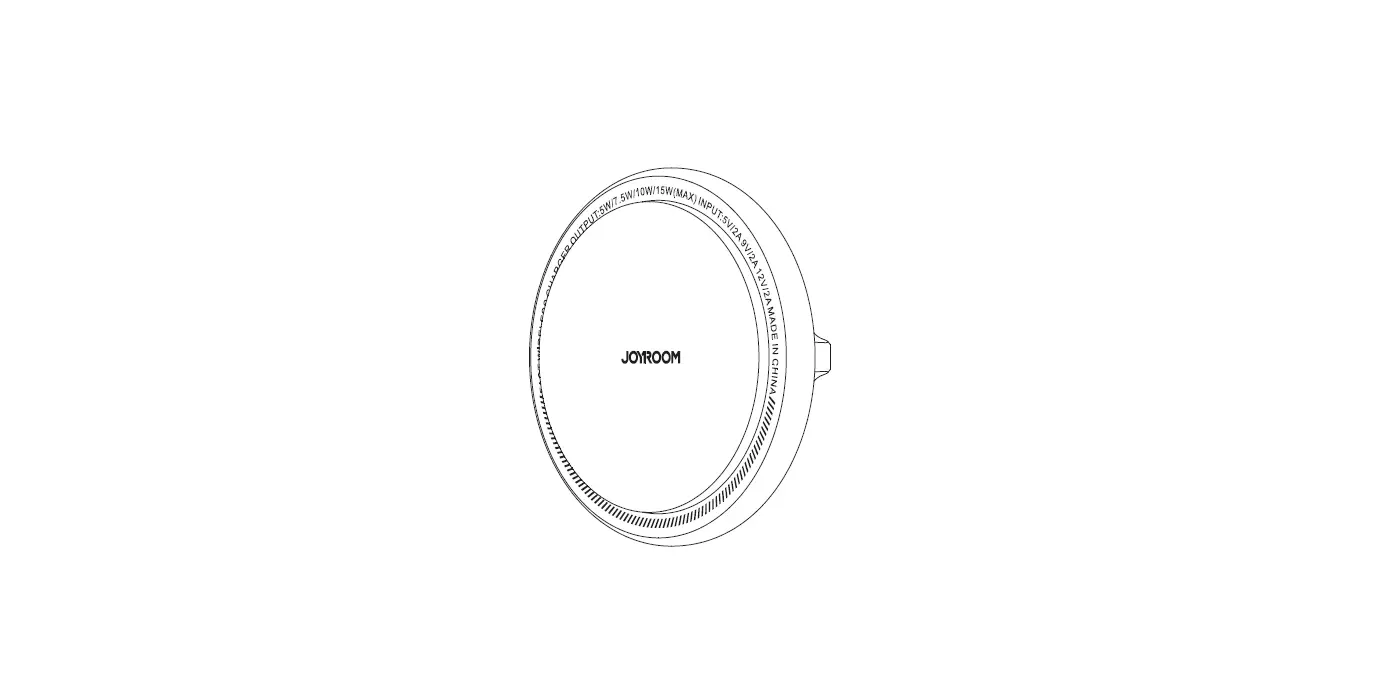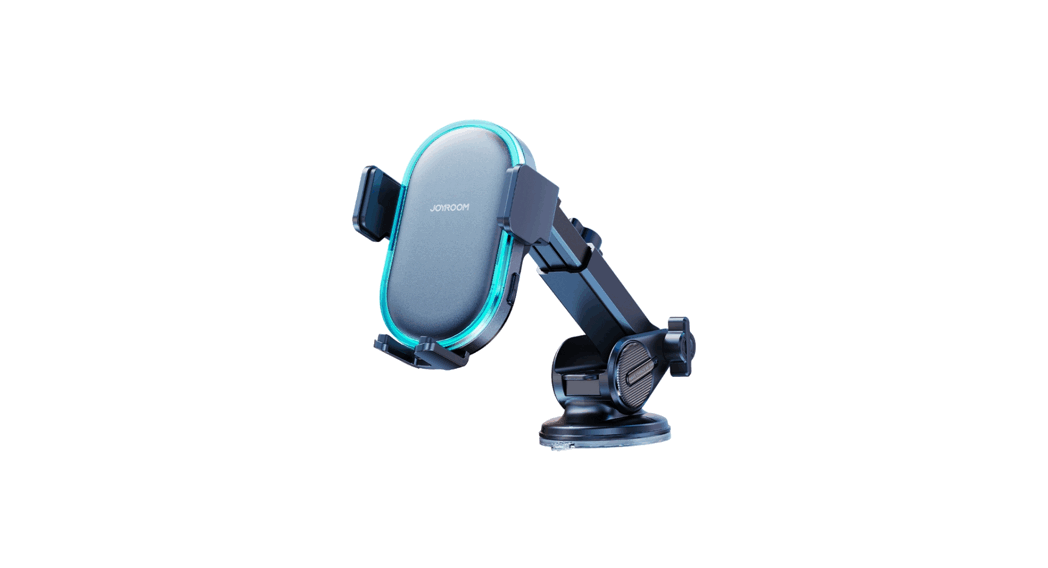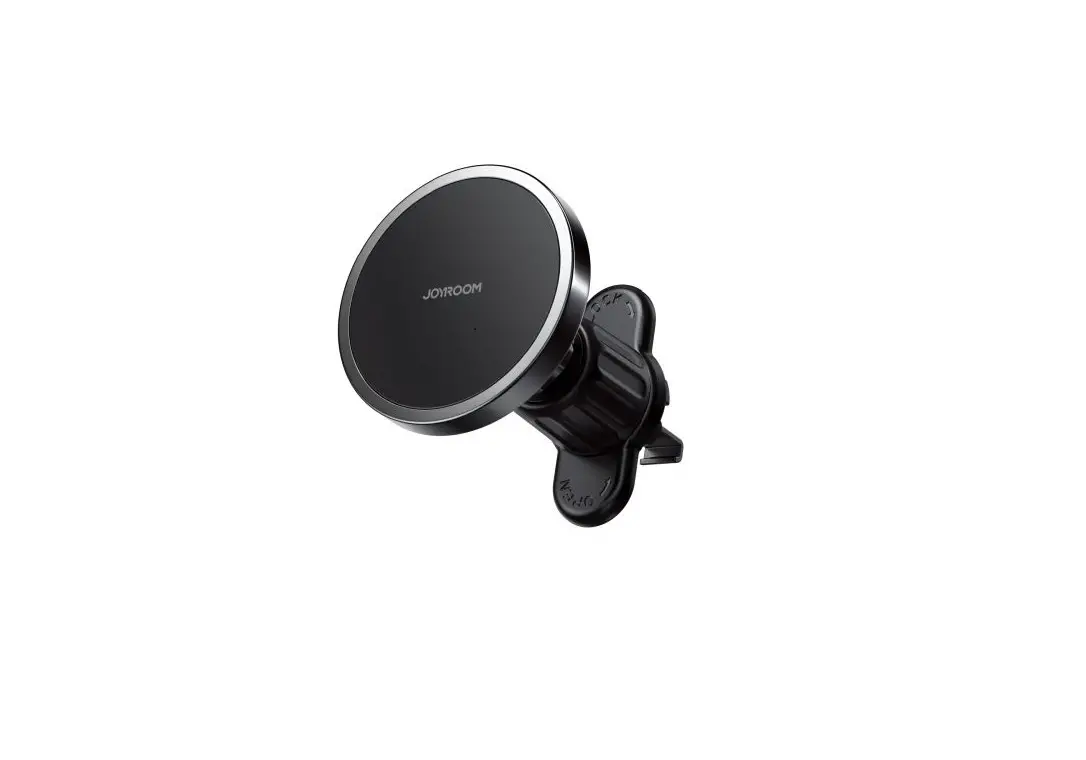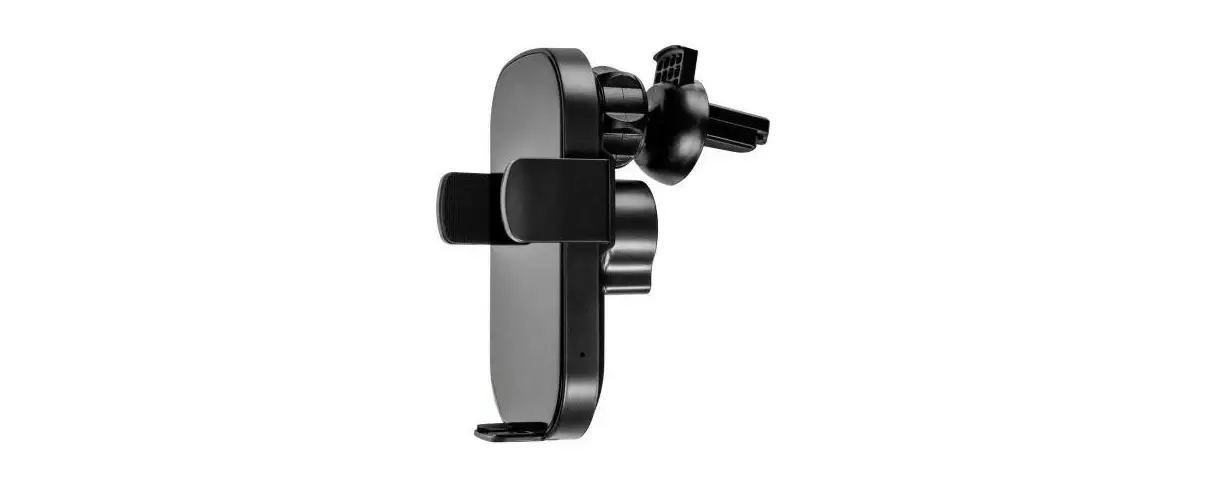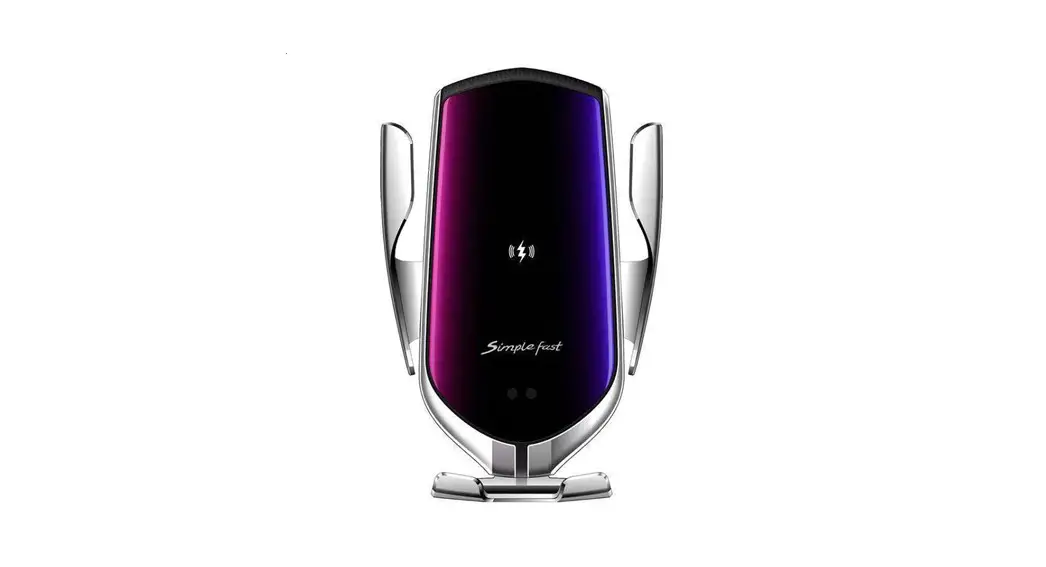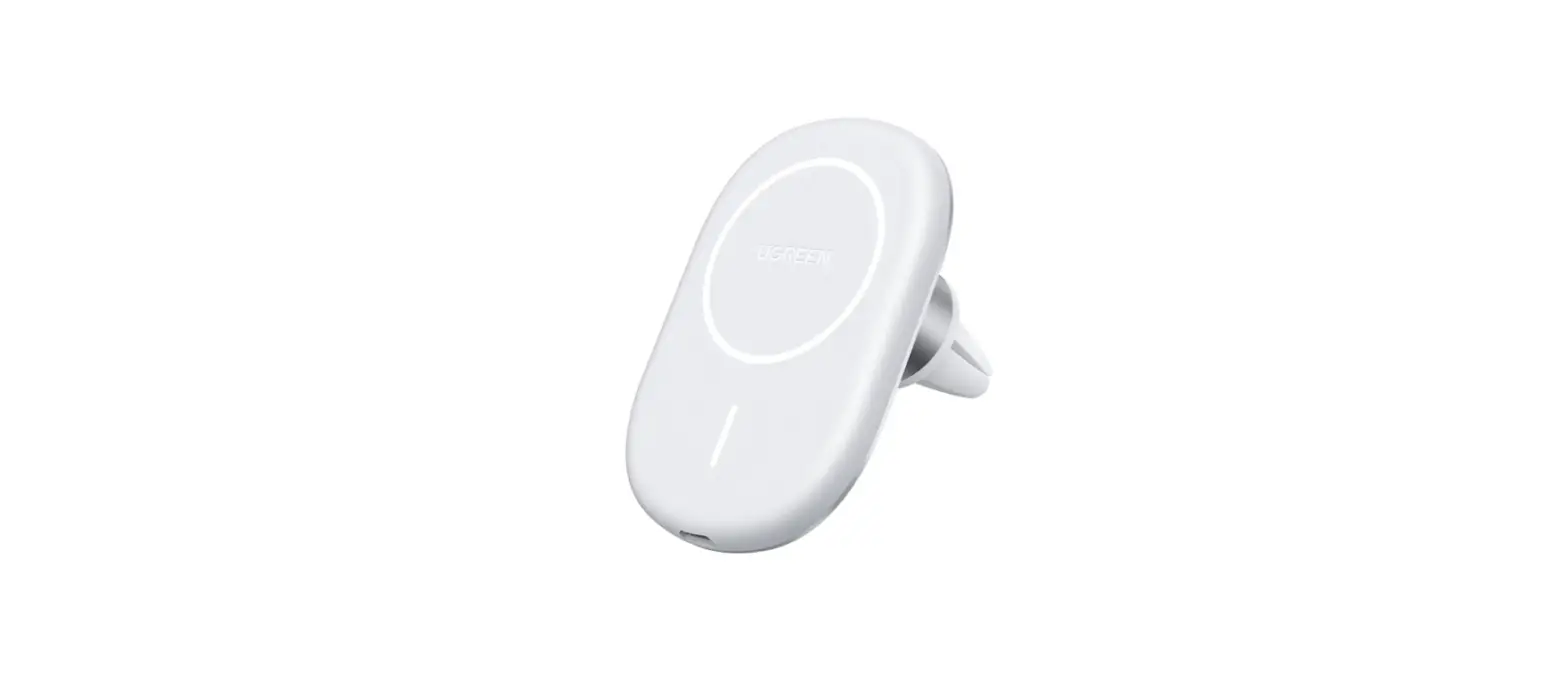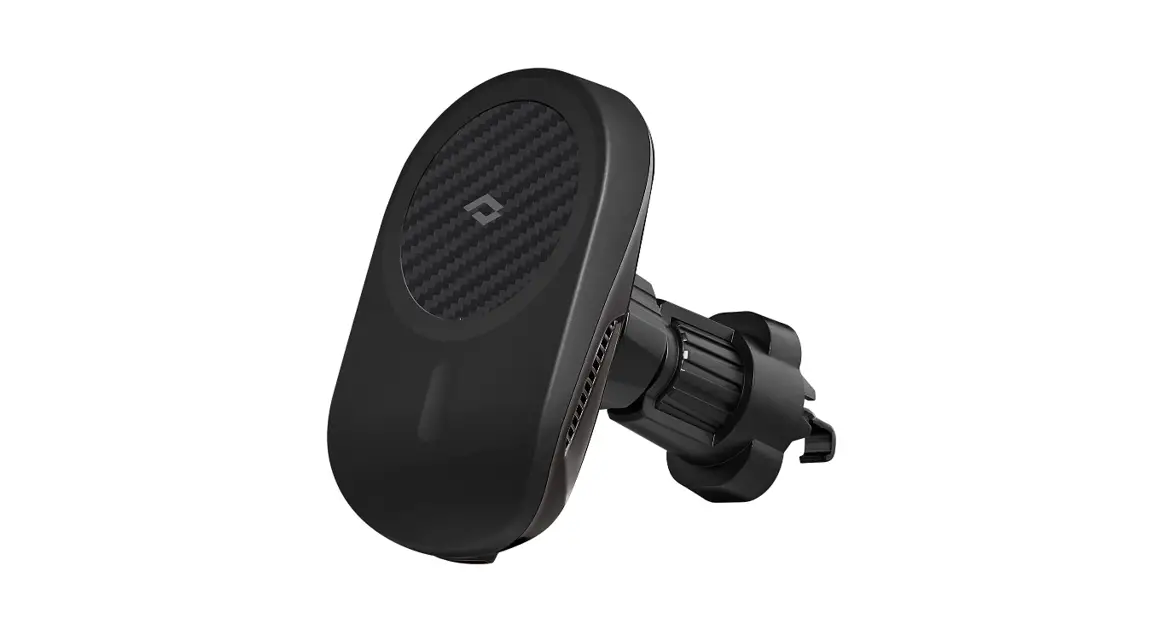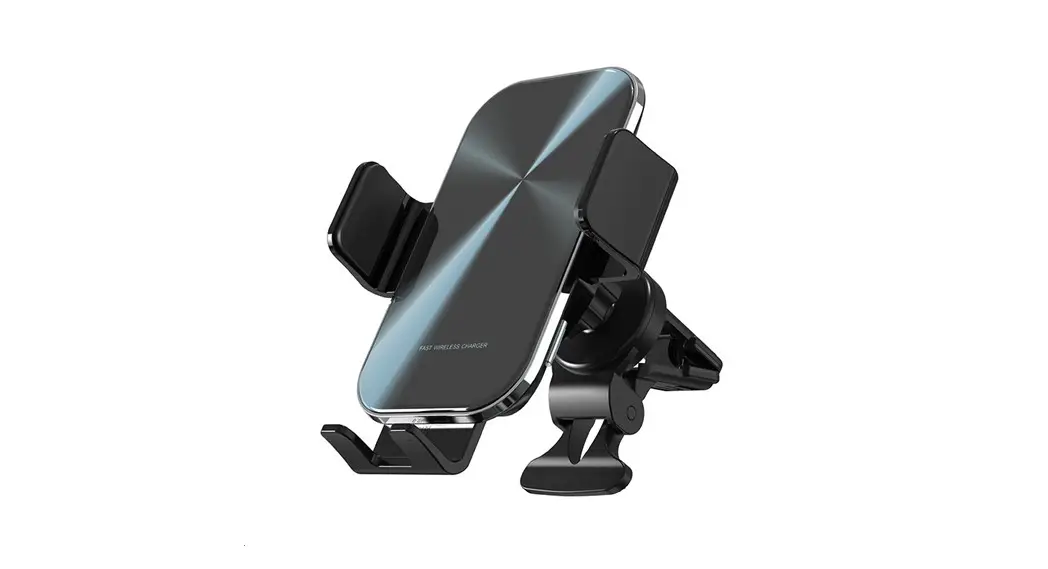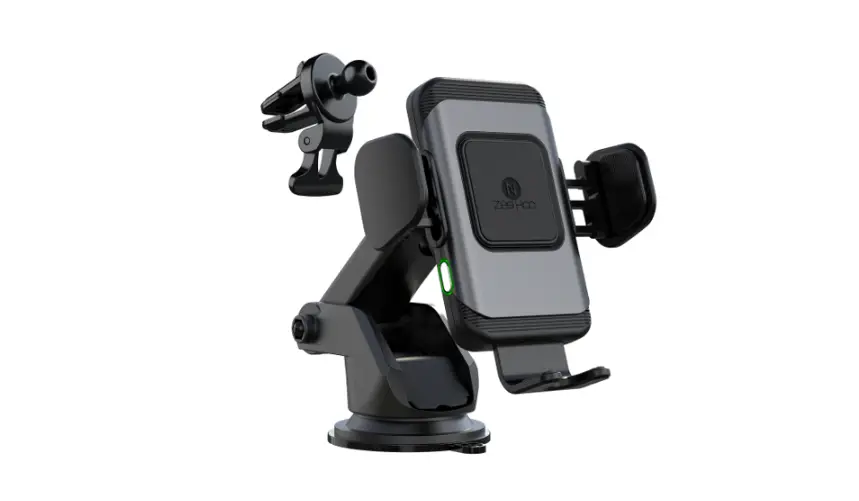
 JR-ZS341 Wireless Car Charger Holder
User Manual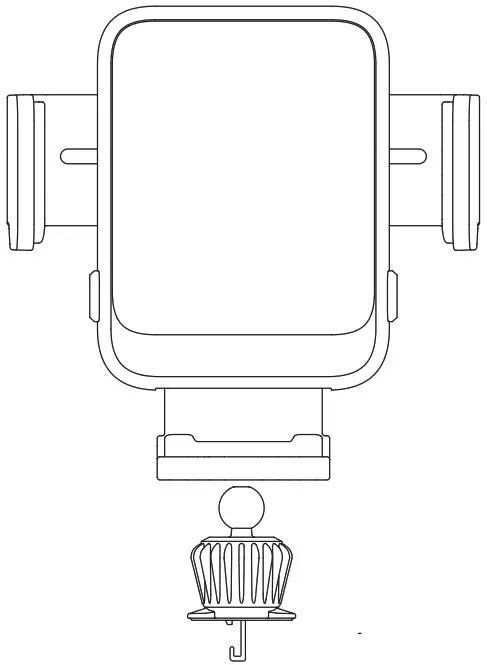
Parameters
| Model | JP-ZS341 |
| Name | Wireless Car Charger Holder |
| Material | ABS+PC |
| Input | SV  2A 9V 2A 12V 2A 2A 9V 2A 12V 2A |
| Output | SW/7.5W/10W/15W (MAX) |
| Input port | Type-C |
| Applicable phone size | 4.7-6.8″ |
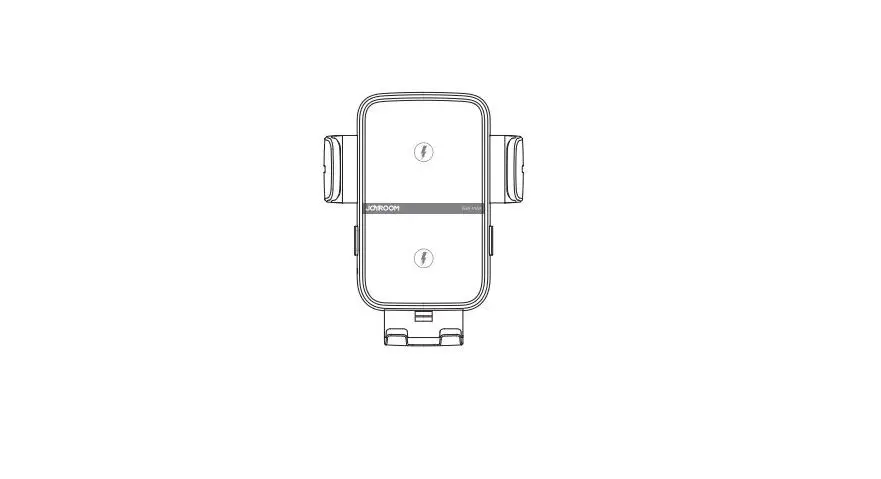
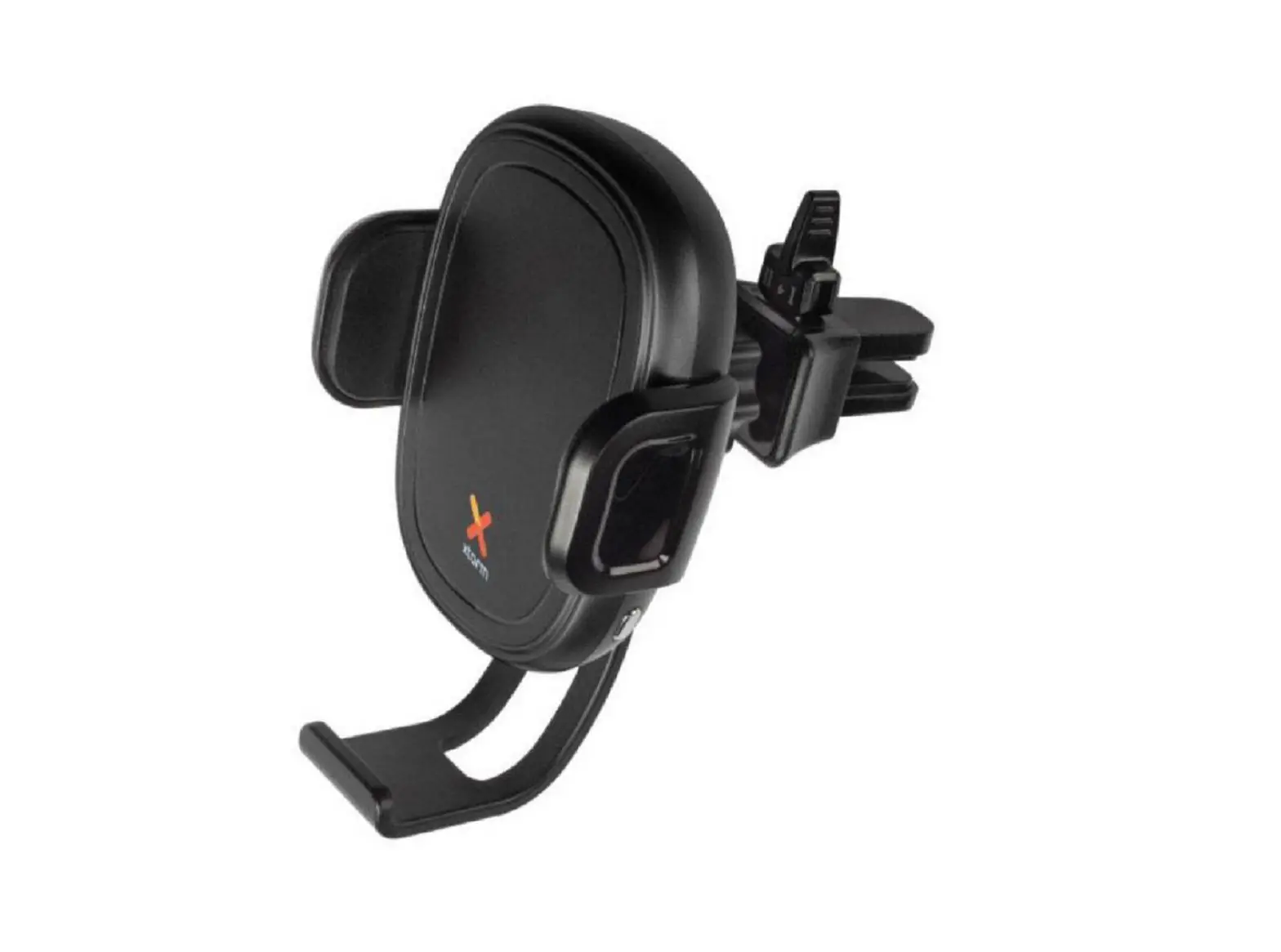
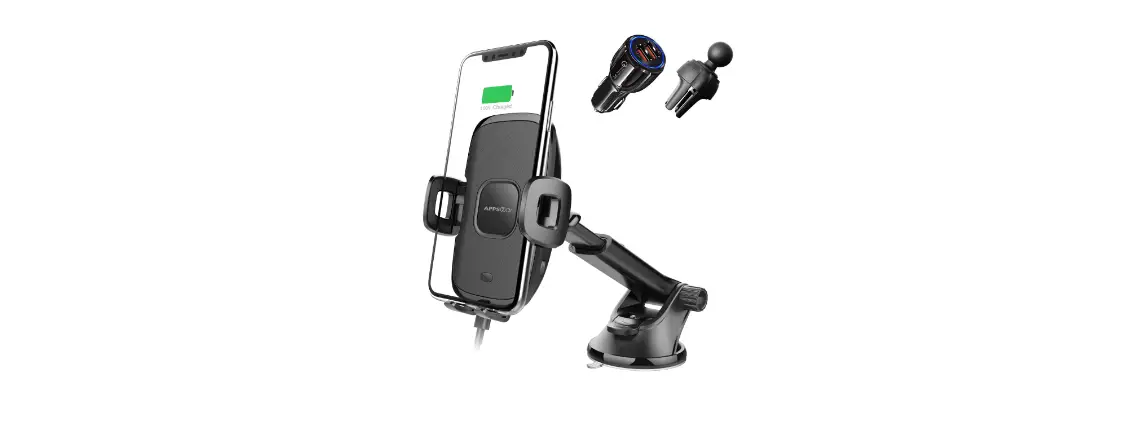
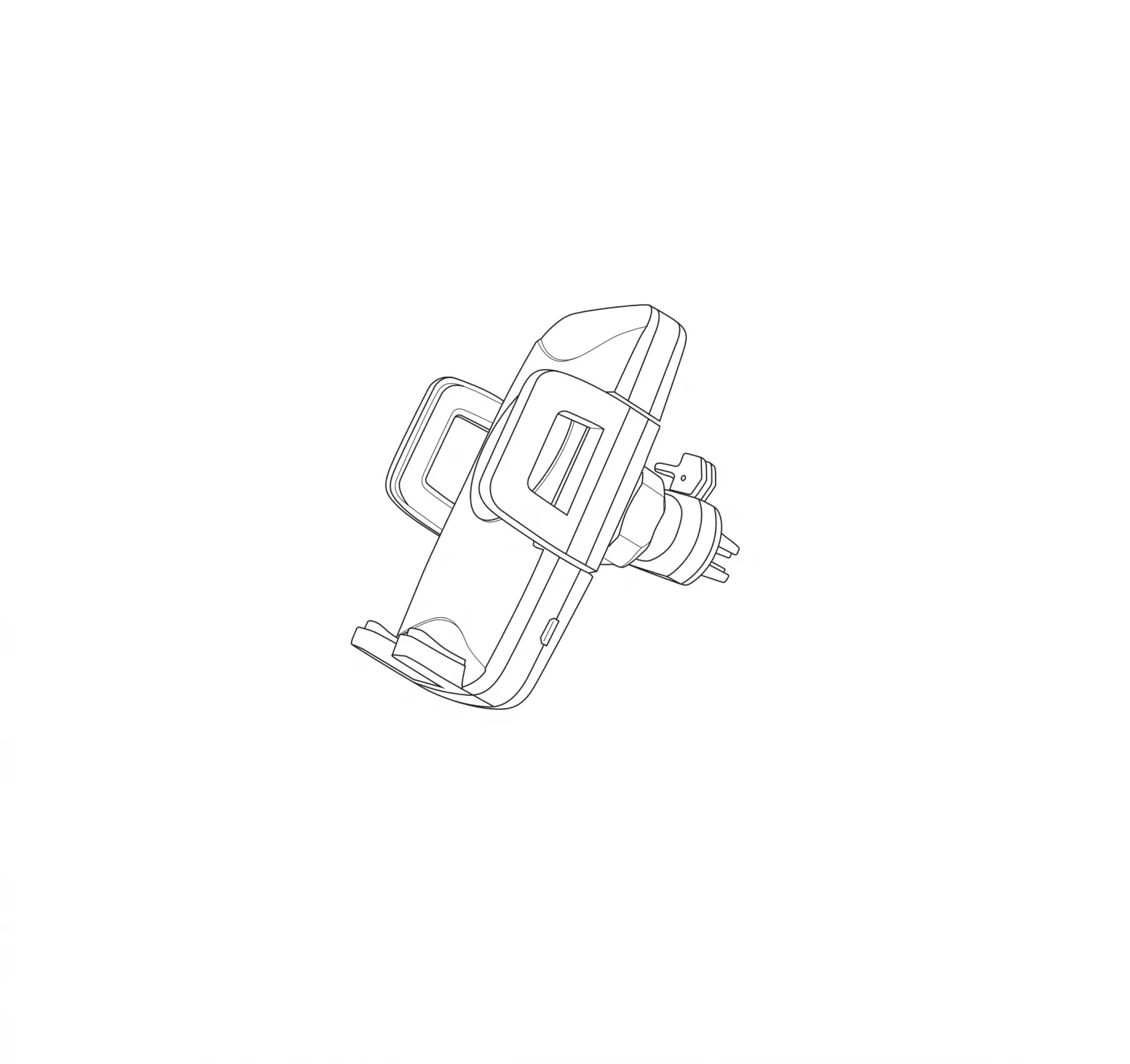
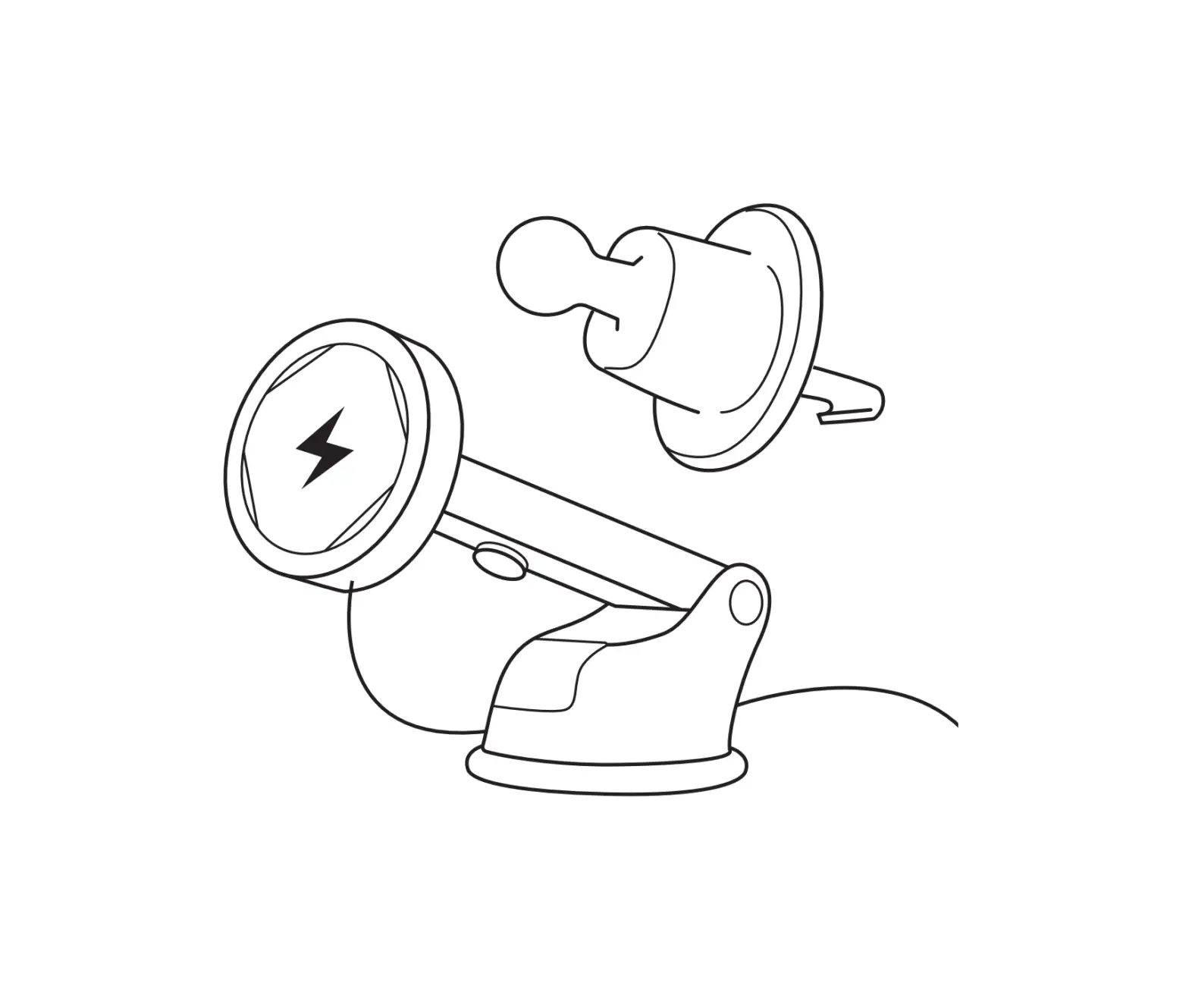
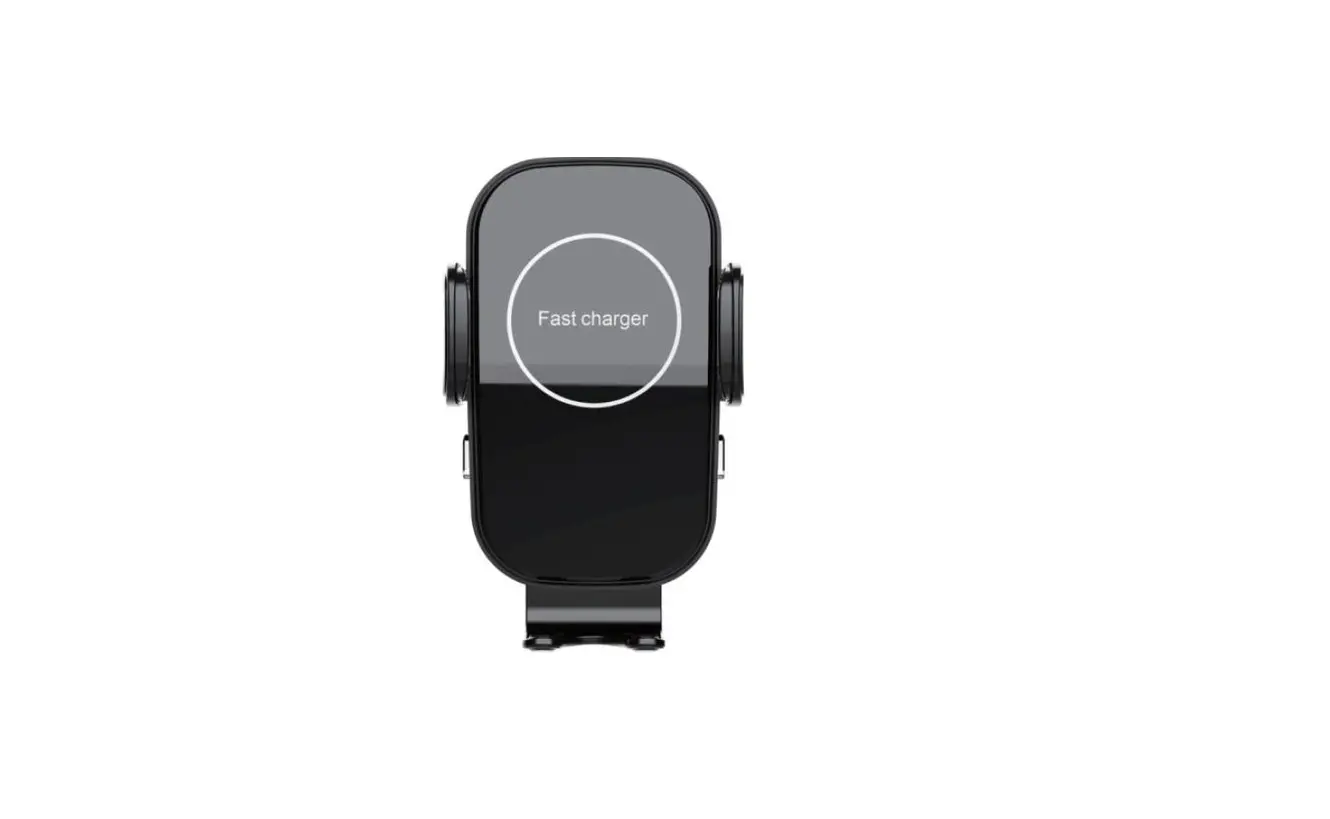
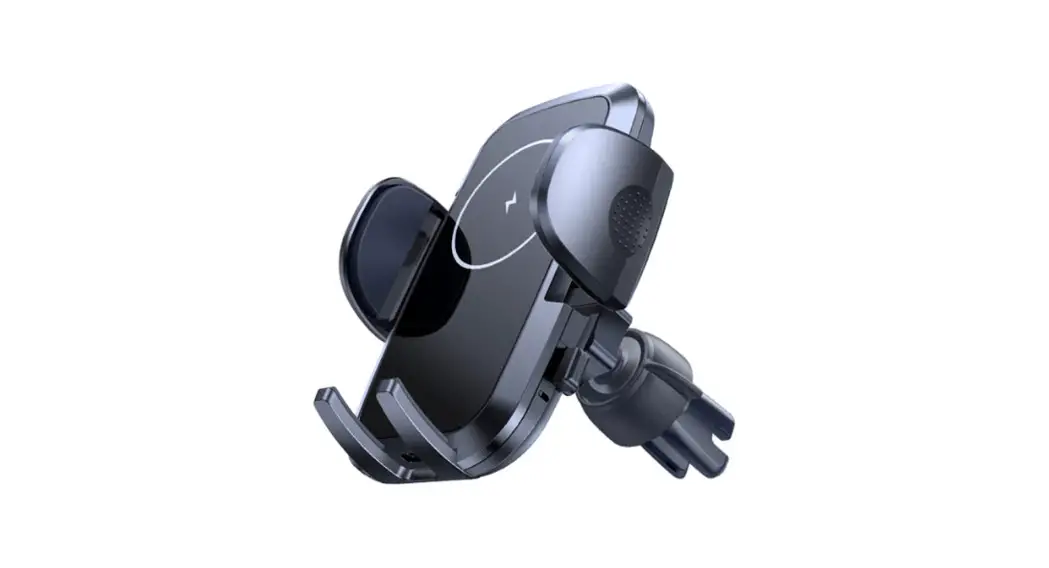
Product diagram
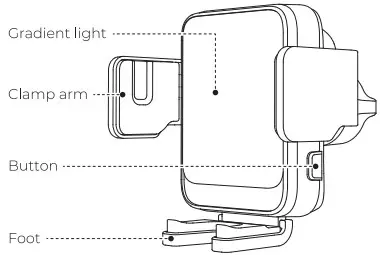
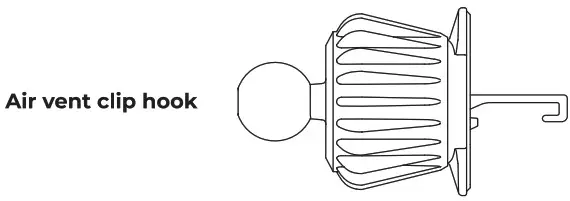
Operation steps
- Put the ball head into the nut first, then insert it into the socket on the back of the holder, tighten the nut.

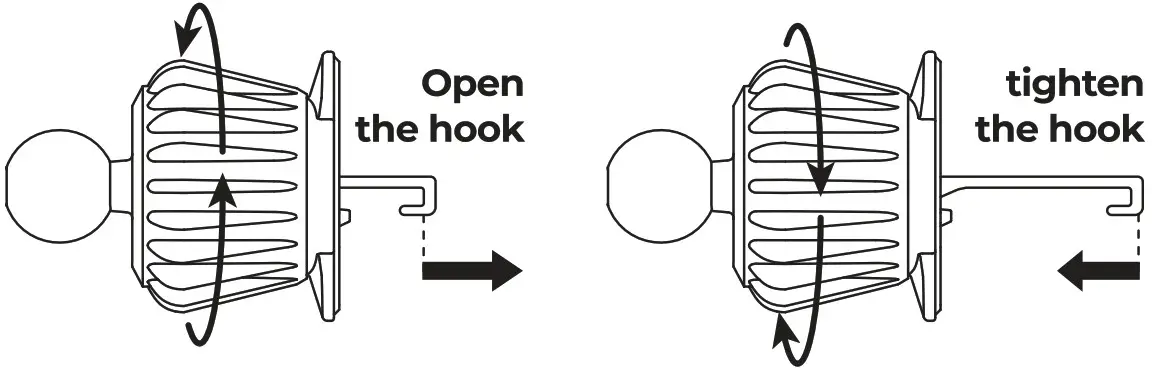
- Loosen the knob and open the hook, install the vent clip onto the air vent, adjust to desired angle.
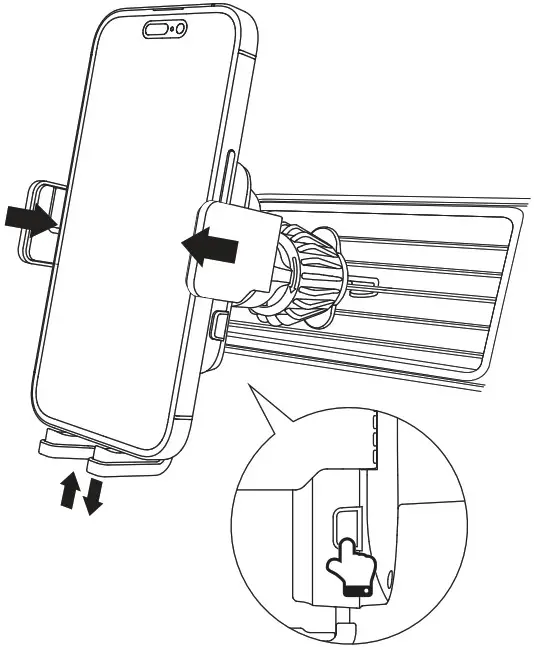
 NOTE Folding phones such as the SAMSUNG Z Flip series need to push up the foot to a fixed place before charging.
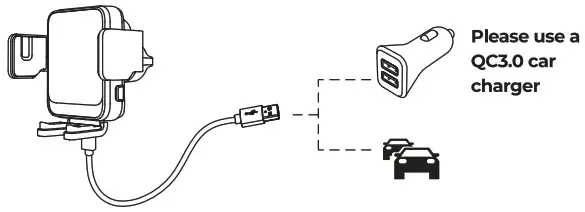
- Use the Type-C cable in the package to connect the holder and the car charger, the clamp arms will automatically open.

- Place your phone, the clamp arms will automatically lock and align with it to start charging.

- Press the side button to open the clamp arms and take out your phone.
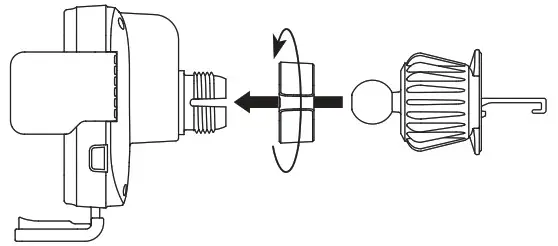
 NOTE Folding phones such as the SAMSUNG Z Flip series need to push up the foot to a fixed place before charging.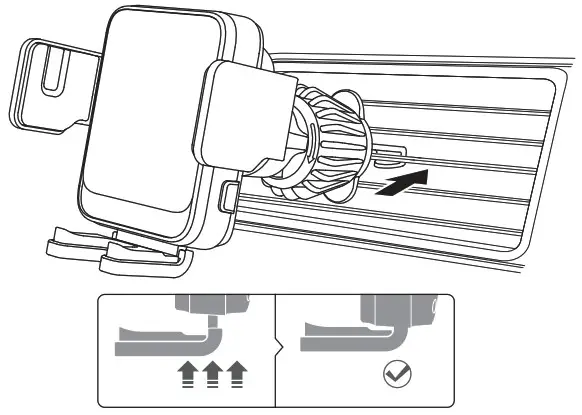
FCC Caution:
This device complies with part 15 of the FCC Rules. Operation is subject to the following two conditions: (1) This device may not cause harmful interference, and (2) this device must accept any interference received, including interference that may cause undesired operation.
Any Changes or modifications not expressly approved by the party responsible for compliance could void the user’s authority to operate the equipment.
Note: This equipment has been tested and found to comply with the limits for a Class B digital device, pursuant to part 15 of the FCC Rules. These limits are designed to provide reasonable protection against harmful interference in a residential installation.
This equipment generates uses and can radiate radio frequency energy and, if not installed and used in accordance with the instructions, may cause harmful interference to radio communications. However, there is no guarantee that interference will not occur in a particular installation. If this equipment does cause harmful interference to radio or television reception, which can be determined by turning the equipment off and on, the user is encouraged to try to correct the interference by one or more of the following measures:
- Reorient or relocate the receiving antenna.
- Increase the separation between the equipment and receiver.
- Connect the equipment into an outlet on a circuit different from that to which the receiver is connected.
- Consult the dealer or an experienced radio/TV technician for help.
This equipment complies with FCC radiation exposure limits set forth for an uncontrolled environment. This equipment should be installed and operated with minimum distance 20cm between the radiator & your body.
© 2022 Shenzhen Nito Power Source Technology Co.,
Ltd. All Rights Reserved / Designee by JOYROOM /
www.joyroom.com / Made in China